
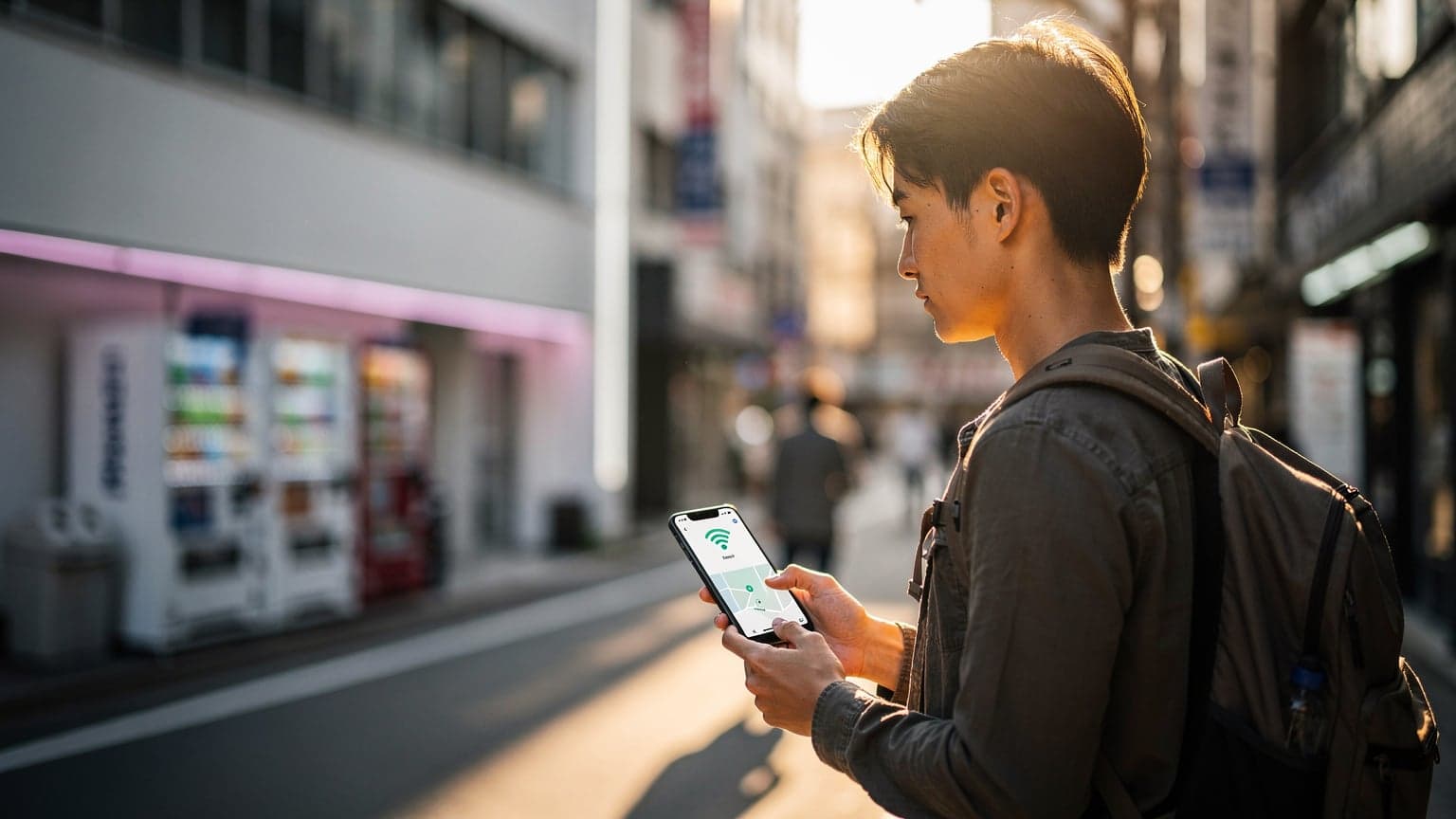
Japan 2026: 7 eSIM Tips to Save Data on Your Trip
Planning your dream trip to Japan in 2026? Whether you're chasing cherry blossoms, exploring ancient temples, or getting lost in the futuristic glow of Tokyo, staying connected is crucial. Gone are the days of fumbling with physical SIM cards or expensive roaming charges. Enter the eSIM – your digital passport to hassle-free connectivity. But simply buying an eSIM isn't enough; to truly make the most of it and keep your data usage in check, you need a strategy. As someone who’s navigated the digital landscape of travel, I’m here to share my top 7 eSIM tips specifically tailored for your Japanese adventure. Let's dive in!
Why an eSIM is Your Best Friend in Japan
Before we get into the nitty-gritty of saving data, let's quickly recap why an eSIM is the ultimate travel companion for Japan. First, convenience: no physical card to lose, swap, or activate. You simply scan a QR code, and you're connected. Second, flexibility: you can switch between networks or plans with ease, often managing multiple eSIMs on one device. Third, cost-effectiveness: eSIM plans are generally far cheaper than traditional international roaming from your home provider. Companies like Cellesim travel eSIM offer competitive packages specifically for Japan, ensuring you get great value. Finally, instant connectivity: land in Narita or Haneda, and you can be online before you even leave the plane, perfect for ordering that first train ticket or checking directions.
7 eSIM Tips to Save Data on Your Japan Trip
1. Research and Choose the Right Data Plan
This is arguably the most critical step. Don't just pick the cheapest or largest data plan without understanding your needs. Consider your travel style: are you a heavy streamer, a constant social media updater, or do you mostly use data for maps and essential communication? For Japan, think about how much you'll rely on Google Maps, translation apps, public transport apps (like Japan Transit Planner), and staying in touch with family. If you're primarily using Wi-Fi at your accommodation and most attractions, a smaller data plan might suffice. If you plan to work remotely or stream extensively, a larger, perhaps even unlimited, plan is better. Many providers, including Cellesim travel eSIM, offer various data packages (e.g., 5GB, 10GB, unlimited) for different durations. Spend some time estimating your daily usage to avoid overpaying or running out too soon.
2. Leverage Free Wi-Fi Whenever Possible
Japan is surprisingly well-equipped with free public Wi-Fi, especially in major cities. Look for Wi-Fi hotspots in train stations, airports, convenience stores (like 7-Eleven, FamilyMart, Lawson), cafes, restaurants, and most hotels/guesthouses. Make it a habit to connect to these networks whenever available. Before heading out for the day, download maps, update apps, and check your emails while connected to your hotel's Wi-Fi. This significantly reduces the strain on your eSIM data. Many public transportation systems also offer free Wi-Fi on trains and buses, so keep an eye out for those opportunities to save data while commuting.
3. Download Offline Maps and Content
This tip is a game-changer for data saving. Before you leave your accommodation (or even before you leave home!), download offline maps of the areas you plan to visit using Google Maps. This allows you to navigate and find points of interest without needing an active data connection. Similarly, download any movies, TV shows, podcasts, or music you want to enjoy during travel time over Wi-Fi. Many streaming services offer offline viewing/listening options. This way, you can entertain yourself on long Shinkansen rides without touching your eSIM data.
4. Disable Background App Refresh
Your smartphone is constantly working in the background, even when you're not actively using it. Apps are refreshing content, checking for updates, and syncing data, all of which consume precious data. Go into your phone's settings (Settings > General > Background App Refresh on iOS, or similar on Android) and disable this feature for apps that don't need to be constantly updated. For essential communication apps, you might leave it on, but for social media, news, or less critical apps, turn it off. You can always manually refresh these apps when you have Wi-Fi or when you specifically need to check them.
5. Optimize App Settings for Data Usage
Many apps have their own data-saving settings. Dive into the individual settings of your most-used apps. For example:
- Social Media: Configure apps like Instagram, Facebook, and X (formerly Twitter) to not autoplay videos or to load images at a lower quality when on mobile data.
- Messaging Apps: Set WhatsApp, Line, or Messenger to only download media (photos, videos, voice messages) manually or when on Wi-Fi.
- Cloud Services: Ensure apps like Google Drive, Dropbox, or iCloud are set to only sync files when connected to Wi-Fi.
- Email: Adjust your email settings to fetch new mail less frequently or only when manually refreshed.
These small adjustments across multiple apps can lead to significant data savings over your trip.
6. Turn Off Automatic Updates for Apps and OS
App updates and operating system updates can be massive data hogs, often downloading gigabytes of data without you even realizing it. Ensure your phone is set to only download and install these updates when connected to Wi-Fi. You can usually find this option in your phone's app store settings (e.g., App Store settings on iOS, Google Play Store settings on Android) and in your main system settings for OS updates. You definitely don't want a surprise 2GB iOS update eating up your precious eSIM data mid-trip!
7. Monitor Your Data Usage Regularly
Knowledge is power, especially when it comes to data usage. Both iOS and Android phones have built-in data usage monitors that show you which apps are consuming the most data. Check this regularly (daily or every couple of days) to identify any rogue apps or unexpected data drains. If you notice an app using an unusual amount of data, you can then investigate its settings or restrict its background activity. Many eSIM providers, including Cellesim travel eSIM, also offer a way to check your remaining data balance, either through their website, an app, or a simple SMS code. Staying on top of your usage will help you pace yourself and prevent running out of data prematurely.
Final Thoughts on Your Japan 2026 eSIM Strategy
By implementing these 7 eSIM data-saving tips, you'll be well-equipped to enjoy seamless connectivity throughout your Japan 2026 adventure without blowing your budget or running out of data. Remember, an eSIM from a reputable provider like Cellesim travel eSIM offers the foundation, but smart usage is the key to maximizing its value. Enjoy navigating the bustling streets of Shibuya, finding serenity in Kyoto's gardens, and sharing every unforgettable moment with confidence, knowing your data is under control. Happy travels!