Traveling through Europe in 2026 sounds amazing, whether you're wandering Rome's ancient streets or soaking up Berlin's nightlife. A solid internet connection is a must-have for everything from maps and translations to booking tours and keeping in touch with home. eSIMs make this super easy: no more fumbling with tiny physical SIM cards, just instant data. But even the best tech can have its quirks. If your Cellesim eSIM for Europe isn't playing nice, don't sweat it. This guide will walk you through fixing common connectivity issues so you can get back online fast.
- Understanding Common eSIM Connectivity Challenges in Europe 2026
- Initial Checks: Essential First Steps for Any eSIM Problem
- Verifying Your Cellesim eSIM Activation and Plan Details
- Optimizing Device Settings for Flawless eSIM Performance
- Dealing with Specific Network Issues: Spotty Coverage and No Service
- Troubleshooting Data Speed and Throttling Concerns
- When to Contact Cellesim Support: Expert Help is Available
- Preventing Future eSIM Problems: Best Practices for European Travel in 2026
- Frequently Asked Questions

Understanding Common eSIM Connectivity Challenges in Europe 2026
eSIMs are fantastic for getting data when you travel, but sometimes you hit a snag. Often, these issues boil down to a few common culprits. First, your phone's settings might be off. Maybe you picked the wrong data line, or the Access Point Name (APN) isn't quite right. Second, your phone's network compatibility could be an issue; not all phones support every frequency used by European carriers. Outdated software or carrier settings can also mess with your eSIM, especially with Europe's widespread 5G networks in 2026. Finally, it could be as simple as an expired data plan or running out of data.
Knowing what usually goes wrong helps you fix it. Unlike physical SIM cards, which can get damaged, eSIM problems are almost always about software or settings. Cellesim covers 42 countries in Europe, so the network itself is usually solid. Finding the exact reason for your connectivity problem means going through a systematic checklist, starting with the basics.
Initial Checks: Essential First Steps for Any eSIM Problem
If your eSIM isn't working, don't panic. Most issues are easy fixes. Start by simply restarting your phone. This often clears up minor software bugs and refreshes your network connection. Then, turn airplane mode on for about 30 seconds, and then off again. This forces your phone to reconnect to any available cellular networks.
Double-check that your device actually supports eSIMs. Most newer smartphones from 2019 onward do, but our Cellesim eSIM checker can confirm it. Make sure cellular data is enabled for your Cellesim eSIM. If you have multiple SIMs, ensure you've picked the Cellesim one for data. And importantly, turn on data roaming in your phone's cellular settings for the eSIM profile. Even though Cellesim plans are for international use, this setting is often needed to connect to local partner networks. These quick steps often solve most common problems.
Verifying Your Cellesim eSIM Activation and Plan Details
Before diving into more complex settings, confirm your Cellesim eSIM is installed correctly and your plan is active. Cellesim sends your eSIM QR code to your email within minutes of purchase. Make sure you've successfully installed this profile on your device. You can check your phone's cellular settings; your Cellesim plan should show up as a secondary line.
Then, check your Cellesim account or the confirmation email for your plan details. Look at the validity period and how much data you have left. Connectivity often stops if you've run out of data or if the plan has expired. Cellesim offers an easy way to check your data usage and top up instantly if you need more. If your plan is expired, a quick top-up usually gets you back online. With over 50,000 happy customers globally, Cellesim makes plan management straightforward.
Stay Connected Across Europe in 2026
Never lose connection on your European adventure. Get instant data and reliable service across 42 countries. Join 50,000+ travelers worldwide.
Buy Europe eSIM NowOptimizing Device Settings for Flawless eSIM Performance
Wrong phone settings are a major reason for eSIM problems. Once you know your eSIM is installed and active, focus on these critical adjustments. First, make sure the correct eSIM profile is selected for "Cellular Data" or "Mobile Data" in your phone's settings. If you use two SIMs, set your regular line for calls/SMS and your Cellesim eSIM for data.
Next, check the Access Point Name (APN) settings. This is vital for your phone to connect to the internet. For Cellesim, the APN is usually "internet" or "data," but always check your installation instructions for exact details. You'll typically find APN settings under "Cellular Data Network" (iPhone) or "Access Point Names" (Android) within your cellular settings. If the APN is wrong, delete it and add a new one with the correct information. Also, try picking a network operator manually. Sometimes your phone might cling to a weaker partner network. Turning off automatic network selection lets you scan for and choose the strongest one, like Orange, Vodafone, or Deutsche Telekom in most European countries.
Dealing with Specific Network Issues: Spotty Coverage and No Service
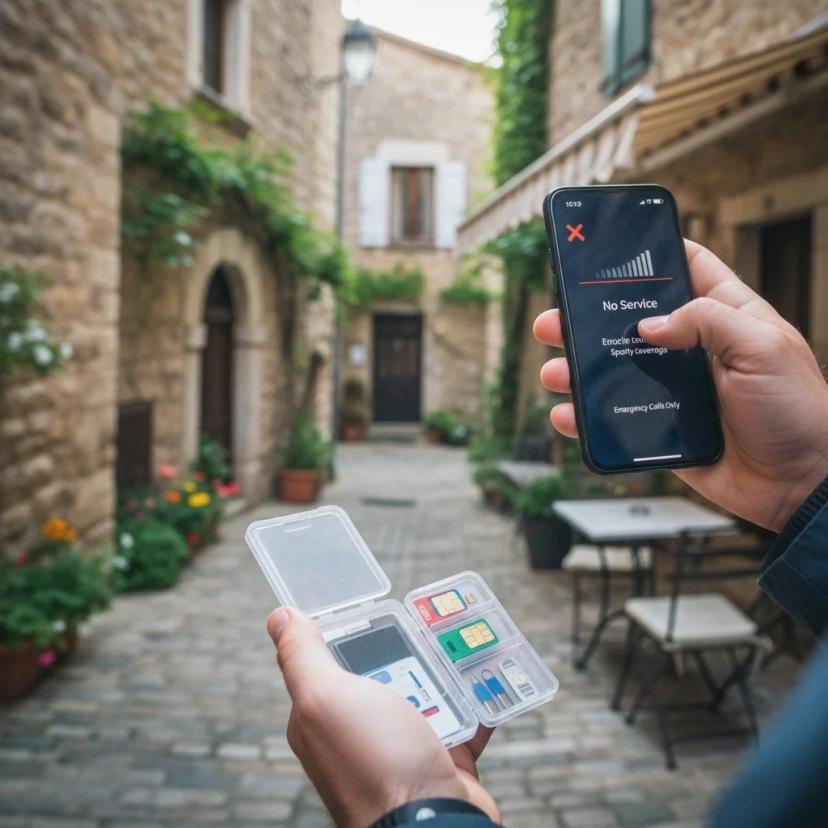
Even with a perfectly set up eSIM, you might hit areas with weak or no service. This often depends on where you are and the local network. Europe generally has great coverage, but remote spots, tunnels, or dense old city centers can still pose problems. First, check your phone's signal bars. If you have no signal, try moving to an open area or closer to a window. Old European buildings, in particular, can be signal killers.
If moving doesn't help, manually selecting a network is your next move, as we discussed earlier. Your phone might be trying to connect to a network that's weak or isn't compatible with your eSIM. By choosing from the list of available operators yourself, you can often find a stronger, working network. For example, if you're in France and usually connect to Orange but are having issues, try manually switching to Bouygues Telecom or SFR. Remember, Cellesim uses partner networks, and their signal strength can vary. If the problem persists across different parts of a city, check an independent network coverage map for that country. If you're struggling in Italy, for instance, checking the coverage map for TIM or Vodafone Italia might give you some answers.
Troubleshooting Data Speed and Throttling Concerns
Getting connected is one thing, but dealing with slow internet speeds is another common travel headache. If your Cellesim eSIM shows a connection but everything loads slowly, a few things could be happening. First, figure out if it's actual network throttling (which is rare with Cellesim's high-speed plans) or just network congestion. In busy city centers or during peak tourist times in places like Spain or Greece, network traffic can naturally slow things down. Run a speed test with an app like Speedtest by Ookla to see your actual speeds.
Make sure your phone's software and carrier settings are current. Old software can sometimes prevent your device from fully using local 4G or 5G networks. Check your phone's "About" section in settings for any available updates. If you suspect you're hitting a fair usage limit or if a previous provider throttled you, remember Cellesim aims for clear and fast data. If your data feels unusually slow despite a strong signal, try switching between 4G and 5G in your cellular settings. Sometimes, a stable 4G connection can be better than a weak or overloaded 5G signal. If all else fails, a quick look at your data balance might show you've used your high-speed allowance and are now on a slower speed, meaning it's time for a top-up.
When to Contact Cellesim Support: Expert Help is Available
So you've tried all the troubleshooting steps, checked your settings, confirmed your plan, and still can't get online. This is the time to contact Cellesim's support team. Our 24/7 email support at [email protected] is ready to help in all 24 supported languages. Give them as much detail as you can: your device model, the country you're in (like Germany or the United Kingdom), when the problem started, and all the steps you've already tried. Screenshots of your cellular settings or any error messages are super helpful.
The Cellesim support team can access backend systems to check your eSIM's status, plan details, and even network connectivity on their end. They can walk you through more advanced, device-specific fixes or see if there's a wider network problem affecting Cellesim users in your area. Don't hesitate to reach out; they're there to make sure your trip stays connected. With over 50,000 satisfied customers, Cellesim is serious about reliable service.
Preventing Future eSIM Problems: Best Practices for European Travel in 2026
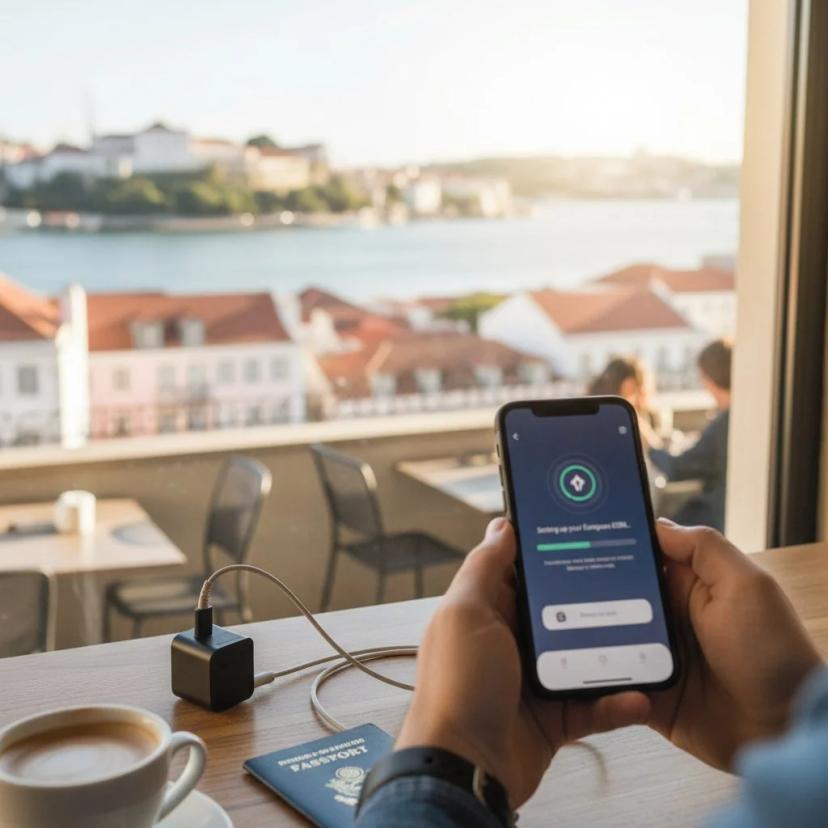
The easiest way to deal with eSIM issues is to avoid them entirely. For your 2026 European trips, follow these tips for smooth connectivity. First, buy and install your Cellesim eSIM before you leave home. This lets you activate it with your familiar Wi-Fi, sorting out any installation kinks before you even land. Cellesim's instant delivery means you get your QR code in minutes, making pre-trip setup a breeze.
Always check your Cellesim plan details carefully, including how long it's valid and how much data you get, to pick the right plan for your trip. If you're touring multiple countries, a regional Europe eSIM from Cellesim offers consistent coverage across borders, so you don't have to buy separate eSIMs for each country like France or Netherlands. Keep your phone's operating system and carrier settings updated. Regularly check for updates in your phone's settings to ensure it works best with local networks. Finally, if you're keeping your home SIM active, learn how to manage dual SIMs; set your Cellesim eSIM specifically for cellular data to avoid unexpected roaming charges from your main carrier.
Explore All Cellesim eSIM Plans
Get instant, reliable data in 200+ countries with Cellesim. Seamless activation and 24/7 support for every journey.
Explore All eSIM PlansTrusted by 50,000+ global travelers.
Frequently Asked Questions
Why is my eSIM not working in Europe in 2026?
Common reasons your eSIM might not work in Europe include incorrect phone settings (like the wrong data line chosen or data roaming being off), an expired data plan, running out of data, or minor software glitches. Network compatibility and temporary local network outages can also play a role. Start by restarting your phone and checking your cellular settings.
How can I fix eSIM connectivity issues if my data is not connecting?
If your eSIM data isn't connecting, first confirm your Cellesim eSIM is selected as your main data line and that data roaming is on. Check that your Access Point Name (APN) settings are correct ("internet" or "data"). Try manually selecting a network operator from your phone's cellular settings. Finally, restart your device and check your Cellesim account to make sure your plan is still valid and has data left.
Why won't my Cellesim eSIM work overseas, even after installation?
Even after a successful installation, an eSIM might not work abroad for a few reasons. Ensure your phone's software and carrier settings are up to date, and that you've enabled data roaming for your eSIM profile. Sometimes, the local network might be temporarily busy or unavailable where you are. If problems continue, contact Cellesim's 24/7 support for help.
What is an APN and how does it relate to eSIM troubleshooting?
APN stands for Access Point Name. It's essentially the gateway that connects your phone to the internet through the mobile network. If your device's APN settings are wrong or missing, your phone won't know how to send and receive data, leading to connectivity issues. For Cellesim eSIMs, the APN is usually simple (like "internet"), and making sure it's correctly entered in your phone's cellular settings is a key troubleshooting step.
Can outdated phone software affect my eSIM performance in Europe?
Yes, absolutely. Old phone software or outdated carrier settings can definitely impact how your eSIM performs. Mobile network tech, especially 5G, changes constantly, and your phone needs the latest updates to work well with Europe's local networks. Always keep your device's operating system and carrier settings up to date for the best connection and speeds.
What if I've tried everything and my Cellesim eSIM still isn't working?
If you've gone through all the troubleshooting steps and your Cellesim eSIM still isn't connecting or giving you data, it's time to contact Cellesim's customer support. You can reach them 24/7 via email at [email protected]. Be ready to share details about your device, your location, and what steps you've already tried. They can offer specialized help and look into the issue further.