Short answer: Safaricom has the best network in Kenya and it is not close. If you are staying for weeks, working from Nairobi, or you want M-Pesa, get a Safaricom line — nothing replaces it. If you are here for a two-week safari, the calculation changes: you will hand your passport to a shop, you will queue, and then you will spend half your trip in places where no network reaches, Safaricom included.
Data plans and prices: Kenya eSIM
This guide covers what a Safaricom tourist line actually costs, the passport registration Kenyan law requires, honest coverage inside the Maasai Mara and other parks, why lodge Starlink has changed the picture, and when a travel eSIM is the more sensible tool.
What Safaricom costs a visitor
There are two ways in, and the price gap between them is large.
At the airport. Tourist SIM packages at Jomo Kenyatta and Moi International typically run USD 15–25 for a small bundle — often 3–5 GB with some local minutes attached. Convenient, staffed, and you walk away connected.
In town. A blank Safaricom SIM costs about KSh 100, and you then add whatever bundle you want. A weekly 1 GB bundle is around KSh 250. That is roughly two dollars for what the airport charges fifteen for.
The airport markup is not unique to Kenya, but it is unusually steep here. If you are staying long enough to make a Safaricom line worthwhile, it is worth buying the SIM in a shop rather than at arrivals — you will pay a fraction and get better advice on which bundle suits your trip.
The passport requirement
Kenyan law requires every SIM to be registered against an identity document. For a visitor that means presenting your passport at an official Safaricom shop or authorised dealer, where staff record your details and register the line.
This is not onerous — no local address, no onward ticket, no affidavit — but it is a physical errand at a counter, and it has to happen before the line works. If you land at 3 a.m. on a Nairobi red-eye, which many long-haul routes do, you are queueing at the airport desk or waiting until morning.
A travel eSIM sits outside this entirely: it connects your device as a visiting handset rather than registering you as a Kenyan subscriber, so there is no document to hand over and nothing to register.
M-Pesa: the one thing an eSIM cannot give you
This deserves its own section because it is the strongest argument for a local line in Kenya, and most eSIM guides bury it.
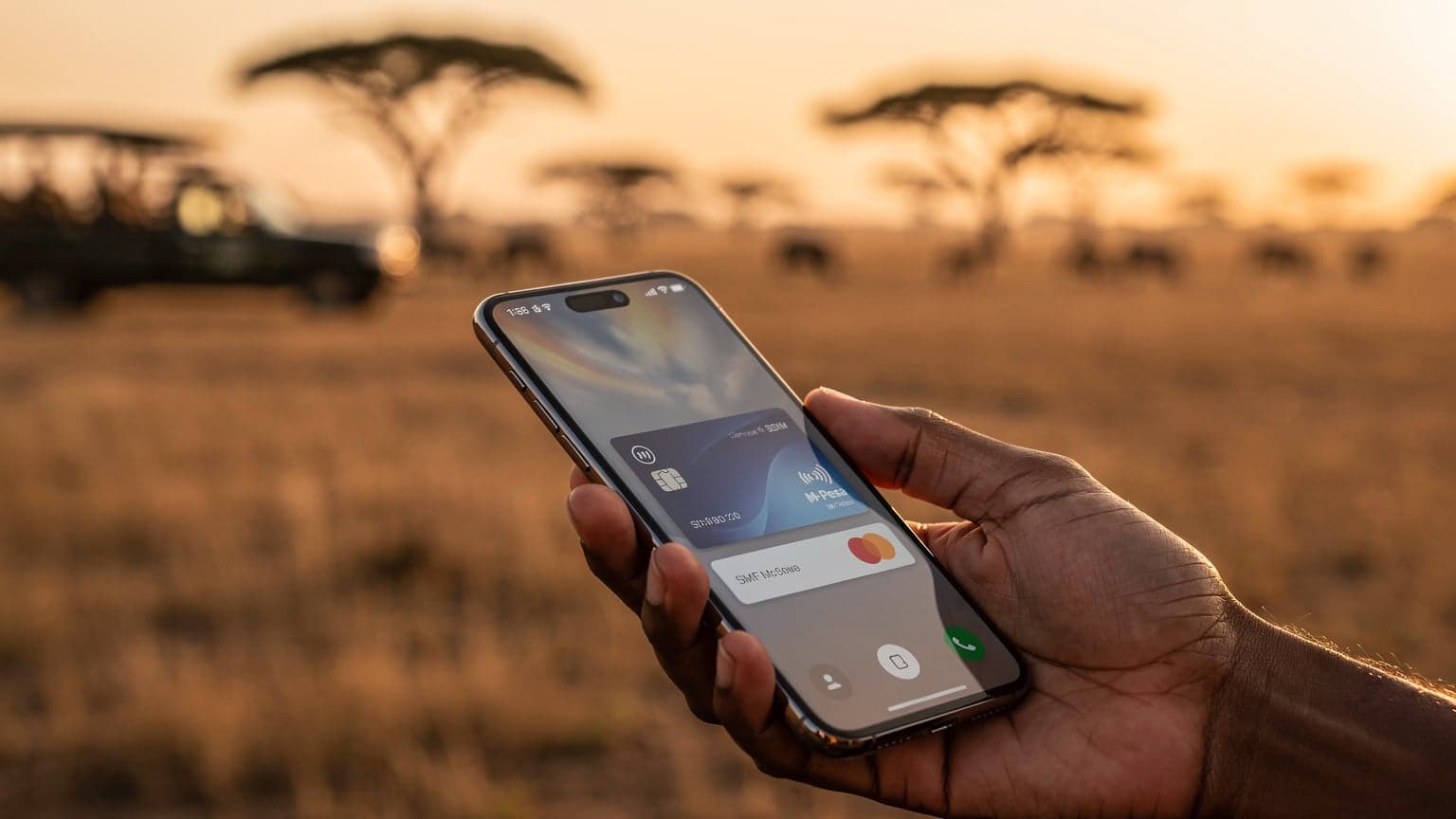
M-Pesa is Safaricom's mobile money system and it is woven into daily life in a way that has no real equivalent in Europe or North America. Matatu fares, market stalls, small restaurants, tips, park entry in some places — a great deal of Kenya runs on it. M-Pesa is tied to a Safaricom number, and a travel eSIM does not give you one.
So be honest about your trip:
- Organised safari, lodge transfers, card payments, a few weeks or less. You will rarely need M-Pesa. Guides, lodges and tour operators take cards or cash.
- Independent travel, matatus, markets, longer stay, or anything resembling living here. Get a Safaricom line. M-Pesa alone justifies the passport errand.
There is also a middle path many travellers take: a Safaricom line for M-Pesa and local calls, plus a travel eSIM for data that works from the moment you land. The two coexist on any dual-SIM phone.
Coverage on safari: the honest version
Safaricom genuinely has the widest network in Kenya, particularly in rural areas. That is true and worth saying plainly. What is also true is that Kenya's best destinations are precisely where any network struggles.
Realistically, inside the Maasai Mara:
- Good 4G near the Sekenani, Talek and Oloololo gates, and around the main camps and lodges clustered near them.
- Thin to nothing across large parts of the reserve, the western Mara Triangle, the conservancies and the river crossing areas — which is where you will spend your game drives.
Elsewhere the pattern repeats. Amboseli, Tsavo, Lake Naivasha, Diani Beach and Mount Kenya all have coverage in the visitor areas — lodges, gates, main roads — and gaps as soon as you move into the bush. Nairobi, Mombasa and the main highways are well covered on 4G and increasingly 5G.
The practical consequence is the same whichever SIM you buy: download offline maps, itineraries and anything you need before a game drive. No SIM card creates a tower where there is not one.
Starlink has quietly changed safari connectivity
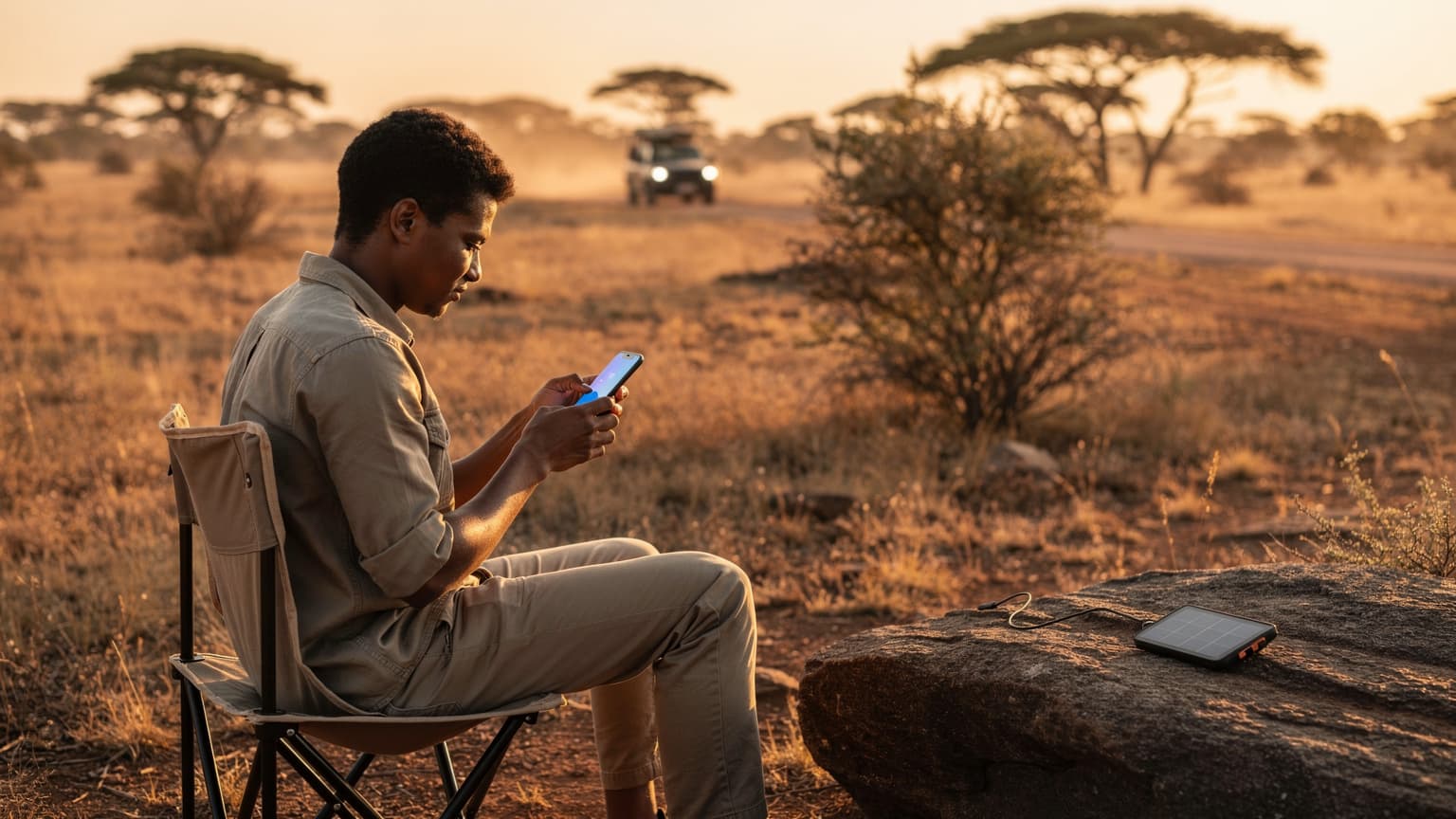
Most Mara camps and lodges now run Wi-Fi over Starlink or VSAT satellite. Five years ago "no signal at camp" was standard; today it usually is not.
That matters for how you plan. Your evenings at camp will very likely have working Wi-Fi. Your days in the vehicle will very likely not have mobile signal. So the question is not "how do I stay connected all day" — that is not on offer at any price — but "how do I stay connected in transit, in Nairobi, and on the days between camps."
Sized for that reality, a modest data plan does the job. Buying a large bundle for a safari week means paying for gigabytes you cannot use because there is no signal to use them with.
How much data do you actually need in Kenya?
Rough hourly figures for planning:
- Maps and navigation — around 5 MB per hour of active guidance
- Messaging and email — a few MB a day
- Social media — 100–150 MB per hour, more with autoplay
- Video calls — 500 MB to 1 GB per hour
- Uploading safari photos — this is the one that catches people. A few hundred high-resolution photos can be several gigabytes. Set your phone to back up on Wi-Fi only, or you will discover the bundle gone after one evening at camp.
A typical two-week safari with camp Wi-Fi in the evenings and mobile data in Nairobi and in transit lands at 2–5 GB. Add daily video calls home and you are nearer 10 GB. Remote work from Nairobi is a different trip entirely — there, a local Safaricom bundle is the cheaper answer.
What it costs to just have data
Cellesim Kenya eSIM plans start at $1.61, install with one tap and connect the moment you land — before immigration, before the queue at the SIM desk, before the transfer to your hotel. Every active plan includes a free VPN, which is worth having on lodge and airport Wi-Fi.
Against KSh 250 for a weekly gigabyte in a Nairobi shop, a local bundle is cheaper per gigabyte. Against USD 15–25 at the airport for 3–5 GB, it is not. The right comparison depends on whether you will actually get to a shop, and how much of your trip is spent where data is usable at all.
Safaricom, Airtel or Telkom?
Safaricom is the default and deserves to be: the widest rural coverage, the most reliable 4G, and M-Pesa.
Airtel Kenya is meaningfully cheaper on data and perfectly good in cities and along main roads, which makes it popular with budget-conscious long-stay visitors. Its rural footprint is thinner, so it is a weaker choice for safari-heavy itineraries. Telkom Kenya is the smallest of the three and rarely the right pick for a visitor.
All three require passport registration. None of them will give you signal in the middle of the Mara Triangle.
How to install an eSIM, whichever one you choose
- Check your phone is eSIM-capable and carrier-unlocked. A locked handset will accept the profile and then refuse to connect.
- Install over Wi-Fi — at home before you fly, or on airport Wi-Fi. The eSIM cannot install itself without a connection.
- Scan the QR or use one-tap install. iPhone: Settings → Mobile Service → Add eSIM. Android: Network & Internet → SIMs, path varies by manufacturer.
- Label the line "Kenya data" so you can tell your profiles apart.
- Set the data line and turn data roaming off on your home SIM — otherwise your home carrier will bill you alongside the plan you just bought.
If a QR code fails, it is nearly always one of four things: a carrier-locked phone, no Wi-Fi during install, a single-use QR that was already used, or a handset variant with eSIM disabled. Our eSIM compatibility checker rules most of that out in seconds.
Frequently asked questions
Do I need my passport to buy a Safaricom SIM?
Yes. Kenyan law requires SIM registration against an identity document, and for visitors that is a passport presented at an official shop or authorised dealer. You do not need a local address.
Does a travel eSIM need registration in Kenya?
No. A travel eSIM connects you as a visiting device rather than a Kenyan subscriber, so there is no registration step and no document to hand over.
Can I use M-Pesa with a travel eSIM?
No. M-Pesa is tied to a Safaricom mobile number. If you need M-Pesa, you need a registered Safaricom line — a travel eSIM cannot substitute for it.
Will I have signal in the Maasai Mara?
Partly. Expect usable 4G near the main gates and around camps clustered nearby, and little to nothing across much of the reserve, the conservancies and the Mara Triangle. Most camps now have Starlink or VSAT Wi-Fi, so evenings are usually connected even when the day is not.
Is it cheaper to buy at the airport or in town?
In town, substantially. Airport tourist packages run USD 15–25 for 3–5 GB; a SIM in a Nairobi shop costs around KSh 100 with weekly gigabyte bundles near KSh 250. The airport premium buys convenience and immediacy, not value.
How much data do I need for a two-week safari?
Usually 2–5 GB, because much of your day has no signal and most camps have satellite Wi-Fi in the evening. The exception is photo backup — turn it to Wi-Fi only, or a single evening upload can consume several gigabytes.
Can I keep my own number while in Kenya?
Yes, on any dual-SIM phone. Keep the home SIM active for calls and bank verification codes and use the eSIM for data. Turn data roaming off on the home SIM so it cannot bill you in the background.
Does one plan cover Kenya and Tanzania?
Not a Safaricom line — that is Kenya only, and crossing into Tanzania means roaming. If your trip covers both, as many Mara–Serengeti itineraries do, a regional plan covering several East African countries avoids buying a separate local SIM at each border.
Will my phone work with an eSIM?
Most phones released since 2018: iPhone XS and later, Google Pixel 3 and later, Samsung Galaxy S20 and later, and many mid-range models since. The handset must also be carrier-unlocked.
Is public and lodge Wi-Fi safe to use?
Treat it as you would any shared network. Satellite Wi-Fi at a camp is convenient but it is still a network you do not control — a VPN is worth having for banking, email and work access. Every active Cellesim plan includes one.
Planning the trip? Compare data plans on our Kenya eSIM page, install in one tap before you fly, and land online. Free VPN included.