
Why an eSIM is a Must for US Family Travel
As a seasoned family travel planner (I've taken my two little adventurers, currently 9 and 11, to 30 countries), I can tell you that connectivity isn't a luxury, it's the invisible tether that holds a family trip together. Gone are the days of fumbling with tiny SIM cards at JFK after a red-eye flight, wondering if they'll even fit. With an eSIM, you can sort out your data before you even leave home. For a parent, that means one less thing to worry about when you're juggling passports, boarding passes, and a child's suddenly "too heavy" backpack.
For us, the USA means vast distances, sprawling theme parks, and often, spotty Wi-Fi in unexpected places. An eSIM bypasses the hassle of finding local providers, navigating foreign languages (even in English-speaking countries, the jargon can be different!), and waiting in lines. It simply works, allowing you to focus on the magic of Disney World or the majesty of the Grand Canyon, not your data plan. Plus, keeping your home SIM active for incoming calls (hello, school updates, or "Grandma checking in") while using an eSIM for data is a game-changer. No more missing important calls because you swapped out your primary number.
The Convenience Factor for Parents
Let's be honest, family travel often feels like a logistical military operation. An eSIM simplifies one of the biggest challenges: staying connected. Imagine landing in Los Angeles, your kids are already asking for their iPads (pre-loaded with their favorite shows, naturally), and you need to call an Uber or check your hotel booking. With an eSIM, your data is active the moment you land, sometimes even before the plane hits the tarmac. This instant connectivity is invaluable, especially when you're navigating a new airport with tired children and a mental checklist longer than a CVS receipt.
The multi-device reality of modern family travel, where everyone from toddlers to teens has a screen, makes a shared or easily managed data solution critical. My kids use their devices for everything from Google Maps (when we're navigating a new city on foot, they love being 'co-pilots') to Roblox and Minecraft. Having a robust data plan on my phone, which can then tether to their devices when needed, is essential. It ensures that "Are we there yet?" is answered with a YouTube video, not a data overage bill.
Navigating the US eSIM Landscape: What to Look For
The US eSIM market can feel a bit like a sprawling supermarket, full of options that all seem similar but have crucial differences. When you're planning a family trip, your priorities shift from just 'cheap data' to 'reliable coverage for all devices', 'enough data for two kids streaming Disney+ in the back of the car', and 'easy management'. It's about understanding the nuances of coverage, speed, and plan flexibility.
Coverage is King, Especially for Road Trips
The USA is vast, and network coverage can vary significantly from urban centers to rural areas and national parks. While major cities like New York, Chicago, and Miami generally have excellent coverage, venturing off the beaten path, say, into the national parks or along scenic coastal drives, can quickly turn into a 'no signal' zone. My top tip is always to check the coverage maps of the underlying carriers (T-Mobile, AT&T, Verizon) that your eSIM provider uses. Cellesim, for instance, typically partners with major US networks to ensure broad coverage.
If your itinerary includes remote areas, like many of the stunning US National Parks, you'll want an eSIM that prioritizes a carrier with strong rural presence. Trust me, nothing dampens spirits faster than a car full of kids with no Wi-Fi on their devices when you're hours from the next town. For specific advice on remote areas, you might find "Conquer US National Parks: Best eSIM for Remote Road Trips" particularly useful.
Data Speed and Plan Flexibility
Speed matters. When you've got a video call with grandma, need to upload vacation photos, or your kids are trying to play an online game like Roblox with friends back home, a slow connection is incredibly frustrating. Look for eSIM plans that offer 4G LTE or even 5G access, where available. Most modern phones support these speeds, and they make a real difference.
Flexibility is also key. Some trips are short, others are weeks long. Some days you might need more data (a long car journey, perhaps), others less. Look for plans with varying durations (7, 15, 30 days) and data allowances (from 1GB to unlimited). Some providers even offer regional eSIMs that cover just one state or a specific area, which can be cost-effective if your travel is confined. However, for a broader US family adventure, a national plan is usually the sensible choice.
Top eSIM Data Plans for US Family Trips: 2026 Edition
Okay, let's get down to the nitty-gritty. Based on my research and personal experience (and, let's be honest, the demands of my children's streaming habits), here are some of the standout eSIM options for families visiting the USA in 2026. I'm focusing on providers that offer good value, reliable coverage, and sufficient data for the typical family's needs.
| Provider | Data Allowance | Validity | Estimated Cost (USD) | Key Features for Families |
|---|---|---|---|---|
| Cellesim USA Standard | 10 GB | 15 Days | $25 | Good balance for light to moderate use, reliable network partners. |
| Cellesim USA Family Plus | 30 GB | 30 Days | $45 | Ideal for multiple devices, streaming, and maps. Sufficient for two kids' devices. |
| Cellesim USA Unlimited (Fair Use) | Unlimited* | 30 Days | $60 | Best for heavy users, multiple kids streaming, remote work. *Speed throttles after 50GB. |
| Airalo USA (various) | 5 GB to 20 GB | 7 to 30 Days | $15 - $40 | Flexible smaller plans, good for shorter trips or lighter data needs per person. |
| Holafly USA | Unlimited | 5 to 90 Days | $19 - $99 | True unlimited data, but often at a premium price point. |
When selecting your plan, consider the length of your trip and your family's data habits. My general rule of thumb for two children, aged 9 and 11, who spend a couple of hours daily on their devices (streaming, games, social media, FaceTime with cousins), plus my own usage for navigation, emails, and photos, is a minimum of 30GB for a two-week trip. If you're considering an "unlimited" plan, always check the fair use policy, as some will throttle speeds after a certain threshold. For us, a Cellesim USA Family Plus plan often hits the sweet spot for value and data volume.
Sizing Your Data Plan for the Whole Crew
This is where the planning truly shines. Over the years, I've learned that underestimating data needs is a common pitfall, especially when kids are involved. A few hours of Disney+ in the car can quickly eat through what you thought was a generous plan. Here's how I break it down for a typical family of four (two adults, two kids aged 9-12).
The Children's Device Data Drain
My kids' devices are a source of peace and quiet on long journeys, but they are also data hungry. Here's a rough estimate of what to factor in:
- Streaming Video (Disney+, Netflix, YouTube Kids): ~1-2 GB per hour per device at standard definition. If both kids are streaming for 2 hours a day, that's 4-8 GB daily just for video.
- Online Games (Roblox, Minecraft, Switch Online): Varies greatly, but generally less than streaming. ~100-300 MB per hour.
- Video Calls (FaceTime, WhatsApp): ~200-500 MB per hour.
- Social Media (Snapchat, TikTok, Instagram): ~300-600 MB per hour.
For a typical 10-day trip, with each child using their device for 2-3 hours daily, you're looking at easily 30-50 GB just for their entertainment. And that's before you even consider your own usage!
Adult Data Needs and Tethering
As adults, we need data for navigation (Google Maps is a lifesaver), looking up restaurant reviews, booking tickets, checking emails, and sharing those precious family moments on social media. My personal usage for these activities, plus occasionally tethering my laptop for quick work, usually hovers around 10-15 GB for a two-week trip. If you plan to hot-spot for the kids' devices frequently, remember that your phone's data becomes the family's data hub. This is why having a robust plan like the Cellesim USA Family Plus (30GB) or even the Unlimited (Fair Use) plan is crucial. You can purchase your USA eSIM directly from Cellesim's website for convenience.
Pre-Trip Checklist: Getting Your Devices Ready
Preparation is the secret sauce for stress-free family travel. Before you even pack your bags, there are a few essential steps to ensure your devices, and more importantly, your kids' devices, are ready for the US adventure.
Downloading Apps and Offline Content
This is non-negotiable for anyone traveling with children. Before you leave home, while you have reliable Wi-Fi, make sure to:
- Download Movies & Shows: Use the download feature on Disney+, Netflix, Amazon Prime Video, and YouTube Kids. Store enough content for all flights, long drives, and potential downtime.
- Offline Games: Many kid-friendly games work without an internet connection. Check settings or app descriptions to ensure they have an offline mode.
- Offline Maps: Download regional maps in Google Maps or Apple Maps for all areas you plan to visit. This is incredibly useful for navigating without data, especially if you're driving through areas with spotty coverage or if your primary data runs low.
- Audiobooks/Podcasts: Great for screen-free entertainment, especially for older kids. Apps like Audible or Libby allow downloads.
- Parental Control Apps: If you use a third-party parental control app, ensure it's updated and configured for offline usage if applicable.
Doing this ahead of time saves data, battery life, and most importantly, prevents meltdowns when Wi-Fi isn't available. It also allows you to enforce screen time limits more easily, as they won't be reliant on a data connection to access their entertainment.
Checking Device Compatibility
Most modern smartphones (iPhone XS and newer, Samsung Galaxy S20 and newer, Google Pixel 3 and newer) are eSIM compatible. However, it's always wise to double-check. A quick search for "eSIM compatibility [your phone model]" will confirm. For tablets, eSIM support is less common, so your iPad or Android tablet will likely rely on tethering from your smartphone's eSIM connection. This is why a generous data plan for your primary phone is so important.
Step-by-Step eSIM Activation Guide
Activating an eSIM is surprisingly straightforward, and it's something you can (and should) do before you even get on the plane. This way, you land with an active data connection, ready to go. Cellesim makes the process incredibly user-friendly.
Purchasing and Installing Your eSIM
Here's the simple process:
- Choose Your Plan: Visit the Cellesim USA page and select the data plan that best fits your family's needs. Remember my advice about sizing for streaming kids.
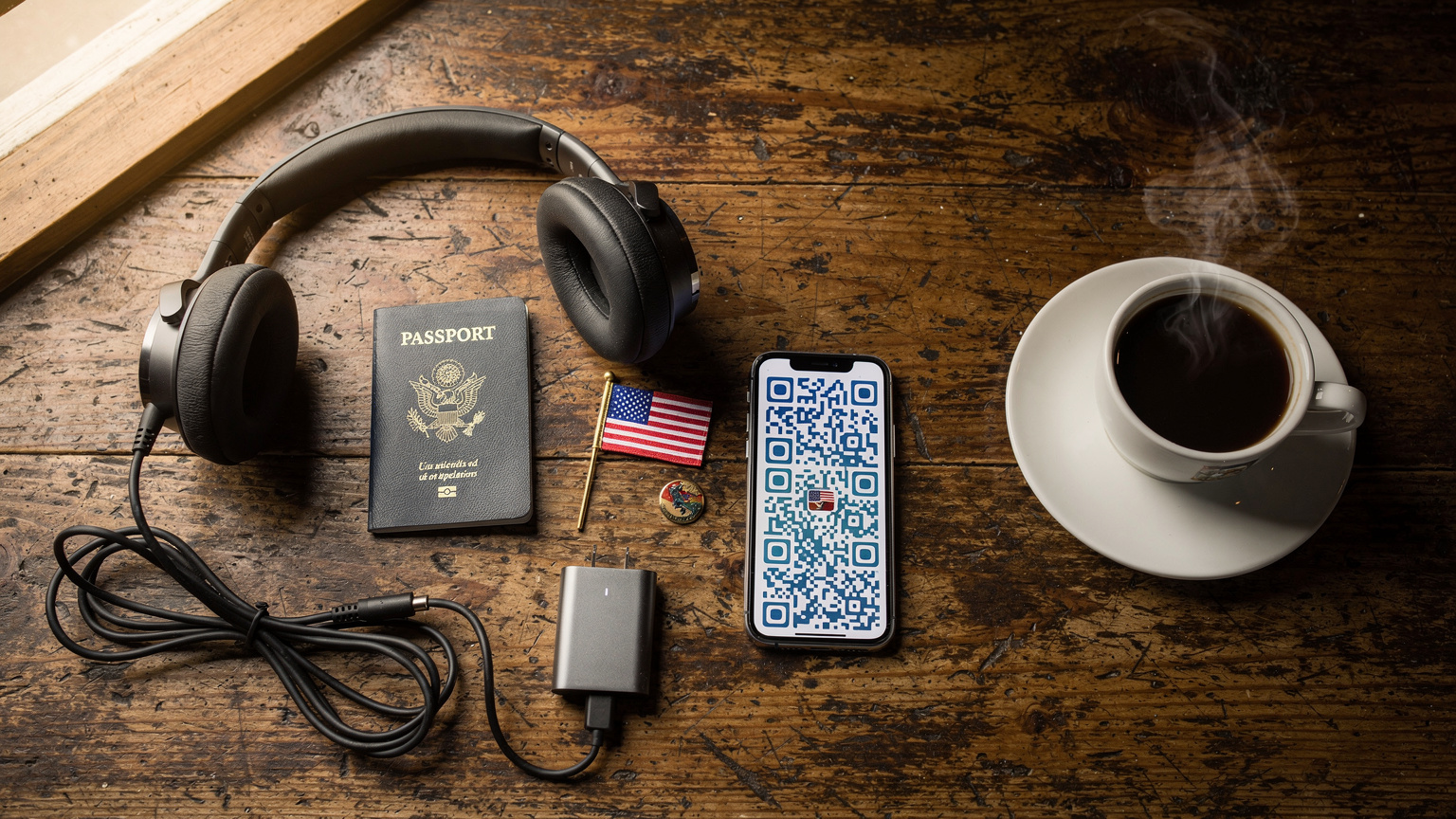
- Purchase & Receive QR Code: Complete the purchase. You'll receive an email with your eSIM QR code (or manual activation details) almost instantly. Keep this email safe, perhaps screenshotting the QR code for easy access.
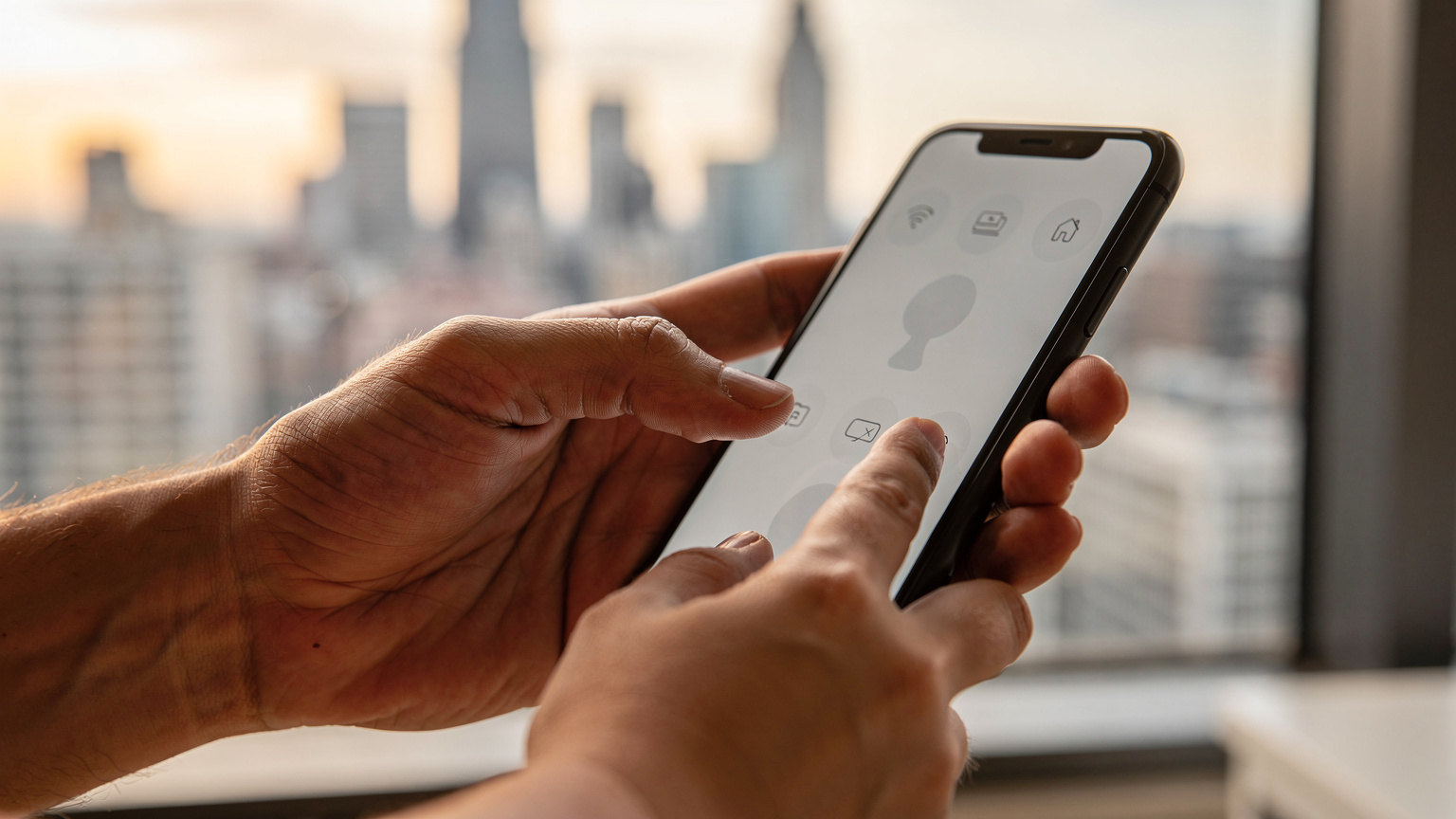
- Install the eSIM (Before You Travel): In your phone's settings, navigate to "Cellular" or "Mobile Data." Look for an option to "Add eSIM" or "Add Data Plan." You'll then have the option to "Scan QR Code." Point your camera at the QR code on your computer screen or another device. Follow the on-screen prompts to label your new eSIM (e.g., "USA Travel").
- Keep Home SIM Active for Calls: Your phone will ask which line to use for data and which for calls. Select your new eSIM for data and keep your primary home SIM for calls (if you wish to receive them). This is the beauty of dual SIM functionality.
- Arrive in the USA & Activate Data Roaming: Once you land in the US, simply enable data roaming for your Cellesim eSIM line in your phone's settings. Your data connection should activate almost immediately.
It's really that simple. No physical SIM to lose, no waiting, just instant connectivity. For a general guide on eSIM setup, you might find "Frequently Asked Questions about eSIMs" helpful if you encounter any specific questions.
Managing Multiple eSIMs and Devices
If you're traveling with multiple family members who each need their own data, or perhaps a second device for work, you can purchase separate eSIMs for each compatible device. However, for kids' tablets or phones that aren't eSIM compatible, tethering is your best friend. Modern smartphones handle hot-spotting very well, and you can even set up passwords and manage connected devices directly from your phone's Wi-Fi hotspot settings. Just remember to monitor your data usage, as hot-spotting can drain your plan quickly.
Parental Controls and Screen Time Management with eSIMs
This is a topic close to my heart. As much as I rely on devices for quiet time, managing screen time and ensuring safe browsing is paramount. The good news is that eSIMs don't interfere with your existing parental control setups, and in some ways, they can even enhance them.
Leveraging Built-in Device Controls
Both iOS (Screen Time) and Android (Digital Wellbeing/Family Link) offer robust built-in parental controls. These controls work independently of your data plan, meaning they'll function whether your child is on Wi-Fi or using data tethered from your eSIM. This is vital, as it ensures consistency in rules and limits regardless of where you are.
- Screen Time (iOS): You can set daily limits for apps, schedule downtime, restrict content, and manage app purchases. These settings are tied to the Apple ID.
- Family Link (Android): Google's Family Link allows you to set screen time limits, approve app downloads, see device location, and even lock devices remotely.
- Offline Access: Crucially, these controls work even when devices are offline. If you've downloaded content, the time limits will still apply, preventing endless consumption.
The beauty of this is that the eSIM simply provides the internet connection; your parental controls remain firmly in your hands. This means you don't have to worry about specific parental-control features that work on the eSIM line itself, as the device-level controls are more effective and comprehensive.
Managing Data Usage as a Parental Tool
While not a direct parental control, managing data usage can indirectly help. If you have a capped data plan (like a 30GB plan), knowing that it's a shared resource can encourage more mindful usage from older children. Some phones allow you to set data limits for tethered devices, which can be a soft way to enforce "data bedtime" for gaming or streaming. If their Wi-Fi connection (from your hotspot) suddenly drops because they've hit a limit, it's a gentle nudge to put the device down. This is particularly useful for older kids who might try to sneak extra screen time.
Parenting Pro-Tip: Before the trip, have a family meeting about device usage rules. Explain the data plan, the importance of offline entertainment, and agree on screen time limits. This proactive approach often works better than reactive arguments in the middle of a theme park.
Troubleshooting Common eSIM Issues on the Go
Even with the best planning, sometimes technology throws a curveball. Most eSIM issues are minor and easily resolved, but it's good to know the quick fixes when you're trying to navigate a new city with hungry kids in tow.
No Service or Slow Data
If your eSIM isn't connecting, or the data is frustratingly slow, try these steps:
- Check Data Roaming: Ensure data roaming is enabled for your eSIM line in your phone's cellular settings. This is the most common oversight.
- Restart Your Phone: The classic "turn it off and on again" works wonders for many connectivity glitches.
- Check Network Selection: Sometimes your phone might try to connect to a weaker partner network. In your cellular settings, look for "Network Selection" and try switching from automatic to manual, then select a major US carrier (like T-Mobile, AT&T, or Verizon).
- APN Settings: While Cellesim eSIMs usually configure APN settings automatically, occasionally a manual entry is needed. Check your eSIM confirmation email for the correct APN or Cellesim's support page. Go to your cellular settings, tap on your eSIM, and look for "APN."
- Check Data Allowance: Log into your Cellesim account to verify you haven't unexpectedly run out of data. If you have, topping up is usually quick and easy.
If these steps don't work, contact Cellesim customer support. They are usually very responsive and can help diagnose more complex issues.
eSIM Not Appearing After Installation
If you followed the installation steps but your eSIM isn't showing up in your phone's settings, here's what to do:
- Scan Again: Double-check you scanned the correct QR code and that it wasn't used previously.
- Manual Entry: If the QR code isn't working, try the manual installation option, which involves typing in activation codes provided in your Cellesim email.
- Strong Wi-Fi Connection: Ensure you have a stable Wi-Fi connection during the installation process. Sometimes a flaky Wi-Fi can interrupt the download of the eSIM profile.
- Device Restart: Again, a quick restart can often resolve temporary software hiccups.
Connectivity in US Theme Parks and Cruise Ships: What to Expect
These are two unique environments where connectivity can be tricky, and managing kids' devices becomes an art form. My experience at places like Walt Disney World and on various cruise lines has taught me a few things.
Theme Park Data Challenges
Theme parks like Universal Studios Orlando or Disneyland California are massive, crowded, and filled with concrete and steel structures. This can impact signal strength. While major US carriers generally have good coverage, the sheer number of people all trying to use their phones at once can lead to network congestion and slower speeds.
- Use Park Wi-Fi When Available: Most major theme parks offer free Wi-Fi. It can be spotty, but use it for heavy data tasks like downloading app updates or uploading videos.
- Offline Maps for Navigation: Park apps often have interactive maps. Download them or screenshot key areas.
- Communication Strategy: If your family splits up, have a clear meeting point and time. Texting or using WhatsApp over your eSIM data is usually reliable, even if speeds are a bit slower.
The good news is that your Cellesim eSIM will use the robust underlying networks, giving you the best chance of staying connected. Just don't expect blazing-fast speeds at peak times near popular attractions.
Cruise Ship Connectivity
Ah, cruise ships. A true digital detox for some, a data nightmare for others. Once you're a few miles offshore, your eSIM (or any land-based mobile service) will lose signal. Cruise ships operate their own satellite internet, which is notoriously expensive and often slow. My advice?
- Embrace the Digital Detox: Use cruise time as an opportunity for family bonding without screens.
- Download EVERYTHING in Advance: Before boarding, ensure all devices are loaded with movies, games, and books.
- Shore Excursion Data: Your Cellesim eSIM will work perfectly when you're in port in the USA (or any other country covered by your eSIM, if you've opted for a regional plan that includes other ports of call). Use these times to catch up on messages and upload photos.
The parental-control features that work on the eSIM line are really just the device-level controls I mentioned earlier. An eSIM provides the *pipe* for internet, but the *management* of what goes through that pipe is on your device. So, your established Screen Time or Family Link settings will continue to operate, regardless of whether you're using land-based data, a ship's Wi-Fi, or tethering.
Making the Most of Your US eSIM
With your Cellesim eSIM set up, your family's devices loaded, and a solid data plan in hand, you're ready to tackle the USA. Here are a few final tips to maximize your connectivity and minimize stress.
Monitor Your Data Usage
Keep an eye on your data consumption through your phone's settings (both iOS and Android provide detailed breakdowns) and through your Cellesim account portal. This helps prevent unexpected run-outs and allows you to top up if needed. A little monitoring goes a long way in avoiding that mid-trip "no data" panic.
| Usage Type | Estimated Data Consumption | Family Relevance |
|---|---|---|
| Web Browsing (Light) | ~10-20 MB/hour | Checking opening hours, quick searches. |
| Social Media (Scrolling) | ~50-150 MB/hour | Parents sharing updates, older kids browsing. |
| Music Streaming (Spotify, Apple Music) | ~40-100 MB/hour | Road trip tunes, background music. |
| GPS Navigation (Google Maps) | ~5-10 MB/hour (after initial map download) | Essential for driving and walking directions. |
| Video Streaming (SD) | ~1-2 GB/hour | Kids watching Disney+, Netflix in the car. |
| Video Streaming (HD) | ~3-5 GB/hour | Higher quality streaming, rapidly consumes data. |
| Video Calls (Facetime, Zoom) | ~200-500 MB/hour | Staying in touch with family back home. |
| Online Gaming (Roblox, Switch Online) | ~100-300 MB/hour | Keeping kids entertained, less data than video. |
| Photo/Video Uploads (Cloud Sync) | Variable, can be very high | Backing up precious memories, manage carefully. |
Battery Life and Power Banks
Constant data usage, especially hot-spotting for multiple devices, will drain your phone battery faster than a toddler at a juice box. Always carry a fully charged power bank (or two!). I make sure each child has their own small power bank for their iPad, and I carry a larger one for my phone. It's a small investment that pays huge dividends in peace of mind.
Staying Safe Online
Even with an eSIM, basic online safety rules apply. Remind older children about not sharing personal information with strangers online and being mindful of what they click. Use a VPN if you need extra security, especially when connecting to public Wi-Fi networks (though your eSIM data is generally more secure). The USA is a fantastic destination for families, and with smart planning around your connectivity, it can be a truly seamless and memorable experience for everyone, devices included.
Frequently Asked Questions
Can I use one eSIM for multiple devices in the USA?
An eSIM is tied to a single device. However, you can use your smartphone's eSIM data to create a Wi-Fi hotspot and share the connection with other devices like tablets or other family members' phones. Just be mindful that this will consume data from your primary eSIM plan and can drain your phone's battery quickly.
How much data do I need for a family of four visiting the USA?
For a family of four, with two children aged 9-12 who stream video and play online games for a couple of hours daily, plus adult usage for navigation and communication, I recommend a minimum of 30-50 GB for a two-week trip. Plans around 30GB or 'unlimited' (with fair use policies in mind) are often the best choice for this scenario.
Will my children's parental control apps work with an eSIM in the USA?
Yes, parental control features like iOS Screen Time or Android Family Link operate at the device level, not on the eSIM itself. They will continue to function normally, whether your child's device is connected via Wi-Fi, your phone's hotspot, or a dedicated eSIM, ensuring consistent screen time limits and content restrictions.
Is connectivity reliable in US theme parks and national parks with an eSIM?
In major US theme parks, connectivity can be good but may experience congestion due to high user density. In national parks, coverage can be very spotty, varying greatly by carrier and location. It's always best to download offline maps and entertainment before entering these areas, and check specific carrier coverage maps for your itinerary.
Can I top up my USA eSIM data plan if I run out?
Yes, most eSIM providers, including Cellesim, allow you to easily top up your data plan directly from their website or app. You can usually purchase additional data packages, often with varying validity periods, ensuring you stay connected throughout your US family adventure.
What's the difference between an eSIM and an international roaming plan?
An eSIM is a digital SIM profile you install on your phone, providing local data rates without changing your physical SIM. International roaming uses your home provider's network abroad, which is often significantly more expensive per MB. eSIMs offer a more cost-effective and flexible solution for travel data compared to traditional roaming.