


Why an eSIM is a Must for USA Family Travel
Remember those frantic searches for a local SIM card shop, usually right after a long flight, with cranky, jet-lagged kids dragging behind you? Thankfully, those days are pretty much over, especially when you're headed to the USA. I've traveled to over 30 countries with my two wonderfully chaotic children, and I can tell you, an eSIM is more than just convenient; it's a sanity preserver, especially in a country as huge and digitally connected as the United States.
For families, these benefits are even bigger. You won't be fumbling with tiny physical cards anymore, or worrying about losing them (or, worse, having a curious toddler try to eat one). With an eSIM, you can buy and activate your data plan before you even leave home. That means you land in JFK or LAX with instant connectivity. Google Maps is ready to guide your rental car, Uber or Lyft is a tap away for airport rides, and most importantly, the kids can immediately FaceTime grandma to announce their arrival (and maybe give you five minutes of quiet). Getting this set up before you go is a massive help, much like making sure all tablets are loaded with their favorite shows before a long flight. It's a key part of any family travel plan.
The Peace of Mind Factor
Let's be real, family travel usually involves a healthy dose of controlled chaos. Knowing you'll have reliable data from the moment you land takes a huge weight off your shoulders. Imagine needing to quickly find urgent medical care if a scraped knee happens in Central Park, or locating the nearest public restroom in a crowded city without having to ask a stranger. For parents, this immediate access to information is incredibly valuable. Plus, for those times you need to split up (maybe one parent takes the older child to a museum while the other stays at the hotel pool with the younger one), having separate, working phone lines means everyone can communicate easily and safely. It's about staying connected for real family logistics and safety, not just for social media.
Cost Savings Compared to Traditional Roaming
Traditional international roaming plans from your home carrier are, frankly, often ridiculously expensive. I've heard too many nightmare stories of parents coming home to bills hundreds of dollars higher than expected, all because little Timmy snuck in an extra hour of Roblox. With an eSIM, you're buying a local data plan, often at a fraction of what roaming would cost. This means you can get a solid data package that can handle a family's needs, like two kids streaming Disney+ on their iPads during downtime at the hotel, without dreading a huge bill. This approach also helps with budgeting, as you know your data costs upfront. For instance, a basic 10GB roaming plan from a big European carrier might run you €80 for a week, but a similar USA eSIM plan could be as low as $25-30. That's a serious saving over a two-week trip.
Choosing the Right eSIM Plan for Your Family
Picking an eSIM plan for a family trip to the USA isn't just about finding the cheapest deal. It's about hitting the sweet spot of data, plan length, and network coverage that fits your family's unique needs. Think about how much your family uses their devices, how many gadgets need to be connected, and where you'll actually be traveling. Will you stick to big cities like New York and Los Angeles, or are you planning to explore national parks like Yosemite and Zion?
Data Needs for the Entire Crew
This is where my planning truly shines. My kids, God bless 'em, treat data like an all-you-can-eat buffet. Between YouTube Kids, Disney+, and the occasional Roblox session, those gigabytes vanish faster than a plate of cookies. For a family of four, with two kids aged 4-12 who each have their own devices (an iPad and, inevitably, a Nintendo Switch with online capabilities), I usually plan for at least 50-70GB for a two-week trip. That might sound like a lot, but it covers:
- GPS navigation: Google Maps or Apple Maps for driving and walking.
- Streaming for downtime: Keeping the peace with some Disney+ or Netflix in the evenings.
- Social media and messaging: For parents to stay in touch and share photos.
- Online gaming: Roblox or Minecraft for the kids during travel downtime.
- Research: Checking opening hours, restaurant reviews, and local transit schedules.
It's always better to get more data than you think you'll need, rather than running out halfway through a road trip in rural Montana. Many eSIM providers offer plans with different data amounts and validity periods, so you can tailor it to how your family travels. Some even have unlimited data plans, which are great for heavy users, but always read the fine print about fair usage policies, as these sometimes slow down after a certain amount of data.
Duration and Flexibility: Matching Your Itinerary
Trips to the USA can be anything from a quick city break to a multi-week cross-country adventure. eSIM plans cover this range, with options from 7 days to 30 days, and sometimes even longer. If your trip is like our 'Autumn Adventures 2026', where we're bouncing between US fall foliage routes and European cities, it makes sense to look for regional or global eSIMs that cover multiple parts of your journey, or simply buy a new US-specific eSIM when you arrive. For a family, the ability to extend a plan or buy a new one on the fly is a huge plus, especially if those theme park lines are longer than you thought and you need an extra day or two of data for entertainment.
Network Coverage: Where Will You Be?
The USA has three main carriers: AT&T, T-Mobile, and Verizon. Cellesim works with reliable local networks, usually using AT&T or T-Mobile's infrastructure, which means broad coverage. If your travel plans include remote national parks or specific rural areas, it's a good idea to quickly check coverage maps before you buy. While big cities like New York, San Francisco, and Miami have excellent coverage from all networks, exploring the vastness of Utah's national parks might mean one carrier works better than another. A little research here goes a long way, especially when you're relying on data for offline map downloads (more on that soon!) and emergency communication.
Setting Up eSIMs on Multiple Devices, A Parent's Guide
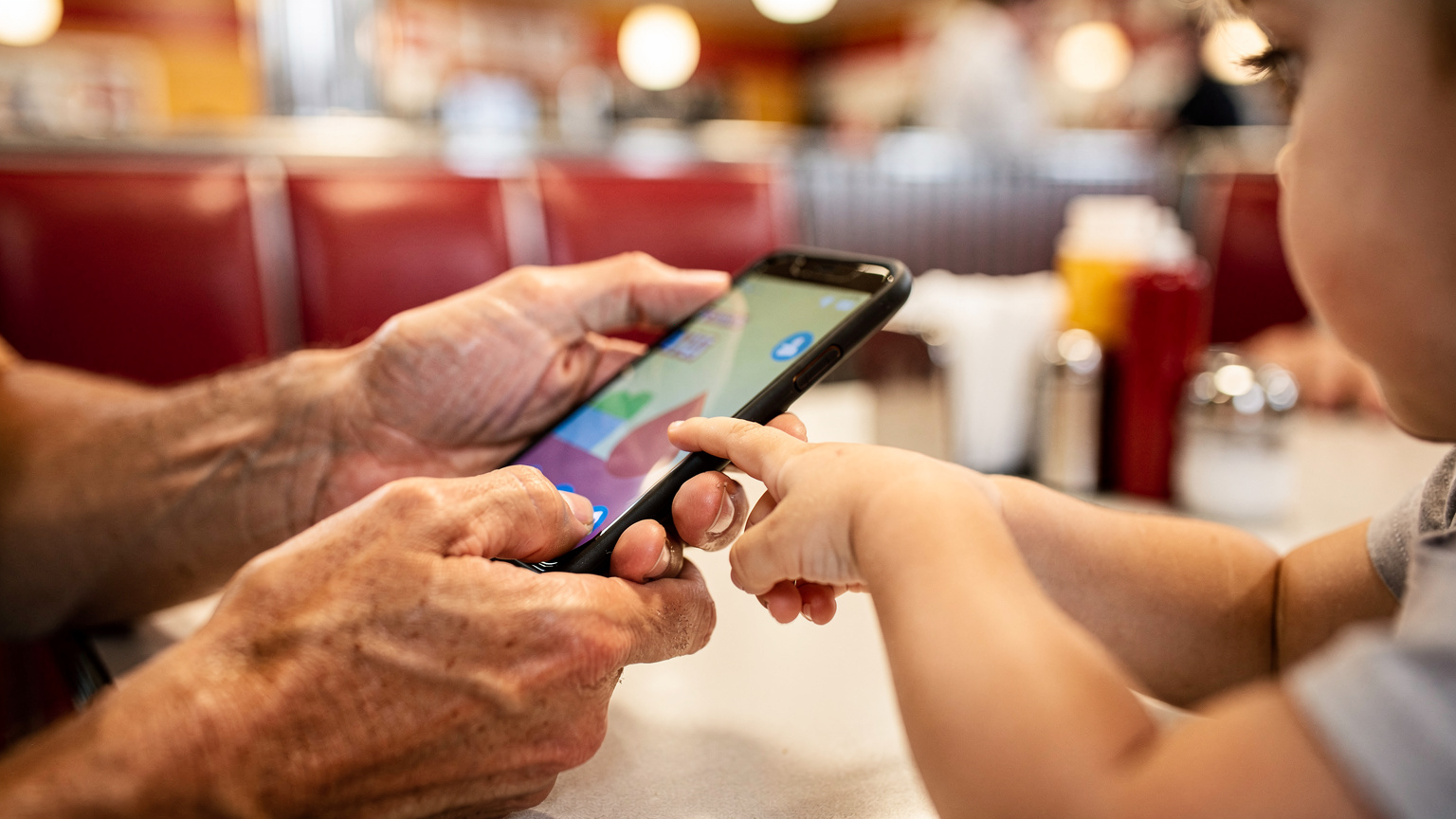
This is where eSIMs really shine for families. No more frantic swapping of tiny SIM cards or trying to remember which child's device uses which size. With eSIMs, installation is super easy, even across several devices, as long as they're eSIM-compatible. Most modern smartphones (iPhone XS and newer, many Samsung Galaxy models, Google Pixel 3 and newer) support eSIMs. You can even get an iPhone 18 eSIM if you're upgrading!
Easy Installation Process
Cellesim makes this incredibly straightforward, usually with a QR code scan. Here's how I typically set up my family's devices:
- Buy the eSIM plan: Pick the USA eSIM plan that best suits your family's data needs and trip length from the Cellesim website.
- Get the QR code: You'll receive an email with your eSIM's QR code and activation instructions.
- Scan the QR code: On each eSIM-compatible device (your phone, your partner's phone, maybe a secondary phone for older kids), go to Settings > Cellular/Mobile Data > Add eSIM/Add Data Plan. Use the device's camera to scan the QR code.
- Follow prompts: Your device will guide you through naming the plan (like "USA Travel Data") and setting it as your main data line while abroad. Keep your home SIM active for calls/texts if you need them, but make sure the eSIM is set for data.
- Activate: Most eSIMs activate automatically once they connect to a local network in the USA. I always do this while still on Wi-Fi at home or at the airport before we leave, just to make sure everything goes smoothly.
It's important to do this for every device that needs its own data. If your child's iPad is Wi-Fi only, you'll have to tether it to one of your phones, which will use your phone's data, so plan accordingly.
Managing Multiple eSIMs from One Account
While each eSIM is linked to a specific device, many providers let you buy and manage several eSIMs from a single Cellesim account. This makes things much easier, keeping all your family's data plans organized in one spot. You can keep an eye on usage for each eSIM and top up if needed, which is a lifesaver when you realize the kids binge-watched Disney+ at the hotel pool (don't ask me how I know). It's like having a central hub for all your family's digital needs, much like how I manage all our family calendars and flight bookings from one master spreadsheet.
Data Usage Strategies for Kids and Teens
Ah, the endless battle of screen time and data consumption. When you're traveling, having a strategy is even more important. We all know a happy kid with a charged device is a quiet kid, but that peace comes at a data cost. My rule of thumb: prepare, prepare, prepare.
Pre-Downloading is Your Best Friend
Before any big travel day, whether it's a long flight or a cross-country drive, I make sure all devices are loaded with offline content. This includes:
- Movies and TV shows: Downloaded from Netflix, Disney+, or Amazon Prime Video onto iPads.
- Games: Many games on the Nintendo Switch or mobile devices can be played without internet. Make sure they're updated and ready.
- Audiobooks and podcasts: Excellent for quiet time, especially for older kids.
- Offline maps: Google Maps lets you download entire regions for offline use. This is vital for navigating areas with patchy coverage, like national parks or rural roads. I always download the entire state we're visiting.
By pre-downloading, you drastically cut down the amount of data needed for on-the-go entertainment. This saves your precious eSIM data for actual navigation, communication, and urgent look-ups. It's a simple step that makes a world of difference. (Seriously, I've seen the data usage from two kids watching 'Encanto' three times in a row on a plane.)

Setting Data Limits and Screen Time Rules
Most modern smartphones and tablets have built-in parental controls that let you set daily screen time limits and even restrict data use for specific apps. Even with a generous eSIM plan, it's smart to manage these settings. For example, you can:
- Set daily time limits: Use Apple's Screen Time or Android's Digital Wellbeing to put a cap on how long entertainment apps can be used.
- Disable cellular data for specific apps: Stop apps like YouTube or gaming platforms from using data when you're not on Wi-Fi.
- Communicate the rules: Explain to your kids that data isn't unlimited on the trip. Often, a visual reminder of how much data is left can really motivate them to conserve it.
These features, paired with a solid eSIM plan, give you the best of both worlds: plenty of data when you need it, and control over how it's used when you don't. For more general advice on staying connected, our FAQ section has useful tips for international travelers.
Connectivity in the Wild: National Parks and Remote Areas
The USA is known for its incredible national parks, from the Grand Canyon to Yellowstone. While these places offer stunning natural beauty, they can also be famous for patchy cell service. This is where smart planning with your eSIM becomes important.
Checking Coverage Before You Go
Before heading into any national park, I always check the park's official website or visitor information for details on cell coverage. Many parks have specific spots (like visitor centers or main lodges) where Wi-Fi or cell service is available, but large areas can be dead zones. Knowing this ahead of time lets you download important maps, trail guides, and emergency contact info while you still have a connection. This is also where those pre-downloaded offline maps are absolutely essential. Don't count on real-time navigation when you're deep in Zion Canyon.
Using Your eSIM for Offline Capabilities
Even if you don't have active data in a remote area, your eSIM-enabled phone still works as a GPS device. If you've downloaded offline maps (Google Maps, Maps.me, or Gaia GPS are excellent choices), your phone's GPS receiver will still track your location without needing a data connection. This is a crucial safety feature, especially when hiking or driving through unfamiliar territory. It's also a good idea to tell someone your itinerary if you're going into truly remote areas.
"I've personally tested Cellesim's network performance against AT&T's traditional roaming in areas like the Shenandoah Valley, and the consistency and speed of the eSIM often surprised me. It's a testament to tapping into robust local infrastructure."
eSIMs on the Go: Theme Parks and Cruise Ships
Theme parks like Disney World and Universal Studios, and even cruise ships sailing American waters, come with their own unique connectivity challenges. These places are designed to be immersive, but modern families still need to stay connected.
Theme Park Connectivity
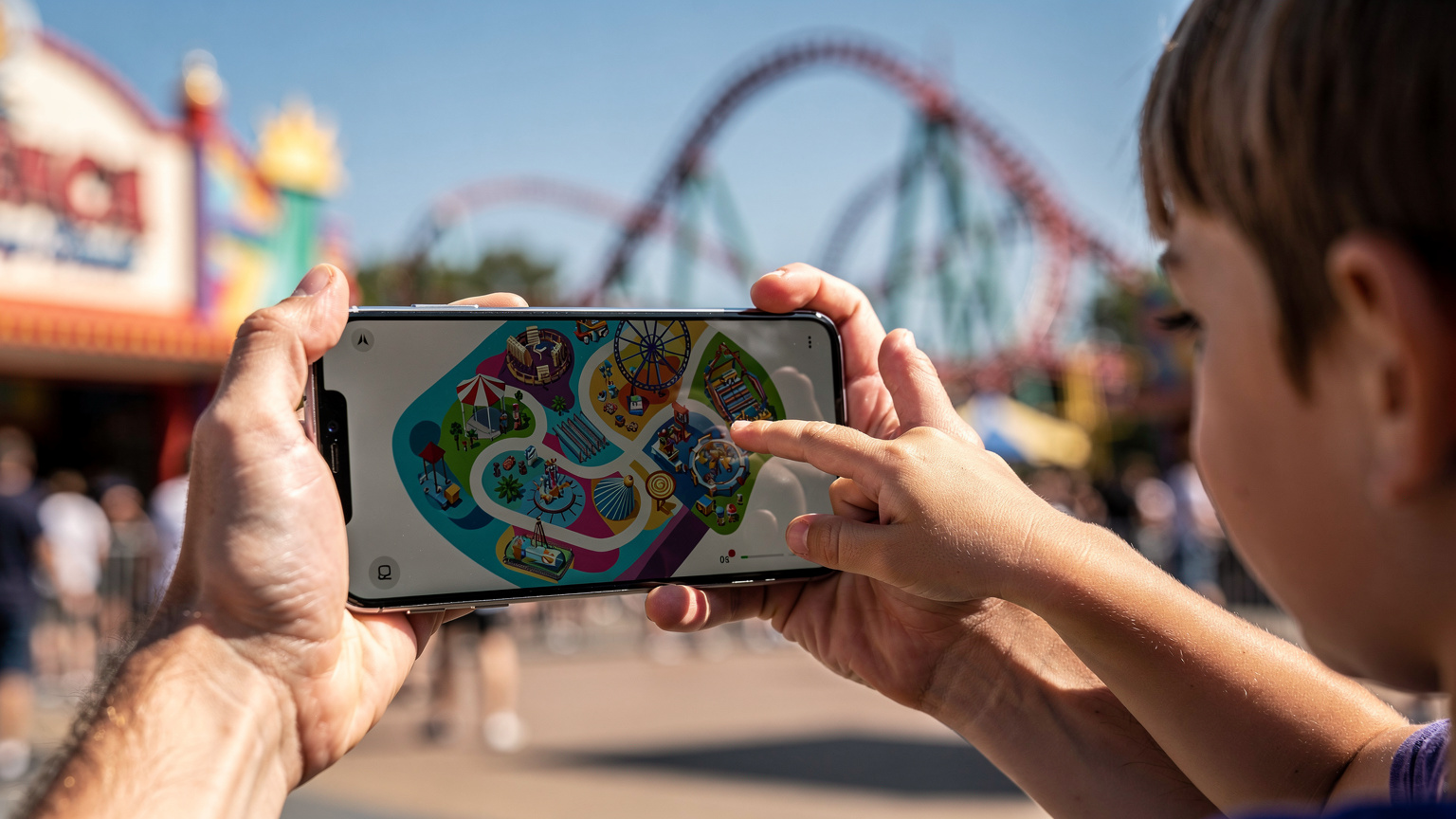
Inside busy theme parks, while Wi-Fi is often available, it can be notoriously slow or unreliable because of the sheer number of users. Your eSIM data will almost always give you a more consistent and faster connection. This is vital for:
- Park apps: Disney World's My Disney Experience or Universal's app are essential for checking wait times, ordering food on your phone, and finding character meet-and-greets. These apps use a lot of data.
- Communication: Keeping track of family members in crowded parks. We use Apple's Find My or Google's Family Link to keep tabs on older kids who might wander off to a different ride.
- Emergency services: Quick access to information or emergency contacts if needed.
A reliable eSIM makes sure these important tools work when you need them most. I've seen parents struggle with slow park Wi-Fi while trying to get a Lightning Lane pass, and it's not a pretty picture.
Cruise Ship Considerations
When you're on a cruise ship leaving from a US port, your eSIM will work perfectly as long as you're within range of land-based cell towers. This usually covers ports of call and often a few miles offshore. Once you're further out at sea, your phone will probably switch to the ship's satellite network, which is incredibly expensive. My advice here is to use your eSIM data for any port days in the USA (or if you're lucky enough to be near the coast for a bit), but switch to Wi-Fi only mode on the open sea to avoid unexpected charges. Some cruise lines offer Wi-Fi packages, but they can be expensive and slow. It's a good time for a digital detox, or for the kids to dive into those pre-downloaded games and movies!
Managing Parental Controls with Your eSIM
One of my biggest worries as a traveling parent is making sure my kids are safe online and managing their screen time. The good news is that an eSIM data plan doesn't mess with your existing parental control settings, and in some ways, it can even make them better.
Leveraging Device-Level Controls
Your iPhone's Screen Time or Android's Digital Wellbeing features work independently of your cellular provider. This means that even if your child's iPad or phone is using a Cellesim eSIM for data, the restrictions you've set for app usage, content filters, and downtime will still apply. I highly recommend:
- Content & Privacy Restrictions: Set age-appropriate content restrictions for apps, movies, and websites.
- App Limits: Limit how much time is spent on specific apps like social media or games.
- Communication Limits: Control who your children can talk to.
These tools are powerful, giving you peace of mind that your kids aren't seeing inappropriate content or spending all day on TikTok, even with a generous data plan. It's about letting them explore while keeping them safe within boundaries.
Monitoring Data Usage Per Device
While the eSIM itself doesn't directly offer parental controls, the Cellesim app or dashboard often shows real-time data usage for each individual eSIM you've bought under your account. This is super useful. If you see one child's device burning through data unusually fast, it might mean they're streaming high-definition content or didn't use Wi-Fi when it was available. This insight lets you have a chat and adjust their usage habits. It's another layer of transparency that helps manage family data consumption effectively.
Troubleshooting Common eSIM Issues on the Road
Even with the best planning, sometimes tech throws a curveball. Most eSIM issues are small and easy to fix, but knowing a few tricks can save you a lot of grief, especially when you have impatient kids waiting for their next episode of Bluey.
No Service or Slow Data
If your eSIM isn't connecting or data speeds are sluggish, here are the first things I check:
- Check data roaming: Make sure data roaming is turned ON for your eSIM line in your phone's settings. This is a common mistake, as it sounds odd for an eSIM, but it's often needed for the eSIM to connect to partner networks.
- Restart your device: The classic IT solution, but it works! A quick restart can often reset network connections.
- Check APN settings: Sometimes, the Access Point Name (APN) settings might need to be manually adjusted. Your eSIM provider (Cellesim) will have these details in their support documents.
- Toggle airplane mode: Turn airplane mode on for 30 seconds, then off. This forces your phone to look for networks again.
- Verify network selection: In your phone's cellular settings, you can often manually pick a network. Try switching between available partner networks (e.g., AT&T, T-Mobile).
If these steps don't work, don't hesitate to contact Cellesim's customer support. They're usually very quick to respond and can help figure out more complex problems. Sometimes it's just a network outage in a specific area, which you can't control.
Running Out of Data or Plan Expiration
This is where monitoring really helps. If your kids have been particularly data-hungry, or your trip goes longer than the initial plan's validity, you'll need to top up. Cellesim makes topping up easy, right through their app or website. It's usually a fast process, and your data will be back within minutes. I always set a calendar reminder a few days before my plan is about to expire, especially on longer trips, to avoid any last-minute data emergencies. For more details on managing your eSIM, you can learn how to find your eSIM number, which can be useful for support questions.
eSIM vs. Traditional Roaming for Families
When it comes to staying connected in the USA, families basically have two main choices: sticking with their home carrier's international roaming or using an eSIM. After comparing both extensively, I can confidently say that eSIMs are the clear winner for family travel.
The Hidden Costs of Roaming
While some home carriers offer