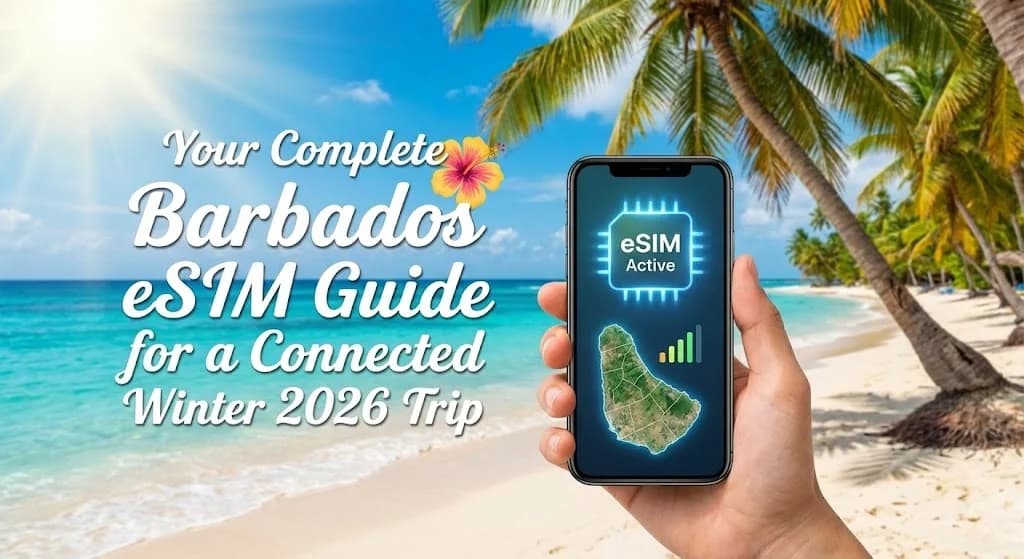
As the winter chill sets in elsewhere, Barbados beckons with its sun-drenched beaches, vibrant culture, and warm turquoise waters. For your 2026 escape to this Caribbean paradise, staying connected is as essential as packing your swimwear. This guide explores how a Cellesim eSIM provides seamless, affordable, and instant mobile data, ensuring your Barbados winter trip is connected from the moment you land.
- Embracing eSIM for Your Barbados Winter 2026 Getaway
- Why Cellesim is the Smart Choice for Barbados Winter Connectivity
- Choosing the Right Cellesim eSIM Plan for Your Barbados Winter Trip
- Network Coverage and Speed Across Barbados for 2026 Travelers
- A Step-by-Step Guide to Activating Your Cellesim eSIM for Barbados
- Maximizing Your Barbados Winter 2026 Adventure with eSIM
- eSIM vs. Traditional Roaming: The Cost-Effective Choice for Barbados
- Essential Connectivity Tips for Your Barbados Winter Journey
- Frequently Asked Questions about Cellesim eSIM for Barbados
Barbados eSIM Plans from $4.50
Connect instantly in Barbados this winter. Join 50,000+ happy customers who choose Cellesim for reliable travel connectivity.
Get Your Barbados eSIMEmbracing eSIM for Your Barbados Winter 2026 Getaway
As you plan your vibrant winter escape to Barbados in 2026, consider how you will stay connected. An eSIM, or embedded SIM, offers a modern solution that eliminates the need for physical SIM cards. Instead, a digital SIM profile is downloaded directly to your compatible device, providing instant access to local mobile networks. This technology is particularly beneficial for international travelers, allowing them to switch between data plans seamlessly without removing their primary SIM. For your Barbados trip, an eSIM means you can land, activate, and immediately share your tropical moments or navigate the island's charming streets.
The convenience of eSIM becomes evident when you avoid searching for local SIM card vendors or dealing with language barriers upon arrival. It integrates smoothly with your existing phone setup, preserving your home number for important calls while you use your Cellesim eSIM for data. This dual functionality is ideal for ensuring you maintain contact with work or family without incurring high roaming charges for data usage.
Why Cellesim is the Smart Choice for Barbados Winter Connectivity
Cellesim stands out as a preferred provider for travelers heading to Barbados, offering several distinct advantages for your 2026 winter vacation. Our service focuses on delivering high-speed data plans that are both cost-effective and easy to manage.
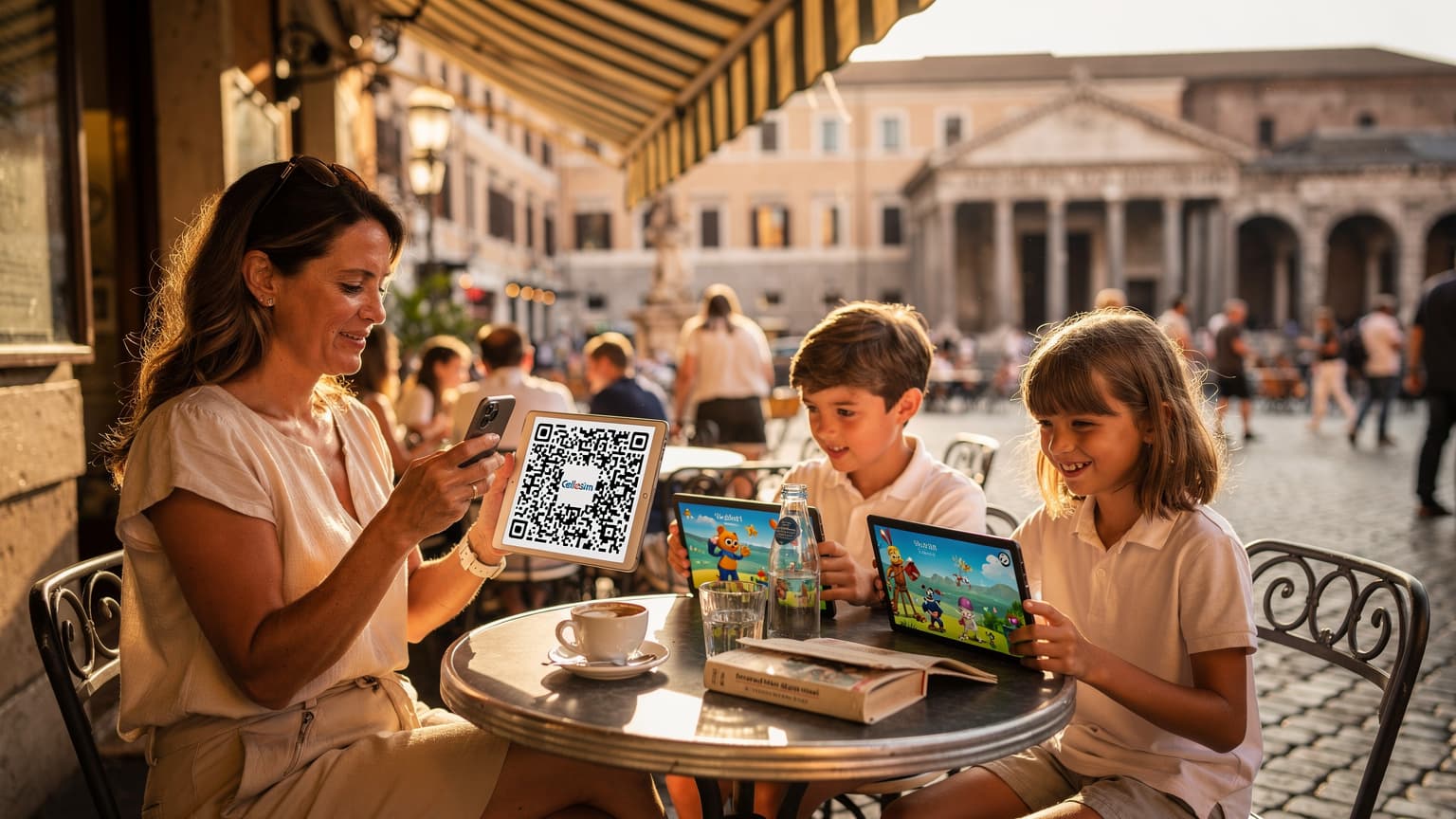
- Instant Activation: Purchase your Barbados eSIM online and receive it via email almost instantly. Activation is typically a matter of scanning a QR code, which can be done before you even depart, ensuring you are connected the moment you arrive on the island.
- Flexible Data Plans: Cellesim offers a range of data packages tailored to different travel needs and durations, whether you are staying for a weekend or a longer winter holiday. This flexibility means you only pay for the data you require.
- Transparent Pricing: Avoid bill shock from unexpected roaming fees. Cellesim provides clear, upfront pricing, allowing you to budget your connectivity costs effectively. Our rates are often significantly lower than traditional international roaming options. Check out our Roaming Savings Calculator to see the potential savings.
- Reliable Network: We partner with leading local network providers in Barbados to ensure you receive strong and consistent 4G/LTE connectivity across the island, from Bridgetown to the serene East Coast.
- 24/7 Support: Should you encounter any issues, Cellesim's dedicated support team is available 24/7 via email at [email protected] to assist you.
With Cellesim's Barbados eSIM, you gain peace of mind knowing your connectivity is handled, leaving you free to immerse yourself in the Barbadian experience.
Choosing the Right Cellesim eSIM Plan for Your Barbados Winter Trip
Selecting the appropriate data plan is crucial for a smooth and connected experience in Barbados. Cellesim offers various options, allowing you to match your data usage habits with the perfect plan. Consider these factors when making your choice:
- Trip Duration: Are you spending a week soaking up the sun or enjoying an extended winter escape? Longer trips may require larger data bundles or plans that allow for easy top-ups.
- Data Usage Habits:
- Light User (1-3 GB for 7 days): Ideal for occasional map checks, messaging apps like WhatsApp, and light social media browsing.
- Moderate User (5-10 GB for 15 days): Suitable for regular navigation, sharing photos, streaming music, and occasional video calls.
- Heavy User (15+ GB for 30 days): Best for those who frequently stream video, participate in video conferences (if working remotely), or tether other devices.
- Wi-Fi Availability: If your hotel, villa, or cruise ship offers reliable Wi-Fi, you might opt for a smaller data plan for use when out exploring. However, relying solely on public Wi-Fi can be risky for security and convenience.
Cellesim plans for Barbados typically range from 1 GB for a few days to 20 GB for a month, providing ample flexibility. You can always top up your eSIM plan directly from the Cellesim website if you find yourself needing more data.
Network Coverage and Speed Across Barbados for 2026 Travelers
Barbados boasts a well-developed telecommunications infrastructure, ensuring robust mobile connectivity for tourists. Major local carriers like Flow and Digicel provide widespread coverage across the island. When you use a Cellesim eSIM in Barbados, you will automatically connect to one of these reliable local networks.
Travelers in 2026 can expect to experience 4G/LTE speeds in most populated areas, including Bridgetown, the South Coast, and popular tourist hubs like St. Lawrence Gap and Oistins. Even in more remote areas, such as the rugged East Coast or the tranquil north, you will generally find decent 3G or 4G coverage, allowing for basic browsing and communication.
"Staying connected is key to enhancing the visitor experience, allowing travelers to share their unique Barbadian moments instantly."
While 5G deployment is expanding globally, 4G/LTE remains the predominant high-speed standard in Barbados. These speeds are more than adequate for high-quality video calls, streaming content, rapid navigation, and seamless social media updates, ensuring you can fully document and share your Barbados winter adventure. For a general overview of local network performance, you can consult independent analyses from organizations like OpenSignal.
A Step-by-Step Guide to Activating Your Cellesim eSIM for Barbados
Activating your Cellesim eSIM for your Barbados winter trip is a straightforward process, designed for ease and convenience. Following these steps ensures you are ready to connect as soon as you arrive.
- Check Device Compatibility: Before purchasing, ensure your smartphone is eSIM compatible and unlocked. Most newer iPhone (XR and later), Samsung Galaxy (S20 and later), and Google Pixel (3 and later) models support eSIM technology. Use our eSIM Checker or review the eSIM Compatible Devices list.
- Purchase Your Cellesim eSIM Plan: Visit cellesim.com/en/esim-barbados, select your desired data plan and duration, and complete the purchase.
- Receive Your eSIM QR Code: You will receive an email containing a QR code and detailed installation instructions almost immediately after purchase.
- Install Your eSIM (Pre-Travel Recommended):
- iPhone: Go to Settings > Cellular > Add eSIM. Choose "Use QR Code" and scan the code.
- Android: Go to Settings > Network & internet > SIMs > Add more. Follow the prompts to scan the QR code.
- Activate on Arrival: Once you land in Barbados, go to your phone's cellular settings. Enable the Cellesim eSIM line you just installed and ensure Data Roaming is turned ON for this line (this uses your eSIM data, not your home provider's roaming). Your phone will then connect to a local network, and you will have data access.
For a more detailed visual guide, refer to our Complete eSIM Setup Guide. Activating before you travel allows for troubleshooting any issues from home and ensures instant connectivity upon arrival.
Maximizing Your Barbados Winter 2026 Adventure with eSIM
A Cellesim eSIM is more than just data; it is your gateway to an enriched Barbados experience. Here is how you can leverage your connectivity to get the most out of your winter 2026 trip:
- Effortless Navigation: Use Google Maps or Waze to navigate Barbados' roads, find hidden beaches, or locate the best fish fry in Oistins. Real-time GPS ensures you never get lost.
- Instant Bookings and Reservations: Secure last-minute reservations for catamaran cruises, fine dining experiences, or car rentals directly from your phone.
- Stay Social: Share your stunning photos and videos of Barbadian sunsets, culinary delights, and island adventures instantly on social media. Keep in touch with loved ones via WhatsApp, FaceTime, or other messaging apps.
- Emergency Preparedness: Have reliable access to emergency services or local contacts if needed. This provides an important layer of safety during your travels.
- Local Information at Your Fingertips: Access local weather forecasts, check bus schedules, or find recommendations for activities and attractions.
Your eSIM connectivity enables you to be spontaneous, informed, and truly immersed in everything Barbados offers.
eSIM vs. Traditional Roaming: The Cost-Effective Choice for Barbados
When planning connectivity for your Barbados winter trip, travelers typically consider three main options: traditional roaming, a local physical SIM, or an eSIM. Cellesim eSIM often emerges as the most cost-effective and convenient choice.
Here is a comparison of typical costs and benefits for a 7-day trip to Barbados:
| Option | Price (7 days) | Data Speed | Setup | Retain Home Number |
|---|---|---|---|---|
| Cellesim eSIM | From $4.50 | Full 4G/LTE | Instant (Online) | Yes |
| Carrier Roaming | $10-$15/day | Often throttled | Automatic | Yes |
| Local Physical SIM | $15-$30 | Full 4G/LTE | Store Visit, Swap | No (new number) |
As the table illustrates, traditional roaming charges from your home carrier can quickly accumulate, making it an expensive option for even short trips. While a local physical SIM offers good value, it requires finding a store, purchasing, and swapping out your existing SIM, which means you might lose access to your home number. Cellesim eSIM combines the best of both worlds: affordability, full data speeds, and the ability to maintain your primary number for calls and texts, all with instant digital setup.
Opting for an eSIM frees you from the hassle and high costs, allowing you to allocate your travel budget to enjoying Barbados's renowned attractions. You can also compare pricing on the official Digicel Barbados or Flow Barbados websites for local SIM packages.
Essential Connectivity Tips for Your Barbados Winter Journey
To ensure your Cellesim eSIM experience in Barbados is as smooth as possible during your winter 2026 trip, keep these practical tips in mind:
- Download Offline Maps: Before you leave your accommodation or a Wi-Fi zone, download offline maps of Barbados using Google Maps. This ensures you can navigate even if you temporarily lose signal in a remote area or want to conserve data.
- Monitor Data Usage: Regularly check your data consumption through your phone's settings or your Cellesim account. This helps you avoid unexpected depletion and allows you to top up proactively if needed.
- Utilize Wi-Fi When Available: Connect to secure Wi-Fi networks in your hotel, restaurants, or cafes for large downloads or streaming, preserving your eSIM data for when you are on the go.
- Adjust App Settings: Configure apps to update only over Wi-Fi, disable background app refresh for non-essential applications, and optimize video streaming quality to conserve data.
- Protect Your Phone: Barbados weather can be humid and sunny. Protect your device from heat and sand, and consider a waterproof case if you plan water activities.
By following these guidelines, you can manage your data efficiently and enjoy uninterrupted connectivity throughout your Barbadian adventure.
Ready for Seamless Connectivity in Barbados?
Join 50,000+ travelers in 200+ countries. Set up in 2 minutes for your connected winter 2026 trip.
Start Your Connected JourneyTrusted by travelers worldwide. 24/7 Email Support.
Frequently Asked Questions about Cellesim eSIM for Barbados
What is an eSIM and how does it work in Barbados?
An eSIM is a digital SIM card embedded directly into your phone. In Barbados, it allows you to download a local data plan profile onto your device without needing a physical SIM card. You activate it digitally, giving you instant access to mobile data from local networks like Flow or Digicel.
Is my phone compatible with an eSIM for Barbados?
Most newer smartphones, including iPhone XR/XS and later, Google Pixel 3 and later, and Samsung Galaxy S20 and later, support eSIM technology. It is always recommended to check our eSIM compatible devices list or use our eSIM checker to confirm your specific model.
Can I keep my existing phone number while using a Cellesim eSIM in Barbados?
Yes, one of the key benefits of eSIMs is Dual SIM functionality. You can use your Cellesim eSIM for mobile data in Barbados while keeping your primary physical SIM card active for incoming calls and texts from your home number. This is ideal for receiving important verification codes or staying in touch.
How do I install and activate my Barbados eSIM?
You install your eSIM by scanning a QR code provided by Cellesim, ideally before you travel, using a stable internet connection. The plan then activates automatically when you land in Barbados and enable the eSIM line in your phone's cellular settings, connecting to a local network. Follow our step-by-step installation guide for detailed instructions.
Are Cellesim eSIMs for Barbados data-only, or do they include calls and texts?
Cellesim eSIMs are primarily data-only. This means they provide internet access for browsing, messaging apps, and VoIP calls (like WhatsApp, FaceTime Audio, Skype). You can use these data-based apps to make calls and send messages, saving significantly compared to traditional roaming charges.
What if I run out of data on my Barbados eSIM?
If you deplete your data allowance, you can easily top up your Cellesim eSIM plan directly from our website. This process is quick and allows you to continue using mobile data without interruption, ensuring you remain connected throughout your trip to Barbados.