

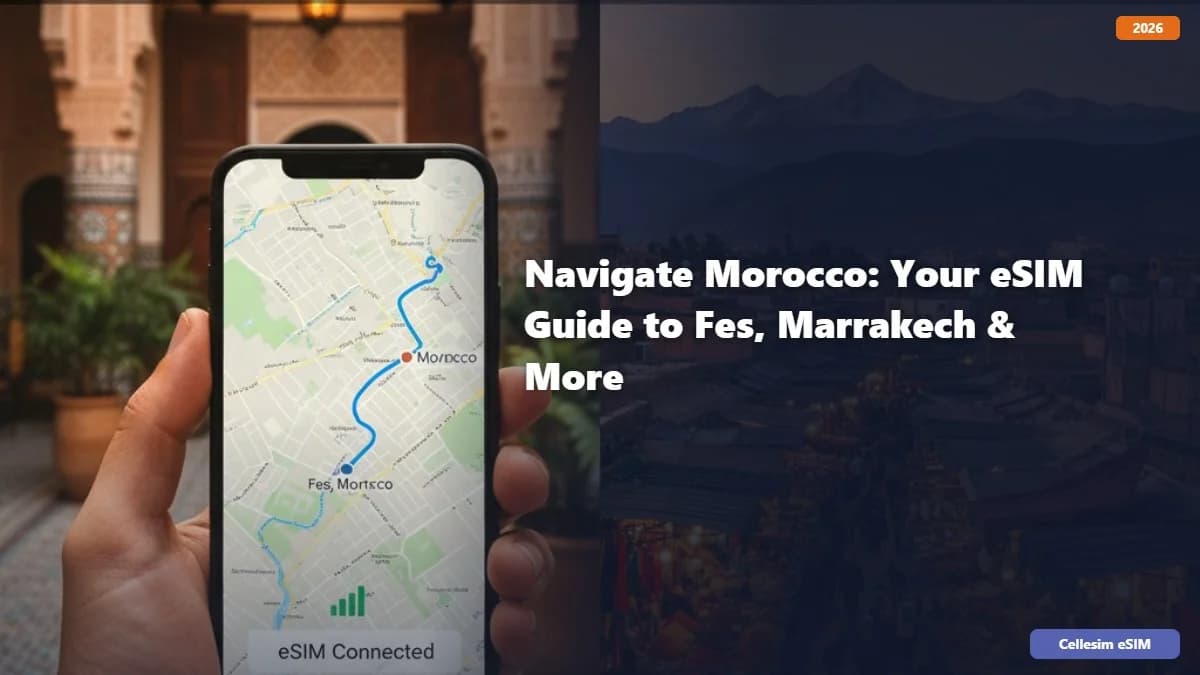
سفر به مراکش: راهنمای eSIM شما برای فاس، مراکش و فراتر از آن
Morocco. The very name conjures images of vibrant souks, ancient medinas, breathtaking desert landscapes, and the tantalizing aroma of tagine. It's a land where tradition meets a modern pulse, offering an unforgettable adventure for every traveler. But amidst the excitement of planning your Moroccan escapade, there's one crucial element that often gets overlooked until you're scrambling for Wi-Fi: staying connected. Forget the hassle of physical SIM cards, expensive roaming fees, or hunting for public Wi-Fi. The solution? An eSIM. This comprehensive guide will walk you through everything you need to know about using an eSIM for your Moroccan journey, ensuring seamless connectivity from the bustling streets of Fes to the magical sunsets of Marrakech and beyond.
Why an eSIM is Your Best Travel Companion for Morocco
Imagine landing in Casablanca, stepping off the plane, and instantly having data to order a ride, check your map, or send a "Landed safely!" message to loved ones. That's the power of an eSIM. Here's why it's the ultimate choice for your Moroccan adventure:
- Instant Connectivity: Purchase and activate your eSIM before you even leave home. Land, switch it on, and you're good to go. No more searching for local SIM card vendors or dealing with language barriers.
- Cost-Effective: eSIM plans are often significantly cheaper than international roaming charges from your home provider. You choose the data package that suits your needs, avoiding unexpected bills.
- Dual SIM Functionality: Keep your primary physical SIM active for calls and texts from home while using your eSIM for data. This is incredibly convenient for receiving important calls without swapping cards.
- Flexibility: Easily switch between different eSIM plans or providers if your travel plans change or you need more data. It's all managed digitally.
- Security: No physical card to lose or have stolen. Your eSIM profile is securely stored on your device.
- Environmentally Friendly: Less plastic waste compared to traditional SIM cards.
Understanding eSIMs: The Basics
An eSIM, or embedded SIM, is a small chip built directly into your smartphone, tablet, or smartwatch. Unlike traditional SIM cards, which are physical and removable, an eSIM is digital. It stores your mobile profile, allowing you to connect to a cellular network without needing a physical card. Most modern smartphones, including recent iPhone models (iPhone XR/XS and newer), Samsung Galaxy phones (S20 and newer), Google Pixel phones (Pixel 3 and newer), and many others, are eSIM compatible. Always check your device's specifications to confirm compatibility.
How to Check if Your Device is eSIM Compatible
Before diving into eSIM plans, ensure your device supports the technology. A quick Google search for "Is [Your Phone Model] eSIM compatible?" will usually give you the answer. Alternatively, you can often find this information in your phone's settings under "About Phone" or "Network & Internet."
Choosing the Right eSIM for Your Moroccan Journey
When it comes to selecting an eSIM provider for Morocco, you have several excellent options. Providers like Cellesim Travel eSIM specialize in offering data plans tailored for international travelers, providing reliable coverage and competitive pricing. Here's what to consider:
Data Needs: How Much Do You Need?
Your data usage will dictate the plan you choose. Consider these common activities:
- Light User (1-3 GB): Occasional mapping, checking emails, social media updates, messaging apps.
- Moderate User (5-10 GB): Frequent mapping, social media, streaming music, some video calls.
- Heavy User (15+ GB): Extensive video streaming, heavy video calls, working remotely, sharing hotspot with others.
Remember, Wi-Fi is often available in hotels and restaurants, so you might not need as much cellular data as you think.
Coverage in Morocco: Fes, Marrakech, and Beyond
Morocco's major cities like Fes, Marrakech, Casablanca, and Rabat generally have excellent 4G LTE coverage. However, if you plan to venture into more remote areas, such as the Sahara Desert or smaller mountain villages, coverage might be spottier. Reputable eSIM providers like Cellesim Travel eSIM partner with major local networks (like Maroc Telecom, Orange Maroc, or Inwi) to ensure the best possible coverage across the country. Always check the provider's coverage map if you have specific remote destinations in mind.
Validity Period: How Long Will You Be There?
eSIM plans come with varying validity periods – typically 7, 15, or 30 days. Choose a plan that covers the entire duration of your trip to avoid running out of data prematurely. If your trip is longer, you can usually purchase multiple plans or top up your existing one.
Price and Features
Compare prices and features across different eSIM providers. Look for transparent pricing, clear data allowances, and any additional perks like international calling credits (though most travelers rely on WhatsApp or similar apps for calls). Cellesim Travel eSIM, for instance, offers various data packages designed specifically for travelers to Morocco, making it easy to find a plan that fits your budget and needs.
How to Purchase and Activate Your eSIM for Morocco
The process of getting your eSIM up and running is remarkably simple. Here's a step-by-step guide:
Step 1: Choose Your eSIM Provider and Plan
Visit the website of your chosen eSIM provider (e.g., Cellesim Travel eSIM). Browse their Morocco-specific plans and select the one that aligns with your data needs and travel duration.
Step 2: Purchase and Receive Your eSIM Profile
Complete the purchase. You'll typically receive an email containing a QR code or manual activation details. This email is crucial, so keep it accessible.
Step 3: Install Your eSIM
Before you depart, or once you've landed and have Wi-Fi access, follow these general steps to install your eSIM:
- For iPhone: Go to Settings > Cellular or Mobile Data > Add eSIM or Add Data Plan. Use your camera to scan the QR code provided by your eSIM provider. Follow the on-screen prompts.
- For Android: Go to Settings > Network & Internet > SIMs or Mobile Network > Add SIM or Download a SIM. Scan the QR code or enter details manually.
You may be prompted to label your new eSIM (e.g., "Morocco Travel" or "Cellesim"). This helps differentiate it from your primary SIM.
Step 4: Configure Your Settings Before You Arrive (or Upon Arrival)
Once your eSIM is installed, make sure it's ready for use:
- Enable Data Roaming: For your new eSIM profile, ensure "Data Roaming" is turned ON. This is essential for it to connect to local networks in Morocco.
- Set as Primary for Mobile Data: In your phone's settings, under "Cellular" or "Mobile Data," select your new eSIM profile as the preferred option for mobile data. Keep your home SIM active for calls if you wish.
- Disable Your Home SIM's Data Roaming: Crucially, turn OFF data roaming for your primary (home) SIM to avoid accidental charges.
Step 5: Land in Morocco and Connect!
As soon as you land and turn off airplane mode, your eSIM should automatically connect to a local network in Morocco. You'll instantly have access to mobile data! If it doesn't connect immediately, try restarting your phone or checking your network selection settings to ensure it's on an approved local carrier.
Essential Tips for Using Your eSIM in Morocco
To maximize your eSIM experience and ensure a smooth trip, keep these practical tips in mind:
- Install Before You Go: While you can install an eSIM upon arrival with Wi-Fi, it's always better to do it before you leave home. This way, you're connected the moment you land.
- Keep Your QR Code Safe: If you ever need to reinstall your eSIM (e.g., after a factory reset), you'll need the QR code. Save it as a screenshot or print it out.
- Monitor Your Data Usage: Most eSIM providers, including Cellesim Travel eSIM, offer a way to track your data usage through their app or website. Regularly check to avoid running out unexpectedly.
- Use Wi-Fi When Available: To conserve your eSIM data, connect to Wi-Fi whenever it's freely available in your hotel, riad, or cafes.
- Download Offline Maps: Before you arrive, download offline maps for Fes, Marrakech, and any other cities you plan to visit using Google Maps or Maps.me. This is a lifesaver if you temporarily lose signal or want to save data.
- Communicate via Messaging Apps: Use WhatsApp, Telegram, or similar apps for calls and messages over data to stay in touch with family and friends without incurring high international calling costs.
- Reboot If You Have Issues: If you experience connectivity problems, a simple reboot of your phone can often resolve them.
- Customer Support: Know how to contact your eSIM provider's customer support in case you encounter any persistent issues. Cellesim Travel eSIM, for example, offers readily available customer service to assist travelers.
Exploring Morocco with Seamless Connectivity
With your eSIM sorted, you're free to immerse yourself fully in the wonders of Morocco. Navigate the labyrinthine alleyways of Fes el Bali, the world's largest car-free urban area, with confidence thanks to reliable maps. Share your breathtaking photos of Jemaa el-Fnaa's vibrant night market in Marrakech instantly. Order a taxi, check opening hours for historical sites, or simply look up the best place for a traditional mint tea – all without missing a beat.
From the ancient Roman ruins of Volubilis to the stunning blue city of Chefchaouen, having constant, affordable internet access enhances every aspect of your Moroccan journey. It empowers you to explore more, connect more, and truly make the most of your adventure.
Final Thoughts: Embrace the eSIM Advantage
Gone are the days of fumbling with tiny plastic cards or dreading exorbitant roaming bills. eSIM technology has revolutionized international travel, making staying connected in countries like Morocco easier and more affordable than ever before. By choosing a reliable provider like Cellesim Travel eSIM and following the simple steps outlined in this guide, you'll ensure your Moroccan adventure is filled with seamless connectivity, allowing you to focus on creating unforgettable memories.
So, pack your bags, prepare for an incredible cultural immersion, and rest assured that your digital lifeline will be ready the moment you touch down. Enjoy the magic of Morocco!
همچنین ببینید: مراکش eSIM
همچنین ببینید: مراکش eSIM