Why Edinburgh Fringe Demands Reliable Data
Ah, the Edinburgh Fringe. It’s a beautiful, chaotic beast, a sprawling cultural explosion that takes over the Scottish capital every August. From the moment you step off the ScotRail train at Waverley Station, the air thrums with anticipation. Performers hawk their shows on the Royal Mile, students hand out flyers on George Street, and every pub in the Grassmarket seems to host an impromptu comedy set. But beneath all that vibrant energy, there's a logistical challenge, one that can make or break your festival experience: staying connected.
I’ve been to the Fringe more times than I can count, starting way back in 2008 when flip phones were still a thing. Back then, it was all about paper programmes and frantic dashes to internet cafes on Nicolson Street. Now, everything runs through your phone. The official Fringe app, released annually (typically around June), is indispensable for checking schedules, booking last-minute tickets, and finding venues tucked away in the New Town or even further afield in Leith. Without a solid data connection, you’re not just missing out, you’re practically stranded.
Consider this: you’re trying to meet friends at a specific venue, maybe the Underbelly at Bristo Square, right after a show. Your group chat on WhatsApp is buzzing. You need directions, but Google Maps is buffering. Or you see a promising flyer for a show at Summerhall, but tickets are selling fast, and you need to book them on the spot. A sluggish connection isn't just an annoyance, it's a missed opportunity. And at the Fringe, opportunities vanish in a blink.
The Pain of Mobile Dead Zones in a Hilly City
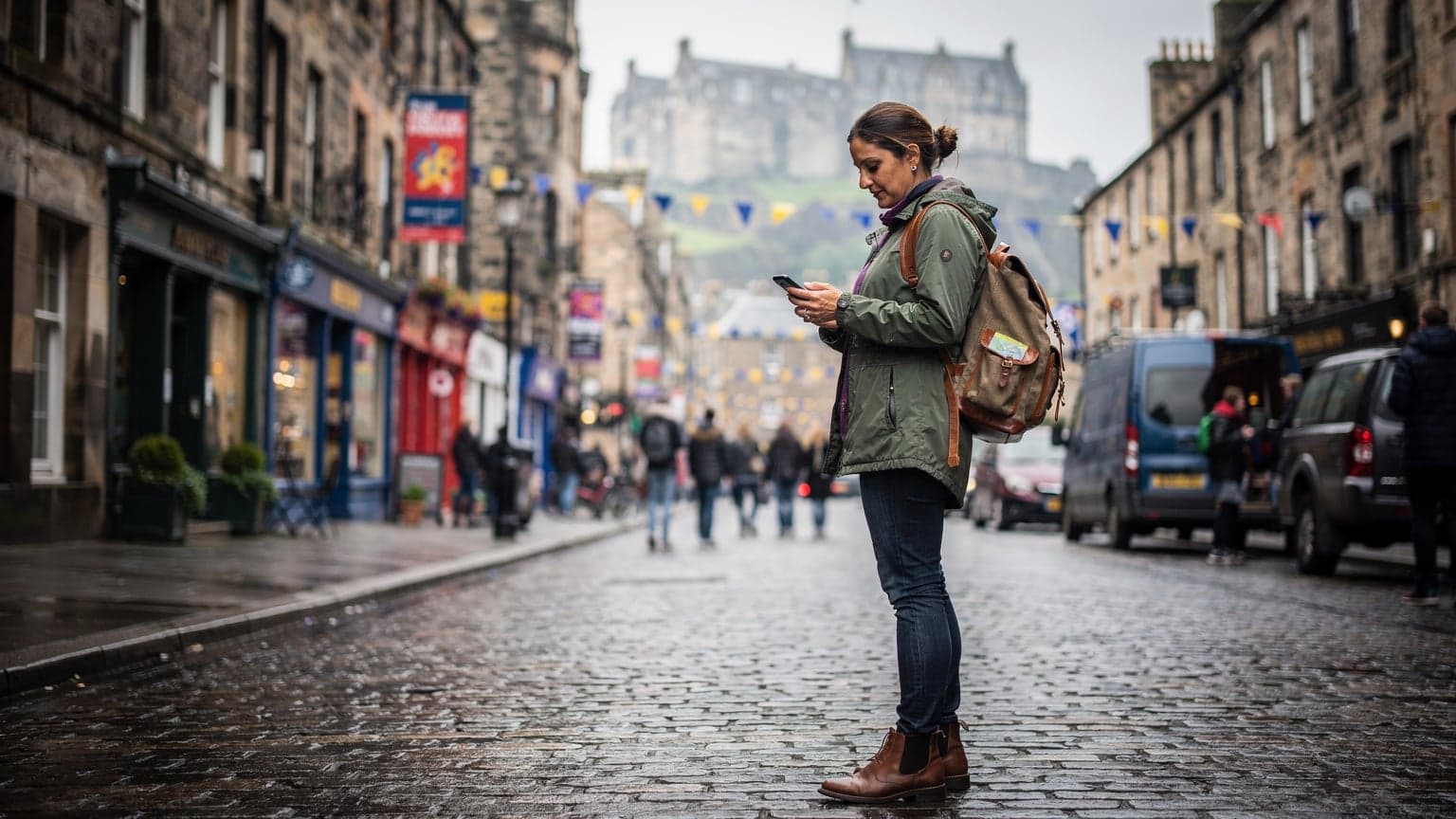
Edinburgh, bless its ancient heart, is not built for seamless 5G coverage. It’s a city of dramatic hills, narrow closes, and thick stone buildings that gobble up mobile signals. I once spent an exasperating twenty minutes trying to get a signal outside the Pleasance Courtyard in the Southside, just to confirm dinner plans. My local UK SIM, purchased at a Tesco Express near Haymarket Station, was struggling. The frustration was real, and it made me keenly aware that reliable data isn't a luxury, especially in a place like Edinburgh.
You'll find these 'blackspots' in unexpected places. Deep inside historic venues like the Gilded Balloon at Teviot Row House, or even just walking down one of the steeper closes off the High Street, your signal can vanish. This isn't unique to Edinburgh, of course. I've encountered similar issues trying to get cell service near the remote trails of New Zealand's Fjordland, but at the Fringe, it feels more acute because you're constantly on the move, constantly needing to interact with digital platforms.
eSIM vs. Physical SIM: The Fringe Festival Showdown
So, what’s the smartest way to arm yourself with data for the Fringe? For years, the default was to grab a local physical SIM card upon arrival. I've done it countless times. But, frankly, it’s a faff. You land at Edinburgh Airport, navigate to the WHSmith, pick a UK carrier like EE or Vodafone, stand in line, and then fumble with the tiny SIM tray on your phone. If you have an iPhone 14 or newer from the US, you won't even have a physical SIM tray to begin with, a lesson I learned the hard way when I tried to buy a local SIM in Japan only to realize my Galaxy S25 Ultra didn't have a slot. It's a solvable problem, but an unnecessary one when you're jet-lagged and eager to get into the city.
This is where an eSIM truly shines for a festival like the Fringe. An eSIM, or embedded SIM, is a digital SIM that allows you to activate a cellular plan from a provider without needing a physical SIM card. It's built right into your phone. No more popping out trays, no more losing tiny cards, and critically, no more waiting until you're physically in the country to get connected.
The Perks of eSIM for Fringe Explorers
Let's break down why eSIM is the sensible choice for Edinburgh in August 2026:
- Instant Activation: You can purchase and activate your eSIM before you even leave home. Land at Edinburgh Airport, and your phone is already connected. Imagine the peace of mind.
- Dual SIM Functionality: Keep your home number active for calls and texts while using your eSIM for data. This is a lifesaver for two-factor authentication or emergency contacts.
- No Physical Hassle: Seriously, no tiny pins, no fumbling, no losing your home SIM. Just a QR code scan or a few taps in your phone settings.
- Flexibility: If one network isn't performing well in a particular area (looking at you, deep inside the Assembly Rooms on George Street), you can easily switch to another eSIM plan if you've loaded multiple, or just top up your existing one.
The Downside of Traditional Roaming and Pay-As-You-Go
Traditional roaming from your home provider is usually exorbitant. I’ve come home to bills that made my eyes water after forgetting to swap SIMs in a country where I just needed a day or two of connectivity. Pay-as-you-go UK SIMs are certainly cheaper, but they still involve the physical hassle, and often, you’ll find yourself needing to top up credit in obscure shops, which is time you could be spending at a show on Chambers Street.
For anyone who's ever had to track down a specific brand of top-up voucher in a foreign country (I'm looking at you, prepaid cards in rural Vietnam), the simplicity of an eSIM is a godsend. You manage everything from your phone, often directly through the provider's app or website.
Choosing the Right eSIM for the UK
When it comes to picking an eSIM for your UK adventure, especially during the high-demand period of the Fringe, you'll want to consider a few key factors: coverage, data allowance, validity period, and cost. UK networks generally offer good coverage, but some excel in urban areas and others in more rural parts. For Edinburgh, you're primarily concerned with city performance.
The main UK network operators are EE, Vodafone, O2, and Three. Many eSIM providers, like Cellesim, partner with these local giants to offer you robust coverage. For a city like Edinburgh, EE often boasts the fastest speeds, while Vodafone and O2 provide excellent overall coverage, including in some of those tricky spots in the Old Town.
| Provider | Network Partner (UK) | Typical Coverage (Edinburgh) | Best For |
|---|---|---|---|
| Cellesim (via EE/Vodafone) | EE, Vodafone | Excellent throughout city, good in Old Town | Reliable speed, comprehensive coverage |
| Local UK Physical SIM (e.g., Vodafone UK) | Vodafone UK | Good overall, some historic building challenges | Longer stays, if you prefer physical SIMs |
| Local UK Physical SIM (e.g., Three UK) | Three UK | Decent, but can be spottier in deep urban areas | Budget options, less critical usage |
Data Packages: What Do You Really Need?
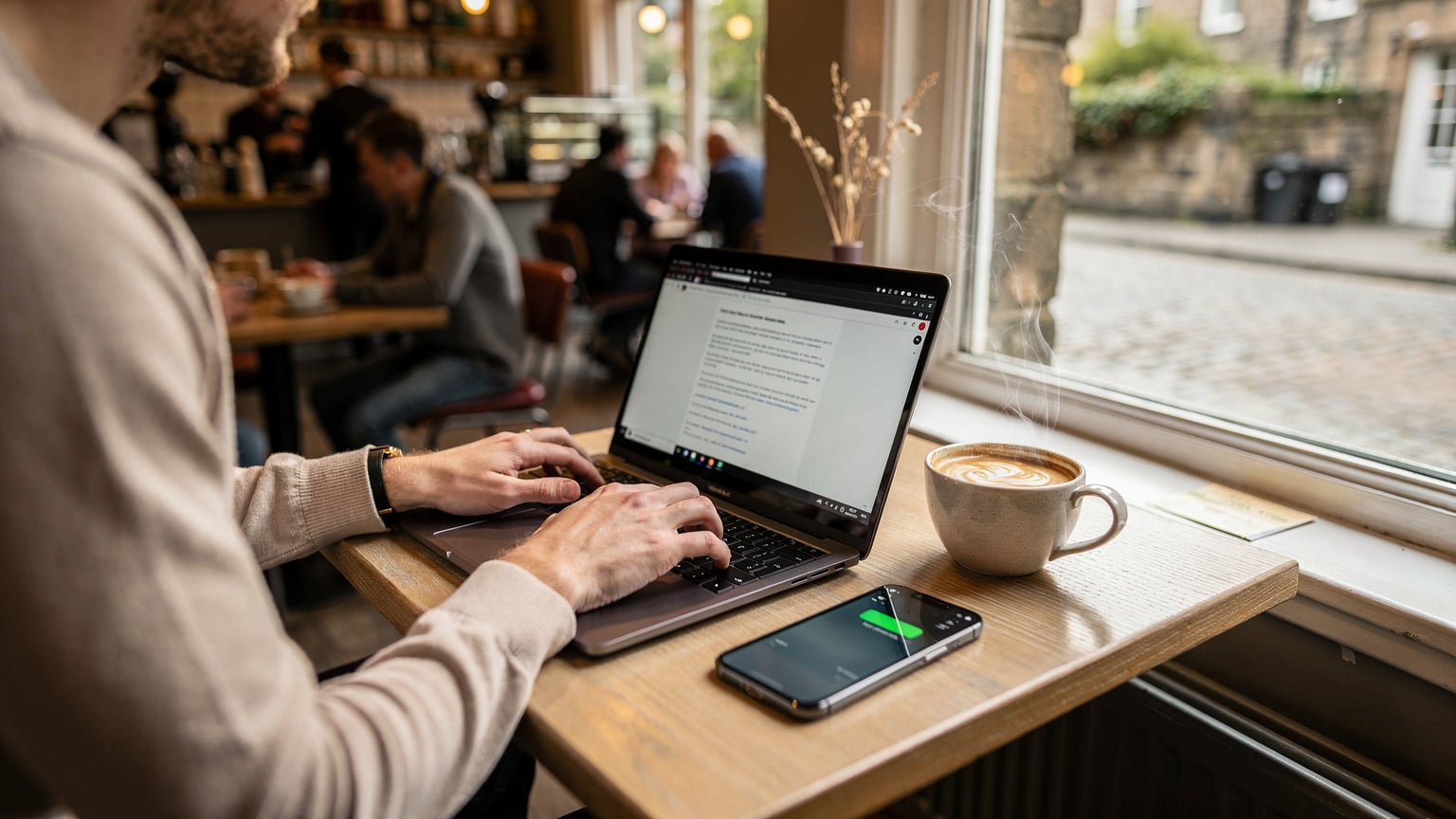
For a three-week festival like the Fringe, you'll need a healthy data allowance. I'd recommend at least 10-15GB for a typical festival-goer. This covers constant map checks, social media updates, heavy use of the Fringe app, streaming a bit of music on the train, and coordinating with friends. If you're a digital nomad, perhaps working from a cafe in Stockbridge during downtime, you might want to consider an unlimited eSIM for remote work, but always check the fair usage policy, as 'unlimited' often has caveats.
Cellesim offers various packages. For the Fringe, a 20GB package valid for 30 days is usually a sweet spot, offering plenty of headroom without being overkill. Prices for these packages typically range from £20-£40, depending on the data and validity. Consider your own usage patterns. Do you stream a lot of video? Are you constantly on video calls? Factor that in.
Activating Your eSIM: A Step-by-Step Guide
Activating an eSIM is remarkably straightforward, far simpler than wrestling with a tiny SIM tray and pin while perched precariously on a luggage trolley. I usually do this a day or two before I fly, so I land fully connected. This process generally applies to both iOS (like the Galaxy S25 Ultra) and Android devices.
- Purchase Your eSIM Plan: Head to the Cellesim website (or the dedicated UK eSIM page), choose a UK or Europe-wide plan that suits your data needs and duration for the Fringe (August 1-25, 2026).
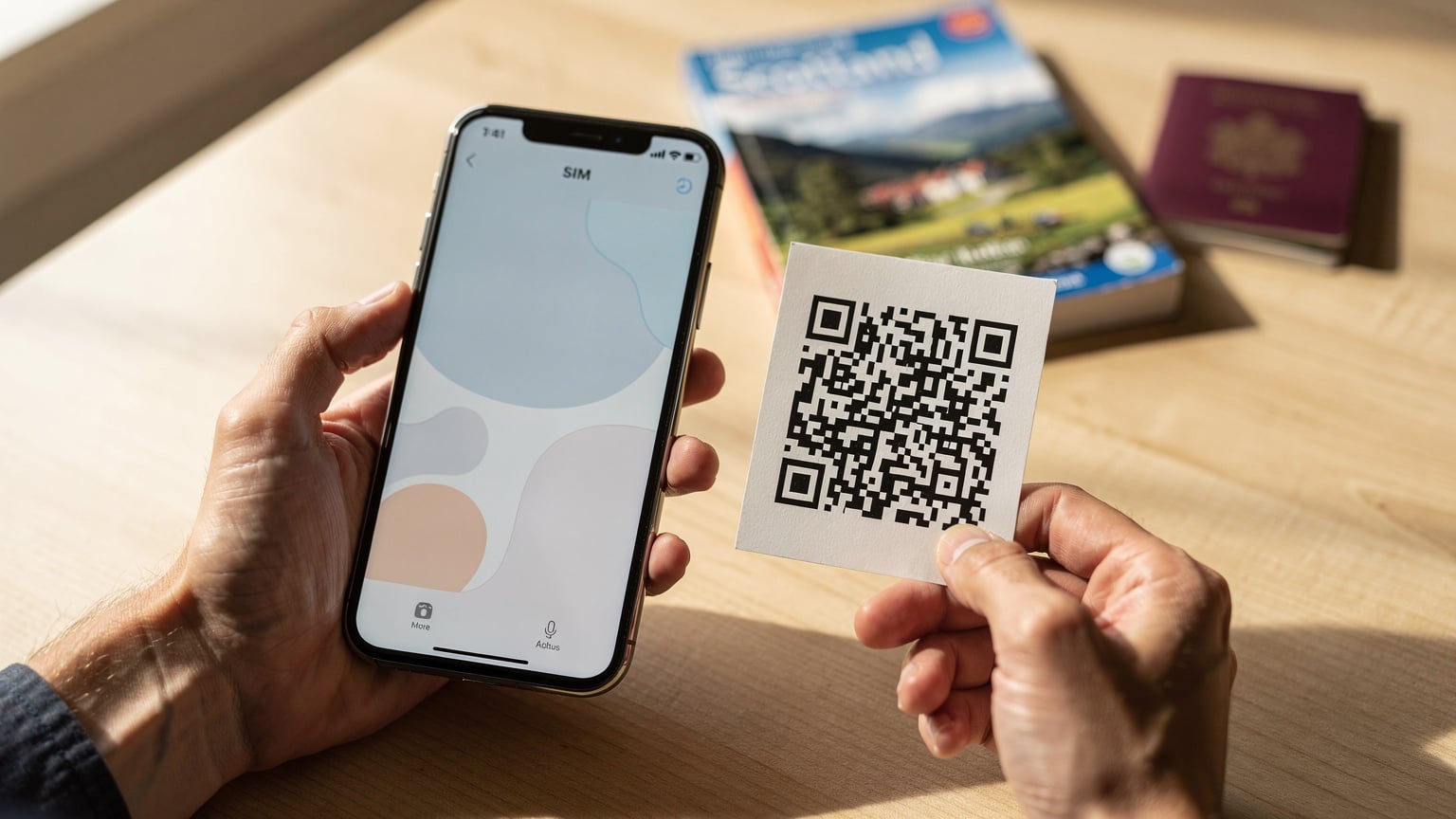
- Receive Your QR Code/Manual Details: After purchase, you'll typically receive an email with a QR code or manual installation details. Make sure you have access to this, ideally on a separate device or printed out.
- Install the eSIM (Pre-departure): Before you leave home, connect to Wi-Fi. Go to your phone's settings:
- For iOS: Settings > Cellular (or Mobile Data) > Add eSIM. Choose 'Use QR Code' and scan the code. Follow the on-screen prompts.
- For Android: Settings > Network & internet > SIMs > Add eSIM. Again, scan the QR code and follow the instructions.
- Label Your eSIM: Once installed, label your new eSIM something clear, like 'UK Fringe' or 'Cellesim UK'. This is important for managing multiple profiles.
- Activate When You Land: Once you land in Edinburgh (or even just before), go back to your Cellular/Mobile Data settings. Turn off your primary physical SIM's data roaming, and then switch on your new 'UK Fringe' eSIM data. Ensure 'Data Roaming' is enabled for the eSIM if it's a partner network. You should see signal bars appear shortly.
It really is that simple. I remember landing in Bali last year, exhausted, and within two minutes of turning on my phone, I had data. No stress, no searching for local shops, just immediate connectivity, which is precisely what you need when you're hitting the ground running for the Fringe.
Navigating Edinburgh's Connectivity Blackspots
As I mentioned, Edinburgh's unique geography and ancient architecture can be a pain for mobile signals. The historic closes of the Old Town, the deep basements of some venues in the New Town, and even certain parts of Holyrood Park can be tricky. This isn't just an anecdotal observation, either. Network coverage maps from providers like Ofcom (the UK's communications regulator) consistently show variable signal strength in these areas.
What can you do? Firstly, having a robust eSIM on a major network like EE or Vodafone is your best defense. These networks generally have the most extensive infrastructure. Secondly, understand that sometimes, you just won't have perfect 5G. Be prepared to rely on Wi-Fi when possible, especially in cafes or venues. Many Fringe venues offer free Wi-Fi, though its reliability can be hit-or-miss during peak festival times (imagine hundreds of people all trying to connect simultaneously at the Pleasance Dome).
Public Wi-Fi: A Word of Caution
Edinburgh does have public Wi-Fi in some areas, particularly in the city centre. However, I always exercise caution with public Wi-Fi, especially for sensitive transactions like booking tickets or checking bank accounts. These networks are often unsecured and can be vulnerable. Your eSIM provides a much more secure and private connection. If you absolutely must use public Wi-Fi, consider using a Virtual Private Network (VPN) for an added layer of security. Better yet, just stick to your reliable eSIM for anything important.
Offline Maps and Pre-Downloaded Content
A smart move for navigating any city, especially one with potential signal issues, is to download offline maps. Google Maps allows you to download entire city areas, which means you can get directions even when you have no signal. This is a trick I learned while backpacking through Peru, where cell service outside of Lima and Cusco was practically non-existent. For the Fringe, download the central Edinburgh area and you'll always have a backup plan for finding that obscure theatre on Cowgate.
Similarly, if you rely on digital tickets or schedules, take screenshots or download PDFs of your bookings. The Fringe app usually works offline for saved schedules, but having a physical or screenshot backup is just good practice, especially if your phone battery dies or you lose signal at a critical moment.
Data Usage at the Fringe: What to Expect
The Fringe is an intense period for your phone's data usage. You're constantly checking show times, reading reviews, coordinating with friends, finding directions, and probably snapping a few hundred photos and videos to share on social media. It's a data-hungry month.
| Activity | Estimated Data Usage (per hour) | Fringe Relevance |
|---|---|---|
| Fringe App / Booking Shows | 5-10 MB | Essential for navigation, schedules, tickets |
| Google Maps Navigation | 10-20 MB | Crucial for finding venues in unfamiliar closes |
| WhatsApp/Messaging Apps | 1-5 MB | Group chats for coordinating meetups |
| Social Media (Instagram, TikTok) | 50-200 MB | Sharing festival moments, checking trends |
| Video Streaming (Netflix, YouTube) | 300 MB - 1 GB+ | Downtime entertainment, less critical at Fringe |
During the Fringe, I've seen my own data usage spike. One year, I chewed through 15GB in just two weeks because I was constantly uploading videos of street performers to Instagram and live-texting with friends about which show to see next. Having a generous data plan, or knowing you can easily top up your eSIM, is key. Don't cheap out here, or you'll regret it when you're trying to find your way from the Assembly Roxy to a late-night comedy gig at The Stand Comedy Club.
Group Chats and Coordinating with Your Crew
Attending the Fringe with friends is part of the fun, but it also amplifies the need for reliable group chat connectivity. Edinburgh in August is a maze of people, and getting separated is almost inevitable. WhatsApp, Signal, and even old-school SMS are your best friends. I once spent a frantic hour trying to locate my travel partner after a particularly crowded street performance near St Giles' Cathedral; thankfully, my data held up and a quick WhatsApp call saved the day.
check-in text, provides immense peace of mind. Knowing you can instantly reach out for directions, confirm meeting points, or simply share an exciting discovery without worrying about data limits or roaming charges is invaluable.Maximising Your Fringe Experience: Beyond Data
While reliable data is your lifeline at the Fringe, a few other considerations will ensure your phone is a help, not a hindrance.- Power Banks are Non-Negotiable: Your phone will be working overtime. From navigating cobbled streets to scanning QR codes for entry, and of course, capturing countless memories, battery drain is rapid. A high-capacity power bank (10,000 mAh or more) is essential for a full day of Fringe activities. I typically carry two smaller ones or one large one, ensuring I can recharge my phone at least twice.
- Optimise Phone Settings: Turn off unnecessary background app refresh, reduce screen brightness, and use low power mode when not actively using data. Every little bit helps extend your battery life between charges.
- Physical Backups (Still Relevant): Even with an eSIM, it's wise to carry a small notebook and pen for jotting down last-minute show times or meeting points, especially if you're prone to phone battery anxiety.
Seamless Fringe: Real-World Scenarios with eSIM
Let's look at how an eSIM truly elevates your Edinburgh Fringe experience:- The Last-Minute Venue Change: You're heading to a show, and an alert pops up - the venue has changed due to unforeseen circumstances. With an eSIM, you instantly receive the notification, open Google Maps, and reroute without a second thought, arriving just in time.
- Finding Your Friends in a Sea of People: After a particularly captivating street performance on the Royal Mile, you glance around and your friends are gone. A quick WhatsApp message, a shared live location, and within minutes you're reunited, all thanks to uninterrupted data.
- Instant Festival Sharing: You've just witnessed an incredible new comedy act. You want to share a snippet on Instagram Stories, recommend it to friends, and buy tickets for another performance - all within minutes. An eSIM provides the robust connection needed for these data-intensive, spur-of-the-moment actions.
- Booking Encore Performances: You loved a show so much you want to see it again, or catch another performance by the same artist. With your Cellesim data, you can quickly check availability and book tickets on the Fringe website or app, even while queuing for your next show.
Troubleshooting Common Connectivity Issues at the Fringe
Even with the best preparation, occasional hiccups can occur. Here's what to do:- No Signal? Try Toggling Airplane Mode: This often forces your phone to re-scan for available networks and can resolve minor signal issues.
- Check eSIM Settings: Ensure your Cellesim eSIM is selected as the primary data source in your phone's mobile data settings. Sometimes, if you have multiple profiles, it might switch.
- Restart Your Phone: The classic fix, but often effective. A full reboot can clear temporary network glitches.
- Contact Cellesim Support: If you're still experiencing issues, Cellesim's customer support is available to assist. You can usually reach them via their website or app, and with a Wi-Fi connection (available in many Fringe venues and cafes), you can get help quickly.