

 eSIM Destination
Algeria eSIM
Algeria: compare travel eSIMs for maps, messages, and mobile data.
Algeria: mobile networks
2 carriers supported
- Ooredoo5G
- Mobilis4G
Highest generation per operator is displayed; some plans may use a fallback band based on local conditions.
Free VPN with your eSIM
Every active Cellesim eSIM comes with a free VPN. Browse securely on public Wi-Fi and reach the apps you rely on from anywhere, at no extra cost and with no separate signup.
- 4.6(11)
- 5G
- Digital setup
- Refund policy
Data Plans / Unlimited
7 days
30 days
Algeria: mobile networks
2 carriers supported
- Ooredoo5G
- Mobilis4G
Highest generation per operator is displayed; some plans may use a fallback band based on local conditions.
Free VPN with your eSIM
Every active Cellesim eSIM comes with a free VPN. Browse securely on public Wi-Fi and reach the apps you rely on from anywhere, at no extra cost and with no separate signup.
Algeria: our plans at or below the market median
We compare our Algeria plans with the public prices of other eSIM providers. The plans below cost the same as or less than the median price for the same data and validity.
- 1 GB · 7 days$3.60market median $5.00 · 28% below
- 3 GB · 15 days$9.10market median $9.99 · 9% below
- 3 GB · 30 days$9.66market median $10.00 · 3% below
- 10 GB · 30 days$19.99market median $20.45 · 2% below
Competitor prices checked on Oct 19, 2026. Prices change; the price shown at checkout is final.
Algeria: choose an eSIM for your trip
Choose how much data you need and for how long. Before you buy, check that your phone is compatible and that the plan covers where you're going. Algeria: plans start from $3.60. 4.6/5 · Based on 11 reviews Compare the plans below, including details on activation, hotspot use, and top-ups.
- Compare price and how much data you get
- Check networks and coverage
- Contact support if you need help
Frequently Asked Questions
Your eSIM will automatically connect to the strongest available major mobile network in Algeria, typically one of the country's leading providers like Djezzy, Ooredoo, or Mobilis.
Your eSIM is designed to ensure reliable connectivity across Algeria, from bustling cities like Algiers, Oran, and Constantine to more remote regions. It intelligently scans for and connects to the strongest available signal, ensuring you stay connected with high-speed data. While the exact network provider your eSIM connects to can vary depending on your chosen eSIM plan and your specific location within the country, you can expect seamless access to 4G LTE services provided by these major operators. This ensures consistent internet access for navigation, communication, and staying in touch during your travels.
Mobile coverage in remote regions of Algeria, particularly deep within the Sahara Desert, can be limited or unavailable.
While major cities like Algiers, Oran, and Constantine have robust 4G/5G networks, primarily provided by operators such as Mobilis, Ooredoo, and Djezzy, coverage diminishes significantly outside these urban centers. Network infrastructure investment is naturally concentrated in more populated areas. When traveling to less-developed or sparsely populated desert regions, you should expect intermittent service or even dead zones. For very isolated expeditions, it's always wise to inform someone of your travel plans and consider alternative communication methods like satellite phones for critical situations.
Our eSIM automatically connects to the strongest available major network in Algeria, aiming to provide the best possible service where infrastructure exists. The exact network your eSIM connects to can vary by plan and location.
Planning the trip? See our Algeria eSIM plans, install in one tap before you fly, and land online. Free VPN included.
Yes, an eSIM is generally much easier and more convenient than buying a local physical SIM card upon arrival at Houari Boumediene Airport (ALG) in Algiers.
Purchasing a local SIM at the airport often involves navigating vendor stalls, waiting in queues, providing passport identification for registration, and potentially facing language barriers. Activation can sometimes be delayed, leaving you without immediate connectivity. With an eSIM, you can purchase and set up your data plan entirely online before you even travel to Algeria. Upon arrival, your eSIM connects automatically to the strongest available major network, such as Mobilis, Ooredoo, or Djezzy, ensuring you have instant internet access for navigation, communication, and ride-hailing apps without any airport hassle or physical SIM swapping.
Planning the trip? See our Algeria eSIM plans, install in one tap before you fly, and land online. Free VPN included.
Yes, WhatsApp, FaceTime, and other video/voice calling apps generally work normally over mobile data when you are traveling in Algeria.
Unlike some countries with strict VoIP restrictions, Algeria typically allows these communication services to operate without specific blocks or throttling over cellular data networks. This means you can stay connected with friends and family using your preferred apps for calls and messages, provided you have an active data connection. When using an eSIM for Algeria, your device will automatically connect to the strongest available major mobile network, ensuring reliable access to these services. The exact network partner your eSIM connects to can vary by plan and your specific location within Algeria. Always ensure you have sufficient data on your eSIM plan for uninterrupted communication, especially for video calls which consume more data.
Planning the trip? See our Algeria eSIM plans, install in one tap before you fly, and land online. Free VPN included.
Uber and Bolt do not officially operate in Algeria; however, popular local ride-hailing apps like Yassir and TemTem are widely available.
These local services provide convenient transportation options in major cities such as Algiers, Oran, and Constantine. You can download them on your smartphone and use them just like any other ride-hailing app, relying on a stable internet connection to book your rides and track your driver.
Your eSIM will ensure you have the necessary mobile data to use these apps seamlessly. It automatically connects to the strongest available major network in Algeria, allowing you to easily request rides, navigate, and stay connected throughout your journey without worrying about expensive roaming charges.
Planning the trip? See our Algeria eSIM plans, install in one tap before you fly, and land online. Free VPN included.
No! This is the #1 roaming trap. Although Algeria is geographically close to Europe and has strong ties to France, it is NOT a member of the European Union (EU). Your "Roam Like at Home" (RLAH) plan does not apply. Most EU and UK carriers will charge you extremely high international "Rest of World" roaming fees. A Cellesim eSIM is the only way to get a fixed, cheap data price.
Planning the trip? See our Algeria eSIM plans, install in one tap before you fly, and land online. Free VPN included.
Yes, 100%. Buying a physical local SIM card (like Djezzy or Ooredoo) at Algiers Airport requires you to find the kiosk, wait in line (often after a long flight), and go through a mandatory passport registration process. Our eSIM is 100% digital, requires no ID registration, and can be installed before you fly, so you are connected the moment you land.
You must set expectations. You will have reliable 4G/LTE coverage in the northern coastal cities (Algiers, Oran, Constantine) and in the main southern business hubs like Hassi Messaoud. However, once you travel into the deep desert (e.g., Tamanrasset or remote oil fields), you must expect the signal to be intermittent or non-existent. This eSIM is for cities and main roads, not for deep desert expeditions.
No, they are NOT blocked. Unlike some other countries, Algeria allows you to make calls on WhatsApp, FaceTime, Messenger, and other VoIP apps. Our eSIM provides high-speed data so you can easily make video calls to your family or for business.
Planning the trip? See our Algeria eSIM plans, install in one tap before you fly, and land online. Free VPN included.
To give you the best speed and coverage, our eSIM connects to Algeria’s premium Tier-1 networks, typically Djezzy, Ooredoo Algeria, or Mobilis. This ensures you get the fastest available 4G/LTE speeds in all populated areas.
Planning the trip? See our Algeria eSIM plans, install in one tap before you fly, and land online. Free VPN included.
About Algeria eSIM
Algeria eSIM — Data plans
$3.60. Compare data allowance, validity and the total package price in the plan list. Check coverage, hotspot support and any fair-use limits before buying.
Install with Wi-Fi before departure. Check when your selected plan starts; installation and activation are not always the same. Network speed varies by location, device and plan.
eSIM Algeria: Reliable 4G/LTE for Algiers, Oran & Constantine
From the ancient Casbah of Algiers to the golden dunes of the Sahara, stay connected across North Africa's largest country. Whether you are on a business trip in Oran or exploring the Roman ruins of Timgad, Cellesim keeps you online instantly. Plans start from just $3.60. Choose from 7 and 9.
🧭 Related eSIM destinations: eSIM Botswana · eSIM Tunisia · eSIM Mayotte · eSIM Africa
Escape Extreme International Roaming Charges
Compare data allowance, validity and the total package price in the plan list. Check coverage, hotspot support and any fair-use limits before buying.
Why a Cellesim eSIM is Essential for Your Algeria Trip
- Instant Airport Connection: Get connected the moment you land at Houari Boumediene Airport (ALG).
- Unbeatable Price: Plans start at $3.60 , cheaper than a cup of coffee.
- Keep Your Home Number: Use Cellesim for data while keeping your original number active for WhatsApp.
- Reliable Coverage: Strong signal in major cities and tourist hubs via local networks (Mobilis/Djezzy/Ooredoo).
Connect Across Algeria's Key Cities
- Algiers: Navigate the white-washed streets of the capital and share photos of the Maqam Echahid.
- Oran: Stay connected in the bustling port city known for its Rai music history.
- Constantine: Share breathtaking views from the "City of Bridges" in real-time.
Need Constant Data?
For heavy users, we offer 9 to ensure you are never offline.
Best eSIM for Algeria: Travel Data Made Easy
Planning your adventure to Algeria? Get the best connectivity with a prepaid eSIM! Forget hunting for a local SIM card upon arrival. Our eSIMs offer convenient travel data plans, including options for unlimited data, ensuring you stay connected from the moment you land. It's the smart choice for every tourist.
- Cheap prepaid data plans
- Unlimited data options available
- Instant delivery via QR code
- No expensive roaming charges
How much does an eSIM for Algeria cost?
An eSIM for Algeria can cost as little as $3.60, depending on the data package and duration you choose. We offer a range of plans to suit every traveler's budget and data needs.
Is an eSIM worth it in Algeria?
Absolutely! An eSIM for Algeria is incredibly worth it. It provides instant internet access, avoids high roaming fees, and lets you keep your primary SIM active for calls and texts. It's the most convenient way to get data.
Can I buy an Algeria eSIM online before travel?
Yes, you can easily buy your Algeria eSIM online before you travel. The process is quick and simple, with your eSIM delivered directly to your email, ready to activate upon arrival. Secure your connectivity ahead of time!
Algeria eSIM reviews from real travelers
Based on 11 reviews
Highly recommended
Evelyn Z.·May 9, 2026Very happy with the connectivity. The connection was much better than hotel wifi. Fair pricing for a generous amount of data. Highly recommend Cellesim to anyone!
Very reliable
Robert Y.·May 1, 2026Superb experience using this eSIM abroad. The connection was much better than hotel wifi. Setup was extremely quick and straightforward. An absolute lifesaver for travel
Perfect for travel
Liam B.·Apr 14, 2026Great service for global travelers. Data network was completely flawless everywhere. Activation via QR code took less than two minutes. Thumbs up for this great service.
Perfect for travel
Noah N.·Mar 26, 2026Superb experience using this eSIM abroad. Excellent coverage throughout my stay. Fair pricing for a generous amount of data.
Fast 5G data
Robert D.·Mar 5, 2026Exactly what I needed for my trip. Data network was completely flawless everywhere. Activation via QR code took less than two minutes. Solid 5 stars from me.
Attivazione problematica
Giuseppe W.·May 7, 2026·itHo dovuto riavviare il telefono due veces per attivare la linea.
Top Abdeckung
Leon O.·May 2, 2026·deToller Service für Reisende. Die 5G-Geschwindigkeit war extrem schnell. Die Aktivierung war super unkompliziert
simple et efficace
Martine E.·Apr 22, 2026·frExcellente expérience avec cette eSIM. Connexion très stable et aucun problème de réseau. Installation simple et rapide
Ekonomik ve pratik
Zehra A.·Apr 1, 2026·trharika bir global esim deneyimi. seyahat boyunca tek bir kopma bile yasamadim. normal roaming ucretlerine kiyasla cok ekonomik.
Sehr empfehlenswert
Anna T.·Mar 14, 2026·deSehr zufrieden mit der Verbindung. Besserer Empfang als das Hotel-WLAN. Die Aktivierung war super unkompliziert. Kann Cellesim nur wärmstens empfehlen!
muy recomendado
Lucia Z.·Mar 1, 2026·esGran opción para tener internet sin complicaciones. Buena cobertura en todas partes. Mucho más económico que el roaming tradicional.
Algeria eSIM guides:what travellers ask before they go
Coverage, install steps, real connection speeds, and the small stuff that ruins a trip if you skip it. Curated for Algeria.
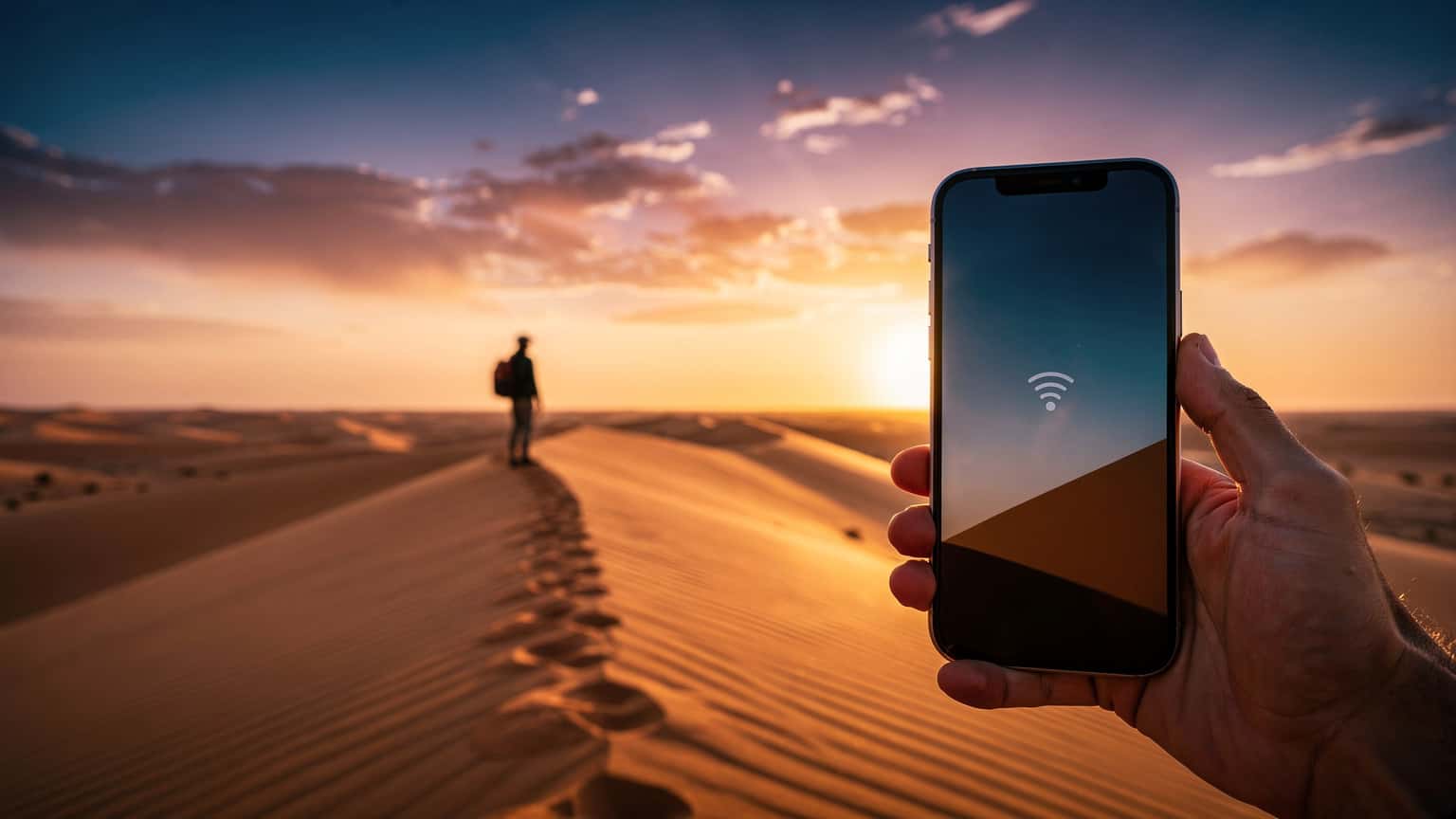 Destination Guides
Algeria eSIM Guide 2026: Bypass Roaming Fees and Stay Connected
Navigating mobile connectivity in Algeria can be complex, with traditional roaming often proving expensive and local SIM card acquisition a bureaucratic hurdle. This guide cuts through the confusion, offering a detailed look at how eSIMs provide a cost-effective and efficient solution for travelers in 2026, ensuring you stay connected without breaking the bank.
Read the guide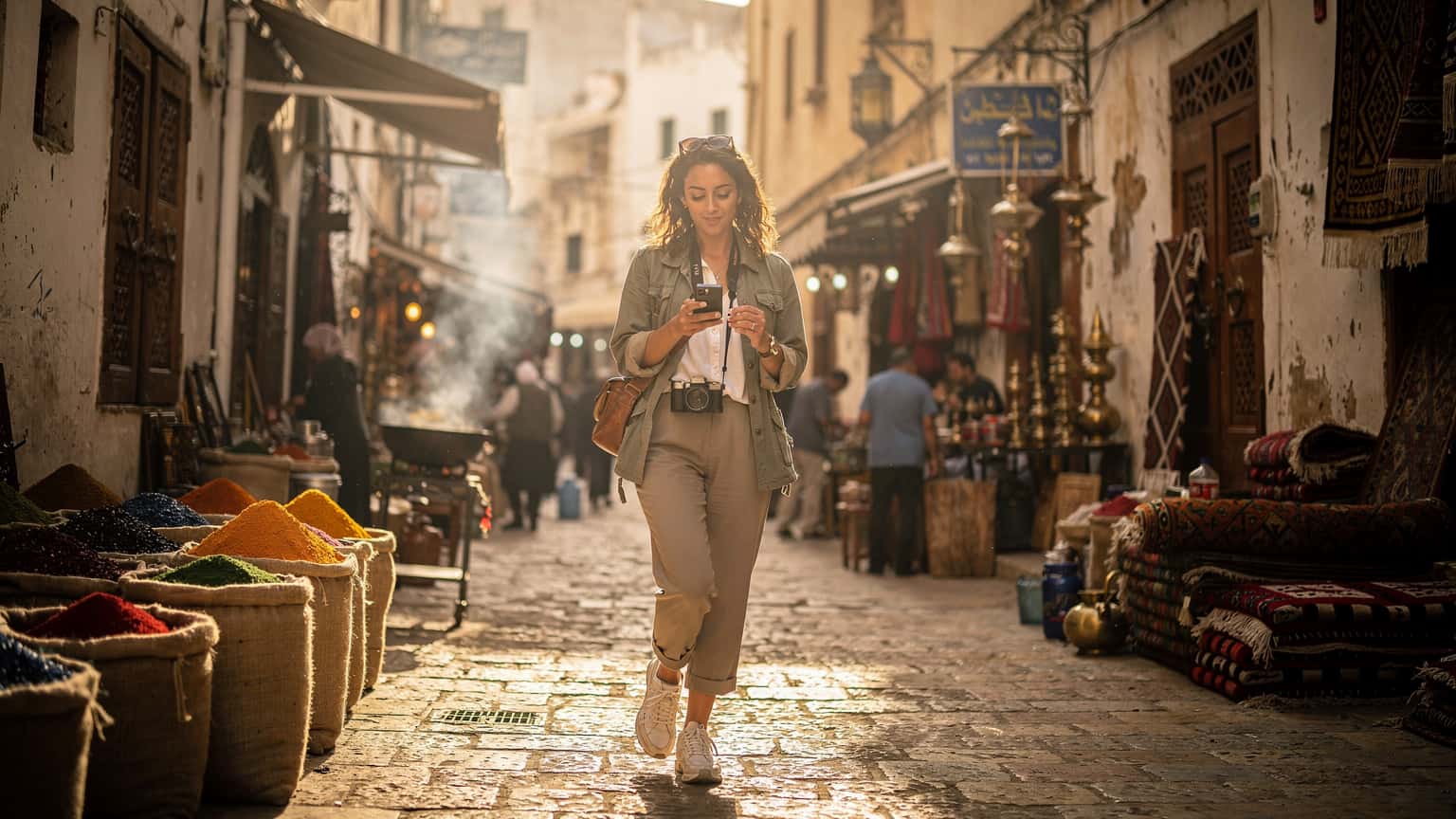 Destination Guides
eSIM Algeria 2026: Bypass Roaming Costs, Maximize Your Connectivity
Planning a trip to Algeria in 2026? Don't let exorbitant roaming charges tether you to unreliable Wi-Fi. An eSIM offers a smarter, more cost-effective way to stay connected, providing stable data access across Algeria's diverse landscapes, from Algiers' bustling Casbah to the tranquil Sahara.
Read the guide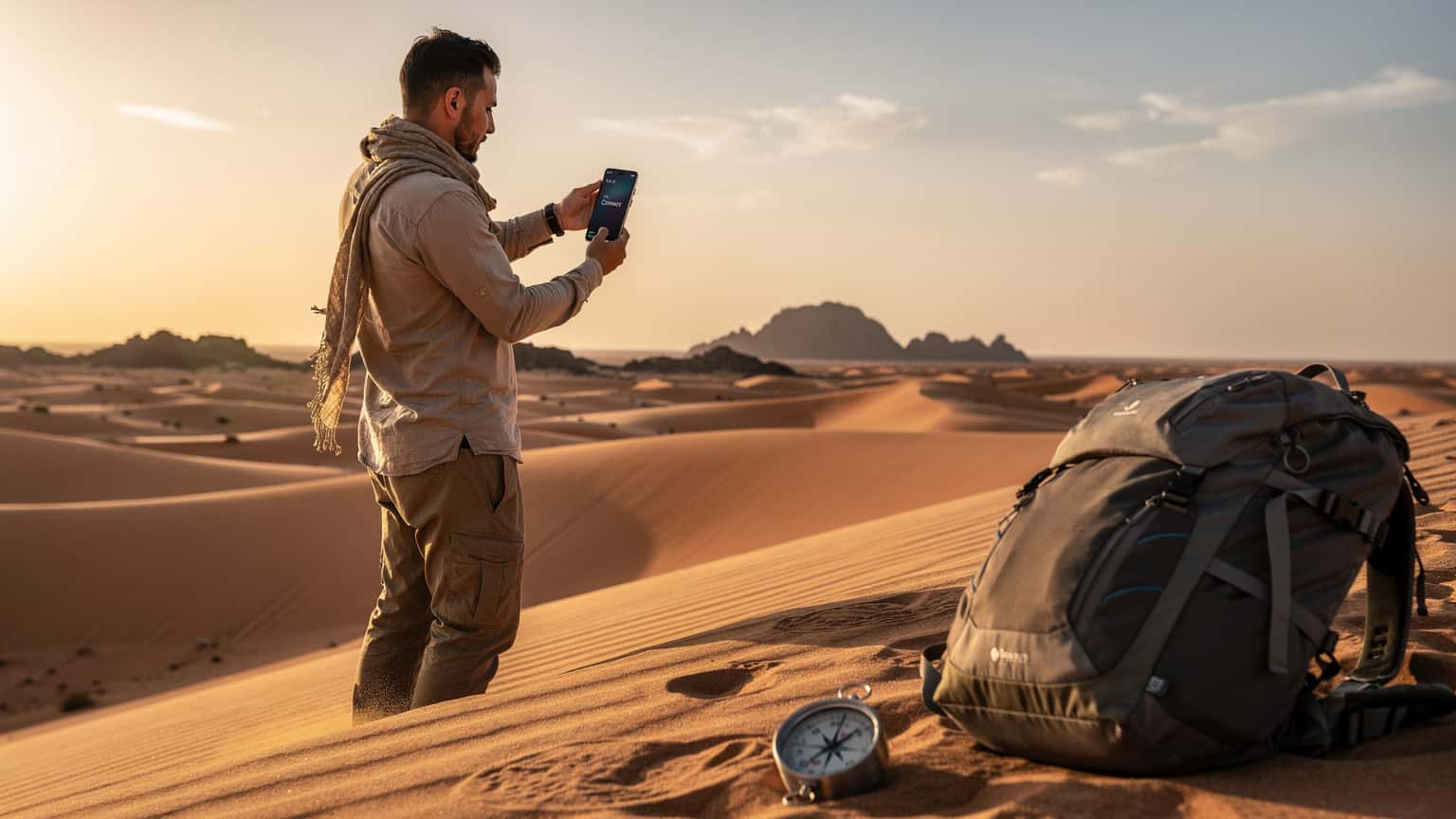 Destination Guides
Algeria eSIM 2026: The Savvy Nomad's Guide to Staying Connected
Algeria, a land of ancient Kasbahs and bustling markets, presents unique connectivity challenges. From securing reliable internet for remote work to staying in touch with family, this guide covers everything you need to know about using an eSIM for seamless data access in 2026.
Read the guide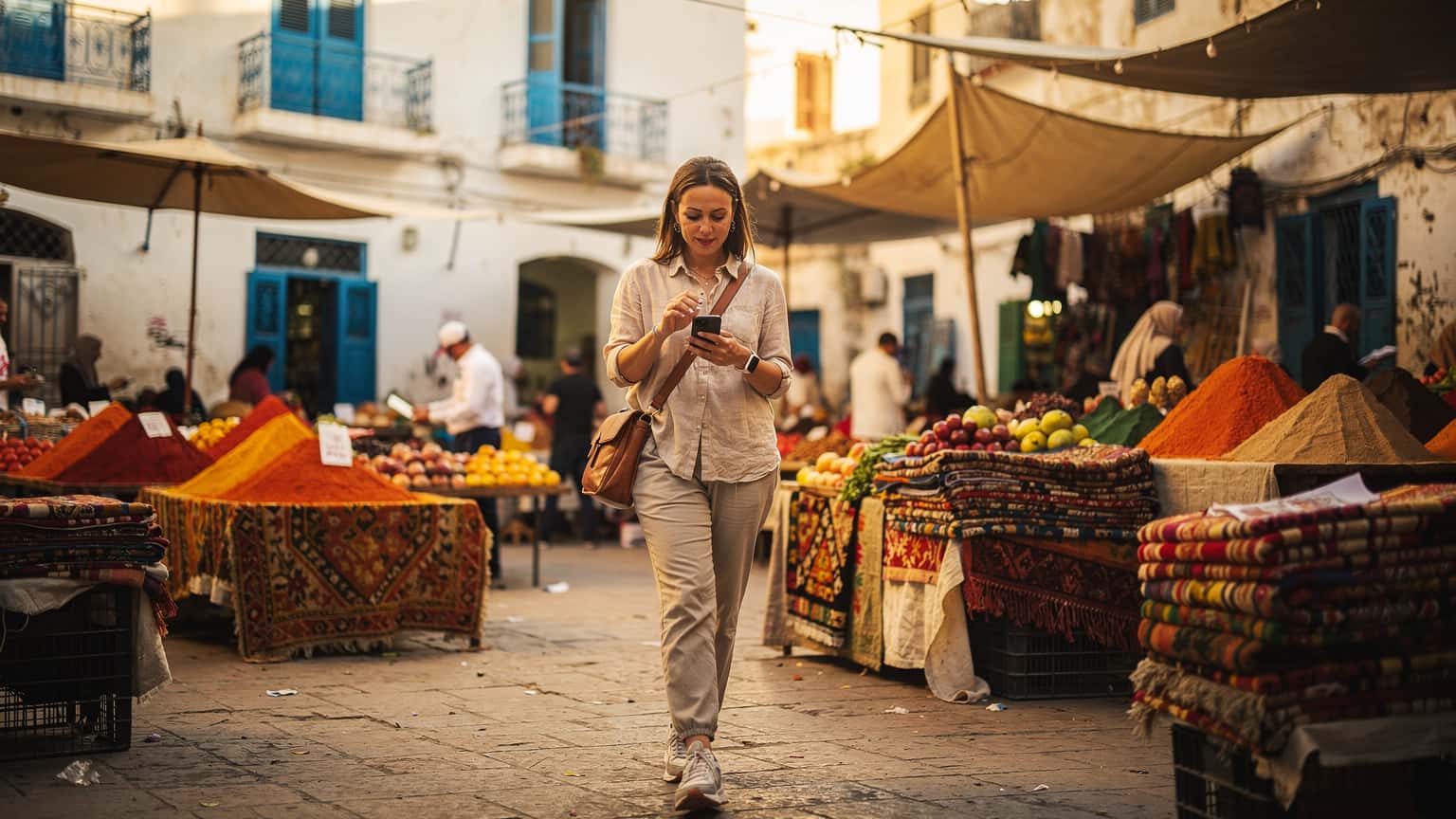 Destination Guides
Algeria eSIM 2026: Ditch Roaming, Stay Connected with Local Data
Algeria's connectivity landscape can be a maze for travelers. Forget the hassle of hunting down physical SIMs or enduring bill shock from your home provider. An eSIM is your smartest bet for reliable, affordable data in 2026, keeping you in touch from Algiers to Tamanrasset.
Read the guide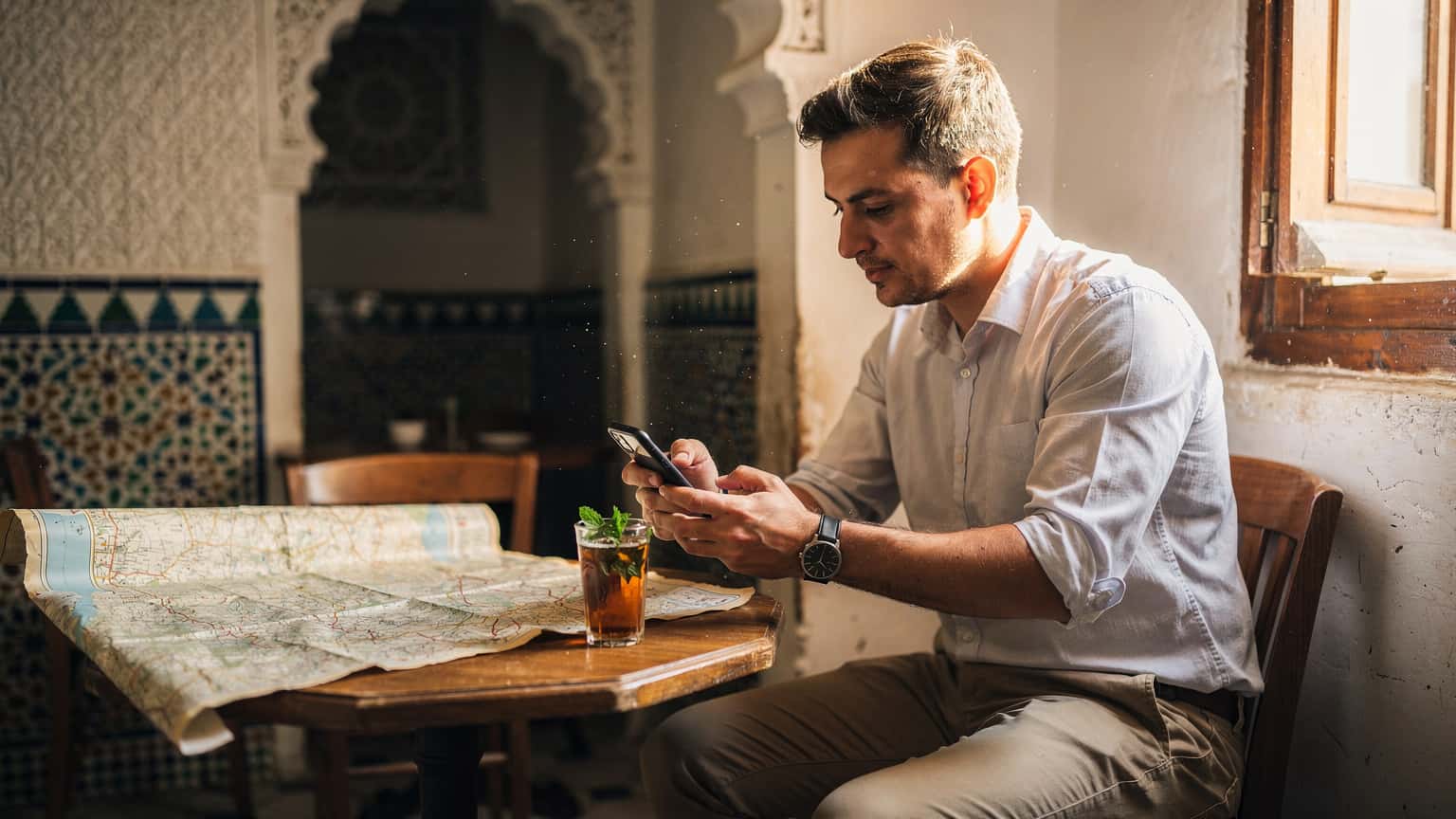 Destination Guides
Algeria eSIM 2026: Navigating Mobile Data with Technical Precision
Planning a trip to Algeria in 2026? Understanding your mobile data options is crucial. This guide, penned by a telecom engineer, cuts through the marketing to detail eSIM advantages, network specifics, and practical tips for staying connected, from Algiers to the Sahara.
Read the guide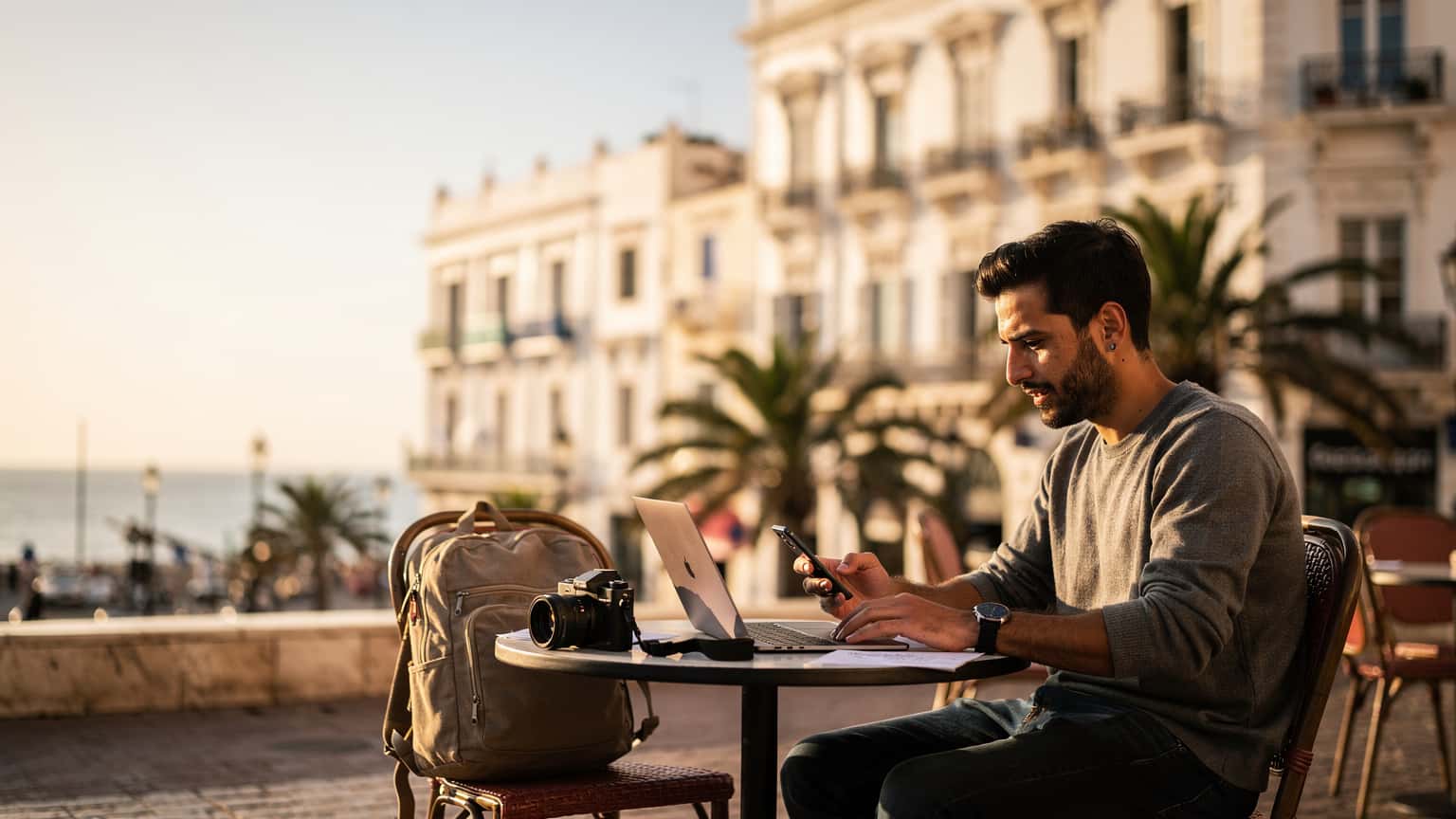 Destination Guides
Algeria eSIM 2026: Ditch Roaming, Connect Like a Local Nomad
Getting reliable internet in Algeria can be a headache if you're not prepared. Roaming fees will bleed your wallet dry, and local SIM cards have their own hoops. For 2026, an eSIM is your best bet for staying connected without the hassle, letting you focus on the actual work or travel instead of chasing Wi-Fi.
Read the guide
Nearby Countries
Check coverage for every stop on your trip.


