eSIM for PCs & Laptops: The Family Travel Planner's 2026 Connectivity Guide
Ah, the family vacation! You're dreaming of sandy beaches, ancient ruins, or exhilarating theme parks. But let's be real, for today's family travel planner, there's another critical detail: connectivity. Keeping everyone entertained, finding your way around unfamiliar streets, and yes, even getting a bit of work done abroad used to mean a complicated dance. We're talking about juggling local SIM cards, bulky Wi-Fi dongles, and that desperate hunt for reliable public Wi-Fi. Fast forward to 2026, and things have changed dramatically. That's largely thanks to eSIM technology making its way into our PCs and laptops. This guide is your complete roadmap to using eSIM for easy, stress-free family travel connectivity.
Why 2026 is the Year of eSIM for Laptops on the Go
eSIM has been a common feature in smartphones for a few years, but it's really taken off in laptops and PCs by 2026. What does this mean for you, the adventurous family travel planner? It means a huge jump in convenience, security, and flexibility. No more fumbling with tiny physical SIM cards, no more worrying about losing a crucial piece of plastic, and a lot less reliance on potentially unsafe public Wi-Fi networks. The ability to simply download a data plan to your laptop before you even leave home is a game-changer.
The Core Benefits for Family Travel
- Instant Connectivity: Buy and activate a data plan from almost anywhere. This means no more hunting for local stores or waiting for deliveries. It's incredibly useful when you land in a new country with kids and need maps or translation apps right away.
- Enhanced Security: Using your laptop's dedicated data connection is much safer than relying on hotel Wi-Fi or public hotspots. This protects your family's sensitive information.
- Flexibility and Cost Savings: You can compare plans from different providers for your destination and pick the one that best fits your family's data needs and budget. Often, international eSIM plans can save you money compared to roaming charges.
- Multi-Device Management: While your laptop will have its own eSIM, you can easily manage and top up data plans for various devices (laptops, tablets, and even some smartwatches) from a single Cellesim account. This simplifies your digital logistics.
- Seamless Device Switching (Future-Proofing): As more devices become eSIM-compatible, you might even be able to transfer data plans between devices (where providers support it). This offers unmatched flexibility.
Is Your Laptop Ready for eSIM? Checking Compatibility in 2026
Before you get too excited (and you should be!), first confirm if your laptop supports eSIM. By 2026, most new premium and mid-range laptops from major brands like Dell, HP, Lenovo, Microsoft, and Apple (for cellular-enabled models) come with eSIM built in. Still, it's always smart to double-check.
How to Check for eSIM Support on Windows Laptops
For Windows 10 or Windows 11 laptops:
- Go to Settings.
- Click on Network & Internet.
- Select Cellular.
- If you see an option like "Manage eSIM profiles" or "Use an eSIM," your laptop is ready! If you only see options for a physical SIM card, your device likely doesn't support eSIM.
When buying a new laptop or checking your current model's details online, look for specifications like "LTE support," "5G connectivity," or "eSIM enabled."
eSIM on Apple MacBooks and iPads
By 2026, many cellular-enabled iPads have supported eSIM for a long time. For MacBooks, while some models offer integrated cellular modems, full eSIM support for data plans directly on the MacBook is becoming more common, especially in the higher-end models. Always check your specific model's specifications. If your MacBook has cellular capabilities, you'll usually find the settings under System Settings > Network > Cellular.
Choosing the Right eSIM Plan for Your Family's Travel Needs
This is where Cellesim travel eSIM really shines. With a laptop now able to connect directly to the internet, you have more choices than ever. Think about these factors when picking your plan:
Data Volume: How Much Do You Really Need?
This is critical. Consider how your family typically uses data:
- Light Usage (1-5 GB per person/week): This covers browsing, emails, light social media, and occasional map use. It's perfect if you mostly rely on hotel Wi-Fi but need a backup or data on the go for quick checks.
- Moderate Usage (5-15 GB per person/week): This allows for some video streaming, frequent navigation, regular social media updates, and occasional video calls. It's ideal for families who want to stay connected without constantly searching for Wi-Fi.
- Heavy Usage (15+ GB per person/week): This is for extensive video streaming, online gaming, frequent video conferencing for remote work, and large file downloads. It's essential if you plan to use your laptop as a main entertainment hub or for significant work tasks.
Remember, these are per-person estimates. For a family of four using a shared laptop or multiple devices, these numbers add up quickly. Cellesim offers a variety of plans, from small bundles for short trips to large, long-duration packages perfect for extended family adventures.
Regional vs. Country-Specific Plans
Are you traveling between several European countries, or staying in one place like Japan? Regional eSIM plans, often from providers like Cellesim, cover multiple countries under one plan. This saves you the trouble of buying a new plan every time you cross a border. If you're only visiting one country, a country-specific plan might offer more data for your money.
Validity Period
Make sure the plan's validity matches your trip length. Don't buy a 30-day plan for a 7-day trip unless it's much cheaper than a shorter option. Cellesim provides flexible validity periods to fit different travel itineraries.
Speed and Network Quality
While most eSIM providers offer good speeds, always check if they partner with reliable local carriers. Cellesim, for example, uses strong partnerships to ensure dependable 4G and 5G connectivity where available. This is vital for streaming movies for the kids or participating in important video calls.
Activating and Managing Your Laptop eSIM with Cellesim
The best part about eSIM is how simple it is. Here’s how you'd typically activate it with a provider like Cellesim:
Step-by-Step Activation
- Purchase Your eSIM Plan: Go to the Cellesim website or app. Pick your destination, data amount, and validity period. Complete the secure purchase.
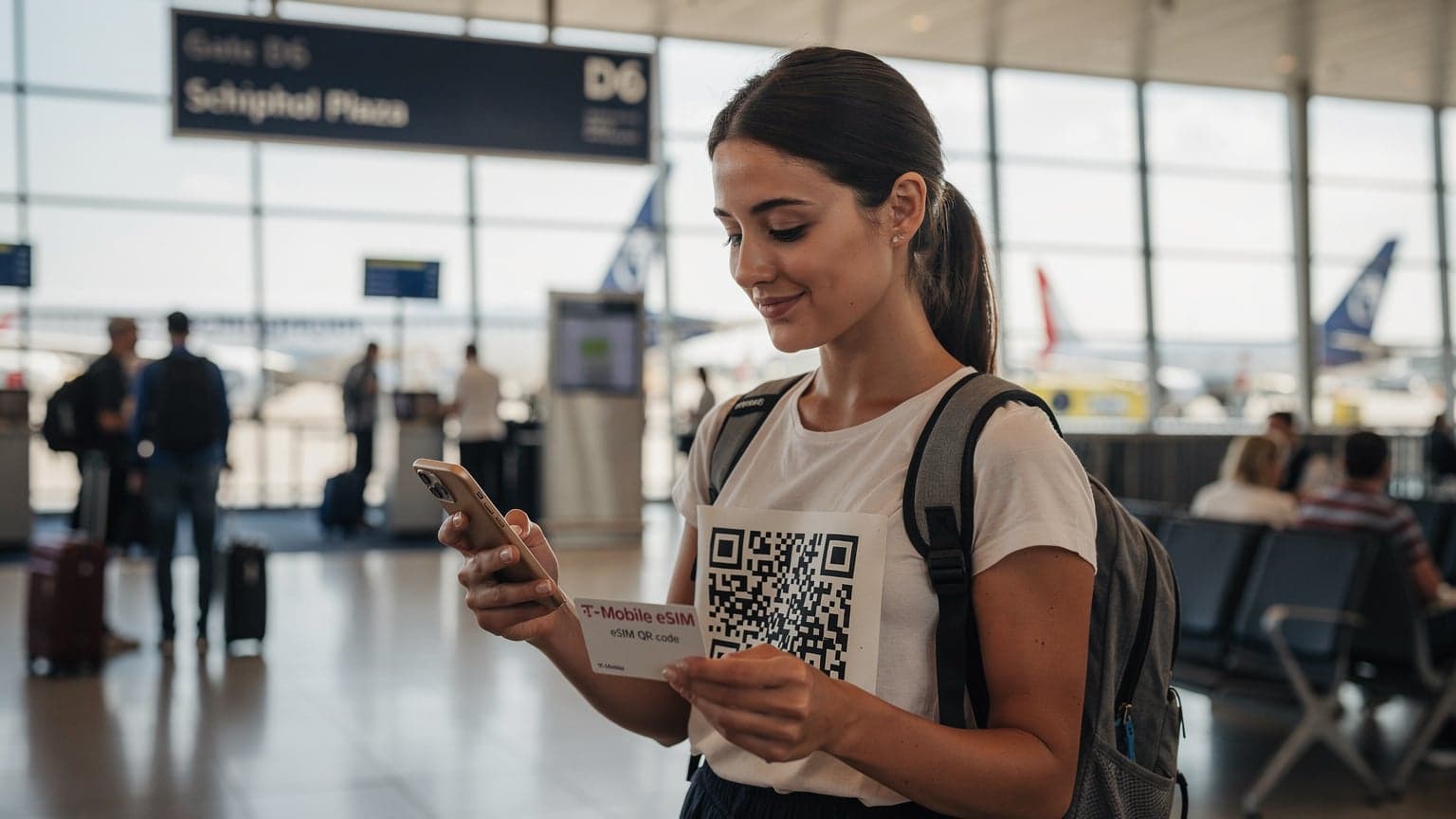
- Receive Your eSIM Details: You'll usually get an email with a QR code or instructions for manual activation.
- Activate on Your Laptop (Windows Example):
- Go to Settings > Network & Internet > Cellular.
- Click on Manage eSIM profiles.
- Select Add a new profile.
- Choose Let me enter an activation code I have from my mobile operator (if you have manual details) or Scan a QR code (if you're using your phone to show the code).
- Follow the on-screen steps to finish installation. Your laptop should connect to the internet soon after.
- Activate on Your Laptop (macOS Cellular Models Example):
- Go to System Settings > Network > Cellular.
- Click the Add eSIM button or a similar option.
- Follow the prompts to scan a QR code or enter details manually.
Monitoring Data Usage and Topping Up
This is essential for family travel budgets. With Cellesim, you can easily check your remaining data directly through their app or website. If you're running low, topping up is just as simple: choose a new data package, buy it, and it's added to your existing profile, often without needing a new activation.
Practical Tips for Maximizing Laptop eSIM for Family Travel
Beyond activation, here are some expert tips for a smooth, connected family vacation:
Pre-Download Everything
Before you leave home, download offline maps, movies, TV shows, audiobooks, and games onto your laptop and other devices. This reduces how much you rely on streaming while abroad and saves valuable data, even with an eSIM.
Set Data Limits on Your Laptop
Windows and macOS let you set data limits for cellular connections. This is a great way to prevent accidentally using too much data, especially if kids are using the laptop for entertainment.
Hotspot Wisely
Your eSIM-enabled laptop can create a Wi-Fi hotspot, sharing its cellular connection with other family devices like tablets or phones. Use this carefully, as it can quickly drain your laptop's battery and your data plan. It's a lifesaver for checking directions on a phone when you're out, but maybe not for streaming a full movie on multiple devices.
Battery Management is Key
Cellular modems use power. Make sure you have portable power banks for your laptop or access to charging points, especially if you plan to use it a lot for work or as a hotspot.
Consider a Backup Plan
While eSIM is incredibly reliable, it's always a good idea to have a small, inexpensive local physical SIM as a backup (if your laptop has a SIM slot) or to know where to find public Wi-Fi in emergencies, just in case. However, with Cellesim's strong network, such situations are rare.
The Future of Family Travel Connectivity with eSIM
By 2026, eSIM for PCs and laptops isn't just a niche feature; it's an essential tool for the modern family travel planner. It offers unmatched freedom, security, and flexibility, changing how we stay connected while exploring the world. From keeping the kids entertained on long journeys to catching up on work emails from a remote villa, your eSIM-enabled laptop, powered by reliable providers like Cellesim, becomes your ultimate travel companion. Embrace this technology, and get ready for your most connected, stress-free family adventures yet!