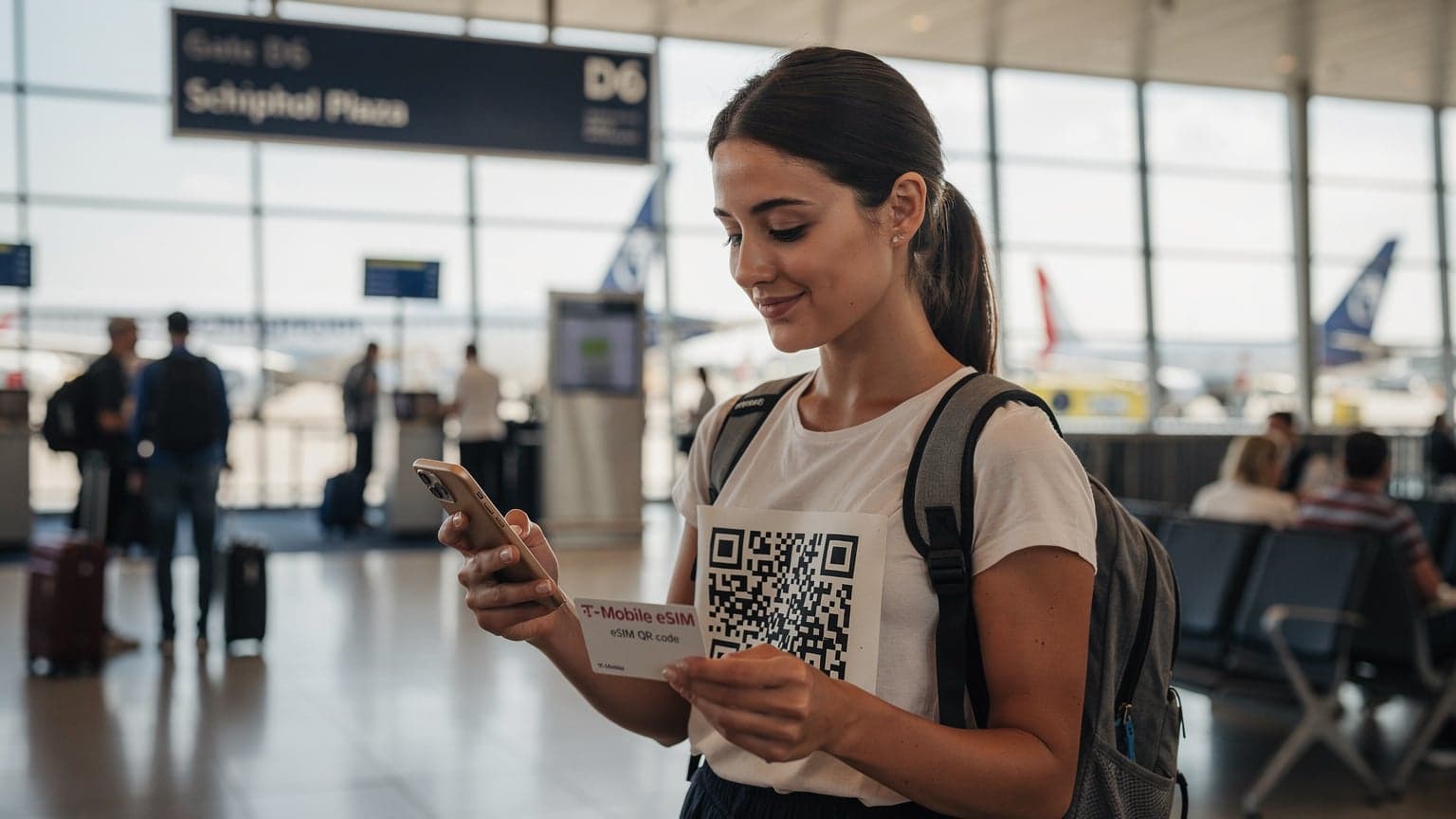
iPhone eSIM Abroad: Ditch Roaming & Stay Connected with Cellesim in 2026
You’ve just landed in an exciting new country, ready to explore and share your trip with friends and family. But then your phone buzzes with that dreaded message: "Welcome to [Country Name]! Roaming rates apply." Suddenly, posting that amazing cafe selfie or checking your map feels like a luxury you can't afford. Sound familiar? If you're an iPhone user planning to travel internationally in 2026, those days of worrying about huge roaming charges are behind you. It's time to meet eSIMs, and learn how a service like Cellesim is changing the way we stay connected when we travel.
For years, physical SIM cards were your only option. You'd swap them out, often fumbling with tiny trays and even tinier pins, or worse, trying to manage multiple local SIMs. The eSIM, or embedded Subscriber Identity Module, changes all of that. It's a digital SIM that lets you activate a cellular plan from a carrier without needing a physical card. For iPhone users, especially those with newer models, it's a huge upgrade for international travel. Let's dig into why eSIMs are your best travel companion and how Cellesim makes it super easy.
What Exactly is an eSIM and Why is it Perfect for Travel?
Think of an eSIM as a digital version of your physical SIM card, built right into your iPhone. Instead of inserting a little plastic chip, you simply download a "profile" from a carrier to get service. This digital setup brings a lot of advantages, especially when you're traveling the world.
- No More SIM Swapping: Forget the tiny trays, the paperclips, and the panic of losing your home SIM. With eSIMs, everything is managed digitally on your device.
- Instant Activation: Buy an eSIM plan online, scan a QR code, and you're connected. You can even activate it before you leave home, so you land with service already working.
- Multiple Plans on One Device: Most iPhones support several eSIM profiles. This means you can keep your home number active for calls and texts while using a travel eSIM for data.
- Cost-Effective: eSIM plans from providers like Cellesim are made for travelers, offering competitive local rates without the high costs of traditional roaming.
- Environmentally Friendly: No plastic, no packaging - just digital convenience.
Is My iPhone Compatible with eSIM?
This is a key question! Apple has been a leader in eSIM adoption, and most recent iPhone models are fully compatible. As of 2026, the following iPhone models and newer generally work with eSIM:
- iPhone XS, XS Max, XR
- iPhone 11, 11 Pro, 11 Pro Max
- iPhone SE (2nd and 3rd generation)
- iPhone 12, 12 mini, 12 Pro, 12 Pro Max
- iPhone 13, 13 mini, 13 Pro, 13 Pro Max
- iPhone 14, 14 Plus, 14 Pro, 14 Pro Max (U.S. models are eSIM-only)
- iPhone 15, 15 Plus, 15 Pro, 15 Pro Max
Important Note: While most global iPhone models support eSIM, some specific regions (like mainland China) historically had models that didn't. Always double-check your specific iPhone model's specifications if you're unsure. You can usually find this info in your iPhone's settings under "About" or on Apple's official website.
Why Choose Cellesim for Your Travel eSIM in 2026?
The eSIM market is growing, but not all providers are equal. Cellesim stands out as an excellent choice, especially for iPhone users looking for an easy, reliable, and affordable connection abroad.
Broad Global Coverage
Cellesim offers extensive coverage in hundreds of countries worldwide. Whether you're exploring the busy streets of Tokyo, hiking in the majestic Alps, or relaxing on a beach in Thailand, Cellesim likely has a data plan to keep you connected. They partner with local networks to make sure you get strong, reliable signals wherever you go.
Flexible and Affordable Data Plans
One of Cellesim's biggest perks is its range of flexible data plans. You can choose from various data allowances (e.g., 1GB, 5GB, 10GB, unlimited) and validity periods (e.g., 7 days, 15 days, 30 days). This means you only pay for what you need, avoiding wasted money. Their pricing is very competitive, often much cheaper than standard roaming rates from your home carrier.
Easy Purchase and Activation Process
Cellesim has made the entire process, from buying to activating, incredibly simple:
- Browse Plans: Visit the Cellesim website or use their app (if available) to search for your destination and see what plans are offered.
- Select & Purchase: Choose the data amount and validity that fits your trip and complete the secure payment.
- Receive QR Code: You’ll immediately get an email with a QR code and manual activation details.
- Activate on iPhone: Go to your iPhone settings (Settings > Cellular > Add eSIM). You can either scan the QR code or type in the details manually.
- Label Your eSIM: Once activated, label your Cellesim eSIM (e.g., "Travel Data") to easily tell it apart from your main phone line.
- Set for Data: Make sure your Cellesim eSIM is selected for "Cellular Data" in your iPhone settings when you arrive at your destination.
The whole thing often takes just a few minutes, even before you leave home.
Reliable Customer Support
When you're abroad, good support is incredibly helpful. Cellesim usually offers responsive customer service (like chat or email) to help with any questions or problems you might have, giving you peace of mind.
Practical Tips for Using Your Cellesim eSIM on iPhone
To make sure your Cellesim eSIM experience is smooth and stress-free, here are some practical tips:
Before You Depart
- Purchase and Install Early: Buy your Cellesim eSIM a few days before your trip. You can install it on your iPhone at home, but wait to activate the data plan until you arrive at your destination. This way, you're ready to go the moment you land.
- Check iPhone Settings: Go to Settings > Cellular. Make sure "Add eSIM" is visible and that you understand how to navigate these settings.
- Unlock Your iPhone: Be sure your iPhone is unlocked by your home carrier. If it's locked, you won't be able to use any other carrier's eSIM or physical SIM.
Upon Arrival at Your Destination
- Disable Your Primary Line's Data Roaming: Go to Settings > Cellular > Cellular Plans. Select your primary line and toggle off "Data Roaming" to avoid surprise charges.
- Activate Cellesim for Data: Under "Cellular Data," select your Cellesim eSIM.
- Enable Data Roaming for Cellesim (if necessary): Some eSIMs need "Data Roaming" turned on to connect to local networks. Check Cellesim's instructions for your specific plan. It's safe to do this for your Cellesim plan since it's designed for international use.
- Keep Your Primary Line Active for Calls/Texts: You can usually keep your home line active for receiving calls and texts (though charges might apply from your home carrier for these) while using the Cellesim eSIM for all your data needs. Your iPhone lets you choose which line is for calls and which is for data.
During Your Trip
- Monitor Data Usage: Regularly check your data usage through your iPhone settings (Settings > Cellular) or through the Cellesim app or portal if available. This helps you avoid running out of data unexpectedly.
- Top Up if Needed: If you find you need more data, Cellesim often provides options to easily add more to your existing plan or buy a new one.
- Wi-Fi Assist: Consider turning off Wi-Fi Assist (Settings > Cellular > scroll to bottom) to stop your iPhone from automatically switching to cellular data when Wi-Fi is weak, which can save your Cellesim data.
The Future is eSIM: Seamless Connectivity in 2026 and Beyond
As we move further into 2026, eSIM technology will only become more common, especially for international travel. Apple’s commitment to eSIM, particularly with the eSIM-only iPhone models in the US, shows where things are headed. Services like Cellesim are leading the way, making this advanced tech easy and user-friendly for every iPhone-toting traveler.
Saying goodbye to expensive roaming charges and the fuss of physical SIM cards means more money for amazing experiences, less stress, and instant connection the moment your plane lands. So, for your next international adventure, use your iPhone's eSIM and let Cellesim help you stay connected, affordably and efficiently. Happy travels!