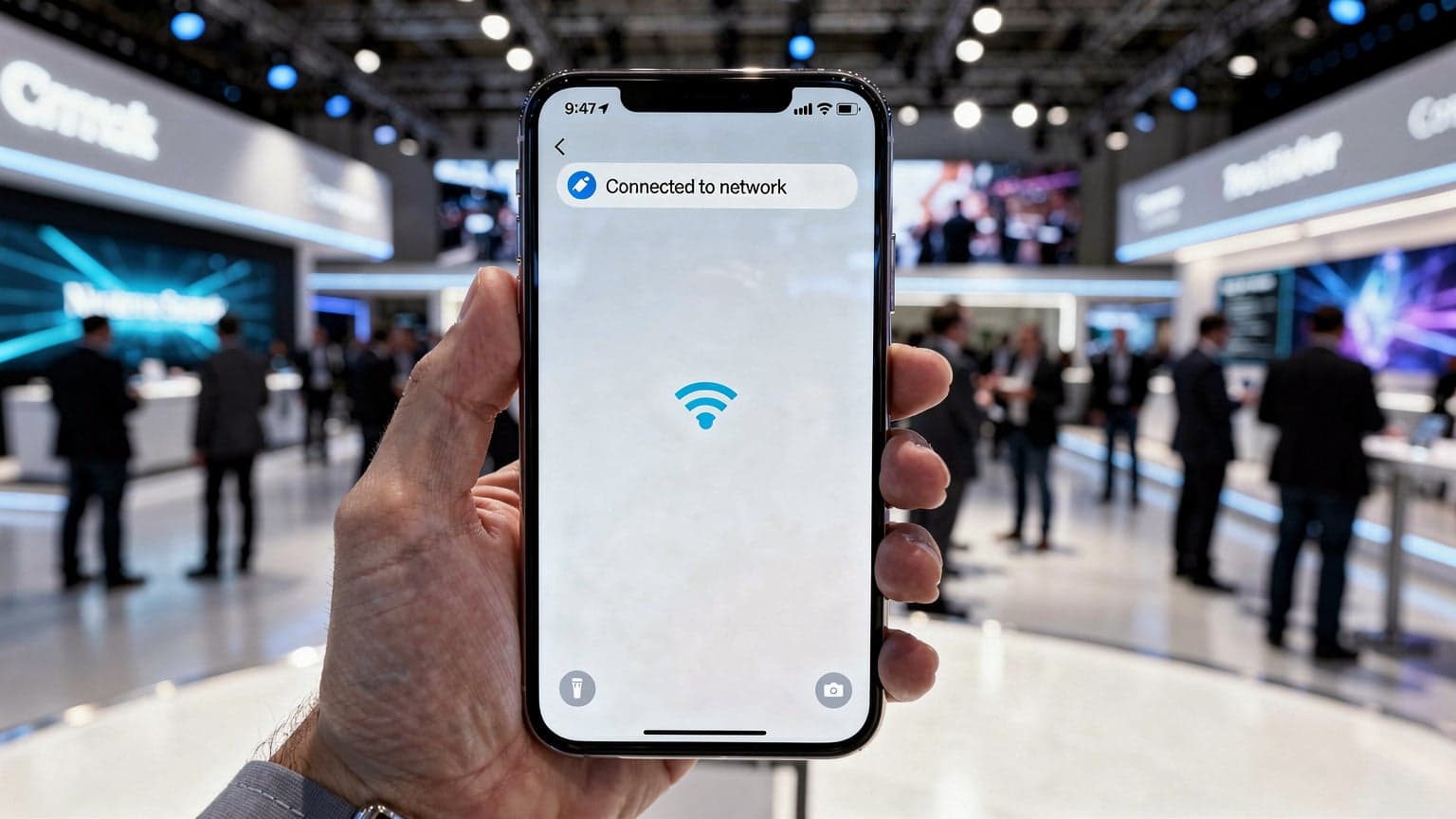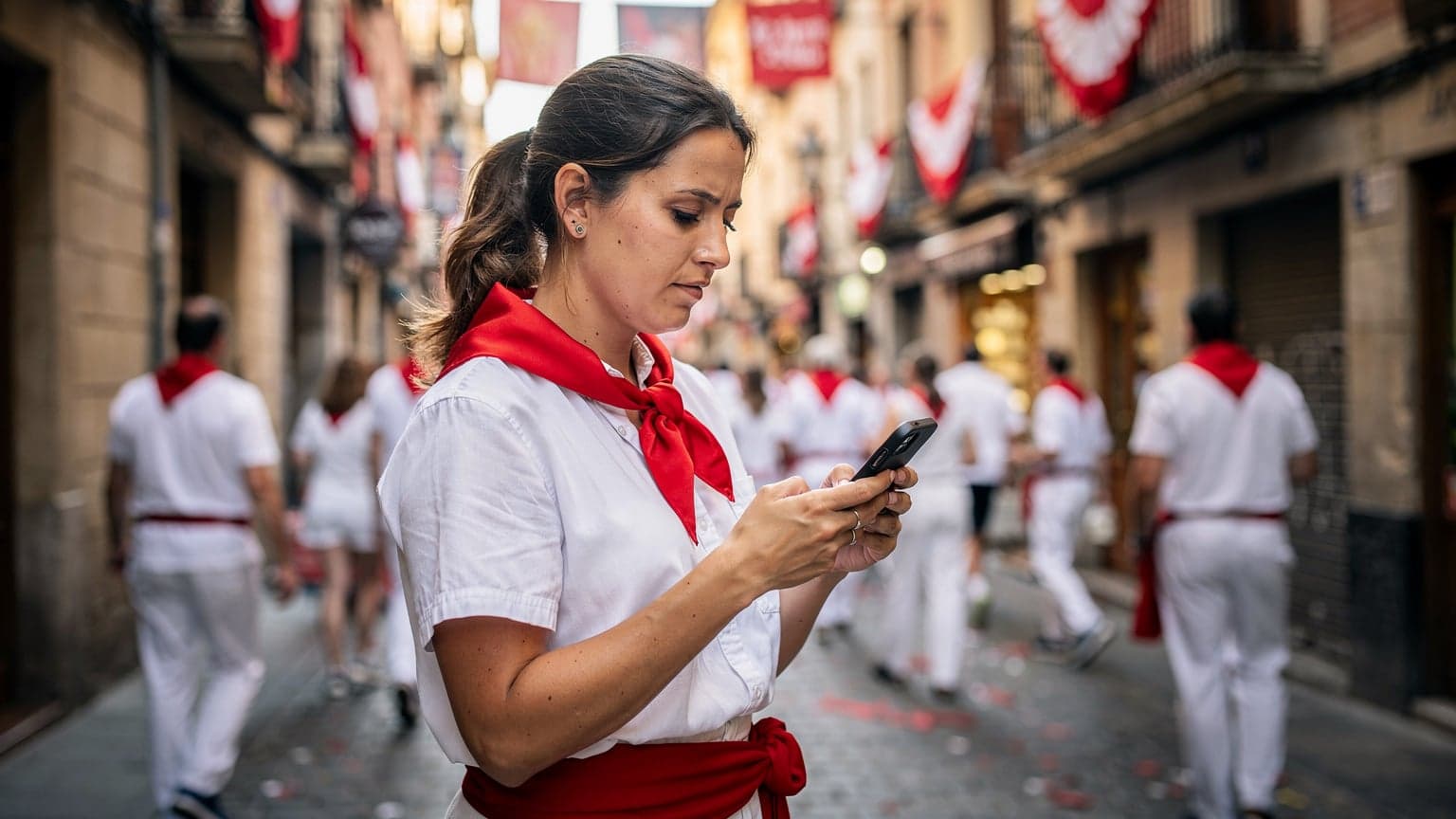
Pamplona 2026: Why Your Phone Is Your Lifeline, Not Just a Camera
Look, I've been doing this nomad thing for four years now, and I've seen enough festivals to know that when thousands of people descend on a small city, the infrastructure gets strained. San Fermín, with its population swelling from 200,000 to over a million during the festival week, isn't just a party, it's a logistics challenge. Your phone isn't just for snapping blurry bull run photos, it's for staying safe, finding your friends, and not getting lost in the post-encierro chaos.
Think about it: real-time updates from official sources, emergency contact, meeting up with people when a WhatsApp message finally goes through after three tries. I remember being in Kyoto during cherry blossom season, trying to meet friends at a specific gate in Fushimi Inari-taisha, and regular cellular data just choked. Pamplona will be worse. You need data that performs under pressure.
The Unspoken Risks of Crowd Connectivity
When you're in a crowd this big, cellular networks get saturated. This isn't just an inconvenience, it's a safety issue. Imagine needing to call for help, or locate a lost child, and your phone won't connect. Public Wi-Fi, if you even find it, will be slow, unreliable, and a magnet for security risks. I once tried to rely on free Wi-Fi at a hostel in Lisbon and ended up missing an important video call with a client, which cost me a contract. Never again.
For San Fermín, reliable data means you can access vital apps like the official festival guide, communicate instantly, and ensure your group stays together. It's about proactive safety, not just reactive. And let's be honest, you'll want to stream a bit of the Running of the Bulls if you're not in the thick of it, or check the news for any closures or changes. This isn't a 'nice to have', it's essential.
Navigating Pamplona Beyond the Bulls
While the focus is on the encierro, Pamplona is a charming city with plenty to explore. You'll want data for Google Maps to find your way from your Airbnb in the San Juan neighborhood to Plaza del Castillo for the fireworks. Or to locate Bar Gaucho for some excellent pintxos, which gets absolutely swamped. (Pro tip: go early, or be prepared to stand.)
I've stayed in Pamplona for a month outside of festival season, paying around 750 EUR for a decent one-bedroom in the Ensanche area. During San Fermín, expect those prices to triple, even for a shared room in the Casco Viejo. A good coffee at Café Iruña will still be €2.50, but everything else gets a festival surcharge. Having data helps you compare prices on the fly, whether it's for a taxi or a last-minute souvenir, rather than being stuck with whatever the nearest vendor charges.
eSIM vs. Local SIM Card: The San Fermín Showdown
Alright, let's talk brass tacks. When you land in Spain for San Fermín, you have two main options for local connectivity: a physical SIM card or an eSIM. I've done both, extensively, across dozens of countries, and for a high-stress, high-traffic event like this, the eSIM wins, hands down.
The Hassle of a Physical SIM Card in Festival Conditions
Picture this: you've just arrived at Pamplona Airport (PNA) or, more likely, Bilbao (BIO) or Madrid (MAD) and taken the bus to Pamplona. You're exhausted. Now, you need to find a mobile carrier store, likely Vodafone, Movistar, or Orange. In normal times, this is a minor chore. During San Fermín, these stores will be swamped. Imagine queues, language barriers, and trying to explain what you need while everyone else is doing the same. Plus, you need your passport for registration in Spain, and I've heard stories from friends who had their physical SIMs suddenly deactivated because of an error in the registration process. It's a pain point you absolutely do not need.
Then there's the physical swap. Fumbling with a tiny SIM tray tool in a crowded airport or bus station? Hoping you don't drop your original SIM card and lose it forever? I nearly lost my primary SIM in a poorly lit bus terminal in Medellín once, trying to get a local data plan. Never again. An eSIM bypasses all of this.
eSIM: The Seamless Solution for San Fermín Travelers
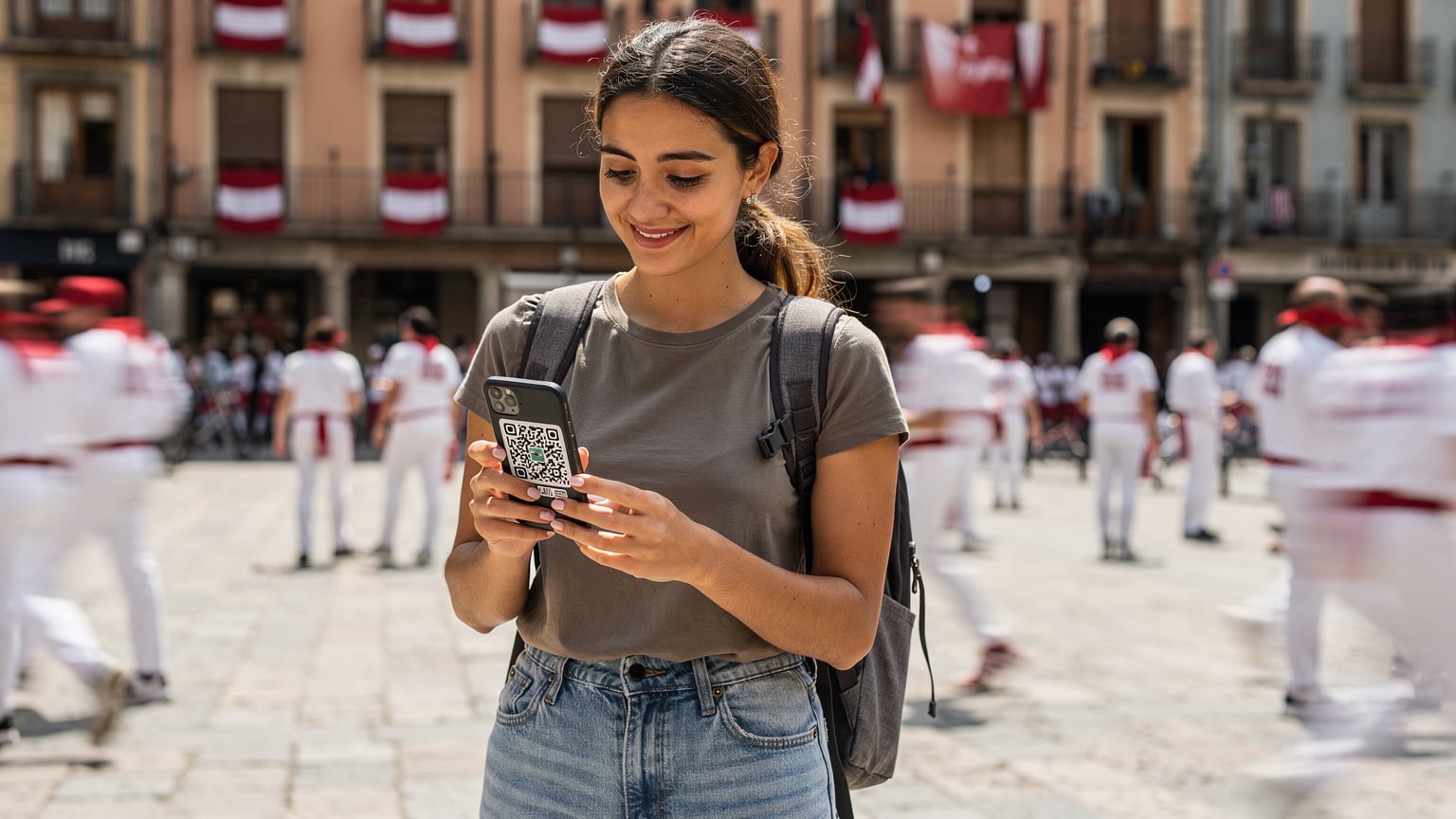
With an eSIM, you buy your plan online before you even leave home. You receive a QR code, scan it, and bam, you're connected. No physical card, no fumbling, no queues. As soon as your plane lands and you turn off airplane mode, you have data. It's like magic, but it's just modern tech being practical.
This is especially critical if you're traveling from outside the EU. Some apps, like certain banking apps in Brazil or the Aadhaar app in India, absolutely require you to have your original home country SIM active to receive OTPs or verify identity. With an eSIM, you can keep your home SIM active for those crucial texts while using the eSIM for all your data needs. This dual-SIM functionality is a lifesaver.
| Feature | eSIM for San Fermín | Physical SIM for San Fermín |
|---|---|---|
| Activation Speed | Instant, pre-arrival setup | Requires in-person store visit, queues |
| Ease of Setup | Scan QR code, digital installation | Physical card swap, SIM tray tool needed |
| Retain Home SIM | Yes, dual SIM functionality for OTPs | No, if your phone is single SIM, you swap it out |
| Store Availability | 24/7 online purchase | Limited store hours, festival crowds |
| Flexibility | Easy to switch plans, add data, multi-country options | Tied to one provider, less flexible for multi-country trips |
| Security | No physical card to lose or have stolen | Vulnerable to loss or theft, linked to a physical object |
Picking the Right eSIM Plan for San Fermín: Data Needs & Budget
This isn't a trip where you can skimp on data. Seriously. Between coordinating with friends, checking crowd safety apps, streaming live events, and the inevitable social media updates, you'll burn through data faster than a bull through a narrow street. For San Fermín, I'd recommend a plan with at least 10GB for a week, or better yet, an unlimited data plan if you're going to be tethering or sharing. Remember, you're competing with a million other phones for bandwidth.
Data Allowance: What You Really Need
An average festival-goer checking maps, sending WhatsApp messages, and light browsing might get by with 5GB for the entire festival. But you're not average, and San Fermín isn't average. If you're planning to upload videos, livestream parts of the festival to your family back home, or use navigation extensively, you'll easily hit 10-15GB. If you're the designated group leader, constantly checking where everyone is or making reservations, consider an unlimited plan. The peace of mind is worth the extra few euros.
Coverage and Network Speed in Pamplona
In Spain, the major carriers are Movistar, Vodafone, and Orange. Cellesim partners with these top-tier networks to ensure you get the best possible coverage. During a festival, even the best networks get stressed. Look for an eSIM plan that explicitly states it uses one of these primary networks. I've found that in Spain, Vodafone generally offers excellent urban coverage and decent speeds, even when things get busy. It's not a guarantee, but it's a solid bet.
| Plan Type | Recommended Data | Typical Use Case | Cost Estimate (7-day) |
|---|---|---|---|
| Light User | 5 GB | Basic messaging, maps, occasional browsing | €10-€15 |
| Moderate User | 10-15 GB | Frequent messaging, social media, light streaming, photo uploads | €18-€25 |
| Heavy User/Group Leader | 20 GB+ or Unlimited | Video streaming, extensive social media, tethering, live updates, group coordination | €30-€50+ |
Multi-Country eSIMs for Extended Travels
If Pamplona is just one stop on a longer European adventure, a multi-country eSIM is a smart move. Instead of buying a new SIM or eSIM for each country, one plan covers them all. I used a regional EU eSIM for a three-month stint across France, Spain, and Italy once, and it saved me so much hassle. No more hunting for a local SIM in every new city.
For those hitting other events or trails, like the Ireland's Wild Atlantic Way 2026: eSIM for Rugged Coastal Roaming or exploring further, a multi-country eSIM simplifies your entire connectivity strategy. It means you're covered from the moment you land in say, London, until you fly out of Rome, all on one plan. It's the kind of seamless travel I always recommend to friends.
Setting Up Your eSIM in Pamplona: A No-Fuss Guide
This is where the eSIM really shines, especially for an event where every minute counts. The setup is straightforward, but a few pointers can make it even smoother.
Pre-Arrival Activation: The Smart Move
Do this before you leave home. Seriously. Download the Cellesim app, purchase your eSIM for Spain, and get it set up while you have stable Wi-Fi. You'll receive a QR code, which you'll scan with your phone's camera. This installs the eSIM profile.
Step-by-Step eSIM Installation
Here's how to get your eSIM up and running, typically:
- Purchase Your eSIM Plan: Go to the Cellesim website or app and select your desired data plan for Spain. Pay securely online.
- Receive QR Code/Activation Details: You'll get an email with a QR code or manual activation details.
- Scan QR Code (or Manual Entry):
- iPhone: Go to Settings > Cellular/Mobile Data > Add Cellular/Mobile Plan > Scan QR Code.
- Android: Go to Settings > Network & internet > SIMs > Add more > Download a SIM instead > Scan QR code.
- Label Your eSIM: Once installed, label your new eSIM something clear, like "Spain Data" or "Pamplona eSIM." This helps you distinguish it from your primary SIM.
- Set as Primary for Data: In your phone's settings, ensure your new eSIM is selected for cellular data. Keep your home SIM active for calls and texts if needed, but direct all data traffic to the eSIM.
- Turn on Data Roaming (for eSIM): For the eSIM to work, you usually need to enable data roaming for that specific line in your phone's settings. Don't worry, with an eSIM, this only applies to your purchased data plan, not your home network.
Troubleshooting Common eSIM Issues
Most issues are minor. First, always make sure you've enabled data roaming for the eSIM profile. Second, check your APN settings, though Cellesim usually auto-configures this. If all else fails, a quick restart of your phone can often resolve connectivity glitches. I’ve seen phones act up, refusing to connect, only to work perfectly after a reboot. It's the universal tech fix for a reason.
Critical Apps for San Fermín: Crowd Safety and Communication
Your phone isn't just a toy at San Fermín, it's a tool for survival and coordination. There are specific apps you'll want to have installed and fully functional. This isn't just about fun, it's about being smart in a volatile environment.
Official Festival Apps and Live Streaming
The official San Fermín app, usually called 'Sanfermin' or 'Pamplona en Fiestas,' is a must-have. It provides schedules, maps, emergency contacts, and real-time updates on closures or incidents. It's your digital guide to the entire festival. Beyond that, local news channels like RTVE or Navarra Televisión often live-stream the bull run. You'll need solid data to watch these streams if you're not physically on the route, or if you're stuck in a crowded plaza. These streams are a good way to catch the action from a safe distance, especially on days you don't feel like waking up at 6 AM.
Communication Apps: WhatsApp and Emergency Contacts
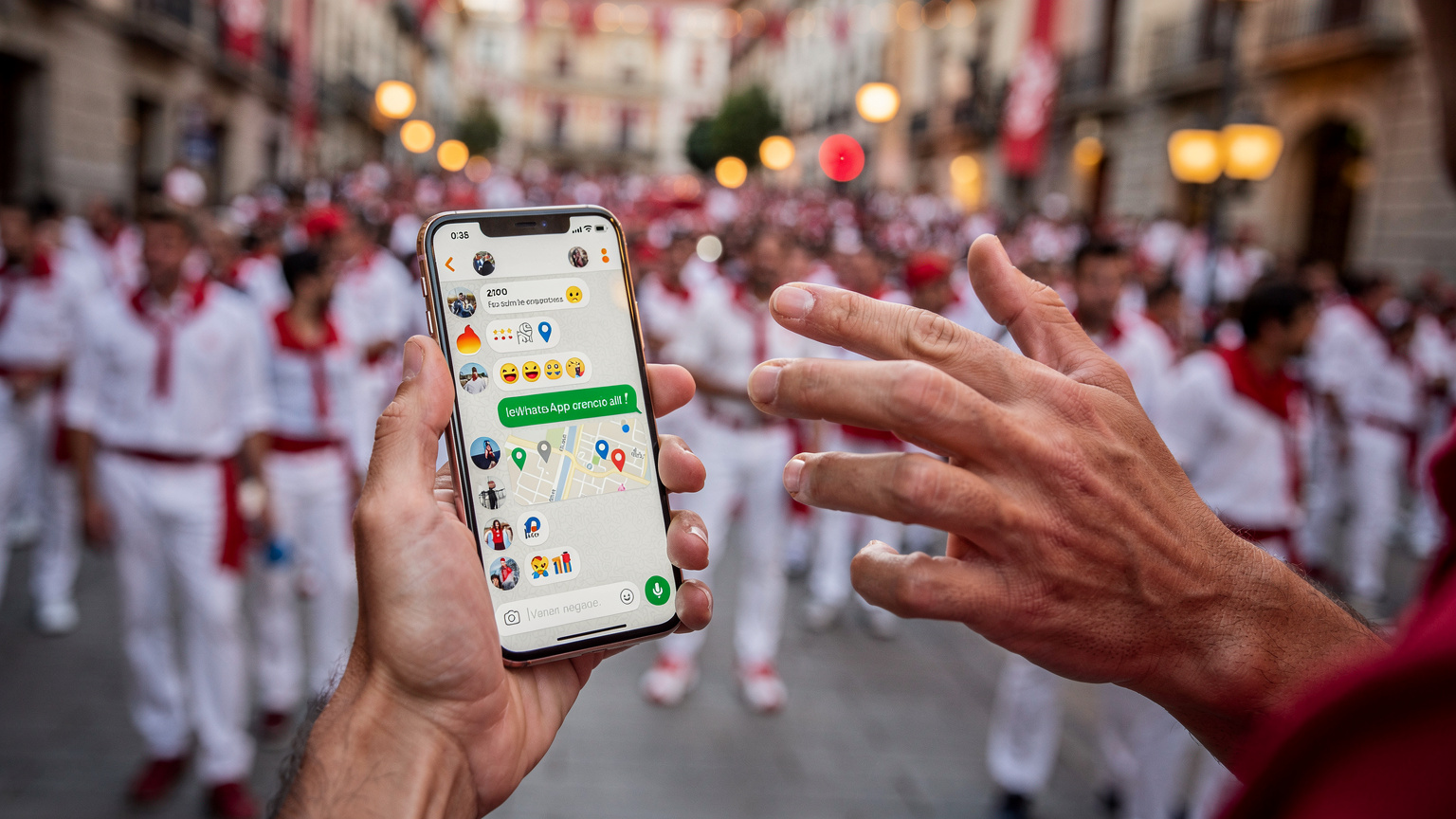
WhatsApp is king in Spain, like much of Europe. You'll be using it constantly to coordinate with your travel companions. Ensure your eSIM plan has enough data to handle group chats, location sharing, and even quick voice notes. Beyond WhatsApp, make sure your phone has the local emergency numbers programmed: 112 for general emergencies, 091 for National Police, and 092 for Local Police. Knowing these off-hand, or having them in speed dial, is crucial. I also recommend setting up an 'In Case of Emergency' (ICE) contact on your lock screen, which can be accessed without unlocking your phone.
Navigation and Translation Tools
Google Maps is your friend for getting around Pamplona's labyrinthine old town. Pin your hotel, meeting points, and favorite pintxos bars. Offline maps are good as a backup, but real-time data for traffic (pedestrian traffic, in this case) and public transport updates is invaluable. For translation, Google Translate's real-time conversation mode can be a lifesaver when asking for directions or ordering food, especially if your Spanish is limited to 'Dos cervezas, por favor.'
Avoiding Connectivity Pitfalls in Pamplona's Packed Streets
Pamplona during San Fermín is a connectivity battlefield. Every single person has a phone, and they're all trying to use it simultaneously. This isn't just anecdotal; it's a known problem in any major crowded event. Your strategy needs to account for this.
The Myth of Reliable Hotel and Public Wi-Fi
Forget about it. Seriously. Hotel Wi-Fi, even in decent places like the Gran Hotel La Perla (if you can afford it, rooms go for €1000+ a night during San Fermín), will be sluggish at best, and outright unusable at worst. Everyone in the hotel will be trying to upload their photos or video call home at the same time. Public Wi-Fi spots? Even more congested and less secure. Trying to rely on them is like trying to cross the bull run route blindfolded. You'll get nowhere fast, and you might lose something important.
Network Congestion and How eSIM Helps
When millions of devices try to connect to a finite number of cellular towers, the network gets overloaded. This is congestion. Your calls drop, your messages don't send, and your internet grinds to a halt. While an eSIM doesn't magically create new towers, it connects you directly to the local network as a priority user, often on a better tier than international roaming agreements. This means you're not fighting for scraps of bandwidth as much as someone on a less optimized international roaming plan. It's a subtle but crucial difference in a high-density environment.
Offline Alternatives and Battery-Saving Modes
Even with the best eSIM, have backups. Download offline maps of Pamplona before you go. Screenshot important festival schedules or meeting points. Enable battery-saving modes on your phone to extend its life, especially if you're out all day and charging points are scarce. Dim your screen, close background apps, and turn off Wi-Fi and Bluetooth when not actively using them. Every bit helps.
Tethering and Group Data Sharing: Keeping Your Crew Connected
Traveling with a group? You're not just responsible for your own connectivity, you're often the de facto IT support for your friends. Tethering, or using your phone as a mobile hotspot, can be a godsend, but it requires a robust data plan.
Hotspotting Your Travel Buddies
If you're the one with the unlimited or high-data eSIM, you can share your connection with others. This is incredibly useful for friends who might have run out of data, or for devices like tablets that don't have their own cellular connection. Just be mindful: tethering drains your battery faster and consumes data quickly. Make sure your eSIM plan explicitly allows tethering (most Cellesim plans do) and budget your data accordingly.
I've been in situations where I was the only one with decent data, like during a Mount Fuji Climb 2026: eSIM for Summit Connectivity & Safety where network was spotty. My single eSIM ended up being the lifeline for a group of five, allowing us to coordinate descent timings and share photos of the summit. It's moments like those where the value of a solid data plan really hits home.
Group Chat Strategies for San Fermín
Before you even arrive in Pamplona, set up a WhatsApp group for your entire travel party. Share your planned itinerary, meeting points, and emergency contacts there. During the festival, use this group constantly. Share your live location if you get separated. Agree on designated meeting spots if data completely fails. The chaos of San Fermín is no joke, and a clear communication strategy is paramount.
Powering Through the Festival: Battery Life and Charging Tips
With all this reliance on your phone, battery life becomes a critical concern. You'll be out all day, potentially into the night, and finding a convenient power outlet will be a challenge.
Portable Chargers: Your Best Friend
This is non-negotiable. Bring a high-capacity power bank, preferably one that can charge your phone multiple times. I carry a 20,000mAh Anker charger that gives my iPhone 14 Pro three full charges. Keep it charged overnight, every night. During the day, keep your phone topped up whenever you have a moment, even if it's only for 15 minutes. A dead phone in the middle of San Fermín is a major liability.
Conserving Battery When Data Is Critical
Beyond the standard battery-saving modes, consider these tips: turn off push notifications for non-essential apps, set your screen to auto-lock quickly, and avoid prolonged video streaming unless you're plugged in. If you're not actively using your phone for navigation, put it in your pocket. The less you interact with the screen, the longer your battery will last. I also advise carrying a small, lightweight charging cable. You don't want to be caught without one.
Beyond San Fermín: eSIM for Spain and Europe Travel
Your journey likely won't end after the final bull runs. Spain and the rest of Europe beckon. Your eSIM, especially a multi-country one, can continue to be your connectivity backbone.
Exploring Spain After the Festival
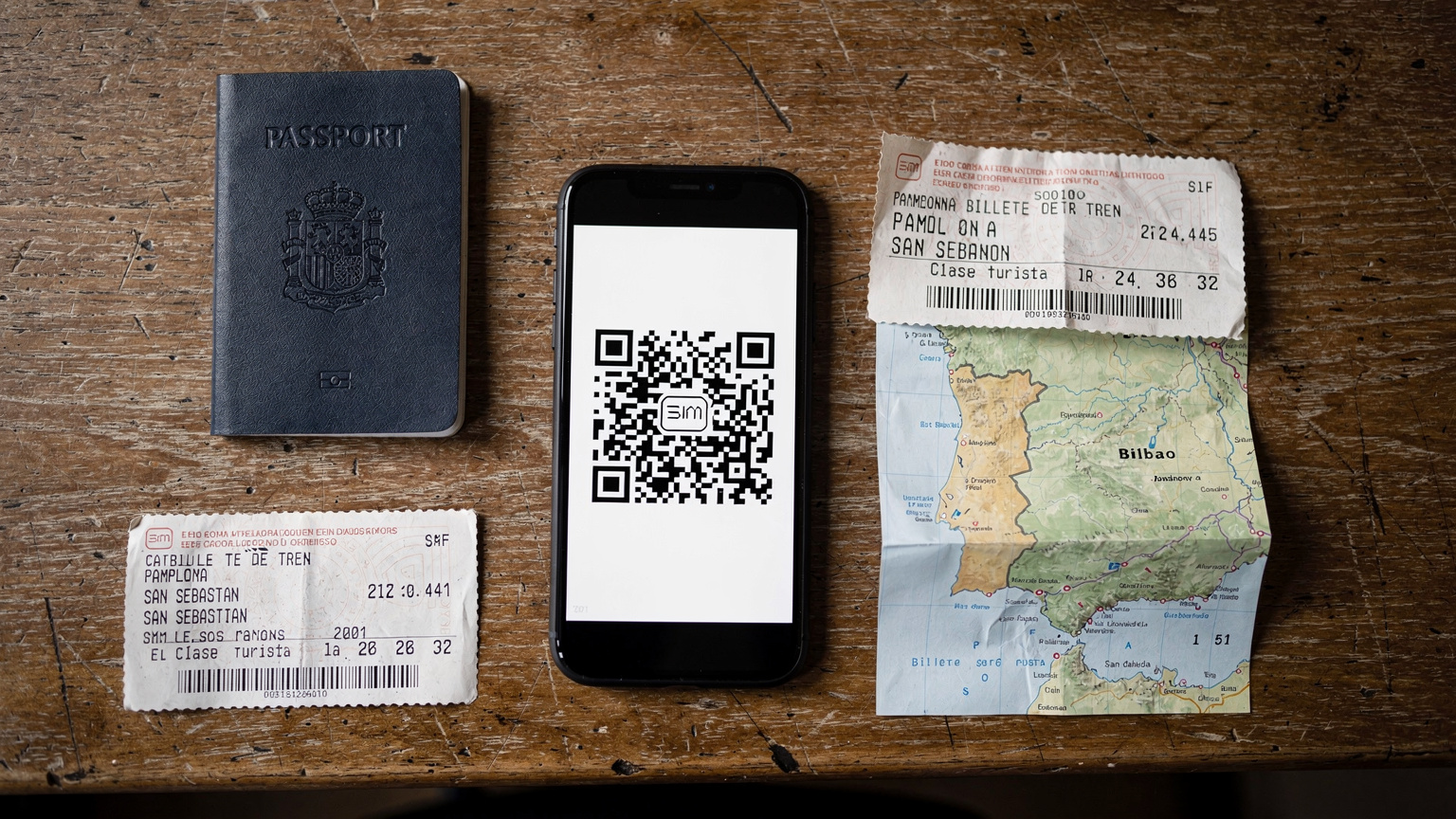
After the intensity of San Fermín, you might want to unwind in San Sebastián, just an hour's drive north, or head south to explore the Basque Country. Or perhaps you're flying out of Madrid and want to spend a few days there. Your Spanish eSIM will keep you connected across the entire country. Whether you're exploring the Guggenheim in Bilbao or the Alhambra in Granada, consistent data is key for tickets, transport, and finding those hidden gems.
Seamless Transition to Other European Destinations
If your travels extend beyond Spain, a regional eSIM plan (like a Europe-wide eSIM from Cellesim) truly shines. Imagine flying from Pamplona to Rome, and your data just works, seamlessly. No new SIMs, no configuration changes. This is the kind of stress-free travel that makes long-term trips enjoyable. I've used the same eSIM across a dozen countries in the Schengen Area, and it's invaluable. It's the same seamless experience whether you're climbing Mount Fuji or navigating the intricate streets of Venice. For all your general questions about eSIMs and how they work, you can always check the Cellesim FAQ page, which is a treasure trove of information.
Frequently Asked Questions
Will my regular phone number still work with an eSIM in Pamplona?
Yes, if your phone supports dual SIM (one physical, one eSIM or two eSIMs), you can keep your home number active for calls and texts while using the eSIM for data. You'll switch which line is primary for data in your phone's settings.
Is Wi-Fi widely available in Pamplona during San Fermín?
While some hotels and cafes offer Wi-Fi, during San Fermín, these networks will be severely congested and unreliable due to the massive influx of people. Relying solely on Wi-Fi for critical communication is not recommended.
What kind of data plan should I get for the San Fermín festival?
For a typical week at San Fermín, I recommend at least 10-15GB of data if you're a moderate user. If you plan on streaming, heavy social media use, or tethering, an unlimited data plan would be ideal to ensure continuous connectivity.
Can I use an eSIM to tether or create a personal hotspot for my friends?
Most Cellesim eSIM plans allow tethering. This can be a great way to keep your group connected, but remember it will consume your data allowance faster and drain your phone's battery more quickly. Always check your plan's specific terms.
What emergency apps or contacts should I have on my phone for San Fermín?
Beyond the official San Fermín festival app, ensure you have WhatsApp for group communication. Program emergency numbers like 112 (general emergency), 091 (National Police), and 092 (Local Police) into your phone, and consider setting up an ICE contact on your lock screen.
How far in advance should I purchase and activate my eSIM for San Fermín?
I highly recommend purchasing and activating your eSIM plan a few days before you depart for Pamplona. This allows you to set it up while you have stable Wi-Fi at home and troubleshoot any minor issues without the stress of being in a crowded, unfamiliar place.