
T-Mobile eSIM: Why It's Often a Raw Deal for Budget Travelers Abroad
Look, let's just be honest: if you're traveling overseas with your T-Mobile eSIM and relying only on their roaming plans, you're almost certainly spending too much. I once spent 8 days in Italy and burned through €280 just on data because I didn't plan ahead. That money could have paid for three extra nights at a decent hostel, or a whole week's worth of Aperol Spritzes. T-Mobile's eSIM feature is super handy, no doubt, but it's not built for travelers who are trying to make every euro count. While they do have plans that include international data, these are practically always way more expensive per gigabyte than what you'd get with a local physical SIM or a dedicated travel eSIM provider like Cellesim.
Think about it this way: T-Mobile's main business is serving customers in the US. International roaming is a side business for them, and they often mark it up a lot. They're not trying to compete with local cell carriers in Paris or Bangkok on price, nor are they aiming to match the aggressive pricing of global eSIM providers. Their strategy is to offer convenience to travelers who aren't as worried about cost. For us, the ones who track every dollar and know which bus operators are legitimate, that convenience comes at a hefty price.
Calculating the Cost of Roaming: A Quick Example
Let's do some quick math. T-Mobile's 'Magenta Max' plan, for example, might give you 5GB of high-speed data in some international spots, and then slow you down to a crawl at 256 Kbps. If you need more, you'll be buying data passes, often for rates like $15 for 500MB or $50 for 15GB. Now, compare that to a Cellesim plan, where you could get 10GB for $20 in the same area. That's a huge difference. If you're using, say, 1GB a day for maps, social media, and calling home, that's 7GB for a week. With T-Mobile's passes, that could easily run you $30-$50. With Cellesim, it's a fraction of that, and often with better speeds too.
Getting Your T-Mobile eSIM QR Code: The Official Route
Okay, so you've decided to stick with T-Mobile for your main phone line, and you need that eSIM profile for a new device or to move it over. The process is generally simple, but you might have to jump through a few hoops, especially if you're already overseas. T-Mobile mostly sends out eSIM profiles as QR codes or direct downloads to compatible phones.
Online Request and Customer Service
The most common way to get your T-Mobile eSIM QR code is through their customer service. You can't just 'make' one yourself from your account online, which is a bit annoying. Typically, you'll need to:
- Log into your T-Mobile account: Do this online or using the T-Mobile app. Look for options like device management or SIM/eSIM.
- Start a chat or call customer service: Tell them you need an eSIM QR code for your phone. Be ready to prove who you are.
- Tell them your device type: iPhone users, for instance, have a very smooth process, but Android users might need to be more specific about their phone model.
- Get the QR code: T-Mobile will usually email the QR code to your registered email address or give you instructions for a direct download. Make sure you can access another device or a computer to show the QR code for scanning.
I've heard stories of travelers trying to do this from a cafe in Prague, only to realize their email was locked or they couldn't get SMS verification codes on their old, disabled physical SIM. Get this sorted before you leave, or at least before you're in a tough spot.
In-Store Option (Before You Travel)
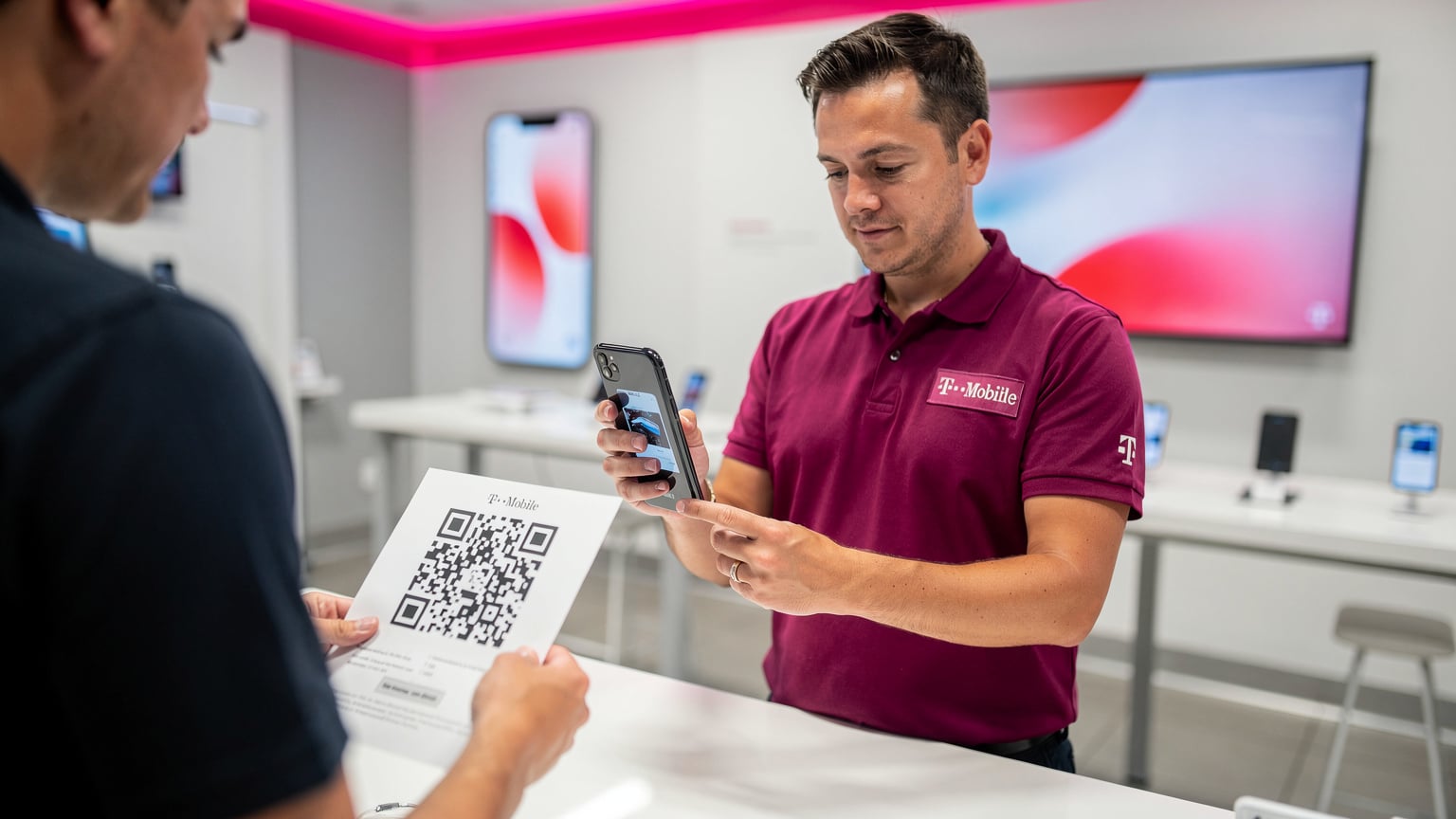
If you're still in the US and have time, going to a T-Mobile store is the easiest way. They can set up the eSIM on your device right there or print out the QR code for you. This avoids any digital delivery headaches. It's especially useful if you're getting a new phone or setting up a new line before a big trip.
eSIM Activation, Step-by-Step: iPhone and Android
Once you have that QR code, activating it is pretty much the same on most modern smartphones. The most important thing is to have a stable Wi-Fi connection when you do it, because your phone needs to download the eSIM profile.
iPhone eSIM Setup
Apple has made managing eSIMs super easy. Most newer iPhones (XS and up) support eSIM, and the process is mostly automatic.
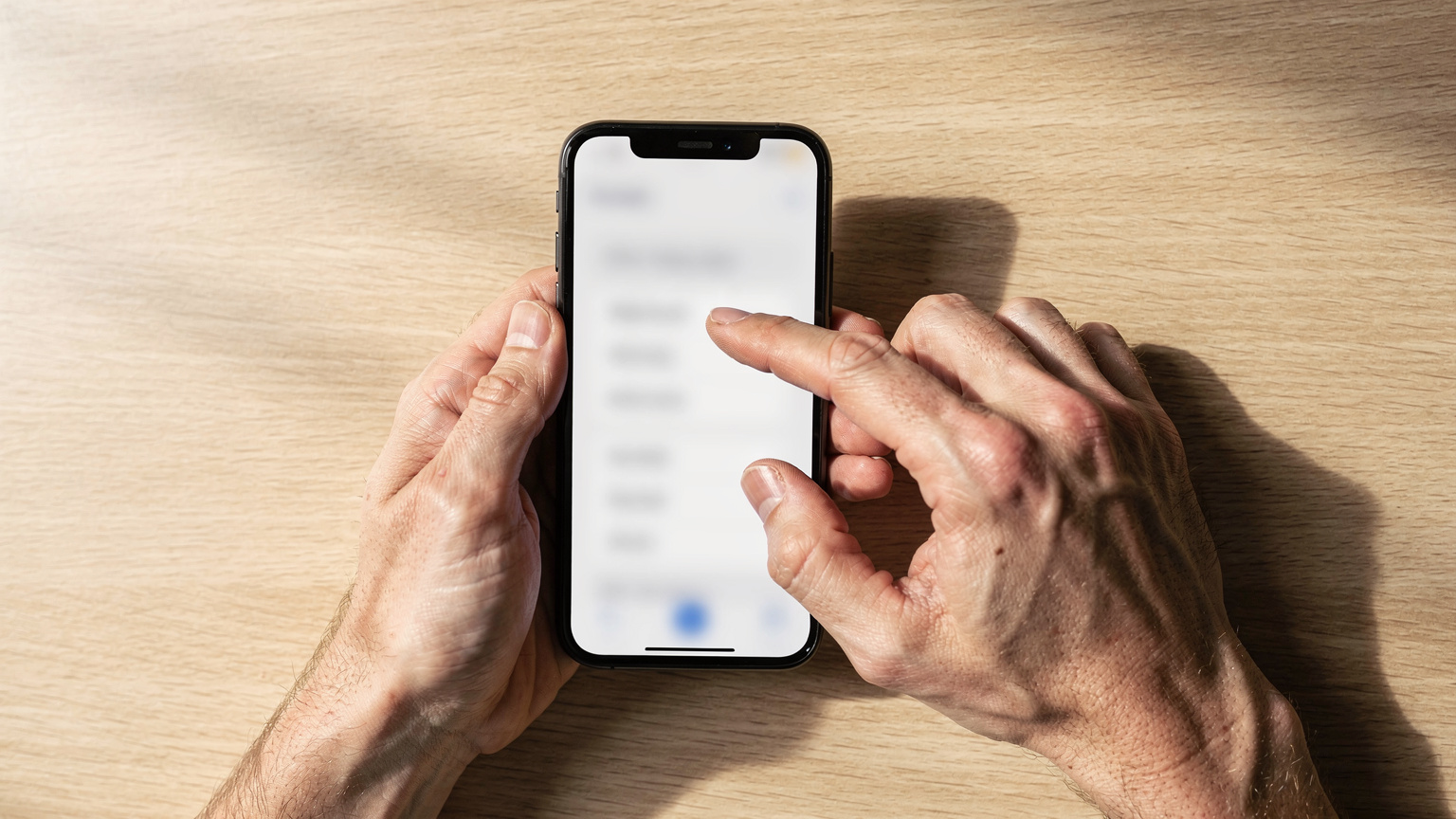
- Go to Settings: Tap 'Cellular' or 'Mobile Data'.
- Add eSIM: Tap 'Add eSIM' or 'Add Data Plan'.
- Scan QR Code: Choose 'Use QR Code' and point your camera at the QR code T-Mobile sent you. (If you got a direct download link, you might tap 'Enter Details Manually' and paste the activation code.)
- Label Your Plans: Your iPhone will ask you to name your main (T-Mobile) and secondary (travel eSIM) plans, like 'Primary' and 'Travel'. This is super important for controlling which line uses data or makes calls.
- Set Default Line: Decide which line is your default for calls, messages, and cellular data. For travel, you'll want to keep your T-Mobile line active for calls/texts (if you have Wi-Fi calling on) but use your travel eSIM for data to avoid roaming fees.
For more details on handling multiple eSIMs on your iPhone, especially to save money, check out our guide on Unlocking Your iPhone for eSIM: Your Budget-Backpacker Guide to Data Abroad 2026.
Android eSIM Setup
Android's steps are similar, though the menu names might be a bit different depending on the phone manufacturer (Samsung, Google Pixel, etc.).
- Open Settings: Go to 'Network & internet' or 'Connections'.
- Find SIM card manager: Tap 'SIM card manager' or 'Mobile network'.
- Add Mobile Plan/eSIM: Select 'Add mobile plan' or 'Add eSIM'.
- Scan QR Code: Choose 'Scan QR code' and scan the T-Mobile QR code.
- Configure Data Usage: Once it's active, make sure you set your T-Mobile eSIM for calls/texts and your travel eSIM for data. This stops you from accidentally racking up roaming charges.
Always double-check your data settings before you land in a new country. I've seen too many travelers get hit with surprise bills because their phone switched back to the main line for data.
T-Mobile eSIM Abroad: The Roaming Fees Reality Check
While T-Mobile talks up its international roaming perks, especially for their Go5G Next or Magenta MAX plans, the truth for people who use a lot of data or are on older plans is often not so great. 'Unlimited' data at 256 Kbps is barely enough to load Google Maps, let alone stream music or make video calls. You're basically paying for convenience, not good performance or saving money.
What Plans Offer What? (And What They Really Cost)
Here’s a look at what T-Mobile usually offers and why it might not cut it for smart, budget-minded travelers:
| T-Mobile Plan | International Data | Real-World Usage |
|---|---|---|
| Go5G Next/Plus/Magenta MAX | 5GB high-speed, then 256 Kbps | Okay for basic messaging, useless for navigation or video. Extra high-speed data passes are expensive (e.g., $50 for 15GB). |
| Older Magenta/Simple Choice | 256 Kbps max | Barely works for emergencies. Forget social media, maps, or any real browsing. |
| Data Passes | Varies (e.g., $5 for 512MB/day, $15 for 500MB/7 days, $50 for 15GB/30 days) | Better speed, but the price per GB is much higher than Cellesim or local SIMs. A week-long trip could easily cost $30-$50 just for data. |
Frequently Asked Questions
Can I get a T-Mobile eSIM QR code while traveling abroad?
Yes, but it can be complicated. T-Mobile usually sends the QR code via email or through their app. You'll need access to a secondary device to display the QR code for scanning and a stable Wi-Fi connection. It's always best to get it before you leave the country to avoid potential issues.
Is T-Mobile's international roaming included with my plan enough for serious travel?
For basic messaging and light email, maybe. However, if your plan throttles data to 256 Kbps after a small allowance, it's not enough for navigation, streaming, or video calls. You'll likely need to purchase expensive data passes, making it far less economical than a travel eSIM.
What's the cheapest alternative to T-Mobile for international data?
The absolute cheapest alternative is often a local physical SIM card purchased upon arrival in your destination country. However, for convenience and multi-country travel, a travel eSIM like Cellesim offers competitive pricing, instant activation, and avoids the hassle of swapping physical SIMs.
How much data do I really need for a week abroad?
A common benchmark is 500MB to 1GB per day for typical usage (maps, social media, light browsing, messaging). So, for a week, 3.5GB to 7GB should suffice. If you stream a lot or make video calls, budget more, perhaps 10-15GB.
Will my T-Mobile phone work with a Cellesim travel eSIM?
Yes, as long as your T-Mobile phone is unlocked and supports eSIM technology (most iPhones XS/XR and newer, and many recent Android flagships). You can keep your T-Mobile line active for calls/texts and use Cellesim for data simultaneously.
What happens at border crossings with an eSIM?
With a travel eSIM like Cellesim, your data plan can seamlessly switch to a new network as you cross borders, provided the plan covers the new country. This avoids the need to find a new local SIM or deal with complex roaming settings, offering continuous connectivity.
Can I use Wi-Fi calling with my T-Mobile line while using a Cellesim eSIM for data?
Absolutely. If your T-Mobile plan supports Wi-Fi calling, you can enable it and make/receive calls and texts over Wi-Fi, even if your T-Mobile physical SIM is disabled or in a country not covered by free roaming. Your Cellesim eSIM provides the data connection for this.
The Roaming Trap and Hidden Costs
The biggest trap is assuming