
While a 256kbps connection is a step up from no connection at all, it's certainly not for everyone. If your travel style demands constant, high-speed streaming or frequent video calls, you'll need to budget for a faster plan. However, for the truly budget-conscious, this speed can save you significant euros.
What Exactly is 256kbps, and How Does it Compare?
256kbps refers to 256 kilobits per second, which translates to roughly 32 kilobytes per second (kB/s) for downloads. To put that in perspective, a fast 4G connection often delivers speeds in the tens of megabits per second (Mbps), meaning tens of thousands of kilobits per second. It's a significant drop, like going from a highway to a single-lane dirt road.Many budget plans from major carriers, especially those offering free international roaming or basic low-cost plans, throttle speeds to this level after you exceed a certain amount of high-speed data. This is often the case with T-Mobile's international roaming, for instance, after your initial high-speed allotment is used up. It's designed to keep you connected, but not at a premium level.
| Speed Tier | Typical Use Case | Real-world Experience |
|---|---|---|
| 256kbps | Basic messaging, text-heavy browsing, offline maps | Slow, but functional for essential communication and navigation. Expect delays. |
| 1-5 Mbps | Standard web browsing, email, social media, SD streaming | Comfortable for most daily tasks, occasional buffering for video. |
| 10+ Mbps | HD streaming, video calls, large downloads | Smooth, fast experience. Ideal for heavy data users. |
What Can You Actually Do with 256kbps Data?
Surprisingly, quite a bit, if you're patient and manage your expectations. I've spent weeks in Southeast Asia relying on similar speeds, and while it was a test of willpower, it was perfectly usable for core travel functions.Here's a breakdown:
- Messaging Apps (WhatsApp, Messenger, Telegram): Text messages will send and receive without much delay. Photo and video sharing will be slow, sometimes painfully so. Send them when you're on Wi-Fi.
- Email: Sending and receiving plain text emails works fine. Attachments will take a while, especially larger files.
- Maps (Google Maps, Apple Maps, Maps.me): This is where 256kbps shines. If you download offline maps before you go (a critical backpacker trick), the GPS functionality will work perfectly. Loading new map tiles or searching for directions will be slow, but it's enough to get around.
- Light Web Browsing: Text-heavy websites (like news articles or blog posts) will load, but images will be slow to appear or might not load at all unless you force them. Forget complex sites with lots of animations or high-resolution graphics.
- Ride-sharing Apps (Grab, Uber): Booking a ride works, but the map updates showing your driver's progress can lag. Be prepared for a bit of a delay.
- Basic Social Media: Checking text-based updates on Facebook or X (formerly Twitter) is possible. Loading image feeds on Instagram or TikTok is a non-starter.
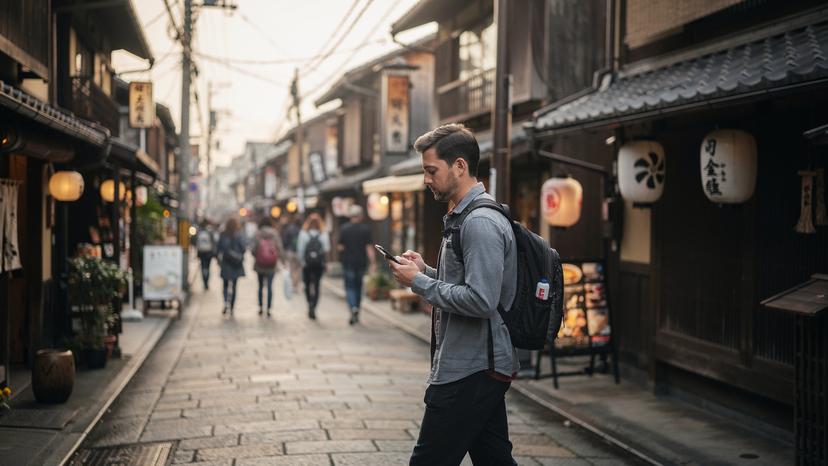
What Data-Hungry Tasks Should You Avoid with 256kbps?
This is where you'll hit a wall. Certain activities are simply incompatible with such low speeds, and trying to force them will only lead to frustration and potentially missed connections.Your rule of thumb: if it involves real-time streaming or large file transfers, it's out.
- Video Streaming (YouTube, Netflix, TikTok): Absolutely not. Even at the lowest quality, the constant buffering will make it unwatchable.
- Video Calls (Zoom, FaceTime, WhatsApp Video): Possible, but very, very choppy. The audio will likely be intelligible, but the video will freeze frequently, making effective communication difficult. This is a crucial point for digital nomads. If you rely on video calls for work, a 256kbps plan simply won't cut it. For remote work experts, reliable internet is paramount, and a low-speed plan can quickly become a liability. You might want to check out our troubleshooting guide if your eSIM shows no service, as connection quality is key for these tasks.
- Large File Downloads/Uploads: Downloading a movie, uploading photos to cloud storage, or even updating apps will take an eternity, if they complete at all.
- Online Gaming: Forget it. Latency will be astronomical, making any real-time game unplayable.
- High-Resolution Photo Browsing: Instagram feeds, photo-heavy websites, or even just browsing your own cloud photos will be agonizingly slow.
How to Optimize Your Phone for Slow eSIM Speeds
Maximizing a 256kbps connection is all about being smart with your phone settings. Every kilobit counts.First, turn off automatic updates for apps and your operating system. These downloads can silently chew through your limited bandwidth and leave you with nothing. Check your phone's settings for background app refresh and disable it for most apps, especially social media and streaming services. They constantly pull data even when you're not actively using them.
Second, use data-saver modes in your browser (like Chrome's Lite mode) and in individual apps. Many apps, like Facebook or news readers, have a 'data saver' option in their settings that will reduce image quality or pre-loading. For navigation, download maps for offline use before you leave your Wi-Fi zone. Apps like Maps.me or Google Maps allow this, making them incredibly useful when your data is crawling.
Finally, consider a lightweight browser like Opera Mini, which is specifically designed to compress web pages before they reach your phone. It can make a noticeable difference on slow connections. Also, be mindful of your overall data consumption. A typical traveler might use anywhere from 500MB to 2GB per week, depending on their habits. With 256kbps, you'll naturally use less, but every byte still adds up. Check out our USA eSIM plans if you're planning a road trip there, as rural connectivity can be patchy and requires careful data management.
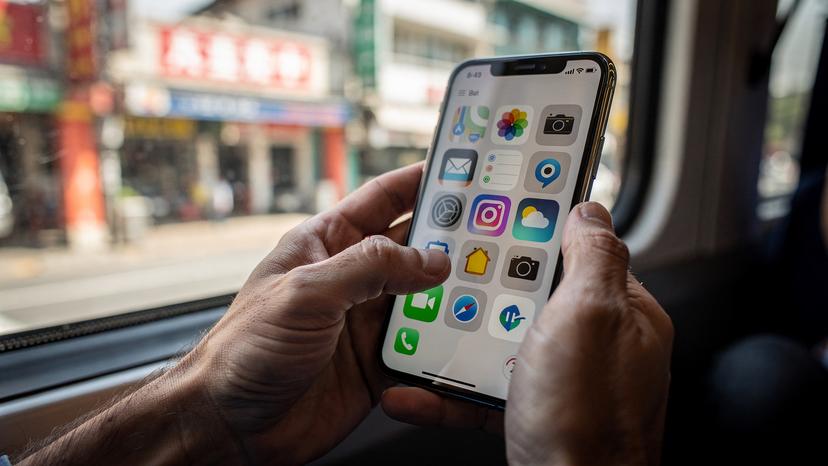
When is a 256kbps eSIM Plan the Right Choice for You?
A 256kbps eSIM plan isn't for everyone, but it fits a specific travel style perfectly: the budget backpacker. If your focus is on experiencing the destination, not streaming your entire Netflix library, this can be a smart move.Consider it if:
- You're on a tight budget: These plans are almost always cheaper. If saving €5-10 on data means an extra night in a hostel or a few more street food meals, it's a trade-off worth considering.
- You primarily need data for essentials: Messaging family, checking maps, booking a Grab, and looking up basic information. If that's your priority, you'll be fine.
- You're often near Wi-Fi: Hostels, cafes, and public spaces often have free Wi-Fi. You can use these opportunities for data-heavy tasks like uploading photos or video calls, and rely on your eSIM for in-between navigation.
- You're traveling solo and prioritizing safety: Having a persistent, albeit slow, connection means you can always reach someone in an emergency or look up critical information, even if it takes a moment to load.
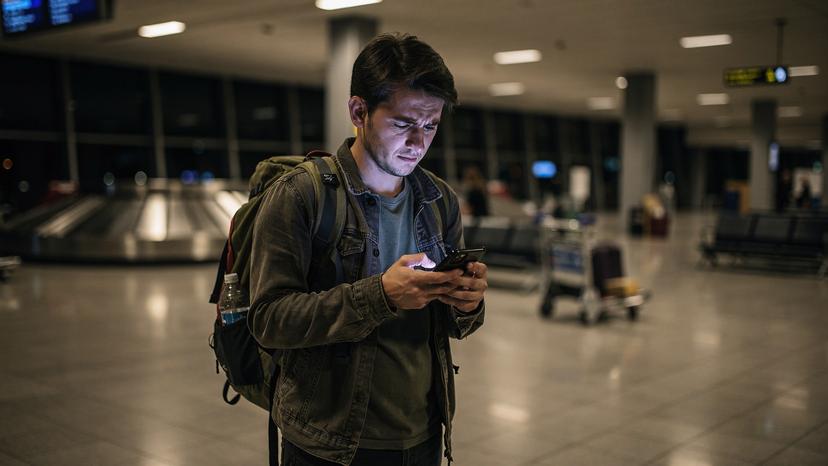
Local SIM Card vs. 256kbps eSIM: The Budget Showdown
For the budget-conscious traveler, the choice often comes down to a local physical SIM card or a budget-friendly eSIM with a 256kbps limit. Both have their pros and cons.A local SIM, especially in countries like Thailand or Vietnam, can be incredibly cheap. You might get unlimited data at higher speeds for just a few euros. However, there's the hassle: finding a vendor at the airport or in town, dealing with language barriers, showing your passport, and then physically swapping out your SIM card (and not losing your home SIM). This can be a pain, especially after a long flight or when crossing a busy land border. I once wasted two hours at the Moc Bai border crossing into Vietnam trying to get a local SIM, only to find the vendor overcharging.
An eSIM, even with 256kbps, offers unparalleled convenience. You buy it online before you leave, install it in minutes, and it activates as soon as you land. No hunting for shops, no language barriers, no physical SIM swap. For some, that convenience is worth paying a few extra euros, even for slower speeds. It also means you don't need to worry about managing physical QR codes if your carrier supports eSIM for your home plan.
When I was in Indonesia, a 256kbps Cellesim plan for 10 days was a convenient option. The cheapest local physical SIM I found in Bali was €8 for 7 days with 5GB of high-speed data. The difference was small, but the eSIM meant I was connected the second my plane touched down in Denpasar, rather than having to navigate the bustling airport to find a SIM card stall. For the convenience alone, especially when you're tired, an eSIM often wins.
Think about your priorities: maximum speed for minimal cost, or maximum convenience for slightly less speed? For tactical budget travel, the 256kbps eSIM often hits a sweet spot. If you're looking for more general travel data questions, our FAQ page covers a wide range of topics.
Frequently Asked Questions
Can I use WhatsApp with 256kbps eSIM speed?
Yes, you can absolutely use WhatsApp for text messaging with 256kbps speed. Sending and receiving text messages will work without significant delays. However, sharing photos and especially videos will be very slow and may time out if the files are large.
Will Google Maps work on 256kbps data?
Google Maps' basic navigation functions will work, especially if you download offline maps beforehand. Loading new map tiles, searching for points of interest, or calculating complex routes will be slow, but it's generally sufficient for essential navigation on foot or public transport.
Is 256kbps fast enough for email?
Yes, 256kbps is sufficient for sending and receiving plain text emails. Expect attachments to take a long time to download or upload. For crucial communications, it will get the job done, but don't plan on exchanging large documents or high-resolution images.
Can I make video calls with 256kbps eSIM speed?
Video calls (Zoom, FaceTime, WhatsApp Video) are generally not recommended at 256kbps. While they might technically connect, the video will be extremely choppy and often freeze, making meaningful conversation difficult. Audio-only calls are more feasible but still might experience some latency.
How can I make 256kbps data more usable?
To make 256kbps data more usable, download maps for offline use, disable background app refresh, turn off automatic app updates, and enable data-saver modes in your browser and frequently used apps. Prioritize text-based communication and use Wi-Fi for data-intensive tasks.
Is 256kbps only for eSIMs?
No, 256kbps speed limits aren't exclusive to eSIMs. Many traditional physical SIM cards, particularly those used for international roaming or after exceeding a high-speed data cap, will also throttle to similar speeds. It's a common practice across the mobile data industry to manage network traffic.