By the end of this guide, you'll understand exactly what 256kbps means for your family's travel data, which apps will still function (and which won't), and how to avoid those mid-trip data meltdowns.
To get the most out of this guide, you should have:
- An eSIM-compatible device (most modern smartphones and tablets are).
- A Cellesim account or an interest in purchasing an eSIM for an upcoming trip.
- A healthy dose of parental patience (optional, but highly recommended).
What Exactly is 256kbps Throttling?
As a parent who’s navigated countless travel data plans, I know the allure of "unlimited" data. It sounds like a dream, especially when you're trying to keep two kids entertained on a long train ride through rural France or a cruise ship in the Caribbean. But often, those "unlimited" plans come with a catch: a speed throttle after you've used a certain amount of high-speed data. That speed limit is frequently 256 kilobits per second, or 256kbps.
So, what does 256kbps actually feel like in the real world? It's like going from a multi-lane highway to a single-lane dirt road. Your data isn't cut off entirely, but it's significantly reduced. For context, most standard 4G or 5G connections offer speeds in the tens or even hundreds of megabits per second (Mbps), which is thousands of times faster. A 256kbps connection is barely 0.25 Mbps. It's enough for basic tasks, but anything data-intensive will struggle.
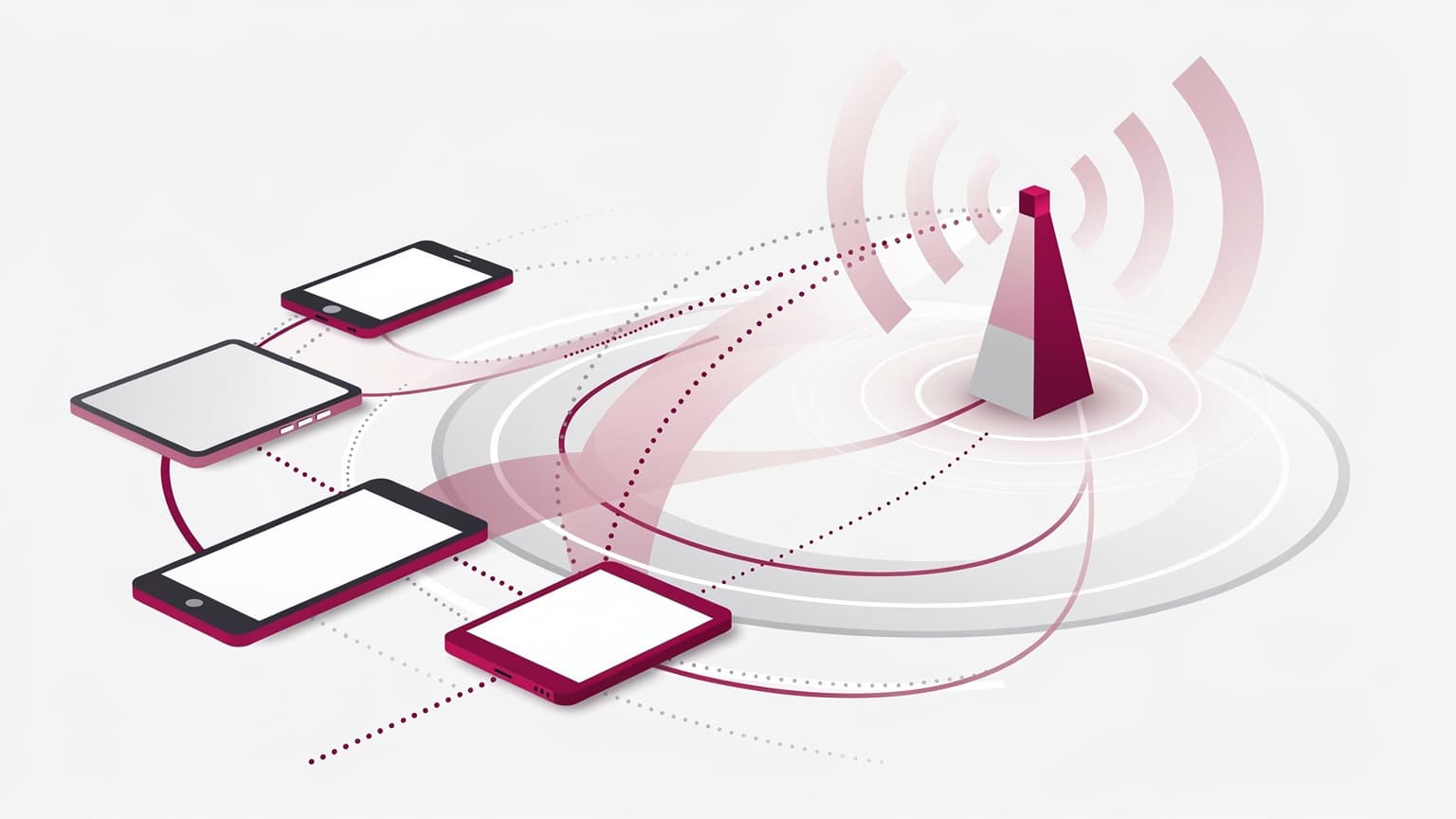
When you're dealing with multiple devices, say your phone, your partner's phone, and two iPads, that 256kbps gets shared. Imagine four hungry kids trying to share one small snack. It doesn't go far. This is why understanding this speed limit is crucial for family travel. You don't want to be caught off guard when your youngest's Cocomelon stream suddenly buffers endlessly.
Always read the fine print on "unlimited" eSIM plans. Many will clearly state their high-speed data cap (e.g., 10GB, 20GB) before throttling kicks in. This isn't a scam, it's just how these plans manage network traffic.
What Still Works at This Speed?
Surprisingly, quite a few essential communication tools can chug along at 256kbps, albeit slowly. Think of it as a bare-bones survival kit for connectivity:
- Text-based messaging: WhatsApp, iMessage, and similar apps for sending and receiving text messages. Images will load slowly, if at all.
- Email: Checking and sending plain text emails. Attachments will be a struggle.
- Light web browsing: Visiting simple, text-heavy websites. Forget image-heavy news sites or anything with video.
- Basic map navigation: If you've pre-downloaded offline maps (a habit I swear by for apps like Google Maps or Apple Maps), your GPS will still work, and route calculations might eventually load.
- Voice calls over IP: WhatsApp calls or similar might work, but expect noticeable lag and potential dropouts, especially if others are trying to use data.
What Absolutely Will NOT Work?
This is where the rubber meets the road, especially for families with device-dependent kids:
- Streaming video: Disney+, Netflix, YouTube, TikTok. Forget it. One kid trying to stream will eat up all the bandwidth and then some. You'll get endless buffering.
- Online gaming: Roblox, Minecraft online multiplayer, Nintendo Switch online. These require consistent, low-latency connections. 256kbps won't cut it.
- Video calls: FaceTime, Zoom. These are extremely bandwidth-hungry.
- Large file downloads: Updating apps, downloading new games, syncing cloud photos. This will take hours, if it completes at all.
- Heavy social media: Scrolling through Instagram or Facebook feeds with videos and high-res images will be a painful, stop-start experience.
Apps That Barely Work at 256kbps (And What to Do)
The reality of travel with kids is that devices are often a necessity, not a luxury. Whether it's for entertainment during downtime, navigating a new city, or even just peace and quiet during a long meal, iPads and phones are often involved. (Trust me, I've seen the glares from other diners when a toddler decides to reenact a dinosaur battle without sound control.)
When you hit that 256kbps throttle, you need a strategy. This is where pre-planning becomes your best friend.
Preparing Devices Before You Travel
- Download everything offline: This is my golden rule. Before we even leave home, or whenever we have strong hotel Wi-Fi, I make sure all essential kid apps are updated, and content is downloaded. This includes:
- Netflix/Disney+/Max: Download movies and TV shows for offline viewing. Most streaming services offer this.
- Reading apps: Books and comics for Libby, Kindle, or similar.
- Interactive games: Many educational games for kids like Toca Boca, Sago Mini, or even simple puzzles can be played entirely offline once installed.
- Music: Offline playlists for Spotify or Apple Music.
- Update apps and OS: Do this BEFORE you leave the house. Nothing is worse than arriving in a new country, hitting your data cap, and then realizing an essential app needs a 500MB update.
- Pre-load maps: Download offline maps for your destinations in Google Maps or Apple Maps. This ensures you can navigate even without any data at all, let alone throttled data. This is a lifesaver when you're trying to find that specific gelato shop in Rome's Trastevere district.
- Set parental controls for data usage: On iOS, go to Settings > Cellular > Cellular Data and you can toggle off data usage for individual apps. For Android, it's typically in Settings > Network & internet > Mobile network > App data usage. This is crucial for preventing apps from sucking up precious data in the background, especially for data plan sized for 2 kids streaming Disney+.
Planning for the Inevitable: Managing Family Data Usage
Even with the best preparation, you'll still need some live data. Maybe you need to quickly check opening hours for a museum, translate a menu, or send a quick update to the grandparents. That's where 256kbps can be just enough.
Practical Strategies for Throttled Data
- Prioritize communication: Make sure messaging apps like WhatsApp are always allowed cellular data. These are typically low-bandwidth and will still function for texts.
- Use Wi-Fi whenever possible: Hotel lobbies, cafes, public transport hubs. Hop on Wi-Fi for any heavy lifting, like uploading vacation photos or letting the kids have a quick YouTube fix.
- Educate the kids (and adults): Explain to everyone that data is limited and specific tasks need Wi-Fi. It avoids arguments later. My kids know that if they want to watch something new, it needs to be downloaded on Wi-Fi, not on the eSIM.
- Consider a multi-device strategy: If you have an eSIM in your main phone, consider enabling its personal hotspot for brief, critical uses on a kid's tablet. Remember, though, that 256kbps shared across two devices is even slower.
- Leverage eSIM features: Many eSIM providers, including Cellesim, offer data usage tracking within their apps. Keep an eye on your consumption to anticipate when throttling might occur. This helps you avoid paying $40 for a hotel kid menu when you could have just used a little data to find a local eatery.
It's also worth noting that connectivity inside theme parks or cruise ships can be notoriously spotty and expensive. An eSIM can provide a more reliable, often more affordable, connection than the onboard Wi-Fi, even if it's throttled. Just be realistic about what you can do. For specific country data needs, you might find our Bolivia eSIM Guide 2026: Ditch the Wi-Fi Hunt, Save Your Pesos helpful for understanding how local networks behave.

When You Need More Speed: Topping Up Your eSIM
Sometimes, 256kbps just isn't going to cut it. Maybe you need to upload a critical work document, or perhaps the kids are in dire need of a fresh episode of Bluey and there's no Wi-Fi in sight. This is when you'll need to purchase additional high-speed data.
How to Purchase More High-Speed Data
The process is generally straightforward with most eSIM providers:
- Check your current data usage: Most eSIM apps will show you how much high-speed data you have left and if you're already throttled.
- Log into your eSIM provider's app or website: This is usually where you manage your plan. For Cellesim, it's all within the app or your online account dashboard.
- Select a top-up option: Look for options to