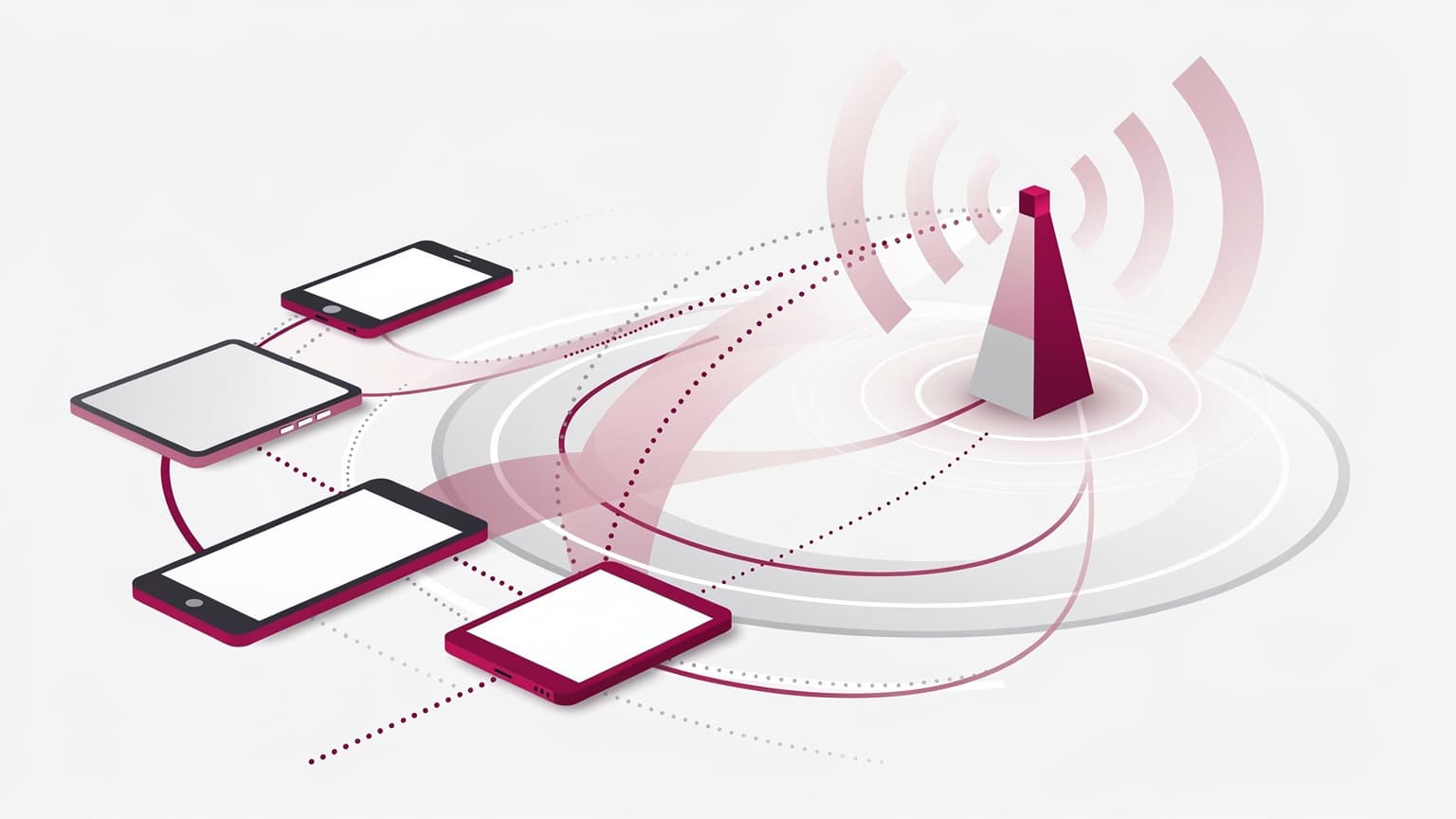
When evaluating Deutsche Telekom for eSIM services in 2026, it's essential to understand that their offerings primarily cater to their existing customer base and those seeking a local German number. While Deutsche Telekom supports eSIM technology, the process for international travelers or those looking for a quick, data-only solution may involve more steps than with a dedicated travel eSIM provider. By the end of this guide, you will understand the practical considerations for using Deutsche Telekom's eSIM, including device compatibility, activation steps, and potential limitations.
Data plans and prices: Portugal eSIM
Prerequisites for Deutsche Telekom eSIM
Before you consider Deutsche Telekom for an eSIM, ensure you meet these fundamental requirements:
- Unlocked Device: Your iPhone must be unlocked to use an eSIM from a different carrier. You can check this in your iPhone's Settings under General > About; if it says "No SIM Restrictions" next to Carrier Lock, your device is unlocked. Apple: travel with eSIM
- eSIM Compatible Device: You need an iPhone XS, iPhone XS Max, iPhone XR, or later model. For other devices, check your manufacturer's specifications for eSIM compatibility.
- Internet Connection: An active Wi-Fi connection or hotspot is typically required to activate an eSIM profile. Apple: travel with eSIM
- Identification: Depending on local regulations, purchasing a prepaid or postpaid plan from a local carrier like Deutsche Telekom may require you to show identification, such as your passport.
Acquiring a Deutsche Telekom eSIM
Deutsche Telekom, as a local carrier, offers eSIMs primarily through their official channels. Unlike global travel eSIM providers, you generally won't find Deutsche Telekom eSIMs available from third-party app stores or reseller websites. Here's how you'd typically acquire one:
- Online Purchase (for residents/existing customers): If you are a resident or already have an account, you might be able to order an eSIM online through their website. This usually involves logging into your customer portal and requesting an eSIM profile for your existing plan or a new contract.
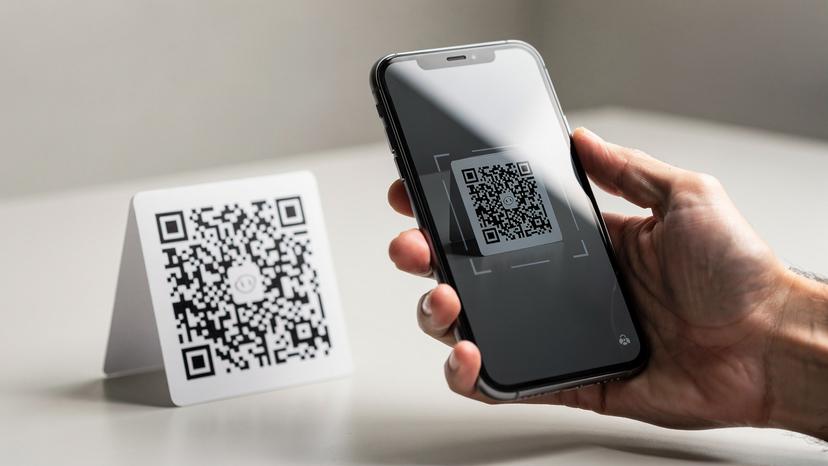
- In-Person at a Store: For new customers, especially international travelers seeking a local number, visiting a Deutsche Telekom store is often the most straightforward method. Here, you can discuss plan options, provide necessary identification, and receive a QR code for eSIM activation.
- Prepaid vs. Postpaid: Deutsche Telekom offers both prepaid and postpaid plans. Prepaid plans are generally more accessible for travelers, while postpaid plans often require proof of local residency, a local bank account, or a credit history.
Activating Your Deutsche Telekom eSIM
Once you have received your eSIM QR code from Deutsche Telekom, the activation process on an iPhone is standard:
- Scan the QR Code: Go to Settings > Cellular > Add eSIM. You will typically be prompted to scan the QR code provided by Deutsche Telekom.
- Follow On-Screen Prompts: Your iPhone will guide you through the setup, allowing you to label your new eSIM (e.g., "Deutsche Telekom" or "Germany Travel").
- Set as Primary or Secondary: You can choose to use the Deutsche Telekom eSIM as your primary line or as a secondary line alongside your home SIM/eSIM. If using both, you can designate the Deutsche Telekom eSIM for cellular data. Apple: travel with eSIM
- Verify Activation: After installation, check your device's cellular settings to ensure the Deutsche Telekom profile is active and connected to the network. Plan validity and remaining data should be checked against the terms of your purchased package, as successful installation does not automatically mean the plan is active.
Limitations and Considerations
While Deutsche Telekom provides robust network coverage within Germany, there are specific points to consider:
- Data-Only vs. Full Service: Most travel eSIMs are data-only. A Deutsche Telekom eSIM, especially a prepaid or postpaid plan, will likely include a local German phone number, enabling calls and SMS. If you need to receive bank SMS, retaining your home line for roaming may be necessary, subject to your home carrier's policies.
- Roaming Costs: If you keep your home line active while using a travel eSIM for data, be mindful of potential roaming fees from your home carrier for calls or SMS. Apple: travel with eSIM
- Customer Support: While Deutsche Telekom has extensive customer support, it may be geared towards German speakers or those with established accounts. Language barriers or unfamiliarity with local processes could be a hurdle for international visitors.
- No Universal Activation Time: The moment your plan becomes active can vary. Always refer to the specific terms and conditions provided by Deutsche Telekom for your purchased package to understand when your validity period begins.
Troubleshooting Common eSIM Issues
If you encounter issues with your Deutsche Telekom eSIM, consider these steps:
- Check Network Settings: Ensure the Deutsche Telekom eSIM is selected for cellular data in your phone's settings.
- Restart Your Device: A simple restart can often resolve connectivity problems.
- Verify APN Settings: While usually automatic, incorrect APN settings can prevent data access. Check Deutsche Telekom's official support pages or your package terms for the correct APN.
- Do Not Delete eSIM: Unless specifically instructed by Deutsche Telekom support, do not delete your installed eSIM profile as a troubleshooting step. Deleting it requires contacting the carrier for a new one. Apple: when to erase an eSIM
- Contact Deutsche Telekom Support: If problems persist, contact Deutsche Telekom's customer service directly. Have your account details and eSIM information ready.
For general information on eSIMs, you can also refer to our eSIM FAQ.
Frequently Asked Questions
Can I get a data-only eSIM from Deutsche Telekom as a tourist?
Deutsche Telekom primarily offers prepaid and postpaid plans that typically include a local German phone number, not just data-only options like many global travel eSIM providers. You would need to check their current prepaid offerings for the most suitable tourist option.
Do I need to show my passport to get a Deutsche Telekom eSIM?
Yes, when purchasing a prepaid or postpaid plan from a local carrier like Deutsche Telekom, you will likely be required to show identification, such as your passport, due to local regulations.
How do I activate my Deutsche Telekom eSIM?
After receiving a QR code from Deutsche Telekom, go to your iPhone's Settings > Cellular > Add eSIM and scan the QR code. Follow the on-screen prompts to complete the installation and setup.
What if my Deutsche Telekom eSIM isn't working after activation?
First, ensure the eSIM is selected for cellular data in your settings and restart your device. Verify APN settings if data isn't working. If issues persist, contact Deutsche Telekom customer support. Do not delete the eSIM profile unless instructed by support.