It's a common practice among providers like KT, SK Telecom, and LG U+ for their prepaid tourist offerings, designed to manage network traffic while still providing basic connectivity. This means you might wake up with blazing fast speeds near Gyeongbokgung Palace, but by evening, after a day of mapping, social media, and a few video calls, you could find yourself crawling along in a taxi from Myeongdong to Hongdae.
Do South Korea eSIM plans really have daily data limits?
Yes, many do. While the term 'unlimited' might be thrown around by some providers, it's crucial to read the fine print. Most South Korean eSIMs designed for short-term visitors from outside the country, including options from major global providers, implement a daily high-speed data cap. Once you exceed this cap, your speeds are reduced significantly for the rest of that day (which typically resets at midnight KST).
Data plans and prices: South Korea eSIM
I've personally run into this more times than I care to admit, especially in places like Japan or Bali where 'unlimited' often translates to 'unlimited at dial-up speeds after 1GB'. It's not a tactic unique to South Korea, but given how data-intensive travel can be with maps, translation apps, and sharing those perfect shots from a café in Seongsu-dong, it's a detail that can quickly sour your experience. Always check the specific terms for throttling before you buy any South Korea eSIM.
What happens when I hit my daily limit?
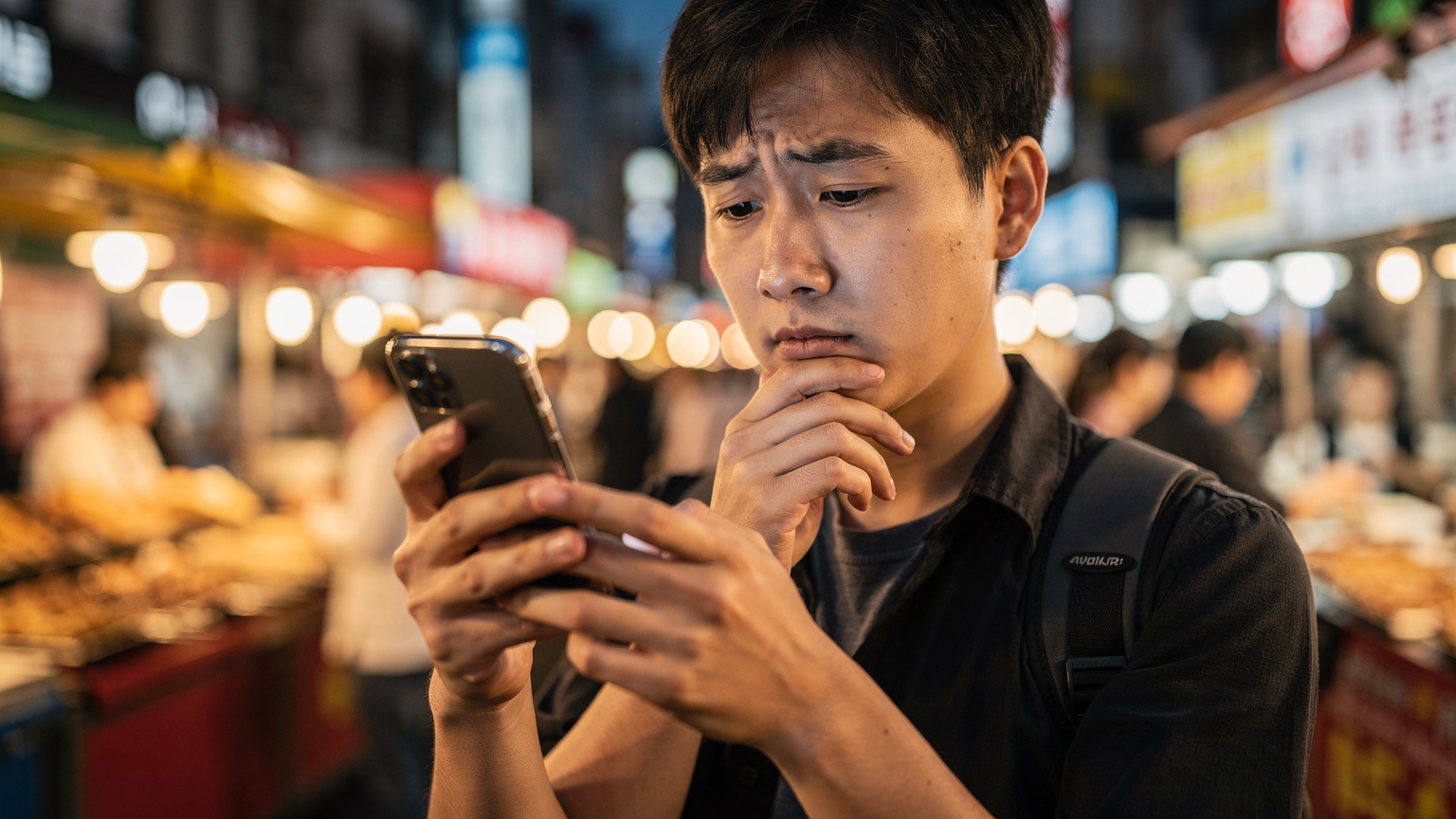
When you reach your daily high-speed data allocation, your internet speed will be throttled. This means you won't lose your connection entirely, but everything will slow down dramatically. Think of it like going from a multi-lane expressway to a winding country road, all within the span of a few hours.
Tasks that require low bandwidth, such as checking emails, sending messages on KakaoTalk, or basic web browsing, will still function, albeit sluggishly. However, anything data-heavy becomes a chore. Streaming videos on YouTube or Netflix, participating in video calls (say, with family back home worried about half-term), uploading high-resolution photos, or using navigation apps that rely on real-time traffic updates (like Naver Maps or Kakao Maps) will become frustratingly slow, if they work at all. On a recent trip, I found myself trying to book a taxi via Kakao T near Busan Station after an evening market visit, only to have the app struggle for several minutes. That's a pain point you want to avoid.
How do daily data limits compare to 'unlimited' plans?
The distinction between daily-limited plans and truly unlimited plans (which are rare and often pricier for tourists) lies in their approach to managing network congestion and user experience. Daily-limited plans are designed to ensure everyone gets a fair share of high-speed access before being moved to a slower tier, preventing any single user from hogging bandwidth.
Truly unlimited plans, when available, generally offer consistent high speeds without throttling, though they might have a fair usage policy that activates after an extremely high threshold (e.g., 50GB or 100GB in a month). For most travelers, especially those on a two-week half-term holiday, hitting such a high threshold is unlikely. The real difference comes down to that daily cap. Your T-Mobile day-pass back home might offer truly unlimited high-speed for a flat fee, but in South Korea, that's not always the case with tourist eSIMs.
| Plan Type | High-Speed Data | Post-Limit Speed | Best For |
|---|---|---|---|
| Daily-Limited eSIM | 500MB - 2GB per day | 128kbps - 512kbps | Light to moderate users, short trips, budget-conscious travelers |
| Truly Unlimited eSIM (Rare) | No daily cap, consistent speed | Usually full speed, or very high threshold (50GB+) | Heavy data users, business travelers, remote workers, long stays |
| Local SIM Card | Varies, often higher caps | Varies by carrier/plan | Longer stays, those needing a local number, more flexibility |
When you're comparing options, consider how much data you genuinely need. Will you be spending your days exploring the Bukchon Hanok Village, snapping photos and looking up restaurant reviews, or will you be glued to your phone for work calls from your hotel in Gangnam?
What are the best eSIM options for South Korea in 2026?
Choosing the 'best' eSIM depends heavily on your data usage habits and the length of your trip. For South Korea, you'll primarily be connecting to networks operated by KT, SK Telecom, and LG U+. All three offer excellent coverage, especially in urban areas like Seoul, Busan, and Jeju. Their 4G and 5G networks are among the fastest globally, a point of national pride, frankly.
Several international eSIM providers resell access to these networks. When I'm planning a trip, I always look for providers that clearly state their daily limits and throttling speeds, rather than hiding them. Some providers offer a lower daily cap (e.g., 500MB) at a very low price point, while others might provide 1GB or even 2GB per day before throttling. If you're comparing options, it's worth checking out Holafly's discount codes 2026 to see if they fit your needs, though I always advocate for comparing against Cellesim's own competitive offerings.
For a family on half-term, where everyone is using their own device, those daily limits add up quickly. Consider a plan that allows tethering if you have multiple devices, or look into separate eSIMs for each family member if data is critical for getting around the Seoul Metro (T-money card aside) or keeping kids entertained on longer KTX train rides.
Can I track my data usage with an eSIM?
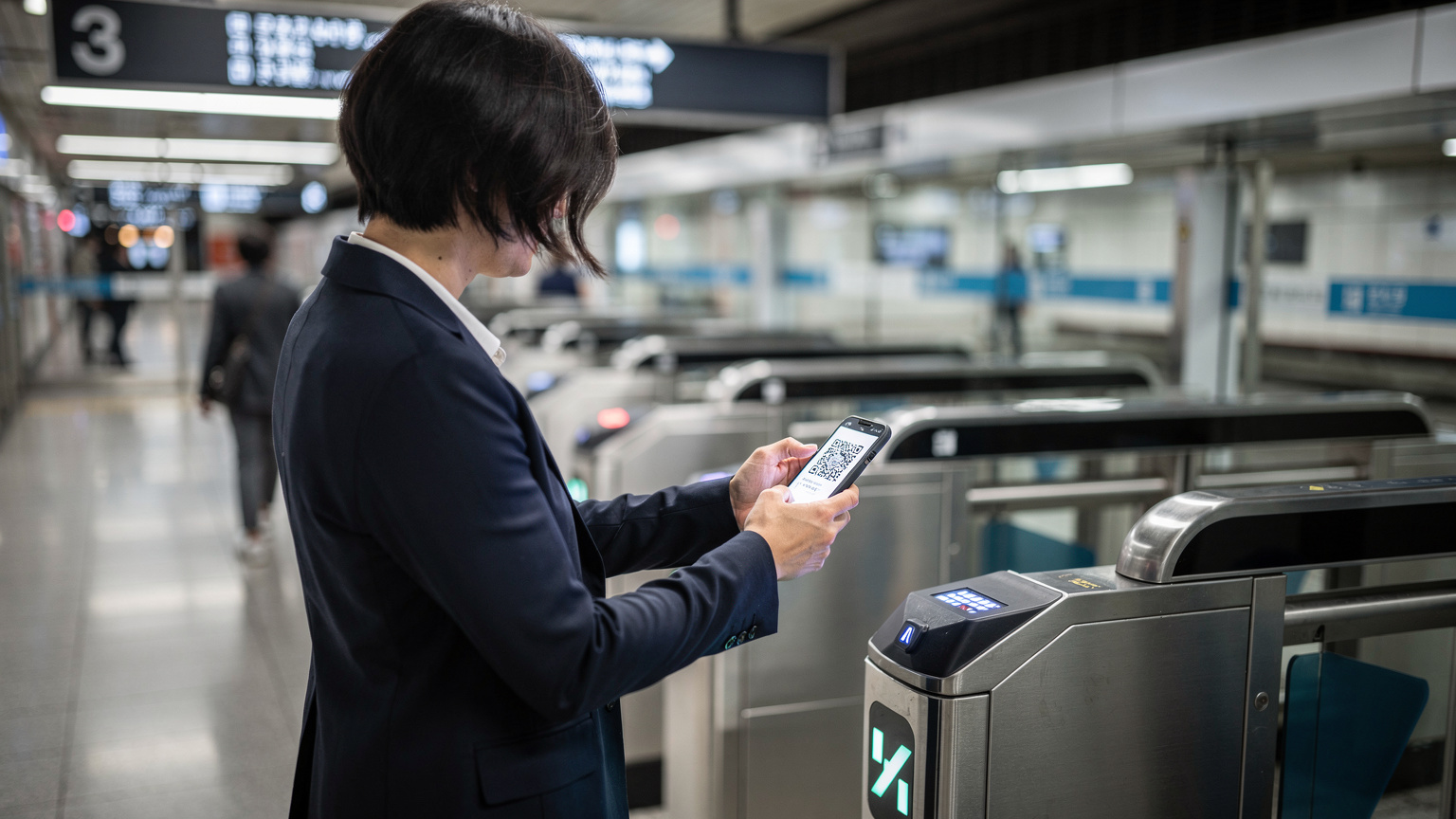
Absolutely, and it's something I recommend doing diligently, especially with daily-limited plans. Your phone's operating system (iOS or Android) has built-in data usage trackers that can give you a general idea of how much data you've consumed. On an iPhone, you can find this under Settings > Cellular (or Mobile Data), and then scroll down to view usage by app.
However, these phone-based trackers usually reset monthly, not daily, and don't always align perfectly with the eSIM provider's billing cycle. The most accurate way to track your daily usage against a specific eSIM plan is through the provider's dedicated app or web portal. Many eSIM providers, including Cellesim, offer a dashboard where you can monitor your remaining high-speed data for the day and see when the limit resets. This is invaluable for managing your data, particularly if you're planning a busy day of navigating Seoul's extensive bus network or uploading stories from a photoshoot in Hannam-dong.
Don't just set it and forget it, particularly if you're coming from a world where 'unlimited' truly meant unlimited, like with many T-Mobile plans in the US. A quick check in the morning and afternoon can save you from a slow evening.
What are some tricks to make my daily data last longer?
Making your daily data last is all about conscious usage, a skill I've honed over years of trying to stretch limited bandwidth in far-flung places. Here are a few strategies:
- Download Offline Maps: Before you leave your hotel's Wi-Fi (most hotels in areas like Myeongdong or Insadong have excellent Wi-Fi), download offline maps for areas you plan to visit using apps like Google Maps or Naver Maps. This saves a huge amount of data.
- Pre-Download Entertainment: If you enjoy streaming music or videos, download your playlists, podcasts, or Netflix shows over Wi-Fi. This way, your commute on the Seoul Metro (operated by Seoul Metropolitan Government) from your Airbnb in Itaewon to a meeting in Gangnam won't eat into your daily cap.
- Limit Background App Refresh: Go into your phone's settings and disable background app refresh for non-essential apps. Many apps consume data even when you're not actively using them.
- Turn Off Auto-Play Videos: Social media apps like Instagram, Facebook, and TikTok often auto-play videos, which guzzles data. Adjust these settings within each app.
- Use Wi-Fi Whenever Possible: South Korea is incredibly Wi-Fi friendly. Cafes, public transit hubs, and even some street areas offer free Wi-Fi. Make a habit of connecting whenever a secure network is available. I always make sure to grab a quick coffee at a local café in Ikseon-dong, not just for the atmosphere, but to jump on their Wi-Fi for updates.
- Optimise Photo Backups: If your phone automatically backs up photos to cloud services, set it to only do so over Wi-Fi. High-resolution photos can consume a lot of data quickly.
Is eSIM the only way to get data in South Korea?
No, eSIM is certainly not the only option, though it's often the most convenient for short-term visitors. You have a few other avenues for staying connected:
- Physical SIM Cards: You can purchase a physical prepaid SIM card upon arrival at Incheon International Airport (ICN) or at major convenience stores (like GS25 or CU) in cities. These often offer higher daily or total data allowances than some eSIMs, and may include a local Korean phone number, which can be useful for certain reservations or local apps. This is what I used to do before eSIMs became mainstream, fumbling with a SIM tray ejector pin - a small but real point of friction.
- Pocket Wi-Fi (Wi-Fi Egg): These portable devices provide a Wi-Fi hotspot for multiple devices. You can rent them at the airport or through online services. They often come with truly unlimited data at high speeds, making them excellent for families or groups. The downside is carrying an extra device, keeping it charged, and remembering to return it.
- International Roaming from your Home Carrier: Your home carrier, such as T-Mobile, might offer an international roaming package. However, these are often quite expensive (those daily passes can add up!) and may still come with their own throttling limits or slower speeds compared to local networks. It's always worth checking your carrier's 'day-pass karşılaştırması' to understand the true cost.
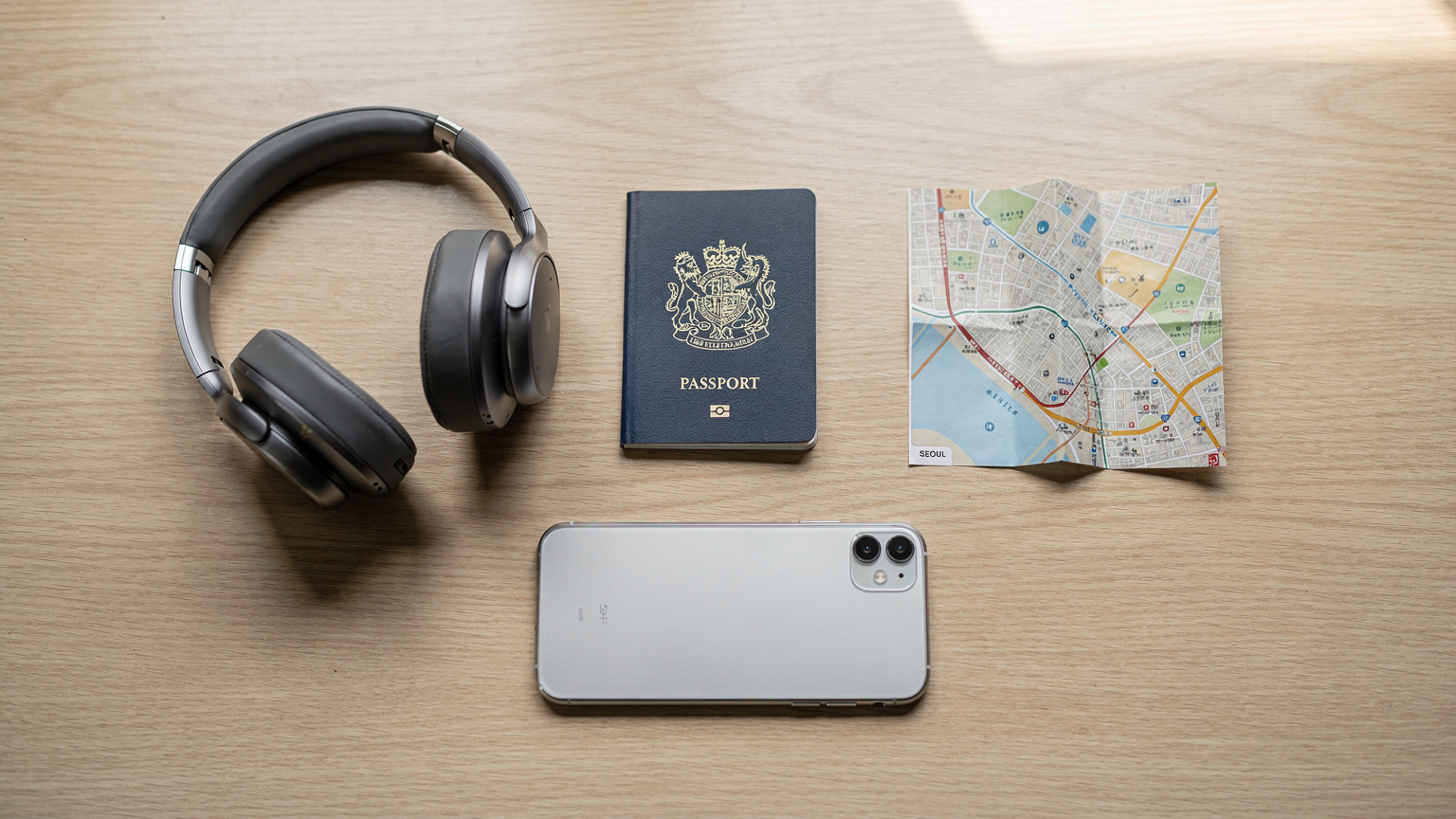
For most travelers arriving at Heathrow for a half-term trip to South Korea, an eSIM offers the best balance of convenience, immediate connectivity, and cost-effectiveness without the hassle of swapping physical SIMs or managing another device. However, understanding the data limits is key to making the right choice for your trip. For more insights into staying connected abroad, you might find a post like Telkomsel Tourist eSIM 2026: A Family Planner's Honest Take on Bali Data useful, as many of the principles of data management apply universally.
Frequently Asked Questions
What does it mean if my South Korea eSIM has a daily data limit?
It means you receive a set amount of high-speed 4G data (e.g., 1GB) each day. Once this amount is used, your internet speed will be significantly reduced for the rest of that day, typically until midnight KST when the allowance resets.
Will my eSIM stop working after I hit the daily limit in South Korea?
No, your eSIM will not stop working. You will still have internet access, but at a much slower speed. Basic tasks like messaging and email should still function, but streaming, video calls, or heavy browsing will be very difficult.
How can I check my remaining daily data for my South Korea eSIM?
The most reliable way is through the eSIM provider's app or website portal, which should show your daily usage and reset time. Your phone's built-in data tracker (under Cellular/Mobile Data settings) can also give you an estimate, but it might not align perfectly with daily resets.
Are there truly unlimited eSIMs for South Korea without daily limits?
Truly unlimited high-speed eSIMs for tourists in South Korea are rare and often more expensive. Most 'unlimited' plans for visitors will still have a daily high-speed cap before throttling. Always scrutinize the product description for specific daily limits and post-limit speeds.
Can I upgrade my South Korea eSIM plan if I need more data?
It depends on the provider. Some eSIM providers allow you to purchase add-on data packages or upgrade to a different plan mid-trip. Check with your specific eSIM provider's customer service or app to see if this option is available.
What speed can I expect after my South Korea eSIM is throttled?
Throttled speeds typically range from 128kbps to 512kbps. For context, 128kbps is similar to dial-up internet from the early 2000s, making even simple webpage loading quite slow. 512kbps is slightly better, but still far from what you'd consider fast 4G.