Why Ship Wi-Fi is a Rip-Off (and the eSIM Alternative)
Let's be honest: cruise ship Wi-Fi is almost never worth what you pay. I've been to music festivals with more consistent internet than some "premium" cruise packages. Expect to pay $20 to $30 AUD/NZD per day, or often $150-$200 AUD/NZD for a whole week, just to send a few WhatsApp messages and maybe peek at your email. Streaming anything is a pipe dream. Even basic browsing can feel like you're back in the dial-up era, and trying to upload photos from a crowded deck in the middle of the ocean? Forget about it. It's satellite internet, and it's pricey because there's no other choice out at sea. The lag alone is enough to make you want to toss your phone overboard.
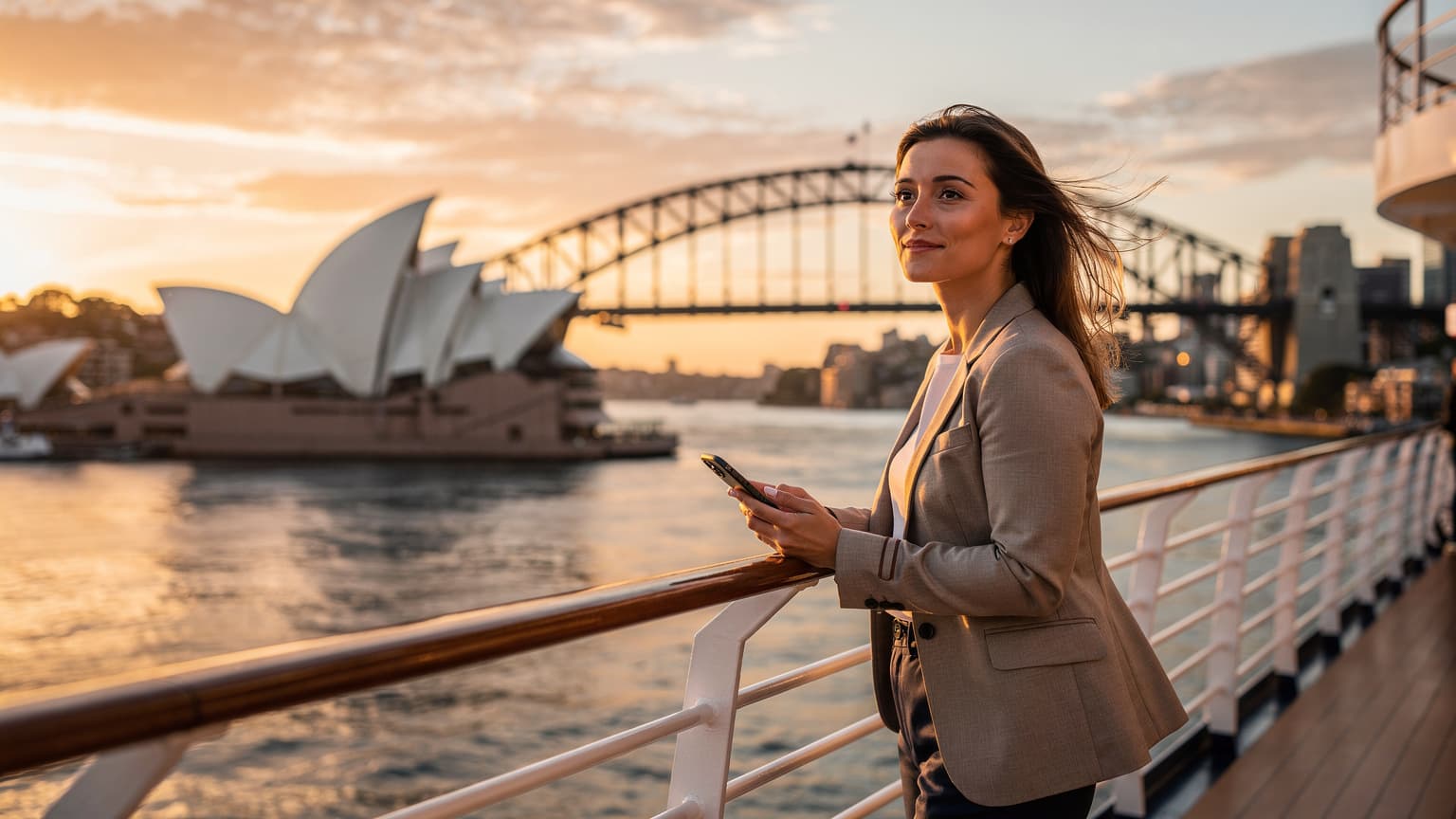
This is precisely why an eSIM for Australia and New Zealand is a game-changer. Instead of relying on that spotty, overpriced satellite connection, an eSIM lets you use local mobile networks the moment your ship docks or gets close to the coast. You only pay for data when you actually have access to fast, reliable land-based towers. Imagine finding directions to that cool cafe in Circular Quay or coordinating plans in Auckland's Britomart without staring at a loading icon.
The True Cost of Cruise Connectivity
I distinctly remember one cruise from Sydney to Tasmania. I shelled out for the "premium" Wi-Fi, hoping to get some work done. It was a joke. Most of my port days were spent frantically hunting for free Wi-Fi in Hobart, usually at the Salamanca Market or a public library. My data allowance vanished faster than a free glass of champagne at the captain's reception. With an eSIM, you skip all that frustration. You buy a data package that works on land, just like a local SIM, but without the fuss of swapping physical cards.
What Is an eSIM and How Does It Help Cruisers?
An eSIM is basically a digital SIM card built into your phone. Instead of a physical chip, you download a profile that connects you to a local network. For cruisers, this means you can buy a data plan for Australia, New Zealand, or even a regional plan covering both, well before you even leave home. As soon as your ship pulls into port, your phone automatically connects to the fastest local network available, giving you smooth 4G or 5G access. No more messing with tiny SIM cards at the airport or worrying about losing your home SIM. If this whole concept is new to you, check out our What Is an eSIM? The Complete 2026 Guide for all the details.
Understanding Connectivity Down Under: eSIMs vs. Local SIMs
When you're on a cruise, convenience is key. Buying a local physical SIM card in Australia or New Zealand is an option, but it comes with a few minor hassles. You have to find a store, possibly show your passport for registration (which can be a pain after a long flight or during a short stop), and then physically swap out cards. An eSIM completely avoids all of this.
| Feature | eSIM for Cruisers | Local Physical SIM Card | Ship Wi-Fi |
|---|---|---|---|
| Activation | Digital, pre-purchase & activate before departure or upon arrival. | Physical store visit, passport registration, manual swap. | Connects automatically, but requires purchase on board. |
| Cost | Affordable daily/weekly data packs, significant savings. | Good value, but setup time reduces effective usage. | Very expensive, often poor value for money. |
| Coverage | Utilizes major local networks (Telstra, Optus, Vodafone AU; Spark, One NZ). | Utilizes major local networks. | Satellite-based, unreliable, only works at sea. |
| Convenience | Seamless switching, keep home SIM active for calls/SMS. | Requires physical handling, potential for losing home SIM. | No physical changes, but limited functionality. |
| Flexibility | Multiple plans, multi-country options, easy top-ups. | Tied to one provider, usually domestic plans. | Fixed packages, no flexibility. |
Why Keep Your Home SIM Active?
A huge benefit of an eSIM is that you can keep your primary SIM card active. This means you'll still get SMS messages, which are often vital for things like two-factor authentication for banking apps or other services. I've seen friends get stranded trying to log into their bank accounts because they couldn't receive a security code. Some Brazilian banks, for instance, are picky about needing a local SIM for certain app features. Similarly, in India, the Aadhaar app requires a locally registered number. While these specific examples might not apply directly to Australia or New Zealand, the idea is clear: keeping your home number active for important texts is a smart travel move.
If you're thinking about a longer stay after your cruise, say in cities like Melbourne or Wellington, having your home number for initial account setups can save you a lot of grief. I spent a month in Melbourne's Fitzroy neighborhood, and signing up for local gym memberships or even some online grocery deliveries often required an Australian number after a few weeks. Rent for a basic one-bedroom apartment in Fitzroy was around $2,000 AUD per month, plus another $800-$1000 AUD for food and utilities. You definitely want reliable data to find the best deals.
eSIM Coverage in Australian Ports and Cities
Australia has fantastic mobile network coverage, especially in its major cities and along the coastlines where cruise ships usually dock. The big players are Telstra, Optus, and Vodafone Australia. When you activate an eSIM for Australia, it will typically use one of these networks, giving you access to their strong infrastructure.
Sydney, Melbourne, Brisbane, Adelaide
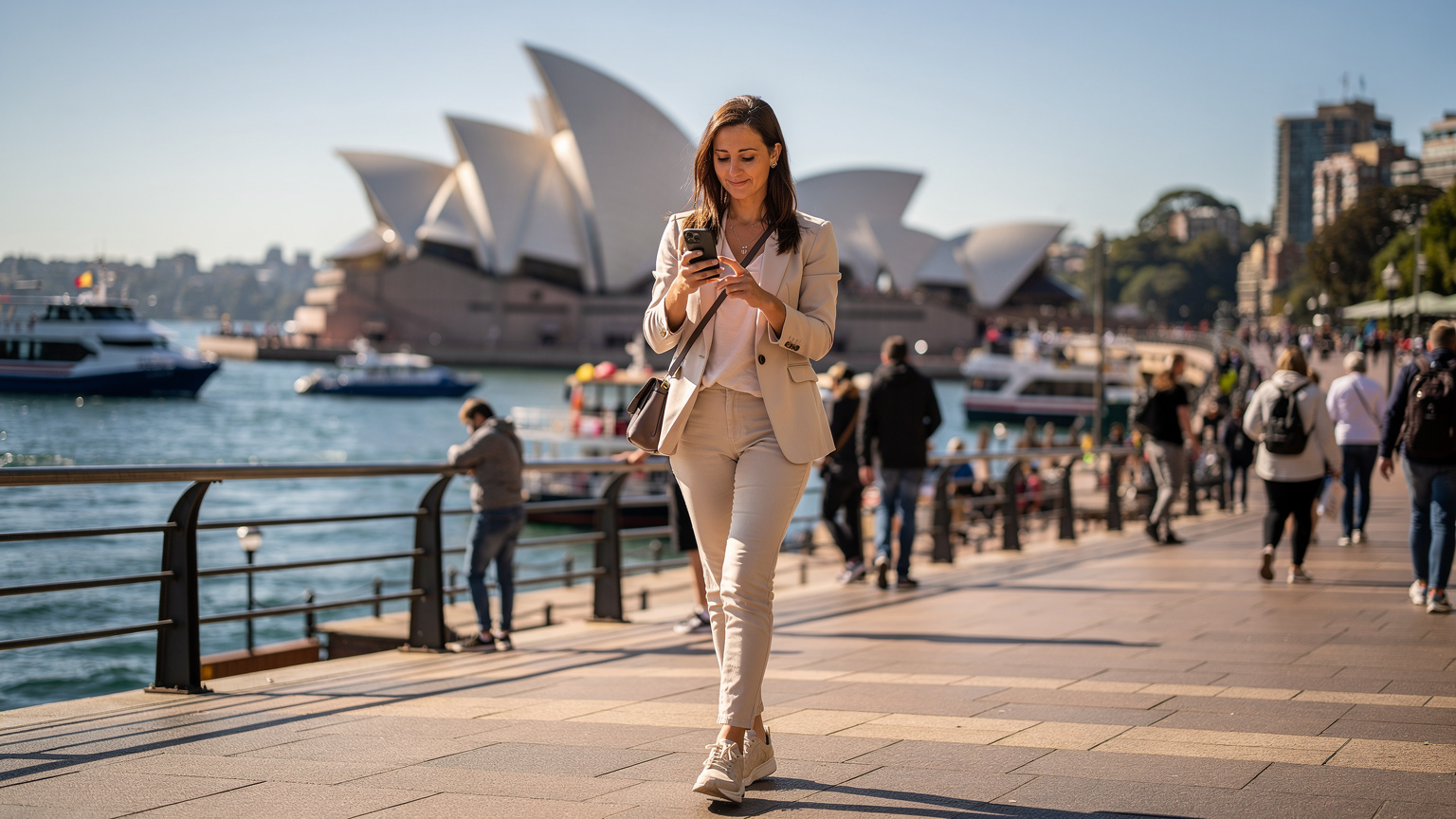
These big cities offer excellent coverage. Whether you're exploring the historic Rocks area in Sydney, grabbing a coffee in Melbourne's hidden laneways, or enjoying the South Bank in Brisbane, your eSIM will keep you connected. Expect solid 4G and increasingly common 5G speeds. I've even worked from the State Library of Victoria in Melbourne, and while their Wi-Fi is good, my eSIM on the Optus network was super fast when I needed to quickly look something up on the go. Even if your cruise goes west to Perth, the city center and nearby areas like Fremantle have great connectivity.
Regional Ports and Coastal Areas
For ports like Hobart (Tasmania), Cairns (Queensland), or Darwin (Northern Territory), coverage is still strong in and around the city centers. If you head further into regional areas, especially Tasmania's wilderness or Queensland's Daintree Rainforest, coverage can get patchy, no matter if you're using an eSIM or a local physical SIM. But for typical shore excursions, you'll be fine. Most tourist spots, even slightly remote ones, are usually within range of a major network tower.
Key Australian Network Bands
It's helpful to know which bands local networks use when picking an eSIM provider. Australian networks operate on 4G LTE bands 1, 3, 5, 7, 8, 28, 40, and 5G bands n5, n78, n258. Most modern smartphones are compatible with these, but it's always a good idea to quickly check your phone's specs if you're worried.
eSIM Coverage in New Zealand Ports and Cities
New Zealand's mobile network infrastructure is just as impressive, particularly in the main population centers of the North and South Islands. The primary mobile network operators are Spark, One NZ (formerly Vodafone NZ), and 2degrees. Your eSIM will connect you to one of these, giving you reliable service as you explore Aotearoa, the Land of the Long White Cloud.
Auckland, Wellington, Christchurch, Queenstown
From Auckland's lively waterfront to Wellington's creative Cuba Street, and down to Christchurch's redeveloped city center and Queenstown's adventure tourism hub, you'll find excellent connectivity. 4G is widespread, and 5G is quickly expanding in urban areas. In Wellington, I often worked from the Prefab Eatery, which has great coffee and Wi-Fi, but for getting to the Te Papa museum or catching a ferry to Matiu/Somes Island, a reliable eSIM connection was essential. Even in smaller port towns like Napier or Akaroa, you'll generally have good signal within the town limits.
Navigating the Fiordland and Other Scenic Cruising Spots
Many New Zealand cruises include scenic sailing through places like Fiordland National Park. Here, as in any remote, mountainous area, network coverage will be minimal or nonexistent. This is when you'd rely on the ship's satellite Wi-Fi if you absolutely must connect, but honestly, just put the phone down and soak in the view. An eSIM is for when you're on land, exploring the towns and cities.
Key New Zealand Network Bands
New Zealand's mobile networks mainly use 4G LTE bands 3, 7, 28. For 5G, you'll typically find bands n78. Like Australia, most modern smartphones are fully compatible, ensuring good speeds and coverage for your shore excursions.
How to Choose the Right eSIM Plan for Your Cruise
Picking the perfect eSIM plan isn't hard, but it does take a little planning. Think about how long your cruise is, how many days you'll actually be in port, and what your data needs are. Are you constantly on social media, or do you just need WhatsApp for emergencies?
Data Allowance: What You Really Need
For a typical cruiser who spends 8-10 hours ashore per port day, here's a rough guide:
- Light User (emails, maps, WhatsApp): 1-2 GB for a week-long cruise (assuming 3-4 port days).
- Moderate User (some social media, light browsing, video calls): 3-5 GB for a week-long cruise.
- Heavy User (streaming, frequent video calls, large uploads): 7-10+ GB for a week-long cruise.
Keep in mind you'll likely have some Wi-Fi on the ship for basic communication, even if it's slow. The eSIM is primarily for your time in port.
Regional vs. Single-Country eSIMs
Many cruises visit both Australia and New Zealand. In that case, a regional Oceania eSIM covering both countries is usually the easiest choice. It means one purchase, one activation, and continuous connectivity as you sail across the Tasman Sea. If your cruise is only in one country, then a single-country eSIM will work and might even offer slightly better rates or more data.
| Plan Type | Pros | Cons | Best For |
|---|---|---|---|
| Australia Only eSIM | Potentially lower cost per GB, specific local network optimization. | Requires a separate eSIM for New Zealand. | Cruises entirely within Australian waters. |
| New Zealand Only eSIM | Specific local network optimization. | Requires a separate eSIM for Australia. | Cruises entirely within New Zealand waters. |
| Australia & NZ Regional eSIM | Seamless connectivity across both countries, single purchase. | Might be slightly more expensive per GB than single-country plans. | Cruises visiting both Australia and New Zealand. |
Comparing eSIM Providers for Oceania
Several providers offer eSIMs for Australia and New Zealand. When you compare them, look at:
I've personally used Cellesim for trips that covered multiple countries, like my Euro-festival circuit, and found their regional plans to be very reliable. Their activation process is simple, which is exactly what you want when you're juggling luggage and travel plans.
Activating Your eSIM: Pre-Cruise and On-the-Go
One of the best things about an eSIM is how flexible activation is. You don't have to wait until you land. You can set it up days before you even get on the ship, ensuring you're connected the moment you arrive in port.
Pre-Departure Activation: The Smart Move
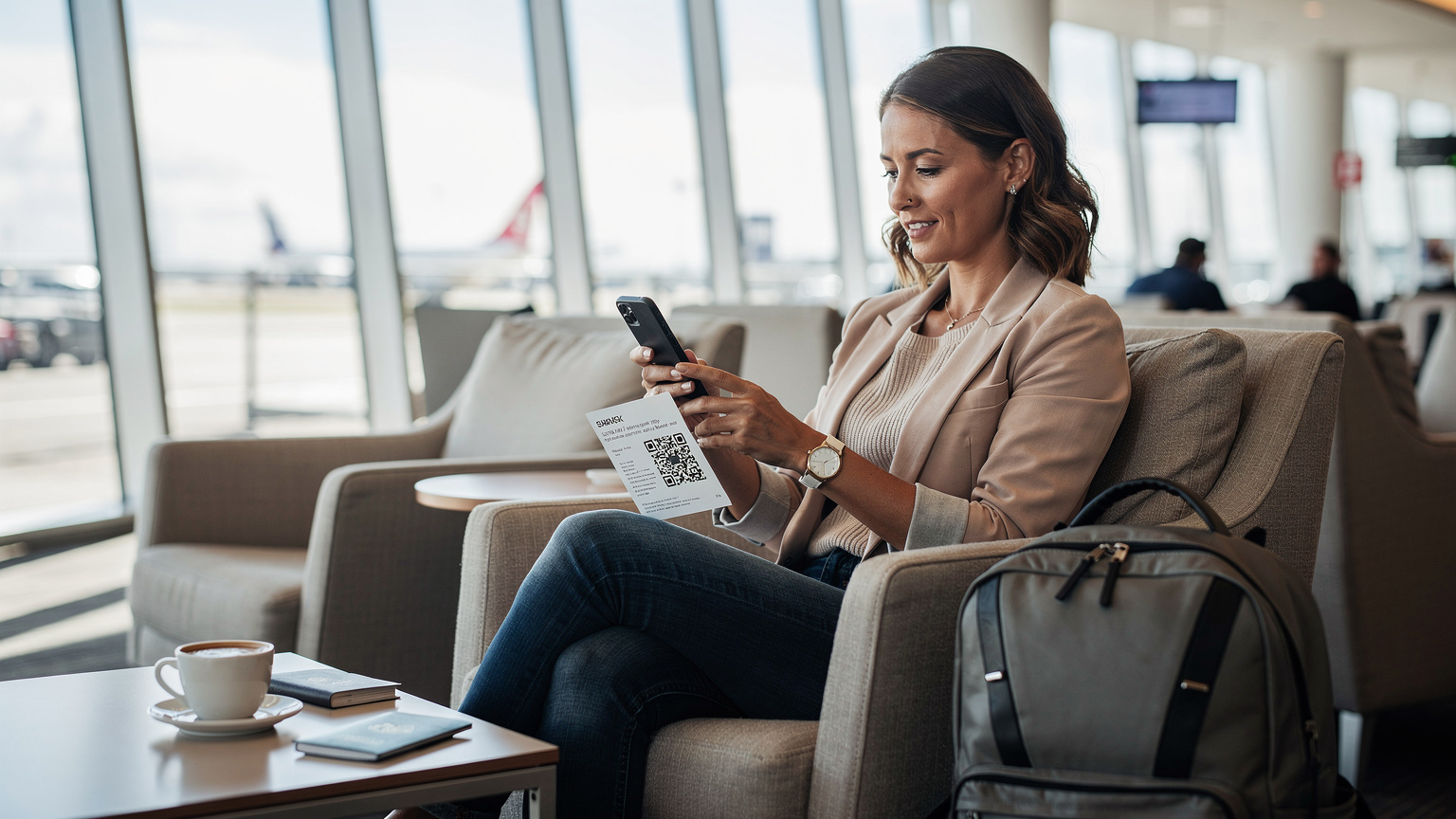
I always suggest activating your eSIM before you leave home. This gives you plenty of time to sort out any problems with good Wi-Fi and customer support close by. You'll get a QR code or manual activation details via email. Just scan the QR code, follow the on-screen steps, and make sure the eSIM profile is installed on your device. Remember to turn off the eSIM line until you reach your destination to avoid any accidental roaming charges if your plan isn't truly global.
For iPhone users, the process is especially smooth. Check out our Activate Your iPhone eSIM: 2026 Step-by-Step Guide for Travelers for detailed instructions. Android devices also have very intuitive eSIM management menus.
Step-by-Step eSIM Activation Guide
- Purchase Your eSIM Plan: Pick an Australia & New Zealand regional plan, or separate plans if your cruise only visits one country. You'll get an email with your eSIM QR code and installation instructions.
- Install the eSIM Profile (Before Travel): Connect to stable Wi-Fi. Go to your phone's Settings > Cellular/Mobile Data > Add eSIM. Choose 'Use QR Code' and scan the code from your email. Follow the prompts to name your new eSIM (e.g., 'Cellesim AU/NZ').
- Configure Data Roaming (Upon Arrival): Keep your primary SIM active for calls/texts. When you arrive in Australia or New Zealand, go to Settings > Cellular/Mobile Data, select your new eSIM, and make sure 'Data Roaming' is turned ON for this line. Turn OFF data roaming for your primary SIM to avoid charges.
- Set Data Line: In your phone's settings, specify that your new eSIM is the primary line for 'Cellular Data' or 'Mobile Data'.
- Test Connectivity: Once docked, try loading a webpage or sending a message. If you have issues, restart your phone.
What If I Need to Activate On the Ship?
If you forgot to activate before leaving, you can still do it on the ship, but you'll need Wi-Fi. This means either using the ship's Wi-Fi (if you bought a package) or waiting until you reach the first port and finding a free Wi-Fi hotspot, maybe at a local cafe or library. I've had to do this in remote places, and it's always a bit of a rush. Always plan ahead.
Practical Tips for Staying Connected On Shore
Having an eSIM is only half the battle. Knowing how to get the most out of it during your limited time ashore is crucial. You're not just looking for a signal, you're aiming for efficiency.
Download Offline Maps and Apps
Before you even leave your ship, download offline maps for the cities you're visiting (Google Maps lets you do this). That way, even if your signal unexpectedly drops, you can still find your way around. Also, pre-download any local public transport apps (like Opal in Sydney, Myki in Melbourne, AT Mobile in Auckland) while on the ship's Wi-Fi, if they don't require a local SIM to work fully. Some apps, like the Spark NZ app, might need a local number for all features, but general travel apps usually don't.
Identify Local Wi-Fi Hotspots
Even with an eSIM, free Wi-Fi can be a good backup or a way to save data for heavier tasks. Many public libraries, cafes, and city centers in Australia and New Zealand offer free Wi-Fi. For example, in Sydney, the State Library of NSW has excellent free Wi-Fi, and most cafes in areas like Surry Hills are happy to share their network password if you're buying a flat white. In Auckland, the central library is another solid choice. Having your eSIM means you're not desperate for these, but they're a nice extra.
Power Banks and Battery Life
Using data, especially for navigation and photos, drains your phone battery quickly. Always carry a fully charged power bank. Nothing is worse than being lost in a new city with a dead phone, especially when you're on a tight schedule to get back to the ship before "all aboard" time. My phone died once while I was trying to find the right bus stop after a long day at museums in Wellington, and it was not fun.
Managing Data Usage and Costs
Even with an affordable eSIM, it's smart to keep an eye on your data usage. It's easy to overspend on data when you're distracted by new sights and experiences.
Track Your Data Usage
Most smartphones have built-in data usage trackers (Settings > Cellular/Mobile Data). Reset this counter at the start of your cruise or when you activate your eSIM. Check it daily, especially on port days. Many eSIM providers also have apps where you can see your remaining data and easily top up if you need to. This proactive approach saves you from unpleasant surprises.
Turn Off Background App Refresh
Many apps quietly use data in the background, updating content or downloading emails. Go to your phone's settings and turn off 'Background App Refresh' for any apps you don't absolutely need constantly updated. This simple step can significantly stretch your data allowance. I learned this the hard way during a month-long stay in Bali, where I was paying around 2.5 million IDR ($160 USD) for a decent room in Canggu. Every byte counted. If you're using an eSIM for Bali, you'll find similar data-saving tricks useful.
Consider a Data-Only Plan
For most cruisers, a data-only eSIM plan is perfectly fine. You can use apps like WhatsApp, FaceTime, or Google Voice for calls and messages over data. If you absolutely need a local number for calls, you might look into a traditional SIM, but for the vast majority of travelers, data is all you need to talk to family and friends.
Troubleshooting Common eSIM Issues
While eSIMs are generally reliable, sometimes things don't go as planned. Here are a few common issues and quick fixes.
No Signal or Slow Data
If you're in port and not getting a signal or your data is really slow, try these steps:
- Restart Your Phone: The classic solution. Often, just restarting your device can fix connection problems.
- Check Data Roaming Settings: Make sure 'Data Roaming' is switched ON for your eSIM line in your phone settings.
- Manual Network Selection: Sometimes, your phone might connect to a weaker network. Go to Settings > Cellular/Mobile Data > Network Selection (or similar) and try manually choosing one of the major local carriers (e.g., Telstra, Optus, Spark).
- Update Carrier Settings: Occasionally, carrier settings need an update. Check your phone's general settings for any pending updates.
- Contact eSIM Provider Support: If nothing else works, reach out to your eSIM provider's customer support. They can often diagnose issues remotely.
eSIM Not Appearing After Installation
If you've scanned the QR code but don't see the eSIM profile:
- Check Wi-Fi Connection: Make sure you had a stable Wi-Fi connection during the installation process.
- Rescan QR Code: Try scanning the QR code again. Ensure it's clear and well-lit.
- Manual Entry: Most providers give you manual entry details. If the QR code isn't working, type in the SM-DP+ Address and Activation Code manually in your phone's eSIM settings. This is a common workaround.
Beyond the Cruise: What If You Stay Longer?
Many cruisers fall in love with Australia or New Zealand and decide to stick around. Maybe you want to spend a week hiking in Queenstown or exploring the wineries of the Barossa Valley. Your eSIM can certainly work for that, but for longer stays, say a month or more, you might want to look at other options.
Digital Nomad Considerations
If you're planning a longer stay, like the 1-3 months I typically spend in each country, a local physical SIM card might offer better value if you use a lot of data or need a local phone number for administrative stuff. For example, if you're renting a car long-term, some companies prefer a local contact number. However, many digital nomads prefer eSIMs for their flexibility, especially if they're constantly on the move. The eSIM for PCs and Laptops is also becoming popular for those who need constant internet for work.
For instance, in Sydney, I found great long-term rental options in areas like Newtown or Redfern. A shared house could cost $250-$350 AUD per week, while a studio apartment might be $450-$600 AUD per week. Co-working spaces like Stone & Chalk at the Sydney Startup Hub or The Commons in Chippendale offered reliable, fast internet (and good coffee). You'll definitely want consistent data for those spontaneous after-work get-togethers or last-minute changes to your plans.
Visa Limitations
Always keep an eye on your visa limitations. Australia and New Zealand are strict about entry and exit rules. Tourist visas usually have a maximum stay, and overstaying can cause big problems for future travel. Your eSIM usage won't flag anything, but it's a good reminder to know the rules. Don't be the person stuck at immigration because you miscalculated your stay.
Frequently Asked Questions
Can I use my Cellesim eSIM on a cruise ship at sea?
No, Cellesim eSIMs, like all land-based eSIMs, connect to local mobile networks. They will not provide data connectivity when your ship is far from shore, out of range of cell towers. For connectivity at sea, you would need to rely on the ship's satellite Wi-Fi.
How much data do I need for a typical Australia & New Zealand cruise?
For a standard cruise with 3-5 port days, a moderate user who checks emails, uses maps, and light social media might need 3-5 GB. If you plan on frequent video calls or heavy browsing, consider 7-10 GB. It's always better to slightly overestimate and have peace of mind.
Will my regular phone number still work with an eSIM active?
Yes, absolutely. One of the main benefits of an eSIM is that it allows you to keep your primary SIM card active. You can still receive calls and SMS messages on your home number, which is essential for banking two-factor authentication or communicating with contacts who don't use data-based apps.
Is an eSIM better than buying a local SIM card in Australia or New Zealand?
For a cruise, an eSIM is generally more convenient. You can purchase and activate it before you travel, avoiding the hassle of finding a store, registering your passport, and swapping physical cards during short port stops. For longer, multi-month stays, a local physical SIM might offer better long-term value.
What should I do if my eSIM isn't connecting in port?
First, restart your phone. Then, check your phone's settings to ensure 'Data Roaming' is enabled for your eSIM profile and that the eSIM is set as your primary line for mobile data. You can also try manually selecting a network operator (e.g., Telstra in Australia, Spark in New Zealand) in your phone's cellular settings. If issues persist, contact your eSIM provider's support.
Can I top up my eSIM data if I run out during the cruise?
Yes, most eSIM providers, including Cellesim, offer easy top-up options. You can usually purchase additional data packages directly through their website or app. It's a good idea to monitor your data usage regularly to avoid running out unexpectedly.