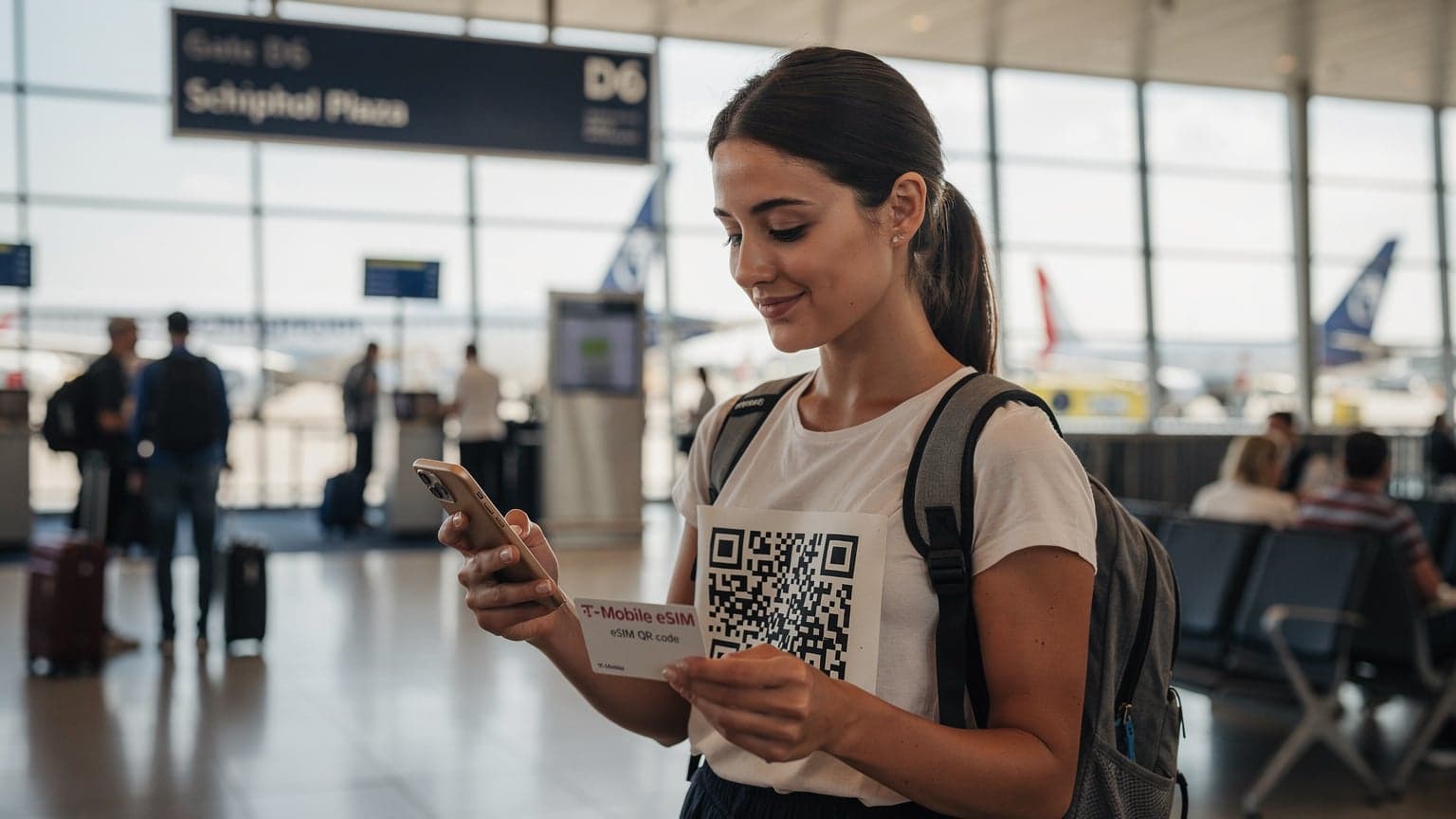
For iPhone users hitting the road internationally in 2026, eSIMs are a game-changer. They make getting online in new countries a breeze, giving you instant data without needing physical SIM cards or getting hit with ridiculous roaming fees. Your iPhone has this tech built right in, so you can activate and switch between different local or regional data plans in a flash.
A Seasoned Traveler's Take on eSIMs
I can't count how many times I've landed somewhere new, exhausted after a long flight, and the first thing I do is hunt for a local SIM card. From that tiny kiosk in Terminal 1 at Mexico City's Benito Juárez Airport to the chaotic electronics shops in Tokyo's Akihabara, it was always the same ritual. A necessary evil, really, just to avoid those insane roaming charges my UK network, usually EE or Vodafone, would smack me with the second I got off the plane.
But with my iPhone 15 Pro, that whole routine is history. The internal eSIM has been a true game-changer, especially for someone like me who needs to be online the moment they clear customs. I still remember a truly awful experience in Casablanca, Morocco. My flight landed after 10 PM, every mobile shop at Mohammed V International Airport was closed, and I couldn't even call a taxi using a local app because I had no data. I ended up forking over a ridiculous amount to a traditional taxi driver just to reach my riad in the Habous district. That night, and many others, really cemented my belief that having pre-activated connectivity is non-negotiable.
This isn't just about making things easier, though that's a huge part of it. It's about having control, saving money, and not letting connectivity issues mess with your travel plans because you're tied down by crazy roaming fees. With an eSIM, I can buy a data plan online before my flight even leaves Heathrow's Terminal 5. The moment my plane touches down, whether it's in Changi or JFK, my data is ready to go. No more fumbling with tiny SIM trays, no more awkward conversations with shop assistants who don't speak English, and definitely no more paying £2.50 per MB just to check my emails.
Why iPhones and eSIMs Are a Perfect Match for the Road Ahead
Apple has quietly led the charge with eSIM technology, building it into iPhones since the iPhone XS, XR, and 11 series. Now, every new iPhone sold worldwide supports eSIM, and US models from the iPhone 14 onward are even eSIM-only. This forward-thinking approach means iPhones are perfectly set up for easy international travel.
The End of Physical SIM Hassles
Remember those little SIM ejector tools? Or the constant worry of losing your home SIM card somewhere in a hotel room? With an eSIM, those concerns disappear. Your iPhone essentially stores several digital SIM profiles, letting you switch between them with just a few taps in the Settings app. This is incredibly freeing, especially when you're crossing multiple borders, like on a train trip through Europe from Berlin to Prague, where different countries might use different local carriers.
Dual SIM Functionality: A Traveler's Best Friend
One of the best things about eSIM on iPhones is its dual SIM capability. This means you can keep your main UK number active for calls and texts (say, if you're on a contract with O2 or Three) while using an eSIM for local data when you're abroad. This setup is brilliant: you won't miss important calls from home, but you'll still get cheap local data rates. I've used this countless times, keeping my Cellesim UK business line live while relying on a regional eSIM for data when I'm working remotely from a cafe in Lisbon's Chiado district.
Immediate Activation and Cost Savings
The real magic of eSIM is how fast it works. No lines at airport kiosks, no forms to fill out, no need to carry local cash just to buy a SIM. You can buy an eSIM plan online, scan a QR code, and be connected in minutes. This speed directly translates into savings. Instead of paying Vodafone's £6/day roaming fee in the USA or EE's similar charges, an eSIM offers predictable, and usually much lower, data costs. For a two-week trip, those daily roaming fees can quickly add up to over £50, but a dedicated eSIM plan for the US might cost you just £15-£25 for several GB of data.
Navigating the eSIM Marketplace: Choosing the Right Plan for Your iPhone
The eSIM market has really grown, offering tons of choices for iPhone users. Picking the right one can feel a bit like trying to navigate the spice souk in Fès, Morocco, without a guide. But with a few tips, it's actually pretty simple.
Understanding Data Needs and Plan Types
Before you buy an eSIM, think about how much data you actually use. Are you constantly streaming, or do you just need enough for maps, messages, and a bit of browsing? eSIM providers offer different kinds of plans:
- Local Plans: These are for specific countries. For example, a Telkomsel eSIM if you're exploring Bali's Seminyak area, or a dedicated data plan for your entire stay in Algeria.
- Regional Plans: Perfect for trips that cover multiple countries on one continent (like Europe, Asia, or North America). These plans bundle several countries together, which is great for a summer road trip across the US and Canada.
- Global Plans: Best for serious globetrotters, covering dozens of countries, though often at a slightly higher cost per GB.
Always check how long the plan is valid. Some plans last 7 days, others 30, 60, or even 180 days. Make sure it matches your trip length.
Network Coverage and Speed
Not all eSIMs are created equal. Different providers partner with different local networks. If you're going to a specific region, check the eSIM provider's website to see which networks they use and what their coverage is like. For example, in France, some eSIMs might use Orange F or SFR. Both offer great coverage, but one might be stronger in the rural areas of Provence than the other.
| Provider Type | Primary Benefit | Ideal Scenario |
|---|---|---|
| Local eSIM | Deep local rates, strong coverage | Single-country, longer stays (e.g., Morocco eSIM for 2 weeks) |
| Regional eSIM | Seamless multi-country data | European road trip, South East Asia hopping |
| Global eSIM | Connectivity in 100+ countries | Frequent, unpredictable international business travel |
Reading the Fine Print: Data Caps and Fair Usage Policies
Some eSIM plans might advertise "unlimited" data, but you absolutely need to read the fine print. Often, these plans come with a Fair Usage Policy (FUP) that drastically slows down your speed once you've used a certain amount of high-speed data (like 5GB or 10GB within a specific timeframe). You'll still be able to browse, but messaging and streaming can become painfully slow. Always confirm the actual high-speed data allowance and what happens after you hit that limit. For instance, a plan might give you 20GB of high-speed data, then drop to 128kbps for the rest of its validity. This is a crucial detail, especially for heavy data users.
Activating Your Cellesim eSIM on iPhone: A Step-by-Step Guide
Once you've picked your Cellesim eSIM plan, getting it working on your iPhone is super easy. Just make sure your iPhone is unlocked (not tied to a specific carrier) and connected to Wi-Fi before you start.
- Buy and Get QR Code: After you buy your eSIM plan from Cellesim, you'll usually get an email with a QR code and manual activation details.
- Go to iPhone Settings: Tap
Settings>Cellular(orMobile Data). - Add eSIM: Tap
Add eSIM. - Scan QR Code: Choose
Use QR Code. Scan the QR code Cellesim sent you. If you're activating from the same device where you received the QR code, you might need to type in the details manually or use the "Enter Details Manually" option if your provider has direct activation links. - Label Your eSIM: Your iPhone will ask you to name your new cellular plan (e.g., "Travel," "Business," "Cellesim"). This helps a lot when you have multiple lines.
- Set Default Line: Next, you'll choose a default line for iMessage, FaceTime, and cellular data. For data, pick your new Cellesim eSIM. For calls and messages, you can stick with your primary line or use the eSIM.
- Turn on Data Roaming (if needed): For some eSIMs, especially regional or global plans, you might need to make sure Data Roaming is ON for that eSIM. Go to
Settings>Cellular> [Your eSIM Label] >Data Roaming. Cellesim will tell you if this is necessary for your plan. - Connect: Your iPhone should now connect to the local network. You're good to go!
Managing Multiple eSIMs on Your iPhone
One of the best features of eSIMs on iPhones is being able to store several eSIM profiles and switch between them without any fuss. Most newer iPhone models (iPhone XS and up) can hold 5-10 eSIMs, though only two can be active at the same time (one physical SIM and one eSIM, or two eSIMs).
- Switching Data Plans: To change which eSIM you're using for data, go to
Settings>Cellular>Cellular Dataand pick the plan you want. - Assigning Lines for Contacts: You can set a specific line (like your main number or a travel eSIM) for individual contacts when you call or text them. This makes sure you're always using the cheapest option.
- Turning Plans On/Off: If you want to temporarily disable an eSIM without deleting it, go to
Settings>Cellular> [Your eSIM Label] and toggleTurn On This Lineoff. This is handy for managing data use or avoiding accidental charges. - Deleting Old eSIMs: Once your trip is over, or if you don't need an eSIM anymore, you can remove it. Go to
Settings>Cellular> [Your eSIM Label] >Remove Cellular Plan. This frees up space for new eSIMs.
Common eSIM Troubleshooting Tips
While eSIMs are usually very reliable, sometimes problems pop up. Here are some quick fixes for common issues:
- No Service/No Connection:
- Make sure Data Roaming is turned on for your eSIM in your settings.
- Check that the eSIM plan itself is turned on (
Settings>Cellular> [eSIM Label] >Turn On This Line). - Try restarting your iPhone.
- Verify APN settings. Some providers require you to set up APN manually; these details will be in your eSIM activation email. Go to
Settings>Cellular> [eSIM Label] >Cellular Data Network. - Manually pick a network:
Settings>Cellular> [eSIM Label] >Network Selection> turn off Automatic and select a network from the list.
- Slow Data Speeds:
- Check if you've used up your high-speed data allowance (look at your plan details or the provider's app).
- Make sure you're connected to the strongest available network.
- Try restarting your device.
- Activation Issues:
- Ensure your iPhone is connected to strong Wi-Fi during activation.
- Double-check that your iPhone is unlocked.
- If scanning the QR code doesn't work, try the manual activation option using the details Cellesim provided.
- If problems continue, contact Cellesim support with your order number.
The Future is eSIM: What to Expect by 2026 and Beyond
"The shift to eSIM isn't just about convenience; it's a fundamental change in how we connect globally, offering unparalleled flexibility and efficiency for travelers."
By 2026, eSIM technology will be even more common around the world. Apple has already released eSIM-only iPhones in the US, which shows where the industry is heading. We can expect:
- More eSIM-only Devices: It's likely that more phone makers will follow Apple's lead, making physical SIM card slots a rare sight.
- Wider Carrier Support: Almost all major and regional carriers globally will offer eSIM services, making it simpler to switch providers whether you're staying local or going international.
- Better Integration: Managing eSIMs will become even smoother within phone operating systems, possibly allowing you to discover and activate local plans directly from your device.
- More Competitive Pricing: As the market grows and competition heats up, we anticipate even more affordable and flexible eSIM plans for every kind of traveler.
This evolution means iPhone users, especially frequent travelers, will keep getting the most advanced and convenient connectivity options out there.
Conclusion
The eSIM has truly changed how iPhone users stay connected globally. It's transformed something that used to be a pain of international travel into a smooth, budget-friendly experience. From instant activation and dual SIM capabilities to huge savings on roaming, the benefits are clear and compelling. By understanding your data needs, picking the right plan, and knowing how to manage your eSIMs, you'll find a whole new level of freedom and convenience on your trips.
Ready to experience easy global connectivity? Check out Cellesim's wide range of eSIM plans for over 200 destinations and stay connected wherever your adventures take you.