
For many business travelers to the EU and USA, the primary concern used to be avoiding the exorbitant daily roaming fees of major UK carriers like EE, Vodafone, and O2. While eSIMs have largely solved that data cost problem, a new, equally critical issue has emerged: receiving One-Time Passwords, or OTPs, for two-factor authentication (2FA) when you're relying solely on a travel eSIM. This is a common pain point I've observed as a roaming analyst, and it can leave you locked out of crucial services like banking, email, or even social media. The short answer is that most data-only travel eSIMs do not support SMS, which is the default delivery method for many OTPs. The solution involves understanding the different types of eSIMs and proactively setting up alternative 2FA methods before you depart.
The Core Problem: SMS and Data eSIMs
The vast majority of travel eSIMs, particularly those designed for short-term tourist data packages from providers like Cellesim, are provisioned as data-only. This means they are configured on the network backend to handle IP traffic, but not traditional circuit-switched services like voice calls (VoCS) or Short Message Service (SMS). For a telecom engineer, this is a fundamental distinction.
When you purchase a data-only eSIM, the underlying network elements, such as the Mobile Switching Center (MSC) and the Home Location Register (HLR), often do not allocate a traditional phone number capable of receiving SMS messages. Even if a numerical identifier is assigned internally for network management, it's not exposed for public SMS termination. This contrasts sharply with a traditional physical SIM card or a full-service eSIM from a domestic carrier, which inherently supports voice, data, and SMS.
Think of it like this: your laptop can connect to Wi-Fi and access the internet, but it can't natively receive a text message from a mobile phone number. Your data-only eSIM is functioning in a similar, data-centric role. This is why when you're trying to log into your online banking or email while abroad, and the service sends an OTP to your primary, home mobile number, your travel eSIM will not pick it up. This limitation is a deliberate design choice by many travel eSIM providers to simplify their service offerings and keep costs down.
Types of eSIMs and Their SMS Capabilities
Not all eSIMs are created equal. Their capability to receive OTPs hinges on whether they support SMS messaging. Here's a breakdown of the common types:
| eSIM Type | SMS Support | Primary Use Case | OTP Feasibility | Example Providers |
|---|---|---|---|---|
| Data-Only Travel eSIM | No | Temporary internet access abroad | Very Low (no SMS reception) | Most global/regional data eSIMs |
| Full-Service Local eSIM | Yes | Becoming a local subscriber in a country | High (receives SMS to local number) | Telkomsel (Indonesia), Cosmote (Greece) |
| Home Carrier Roaming eSIM | Yes | Using your domestic plan abroad | High (receives SMS to home number) | Vodafone UK, EE, O2 (via roaming) |
| Voice/Data Travel eSIM | Limited/Yes | Data, plus some local calls/SMS | Medium (verify SMS capability carefully) | Some regional providers offer bundles |
As you can see, if your primary goal is to reliably receive OTPs to your usual number while abroad, a data-only travel eSIM is not your friend. The challenge isn't with the eSIM technology itself, but with how the underlying network services are provisioned. For instance, if you're traveling through Indonesia, a Telkomsel Tourist eSIM will give you a local number and SMS capabilities, making OTP reception straightforward. However, this means you're receiving OTPs to a new, local number, not your primary home number.
When I test connectivity, I often check network registration states. A data-only eSIM will typically register with a Packet-Switched (PS) domain for IP connectivity but often skips registration with the Circuit-Switched (CS) domain unless VoLTE (Voice over LTE) is explicitly supported and provisioned. Many travel eSIMs, even if they offer VoLTE, might not fully support SMS over IP (SMSoIP) or traditional CS-SMS, creating this OTP gap.
Alternative 2FA Methods for Travelers
Since SMS-based OTPs are problematic with data-only eSIMs, the solution lies in diversifying your two-factor authentication methods. I always recommend setting these up before you leave your home country, when you still have access to your primary SIM and number.
Authenticator Apps
This is arguably the most secure and reliable method for travelers. Apps like Google Authenticator, Microsoft Authenticator, or Authy generate time-based one-time passwords (TOTPs) directly on your device. These codes are generated algorithmically, without needing a network connection (once set up). You simply open the app, get the code, and enter it. Many critical services, including banking and email, support this method. I've personally relied on Google Authenticator for years while testing network resilience in various countries, from the bustling streets of Tokyo (on n78 band) to the more remote B7 coverage areas in rural parts of Europe. It's consistently reliable.
Hardware Security Keys
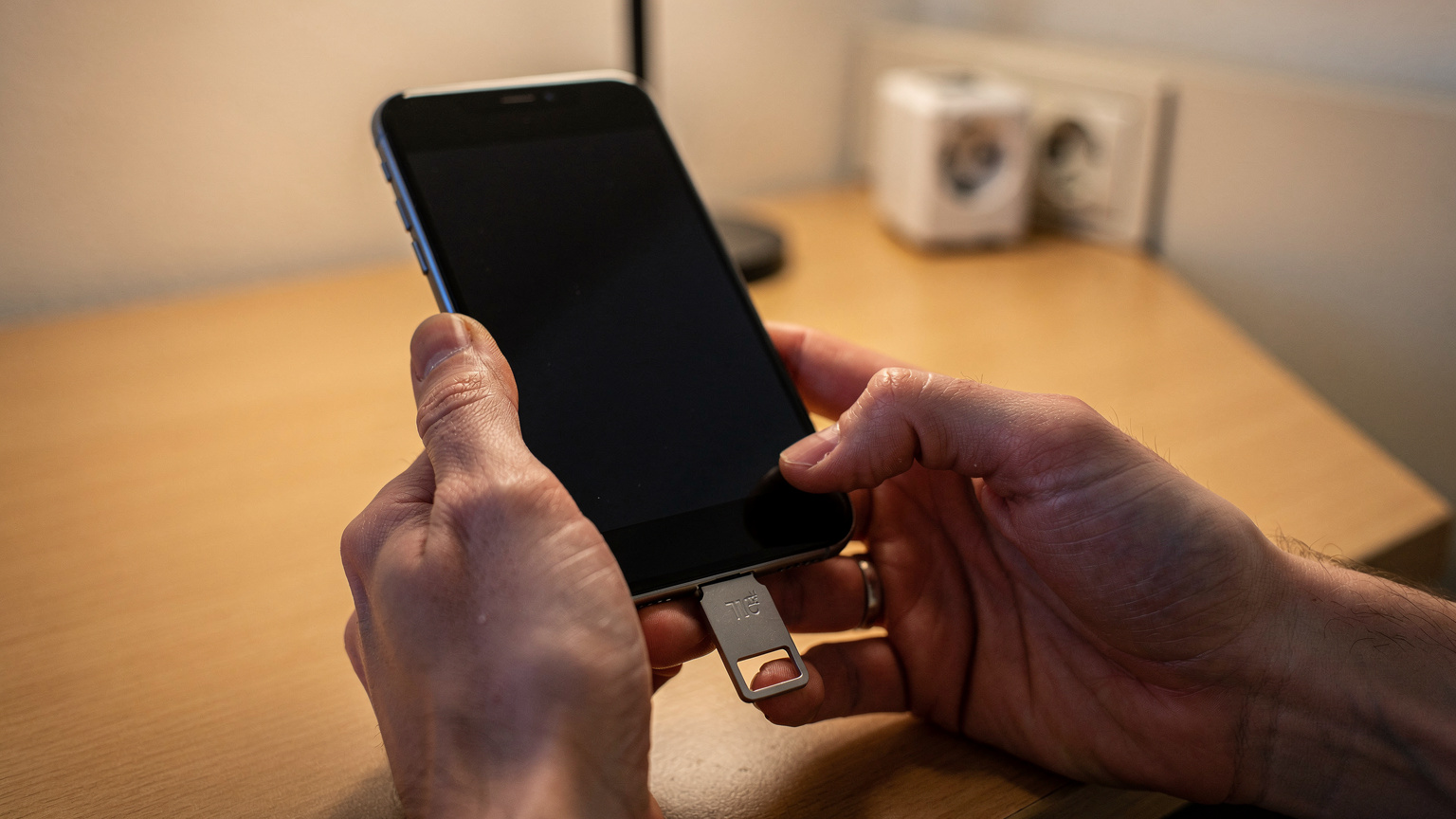
For the truly security-conscious, or those managing highly sensitive accounts, a hardware security key (like a YubiKey or Google Titan Key) is an excellent option. These devices plug into your phone's USB-C or Lightning port, or connect via NFC, and provide cryptographic proof of your identity. They eliminate the need for any codes to be typed or received over a network. While a bit more of an investment, they offer unparalleled protection against phishing and SIM-swap attacks, a concern I frequently advise corporate clients on.
Backup Codes
Most services that offer 2FA will also provide a set of one-time backup codes. Print these out or save them securely offline (e.g., encrypted on a USB drive, not in cloud storage you might be locked out of). These are a lifesaver if all other methods fail and you find yourself in a connectivity black hole. I can't stress this enough: generate and secure these codes. They're your last resort.
Email-Based OTPs (with caution)
Some services offer OTPs via email. While this can work with a data-only eSIM (since you'll have internet access to check your email), it's generally considered less secure than authenticator apps or SMS. If your email account itself is compromised, or if you lose access to it, you're in a deeper predicament. Use this as a secondary fallback, not a primary method, and ensure your email itself has strong 2FA.
Preparing for Travel with eSIMs and OTP
Preparation is key to avoiding connectivity headaches. As a frequent traveler and network engineer, I follow a strict checklist:
- Audit Your Accounts: List all critical online services (banking, email, social media, work VPNs) that use 2FA.
- Set Up Authenticator Apps: For each service, switch your 2FA method from SMS to an authenticator app. This typically involves logging in, going to security settings, and scanning a QR code with your chosen app. Do this for services like Google, Microsoft, and any financial institutions that support it.
- Generate Backup Codes: For every service, generate and save backup codes. Store them in a secure, offline location.
- Keep Your Home SIM Active (if possible): If you have a dual-SIM phone (physical SIM + eSIM or dual eSIM), consider leaving your home SIM active but in a low-power state. This means it's still registered on your home network, allowing it to receive SMS, but you're not using it for data. Be mindful of roaming charges for incoming SMS, which are usually free or very low cost, unlike data. This is particularly crucial for UK travelers where Brexit has reintroduced significant roaming fees for data, but incoming SMS often remains free. Read more about managing SMS while traveling.
- Test Before You Fly: Before you even get to Heathrow, try logging into one of your critical accounts using your new authenticator app method while your phone is in airplane mode (with Wi-Fi on) to simulate being abroad with a data-only eSIM.
Carrier-Specific Gotchas and eSIM Performance
While the OTP issue is primarily about SMS support, it's worth touching on how different eSIMs perform in practice, as this can indirectly affect your ability to resolve login issues. For instance, when I've used eSIMs in Turkey, I've seen varying performance. A local eSIM Türkiye from Turkcell or Vodafone TR would typically give you download speeds of 80-150 Mbps on their B3 and B7 (2600 MHz) bands in urban areas like Istanbul's Kadıköy, with uploads around 20-40 Mbps. Generic travel eSIMs, while usually providing decent aggregate speeds, might not always prioritize local network traffic in the same way, especially if they're relying on wholesale agreements with lower QoS (Quality of Service) tiers.
Another common gotcha involves specific phone models and APN settings. While most modern iPhones and Android devices auto-configure APNs for eSIMs, I've occasionally seen older Android models, particularly those from Chinese manufacturers, require manual APN entry for certain travel eSIM profiles to get IPv6-only or specific IPv4 CGNAT setups to function correctly. This is less common with Cellesim profiles, which are designed for broad compatibility, but it's a detail worth knowing if you're troubleshooting a new eSIM.
Also, VoLTE (Voice over LTE) and VoWiFi (Voice over Wi-Fi) capabilities can be hit or miss with travel eSIMs. If your travel eSIM supports VoLTE, it means your voice calls will ride over the LTE data network, often providing clearer audio. However, the presence of VoLTE doesn't automatically imply SMS support. Many data-only eSIMs will explicitly state they do not support voice or SMS. If you absolutely need a local number for calls and SMS for an extended stay, a full-service local eSIM is generally a safer bet. For example, when testing a Bolivia eSIM, I'd specifically look for a local provider offering full voice and SMS capabilities, as data-only options might leave you isolated for local communications.
Recommendation: Which eSIM Path to Choose?
For most short-term international travel, particularly for data-hungry activities and avoiding exorbitant roaming costs, a data-only travel eSIM is still the most convenient and cost-effective solution for internet access. The key is to manage your OTPs proactively.
Who should pick a data-only travel eSIM (and prepare for OTPs):
- Business travelers on short trips (e.g., a week in New York or Paris) who need reliable data for email, maps, and VoIP calls.
- Tourists who primarily need internet for navigation, social media, and streaming.
- Anyone wanting to avoid their home carrier's roaming charges.
The caveat: You absolutely must set up authenticator apps and backup codes for all critical services BEFORE you travel. Relying on SMS OTPs to your home number while using a data-only eSIM abroad is a recipe for frustration.
Who should consider a full-service local eSIM:
- Long-term travelers or expats who need a local phone number for calls, SMS, and local services (e.g., setting up utilities, local banking).
- Travelers whose primary bank or service absolutely only supports SMS OTPs and cannot be changed.
- Anyone who needs to send or receive a significant volume of local SMS messages.
For UK business travelers, the calculus is particularly stark post-Brexit. My analysis consistently shows that even with a data-only eSIM, the savings over EE's £2.29/day or Vodafone's £2/day roaming passes are substantial. The marginal inconvenience of setting up an authenticator app is a small price to pay for reliable and affordable connectivity. If you have further questions on eSIM functionality, it's always best to check with the provider or review their documentation.
Frequently Asked Questions
Can I receive SMS OTPs on a Cellesim travel eSIM?
Most Cellesim travel eSIMs are data-only and do not support traditional SMS reception, including OTPs. This is standard for many travel eSIM providers to optimize for data affordability and simplicity. It means your physical SIM from your home country or a full-service local eSIM is required for SMS-based OTPs.
What is the most reliable way to get OTPs while traveling with an eSIM?
The most reliable method is to switch to authenticator apps like Google Authenticator or Authy for your two-factor authentication. These apps generate time-based codes directly on your device and do not require a network connection, making them ideal for international travel. Always set these up before you depart.
Should I keep my home SIM active to receive OTPs when traveling?
If your phone supports dual SIM (physical + eSIM or dual eSIM), you can keep your home physical SIM active but disabled for data roaming. This allows you to receive SMS OTPs to your primary number, which are typically free or very low cost to receive, even while using a travel eSIM for data. Check your home carrier's specific roaming charges for incoming SMS.
Are there any travel eSIMs that support SMS?
Yes, some travel eSIMs, particularly those from local carriers that offer a full-service package (data, voice, SMS), will support SMS. For example, a local <a href="/en/blog/telkomsel-tourist-esim-indonesia-vs-travel-esim">Telkomsel Tourist eSIM in Indonesia</a> typically includes a local number with SMS capabilities. However, these will deliver OTPs to the new local number, not your original home number.
What are backup codes and why are they important for travelers?
Backup codes are one-time use codes provided by many services that use 2FA. They act as an emergency bypass if you lose access to your primary 2FA method, such as your phone or authenticator app. It's crucial to generate these codes and store them securely offline (e.g., printed or on an encrypted USB drive) before you travel.
Will my travel eSIM support VoLTE for calls?
VoLTE (Voice over LTE) support on travel eSIMs varies. Some higher-tier data eSIMs or full-service local eSIMs may offer it, allowing you to make calls over the LTE data network. However, many data-only travel eSIMs do not include voice services. Always check the specific eSIM plan details if voice calls are a priority for you.