


It was 3 PM on a Tuesday in Medellín, Colombia. I was at Selina Provenza, trying to upload a hefty video file to a client. My Telcel eSIM, which had been perfectly adequate for WhatsApp and Google Maps, was choking. My progress bar was stuck at 12%. I ran a speed test. Download was 8 Mbps, upload barely 1 Mbps. For reference, I pay about $600 USD a month for a decent apartment in Envigado, and my monthly living costs usually hover around $1200, so I expect better.
This isn't an isolated incident. I've had similar issues in Athens, trying to get decent speeds with a Cosmote eSIM, and in Jakarta, where the Telkomsel eSIM for tourists can be a bit of a lottery, especially outside of central areas like Sudirman. The marketing numbers for eSIMs always look great on paper, but real-world performance is a whole different beast. If you're relying on your eSIM for anything more than basic browsing, you need to know how to actually measure its speed and, more importantly, what those numbers mean for your day-to-day.
eSIM Speed Test: Why It Matters More Than You Think
When you're buying an eSIM, whether it's for a quick trip to Greece or a longer stay in Indonesia, the sales pages often quote things like "lightning-fast 5G" or "unlimited data." What they don't tell you is that these are often theoretical maximums, best-case scenarios under perfect conditions. The reality on the ground can be significantly different.
For me, a good internet connection isn't a luxury, it's a utility. It's how I pay my bills, connect with clients, and even how I find my next apartment. I can tell you from experience, trying to participate in a video call with 2 Mbps upload speed is a nightmare. It's not just about work either. Some local apps, particularly banking apps in places like Brazil or the Aadhaar app in India, absolutely demand a stable, fast connection that sometimes relies on a local SIM registration. If your eSIM isn't cutting it, you're locked out.
A speed test gives you objective data. It tells you if the problem is your eSIM provider, the local network congestion, or maybe even your phone's settings. Without it, you're just guessing, and guessing while you're trying to navigate a new city or finish a deadline is a recipe for stress. (And I've had my share of stress-induced instant noodles for dinner.)
Choosing the Right Speed Test App for Your eSIM
You've got options for speed test apps, but not all are created equal. I've tried most of them, and for reliability and ease of use, I stick to a few. My go-to is usually Ookla Speedtest. It's widely available, has servers all over the world, and gives you a good breakdown of ping, download, and upload speeds. Plus, you can easily compare results by changing the server.
Another solid choice is Fast.com, which is run by Netflix. It's super simple, literally just opens and starts testing. It primarily measures download speed, which is great if your main concern is streaming video or just general browsing. For a more detailed look, including packet loss and jitter, the Google Speed Test (just search "speed test" in Google) is surprisingly robust.
When you're running a test, make sure you're doing it under realistic conditions. Don't do it right next to a public WiFi router if you're trying to test your eSIM. Turn off WiFi, close other data-hungry apps, and run it a couple of times in different locations if possible. I always run it once outside and once inside a building to get a sense of signal penetration. Remember, the goal here is real-world data, not laboratory conditions. If you're using an iPhone 18 eSIM, the process is exactly the same, no special steps for the latest hardware.
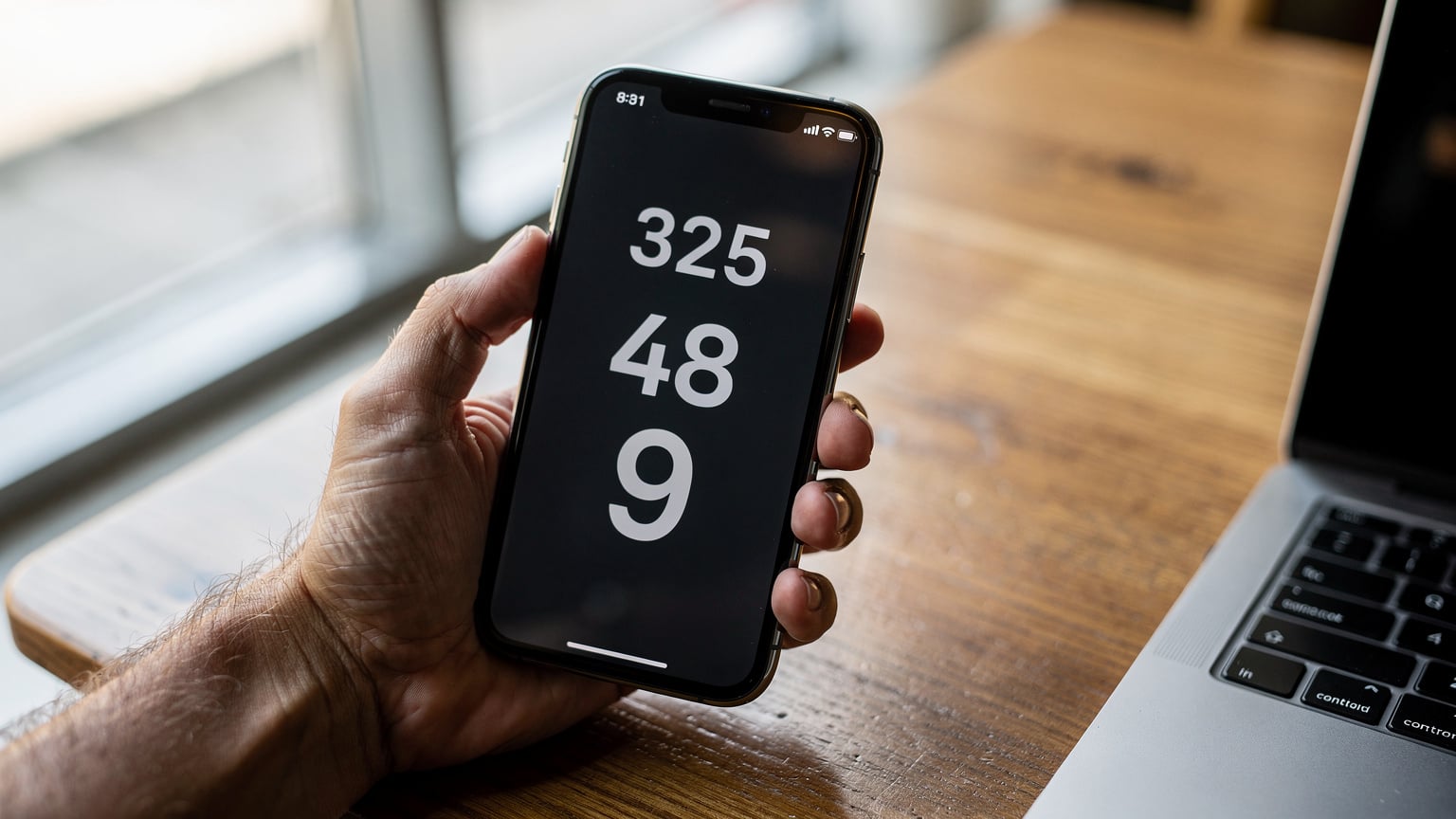
Interpreting Your eSIM Speed Results: What Do the Numbers Mean?
So, you've got three main numbers: ping, download speed, and upload speed. Here's what they actually mean for you:
- Ping (Latency): This is the reaction time of your connection, measured in milliseconds (ms). Lower is better. For general browsing, anything under 100ms is fine. For gaming or video calls, you really want to be under 50ms. High ping means delays, even if your download speeds are decent. I once had a 300ms ping with a local SIM in Cambodia, making VoIP calls almost impossible.
- Download Speed: This is how fast you can pull data from the internet, measured in megabits per second (Mbps). This is what most people care about.
- Upload Speed: This is how fast you can send data to the internet, also in Mbps. Often overlooked, but crucial for video calls, uploading files (like that video in Medellín), or backing up photos.
What's considered "good" depends entirely on what you're doing. For basic tasks, like checking email and WhatsApp, 5-10 Mbps download and 1-2 Mbps upload is probably fine. If you're streaming HD video, you'll want at least 25 Mbps download. For reliable video conferencing and uploading large files, I aim for at least 50 Mbps download and 10-15 Mbps upload. Anything less and you'll feel the pinch.
Here's a rough guide:
| Activity | Minimum Recommended Download (Mbps) | Minimum Recommended Upload (Mbps) |
|---|---|---|
| Email & Messaging | 3-5 | 0.5-1 |
| Web Browsing & Social Media | 5-10 | 1-2 |
| HD Video Streaming (1080p) | 15-25 | 3-5 |
| 4K Video Streaming | 25-50+ | 5-10+ |
| Video Conferencing (HD) | 20-30 | 5-10 |
| Large File Uploads / Gaming | 50+ | 10-20+ |
Frequently Asked Questions
What is a good internet speed for travel?
For basic browsing and messaging, 5-10 Mbps download and 1-2 Mbps upload is usually sufficient. If you plan to stream HD video or make video calls, aim for 25+ Mbps download and 5-10 Mbps upload for a smoother experience.
How can I test my eSIM's internet speed?
You can test your eSIM's speed using apps like Ookla Speedtest or Fast.com. Remember to turn off Wi-Fi and close other data-intensive apps to get accurate results specific to your eSIM connection.
Why is my eSIM speed slow even though it says 5G?
Even if your eSIM plan advertises 5G, actual speeds depend on local network infrastructure, congestion, and your phone's capabilities. Your location within a city or building can also significantly affect signal strength and speed.
Does ping matter for eSIM speed?
Yes, ping (latency) is crucial, especially for real-time applications like video calls or online gaming. A lower ping (under 50ms is ideal) means a more responsive connection, reducing lag and delays.
What should I do if my eSIM speeds are consistently slow?
First, try restarting your phone or toggling airplane mode. Check your data roaming settings and ensure your eSIM is the primary data line. If issues persist, try moving to a different location or contact your eSIM provider's support for assistance.
Can my phone affect eSIM speed?
Yes, your phone's hardware and software can impact eSIM performance. Older phones might not support the latest network bands (like 5G) or have less efficient modems, potentially leading to slower speeds compared to newer devices.
Remember that these are rough guidelines. Congestion, network infrastructure, and even your phone's capabilities can affect your actual experience. A 5G eSIM will only be 5G fast if the local towers support it and your phone can connect.
Troubleshooting Slow eSIM Speeds on the Go
You've run the speed test, and the numbers are ugly. Now what? Don't panic. There are a few things you can try before throwing your phone into the nearest canal (which, trust me, I've been tempted to do in particularly frustrating moments in Vietnam).
First, check your signal strength. Look at the bars on your phone. If you only have one or two, that's likely your problem. Try moving to a different spot, perhaps closer to a window, or even stepping outside. Walls, especially thick concrete ones, can be signal killers.
Second, restart your phone. It sounds basic, but it often clears up minor network glitches. I can't count how many times this has saved me from a mild meltdown. If that doesn't work, try toggling airplane mode on and off. This forces your phone to reconnect to the network.
Third, check your data roaming settings. Make sure it's enabled for your eSIM. Sometimes, after an update or if you've been messing with settings, it can get turned off. Also, ensure your eSIM is set as the primary data line, especially if you have multiple eSIMs installed. For a detailed guide on setting up your eSIM, particularly if you're activating an eSIM for Indonesia from France, it’s worth reviewing your phone's specific activation steps.
Fourth, check for local network congestion. This is common in densely populated areas or during peak hours. If you're in a crowded market in Chiang Mai or a busy train station in Tokyo, even the best eSIM can struggle. If you notice speeds are consistently slow at a specific time or place, it might just be the local environment. I've found that early mornings or late evenings are often better for heavy uploads.
Finally, contact your eSIM provider's support. Sometimes there are known issues in a specific region, or they might be able to reset your connection from their end. Be ready to provide your speed test results, location, and what troubleshooting steps you've already taken. This is where Cellesim's FAQ can be a good starting point if you're using one of their plans.
Picking the Best eSIM for Speed and Reliability
This is where experience really comes into play. It's not just about the cheapest gigabytes. It's about who actually delivers. My advice, honed over years of trial and error (and more than a few wasted dollars), is to look at a few key factors.
Carrier Partnerships: A good eSIM provider doesn't just resell data; they partner with the strongest local networks. For example, in Greece, an eSIM that partners with Cosmote eSIM is generally going to give you better coverage and speed than one relying on a smaller, less robust carrier. In Indonesia, Telkomsel is usually the most reliable for broad coverage and decent speeds, so look for eSIMs that leverage their network, even if you’re comparing Telkomsel eSIM vs. Cellesim directly.
User Reviews: Don't just read the glossy marketing. Look for real-world reviews from other travelers, especially those who spend extended time in a location. They'll tell you which providers actually work in specific neighborhoods or cities. I often check expat forums and nomad Facebook groups for this kind of granular feedback.
Data Allocation: Be wary of "unlimited" plans that throttle your speed after a certain usage threshold. Read the fine print. Sometimes it's better to get a plan with a set amount of high-speed data that you know will perform, rather than an
Related reading
 Travel Tips
Deutsche Telekom eSIM: What to Expect in 2026
Considering Deutsche Telekom for your eSIM needs in 2026? This guide provides a practical evaluation of their eSIM services, outlining what you need to know before committing.
 Ethan Caldwell
 Travel Tips
Vodafone eSIM in Portugal: what to check before buying
Compare Vodafone Portugal travel eSIM conditions with your itinerary and data needs. Check validity, included services and setup before choosing a package.
 Ryan Mitchell
 Travel Tips
Travel data costs: how to compare the price per GB
Calculate travel data cost using the full package price, usable allowance and validity. Compare roaming and eSIM options without misleading per-GB claims.
 Isabella Cruz