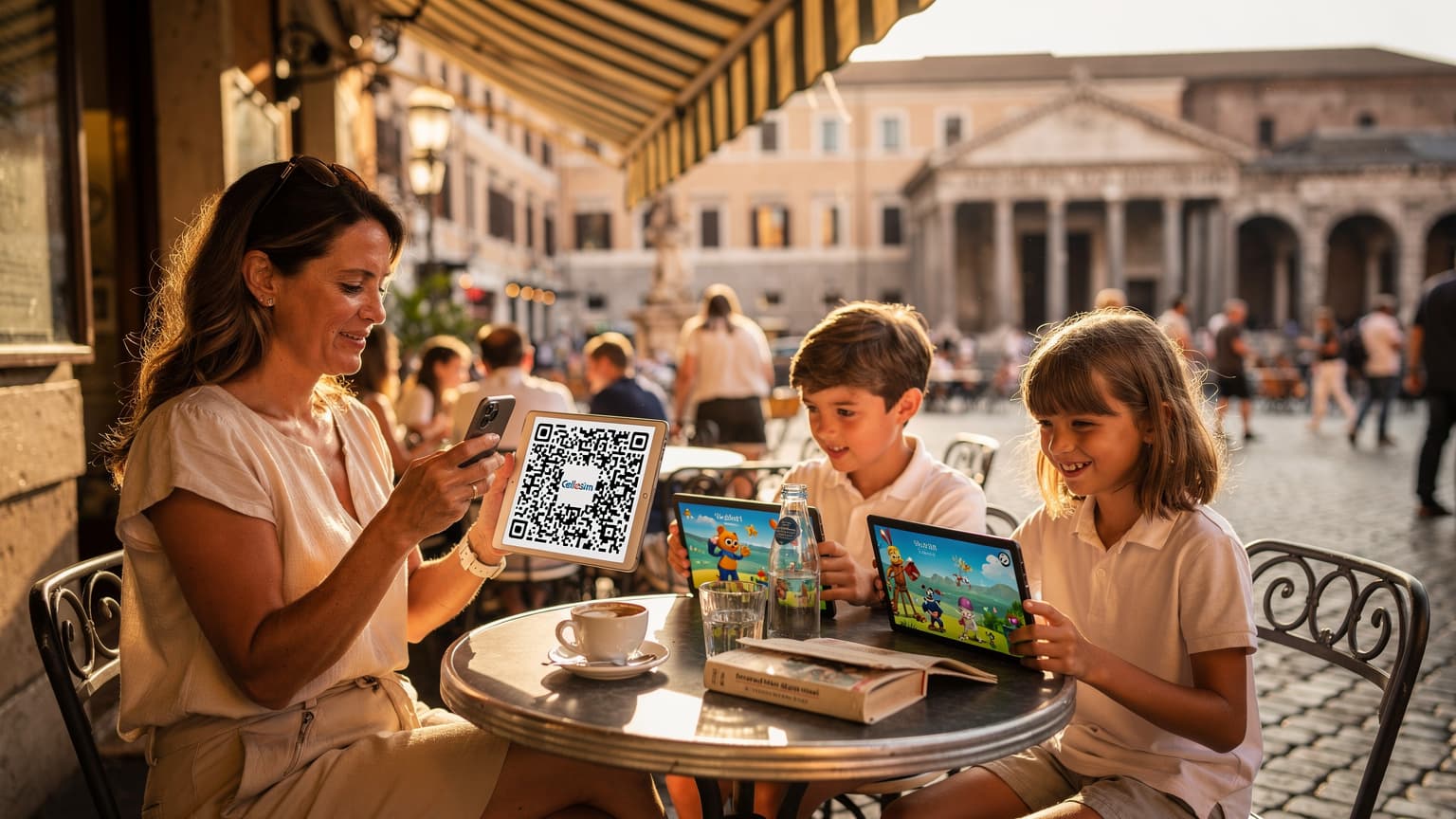
Getting ready for a USA trip in 2026 with your family, including the kids, means sorting out reliable data. You want coverage from coast to coast for everything from GPS to keeping the little ones happy with their shows. The best eSIMs offer flexible data, solid network access, and easy activation, so you stay connected without any nasty surprises on your bill.
Why an eSIM Is Your USA Travel Sanity Saver
Let's be real, traveling with kids is a beautiful chaos. From the moment you board the plane to figuring out a new city, every little bit of streamlined planning makes a huge difference. This is exactly where an eSIM for your 2026 USA trip really shines. Forget fumbling with tiny physical SIM cards, trying to find a local store when you're jet-lagged, or, even worse, paying outrageous roaming fees that could cover a theme park ticket. (Trust me, I've been there, and the bill was not fun.)
An eSIM, or embedded SIM, is a digital SIM profile you download straight to your compatible device. There's no physical card at all. For a family planner, this means you can buy and activate your data plan before you even leave home. Imagine landing at JFK, getting off the plane, and your phone just works. No scrambling for Wi-Fi, no desperate hunt for a T-Mobile or Verizon store when the kids are already asking, "Are we there yet?" This instant connection lets you call a ride-share, pull up Google Maps, and check dinner reservations without a single hiccup. It genuinely cuts down on travel stress, especially with a couple of impatient mini-travelers in tow.
The Perks of Going Digital for Family Travel
- Instant Activation: Buy online, activate with a QR code, and you're good to go. You can often do this days before your flight, which helps avoid last-minute panic.
- Multi-Device Management: Each device needs its own eSIM, but the setup process is consistent. This is key when you're juggling your phone, your spouse's phone, and maybe even a kid's cellular-enabled iPad.
- Cost-Effective Data: eSIM plans are often much cheaper than international roaming from your home carrier. This is especially true when you need a lot of data, like enough for two kids to stream Disney+ on a long drive.
- Keep Your Home Number: With an eSIM, your main physical SIM slot stays open. This means you can keep your home number active for important calls or texts, while using the eSIM for all your data. This dual-SIM feature is a lifesaver for quick check-ins with grandparents or school. For more on this, check out our guide on iPhone eSIM Abroad: Budget Traveler's Guide to Ditching Roaming Fees 2026.
How Much Data Do We Really Need: A Family Breakdown
This is the big question for any parent traveling with devices. It's not just about your emails and maps; it's about keeping the peace during long waits, flight delays, or quiet evenings at the hotel. My rule of thumb is always to get more than you think you need, especially with kids. A 5GB plan for a week might sound like a lot for one person, but add two kids with iPads and a constant demand for YouTube Kids, and you'll burn through that faster than a churro at Disneyland.
Estimating Data Usage for the Whole Crew
Let's break down typical family data use. Remember, these are rough estimates, and your actual usage will vary depending on your kids' screen habits (and how often you win the screen time battle, which I sometimes do, sometimes don't).
- GPS Navigation (Google Maps, Waze): 50-100 MB per hour of active navigation. If you're driving across states, this adds up fast.
- Social Media & Web Browsing (Adults): 200-500 MB per day.
- Streaming Video (Netflix, Disney+, YouTube Kids): This is the data hog. Standard definition streaming uses about 1 GB per hour. High definition can be 3 GB per hour or more. If you have two kids each streaming for 2-3 hours a day, that's easily 4-6 GB daily just for them.
- Online Gaming (Nintendo Switch Online, Roblox): Generally low, around 50-100 MB per hour, but it can jump up with game updates.
- Video Calls (FaceTime, WhatsApp): 100-300 MB per hour.
- Photo/Video Uploads (Cloud Backups): This can be very high, especially if your phone automatically uploads vacation photos. Turn this off when you're using mobile data!
For a typical 7-day family trip with two kids, where you expect some moderate streaming, GPS use, and general browsing, I'd honestly look at a minimum of 30-50 GB shared data. If your kids are heavy streamers, or you're planning long road trips without Wi-Fi, consider 70-100 GB. It sounds like a lot, but it’s far better to have too much than to be rationing data halfway through your trip, leading to meltdowns (from both kids and parents!).
Choosing Your eSIM Provider: The Big Names and the Smart Alternatives
When it comes to eSIMs for the USA, you'll generally find two main types of providers: the big US carriers directly offering eSIMs, and global eSIM marketplaces. Each has its pros and cons, especially for international travelers with specific needs like managing multiple devices.
Direct from US Carriers (AT&T, T-Mobile, Verizon)
The major US carriers, AT&T, T-Mobile, and Verizon, all support eSIMs. If you want the most direct and robust network experience, these are often the best choice. However, buying directly from them as a tourist can sometimes be a bit tricky, often requiring identity verification or specific tourist plans.
| Carrier | Network Type | Coverage Strength | Best For |
|---|---|---|---|
| Verizon | CDMA & LTE/5G | Excellent, especially in rural areas | Broadest coverage, often crucial for road trips through less populated states like Montana or Wyoming. |
| AT&T | LTE/5G | Very Good, strong urban & highway coverage | Balanced coverage, good speeds, reliable in most tourist destinations. |
| T-Mobile | LTE/5G | Good, strongest in urban areas, expanding rural 5G | Budget-conscious travelers, often good deals, particularly in major cities. Check out our take on the T-Mobile eSIM Free Trial: My No-Bullshit Take for Travelers (2026). |
Global eSIM Marketplaces (Cellesim, Airalo, Holafly)
This is usually my top recommendation for families because of how convenient and flexible it is. Marketplaces like Cellesim bring together plans from various local carriers, offering a range of data packages and durations specifically designed for travelers. They often partner with the big US networks, so you're still getting the same underlying coverage, but with a much simpler buying and activation process.
For families, Cellesim offers a user-friendly experience that's tough to beat. Their app makes managing multiple eSIMs (one for each device) really straightforward, and their plans often provide great value for the data you get. Plus, if you hit any technical snags, their support is generally quick and helpful, which is essential when you're trying to fix a connection issue with a frustrated 10-year-old looking over your shoulder. When I compare options, I often find Cellesim strikes a great balance of coverage, price, and ease of use, making it a strong choice against services like Airalo vs. Cellesim eSIMs: My 2026 Engineer's Review for Global Data.
Coverage Across the USA: What to Expect, Where
The USA is huge, and cell coverage isn't the same everywhere. While big cities like New York City, Los Angeles, and Chicago have excellent 5G from all major carriers, head into national parks, rural highways, or even some suburban spots, and you'll find significant dead zones. My family once drove through parts of Utah, and those beautiful views came with long stretches of no signal, which meant no Waze, no Spotify, and definitely no Roblox.
Key Regions and Network Performance
- Major Cities (NYC, LA, Miami, Chicago): Expect strong 5G from all major carriers (Verizon, AT&T, T-Mobile). You'll rarely have problems here, even indoors.
- National Parks (Grand Canyon, Yellowstone, Yosemite): This is where it gets tricky. Coverage can be very spotty or completely absent. Verizon generally has the best reach in these areas, but even then, don't count on constant connectivity. Always download offline maps (Google Maps lets you do this) and pre-load entertainment for the kids before heading out.
- Interstate Highways: Generally good coverage, though you might hit brief dead spots, especially in mountainous or very rural sections.
- Coastal Areas (Florida Keys, Pacific Coast Highway): Coverage can be excellent near towns, but it often gets weaker once you're on more isolated roads or out at sea.
- Alaska & Hawaii: Coverage is generally good in populated areas, but very limited in remote or wilderness regions.
Activating Your eSIM Before You Land: A Step-by-Step Guide
This is where your inner travel planner can really shine. Activating your eSIM before you leave is one of the smartest things you can do. It means one less thing to worry about when you're juggling luggage, customs, and excited (or overtired) kids.
Pre-Departure eSIM Activation Checklist
Here's how to ensure a smooth setup:
- Purchase Your eSIM Plan: Go to Cellesim's website or app and choose a USA plan that fits your data needs and trip length. Remember my data advice for families.
- Receive Your QR Code or Manual Details: After buying, you'll typically get an email with a QR code or manual activation details. Keep this handy, either printed out or on another device (like your spouse's phone or a tablet).
- Connect to Wi-Fi: Before you try to activate, make sure your device is connected to a stable Wi-Fi network. Your home network is perfect for this.
- Add the eSIM to Your Device:
- On iPhone: Go to Settings > Cellular (or Mobile Data) > Add eSIM. Choose "Use QR Code" and scan the code. If you have manual details, select "Enter Details Manually."
- On Android: Go to Settings > Network & internet > SIMs > Add eSIM. Again, scan the QR code or enter details manually.
- Label Your eSIM: Once added, your phone will ask you to label the new eSIM. I always suggest something clear like "USA Travel" or "Cellesim USA" to avoid mixing it up with your home SIM.
- Set Data Default (Important!): You'll be asked which line to use for cellular data. Select your new USA eSIM. Make sure your home SIM is set for calls/texts, but not data, or turn off roaming for your home SIM. This stops accidental roaming charges.
- Keep it Off Until Arrival: While you can activate the eSIM, I recommend keeping it turned off (or at least not set as the primary data line) until you arrive in the USA. This saves data and makes sure your plan doesn't start too early by mistake.
Parental Controls and Device Management with eSIMs
One of my biggest worries when traveling is managing my kids' screen time and making sure they're safe online. The good news is that eSIMs, since they work just like physical SIMs, integrate perfectly with your device's existing parental control features. The connectivity from the eSIM simply lets these features work reliably, even when you're away from hotel Wi-Fi.
Leveraging Built-in Device Controls
- iOS Screen Time: On iPhones and iPads, you can set daily time limits for apps (like YouTube Kids or Roblox), block inappropriate content, and restrict purchases. These controls work perfectly whether the device is on Wi-Fi or cellular data from an eSIM.
- Android Digital Wellbeing & Family Link: Android devices offer similar features. Google Family Link is fantastic for managing younger kids' Android devices, letting you approve app downloads, track location, and set screen time limits remotely.
- App-Specific Controls: Many popular kids' apps, like YouTube Kids and Disney+, have their own parental settings to filter content or set viewing limits. Make sure these are set up before your trip.
The key here is that the eSIM provides the constant internet access needed for these controls to talk to your parent device or their cloud services. If their device loses connection, your ability to enforce these controls goes down, so a reliable eSIM is a silent partner in keeping those digital boundaries. (And yes, I use these religiously, especially when they're begging for "just five more minutes" of Minecraft.)
Strategies for Multi-Device Data Management
When you have multiple devices on separate eSIMs, it's crucial to keep an eye on data usage for each one. Most eSIM providers, including Cellesim, offer an app or portal where you can track remaining data. This helps you see if one device (or one child!) is using data at an alarming rate and lets you top up if needed. Consider buying individual data packages for each child's device, instead of relying on a hotspot, which can drain your primary phone's battery quickly.
Troubleshooting Common eSIM Issues on the Go
Even with the best planning, sometimes technology throws a curveball. As Cellesim's Technical Support Lead, I've seen everything. Don't panic if your eSIM isn't working right away. Most issues are small and easy to fix. Remember, you're not alone, and help is usually just a few taps away.
Quick Fixes for Connectivity Woes
- Check Your eSIM Status: Go to your phone's Cellular/Mobile Data settings. Make sure your USA eSIM is turned on and selected for cellular data. Sometimes, after a flight, phones go back to using the primary SIM for data.
- Restart Your Device: The oldest trick in the book, but often it works. A simple reboot can solve many temporary network glitches.
- Toggle Airplane Mode: Turn Airplane Mode on for 30 seconds, then turn it off. This makes your phone re-scan for networks.
- Verify APN Settings: This is less common with modern eSIMs but can happen. Your eSIM provider (like Cellesim) will have the correct APN settings on their support page. On iPhone, it's usually under Settings > Cellular > Cellular Data Network. On Android, it's Settings > Network & internet > SIMs > [Your eSIM] > Access Point Names.
- Confirm Data Roaming is ON for eSIM: Yes, for some eSIMs, especially those from global providers, you might need to enable "Data Roaming" for that specific eSIM line. This sounds backwards since you're trying to avoid roaming, but for a local eSIM from a global provider, it just means it's allowed to connect to its partner networks within the country.
- Contact Support: If all else fails, reach out to your eSIM provider's support. Cellesim's support team is available to help troubleshoot common eSIM problems and guide you through specific device settings. Having their contact info ready (maybe in your notes app) is a smart pre-trip step.
Tips for Managing Data and Battery Life with Kids
With multiple devices always connected, data and battery life become precious. Nothing ruins a family outing faster than a dead iPad or hitting your data limit halfway through your trip. Here are some experienced parent tips to keep everything running smoothly.
Smart Data Conservation
- Pre-Load Everything: Before you even get on the plane, download movies, TV shows, audiobooks, and games to all kid devices. Apps like Netflix and Disney+ allow offline downloads. This is my golden rule for flights and long car rides.
- Offline Maps: Download offline regions in Google Maps for areas you'll be visiting. This saves data and works even without a signal, which is priceless in places like national parks or subways.
- Wi-Fi First Mentality: Always connect to hotel, restaurant, or theme park Wi-Fi whenever it's available for streaming and large downloads. (Just be aware of public Wi-Fi security, especially for sensitive transactions.)
- Disable Background App Refresh: For apps that don't need real-time updates, turn off background refresh in device settings.
- Restrict App Store Updates: Set your devices to only update apps over Wi-Fi, not cellular data.
Battery Life Boosters
- Portable Power Banks: Pack at least one high-capacity power bank per adult, maybe even one for a shared kids' device. These are essential for busy days out.
- Car Chargers: If you're renting a car, make sure you have the right USB car chargers for all devices. Multiple ports are a bonus.
- Low Power Mode: Teach older kids (or enable it yourself) to switch to Low Power Mode on their devices when the battery is low.
- Screen Brightness: Reduce screen brightness. It's a huge battery drain.
- Close Unused Apps: Encourage kids to close apps they're not actively using.
eSIMs on Cruise Ships and Theme Parks: The Reality Check
Staying connected in unique places like cruise ships and huge theme parks needs a bit more thought. While an eSIM will generally work great on land, these specific situations have their own considerations.
Theme Park Connectivity
Major theme parks like Disney World, Universal Studios, and Six Flags usually offer extensive free Wi-Fi networks. This is great for general browsing, using park apps (which often show ride wait times and interactive maps), and quick messages. However, these Wi-Fi networks can get really busy, especially during peak times, leading to slower speeds. In these cases, having a strong eSIM data plan on your phone means you can easily switch to cellular data for critical needs, like checking your kids' location on Find My iPhone or quickly booking a Genie+ Lightning Lane pass without lag.
For example, in Walt Disney World, even though Wi-Fi is available across all four parks and resorts, I often found myself using cellular for faster access to the My Disney Experience app, especially when trying to snag a popular dining reservation or Mobile Order snacks. The cellular network (usually AT&T or Verizon, depending on your eSIM provider) can often be more reliable than overcrowded park Wi-Fi.
Cruise Ship Connectivity
This is where an eSIM runs into the same wall as a traditional SIM. Once you're out at sea, your phone will connect to the ship's satellite network, which is generally expensive and not covered by your land-based eSIM plan. The ship's Wi-Fi packages are typically the only way to get online, and they can be pricey. However, an eSIM is still incredibly useful for port days. When your cruise ship docks in a US port (like Miami, Seattle, or Juneau, Alaska), your eSIM will kick in, giving you local data coverage as soon as you step off the gangway. This lets you use maps, find local attractions, and communicate with family back home without getting hit with ship roaming charges. Just remember to turn off your eSIM's data when you're back on the ship and out at sea to avoid any unexpected bills.
Final Thoughts on Your 2026 USA eSIM Adventure
Planning a family trip to the USA in 2026 is an exciting adventure, and getting your connectivity sorted with an eSIM is one of the simplest ways to ensure a smooth, stress-free experience. From keeping the kids entertained with endless streams of PBS Kids during long drives to navigating unfamiliar cities, a well-chosen eSIM plan is your quiet travel companion.
Remember my key advice: get enough data, especially for multiple devices; pick a reliable eSIM provider like Cellesim for ease of use and support; and always, always pre-load content. With a little planning and the right digital tools, your family's USA adventure will be full of great memories, not connectivity headaches. Happy travels, and may your Wi-Fi always be strong (and your kids' devices always charged)!
Frequently Asked Questions
Can I use one eSIM for multiple devices for my family trip to the USA?
Unfortunately, no. An eSIM is linked to a single device. Each smartphone, tablet, or smartwatch that you want to have cellular data on will need its own individual eSIM plan. This allows each family member to manage their data independently.
How much data should I get for a family of four, including two kids, for a 10-day USA trip?
For a family of four with two kids (ages 4-12) traveling for 10 days, I'd suggest a minimum of 50-70 GB of data. This covers GPS, adult browsing, and moderate streaming for the kids. If your children are heavy streamers or gamers, consider 100 GB to be safe and avoid having to top up mid-trip.
Will my kids' parental control apps work with an eSIM in the USA?
Yes, absolutely. Parental control features like iOS Screen Time or Google Family Link need an active internet connection to work. An eSIM provides this connection, letting you manage screen time, content restrictions, and app usage on your children's devices smoothly across the USA, just like you would at home.
What happens if my eSIM runs out of data mid-trip in the USA?
If your eSIM data runs out, you will lose internet access on that device. Most eSIM providers, including Cellesim, offer easy top-up options directly through their app or website. You can usually buy an additional data package to instantly restore your service and continue your trip without interruption.
Is eSIM coverage reliable in US national parks?
eSIM coverage in US national parks can be very spotty or non-existent, no matter which carrier you're using. While some areas inside or near park entrances might have a signal, many remote sections will not. It's essential to download offline maps and pre-load entertainment on all devices before going into national parks.
Can I use an eSIM on a USA cruise ship?
An eSIM will provide data coverage when your cruise ship is docked in a US port, but it will not work once you are out at sea. At sea, your phone will connect to the ship's expensive satellite network, which is separate from your eSIM plan. You'll need to buy the cruise line's Wi-Fi package for connectivity while at sea.