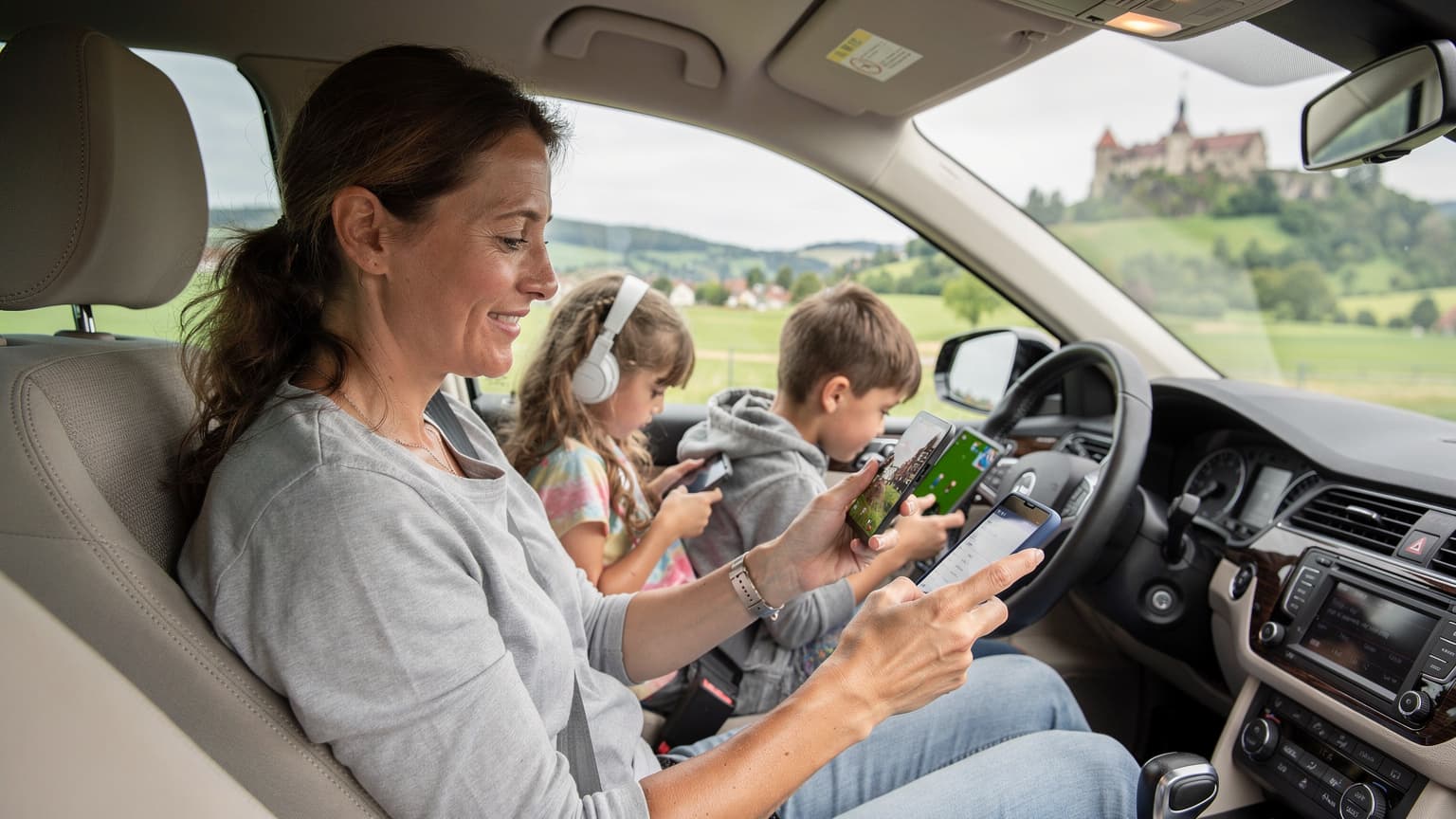
eSIM Magic: Unpacking the Digital SIM Card
As a parent who's navigated international travel with a gaggle of kids from toddlers to pre-teens for what feels like a lifetime (30 countries and counting!), I can tell you that connectivity is less a luxury and more a lifeline. Remember the days of frantically searching for a local SIM card vendor, fumbling with tiny trays, and praying you didn't lose that precious little chip? Well, those days are thankfully becoming a distant memory, thanks to eSIM technology. It's like having a digital magic wand for your phone's data connection.
At its heart, an eSIM is exactly what it sounds like: an embedded SIM. Instead of a physical plastic card that you insert into a slot, the 'SIM' part of your phone, which identifies you to a mobile network, is built directly into your device's hardware. This tiny chip is programmable, meaning it can store multiple network profiles. When you purchase an eSIM plan, you're essentially downloading a digital profile to this chip, which then connects you to the local network. No more hunting for a paperclip to open the SIM tray in a bustling airport, or worse, losing the original SIM card somewhere between security and boarding. (Ask me about the time I almost missed a flight from Heathrow because of a rogue SIM chip, I dare you.)
This means your phone, tablet, or even certain laptops and smartwatches can switch between different mobile carriers and data plans with a few taps on the screen. It's incredibly handy for international travel because you can buy a local data plan before you even leave home, or while waiting for your luggage, and activate it instantly upon arrival. For example, if you're planning a family trip to Italy, you could purchase an eSIM for Italy and have it ready to go the moment you land in Rome. This convenience is priceless when you're trying to find your Airbnb with a car-sick child in the back seat.
How Your Phone Becomes a Global Connector
Think of your device's eSIM as a blank slate that can be written on and rewritten. When you buy an eSIM plan, the provider sends you a QR code or an activation code. You scan this with your phone, and it downloads all the necessary information, like network access credentials, directly to the embedded chip. This instantly provisions your device with a new mobile profile, effectively giving you a local phone number and data plan, sometimes even before you step off the plane. It's a seamless handshake between your device and the new network.
This technology also supports dual SIM functionality on many modern smartphones. This means you can keep your home physical SIM (or another eSIM) active for calls and texts, while using the new travel eSIM purely for data. This is particularly useful for parents who need to receive important calls from school or family back home, without incurring hefty international roaming charges for streaming Disney+ or navigating with Google Maps.
Why eSIMs Are a Game-Changer for Family Travelers
For parents, the benefits of eSIMs go far beyond just not fumbling with tiny cards. They streamline the entire connectivity experience, making it less stressful and more budget-friendly. When you're trying to keep track of two kids, four bags, and a stroller, the last thing you need is a data emergency.
One of the biggest wins is the ability to buy local data plans at local prices. No more bill shock from international roaming. I've heard horror stories from parents who came home to find a four-figure phone bill because their teenager decided to live-stream a whole concert on YouTube. With an eSIM, you know exactly what you're paying for upfront, and you can easily top up if the kids (or you) burn through data faster than anticipated.
Consider a family trip to Europe. Instead of buying individual physical SIMs in France, then Italy, then Germany, you can opt for a regional eSIM that covers multiple countries, or even switch between country-specific plans right from your phone. This means continuous navigation, constant access to translation apps, and uninterrupted entertainment for the kids. Trust me, a happy child engrossed in an episode of Bluey on their iPad means a much calmer flight for everyone within earshot.
No More SIM Swapping or Lost Cards
The sheer convenience of not having to physically swap SIM cards is a blessing. With kids, there are always a dozen things in your hands. Losing a tiny physical SIM card in the chaos of a busy airport terminal? Been there, almost done that. With an eSIM, the digital profile is embedded, safe from accidental drops or tiny, curious hands. This also means you don't have to worry about storing your home SIM card somewhere safe, only to forget where you put it when you return.
This is especially crucial when you're managing multiple devices. My husband and I both need reliable data, and the kids often have their iPads or a Nintendo Switch Lite that needs occasional Wi-Fi for game updates or a quick YouTube fix. With eSIMs, we can manage data plans for each device, ensuring everyone has what they need without constantly juggling physical cards.
Instant Activation, Anytime, Anywhere
Imagine landing after a long-haul flight, kids are cranky, and you need to call a taxi or check directions to your hotel. With a physical SIM, you'd have to find a store, buy the card, and then install it. With an eSIM, you can activate your plan while still taxiing on the runway. This instant connectivity is invaluable for navigating new places, especially with little ones in tow. It allows you to immediately access ride-sharing apps, confirm hotel bookings, or even just let grandparents know you've landed safely.
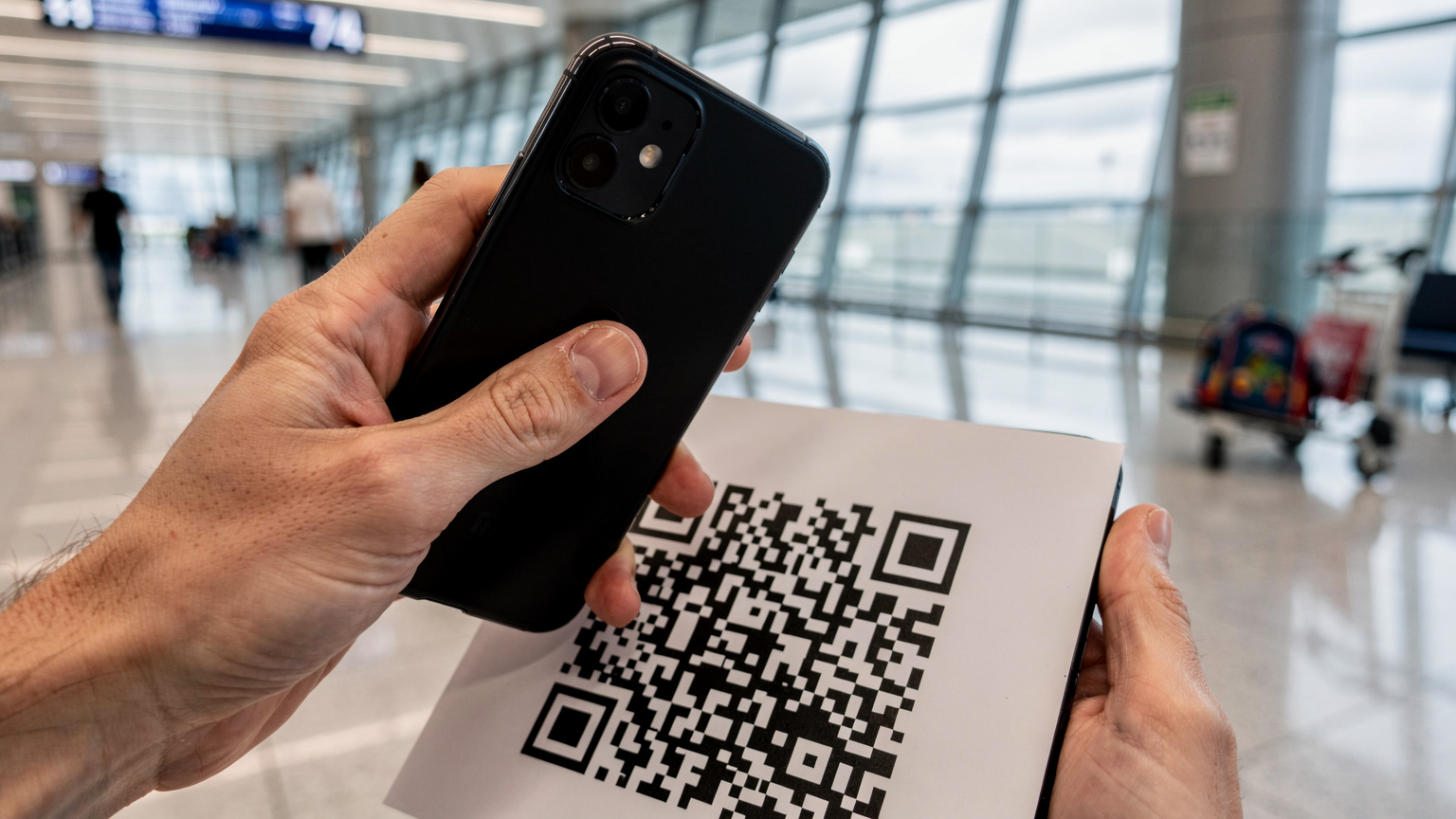
Activating Your eSIM: A Parent's Step-by-Step Guide
The thought of setting up new tech while traveling can feel daunting, especially when you're already overloaded with travel logistics. But activating an eSIM is surprisingly straightforward. It's often quicker and less fiddly than trying to manage a physical SIM card, and definitely less stressful than trying to explain a data overage to a disgruntled child.
Pre-Trip Checklist for Smooth eSIM Setup
Before you even pack your bags, a little prep goes a long way. This is where the planning-forward parent in me truly shines. Trust me, you don't want to be debugging connectivity issues with a jet-lagged toddler.
- Check Device Compatibility: Ensure all devices that will use an eSIM (your phone, your partner's phone, perhaps a Wi-Fi-only iPad that supports cellular) are eSIM compatible. Most newer iPhones (XS and later, including the iPhone eSIM activation process), Google Pixels, and Samsung Galaxy models support eSIM. If you're unsure, a quick search on the manufacturer's website will confirm.
- Choose Your eSIM Provider and Plan: Research providers like Cellesim that offer plans for your destination. Consider how much data you'll need (more on this below!). Will you need a regional plan for multiple countries, or a country-specific one? For example, if you're doing a grand tour of Europe, a multi-country plan might be more economical than individual eSIM for France, eSIM for Germany, and eSIM for Italy.
- Purchase and Receive Your eSIM: Once you've chosen, purchase your eSIM. You'll usually receive an email with a QR code or manual activation details. Keep this email accessible, perhaps by saving it to your device's photos or printing a physical copy as a backup.
- Download Essential Offline Apps: This isn't strictly eSIM related, but it's vital. Before you leave, download offline maps (Google Maps, Maps.me), pre-load entertainment for the kids (Disney+, Netflix, Audible, Libby for audiobooks) onto their devices, and any translation apps. This way, if there's a hiccup, you're not instantly reliant on data.
Step-by-Step Activation When You Land
The actual activation process is surprisingly quick, often taking just a minute or two. Here’s how it generally works on an iPhone (Android steps are very similar):
- Connect to Wi-Fi (Initially): While you can sometimes activate an eSIM with no internet, it's safest to connect to airport Wi-Fi first. This ensures the QR code scan can communicate with the provider's servers.
- Go to Settings > Cellular (or Mobile Data): Tap 'Add eSIM' or 'Add Data Plan'.
- Scan the QR Code: Your phone's camera will open. Position the QR code from your eSIM provider's email within the frame. If you can't scan, there's usually an option for 'Enter Details Manually'.
- Label Your eSIM: Once scanned, your phone will prompt you to label the new plan (e.g., 'Italy Travel', 'Kids' Data'). This is crucial, especially if you have multiple eSIMs. I always label mine clearly so I know which one is active for what purpose.
- Choose Default Line: You'll then be asked which line to use for calls, texts, and data. If you're keeping your home SIM active, you might choose your primary SIM for calls/texts and the new eSIM for 'Cellular Data'.
- Enable Data Roaming (if necessary): For some eSIMs, you might need to enable data roaming in the settings for that specific eSIM. Check your provider's instructions.
And voilà! You should be connected. It's often that simple. I've done this countless times, from the chaotic train stations of Tokyo to quiet cafes in rural France, and it's consistently smoother than the old physical SIM dance.
Data Needs for the Modern Family: How Much Is Enough?
This is the million-dollar question, isn't it? My kids seem to have a black hole where their data consumption should be. Planning for family data means not just thinking about your needs, but everyone else's. And let's be honest, those 'educational' YouTube videos or a full day of Roblox can chew through gigabytes faster than a toddler through a bag of goldfish crackers.
When I'm planning, I always factor in the