eSIM Nedir, iPhone İçin Nasıl Çalışır?
Okay, let's cut through the tech jargon. An eSIM, or embedded SIM, is essentially a digital SIM card built directly into your iPhone. No more fiddling with tiny trays and even tinier cards. For us nomads, this means no more losing your home SIM in some dusty corner of a backpack, or worse, having to swap it out in a dodgy airport bathroom. Your iPhone, if it's new enough, has this chip, and it can store multiple eSIM profiles simultaneously.
Think of it like this: instead of a physical key, you're downloading a digital key to unlock network access. When I was in Tbilisi last year, trying to get connected at Central Asia eSIM 2026: Seamless Connectivity Across the Silk Road, I needed reliable data to find a decent apartment. My local SIM for Georgia was fine, but before I landed, I activated an eSIM for the layover in Istanbul, just to make sure I could order a Bolt from the airport. Total lifesaver.
iPhone'da eSIM'in Temel Avantajları
- Çoklu Profil Desteği: You can store several eSIM profiles from different carriers or for different countries. This is huge for multi-country trips, letting you switch between local data plans without physical SIM swaps.
- Anında Aktivasyon: Often, you can buy an eSIM plan online and activate it within minutes, perfect for those last-minute decisions, like when you decide to hop a train from Lisbon to Porto.
- Gelişmiş Güvenlik: No physical card to lose or have stolen means one less thing to worry about. If your phone gets snatched (it happens, sadly), at least your SIM isn't easily accessible.
- Çevre Dostu: Less plastic in the world, which is a small win, but a win nonetheless.
The main thing to remember is that while your iPhone can store many eSIMs, only a couple can be active simultaneously, usually one for calls/texts and another for data. But even then, you can quickly toggle between them in Settings. It's a digital nomad's dream, really.
iPhone eSIM Uyumluluğu: Kontrol Listesi
Before you even think about buying an eSIM, you need to make sure your iPhone is actually compatible. Not all iPhones support eSIM, especially older models, and there are regional variations too. I learned this the hard way when a friend bought an 'unlocked' iPhone from a market in Bangkok, only to find out it was a special China-only model with dual physical SIMs and no eSIM functionality. Rough.
Hangi iPhone Modelleri eSIM Destekler?
Generally, if you have an iPhone XS, XS Max, XR, or any newer model (including iPhone SE 2nd generation and later), you're likely good to go. Most iPhones sold since late 2018 have eSIM capabilities. However, there are exceptions:
- Çin Ana Karası Modelleri: iPhones sold in mainland China (and sometimes Hong Kong/Macau) often feature dual physical SIM card slots instead of eSIM. Double-check your model number if you bought your phone there.
- Operatör Kilitli Cihazlar: If your iPhone is still locked to a specific carrier, it might not support eSIMs from other providers until it's unlocked. This is less common with newer contracts, but always worth confirming.
To check your iPhone model, go to Settings > General > About and look for 'Model Name'.
Cihazınızın Kilitli Olup Olmadığını Nasıl Anlarsınız?
This is crucial. An unlocked phone means it's not tied to any specific carrier, allowing you to use any SIM or eSIM. The easiest way to check is to try inserting a SIM card from a different carrier. If it works, your phone is likely unlocked. If it doesn't, or if you get a 'SIM Not Supported' message, you'll need to contact your original carrier to request an unlock. This can take a few days, so don't leave it until you're at the airport.
| iPhone Modeli | eSIM Desteği | Önemli Notlar |
|---|---|---|
| iPhone X ve Öncesi | Yok | Yalnızca fiziksel SIM kart |
| iPhone XS, XS Max, XR | Evet | Çoğu bölgede, çift SIM (bir fiziksel, bir eSIM) |
| iPhone 11 Serisi | Evet | Çift SIM (bir fiziksel, bir eSIM) |
| iPhone SE (2. nesil) | Evet | Çift SIM (bir fiziksel, bir eSIM) |
| iPhone 12 Serisi | Evet | Çift SIM (bir fiziksel, bir eSIM) |
| iPhone 13 Serisi | Evet | Çift SIM (bir fiziksel, bir eSIM). Çin modelleri hariç. |
| iPhone 14 Serisi (ABD) | Yalnızca eSIM | ABD modellerinde fiziksel SIM yuvası yok |
| iPhone 14 Serisi (Diğer Bölgeler) | Evet | Çift SIM (bir fiziksel, bir eSIM) |
| iPhone 15 Serisi | Evet | Tüm modellerde eSIM desteği, ABD'de yalnızca eSIM |
eSIM Aktivasyonu: Adım Adım Rehber
Activating an eSIM is generally straightforward, but it helps to have a good Wi-Fi connection when you do it, especially if you're doing it from an airport or a café. I always aim to set it up while I'm still at home or in a place with reliable internet, like the Nomad Coffee Club in Canggu, Bali. Trying to troubleshoot connectivity issues on a new network while simultaneously attempting to activate a new eSIM at a busy airport is a special kind of hell.
QR Kodu ile Hızlı Kurulum
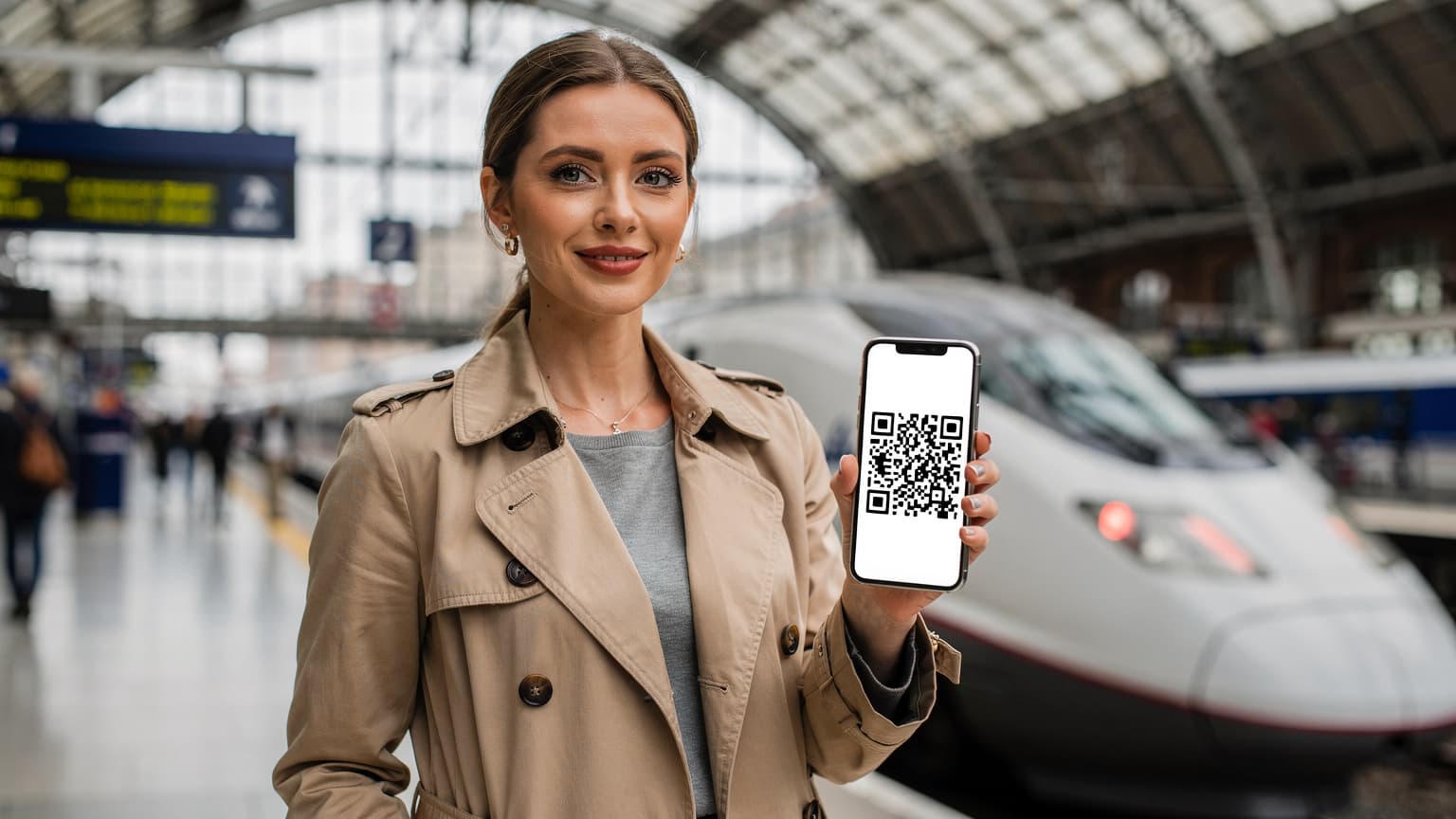
This is the most common and easiest method. Your eSIM provider, like Cellesim, will send you a QR code after purchase. This code contains all the necessary network configuration details.
- Wi-Fi Bağlantısı Sağlayın: Make sure your iPhone is connected to a stable Wi-Fi network.
- Ayarlar'a Gidin: Open the Settings app on your iPhone.
- Hücresel/Mobil Veri Seçin: Tap on Cellular (or Mobile Data in some regions).
- eSIM Ekle: Tap Add eSIM or Add Data Plan.
- QR Kodu Kullan: Choose Use QR Code.
- Kodu Tarayın: Use your iPhone camera to scan the QR code provided by Cellesim. If you're doing this on the same device that received the QR code, you might need to use the 'Enter Details Manually' option.
- Etkinleştirme Adımlarını Takip Edin: Follow the on-screen prompts to confirm and activate your new data plan. You'll usually be asked to label your plans (e.g., 'Travel eSIM', 'Primary'), which is super helpful for keeping track.
- Varsayılan Hattı Ayarlayın: Decide which line you want to use for calls, messages, and mobile data. For travel, I usually set the eSIM as the primary data line and keep my home SIM for calls if needed.
Manuel Kurulum (QR Kodu Olmadan)
Sometimes, a QR code isn't an option, or it simply won't scan. In these cases, you'll need to manually enter the details. Your eSIM provider will give you an SM-DP+ Address, Activation Code, and sometimes a Confirmation Code.
- Wi-Fi Bağlantısı: Again, ensure you're on Wi-Fi.
- Ayarlar > Hücresel/Mobil Veri: Go to Settings > Cellular (Mobile Data).
- eSIM Ekle > Detayları Manuel Gir: Tap Add eSIM or Add Data Plan, then select Enter Details Manually.
- Bilgileri Girin: Carefully input the SM-DP+ Address, Activation Code, and any Confirmation Code provided by your eSIM carrier. Pay close attention to capitalization and special characters.
- Onaylayın ve Etkinleştirin: Follow the prompts to confirm and activate your plan.
I've had to do the manual method a few times when a café's Wi-Fi was too flaky to load the QR code image properly. It's a bit more tedious, but it works. Just make sure you've copied those details correctly, maybe even screenshot them.
Yaygın eSIM Sorunları ve Çözümleri
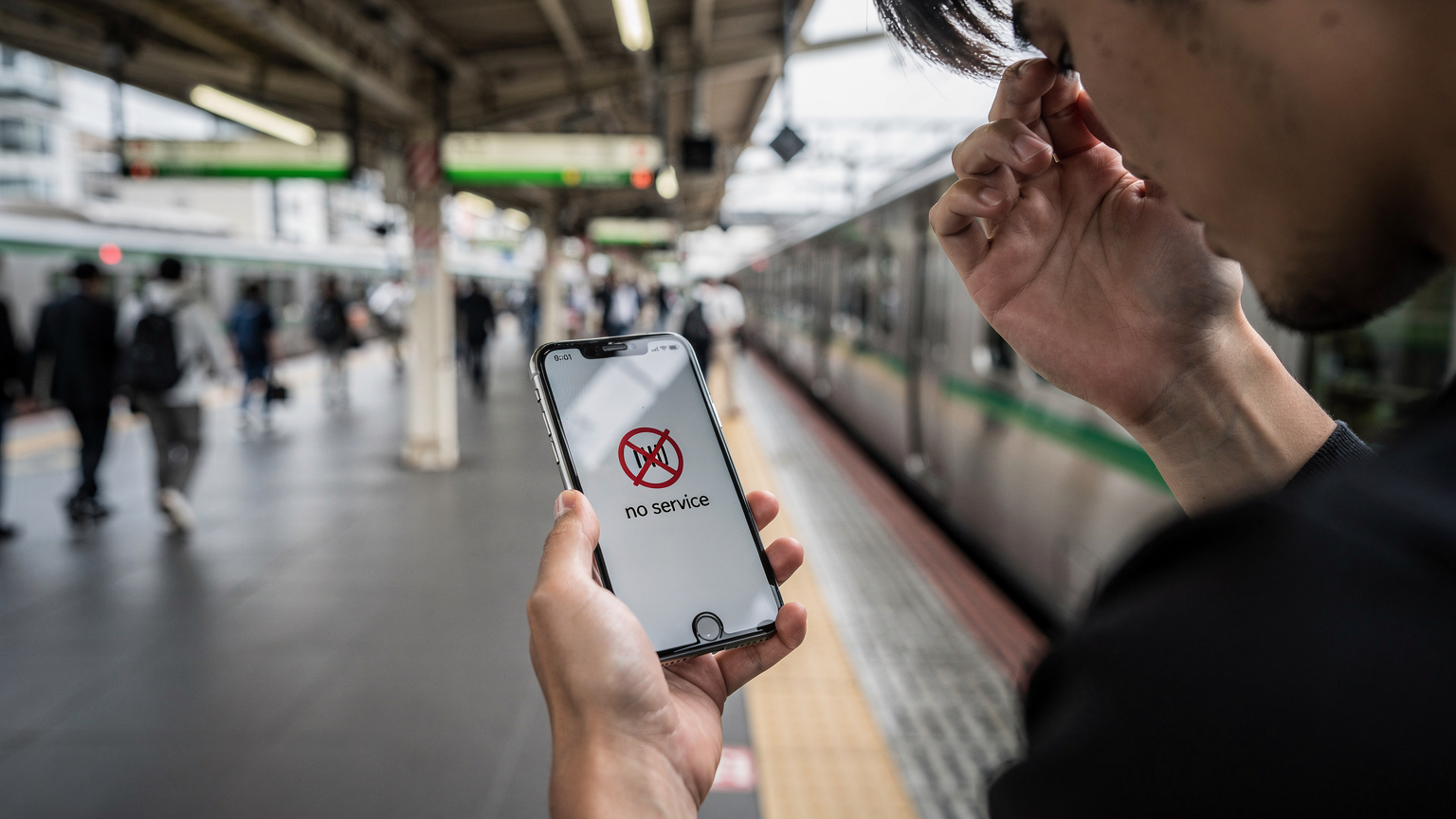
Even with the best preparation, things can go sideways. I've been there, staring at a 'No Service' message in a foreign country, feeling that familiar pang of panic. Most issues are fixable, but you need to know where to look.
eSIM Etkinleşmiyor veya Bağlanmıyor
This is the big one. You've followed the steps, but your phone just isn't connecting.
- Doğru eSIM'in Açık Olduğundan Emin Olun: Go to Settings > Cellular (Mobile Data). Under 'Cellular Plans', make sure the eSIM you want to use is turned 'On'.
- Veri Dolaşımını Etkinleştirin: For many international eSIMs, you need to enable Data Roaming for that specific line. Tap on the eSIM plan, then toggle Data Roaming to 'On'. This is a common oversight.
- Ağ Seçimini Kontrol Edin: Sometimes, your iPhone tries to connect to a weak network. Go to your eSIM settings, then Network Selection. Try toggling 'Automatic' off and manually selecting a network listed by your eSIM provider.
- iPhone'u Yeniden Başlatın: The classic IT fix, but it often works. A quick reboot can clear temporary software glitches.
- APN Ayarlarını Kontrol Edin: While Cellesim usually auto-configures APN settings, some carriers require manual entry. Check your eSIM provider's instructions for the correct APN. Go to Settings > Cellular (Mobile Data) > [Your eSIM Plan] > Cellular Data Network.
Zayıf Sinyal veya İnternet Hızı Sorunları
You're connected, but the data is crawling. This is particularly annoying when you're trying to hail a Grab in Kuala Lumpur or look up directions to that amazing street food stall in Bangkok.
- Konumunuzu Değiştirin: Move to a different spot. Concrete buildings, basements, or dense urban areas can block signals.
- eSIM Sağlayıcınızın Kapsam Haritasını Kontrol Edin: Confirm that you're within your eSIM provider's advertised coverage area for your current location. Sometimes, coverage can be spotty in rural areas or even specific neighborhoods.
- Cihazınızı Yeniden Başlatın: Again, a simple restart can sometimes resolve temporary network issues.
- Operatörün Ağını Manuel Seçin: In some cases, your phone might latch onto a less optimal partner network. Try manually selecting another available network under your eSIM's 'Network Selection' settings.
eSIM Veri Yönetimi: İpuçları
Managing your data usage is crucial, especially if you're on a limited plan. Nothing stings more than running out of data mid-trip when you desperately need to navigate or translate something. I always keep an eye on my usage, especially after getting stung in Brazil when my WhatsApp group chat addiction chewed through 5GB in a week. (Some Brazilian banks, by the way, require a local SIM for OTPs, so keep that in mind.)
Veri Kullanımını İzleme ve Sınırlar Koyma
Your iPhone has excellent built-in tools for this.
- Ayarlar > Hücresel/Mobil Veri: Go to Settings > Cellular (Mobile Data).
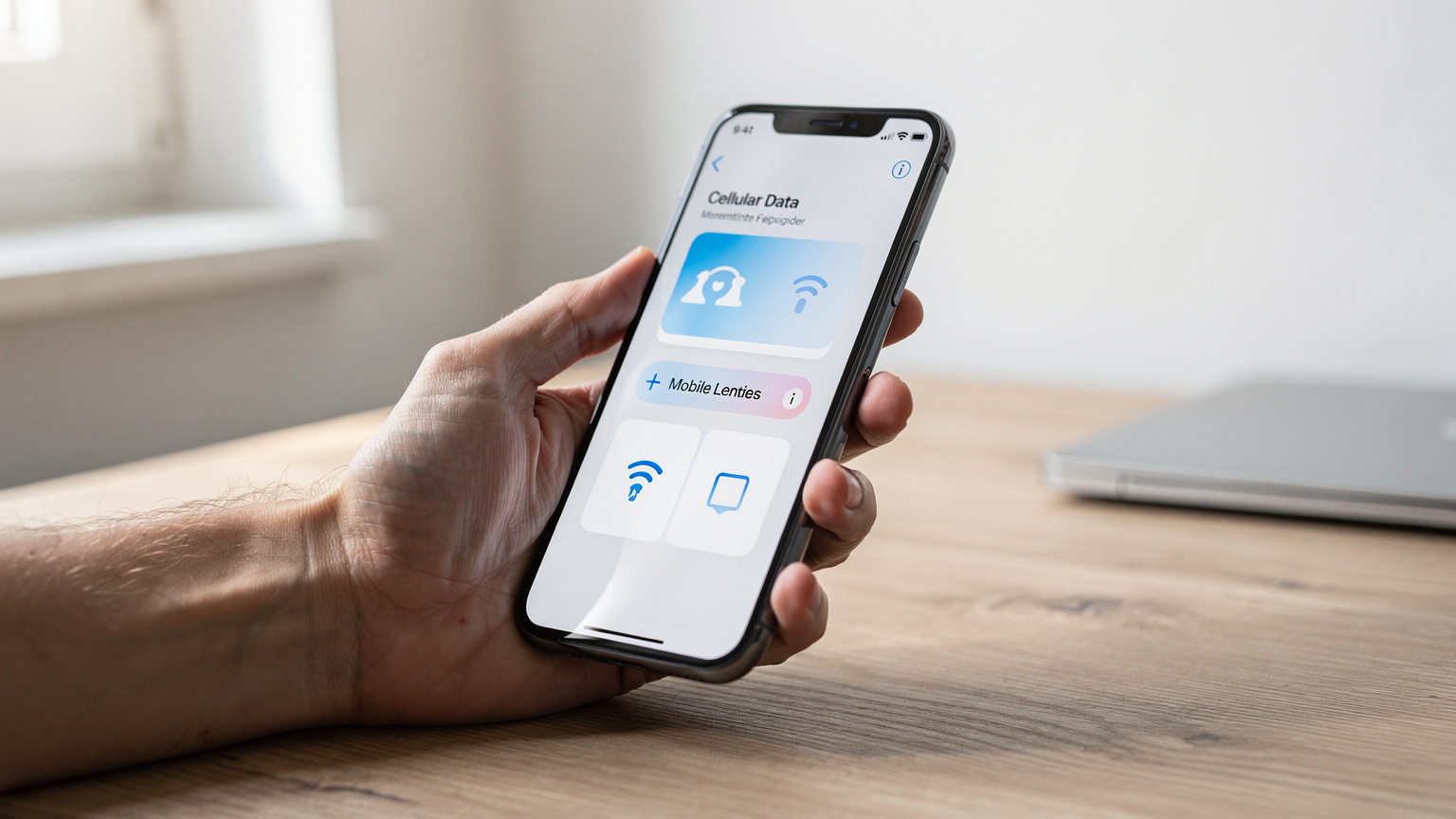
- eSIM Planınızı Seçin: Scroll down to see 'Cellular Data Usage' for each line. This will show you how much data you've used since the last reset.
- Uygulama Başına Veri Kullanımı: Further down, you'll see a list of apps and their individual data consumption. This is a goldmine for identifying data hogs.
- Sıfırlama İstatistikleri: Tap 'Reset Statistics' at the bottom of the Cellular Data screen to start fresh with each new eSIM or billing cycle.
Veri Tasarrufu İçin İpuçları
- Wi-Fi'ı Önceliklendirin: Always connect to Wi-Fi when available, especially for downloads, updates, and streaming. I always hit up a co-working spot like Selina in Medellín, Colombia, or even a Starbucks, to download podcasts and backup photos. The Wi-Fi there is usually solid.
- Uygulama Arka Plan Yenilemeyi Kapatın: Go to Settings > General > Background App Refresh and turn it off for non-essential apps, or set it to 'Wi-Fi only'.
- Düşük Veri Modunu Etkinleştirin: For your eSIM plan, go to Settings > Cellular (Mobile Data) > [Your eSIM Plan] and toggle on Low Data Mode. This pauses automatic updates and background tasks.
- Video Kalitesini Azaltın: Streaming services often have settings to reduce video quality, saving data.
- Haritaları İndirin: Before you head out, download offline maps for your destination in Google Maps or Apple Maps. This is a game-changer for navigation without data.
Fiziksel SIM Kart ve eSIM: Bir Arada Kullanımı
This is where the iPhone's dual SIM capabilities truly shine for nomads. You can have your home physical SIM for calls and texts (maybe even keeping your number active for bank OTPs, which are critical for some platforms like India's Aadhaar app, or even some European banks) and use an eSIM for all your data needs abroad. It's a fantastic setup.
Çift SIM Ayarları ve Geçişleri
Your iPhone makes managing multiple lines quite intuitive.
- Varsayılan Ses Hattı: In Settings > Cellular (Mobile Data) > Default Voice Line, you can choose which line is primary for making calls.
- Hücresel Veri Hattı: Under Settings > Cellular (Mobile Data) > Cellular Data, select your eSIM as the primary line for internet access.
- İletişim Başına Hat Seçimi: When you call or text someone, your iPhone will remember which line you used last. You can also manually switch lines directly within the Messages or Phone app before sending a message or making a call.
eSIM'i İkincil Hat Olarak Kullanma Senaryoları
Most nomads use their eSIM as the secondary line, specifically for data, while keeping their primary physical SIM for essential calls and texts. This avoids hefty international roaming charges on your main number.
| Senaryo | Fiziksel SIM Rolü | eSIM Rolü | Nomad İpucu |
|---|---|---|---|
| Kısa Avrupa Tatili | Ev aramaları ve SMS için | Tüm veri için (Avrupa çok ülkeli) | Gibi bir plan kullanın, Autumn Escape 2026: Europe After Summer, Connected with a Multi-Country eSIM, Avrupa'daki tüm ihtiyaçlarınız için. |
| Uzun Süreli Asya Seyahati | Bankacılık OTP'leri, önemli aramalar | Yerel veri veya bölgesel eSIM | Malezya'da Airbnb rezervasyonu yaparken yerel bir eSIM kullandım, ayda 30-40 USD'ye 50GB alabiliyordum. Oraya vardığımda, KL Sentral'deki Tune Talk kioskundan bir SIM aldım. |
| ABD Ulusal Parkları Yolculuğu | Acil aramalar için aktif tutulur | ABD genelinde veri erişimi | Ulusal parklarda kapsama alanı bazen zorlayıcı olabilir. Summer Road Trip 2026: Why Your US/UK eSIM is Essential for Seamless US National Park & Canada Border Hopping okuyun. |
| Güney Amerika Festival Turu | Evdeki aileyle iletişim için | Yerel ulaşım, haritalar ve biletler için | Rio Karnavalı sırasında kalabalıkta bağlantı kurmak zor olabilir. Cellesim gibi bir eSIM, kalabalık ağlara bile öncelik vermenizi sağlar. |
Uzun Süreli Seyahatlerde eSIM Stratejileri
Four years on the road means I've tried every trick in the book for staying connected. For long-term travel, particularly when you're moving between countries every few months, eSIMs are an absolute lifesaver. You can preload plans, switch them out, and avoid the hassle of hunting for local SIM cards every time you cross a border.
Birden Fazla eSIM Profili Yönetimi
Your iPhone can store several eSIM profiles, which is a massive advantage. I typically have my home SIM, a regional eSIM (like one for Europe or Southeast Asia), and then a specific country eSIM for my current location. It means I'm always prepared.
- Eski Profilleri Silin: Once a trip is over and the plan expires, don't keep old eSIM profiles cluttering up your settings. Delete them to keep things tidy. Go to Settings > Cellular (Mobile Data), tap the eSIM you want to remove, and select Remove Data Plan.
- Etiketleme Önemlidir: Clearly label your eSIMs. 'Europe Data', 'Brazil Primary', 'Home SIM'. Trust me, it saves a lot of confusion when you're toggling between them quickly.
- Yerel ve Küresel eSIM'leri Karıştırın: For longer stays (1-3 months), a local eSIM is often cheaper for larger data packages. For transit or short hops, a multi-country eSIM is more convenient.
When I was based in Lisbon for three months, renting a small apartment in Arroios for about 800 EUR/month, I used a local MEO eSIM for my primary data. But when I took a quick trip to Spain, I activated a Last-Minute Europe Getaway? Activate an eSIM Instantly for Your Spontaneous Summer Adventure eSIM that I kept on my phone. Swapping between them was a breeze.
Uluslararası eSIM ve Yerel eSIM Karşılaştırması
This is a constant debate in my nomad WhatsApp groups. Which is better? It depends entirely on your travel style and duration.
| Özellik | Uluslararası/Bölgesel eSIM | Yerel Ülke eSIM'i | Nomad Gözlemi |
|---|---|---|---|
| Maliyet | Genellikle daha pahalı GB başına | Genellikle çok daha ucuz GB başına | Eğer bir ay veya daha uzun süre kalıyorsanız yerel bir planı tercih edin. |
| Kolaylık | Çok ülkeli seyahatlerde üstün | Tek ülke için aktivasyon gerektirir | Hızlı sınır geçişleri için uluslararası eSIM'leri kullanın. Örneğin, eSIM Europe vs. Local SIMs: My 2026 Reality Check for Multi-Country Travel. |
| Kapsam | Çok sayıda operatör ve ülke | Tek bir ülkenin operatörleri | Küresel sağlayıcılar bazen daha zayıf sinyal ortaklıklarına sahip olabilir. |
| Veri Planı Boyutları | Genellikle küçükten orta seviyeye (1GB-20GB) | Çok büyük planlar mevcut (20GB+, sınırsız) | Video konferans ve büyük indirmeler için yerel planlar daha iyidir. |
Uluslararası Seyahatler İçin eSIM Planları Nasıl Seçilir?
Choosing the right eSIM plan is about matching your travel style and data needs. Don't just grab the cheapest one, or you'll regret it when you're stuck in the middle of nowhere without maps. (I once missed a bus in rural Argentina because my cheap data plan had no coverage outside the capital. Never again.)
İhtiyaçlarınıza Uygun Planı Bulma
- Veri Miktarı: How much data do you actually use? If you're constantly streaming, video calling, and uploading, you'll need more. If it's just for maps and messaging, a smaller plan might suffice. I usually budget 10-15GB for a month if I'm working from cafes.
- Geçerlilik Süresi: Do you need data for 7 days, 15 days, or 30 days? Match the plan's validity to your trip length.
- Bölgesel Kapsam: If you're hopping between countries, a regional eSIM (e.g., Europe, Asia) is often more economical than buying individual country eSIMs.
- Fiyat Karşılaştırması: Don't be afraid to compare Cellesim's offerings with others. Just make sure you're comparing apples to apples regarding data, validity, and coverage. Sometimes a slightly higher price means better network partners.
Cellesim ve Diğer Sağlayıcıları Karşılaştırma
I've used a fair few eSIM providers over the years, and Cellesim is one of the more reliable ones. They've got good global coverage and decent rates. But it's always worth checking, especially if you have very specific needs.
| Özellik | Cellesim | Diğer Popüler eSIM Sağlayıcıları | Nomad Bakış Açısı |
|---|---|---|---|
| Küresel Kapsam | Mükemmel, 200+ ülke | Değişken, bazıları daha niş | Cellesim'in geniş ağı, çok ülkeli atlamalar için onu güvenilir bir seçenek haline getiriyor. |
| Fiyatlandırma | Rekabetçi, genellikle iyi fırsatlar | Çok değişken, bazıları pahalı olabilir | Genellikle uygun fiyatlı, ancak özellikle büyük veri paketlerinde yerel SIM'lerle karşılaştırın. |
| Aktivasyon Süreci | Hızlı QR kodu, basit | Genellikle benzer, ancak bazılarının uygulaması daha az sezgisel olabilir | Aktivasyonun hızını seviyorum, özellikle son dakikada bir şeye ihtiyacım olduğunda. |
| Müşteri Desteği | Hızlı yanıt süreleri | Değişken, bazıları yavaş olabilir | Sorun yaşadığımda hızlı yanıt almak çok önemli, özellikle farklı zaman dilimlerinde. |
iPhone eSIM Geliştirmeleri: 2026 ve Ötesi
The tech landscape for eSIMs is constantly evolving, and Apple is usually at the forefront. What we see now is just the beginning. I'm excited for what 2026 and beyond will bring, especially for folks like us who rely heavily on solid global connectivity.
Gelecekteki iPhone Modellerinde Beklenen Yenilikler
With the iPhone 14 series in the US going eSIM-only, it's clear Apple is pushing this technology. I wouldn't be surprised if more regions follow suit in 2026 and later models. This means:
- Gelişmiş Çift eSIM Desteği: iPhones might support more active eSIMs simultaneously, perhaps allowing two data lines or multiple voice lines.
- Daha Entegre Yönetim: Even smoother integration within iOS, making it even easier to switch, monitor, and top up plans.
- Gelişmiş Güvenlik Özellikleri: Further enhancements to protect your digital SIM profiles from unauthorized access.
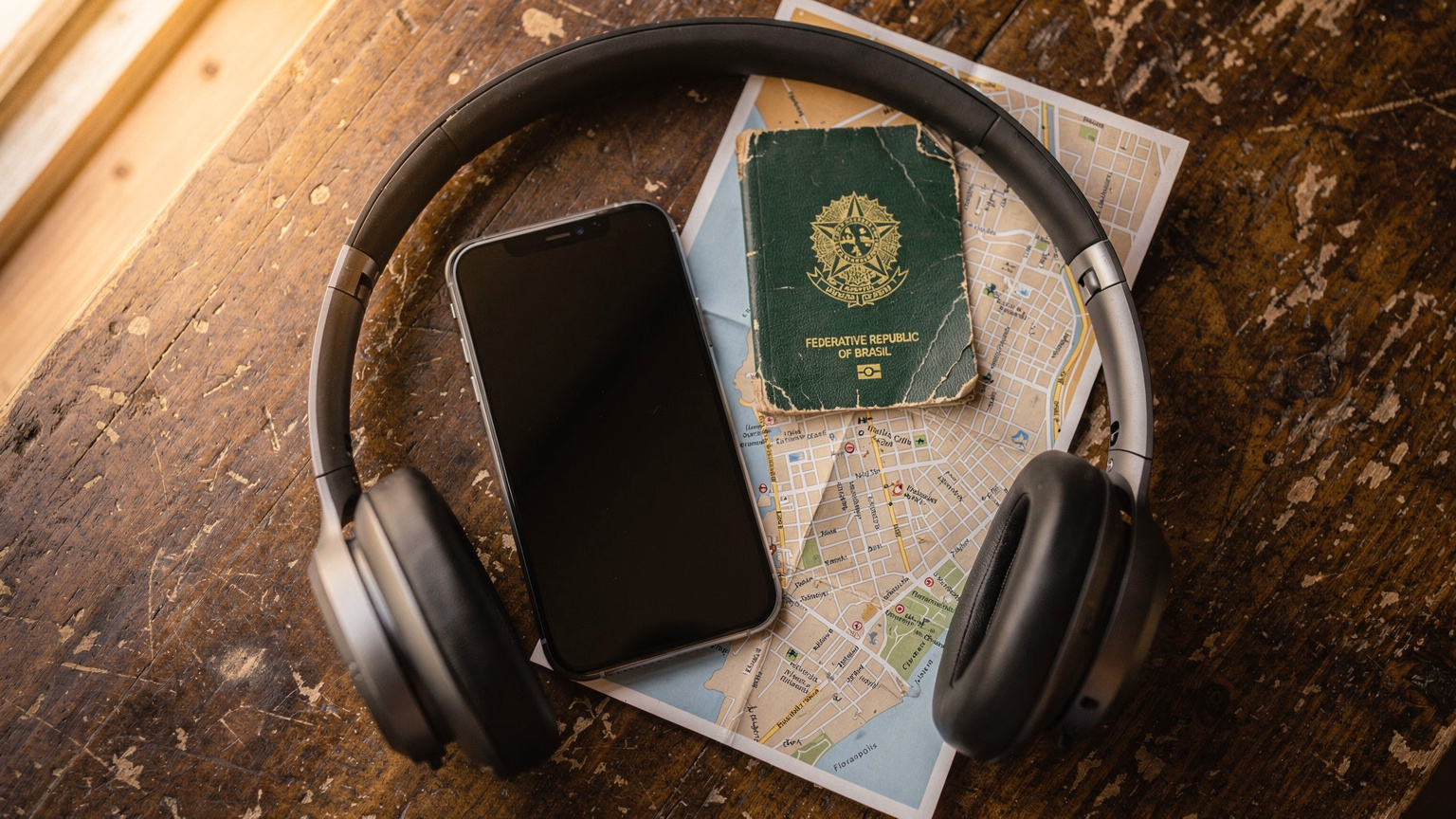
eSIM Teknolojisinin Geleceği ve Dijital Göçebeler İçin Anlamı
For digital nomads, the future of eSIMs is incredibly promising. Imagine landing in a new country, and your iPhone automatically detects and suggests the best local eSIM plan based on your location and usage history. No more scrambling for Wi-Fi to activate a plan. No more worrying about visa limitations that sometimes restrict physical SIM purchases to citizens. It's about more freedom and less friction.
We're already seeing advancements in providers offering truly global plans that adapt to local rates, taking the guesswork out of pricing. This means less time negotiating with local vendors, and more time actually experiencing the place. For example, Cellesim's FAQ section often has updates on new regional bundles that make this even easier. The move towards a fully digital connectivity experience is not just convenient, it's a fundamental shift in how we travel and work, letting us focus on the adventure, not the logistics.
Frequently Asked Questions
What is the primary benefit of using an eSIM on my iPhone for international travel?
The main benefit is convenience. You can activate a data plan for a new country or region instantly, without needing a physical SIM card. This means no searching for local stores, no language barriers, and no risk of losing your home SIM.
Can I keep my existing phone number active while using an international eSIM for data?
Yes, absolutely. Your iPhone's dual SIM capability allows you to keep your primary physical SIM active for calls and texts from your home number, while using the eSIM solely for mobile data in your travel destination. You can choose which line is used for which purpose in your iPhone settings.
What if my eSIM doesn't activate or I have no service?
First, ensure data roaming is enabled for your eSIM in settings. If that doesn't work, try restarting your iPhone. Check your eSIM provider's instructions for manual network selection or APN settings, as these sometimes need to be configured. If issues persist, contact your eSIM provider's customer support.
Are eSIMs more expensive than local physical SIM cards?
It depends. For short trips or multi-country travel, an international eSIM is often more cost-effective and convenient. For longer stays (over a month) in a single country, a local physical or local eSIM plan might offer more data at a lower per-GB cost. Always compare options based on your specific travel plans.
Will using an eSIM drain my iPhone battery faster?
In most cases, using an eSIM does not significantly impact battery life any more than a physical SIM would. The power consumption is primarily related to network signal strength and data usage, not the type of SIM. However, actively managing multiple SIM profiles or having poor signal can increase battery drain.
Do I need Wi-Fi to activate an eSIM on my iPhone?
Yes, you almost always need a stable Wi-Fi connection to download and activate a new eSIM profile. The process involves downloading data to your iPhone's embedded SIM chip. It's best to do this before you leave for your destination or immediately upon arrival at an airport with reliable Wi-Fi.
See also: eSIM for Macau