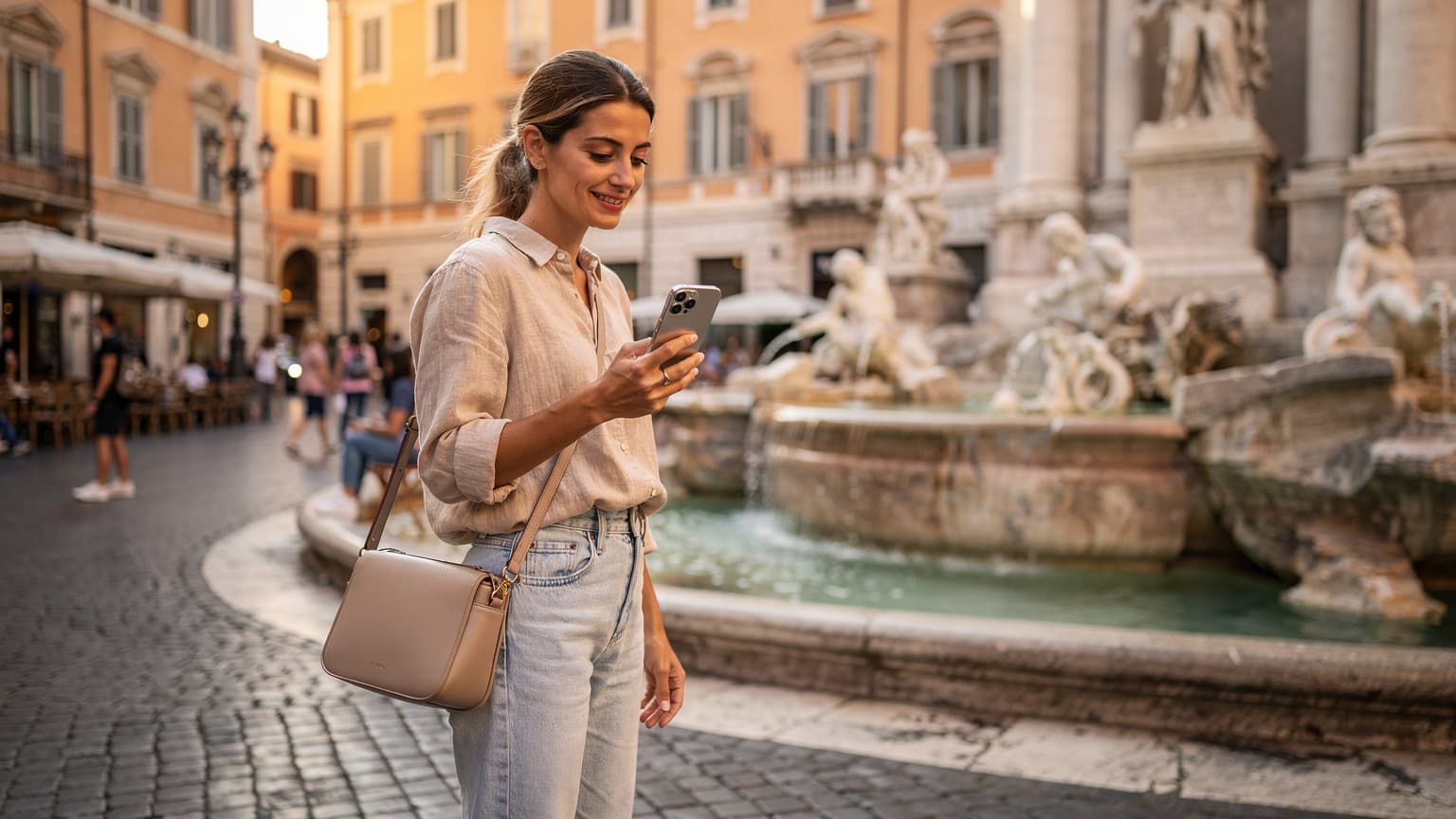
eSIM: Neden iPhone Seyahatinde Vazgeçilmez?
Look, I've been doing this long enough to know what actually matters when you're jumping countries every few months. Connectivity isn't a luxury; it's the bedrock. Miss a flight change notification, fail to hail a Grab, or can't pull up that crucial visa document, and your day (or week) goes sideways. Physical SIMs? A relic. I've wasted too many hours hunting down obscure kiosks in airports, haggling over prices, only to find out the 'unlimited' plan throttles after 5GB. Not to mention the panic of losing that tiny plastic chip.
eSIMs on your iPhone simplify all of this. You buy a plan online, scan a QR, and you're connected. No physical interaction, no fumbling with SIM ejector tools on a cramped train. The peace of mind alone is worth it, especially when you're trying to find your Airbnb in a new city at 2 AM. I remember trying to get a local SIM in Baku last year, and the process was a headache of bureaucracy. If I'd had a reliable eSIM, I could have bypassed the whole thing and just navigated straight to my hostel. Check out my full rundown on Azerbaijan eSIM 2026: Seamless Family Connectivity for Baku & Beyond for more on that particular saga.
iPhone eSIM Uyumluluğu: Modelin Önemi
Before you even think about buying an eSIM, you need to confirm your iPhone actually supports it. This isn't 2018 anymore; most newer iPhones are eSIM-ready, but it's still worth a quick check, especially if you're rocking an older model or a device bought in a specific region.
Hangi iPhone Modelleri eSIM Destekliyor?
Generally, if your iPhone is an XS, XS Max, XR, or any model newer than that (including all iPhone 11, 12, 13, 14, 15 series, and future 16/17 models), you're good to go. The key exception here is iPhones purchased in mainland China, which typically do not support eSIM (they often have dual physical SIM slots instead). Hong Kong and Macao models sometimes support eSIM, but it's a mixed bag, so verify before you buy a plan.
| iPhone Model | eSIM Support | Notes |
|---|---|---|
| iPhone XS, XS Max, XR | Yes | First generation with eSIM |
| iPhone 11 series | Yes | Supports dual SIM with one physical + one eSIM |
| iPhone 12 series | Yes | Supports dual SIM with one physical + one eSIM |
| iPhone 13 series | Yes | Supports dual SIM with one physical + one eSIM |
| iPhone 14 series (US models) | eSIM-only | No physical SIM tray in US models |
| iPhone 15 series (US models) | eSIM-only | No physical SIM tray in US models |
| iPhone 16, 17 series (projected 2026) | eSIM-only (most regions) | Future models likely to expand eSIM-only regions |
| Mainland China iPhones | No | Dual physical SIM slots instead |
Bölgesel Farklılıklar ve Kilitleme Durumu
Beyond the model, check if your iPhone is unlocked. A carrier-locked phone won't accept an eSIM from a different provider. This is less common these days, but if you bought your phone on a contract directly from a carrier like T-Mobile or Vodafone, it might still be locked. A quick call to their support or checking your device settings under Settings > General > About > Carrier Lock will tell you. If it says 'No SIM restrictions', you're clear.
eSIM Nasıl Alınır: Doğru Sağlayıcıyı Seçme
This is where most people get tripped up. There are a ton of eSIM providers out there, from local carriers to global aggregators. My advice? Stick with reputable global providers who clearly outline their data packages, coverage, and support. I've tried quite a few, and the difference in reliability and customer service is massive.
Global eSIM Sağlayıcıları mı, Yerel Operatörler mi?
For short trips, global eSIM providers like Cellesim are almost always the better choice. They offer packages for specific countries or regions (like Europe or Asia) and you can buy them days or even minutes before you land. The rates are competitive, and you avoid the language barrier and paperwork of local carriers. I’ve used them extensively in places like Thailand and Vietnam, where getting a local SIM can be a 20-minute ordeal at the airport.
Local operators sometimes offer eSIMs directly, but it can be more complicated. For example, getting a Movistar eSIM in Spain as a tourist might involve registering with your passport at a shop, which kind of defeats the 'convenience' aspect of eSIMs. Unless you're planning a multi-month stay and need a local number for banking or specific apps (like Brazil's PIX payments, which often require a local CPF and phone number), stick to the global players.
En İyi eSIM Planını Seçme: Veri, Hız ve Geçerlilik
When picking a plan, consider these factors:
- Data Allowance: How much data do you actually need? Are you just checking maps and WhatsApp, or will you be streaming videos and making video calls? My typical usage for a month is around 50-70GB, but I work online. For a casual traveler, 10-20GB might be enough for two weeks.
- Speed: Most providers offer 4G/LTE, with 5G becoming more common. Unless you're in a seriously remote area, 4G is usually perfectly adequate for browsing and even video calls. Always check if there are any speed caps after a certain amount of data.
- Validity Period: Plans typically range from 7 days to 30 days, sometimes longer. Make sure it covers your entire trip. Don't be caught short on your last day, trying to navigate to the airport with no data.
- Coverage: Verify the provider offers strong coverage in the specific regions or cities you'll be visiting. Some plans are continent-wide (e.g., Europe), others are country-specific.
iOS 18 eSIM Kurulumu: Adım Adım Rehber
Apple has made the eSIM activation process pretty straightforward, especially with iOS 18. It's usually a breeze, but knowing the exact steps saves you from fumbling around when you're tired and just want to connect.
QR Kodu ile eSIM Kurulumu
This is the fastest and most common method:
- Purchase your eSIM plan: Do this before you travel, or at least before you land. You'll receive an email with a QR code and activation instructions.
- Connect to Wi-Fi: You need an active internet connection to download the eSIM profile. Airport Wi-Fi or your hotel's Wi-Fi usually works. (I once had to use the free Wi-Fi at a Starbucks in Medellín when my pre-purchased eSIM wouldn't activate in my AirBnB, the horror!)
- Open Settings: On your iPhone, go to Settings > Cellular (or Mobile Data, depending on your region).
- Add eSIM: Tap Add eSIM.
- Use QR Code: Choose Use QR Code.
- Scan the QR code: Position your iPhone camera over the QR code provided by your eSIM carrier. Your iPhone should detect it instantly.
- Confirm & Activate: Follow the on-screen prompts to confirm and activate the eSIM. You'll be asked to label your new plan (e.g., "Travel Spain," "Work Data") and choose which line is primary for calls, messages, and data.
Manuel eSIM Kurulumu: Detaylı Adımlar
Sometimes the QR code doesn't work (bad lighting, blurry screen, or you're just old school). You can always enter the details manually:
- Receive Manual Details: Your eSIM provider will also give you a 'SM-DP+ Address' and an 'Activation Code' or 'Confirmation Code'.
- Connect to Wi-Fi: Again, an internet connection is essential.
- Navigate to Add eSIM: Go to Settings > Cellular > Add eSIM.
- Enter Details Manually: Select Enter Details Manually (or similar wording, it sometimes varies slightly by iOS version).
- Input Information: Carefully type in the SM-DP+ Address and Activation Code into the respective fields. Double-check for typos, as even a single wrong character will fail the activation.
- Confirm & Activate: Proceed with the on-screen instructions to label and activate your new plan.
eSIM İsimleri ve Varsayilan Hatti Seçme
Once activated, iOS 18 gives you the option to label your eSIMs. This is crucial for managing multiple lines. I usually label mine by country or purpose (e.g., "Greece Data," "Home Line"). You can then choose which line is your primary for calls, which for messages, and most importantly, which for cellular data. For travel, you'll want to set your travel eSIM as the primary for data, and often keep your home line active for calls/texts, but disable its data roaming.
Veri Roaming mi, eSIM mi: Gerçek Maliyet Hesaplaması
This isn't even a debate for me anymore. I've seen too many friends get hit with outrageous roaming charges because they