Heading to South Korea and trying to figure out your phone situation? It’s not as straightforward as just getting data. Many essential Korean apps, especially those tied to daily transactions or local services, demand a local phone number for verification. This isn't like Europe where your home SIM often works for basic banking OTPs. In Korea, if an app requires '본인인증' (bon-in-in-jeung), or identity verification, a foreign SIM card, or even an eSIM providing only data, simply won’t cut it. This guide breaks down what you absolutely need a local Korean SIM for, and where a reliable data-only Cellesim eSIM for South Korea is more than enough.
The Non-Negotiables: Apps That Demand a Local SIM
Let's be blunt: some things in Korea are just built differently. Unlike many countries where a WhatsApp verification is enough, Korea has a robust, almost obsessive, system of '본인인증' (bon-in-in-jeung) or real-name identity verification. If you're planning on anything beyond pure tourism, you're going to hit this wall.
The big one for many digital nomads is banking. If you intend to open a local bank account, say with Woori Bank or Kookmin Bank, you will need a Korean phone number. This isn't just for signing up, but for almost every transaction, login, and security step. Your UK number simply won't work for these SMS-based verifications, even if you’re roaming.
Another surprising hurdle for long-stayers is certain government or public services. Trying to register for local health insurance (if you're on a long-term visa), or even signing up for some online community portals, will often ask for a Korean phone number. It’s a pain, but it's their system.
Beyond the critical stuff, here’s a quick overview of apps where a local SIM is usually a prerequisite:
| App/Service Category | Local SIM Requirement | Notes |
|---|---|---|
| Korean Banking Apps (e.g., Kookmin Bank, Woori Bank) | Strictly Required | For account opening, online banking, and most transactions. No workarounds for foreigners without an ARC. |
| Online Shopping/Delivery (e.g., Coupang, Baemin) | Often Required | Initial sign-up and some high-value purchases need 본인인증. Delivery might work with international number if you bypass full ID verification. |
| Public Transportation Card Registration (e.g., T-Money, Cashbee) | Not Always, but Recommended | While cards can be bought anonymously, full registration for refunds or linking to apps often needs a local number. |
| Government/Public Services (e.g., visa extensions, health insurance) | Required | Any official online portal for long-term residents will demand a local number for verification. |
| Local Ride-Sharing Apps (e.g., Kakao T) | Not Strictly Required for basic use | Can often link to a credit card. Verification for full features or specific services (like Kakao T Bike) may need a local number. |
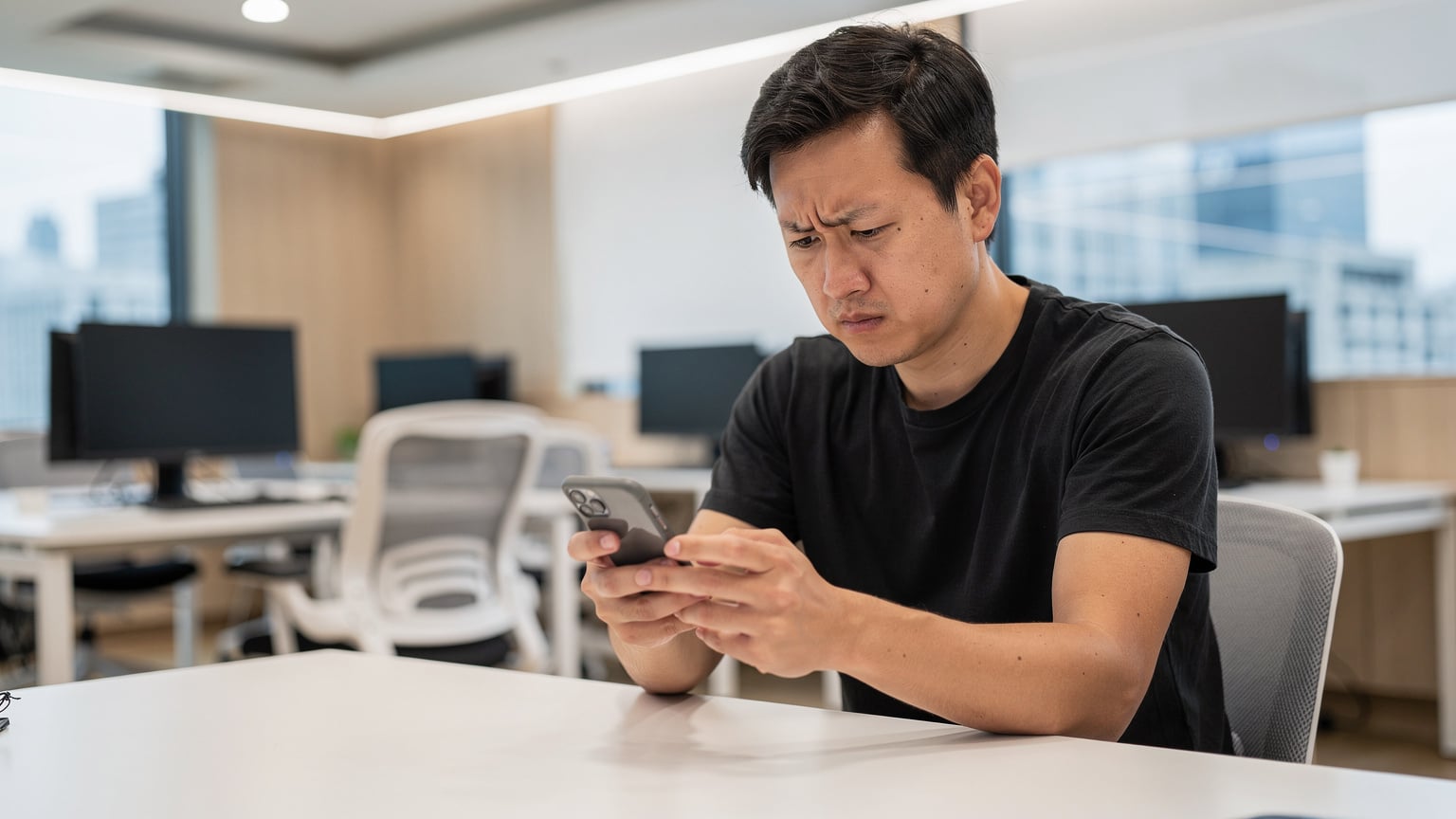
I learned this the hard way trying to get a refund for a faulty washing machine through a local shopping app. Despite having a Korean bank account, their customer service portal refused my foreign phone number for '본인인증'. It took a Korean friend to verify it for me. Not ideal.
Where a Data eSIM Shines: Daily Navigating and Communication
For everything else, a reliable data connection is king. This is where an eSIM truly earns its keep, saving you the hassle of a physical SIM swap at Incheon Airport. For most tourists and even short-term digital nomads (up to a month or two), a data-only eSIM is perfectly sufficient.
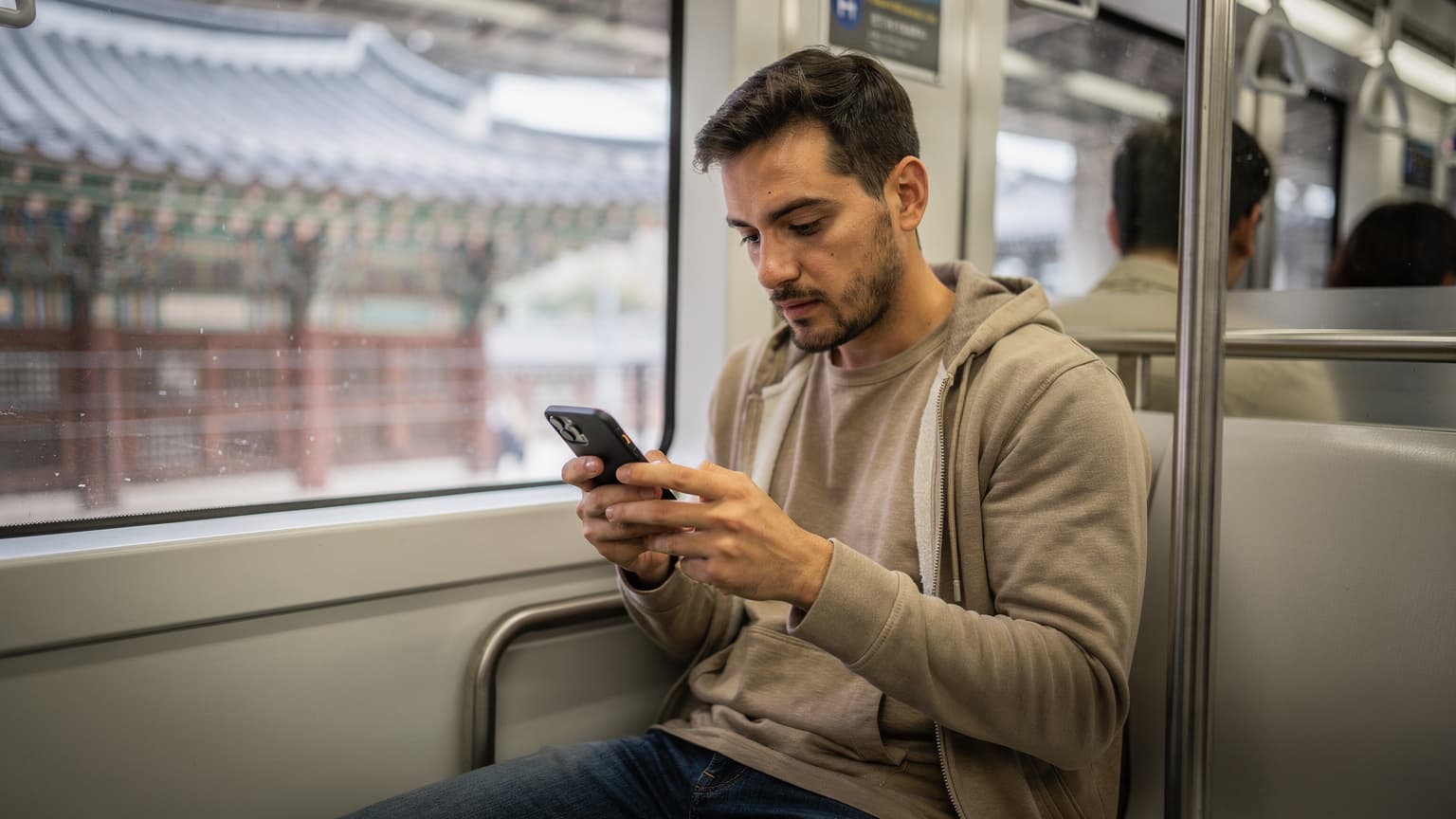
Think about your day-to-day needs: mapping, messaging, finding good food, booking tickets. All of these run flawlessly on data, and Korea's infrastructure is stellar. When I was based in Seoul, working out of WeWork Seoul Square (great views, decent coffee), my Cellesim eSIM was my lifeline for everything not tied to local verification.
Here’s what you can confidently rely on a data-only eSIM for:
- Navigation: KakaoMap and Naver Map are your best friends. Google Maps is pretty useless for public transport in Korea. These local apps are incredibly accurate and intuitive, and they work perfectly fine with just data.
- Messaging: KakaoTalk is the ubiquitous messaging app, and it only requires an initial phone number for registration. Once set up, it works fine on data. Your home number is usually sufficient for this initial step.
- Food Delivery & Reservations: While some apps might push for 본인인증, services like Shuttle Delivery (English-friendly) or making reservations via Naver Places generally work without a local SIM.
- General Internet Browsing & Social Media: Obviously, browsing, streaming, and all your social media apps will work without issue.
- Voice/Video Calls: Use apps like WhatsApp, Google Meet, or KakaoTalk's voice/video calls over data. The call quality is usually excellent given Korea's fast networks.
The speeds you get in Korea are generally fantastic, even on a budget eSIM. I’ve used 256 kbps eSIM plans in other countries and found them adequate for messaging and light browsing, but in Korea, you'll want something faster for seamless map loading and video calls. Most premium eSIMs offer full 4G/5G speeds, which in Seoul means you're flying.
SIM Card Options for Korea: The Trade-Offs
So, you have two main paths: a local SIM with a Korean number, or a data-only eSIM. Each has its pros and cons, especially depending on your length of stay and what you plan to do.
| Feature | Local Physical SIM (Korean Number) | Data-Only eSIM (e.g., Cellesim) |
|---|---|---|
| Phone Number | Yes, local Korean number | No, uses your home number for calls/SMS (if roaming) |
| Identity Verification (본인인증) | Yes, enables full verification | No, limited to apps not requiring 본인인증 |
| Convenience | Requires airport pickup or store visit, physical swap | Instant digital activation, no physical handling |
| Cost (Typical Monthly) | KRW 30,000 - 50,000 (~£18-£30) for unlimited data | £10-£25 for various data packages (e.g., 10GB for 30 days) |
| Best For | Long-term residents, those opening bank accounts, extensive local service use. | Tourists, short-term visitors, digital nomads up to 1-2 months. |
| Keeping Home Number | Requires a dual-SIM phone, or frequent swapping | Easy to keep home number active for OTPs/calls |
When I was looking at apartments in the Hongdae area of Seoul, a local SIM was almost essential. Every landlord and real estate agent expected a Korean number. I eventually found a great spot near Yeonnam-dong, paying around KRW 700,000 (about £420) a month for a small studio. Getting that lease, however, required me to jump through a few more hoops with local verification than I would have liked, even with a local SIM.
The Physical SIM Route: Pain Points
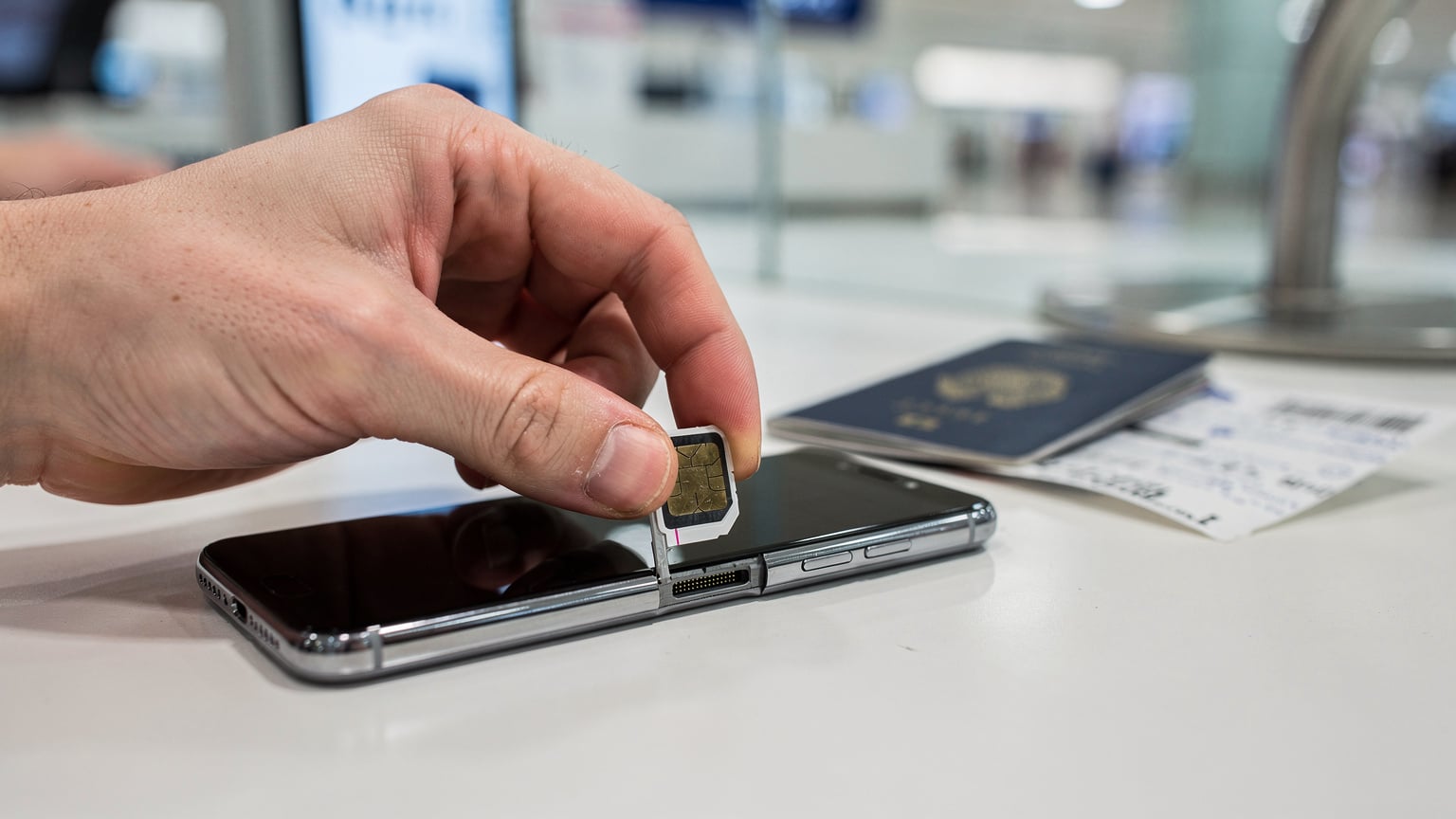
Getting a local physical SIM often means queuing at the airport or finding a KT or SKT store. You’ll need your passport and potentially a registered address if you’re trying for a postpaid plan. The process itself isn't difficult, but it's a time sink right after a long flight. Plus, you’re committed to a local provider.
For UK business travelers especially, this means your usual roaming setup with EE or Vodafone is out the window. If you're used to which mobile companies support eSIM in 2024, you know the convenience of just landing and being connected. The alternative, keeping your UK SIM for calls and SMS while using a local Korean SIM for data, requires a dual-SIM phone. Not everyone has that, and it adds complexity.
The eSIM Route: The Smart Choice for Most
For the vast majority of visitors, including short-stay business travellers and digital nomads not planning to open a bank account, an eSIM like Cellesim is the far superior option. You can buy and activate it before you even land. No fumbling with tiny cards, no language barriers, no airport queues. Just scan a QR code and you're online.
You keep your home SIM active for calls, SMS, and those critical OTPs from your home bank. This is a huge advantage, as it means you don't miss important messages or get locked out of your home banking. You simply set your eSIM as your primary data line. It’s exactly the kind of setup I advocate for my clients when advising on business travel connectivity.
Even if you're staying for a month or two, you can usually buy longer-duration eSIM plans or top up as needed. If you're just looking for reliable internet to find the nearest Paris Baguette or call a Kakao Taxi, an eSIM is a no-brainer.
My Recommendation: For Short and Long Stays
Here’s the distilled advice, based on years of dealing with this exact problem in various countries.
Short-Term Visitors (Up to 1 Month)
Go with a data-only eSIM, without question. You do not need a local Korean number for a typical tourist trip or a short business stint. Your essential apps like KakaoMap, Naver Map, KakaoTalk (already verified with your home number), and all your social media will work perfectly on data. Keep your home SIM active for any urgent calls or OTPs from your bank back home.
The convenience of landing and being instantly connected is invaluable. No faffing about at the airport, no language issues trying to buy a local SIM. Just pure, unadulterated connectivity from the moment you switch off airplane mode.
Long-Term Stays or Digital Nomads (1 Month +)
This is where it gets trickier. If you plan to:
- Open a Korean bank account.
- Get a long-term visa (like a D-2 or D-4 student visa, or an F-series resident visa) and need to register for local services.
- Get a local Korean driver's license.
- Sign up for certain local online shopping or delivery apps that strictly enforce 본인인증.
Then, you will eventually need a local physical SIM with a Korean phone number. There's no getting around the '본인인증' requirement for these deep integrations into Korean society. However, I still recommend starting with a data-only eSIM for your first week or two. This lets you settle in, find your accommodation, and navigate without immediate pressure. Once you’re oriented, then you can tackle getting a local SIM and activating it. It breaks down a big, overwhelming task into manageable steps.
I’ve seen too many people stress themselves out on arrival trying to get a local SIM when all they really needed was data for Google Maps and WhatsApp. Ease into it. Get connected with an eSIM first, then worry about the local number when you actually need it for bureaucratic hurdles.
For instance, when I was setting up in Medellín, Colombia, for three months, I started with a data-only eSIM. That got me to my Airbnb in El Poblado, let me order food, and find the nearest co-working space (Atom House, decent coffee, reliable fibre). Only after a week, when I needed to interact with local services that required a Colombian number, did I bother with a physical SIM. It makes the transition smoother.

FAQ: Korean Mobile Apps and SIMs
Q: Can I use my home SIM card for Korean apps that need verification?
A: Generally, no. Most Korean apps requiring '본인인증' (identity verification) specifically look for a local Korean phone number. Your international SIM, even if roaming, will not satisfy this requirement for most critical services like banking or government portals.
Q: Which navigation apps work best in Korea with an eSIM?
A: KakaoMap and Naver Map are highly recommended for navigation in Korea. They are accurate, provide real-time public transport information, and work perfectly well with a data-only eSIM. Google Maps is often unreliable for public transport directions in Korea.
Q: Do I need a Korean SIM to use KakaoTalk?
A: You need a phone number for the initial registration of KakaoTalk. This can be your home country's number. Once registered, KakaoTalk works seamlessly over data provided by an eSIM or Wi-Fi, without needing a local Korean number for daily use.
Q: How much does a local Korean SIM usually cost?
A: A local physical SIM with unlimited data typically costs between KRW 30,000 and KRW 50,000 (approximately £18-£30) per month, depending on the carrier and package. Prepaid options for tourists are also available, often with a fixed data allowance for a set period.
Q: Can I keep my home phone number active while using a Korean eSIM for data?
A: Yes, absolutely. This is one of the main advantages of an eSIM. You can keep your primary SIM (your home number) active for calls and SMS, and use the eSIM solely for mobile data. This allows you to receive important calls or OTPs from your home bank without interruption.
Frequently Asked Questions
Can I use my home SIM card for Korean apps that need verification?
Generally, no. Most Korean apps requiring '본인인증' (identity verification) specifically look for a local Korean phone number. Your international SIM, even if roaming, will not satisfy this requirement for most critical services like banking or government portals.
Which navigation apps work best in Korea with an eSIM?
KakaoMap and Naver Map are highly recommended for navigation in Korea. They are accurate, provide real-time public transport information, and work perfectly well with a data-only eSIM. Google Maps is often unreliable for public transport directions in Korea.
Do I need a Korean SIM to use KakaoTalk?
You need a phone number for the initial registration of KakaoTalk. This can be your home country's number. Once registered, KakaoTalk works seamlessly over data provided by an eSIM or Wi-Fi, without needing a local Korean number for daily use.
How much does a local Korean SIM usually cost?
A local physical SIM with unlimited data typically costs between KRW 30,000 and KRW 50,000 (approximately £18-£30) per month, depending on the carrier and package. Prepaid options for tourists are also available, often with a fixed data allowance for a set period.
Can I keep my home phone number active while using a Korean eSIM for data?
Yes, absolutely. This is one of the main advantages of an eSIM. You can keep your primary SIM (your home number) active for calls and SMS, and use the eSIM solely for mobile data. This allows you to receive important calls or OTPs from your home bank without interruption.