

 eSIM Destination
Morocco eSIM
Morocco: compare travel eSIMs for maps, messages, and mobile data.
Morocco: mobile networks
1 carrier supported
- Orange Morocco5G
Highest generation per operator is displayed; some plans may use a fallback band based on local conditions.
Free VPN with your eSIM
Every active Cellesim eSIM comes with a free VPN. Browse securely on public Wi-Fi and reach the apps you rely on from anywhere, at no extra cost and with no separate signup.
Morocco: choose an eSIM for your trip
Choose how much data you need and for how long. Before you buy, check that your phone is compatible and that the plan covers where you're going. Morocco: plans start from $5.85. 4.4/5 · Based on 115 reviews Compare the plans below, including details on activation, hotspot use, and top-ups.
- Compare price and how much data you get
- Check networks and coverage
- Contact support if you need help
Frequently Asked Questions
No! This is the #1 roaming trap. Although Morocco is very close to Spain, it is NOT a member of the European Union (EU). Your "Roam Like at Home" (RLAH) plan does not apply. Most EU and UK carriers will charge you extremely high international roaming fees. A Cellesim eSIM is the only way to get a fixed, cheap data price and avoid a massive shock bill.
Planning the trip? See our Morocco eSIM plans, install in one tap before you fly, and land online. Free VPN included.
Yes, in key areas. This is the most important question for adventurers.
- Sahara: You will have a strong 4G/LTE signal in the towns of Merzouga and Zagora, and at most of the main desert luxury camps. You will lose signal while driving in the deep dunes.
- Atlas Mountains: You will have a signal in the main towns and on the major passes, but you will lose signal in remote valleys or on deep hiking trails.
Yes, 100%. Wi-Fi in traditional Riads (in the Medina) is famously slow and unreliable because of the thick stone walls. It often only works in the central courtyard, not in your room. A personal Cellesim eSIM gives you a private, fast 4G connection that works everywhere.
Yes, absolutely. Buying a physical "Tourist SIM" at Marrakech or Casablanca airport requires finding the kiosk (Inwi, Orange, Maroc Telecom), waiting in long queues, and going through a mandatory passport registration process. Our eSIM is 100% digital, requires no ID registration, and can be installed before you fly, so you are connected the moment you land.
Planning the trip? See our Marrakech eSIM plans, install in one tap before you fly, and land online. Free VPN included.
No, they are NOT blocked. Unlike in some other countries, Morocco allows you to make calls on WhatsApp, FaceTime, Messenger, and other VoIP apps. Our eSIM provides high-speed data so you can easily make video calls to your family or contact your Riad/tour guide.
Planning the trip? See our Morocco eSIM plans, install in one tap before you fly, and land online. Free VPN included.
Yes. Careem and InDrive are widely used in Morocco, and reliable data is essential to avoid overcharged "tourist prices" in street taxis.
Planning the trip? See our Morocco eSIM plans, install in one tap before you fly, and land online. Free VPN included.
Absolutely. The old cities (Medinas) of Fes and Marrakech are mazes; you need Google Maps active to find your Riad without getting lost.
Yes. Coverage is excellent in the mountains around Chefchaouen, allowing you to upload photos of the famous blue streets instantly.
Taghazout is a digital nomad hub, and you will have strong 4G signal to work from cafes after surfing the Atlantic waves.
Look up your phone’s exact model number with the manufacturer to see if it’s listed as compatible, and make sure your phone is not carrier-locked. Seeing an EID number or an “Add eSIM” option in your settings is a good sign, but some phones have regional restrictions. If you’re not sure, please contact our support team before you buy.
About Morocco eSIM
Morocco eSIM — Data plans
$5.85. Compare data allowance, validity and the total package price in the plan list. Check coverage, hotspot support and any fair-use limits before buying.
Install with Wi-Fi before departure. Check when your selected plan starts; installation and activation are not always the same. Network speed varies by location, device and plan.
🏙️ Casablanca
eSIM Morocco: Reliable 2G/3G/5G LTE for Marrakech, Casablanca & Fes
Get ready to immerse yourself in the vibrant souks of Marrakech, explore the blue streets of Chefchaouen, or trek into the Sahara dunes. Stay connected seamlessly across this North African gem. Cellesim provides instant, secure Morocco mobile data starting at just $5.85. Choose from 7 and 9 tailored for every adventure.
🧭 Related eSIM destinations: eSIM Algeria · eSIM Botswana · eSIM Tunisia · eSIM Africa
Escape Extreme International Roaming Charges
Traveling outside Europe? Morocco is not in the EU. International roaming fees from your home carrier can be astronomically expensive, often exceeding $5.85 per MB. Avoid the dreaded bill shock when you return home. Switch to a prepaid eSIM for Morocco to enjoy reliable connectivity at local rates, without the fear of hidden costs.
Why a Cellesim eSIM is Essential for Your Morocco Trip
- Instant Airport Connection: Get online the moment you land at Casablanca Mohammed V Airport (CMN) or Marrakech Menara Airport (RAK). No need to queue at a physical SIM kiosk in the busy arrivals hall.
- Massive Cost Savings: Plans start at a fraction of the cost of roaming, just $5.85.
- Keep Your Home Number: Your WhatsApp, iMessage, and 2FA apps stay active on your primary number for easy communication.
- Reliable Coverage: Explore with confidence using our high-speed Morocco network spanning major cities and tourist routes.
Connect Across Morocco's Key Cities
- Marrakech: Essential for navigating the maze-like Medina alleys with Google Maps.
- Casablanca: Stay connected for business or while exploring the majestic Hassan II Mosque.
- Fes: Share photos of the ancient tanneries and historic Riads instantly on social media.
Your Best eSIM Card for Travel in Morocco
Planning your adventure to Morocco? Forget the hassle of searching for a local SIM card. Our prepaid eSIM for Morocco offers the best way to stay connected, ensuring you have reliable data from the moment you land. Easily buy your Morocco eSIM online and enjoy unlimited connectivity during your tourist travels.
- Cheap prepaid data plans, saving you money.
- Enjoy unlimited data options for worry-free browsing.
- Instant QR code delivery, activate in minutes.
- No expensive roaming charges, stay connected affordably.
How much does an eSIM for Morocco cost?
Our Morocco eSIM plans start from just $5.85, offering various data packages to suit every traveler's needs and budget. You can choose from daily, weekly, or monthly options with flexible data allowances, including unlimited plans.
Is an eSIM worth it in Morocco?
Absolutely! An eSIM for Morocco is incredibly worth it. It provides instant connectivity, avoids the need to swap physical SIM cards, and saves you from exorbitant international roaming fees. It's the most convenient and cost-effective solution for data while traveling.
Can I buy a Morocco eSIM online before travel?
Yes, you can easily buy your Morocco eSIM online before you travel. Simply choose your preferred data plan, complete the purchase, and you'll receive an instant QR code via email to activate your eSIM. This means you'll have data as soon as you arrive in Morocco.
Morocco eSIM reviews from real travelers
Based on 115 reviews
The signal was
Traveler Y.·Jun 30, 2026The signal was brilliant. Excellent
Total waste of
Sam·Jun 2, 2026Total waste of money in MA. Couldn't get it to work. Do not recommend. The connection was terrible. Support was disappointing.
Support was slow
Chris E.·May 23, 2026Support was slow. Do not recommend. really
Do not recommend
Sam·May 20, 2026Do not recommend really
the internet was
Jess M.·May 19, 2026the internet was excellent. solid
- Jess578·May 18, 2026
fine data.
Rápido. Perfeito. Funciona
Pedro N.·Jun 23, 2026·ptRápido. Perfeito. Funciona. Excelente.
- Piotr M.·Jun 19, 2026·Cellesim Customer·pl
Good eSIM card. It works great in cities and villages but no connection in high mountains and valleys in Marocco.
- Maria·Jun 17, 2026·es
Funciona. Lo recomiendo. Todo bien. Rápido.
perfekt. funktioniert. ok
Gast·Jun 17, 2026·deperfekt. funktioniert. ok
schnell. perfekt. sehr
Gast·Jun 16, 2026·deschnell. perfekt. sehr gut.
- Viajero G.·May 27, 2026·es
Funciona. Lo recomiendo. Rápido. Muy bien. (MA)
Morocco eSIM guides:what travellers ask before they go
Coverage, install steps, real connection speeds, and the small stuff that ruins a trip if you skip it. Curated for Morocco.
 Destination Guides
eSIM for Morocco 2026: Stay Connected Without Roaming Shock
Navigating data connectivity in Morocco can be a labyrinth of choices, from local SIM cards to expensive roaming plans. In 2026, eSIMs offer a clear, cost-effective path to staying online, whether you're haggling in a souk or exploring the Sahara. This guide breaks down the technical specifics and practical considerations for seamless connectivity.
Read the guide Destination Guides
Morocco eSIM 2026: Seamless Family Data, No Roaming Drama
Navigating Morocco with kids means juggling maps, entertainment, and keeping everyone connected. An eSIM is a game-changer for family travel, ensuring you bypass exorbitant roaming charges and maintain control over all devices, from Marrakech's bustling souks to the tranquil Atlas Mountains.
Read the guide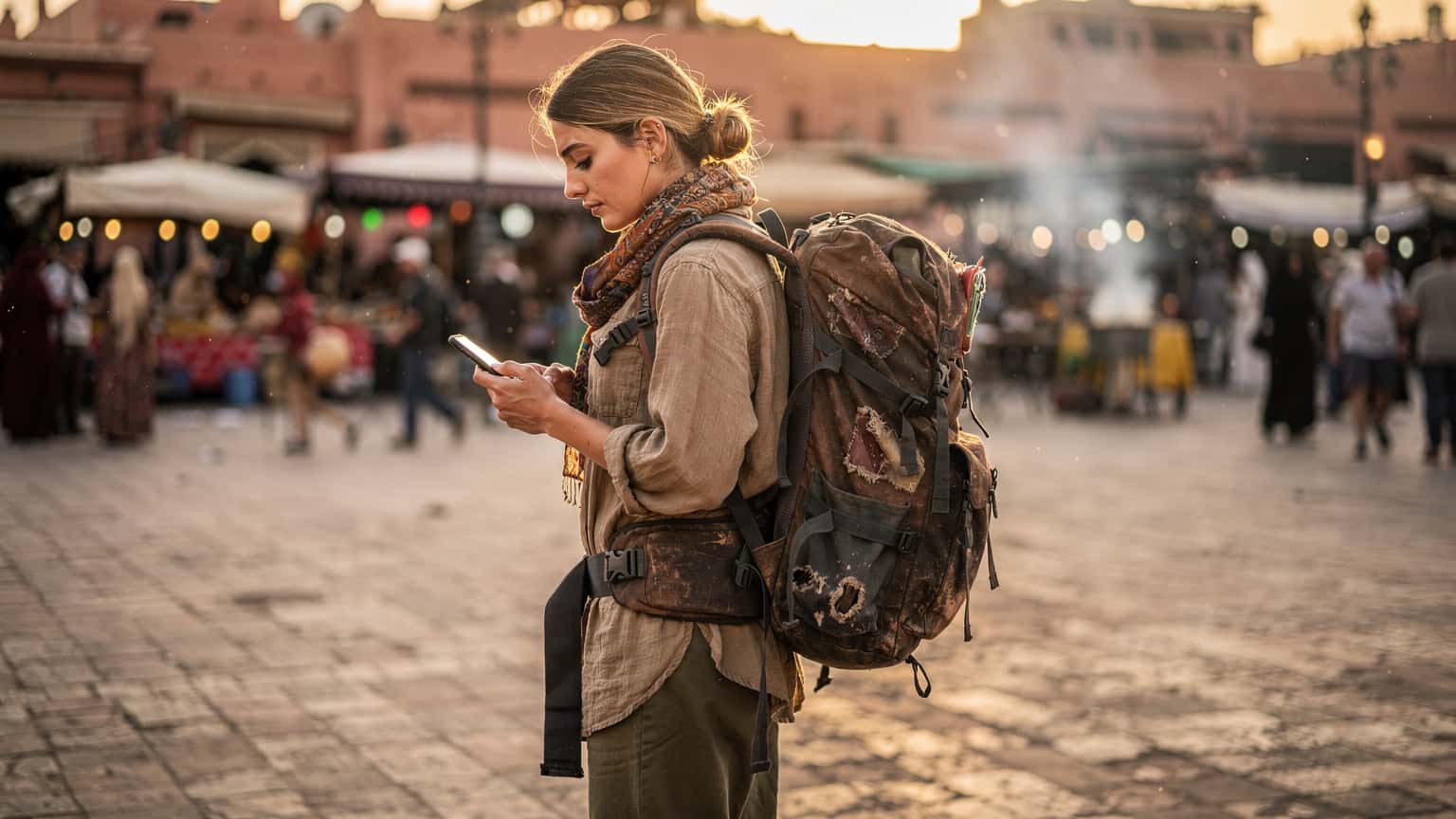 Destination Guides
Morocco eSIM: Your Connectivity Budget, Border Hacks, and Data Math for 2026
Landing in Casablanca, the last thing you want is a data blackout. I've spent enough time wrangling SIM cards at border crossings to know the pain. For Morocco in 2026, an eSIM isn't just convenient, it's a strategic move for any budget backpacker looking to stretch their dirhams without sacrificing connection.
Read the guide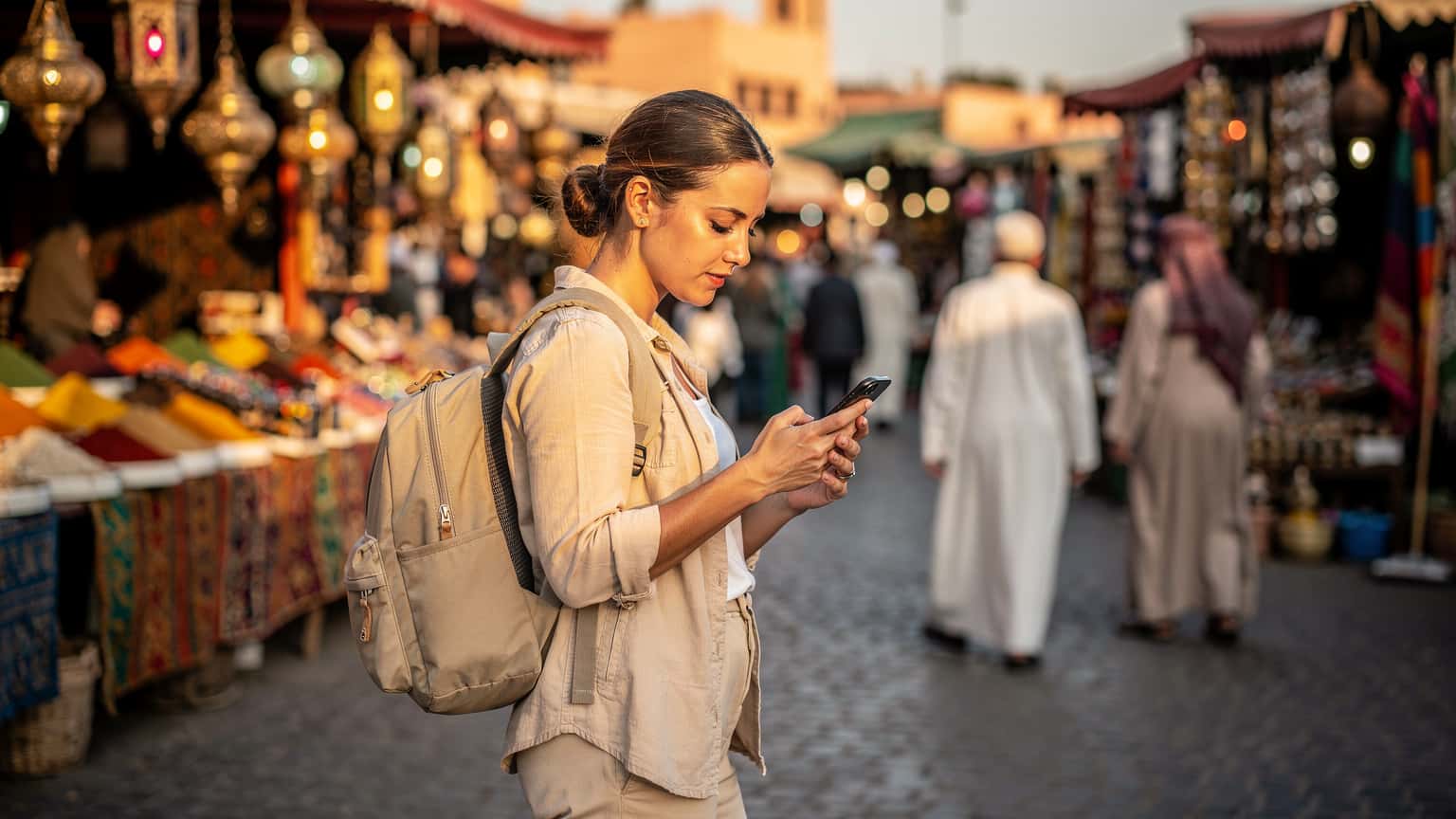 Destination Guides
Morocco eSIM: Ditch Roaming & Stay Connected on Your 2026 Adventure
Navigating Morocco with reliable internet can be a headache if you're not prepared. As someone who's spent months crisscrossing the country, I've seen firsthand how crucial a solid connection is, not just for Google Maps but for everything from ride-hailing to last-minute WhatsApp calls with clients. This guide cuts through the noise to get you connected efficiently.
Read the guide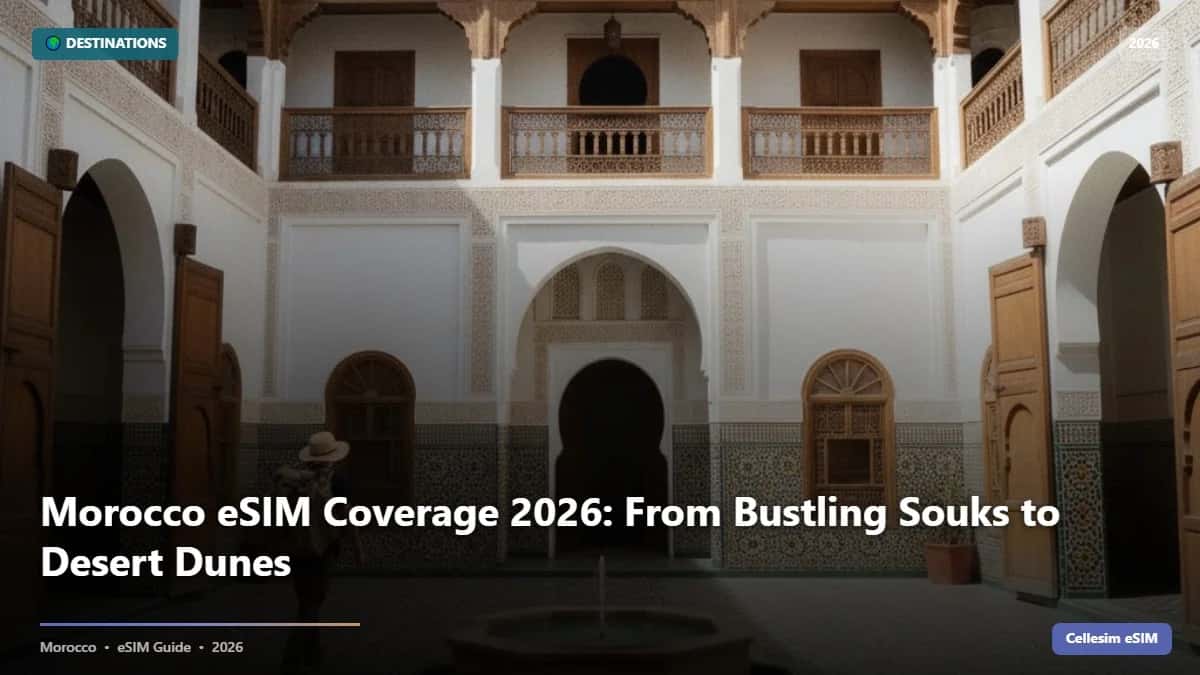 Destination Guides
Morocco eSIM Coverage 2026: From Bustling Souks to Desert Dunes
Roaming in Morocco often costs $15/day. Our 2026 guide shows how Cellesim eSIM offers reliable coverage from Marrakech to the Sahara for less, saving you over 80%.
Read the guide
Morocco: Popular cities
City-specific connectivity guides


Nearby Countries
Check coverage for every stop on your trip.


