

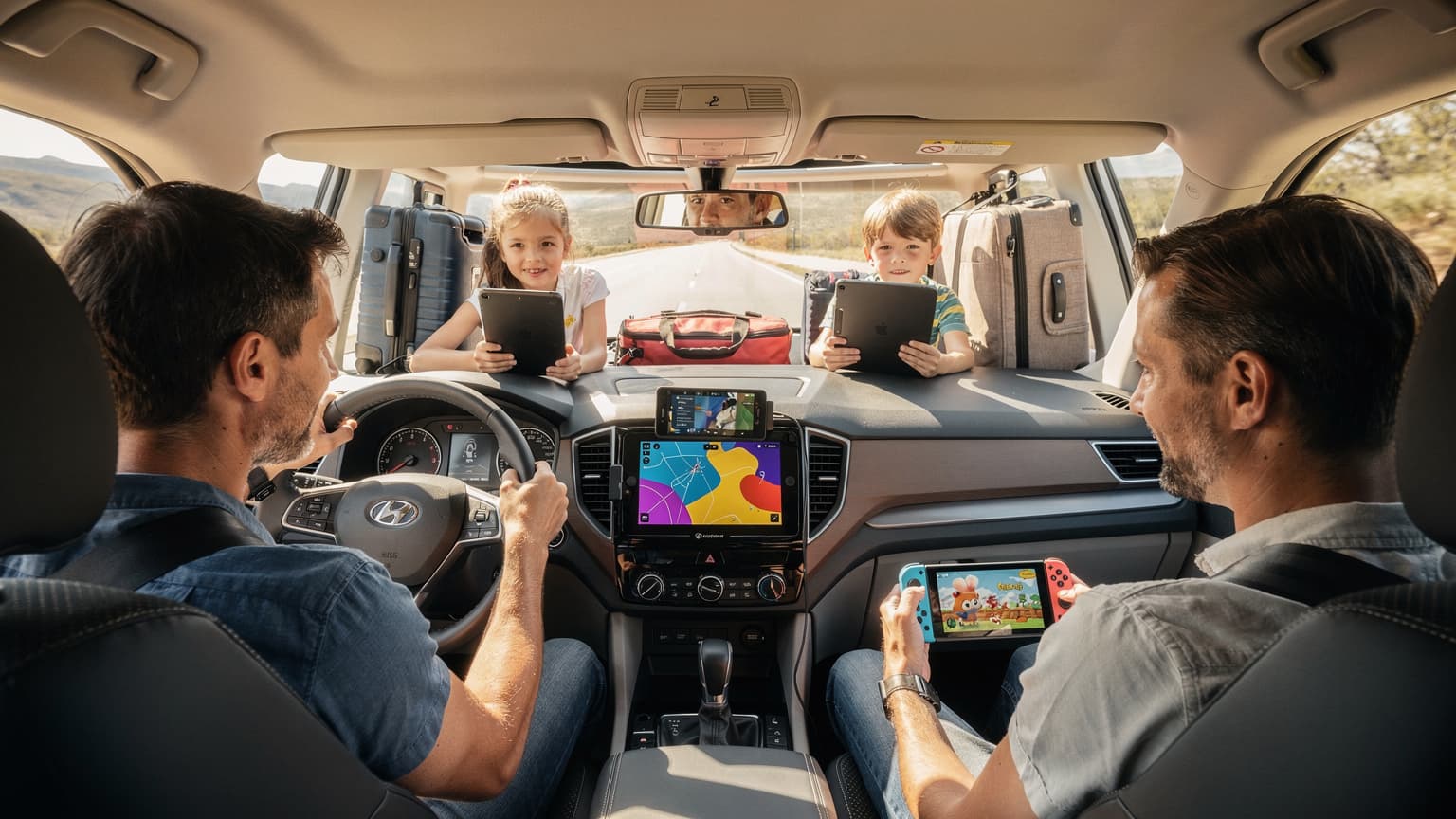
For a seamless summer road trip in 2026, especially when traveling with kids across states or countries, a dedicated travel eSIM is absolutely essential for reliable GPS navigation, constant entertainment streaming, and maintaining parental controls, while also helping you avoid patchy coverage and exorbitant roaming fees.
The Road Trip Realities: Why Connectivity is Your Co-Pilot
As a seasoned family travel planner, I've learned that a successful road trip isn't just about the destination, it's about the journey, and more importantly, how smoothly that journey unfolds with two demanding little humans in the back seat. We're talking navigating unfamiliar routes, finding impromptu snack stops, and, crucially, keeping the peace with a steady stream of kid-friendly entertainment. This is where a robust and reliable data connection becomes less of a luxury and more of a necessity, especially when you're crossing state lines or even international borders like Canada or Mexico. My kids, bless their digital hearts, live by their screens, and a sudden drop in connectivity can turn a peaceful drive into a chorus of complaints faster than you can say 'Are we there yet?'
The Silent Navigator and the Noisy Backseat
Gone are the days of paper maps and guessing games. My phone, powered by an eSIM, is our trusted navigator, guiding us through bustling city centers and quiet country roads. Losing signal in the middle of nowhere, especially when you're trying to find that quirky roadside attraction the kids insisted on, is not an option. But beyond directions, there's the backseat peace treaty. The iPads, loaded with Disney+, YouTube Kids, and Roblox, are the real MVPs. Without a solid data connection, those digital lifelines vanish, and suddenly, you're relying on 'I Spy' for the next three hours. I've been there, and I don't recommend it.
Emergency Preparedness and Keeping in Touch
While we hope for smooth sailing, the unexpected can happen. A flat tire on a deserted stretch of highway, a sudden illness, or simply needing to call ahead to a hotel with a late check-in. Having a consistent data connection for emergency services, roadside assistance, or just a quick video call with Grandma to show off the day's adventures, provides immense peace of mind. For us, it's not just about entertainment, it's about safety and staying connected to our support network, even when we're hundreds of miles from home.

eSIM 101 for the Family Traveler: What It Is and Why You Need It
If you're still wrestling with physical SIM cards or paying exorbitant roaming fees, let me introduce you to your new best friend: the eSIM. It's a digital SIM card that's embedded directly into your phone, tablet, or smartwatch, allowing you to activate a cellular plan without needing a physical card. Think of it as a magical, invisible SIM that you can switch plans on with a few taps. For families on the move, this is a total game-changer, especially when you're managing multiple devices across different destinations.
No More Swapping SIMs: A Parent's Dream
I remember the nightmare of landing in a new country, fumbling with tiny SIM card trays, and inevitably losing the little pin. With kids clamoring for snacks and the luggage carousel spinning, it's the last thing you want to deal with. eSIMs eliminate this stress entirely. You can purchase and activate a plan before you even leave home, ensuring you have data the moment you land. For more general information on why eSIMs are a must-have for any traveler, you might find this article useful: eSIM Cards Explained: Why Every Traveler Needs One in 2026.
Dual SIM Flexibility for Work and Play
Most modern phones support dual SIM functionality, meaning you can keep your primary number active for calls and texts from home, while using your eSIM for all your data needs. This is brilliant for parents who might need to check in with work or keep up with school notifications without incurring huge roaming charges. It also means the kids can still FaceTime Grandma on their dedicated data line without burning through your home plan's precious gigabytes.
Choosing the Right eSIM Plan: Data for Two Kids Streaming Disney+
This is where the rubber meets the road, or rather, where the data meets the streaming kids. If you've ever had a 4-year-old mid-Frozen sing-along suddenly hit a data cap, you know the ensuing meltdown is not pretty. Planning your data needs for a family road trip, especially with multiple devices, requires a bit of foresight. And yes, my kids can devour data faster than I can brew my morning coffee.
How Much Data Do You Really Need?
Let's be real: two kids streaming Disney+ in HD for a few hours a day, plus Roblox and YouTube Kids, can easily chew through 5-10 GB per device per week. Add in your navigation, social media, and email, and you're looking at a significant chunk of data. I usually aim for a minimum of 30-50 GB for a week-long trip for the whole family, distributed across devices. Better to have too much than too little, trust me.
| Activity | Estimated Data Usage Per Hour (HD) | Notes for Families |
|---|---|---|
| Streaming Video (e.g., Disney+, Netflix) | 1.5 - 3 GB | Main data guzzler. Pre-downloading is key. |
| Online Gaming (e.g., Roblox, Minecraft) | 100 MB - 250 MB | Less than streaming, but adds up over hours. |
| Social Media/Web Browsing | 50 MB - 150 MB | Parents' usage, occasional research. |
| Video Calls (e.g., FaceTime, Zoom) | 300 MB - 800 MB | Checking in with grandparents. |
| GPS Navigation (e.g., Google Maps) | 5 MB - 10 MB | Relatively low, but crucial. Offline maps help. |
Multi-Country Coverage for Cross-Border Adventures
If your summer road trip takes you from, say, Seattle down to Baja California, or from London through France and into Spain, a regional or multi-country eSIM plan is a lifesaver. Instead of buying separate plans for each country, you get seamless coverage across borders. Cellesim, for instance, offers plans that cover entire continents, which is incredibly convenient when you're just trying to enjoy the scenery and not worry about your data cutting out. For those specific European journeys, an article like Spain's eSIM Secret: How I Saved €280 on Data in 8 Days (2026) could offer some useful insights on cost savings.
Parental Control Features and eSIMs: Keeping Kids Safe Online
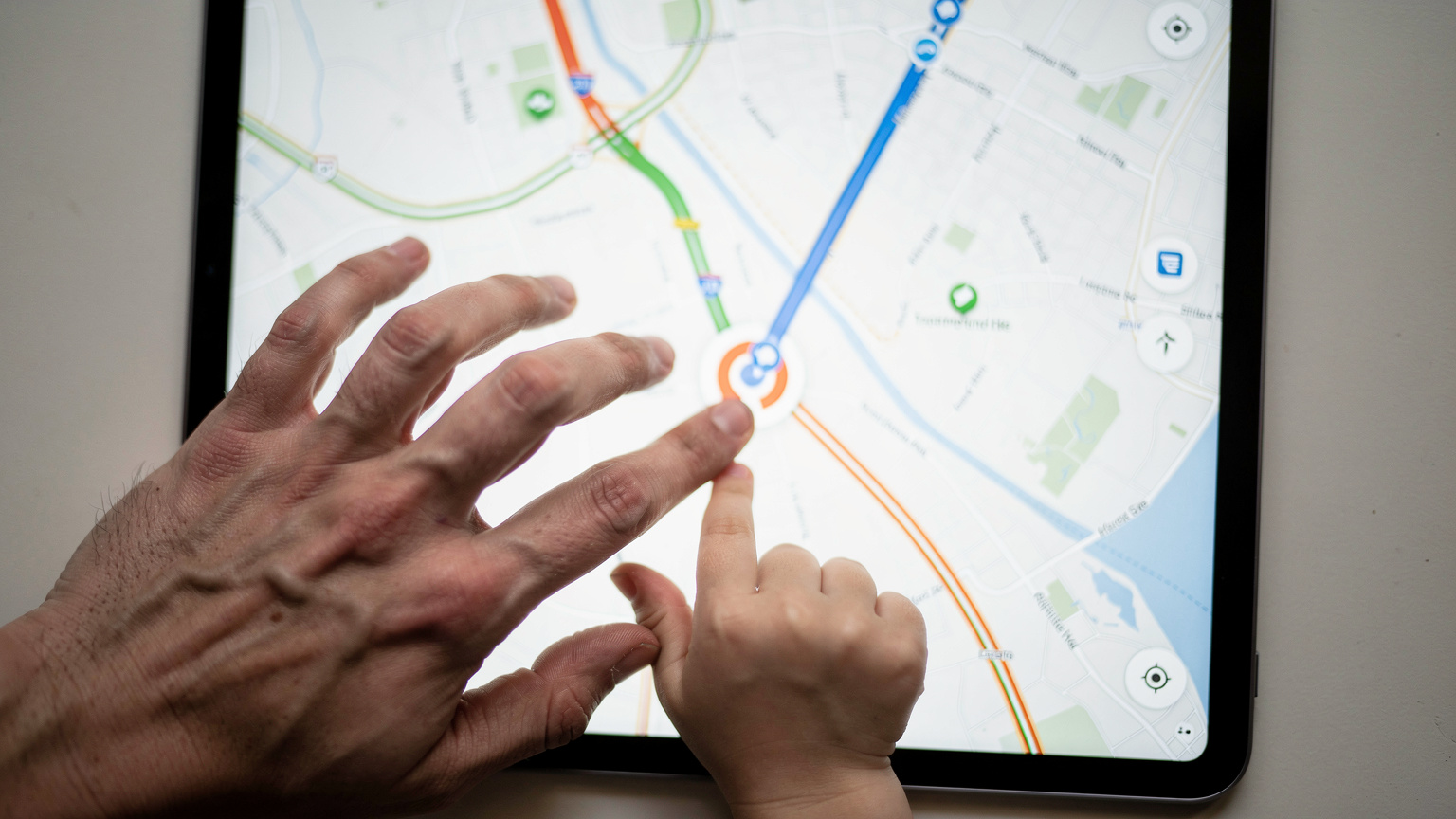
As a parent, managing screen time and ensuring online safety is a constant battle. The beauty of an eSIM is that it can seamlessly integrate with your existing parental control strategies, whether you're using Apple's Screen Time, Google Family Link, or third-party apps. The key is that the eSIM provides the underlying connectivity, allowing those controls to function as intended, even when you're far from your home Wi-Fi network.
Screen Time Management on the Go
My kids' iPads are set up with strict Screen Time limits, which helps prevent them from disappearing into a digital black hole for the entire trip. These controls, however, rely on an active internet connection to communicate with my parental device. If their iPad loses its data connection, those limits can sometimes get bypassed or become ineffective. An eSIM ensures that the parental controls, like app usage limits or content restrictions, remain enforced throughout the journey, no matter where we are. This means I can confidently set a two-hour limit on YouTube Kids and know it will stick, even when we're driving through a national park.
Filtering Content and Tracking Location
Many parental control apps, like Bark or Qustodio, offer content filtering and even location tracking. While I'm not a helicopter parent, knowing where my pre-teen is in a crowded theme park, or ensuring they're not accidentally stumbling upon inappropriate content on a public Wi-Fi network, is incredibly reassuring. An eSIM provides a private, secure data connection, which is often more reliable and safer than hopping onto unsecured public Wi-Fi networks in hotels or rest stops. This dedicated connection means your chosen filtering and tracking apps work consistently, giving you peace of mind.
Pre-Trip Prep: Loading Up Apps and Offline Maps
The secret to a calm road trip lies in meticulous pre-planning. This isn't just about packing clothes and snacks, it's about digital readiness. Getting your devices, and especially the kids' devices, squared away before you hit the road can prevent countless headaches and save precious data.
Download Everything You Can
This is my golden rule. Before we even think about leaving the driveway, I make sure every device is brimming with pre-downloaded content. This includes:
- Movies and TV shows: Disney+, Netflix, and Amazon Prime Video all allow offline downloads. Load up a dozen episodes of Bluey or the latest Marvel movie.
- Games: Many games, even those that typically require an internet connection, have offline modes or allow for significant portions to be downloaded beforehand. Think Switch games or tablet apps.
- Audiobooks and podcasts: Great for when screens need a break, or for winding down at the end of a long day. Apps like Audible or Libby are perfect for this.
- Music playlists: Spotify or Apple Music downloads are essential for family singalongs (or for parents to zone out).
By doing this, you drastically reduce the demand on your eSIM data plan, saving it for navigation, quick searches, or those crucial moments when a live stream is truly needed.
Offline Maps: Your Digital Backup
Even with a reliable eSIM, there will be stretches of road where cell signal is weak or non-existent. National parks, remote highways, or even dense urban areas can have dead zones. That's why I always download offline maps for our entire route using Google Maps or Apple Maps. This ensures that even if our data cuts out, we can still navigate and know where we're going. It's a simple step that has saved us from being truly lost more times than I care to admit. To manage these maps efficiently, you can check out this comprehensive guide: USA eSIM Guide 2024: Navigating Data Plans and Coverage with Cellesim.
Connectivity on the Go: Theme Parks, Cruise Ships, and Remote Stretches
One of the biggest misconceptions about travel is that Wi-Fi is everywhere. While it's true you can find it, relying solely on public Wi-Fi, especially with kids, is a recipe for disaster. From the spotty service in crowded theme parks to the exorbitant costs on cruise ships, a personal eSIM connection offers unparalleled stability and security.
Theme Park Perils and eSIM Solutions
Imagine trying to use the Disney World app to check wait times or mobile order lunch, only to find the park's Wi-Fi is overloaded with tens of thousands of other guests. This is a common scenario. Theme parks are notorious for having patchy, slow Wi-Fi. Your eSIM, however, connects to the local cellular towers, often providing a much more robust and consistent connection. This means you can actually use those essential park apps, communicate with family members who've wandered off to find a character meet-and-greet, and even upload a quick photo without waiting an eternity. It's a small detail, but it makes a huge difference in managing the day.
Cruise Ship Connectivity: Avoiding the Satellite Shock
Ah, the cruise ship. A floating paradise, until you see the bill for their satellite internet. Cruise ship Wi-Fi is notoriously expensive, slow, and often unreliable. While an eSIM won't work in the middle of the ocean (that's still satellite territory), it's invaluable when you're docked in port. As soon as your ship pulls into Miami, Cozumel, or Vancouver, your eSIM kicks in, giving you instant, affordable data. This allows you to look up local attractions, book excursions, or simply let the kids stream a bit of their favorite show while you enjoy a quiet moment on the balcony, all without paying '$40 for a hotel kid menu' type prices for data.
Navigating Remote Areas with Confidence
Road trips often lead to some of the most beautiful, yet remote, parts of the country. Think the vast deserts of Arizona, the winding roads of the Scottish Highlands, or the Outback in Australia. These areas are beautiful, but cell service can be non-existent for miles. While offline maps are your primary defense here, a robust eSIM from a provider like Cellesim, which often partners with multiple local carriers, gives you the best chance of catching a signal when one is available. It's like having multiple fishing lines in the water, increasing your odds of catching that elusive connection.

eSIM vs. Traditional Roaming: The Cost Savings for Families
Let's talk money, because for any family travel planner, budget is always top of mind. Traditional roaming charges from your home carrier are, frankly, a rip-off. They can quickly turn a fun family trip into a financial headache. eSIMs offer a dramatically more affordable and transparent alternative.
The Hidden Costs of Roaming
I once saw a friend's phone bill after a week in Canada, and it was enough to make my jaw drop. Hundreds of dollars in roaming fees for just basic usage. When you multiply that by multiple family members with their own devices, it becomes unsustainable. Home carriers typically charge per MB or have daily roaming passes that, while seemingly convenient, add up incredibly fast, especially with kids streaming and gaming. An eSIM avoids all of this, offering local rates no matter where you are.
| Feature | Traditional Roaming (Home Carrier) | Cellesim eSIM |
|---|---|---|
| Cost per GB | $10-$20+ (often through daily passes) | $1-$5 (depending on plan and region) |
| Activation | Automatic or requires calling carrier | QR code scan or manual entry, pre-trip |
| Coverage | Dependent on home carrier's partners | Leverages multiple local networks for best signal |
| Flexibility | Limited plan options, often expensive | Wide range of local, regional, and global plans |
| Multi-device support | Each device needs its own roaming plan | Easily share data via hotspot from one device, or purchase multiple eSIMs |
| Parental Controls | Works if data is active, but expensive | Reliable, affordable data for consistent control |
Predictable Spending with eSIMs
With an eSIM, you purchase a set amount of data for a specific duration, and that's it. No hidden fees, no surprise bills. You know exactly what you're paying upfront, allowing for much better budget management. Many eSIM providers, like Cellesim, even offer real-time data usage tracking, so you can monitor how quickly those Disney+ streams are chewing through your gigabytes and top up if necessary. This predictability is invaluable for families trying to stick to a travel budget. For a deep dive into comparing providers, check out Nomad eSIM vs. Cellesim: An Engineer's Deep Dive for International Data 2026.
Troubleshooting Common eSIM Issues on the Road
Even the best-laid plans can hit a snag. While eSIMs are generally very reliable, knowing how to quickly troubleshoot common issues can save you a lot of stress on your road trip. Most problems are simple fixes, often related to settings rather than a faulty eSIM itself.
My eSIM Isn't Connecting, What Now?
This is the most common issue. First, don't panic. There's usually a straightforward solution.
- Check your settings: Ensure your eSIM profile is turned 'on' in your phone's Cellular/Mobile Data settings. Sometimes after a software update, or just general fiddling, it might have been inadvertently switched off.
- Verify Data Roaming: For your eSIM to work internationally or across different networks, Data Roaming usually needs to be enabled for that specific eSIM line. This is different from your home carrier's roaming charges; it simply allows your eSIM to connect to partner networks.
- Restart your device: The classic tech support advice, but it works! A quick reboot can often resolve minor network glitches.
- Check APN settings: Less common, but sometimes custom Access Point Name (APN) settings are required, especially for certain regions or carriers. Your eSIM provider's support page will have this information if needed.
- Contact support: If all else fails, reach out to your eSIM provider's customer support. Cellesim offers 24/7 support, which is a lifesaver when you're in a different time zone.
Slow Speeds or Intermittent Connection
If your connection is spotty, even with an active eSIM, consider these points:
- Network congestion: In very crowded areas, like a major festival or a busy city center, networks can get overloaded. This is often temporary.
- Physical location: Are you in a basement, a tunnel, or a very remote area? Move to an open area or closer to a window.
- Network preference: Some phones allow you to manually select a network. If your eSIM uses multiple local carriers, try switching to a different one if available in your settings.
- Data usage: If you're nearing the end of a high-speed data allowance, some plans might throttle your speed. Check your remaining data.
Making the Switch: How to Activate Your Cellesim
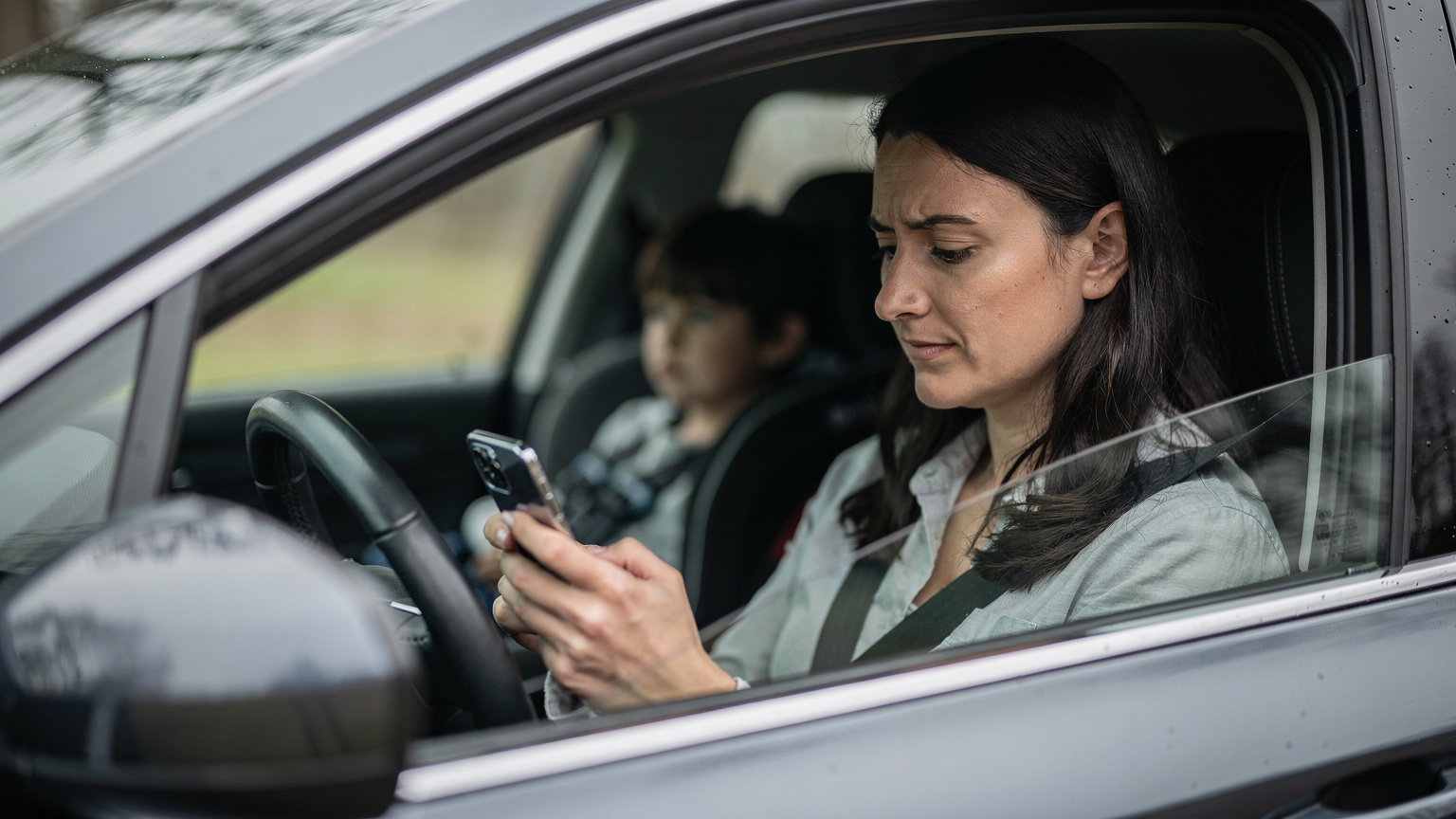
Activating an eSIM is surprisingly straightforward, even for those who aren't tech-savvy. The process is designed to be quick and intuitive, ensuring you're connected with minimal fuss. I've set up dozens of these, even while wrangling a toddler in an airport lounge, so you can do it too!
Step-by-Step Activation Guide
Here's a general guide for activating your Cellesim eSIM, which is very similar across most modern smartphones, particularly iPhones and Android devices:
- Purchase your eSIM: Visit the Cellesim website or app and select the destination and data plan that suits your family's needs. You'll receive a QR code via email or directly in the app.
- Access your phone's settings:
- For iPhone: Go to Settings > Cellular (or Mobile Data) > Add eSIM.
- For Android: Go to Settings > Network & internet > SIMs > Add eSIM (path may vary slightly by manufacturer).
- Scan the QR code: Use your phone's camera to scan the QR code provided by Cellesim. If you can't scan it, there's usually an option for manual entry.
- Label your eSIM: Your phone will prompt you to label the new eSIM (e.g., "Travel Data," "US Road Trip"). This helps differentiate it from your primary line.
- Configure data usage: Set your new eSIM as your primary line for cellular data, while keeping your home number for calls and texts (if desired). Enable data roaming for the eSIM if you're traveling internationally.
- Activate and connect: Your eSIM should now connect to the local network. You'll see the network name appear in your status bar. If you're setting up an iPhone 17 eSIM, this process is generally very smooth, as detailed in iPhone 17 eSIM Setup: Activating for Seamless 2026 International Travel.
When to Activate Your eSIM?
I always recommend activating your eSIM before you leave home. This way, any potential issues can be resolved in the comfort of your own home, with stable Wi-Fi and ample time. You can choose for the plan to start immediately or on a specific date, depending on the provider. Having it ready to go means you step off the plane or cross the border with instant connectivity, avoiding any frantic fumbling with phones and frustrated kids.
Final Thoughts on a Stress-Free Summer Adventure
Planning a summer road trip with family is a monumental task, but the right tools can make all the difference. An eSIM from Cellesim isn't just another tech gadget, it's a strategic piece of your travel puzzle, ensuring seamless navigation, uninterrupted entertainment for the kids, and reliable communication for parents. It eliminates the stress of connectivity worries, allowing you to focus on making memories instead of managing data plans. From managing screen time to finding the next ice cream shop, a robust eSIM connection is the unsung hero of modern family travel.
So, as you finalize your packing lists and plot your routes for Summer 2026, remember to add an eSIM to your essential gear. It's the smart, cost-effective, and parent-approved way to stay connected, entertained, and stress-free on your grand adventure. Happy travels!
Frequently Asked Questions
How much data should I get for a family road trip with two kids streaming?
For a typical week-long road trip with two children regularly streaming video (like Disney+ or YouTube Kids) and playing online games, I recommend aiming for a family data pool of at least 30-50 GB. This accounts for parental navigation, social media, and unexpected usage, ensuring everyone stays connected without hitting a data cap.
Can parental controls still work effectively with an eSIM?
Yes, absolutely. Parental control features, whether built into your device's OS (like Apple Screen Time or Google Family Link) or through third-party apps, rely on a consistent internet connection to enforce limits and content filters. An eSIM provides this reliable data connection, ensuring your rules are followed even when on the go and away from home Wi-Fi.
Is an eSIM better than using my home carrier's international roaming for a road trip?
For a family road trip, an eSIM is almost always a better choice than traditional roaming. Home carrier roaming is notoriously expensive, often with high daily fees or per-MB charges that quickly add up. An eSIM provides local data rates, greater flexibility with plan options, and predictable costs, saving families significant money and avoiding bill shock.
Can I use an eSIM on a cruise ship?
An eSIM typically won't work in the middle of the ocean where only satellite internet is available. However, it becomes incredibly useful when your cruise ship docks in port. As soon as you are within range of a land-based cellular tower, your eSIM will activate, providing you with affordable and reliable data to explore the port city without incurring expensive onboard satellite charges.
What's the best way to keep kids entertained in the car without constantly using data?
The best strategy is to pre-download as much content as possible before your trip. This includes movies and TV shows from streaming services, offline games, audiobooks, podcasts, and music playlists. This significantly reduces reliance on live streaming, saving your eSIM data for navigation, essential communication, or those moments when an online connection is truly needed.