I've navigated Bali with my own energetic crew multiple times, and the one thing that truly saves my sanity is a solid data plan. We're talking about the kind of data that can handle a mid-afternoon Disney+ stream for the kids, power Google Maps for our scooter adventures, and still leave enough for me to upload those inevitable 'look-at-this-view' photos. The hassle of finding a physical SIM card vendor, dealing with registration, and potentially getting scammed on price is just not in my vacation vocabulary anymore. eSIMs remove that entire layer of stress.
Telkomsel eSIM Bali: Understanding Your Options
When you're looking for data in Bali, Telkomsel is the dominant player, boasting the most extensive coverage across the island, from the bustling streets of Seminyak to the serene rice fields of Sidemen. Historically, tourists relied on physical Telkomsel SIM cards, often purchased at the airport or small kiosks. While still available, these often involve a registration process that can be a minor headache, especially when you're jet-lagged and trying to wrangle excited kids.
Enter the eSIM. This digital SIM card allows you to activate a local data plan without needing a physical chip. For Telkomsel, this means you can purchase a data package online, receive a QR code, and activate it on your eSIM-compatible device before you even leave home, or certainly before you step out of the airport. This convenience is a game-changer for family travel, letting you hit the ground running with instant connectivity. No more searching for a Telkomsel shop with a toddler on your hip, I promise.
There are generally two main ways to get a Telkomsel eSIM: directly from Telkomsel's official channels (if they offer a direct tourist eSIM, which is still evolving in Indonesia) or through a third-party eSIM provider like Cellesim. The latter often provides a smoother, more internationally-focused purchase and activation experience, bundling Telkomsel's network access with multi-country options, which can be fantastic if you're hitting other Southeast Asian spots after Bali. I always appreciate a single platform for all our data needs, especially when managing multiple devices.
Why Telkomsel is the Go-To for Bali Families
For a family trip to Bali, choosing Telkomsel isn't just a recommendation, it's practically a necessity. Their network penetration is simply unparalleled on the island. While other carriers like Indosat Ooredoo Hutchison (IOH) and XL Axiata also operate, Telkomsel consistently offers superior coverage, particularly in less populated areas or when you're exploring some of Bali's more remote temples or beaches.
Think about it: you're trying to navigate to a hidden waterfall in Munduk, or perhaps you've promised the kids a specific Pokémon Go spot in Canggu. Is 256kbps eSIM Speed Enough for Family Travel (and Disney+)? Probably not if you're trying to load a detailed offline map or stream a crucial episode of Bluey. Telkomsel generally provides faster and more reliable speeds, crucial for everything from calling a Grab car to keeping those little iPads running smoothly.
Parental control features that work on the eSIM line are also important. My kids' devices (yes, even the Nintendo Switch for its online features) are always on our family's primary data plan. This allows me to monitor usage and apply screen time controls through our main family settings, regardless of whether we're at home or in Indonesia. A stable Telkomsel connection means these controls actually work, preventing any unexpected data charges or late-night gaming sessions when they should be sleeping. It's about maintaining a semblance of routine, even on vacation.
eSIM vs. Physical SIM: The Family Traveler's Showdown
Okay, let's break down the real choice for families heading to Bali. You've got two main contenders for getting data: the old-school physical SIM card or the modern eSIM. From a family travel planner's perspective, this isn't even a fair fight.
| Feature | Physical SIM Card | eSIM (via Cellesim) |
|---|---|---|
| Purchase & Activation | Requires physical purchase at airport/store, often involves complex registration with passport, can take 30-60 minutes. | Purchased online, QR code emailed. Activate in minutes before departure or upon arrival. No in-person registration. |
| Cost | Varies, can be prone to 'tourist pricing' at kiosks. Usually local currency, might require cash. | Transparent, fixed pricing in your home currency. Often better value for comparable data packages. |
| Convenience | Requires swapping SIM cards, potential loss of home SIM. Limited multi-device management. | No physical swap. Keep home SIM active for calls/SMS. Easy to manage multiple eSIMs on one device, great for family devices. |
| Network Access | Access to Telkomsel's network. | Access to Telkomsel's network, often with multi-country options for onward travel. |
| Family Device Management | Each child's device needs its own physical SIM, adding cost and complexity. | One eSIM plan can often be shared via hotspot, or multiple eSIMs easily provisioned for different devices. Parental controls integrate seamlessly. |
When I'm planning for my kids, aged 4 and 12, the thought of spending an hour at the airport trying to sort out physical SIMs makes me want to pull my hair out. Then there's the stress of keeping track of tiny SIM cards, or worse, losing your home SIM. With an eSIM, you just scan a QR code. Done. It's truly that simple. This ease of activation is especially helpful if you're planning on using an eSIM like T-Mobile for Global Travel and want to keep your primary number active for OTPs.
For us, pre-loading apps before the flight is a lifesaver. Think Disney+, Netflix, educational games, and, crucially, offline maps for Google Maps or Maps.me. While Telkomsel's coverage is excellent, there are always those brief moments of no signal, like deep within the Sacred Monkey Forest Sanctuary. Having everything downloaded beforehand means no meltdowns when the Wi-Fi isn't cooperating. This strategy relies on having data to begin with for the initial downloads, and an eSIM lets you do that from home before you even pack your bags.
Choosing the Right Telkomsel eSIM Data Plan for Your Family
This is where the planning love language truly comes in. You need enough data for yourself, your partner, and those ever-hungry kid devices. My rule of thumb for two streaming-addicted kids (ages 8 and 10, both obsessed with Disney+ and Roblox) is at least 50GB for a two-week trip, assuming some Wi-Fi usage at the hotel. If your kids are younger or less screen-inclined, you might get away with 30GB. If they're older and into YouTube and TikTok, you might need even more.
When looking at Telkomsel eSIM plans, pay close attention to the data allowance and validity period. Some plans might look cheap but only last 7 days with minimal data, which is fine for solo travelers, but not for a family of four. Here's a quick comparison of what you might find, keeping in mind prices can fluctuate:
| Plan Type | Data Allowance | Validity | Estimated Cost (USD) | Best For |
|---|---|---|---|---|
| Light User (Solo/Couple) | 10 GB | 15 Days | $10 - $15 | Minimal browsing, social media, light map use. No streaming. |
| Moderate Family | 30 GB | 30 Days | $25 - $35 | Parents checking emails, kids with occasional streaming/gaming. |
| Heavy Family (My Pick) | 50 GB + | 30 Days | $40 - $60 | Multiple devices, daily streaming for kids, video calls, heavy navigation. |
Remember, connectivity inside theme parks or cruise ships can be tricky. While Bali doesn't have major theme parks in the Western sense, if you're planning a day trip to Waterbom Bali or a quick boat ride to Nusa Lembongan, having a robust data plan means you can still use your phone for ticketing, communication, or even just keeping the kids occupied during transit. I always make sure our eSIM plan has enough headroom for these unexpected data spikes.
Pre-Trip Prep: Getting Your Kids' Devices Ready
This is my secret sauce for a calm flight and smooth arrival. Long before we even pack the swimsuits, I'm making sure all the kids' devices are properly set up. It’s not just about downloading movies; it’s about managing expectations and ensuring their digital lives don't become a source of travel friction.
- Download Everything Offline: Before leaving home, make sure every movie, TV show episode, book, and game that can be downloaded offline, *is* downloaded. Disney+, Netflix, YouTube Kids (if you have Premium), Libby for audiobooks, and even specific levels of Minecraft. This is non-negotiable.
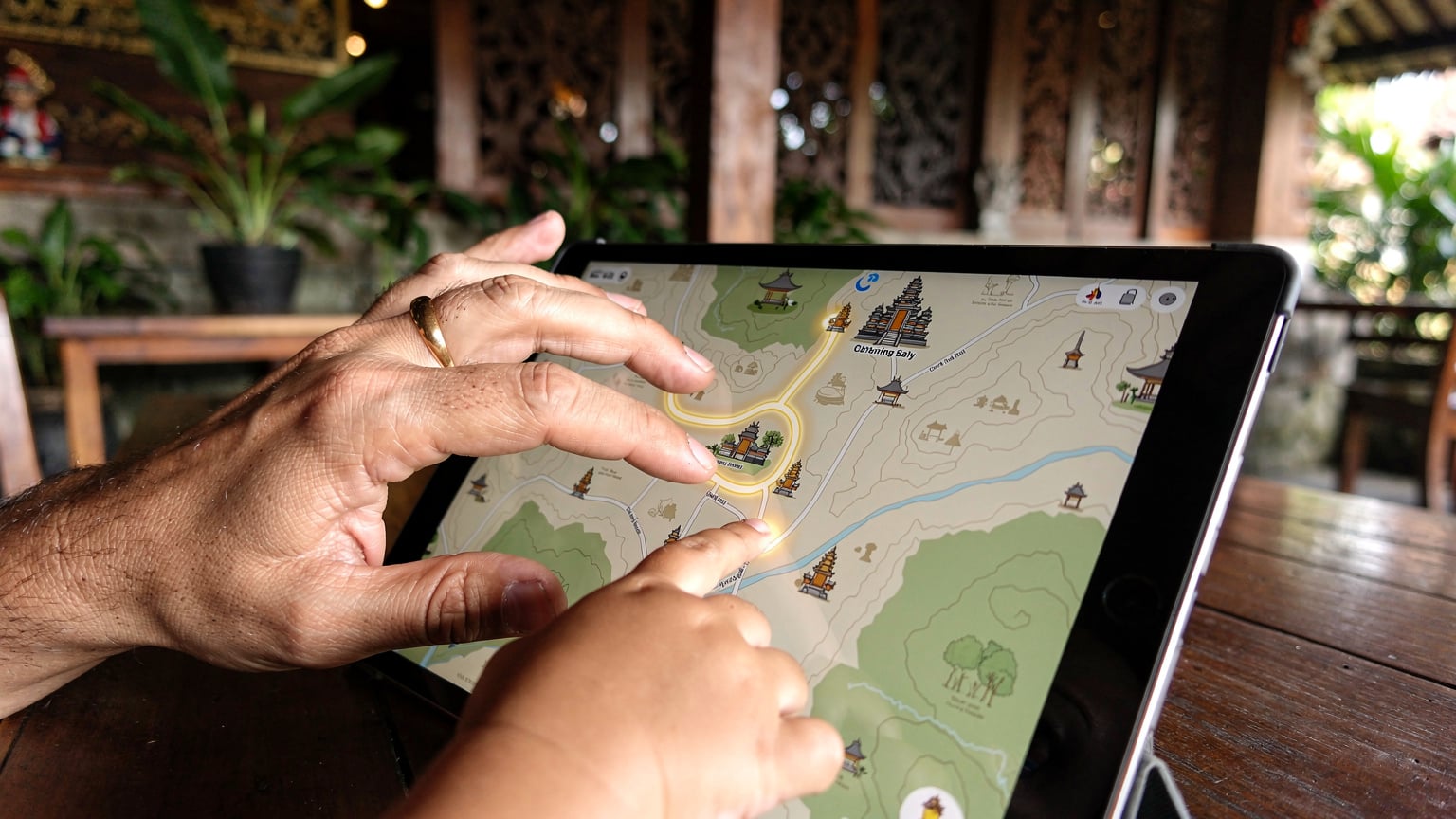
- Offline Maps for Kids: I load Google Maps with downloaded offline areas for Bali (especially around our accommodation and key attractions). For the older one, I've even shown her how to use Maps.me. It’s great for independence and gives them a sense of direction.
- Screen Time Controls: Use your device's native parental controls (like Apple's Screen Time or Android's Digital Wellbeing) to set limits. These often work independently of the network, but having a consistent data connection from your eSIM means that any app restrictions or content filters you have in place will function correctly. This is particularly important for controlling access to app stores or specific websites.
- Charging Solutions: Pack a multi-port charger and at least two portable power banks. Between my phone, my husband's, two iPads, and the Nintendo Switch, we need serious charging capacity. Running out of battery is equivalent to a class-5 tantrum.
By having everything pre-loaded and controls in place, you minimize reliance on constant, high-speed internet. When the iPad needs a top-up, it's for a new game or a video call with Grandma, not because someone forgot to download their favourite show. For a deeper dive into managing multi-device needs, you might find South America: 50 Days of Family eSIM Data (2024-2025 Plan) helpful, as it shares similar strategies.
Activating Your Telkomsel eSIM: A Step-by-Step Guide
Activating your Telkomsel eSIM is much simpler than registering a physical SIM, especially if you go through a reputable provider like Cellesim. Here's my tried-and-true method:
- Purchase Your eSIM Plan: Head to Cellesim's Indonesia eSIM page and select a Telkomsel-powered plan that suits your family's data needs. Pay attention to the data amount and validity period.
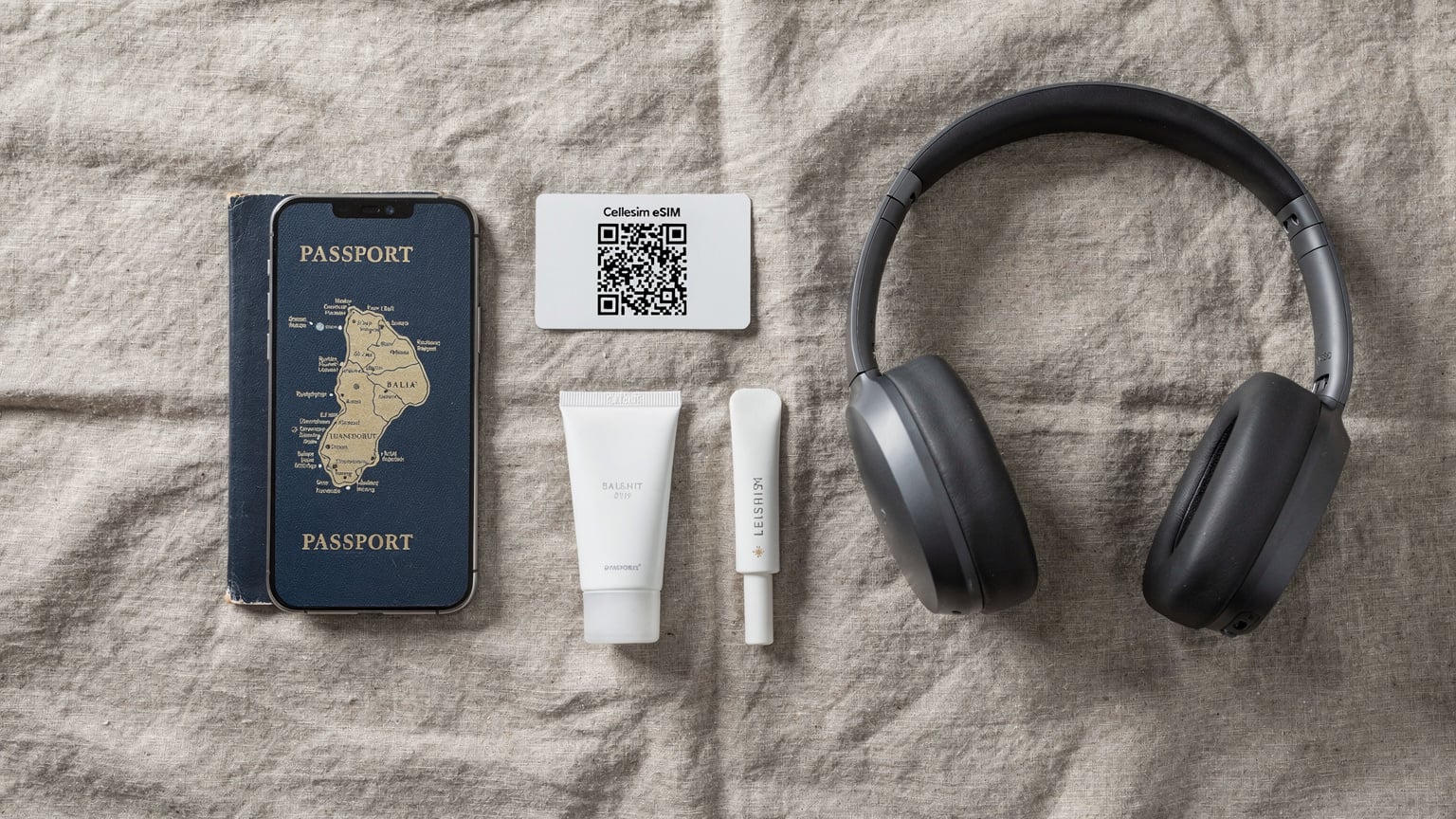
- Receive Your QR Code: After purchase, you'll receive an email with a QR code and detailed instructions. I always print this out as a backup, just in case my phone suddenly dies mid-transfer.
- Connect to Wi-Fi (Crucial!): Before activating, ensure your phone is connected to a stable Wi-Fi network. This could be your home Wi-Fi before you leave, or the free airport Wi-Fi at Ngurah Rai.
- Add eSIM to Your Device:
- For iOS: Go to Settings > Cellular (or Mobile Data) > Add eSIM. Choose 'Use QR Code' and scan the code. Follow the prompts. Label it clearly, like 'Bali Telkomsel'.
- For Android: Go to Settings > Network & internet > SIMs > Add more. It might be under 'Download a SIM' or 'Add eSIM'. Scan the QR code and follow the instructions.
- Set as Primary Data Line: Once added, your phone will ask which line to use for data. Select your new 'Bali Telkomsel' eSIM. Ensure your home line is still active for calls/SMS if you need to receive eSIM OTP: Get Your One-Time Passcodes While Abroad in 2026.
- Enable Data Roaming (if prompted): Some phones require you to enable data roaming for the eSIM to work. Don't worry, this only applies to the eSIM line, not your home provider's expensive roaming.
- Test It Out: Open a browser, check social media, or even better, let the kids try to load a quick YouTube video. If it works, you're golden!
Real-World Connectivity: What to Expect in Bali
Having traveled extensively with family, I've learned that coverage maps are one thing, and real-world experience is another. Telkomsel generally delivers. In urban and tourist-heavy areas like Kuta, Seminyak, Canggu, Ubud, and Sanur, you can expect excellent 4G LTE speeds. This means smooth video calls, quick map loading, and yes, uninterrupted Disney+ for the kids while you're enjoying your poolside cocktail.
As you venture into more rural areas, perhaps exploring the central highlands around Bedugul or the eastern reaches near Sidemen, the signal might become 3G or occasionally drop to 'no service' in very remote pockets. This is where those pre-downloaded apps and offline maps truly shine. It's rare for Telkomsel to have a complete dead zone for long, but a brief moment of disconnected bliss isn't always a bad thing, right? (Unless the 4-year-old is mid-show, then it's an emergency.)
When we visited the Gili Islands, a popular side trip from Bali, Telkomsel also provided decent coverage, albeit sometimes slower than on the mainland. For destinations like Nusa Penida or Nusa Lembongan, I've found Telkomsel to be the most reliable option among local carriers. Just be prepared for potential fluctuations. We've even managed to tether a couple of iPads for educational games during longer car rides to the north, proving that a good Telkomsel connection is robust enough for light family usage on the go.
The Bottom Line for Stress-Free Bali Data
When planning a family trip to Bali, managing connectivity should be one of the easiest parts of your itinerary. Opting for a Telkomsel eSIM through a reliable provider like Cellesim sidesteps the traditional tourist SIM hassles, giving you immediate, broad-reaching data coverage across the island. This means less time fussing with paperwork at the airport and more time making memories. From ensuring your kids' devices are stocked with offline entertainment to having reliable GPS for those spontaneous temple visits, an eSIM simplifies everything.
You'll get the peace of mind knowing you can instantly look up restaurant reviews, order a Grab ride, or even make a quick video call back home. Most importantly, you maintain control over your family's digital usage without worrying about exorbitant roaming charges. For me, that's worth its weight in gold, leaving more energy for negotiating sarong prices and finding that perfect spot for sunset. Go enjoy Bali, connected and calm.
Frequently Asked Questions
Can I use Telkomsel eSIM on multiple devices for my family in Bali?
Yes, you can. While an eSIM is tied to one device, you can use your primary phone's hotspot feature to share data with other family devices like tablets or other smartphones. Alternatively, purchase individual eSIMs for each family member's compatible device, which can be easily managed through a provider like Cellesim.
Is Telkomsel eSIM coverage good in all parts of Bali, especially with kids?
Telkomsel offers the most extensive coverage across Bali. You'll find excellent 4G LTE in major tourist areas like Ubud, Seminyak, and Canggu. In more remote regions or smaller islands like Nusa Penida, coverage might drop to 3G, but it's generally reliable enough for basic browsing and messaging. Downloading offline maps and entertainment for kids is always a good backup.
How much data should my family plan for with a Telkomsel eSIM in Bali?
For a family with two children who might stream occasionally and use devices for games, maps, and social media, I recommend starting with at least 50GB for a two-week trip. This provides enough buffer for unexpected usage, especially if you rely on data for navigation, communication, and keeping kids entertained during downtime or travel.
Can I keep my home phone number active while using a Telkomsel eSIM in Bali?
Absolutely. One of the biggest advantages of an eSIM is that it allows you to keep your physical home SIM card active. This means you can still receive calls and SMS messages to your primary number, including important one-time passcodes (OTPs), while using the Telkomsel eSIM for all your data needs in Bali.
Are there specific parental control features that work with a Telkomsel eSIM?
Parental control features are typically managed through your device's operating system (like Apple's Screen Time or Android's Digital Wellbeing) or third-party apps, not directly by the eSIM itself. However, having a stable and reliable data connection from your Telkomsel eSIM ensures that these device-level controls, content filters, and usage monitoring tools function correctly without interruption.
What happens if I run out of Telkomsel eSIM data in Bali?
If you run out of data, you can usually top up your Telkomsel eSIM plan directly through the Cellesim app or website. Most providers offer various top-up options, allowing you to quickly add more data to your existing eSIM plan. This can be done conveniently from your device, avoiding any need to find a physical store.