
First, ensure you have an eSIM-compatible device and an active internet connection (Wi-Fi or another cellular connection) to download the eSIM profile. You will also need your passport for registration, as Turkish law requires all mobile lines to be tied to a valid ID. If you're weighing your options, consider why Turkcell Tourist eSIM: Skip the Scam, Save Your Lira in 2026 might be your best bet.
Turkcell eSIM Satın Alma İşlemi
Acquiring a Turkcell eSIM as a tourist involves a few more steps than simply buying a prepaid physical SIM, primarily due to local regulatory requirements. Turkcell, like other Turkish operators, must register every subscriber with a valid ID. For tourists, this means presenting your passport at a Turkcell store.
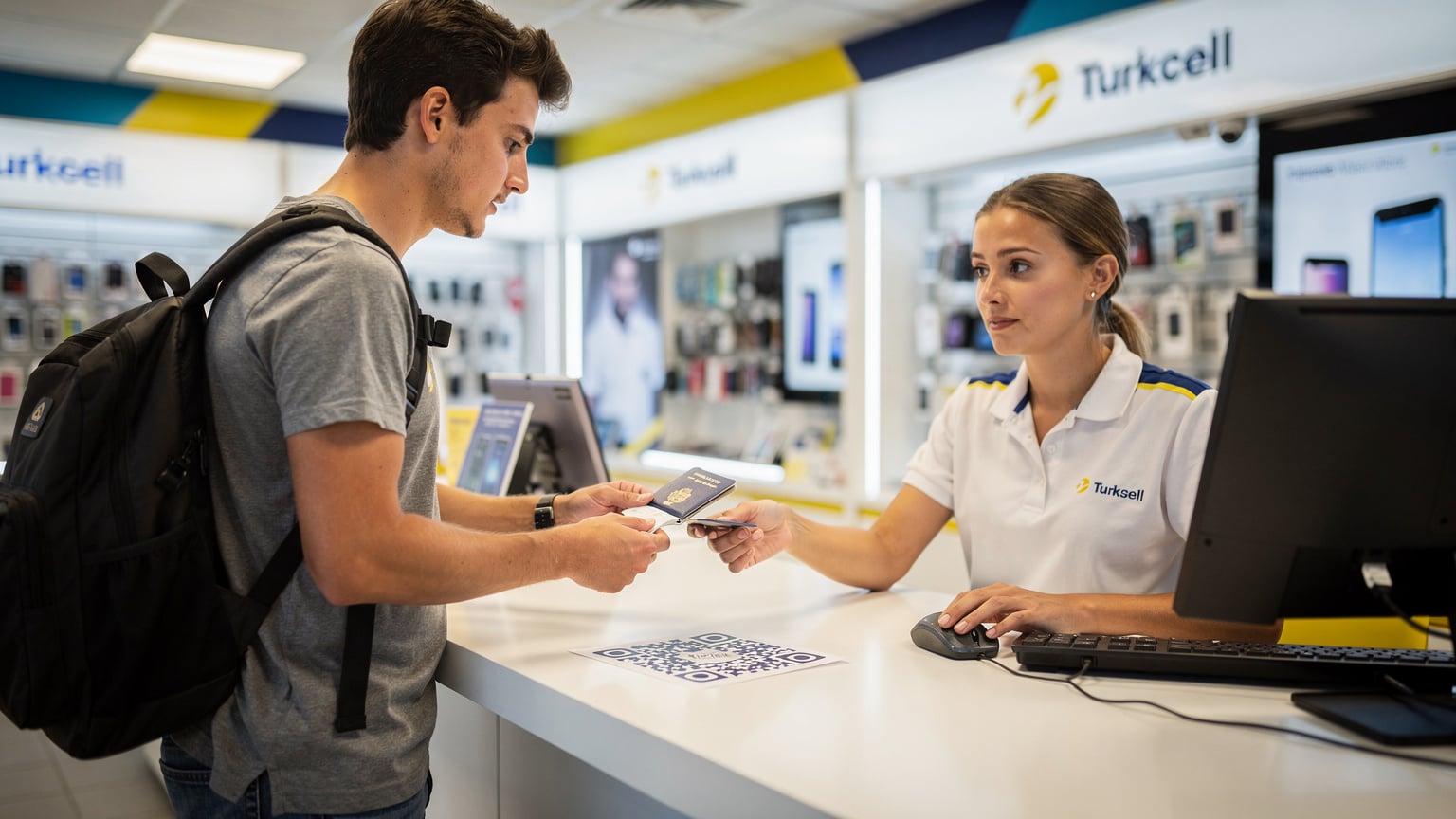
You cannot purchase a Turkcell eSIM online without first completing an in-person registration. This is a critical distinction from many global eSIM providers. The process typically goes like this:
- Locate a Turkcell Store: Upon arrival, head to a Turkcell branded store. Major airports like İstanbul Airport (IST) and Sabiha Gökçen Airport (SAW) have Turkcell outlets in their arrival halls. You will also find stores widely in city centers like İstiklal Caddesi in Beyoğlu, İstanbul, or in popular tourist areas in İzmir and Antalya.
- Present Your Passport: You will need your physical passport. A photocopy or digital image will not suffice for the initial registration. The store representative will scan your passport and enter your details into their system. This is a legal requirement to combat unregistered mobile usage.
- Choose Your Tourist Plan: Turkcell offers specific tourist packages, often bundled with a certain amount of data, national talk time, and SMS. These plans are usually valid for 28 or 90 days. For instance, a common package might include 20GB of data, 200 minutes of national calls, and 100 SMS for roughly 400-600 Turkish Lira (approximately 12-18 USD as of early 2026, though prices fluctuate). Clarify the exact data allowance and validity period before committing.
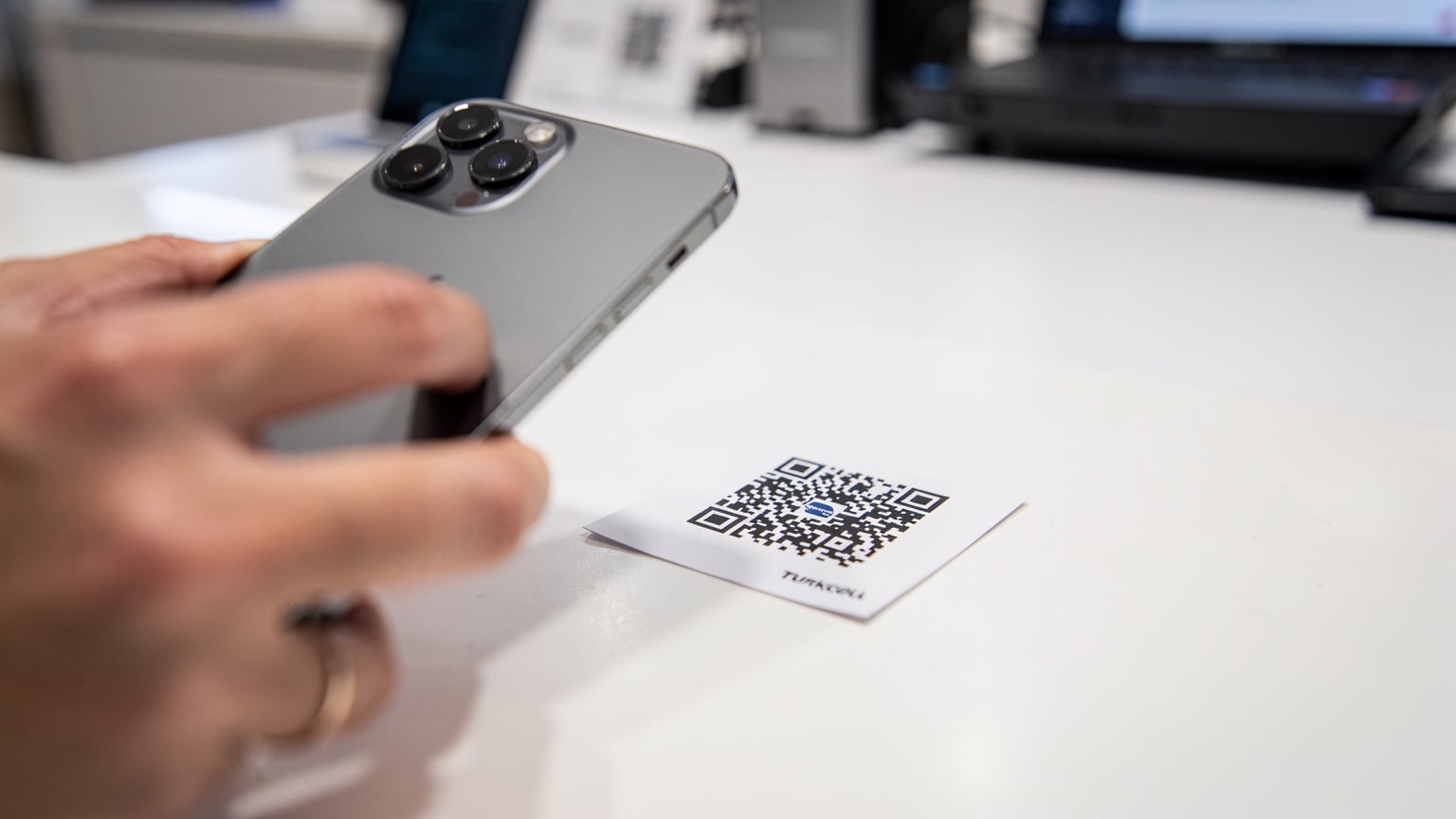
- Request an eSIM Profile: Explicitly ask for an eSIM. The representative will then generate a QR code for you. This QR code contains your eSIM profile, which you will scan with your smartphone.
- Payment: Pay for your chosen plan. Most stores accept major credit cards and Turkish Lira cash.
The key here is patience. Depending on the store's foot traffic and the complexity of your passport, this process can take anywhere from 15 to 30 minutes. Don't rush it; ensure all your details are correctly entered and that you receive your QR code.
eSIM Kurulumu ve Aktivasyonu
Once you have your Turkcell eSIM QR code, the actual activation on your device is straightforward. This process is largely standardized across modern eSIM-compatible smartphones, whether iOS or Android.
- Connect to Wi-Fi: Before scanning the QR code, ensure your phone is connected to a stable Wi-Fi network. The Turkcell store might offer guest Wi-Fi, or you can use your hotel's connection. This is crucial for downloading the eSIM profile.
- Access eSIM Settings:
- For iOS (iPhone 11 or newer): Go to Settings > Cellular > Add eSIM. Choose 'Use QR Code'.
- For Android (Google Pixel 4 or newer, Samsung Galaxy S20 or newer): Go to Settings > Network & internet > SIMs > Add more (or 'Download a SIM'). Select 'Download an eSIM instead'.
- Scan the QR Code: Use your phone's camera to scan the QR code provided by the Turkcell representative. Your phone will then prompt you to add the cellular plan. Confirm this action.
- Label Your eSIM: Your device will likely ask you to label the new eSIM (e.g., 'Turkcell Turkey', 'Travel SIM'). This helps distinguish it from your primary SIM, particularly useful if you're a long-term traveler managing multiple profiles.
- Set Data Default: In your phone's Cellular/SIM settings, set the newly activated Turkcell eSIM as your primary line for cellular data. For calls, you can choose to use your home SIM for incoming calls (if roaming is enabled) or the Turkcell line for local calls.
- Verify Connection: Once activated, you should see 'Turkcell' as a network option and a signal indicator. Try opening a web page or sending a message to confirm data connectivity. If you face issues, check the Cellesim FAQ for general eSIM troubleshooting tips.
One common APN edge case for Android users, particularly with some older Samsung models or less common Chinese brands, is that the APN settings might not configure automatically. If you have no data after activation, manually check Settings > Network & internet > Mobile network > Access Point Names. You might need to add a new APN with 'internet' as the APN name. The store staff can provide exact values if needed.
Veri Planları ve Fiyatlandırma
Turkcell's pricing for tourist eSIMs is generally competitive for local services, though it can be higher than global or regional eSIM providers. Understanding what you get for your money is key.
| Plan Type | Data Included | Validity | Estimated Cost (TRY) | Notes |
|---|---|---|---|---|
| Welcome to Turkey 20GB | 20 GB | 28 days | 400-500 | Includes national calls & SMS. Good for short trips. |
| Extended Tourist 40GB | 40 GB | 90 days | 700-900 | Higher data, longer validity. Ideal for longer stays. |
| Pay-As-You-Go Add-on | Varies (e.g., 5GB) | 7-30 days | 100-200 | Top-up options for existing plans. |
These prices are approximate and can vary. Always confirm the current rates at the Turkcell store. The included data is generally full-speed LTE/5G, not a capped rate like the 256kbps speed caps sometimes seen on international roaming plans.
For example, if you're traveling for a week and plan extensive streaming or video calls, 20GB might be sufficient. If you are staying longer or require heavy data for work, the 40GB plan makes more sense. Be mindful that exceeding your data allowance will result in charges at higher pay-as-you-go rates, or your data will simply stop until you purchase an add-on package. Turkcell usually sends SMS notifications when you are nearing your data limit.
Dolaşım ve Kapsam
Turkcell boasts the widest coverage in Turkey, especially across urban centers and major tourist routes. Their network infrastructure is robust, supporting 4G LTE and an expanding 5G footprint in key cities.
- 4G LTE Bands: Turkcell primarily utilizes LTE bands B3 (1800 MHz), B7 (2600 MHz), and B20 (800 MHz). Band B7 offers high capacity in urban areas, while B20 provides broader coverage in rural zones.
- 5G Deployment: 5G (n78 band, 3500 MHz) is being rolled out in major metropolitan areas such as İstanbul, Ankara, and İzmir. While coverage is still expanding, you can expect decent 5G speeds in central districts. Speeds can range from 100-300 Mbps on 4G LTE, climbing to 500-800 Mbps on 5G where available. Upload speeds typically range from 20-50 Mbps on 4G.
- Rural Coverage: While cities offer strong signals, venturing into more remote areas, especially mountainous regions or parts of Eastern Turkey, may see signal degradation. However, Turkcell's B20 coverage often ensures basic connectivity even in these challenging terrains.
A crucial consideration for voice calls is VoLTE (Voice over LTE) and VoWiFi (Voice over Wi-Fi). Turkcell supports both, but their availability for tourist eSIMs can sometimes be inconsistent depending on your device's origin and software version. If VoLTE is not active, your phone will drop to 3G for calls, which can result in slower call setup times and lower audio quality. Always test this with a local call shortly after activation. If your device supports it, and your plan includes it, VoLTE provides clearer calls over the 4G/5G network. For travelers interested in similar connectivity abroad, consider Central Asia eSIM 2026: Seamless Connectivity on the Silk Road for comparable network insights.
Sorun Giderme ve İpuçları
Even with careful setup, you might encounter minor issues. Here are the top three troubleshooting scenarios and how to address them.
No Data After Activation
This is the most common hiccup. First, verify that you have selected the Turkcell eSIM as your primary data line in your phone's settings. Sometimes, devices default to the original SIM. Next, check your APN (Access Point Name) settings. While usually automatic, some devices require manual configuration. The correct APN for Turkcell is typically just internet. If this doesn't work, toggle airplane mode on and off, or restart your phone. A fresh network registration can often resolve the issue.
Poor Signal or Slow Speeds
If you're in a city like İstanbul and getting significantly less than 50 Mbps download, even on LTE, check your location on a coverage map (Turkcell's official site has one). Buildings or underground areas can naturally impact signal. If you're consistently experiencing poor performance in an area where coverage should be strong, try manually selecting the network operator. Go to Settings > Cellular > Network Selection (or similar, depending on OS) and choose Turkcell directly instead of 'Automatic'. If you're in a crowded area, network congestion can also temporarily reduce speeds, especially during peak hours. This is an unavoidable physical layer limitation, where available spectrum is shared among all active users.
Calls Not Connecting or Dropping
If you have trouble making or receiving calls, particularly with audio quality, it might be a VoLTE issue. First, confirm your Turkcell tourist plan includes voice services. Then, check if VoLTE is enabled in your phone's cellular settings. On some devices, you might find this under Settings > Cellular Data Options > Enable LTE > Voice & Data. If it's enabled and still not working, your device might be falling back to 3G. In areas with weak 3G coverage, calls can suffer. Consider using data-based communication apps like WhatsApp or Facetime if voice calls are consistently problematic. Also, ensure your home country SIM's roaming is either off or set to 'Data Roaming Off' to prevent unintended roaming charges for calls or data on that line.
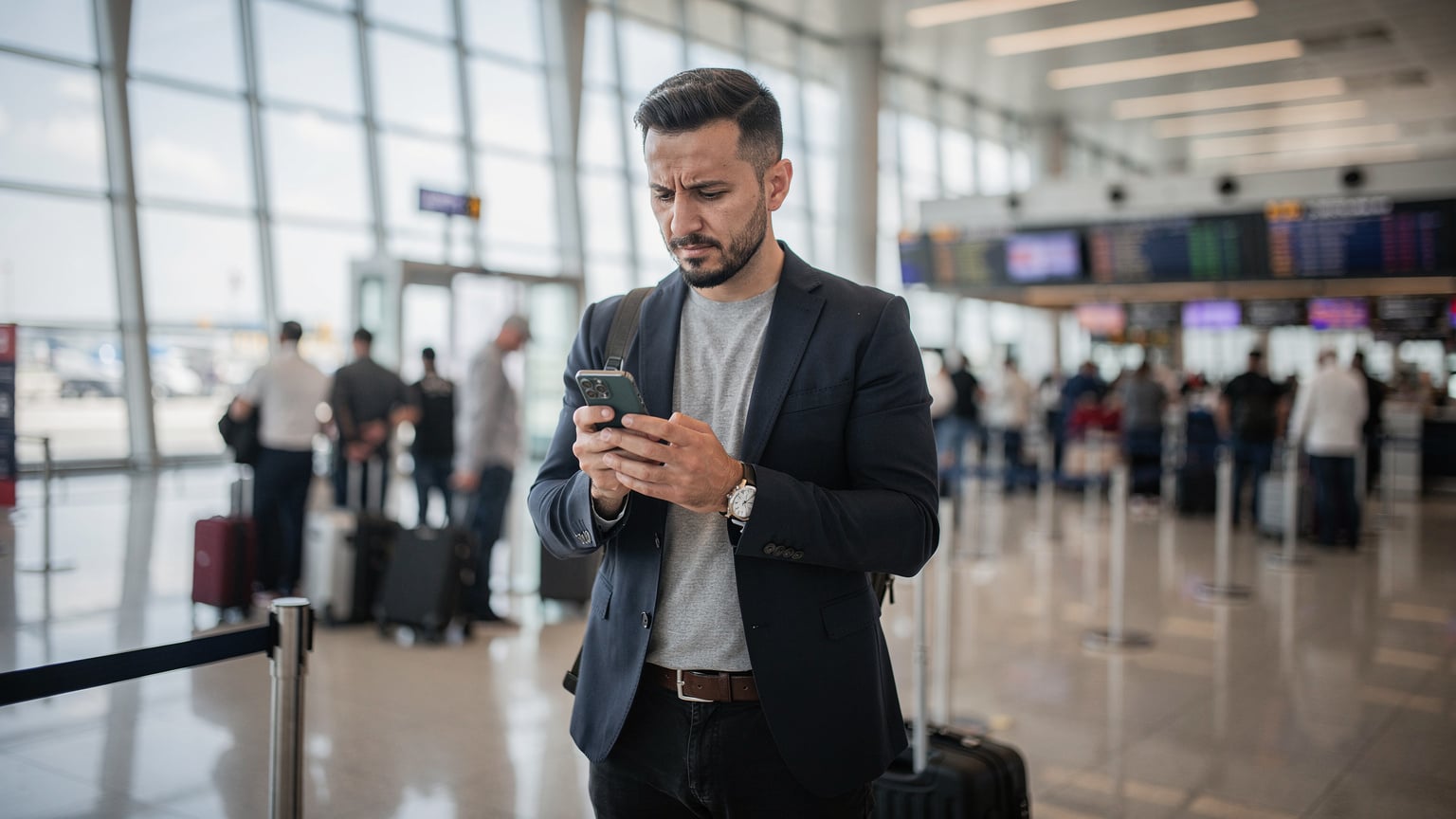
Always keep the receipt and any paperwork from the Turkcell store. If all else fails, returning to a Turkcell store with your passport and receipt is your best bet for direct support. The staff are generally helpful, though English proficiency can vary outside of major tourist hubs.
Frequently Asked Questions
Can I buy a Turkcell eSIM online before arriving in Turkey?
No, you cannot. Turkish law requires in-person passport verification to register any mobile line, including eSIMs. You must visit a physical Turkcell store upon arrival to purchase and activate your tourist eSIM.
What documents do I need to get a Turkcell eSIM?
You only need your physical passport. The store representative will scan it and enter your details into the system for registration. No other documents, like visas or proof of address, are typically required for tourist eSIMs.
What is the typical validity period for a Turkcell tourist eSIM plan?
Turkcell tourist plans usually have validity periods of either 28 days or 90 days. The specific duration depends on the package you choose. Confirm this with the store staff when purchasing.
Will my phone support VoLTE with a Turkcell eSIM?
Turkcell supports VoLTE and VoWiFi. However, compatibility can depend on your specific smartphone model and its firmware version. Test it shortly after activation. If it doesn't work, your calls will typically revert to 3G, which may have slower connection times.
What should I do if my Turkcell eSIM doesn't connect to data?
First, verify the eSIM is set as your primary data line in phone settings. Then, check the APN settings; ensure it's set to 'internet'. Toggling airplane mode or restarting your device can also force a network re-registration. If issues persist, visit a Turkcell store.
Are there any data caps or speed limitations on Turkcell tourist eSIMs?
Turkcell tourist eSIMs generally provide full-speed 4G LTE and 5G data up to the allowance of your chosen plan. There are no inherent speed caps like some international roaming options, but speeds can vary based on network congestion and location.