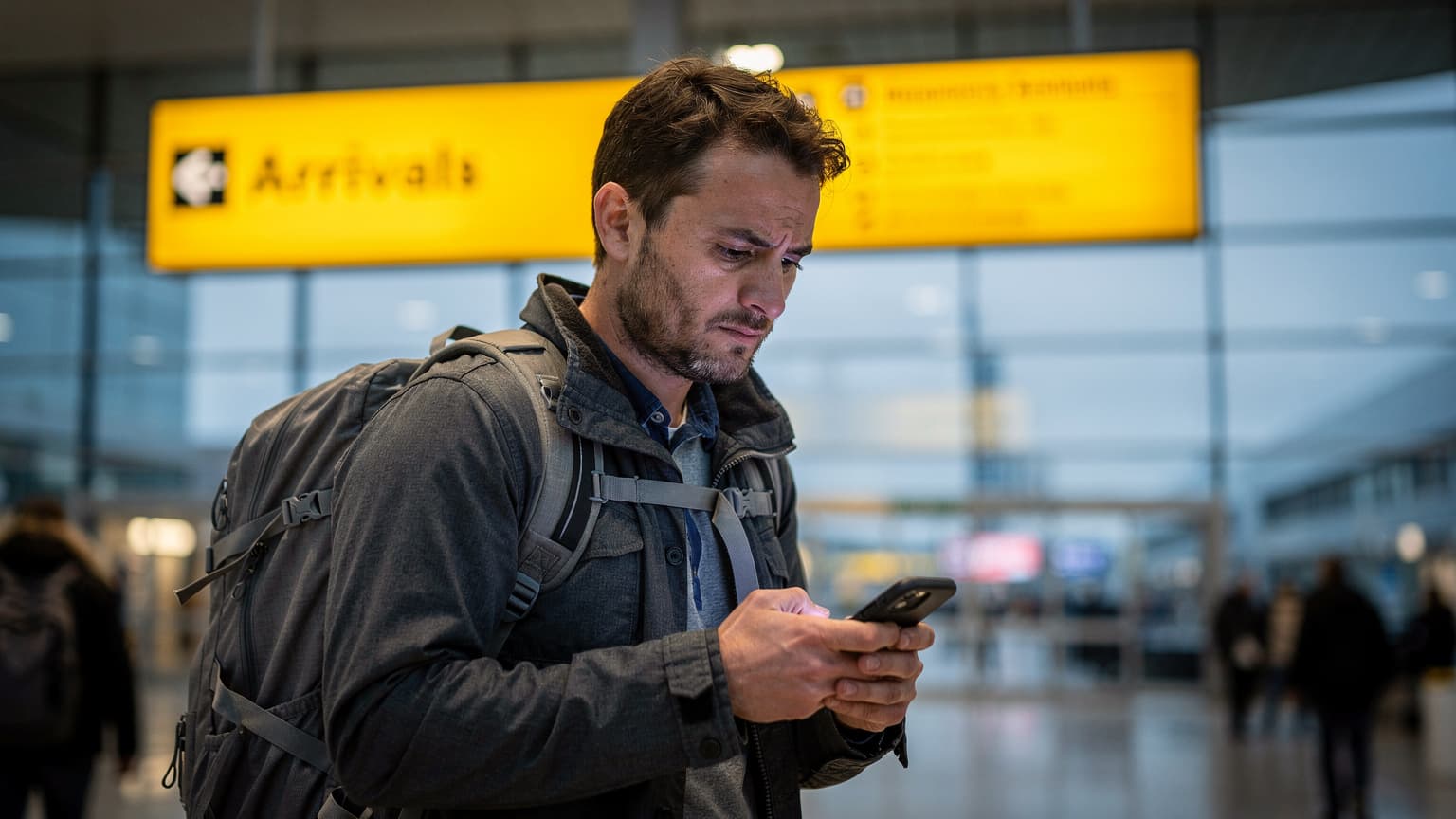
In 2026, the Brexit roaming grace period is officially dead. Land in the UK today, and your home carrier will likely hit you with daily charges between £2 and £12, or worse, throttle your "fair use" data to a practically useless 2GB. Trust me, buying a prepaid UK eSIM before you even board your flight is the only way to guarantee you have instant, affordable data the second your plane touches down at Heathrow.
The 2026 Post-Brexit Roaming Hangover
Honestly, I don't think anyone saw this coming with such a wallop.
For a few years after Brexit, European telcos played nice. They kept the UK in their "Roam Like at Home" zones, quietly absorbing the extra wholesale costs. That polite arrangement completely fell apart over the last eighteen months. If you are flying in from Madrid, Berlin, or Rome in 2026, the text message you get when you land in London isn't a friendly hello anymore. It's a bill.
The situation is pretty grim. Carriers across Europe have reclassified the UK into "Zone 2" or "Rest of World" categories. This means the daily data you rely on to navigate foreign transit systems simply vanishes. You are suddenly stuck with arbitrary caps and aggressive throttling that make a simple Google Maps search feel like you're back on dial-up in 1998.
When EU "Fair Use" Means 2GB
"Fair use policy" is the most misleading phrase in modern travel. Many European carriers still claim they offer UK roaming, but the real story is buried in their terms of service. You might have a 50GB plan at home in Spain, but your carrier's UK fair use policy might cap you at 2GB per month. Once you hit that invisible limit, your speeds plummet to 128kbps. Good luck loading a high-resolution QR code for your train ticket at 128kbps with a queue of angry commuters building behind you at Victoria Station.
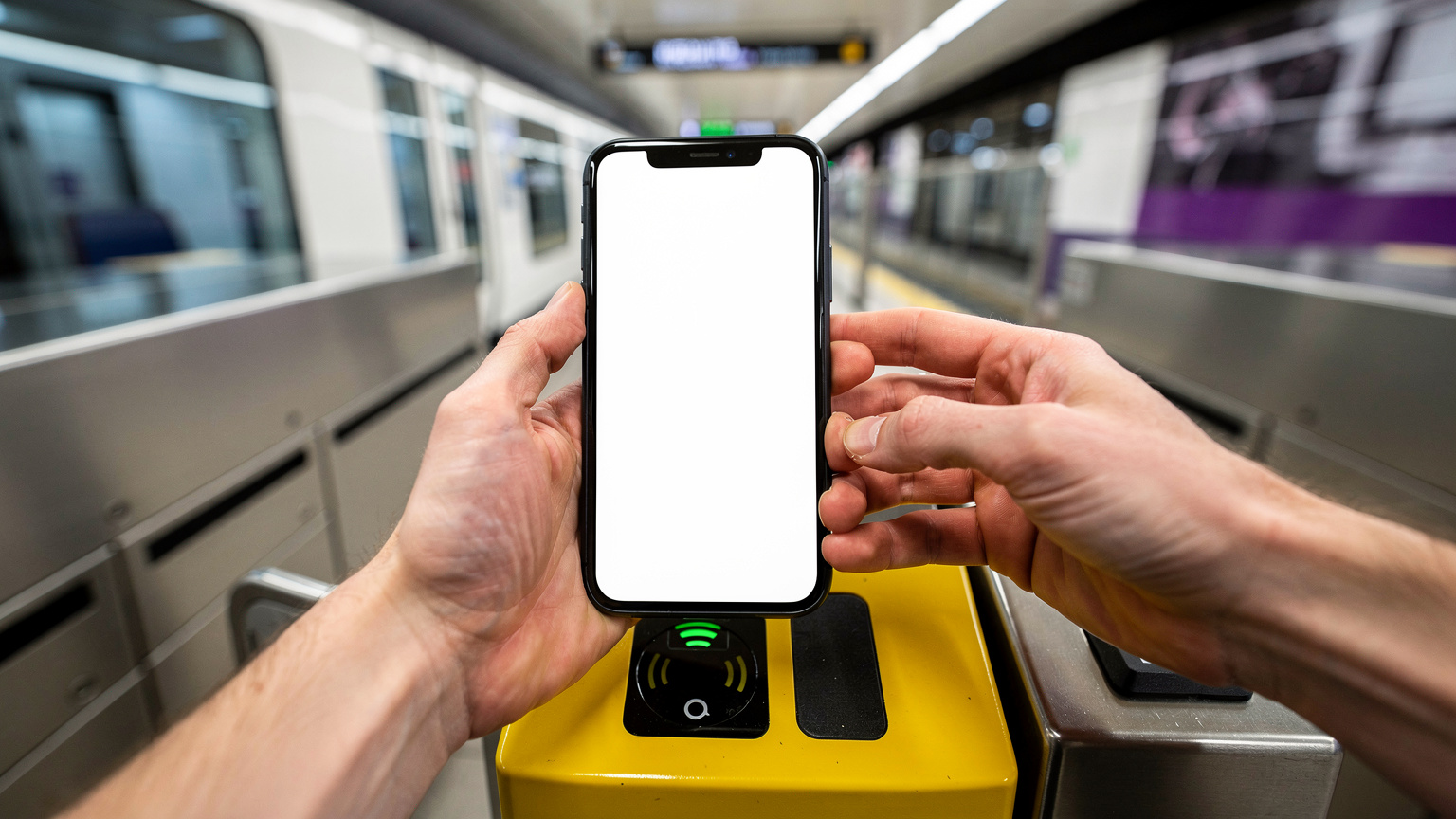
It's not just European travelers feeling the pinch. For Americans and Australians, the UK has always been an expensive roaming destination, but those fees have quietly crept up to match post-pandemic inflation. AT&T's International Day Pass is now $12 a day. Verizon's TravelPass is the same price. Over a two-week trip, you're looking at $168 just to access the data you already pay for at home. That's just absurd, and I refuse to pay it.
The American and Aussie Tariff Trap
Let's just look at the numbers. They don't lie, and telcos are counting on your jet lag to ignore them.
| Home Carrier | UK Roaming Fee (2026) | Data Limitations | 14-Day Cost |
|---|---|---|---|
| AT&T (USA) | $12 / day | Uses home allowance | $120 (capped at 10 days) |
| Verizon (USA) | $12 / day | 2GB high-speed/day | $168 |
| Vodafone (ES/IT/DE) | €2.50 - €4 / day | Strict fair use caps | €35 - €56 |
| Telstra (AUS) | $10 AUD / day | 1GB high-speed/day | $140 AUD |
These figures clearly show why I spend so much time digging into mobile networks. If you want the big picture, read my broader analysis on how to avoid roaming charges and stay connected abroad, but for the UK specifically, the answer is to cut out your home carrier entirely.
London Nomad Realities: Rents, Visas, and the Flat White
London is not a city that tolerates poor planning, not at all.
I usually spend two months a year in the UK, splitting my time between Hackney and Manchester, depending on how much rain I'm willing to put up with. If you're a digital nomad or planning a long stay in the UK for 2026, you need to seriously rethink your budget and how you handle administrative stuff right now.
A damp, pretty average one-bedroom flat in Zone 2 (think Dalston or Peckham) is currently going for over £2,100 a month on short-term rental platforms. And that doesn't even include the £4.20 you'll shell out for an oat flat white every time you need to escape that flat and work from a cafe. The cost of living here is a brutal anchor, forcing you to optimize everywhere else. You simply can't afford to waste £10 a day on roaming when your grocery bill at Tesco has doubled in three years.
The Co-Working Math at Ozone Coffee
Most Tuesdays, you'll find me at Ozone Coffee Roasters on Leonard Street, near Old Street roundabout. It's a fantastic spot, but you're constantly battling a dozen other remote workers for that single corner plug socket. The Wi-Fi hits a decent 150Mbps, but it uses a captive portal that aggressively boots you off every two hours. When I'm on a critical Zoom call with my editor, I don't trust public cafe Wi-Fi. I tether to my phone. That means I need a serious data allowance.
If you plan to work from cafes or co-working spaces like Huckletree in Shoreditch (where day passes run about £35), you need to treat your cellular connection as your primary backup. This isn't just for scrolling Instagram; it's essential for the structural integrity of your entire workday.
Visa Friction and Digital Proof
Then there's UK Border Force. The UK Standard Visitor visa gives you six months, but it comes with strict rules. You can't work for a UK company, you can't sell to the UK public, and you absolutely cannot give any impression that you're trying to live there permanently.
When you step up to the eGates at Gatwick, there's a solid 20% chance it'll reject your passport and send you to the human queue. (Happens to me constantly). The border guard will ask for proof of your onward flight and proof of funds. If your phone has no data because you kept roaming off, and the airport Wi-Fi needs an SMS code sent to your dead home number to log in, you're going to have a very stressful, sweaty fifteen minutes explaining yourself to an unimpressed immigration officer. You need connectivity the exact second your plane hits the tarmac. It's a non-negotiable travel safety net.
Why a Physical UK SIM Isn’t the Easy Fix Anymore
Five years ago, my advice was simple: walk out of baggage claim, find a WHSmith or a dedicated telecom kiosk, and buy a £15 physical SIM card from Three or EE. Pop it into your tray, reboot, and head to the Tube. That era is completely over.
The Heathrow Vending Machine Tax
Airport telecom kiosks have realized they have a captive audience. The SIM cards sold in the vending machines at Heathrow Terminal 2 are basically predatory. You'll see "Tourist SIMs" branded with Union Jacks promising 10GB of data for £30. That exact same data allowance costs £10 if you buy it from a high street shop in central London. It's a pure convenience tax levied on exhausted travelers.
It's a similar story down south; just look at how Portugal roaming costs $15/day for some North American users who fall into similar physical SIM traps at Lisbon airport.
High Street Registration Friction
So, you decide to wait until you reach central London to buy a physical SIM. Now you're navigating the Piccadilly Line without Citymapper, dragging your luggage to an O2 or EE store on Oxford Street. Once you're there, you hit the registration wall.
In 2026, UK carriers have tightened their prepaid (Pay As You Go) registration requirements. While it's not as extreme as Spain or Italy (where they scan your passport), many networks now require you to register the SIM via an app before it activates. To download the app, you need Wi-Fi. To register the app, you often need an email verification. It's a multi-step friction loop that wastes an hour of your first day. Physical SIMs demand physical effort.
The UK Apps That Demand Unbroken Data
The UK runs on a highly digitized service economy. You simply cannot "wing it" offline here.
Unlike some countries where cash is king and you can hail a cab by waving your hand, London requires you to interact with its digital infrastructure. And doing that requires a constant, stable cellular connection.
Navigating the Tube Without Wifi
Let's talk about transit. The London Underground (the Tube) is slowly rolling out 4G and 5G deep inside the tunnels, but it's patchy at best. You rely heavily on apps like Citymapper to tell you which carriage to board and where to transfer.
- Citymapper: This is the absolute gold standard for London transit. It updates in real-time with line delays and bus diversions. Without data, it can't route you around the inevitable weekend engineering works on the Northern Line.
- Trainline: Essential for booking intercity rail (like the agonizingly expensive Avanti West Coast to Manchester). Digital tickets are stored here. If the app logs you out, you need data to retrieve the barcode before the ticket barrier closes in your face.
- Uber / Bolt / FreeNow: The holy trinity for getting home after the Tube shuts down at midnight.

Banking and Delivery Verification
If you're staying longer than a week, you might try to set up localized services. This is where things get tricky.
Apps like Monzo (that neon coral bank card every Londoner has) or even food delivery services like Deliveroo and Too Good To Go sometimes trigger security protocols if you're using an IP address that jumps around. More importantly, if you're trying to use local services, they often send OTPs (One Time Passwords). If you're using a data-only eSIM, you need to make sure your home physical SIM is active purely for receiving SMS, while routing all data traffic through the eSIM. (I'll explain this dual-SIM setup later).
Cellesim vs. Traditional UK Networks: The Breakdown
When I land, my eSIM for the United Kingdom is already active. I buy it through Cellesim, install it in Madrid, and it locks onto the local UK network the moment my phone comes off airplane mode.
But how does a travel eSIM actually compare to a native UK network? Travel eSIMs don't own their own cell towers. They are MVNOs (Mobile Virtual Network Operators) that piggyback on the infrastructure of local giants like EE, O2, Vodafone, and Three. The quality of your eSIM depends entirely on which local network it's contracted to use.
Speed and Coverage Realities
The UK mobile landscape is fiercely competitive, but the spectrum distribution is uneven. EE generally leads in rural coverage and raw 5G speeds, using Band 3 (1800MHz) and Band 7 (2600MHz). O2 has excellent building penetration in dense urban areas like the City of London because they rely heavily on lower frequencies like Band 20 (800MHz).
| Network Infrastructure | Urban 5G Speed (Avg) | Rural Coverage | Best For |
|---|---|---|---|
| EE (BT Group) | 140 Mbps | Excellent | Scotland, Wales, intercity trains |
| O2 (Virgin Media O2) | 110 Mbps | Good | Indoor signal in London, stadiums |
| Three UK | 180 Mbps | Patchy | Massive data downloads in cities |
| Cellesim (Multi-network) | 130 Mbps | Dynamic | Seamless switching when one drops |
The clear advantage of a premium eSIM like Cellesim is that it often has agreements with multiple networks. If O2 has a dead zone in your Shoreditch Airbnb, the eSIM can dynamically switch to EE's towers. A physical EE SIM is stuck with EE. If EE goes down, you're offline.
Setting Up Your UK Data Before Border Control Asks Questions
Do not, I repeat, do not wait until you're standing in the immigration queue to do this.
The beauty of eSIM technology is the pre-installation phase. You buy the data package while sitting on your couch at home, download the profile, and leave it deactivated until your flight.
Pre-Flight Installation Procedure
Here's the exact workflow I use to ensure zero downtime. (If you're staring at an activation screen without a secondary device, check my guide: I have only one phone, how do I scan the QR code?)
- Purchase 24 Hours Prior: Buy your UK data plan the day before you fly. This ensures you're not rushing the transaction over patchy airport Wi-Fi.
- Install the Profile at Home: Go to your phone's cellular settings, add a new eSIM, and scan the QR code provided in your email. Label this new line "UK Travel".
- Leave the Line OFF: Do not turn the line on yet. Keep your primary home SIM active while you travel to your departure airport.
- Configure Data Roaming: In the settings for your new "UK Travel" line, make sure Data Roaming is toggled ON. (Travel eSIMs require roaming to bridge the connection to the local network).
- The Airplane Mode Swap: When the pilot announces the final descent into London, turn your primary home SIM's data OFF (to avoid that $12 trigger fee), turn the "UK Travel" line ON, and set it as your default data line. When you turn off airplane mode at the gate, you will have 5G instantly.
Beyond the M25: Connectivity in Scotland and Wales
London is easy. The real stress test for mobile data happens when you leave the M25 orbital motorway.
If your itinerary includes the Scottish Highlands, the Lake District, or the valleys of Snowdonia, your expectations need a sharp downward adjustment. The geography of the UK is aggressively hostile to cellular signals outside the major urban corridors.
The Highlands Network Blackout
I took the West Highland Line train from Glasgow up to Fort William last November. It's arguably the most scenic rail journey in the world, and it's an absolute cellular dead zone. For roughly three hours, crossing Rannoch Moor, there is zero signal. Not 3G, not EDGE, nothing.
In these rural pockets, EE is your best bet. They've invested heavily in the Emergency Services Network (ESN), which required them to build masts in incredibly remote locations. If your eSIM can latch onto EE, you'll have intermittent WhatsApp access. If it locks onto Three UK, you might as well turn your phone off and look out the window.

Trains, Tunnels, and Wi-Fi Drops
Even on the main intercity lines, like the East Coast Main Line from King's Cross to Edinburgh, connectivity is a frustrating stop-start affair. The train carriages act like massive Faraday cages, blocking external RF signals. The onboard train Wi-Fi is essentially a router sharing a single cellular connection among 400 passengers. It's useless for anything beyond sending a text.
My strategy on trains is to force my phone onto 3G if the 4G/5G signal is fluctuating wildly. A stable, slow 3G connection (often running on 900MHz which penetrates the train walls better) is vastly superior to a phone constantly dropping connection while hunting for a faint 5G tower.
| Region / Scenario | Expected Reliability | Pro-Tip for Nomads |
|---|---|---|
| London (Zone 1-3) | Near perfect 5G | Force 4G if battery is draining fast in crowded areas. |
| Intercity Trains | Poor to Moderate | Download your Spotify playlists before boarding. |
| Scottish Highlands | Severe Dead Zones | Download offline Google Maps for a 50-mile radius. |
| Cornwall / Devon | Patchy Coastal Signal | Signal disappears entirely in deep coastal coves. |
Managing Your Devices When You Carry Too Many
As a connectivity specialist, I travel with a truly absurd amount of hardware. A primary iPhone 15 Pro, an Android test device, an iPad, and a MacBook. Keeping all these devices fed with data requires serious discipline.
Hotspotting Your Laptop
Most UK eSIM plans allow tethering (mobile hotspot), but you need to be fiercely protective of your data allowance. If you connect your MacBook to your phone's hotspot, macOS will assume it's on an unlimited home Wi-Fi network. It will happily start downloading a 4GB background system update, instantly vaporizing your travel data plan.
- Low Data Mode: Always toggle "Low Data Mode" on your phone's hotspot settings.
- Pause Cloud Syncing: Pause Dropbox, Google Drive, and iCloud photo uploads. These silent background processes are the assassins of prepaid data.
- Monitor Usage: Use your phone's built-in cellular data tracker, and reset the statistics the moment you land in the UK.
Battery Drain and 5G Antenna Realities
Using an eSIM doesn't inherently drain your battery faster than a physical SIM. However, searching for a foreign network does. When you land, your phone works overtime scanning the spectrum (Bands 1, 3, 7, 20, 28, etc.) to negotiate a handshake with the local tower.
If you're exploring a museum with thick stone walls (like the V&A or the Natural History Museum), your phone will burn through 20% of its battery in an hour just trying to maintain a weak 5G connection. Do yourself a favor: drop the phone into Low Power Mode while indoors. It throttles the antenna's aggressive searching behavior.
Troubleshooting the Inevitable Drops
Nothing is perfect. I've stood in the rain in Soho, furiously toggling airplane mode because my data suddenly stopped working. If you hit an activation wall, check our frequently asked questions about eSIM troubleshooting before you reset network settings and accidentally delete your Wi-Fi passwords.
APN Settings That Break
The most common reason an eSIM shows full signal bars but refuses to load a webpage is an APN (Access Point Name) mismatch. The APN is the gateway address your phone uses to connect the cellular network to the broader internet. Usually, the eSIM configures this automatically. Sometimes, iOS or Android gets confused and leaves the APN blank.
If you're connected but offline, follow this diagnostic path:
- Check the APN: Go to Settings > Cellular > UK Travel Line > Cellular Data Network. Make sure the APN field matches the instructions provided in your Cellesim welcome email. (Often it's a simple word like "globaldata" or "internet").
- Manual Network Selection: Sometimes the automatic network selection latches onto a tower that's congested. Go to Network Selection, toggle "Automatic" OFF, wait 60 seconds for the list to populate, and manually select a different carrier (e.g., switch from O2 to EE).
- The Hard Reboot: It's a cliché because it works. A hard reboot clears the modem cache and forces a fresh registration request to the local cell tower.
- Check Data Roaming: I'm repeating this because it's the number one user error. The travel eSIM must have data roaming toggled ON to function.
The UK is an incredible, exhausting, expensive country to navigate. You'll spend enough mental energy figuring out which side of the pavement to walk on, deciphering the difference between the Overground and the Elizabeth Line, and calculating whether you can afford another round at the pub. Your cellular connection should be the one thing that "just works." Lock it down before you fly, turn off your home SIM, and step out of Heathrow ready to move.
Frequently Asked Questions
Will my US iPhone work on UK mobile networks?
Yes. Modern US iPhones (iPhone 11 and newer) support the primary LTE and 5G bands used in the UK, including Bands 3, 7, and 20. If you have an iPhone 14 or 15 from the US, it is eSIM-only, meaning you cannot use a physical UK SIM card and must download a travel eSIM.
Can I use WhatsApp with a UK eSIM?
Absolutely. WhatsApp is tied to your phone number, not the SIM card providing the data. When you install a data-only eSIM, your WhatsApp remains linked to your home number, complete with all your chats and contacts.
Do I need a UK phone number for my trip?
For most travelers, no. You can use data for maps, Uber, and browsing. However, if you are a long-stay nomad trying to open a local bank account (like Monzo) or register for certain local delivery apps, they occasionally require a UK number for SMS verification.
Why is my eSIM showing 3G instead of 5G in London?
This usually happens when your phone clings to a weak signal from one network instead of switching to a stronger one. Try toggling Airplane Mode on and off to force the modem to reconnect to the nearest, fastest tower. If the issue persists, manually select a different network in your settings.
Does the UK still have free EU roaming?
No. Following Brexit, the legal requirement for European carriers to provide free roaming in the UK was abolished. Most major EU carriers have reintroduced daily fees or implemented strict data throttling (often capping usage at 2GB) when traveling in the UK.