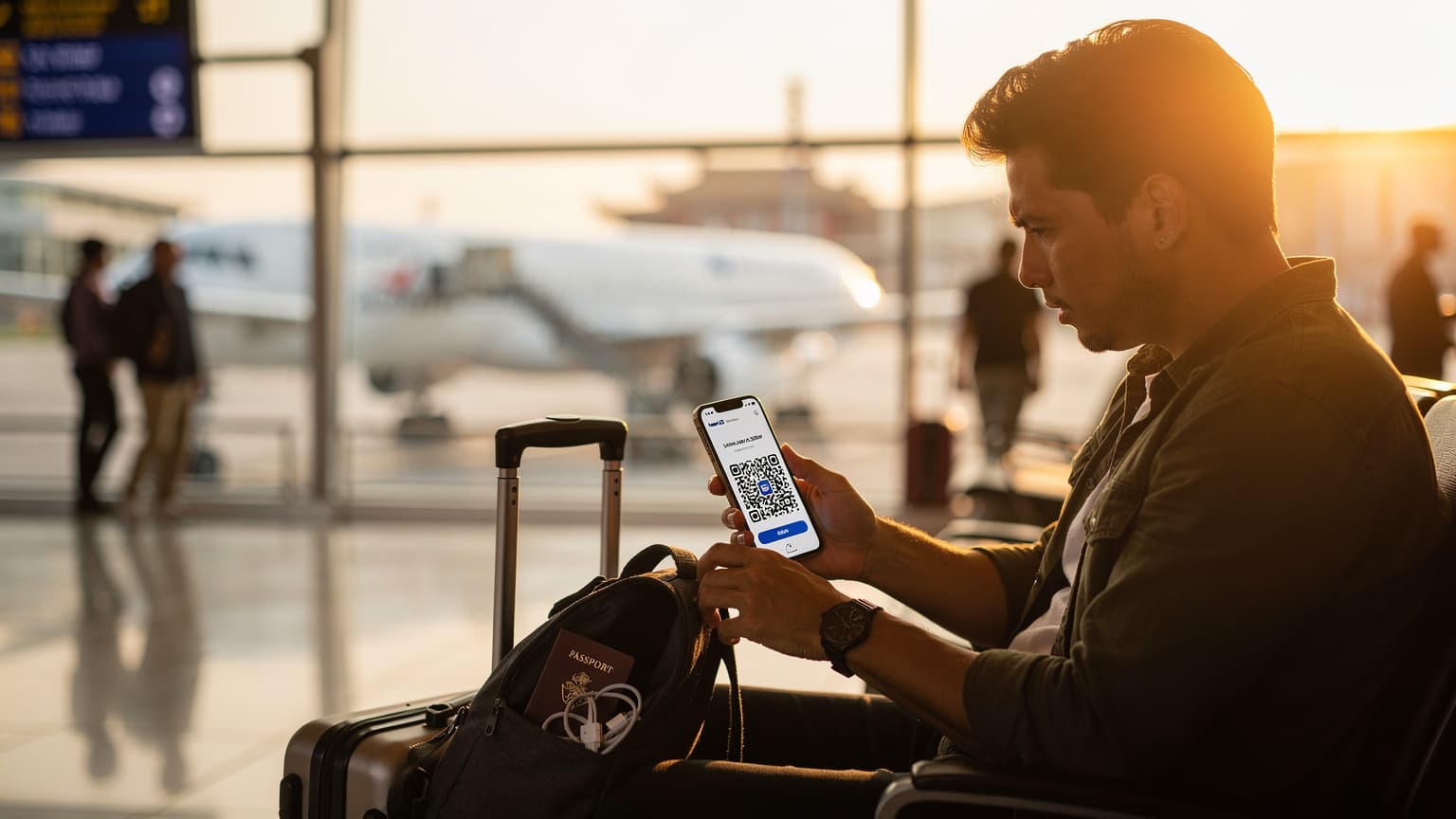
Verizon eSIM Activation: A Quick Guide for the Home Network
So, you've decided to go with an eSIM from Verizon. Maybe you've got a brand new iPhone 15, or you just want to free up that physical SIM slot. Good thinking, especially if you're like me and tend to hold onto a local SIM for a few weeks after a big trip, just in case someone needs to reach you on that number. Generally, the QR code method is pretty straightforward, but like anything involving carrier systems, it can sometimes throw you a curveball.
Verizon, like most big carriers, has really simplified its eSIM activation. You'll usually get a QR code by email, in your My Verizon app, or directly from a store employee if you're upgrading in person. This QR code is essentially your digital SIM card, with all the network info needed to get you online. Think of it like scanning your boarding pass at the airport gate, but for your phone's data connection.
Step-by-Step: Activating a Verizon eSIM with a QR Code on iPhone
Here’s how to get that Verizon eSIM up and running on your iPhone:
- Check Compatibility: First, make sure your iPhone supports eSIMs. Most iPhone XS, XR, and newer models are good. Also, if you brought the phone from another carrier, make sure it's unlocked. This is less of a worry for Verizon's own eSIMs, though.
- Prepare Your Device: Get on a solid Wi-Fi connection. Your phone needs this to download the eSIM profile from Verizon's servers.
- Open Settings: Find and tap the 'Settings' app on your iPhone.
- Navigate to Cellular/Mobile Data: Tap on 'Cellular' or 'Mobile Data,' depending on your iOS version and region.
- Add eSIM: Tap 'Add eSIM' or 'Add Data Plan.' You'll see options like 'Transfer From Nearby iPhone' or 'Use QR Code.' Pick 'Use QR Code.'
- Scan the QR Code: Hold your iPhone camera over the Verizon QR code. It should automatically recognize and read it. If the QR code is on the same phone you're trying to activate, you might need to enter the details manually. Verizon usually offers a text entry option if scanning isn't possible.
- Confirm & Activate: Follow the on-screen instructions to confirm the cellular plan. You'll probably be asked to name your new line (e.g., 'Primary,' 'Travel,' 'Business'). Once you confirm, the eSIM profile will download and activate. This usually takes a minute or two.
Activating a Verizon eSIM on Android Devices
The process on Android phones is very similar, though menu names might differ a bit depending on the manufacturer (like Samsung or Google Pixel):
- Verify Compatibility: Make sure your Android device supports eSIM. Many newer Samsung Galaxy, Google Pixel, and other flagship Android phones do.
- Connect to Wi-Fi: Just like with iPhones, a strong Wi-Fi connection is essential for downloading the eSIM profile.
- Access Network Settings: Go to 'Settings,' then 'Network & internet' or 'Connections.'
- Add Mobile Network: Look for 'SIMs' or 'Mobile network' and then choose 'Add a new network' or 'Download a SIM.'
- Scan QR Code: Select 'Use 2D code' or 'Scan QR code.' Then scan the Verizon eSIM QR code.
- Follow Prompts: Your phone will walk you through the rest of the steps, including naming the eSIM profile.
The Traveler's Dilemma: Verizon Roaming Versus eSIM Flexibility
Here's where things get interesting, especially for those of us who spend a good chunk of the year exploring other countries. Activating a Verizon eSIM for domestic use is one thing, but relying on it for international travel is a whole different story. I've had my share of frustrating calls to customer service from a chilly hotel lobby in Helsinki, trying to figure out why my data wasn't working even though I'd paid for a roaming package. It's a common issue, and it often leads to surprisingly high bills.
Verizon offers something called 'TravelPass' for international roaming. It essentially lets you use your regular domestic plan's talk, text, and data in over 210 countries for a daily fee. Sounds convenient, right? On paper, sure. But in reality, it's often a very expensive convenience. That $10-15 per day (prices can change, so always check Verizon's latest info) really adds up fast. A two-week trip can easily turn into a $140-210 data expense on top of your normal bill. And that's before you even think about data speed limits or fair usage policies that kick in.
I remember being in a tiny, charming bakery in Amsterdam's Jordaan district, needing to look up the ATM bus schedule, only to find my 'TravelPass' data throttling had made the simplest search an exercise in patience. It cost me an extra 15 minutes and a missed connection at Centraal Station.
This is precisely where a dedicated travel eSIM really shines. Instead of being stuck with your home carrier's roaming rates, you get the freedom to pick local data plans, often for a lot less money. It's the difference between always taking an expensive black cab and having a local transit card, like an OMNY card in New York or a Suica in Tokyo, ready to go.
The Pain Points of Traditional Roaming
I have plenty of stories about roaming frustrations. Like that time in Kyoto, when I was trying to find a specific tea shop open past 5 PM in Gion, and my UK carrier's roaming partner kept dropping its 4G connection, forcing me onto slow 3G. Or the time my phone bill after a business trip to the EU came back with an extra £300 for data, despite my best efforts to monitor usage. The return of roaming charges for UK travelers to the EU after Brexit has made these issues even more relevant.
- Unexpected Costs: Hidden fees, overage charges, and daily rates that pile up quickly.
- Throttled Speeds: Many roaming plans cap your high-speed data, then slow you down to painfully slow speeds, making simple navigation or communication a nightmare.
- Customer Service Headaches: Trying to fix connectivity problems with your home carrier when you're thousands of miles away, often in a different time zone.
- Lack of Local Number: While Cellesim focuses on data, traditional roaming still means you don't get a local number, which can be a problem for local bookings or contacts.
Why Cellesim Is a Smarter Move for International Travel
After years of battling roaming charges and searching for local SIM cards in unfamiliar airports, I've really come to appreciate how smart a dedicated travel eSIM like Cellesim is. It's not just about saving money, though that's a huge plus, especially compared to Verizon's TravelPass. It's about having control, convenience, and peace of mind. Imagine landing at London Heathrow, hopping on the Piccadilly Line into the city, and having data the second you step off the plane, without fumbling with physical cards or worrying about a surprise bill.
Cellesim, and other travel eSIM providers, work differently. We partner with local networks worldwide to give you data packages that feel just like a local SIM, but with the added ease of digital delivery. This means you're using the same infrastructure that residents do, often for much less than your home carrier would charge for roaming. For example, if you're exploring the markets of Marrakesh, you'd get data through a Moroccan provider, not some complicated roaming deal with your US carrier.
The Cellesim Advantage: Flexibility and Cost-Effectiveness
Think about it: you can buy a data plan for a specific country or region (like an eSIM Europe package), choose how much data you need, and activate it before you even leave home. No more waiting in line at an airport kiosk or dealing with language barriers just to explain you only need data for three days. You manage everything from an app, which gives you back valuable travel time. I've often activated a Cellesim plan while waiting for my flight at Gatwick, making sure I'm connected the moment I land.
Seamless Connectivity Across Borders
For trips that cover multiple countries, the benefits are even clearer. Imagine a business trip that takes you from Paris to Berlin, then to Rome. With Verizon TravelPass, you're paying a daily fee in each country. With a regional Cellesim plan, you might pay one upfront cost for data that works across all three, switching between local networks without you doing a thing. For example, a 10GB Europe plan could cover your data needs for a few weeks, typically costing less than just a few days of Verizon roaming.
This is especially helpful for people like me who often find themselves on a train, say, a Deutsche Bahn ICE from Frankfurt to Munich, needing constant internet for work. With a regional eSIM, there's no interruption when you cross internal EU borders, unlike what can sometimes happen with a roaming plan trying to switch between different partner networks.
Activating Your Cellesim: Easy As a Tokyo Subway Pass
Activating a Cellesim eSIM is designed to be as easy as tapping your IC card at a JR East turnstile in Shinjuku. We’ve worked hard to take away the complexity often tied to phone plans abroad. It’s all about getting you connected fast, reliably, and without any fuss. You can buy and install an eSIM for your destination long before you leave, meaning you land ready to use maps, call a ride, or check into your Airbnb without any delay.
The Cellesim Activation Flow, Simplified
The great thing about Cellesim is that it keeps the steps and potential problems to a minimum. No need to visit a physical store, no long contracts, and no language barriers. Here’s how it generally works:
- Choose Your Destination & Data Plan: Look through Cellesim's website or app for the country or region you're visiting. Pick the data amount and duration that suits your trip. Need data in Indonesia? We've got you covered with Telkomsel eSIM for Indonesia.
- Purchase Securely: Buy your plan online. You'll get an email with your eSIM QR code and activation instructions.
- Install the eSIM: Before you leave, or when you have a good Wi-Fi connection, go to your phone's 'Settings' > 'Cellular/Mobile Data' > 'Add eSIM' and choose 'Use QR Code.' Scan the QR code from your Cellesim email.
- Enable Data Roaming (for eSIM): Once installed, make sure 'Data Roaming' is turned ON for your new Cellesim eSIM line in your phone settings. This might sound odd, but for eSIMs, 'data roaming' just means allowing the eSIM to connect to the local partner network. It's not the same as your home carrier's expensive roaming.
- Switch to Cellesim: When you get to your destination, simply switch your 'Cellular Data' setting to use your Cellesim plan. You can keep your primary line active for calls and texts if you want, but ensure data is going through the eSIM.
Cost Comparison: Verizon TravelPass vs. Cellesim
Let's look at the numbers, because that's often what really matters. The true cost of staying connected abroad is frequently underestimated. Many business travelers, myself included, have just accepted hefty roaming charges because it felt "easier" than finding a local SIM. But with eSIMs, that excuse is gone. The difference between Verizon's TravelPass and a Cellesim plan can be hundreds of dollars, especially for longer trips or multiple destinations.
Consider a hypothetical two-week trip to Paris, France. You figure you'll need about 5GB of data for maps, messaging, and a few video calls home. Let's say Verizon's TravelPass costs $10/day (always check current rates, of course).
| Provider | Data Plan | Cost for 14 Days | Notes |
|---|---|---|---|
| Verizon TravelPass | Uses domestic plan allowances | $140 ($10/day) | Can throttle data after daily high-speed allowance. |
| Cellesim (France) | 5GB, 30 days | Approximately $15-25 | Local speeds, no throttling, flexible duration. |
As you can see, the savings are huge. For just one trip, you could save well over $100. Multiply that by several international trips a year, and the difference becomes astronomical. This is why for anyone who travels abroad often, especially to the EU where post-Brexit roaming charges can be steep for UK networks like EE and Vodafone, Cellesim offers real value.
The Hidden Costs of Carrier Roaming
Beyond the daily fee, there are other things to consider with traditional roaming:
- Overage Charges: If you use more data than your daily allowance on TravelPass, you might get extra charges or severely throttled speeds.
- Limited Flexibility: You're stuck with your carrier's roaming partners, and they might not always offer the best coverage or speeds in certain areas.
- Billing Complexity: Roaming charges can sometimes appear on your bill weeks or even months later, making it hard to track your spending in real time.
With Cellesim, you buy a set amount of data. Once it's gone, it's gone. You can easily top up if you need more, but there are no surprises. It's a clear, transparent cost structure that gives you control.
Real-World Scenarios: When Cellesim Shines
Let me show you situations where Cellesim truly stands out, based on my own travel stories. It's in those moments when being connected isn't just nice, but absolutely necessary, and traditional roaming just doesn't cut it.
The Multi-Country European Tour
Imagine a family vacation through Europe, starting in Rome, taking the Frecciarossa to Florence, then flying to Paris. Managing data for a family across three countries with individual Verizon TravelPasses would be a nightmare, both for planning and your wallet. Each day, for each phone, you're looking at $10-15. Over two weeks for four people, that's easily over $500, just for data.
With a regional Cellesim Europe plan, you buy one data package that works seamlessly across Italy and France (plus dozens of other EU countries). You land in Fiumicino, activate your Cellesim, and you're connected. No fuss. It's the kind of practical solution that makes a budget traveler's guide genuinely helpful.
Business Travel Reliability
For business travelers, dropped connections or slow data are more than just annoying; they can mean missing deadlines or losing opportunities. I've been in countless situations, like trying to upload a presentation from a cafe in Shoreditch, London, only for my roaming data to sputter. Or attempting to coordinate with colleagues on Teams from a hotel in Frankfurt's financial district, and having the video call constantly pixelate. My research into corporate connectivity solutions confirms that reliability is key.
Cellesim, by using local networks, often provides more consistent and faster data speeds than roaming agreements. This means you can confidently navigate, communicate, and work from anywhere, whether you're in a taxi heading to a meeting in Midtown Manhattan or waiting for a flight at Charles de Gaulle.
The Digital Nomad's Best Friend
For those living abroad, or staying for extended periods, like an expat settling into Cuenca in 2026, a constant, affordable data connection is non-negotiable. While Verizon offers domestic plans, they're not built for long-term international use. Cellesim has plans with longer durations and bigger data allowances, perfect for those who need consistent internet without spending a fortune. It's about having the freedom to work from a co-working space in Lisbon or stream content from a cafe in Buenos Aires, knowing your data costs are predictable and fair.
Troubleshooting Common Verizon eSIM QR Code Issues
Even with a simplified process, sometimes things just don't work right. I've helped tons of friends and colleagues fix their phone problems abroad, and often, the solution is easier than it seems. If your Verizon eSIM QR code isn't activating, don't panic. Here are some common reasons and how to fix them:
QR Code Not Scanning?
This happens a lot. Sometimes it's the simplest things:
- Poor Lighting: Make sure you have enough light. Too dark or too much glare can stop your camera from reading the code.
- Damaged/Low-Quality QR Code: If the QR code is blurry, creased, or printed poorly, your phone might have trouble reading it. Try showing it on a different screen (like a computer monitor) if it came by email, or ask Verizon for a new one.
- Camera Issues: Make sure your phone's camera lens is clean and nothing is blocking it.
- Manual Entry: Most phones let you 'Enter Details Manually' if scanning doesn't work. Verizon usually provides an SM-DP+ Address and Activation Code in the same email as the QR code.
eSIM Installed But No Service?
You've scanned the code, the eSIM seems to be installed, but your phone says 'No Service' or 'Searching.' What gives?
- Restart Your Phone: The classic tech support solution, but often effective. A fresh reboot can help your phone register the new network profile.
- Check Network Settings: Go to 'Settings' > 'Cellular/Mobile Data' and make sure the newly installed Verizon eSIM is selected as your 'Primary' or 'Cellular Data' line. Also, if you're trying to use your Verizon line domestically, double-check that 'Data Roaming' is turned OFF for it.
- Software Update: Make sure your phone's operating system is up to date. Sometimes, carrier profiles need the latest iOS or Android version.
- Contact Verizon Support: If nothing else works, reach out to Verizon's customer service. Have your account details and the exact error message ready.
Choosing the Right eSIM for Your Journey: Domestic vs. International
Understanding the difference between a domestic carrier's eSIM (like Verizon's) and an international travel eSIM (like Cellesim's) is crucial for any smart traveler. They serve different purposes and meet different needs, and mixing them up can lead to frustration or wasted money.
Domestic eSIMs: Convenience at Home
A Verizon eSIM is fantastic for using at home. It makes switching phones easier, allows for dual SIM functionality (for example, a personal and a work number on one device), and frees up the physical SIM slot. If your main goal is to manage your service within the US, Verizon's eSIM is a solid choice. It's about bringing your current plan into the latest phone technology. For instance, if you're in your local Brooklyn neighborhood, navigating the MTA subway system, your Verizon eSIM will work perfectly.
International Travel eSIMs: Freedom Abroad
However, once you step onto that plane heading for Narita or Heathrow, things change. This is where dedicated international travel eSIMs like Cellesim become essential. They are specifically designed for global connectivity, offering:
- Local Rates: Get data at local prices, avoiding expensive roaming fees.
- Multi-Country Coverage: Enjoy continuous data across entire regions (like Europe or Asia) without needing multiple SIMs.
- Pre-Paid Simplicity: No contracts, no surprise bills. You pay for exactly what you need.
- Instant Activation: Buy and activate in minutes, often before you even leave home. For a detailed look at how Cellesim compares to other options, my Airalo vs. Cellesim eSIMs review might be helpful.
My advice, after 15 years of traveling, is to use both. Keep your Verizon eSIM for your domestic needs, enjoying its convenience and reliability in the US. But for every international trip, whether it's a quick business hop to Dublin or a month-long backpacking adventure through Southeast Asia, pre-load a Cellesim eSIM. It’s the smartest way to stay connected with high-quality service without the huge expense, ensuring you're always online, no matter where your journey takes you.
Frequently Asked Questions
Can I use my Verizon eSIM for international travel?
Yes, you can use your Verizon eSIM for international travel by activating their TravelPass feature. However, be aware that TravelPass typically incurs a daily fee (e.g., $10-15 per day), which can quickly add up and often comes with data speed limitations after a certain usage threshold.
What happens if my Verizon eSIM QR code doesn't scan?
If your Verizon eSIM QR code doesn't scan, first check for poor lighting, a blurry code, or a dirty camera lens. Most phones also offer a 'manual entry' option where you can input the SM-DP+ Address and Activation Code provided by Verizon, usually found in the same email as the QR code.
Is a Cellesim eSIM cheaper than Verizon TravelPass for international data?
Yes, for most international travel, a Cellesim eSIM is significantly cheaper than Verizon TravelPass. Cellesim offers local data rates, allowing you to purchase specific data packages for countries or regions, often at a fraction of the daily cost of Verizon's roaming fees, especially for trips longer than a few days.
Can I keep my Verizon number active while using a Cellesim eSIM abroad?
Absolutely. Your phone's dual SIM capabilities (physical SIM + eSIM, or two eSIMs) allow you to keep your Verizon line active for calls and texts while using a Cellesim eSIM for all your data abroad. Simply set the Cellesim eSIM as your 'Cellular Data' line in your phone settings and ensure data roaming is off for your Verizon line.
What devices are compatible with Verizon eSIMs and Cellesim eSIMs?
Most newer smartphones, including iPhone XS/XR and later models, Google Pixel 3a and later, and many recent Samsung Galaxy phones (S20 series and newer, Note 20 series, Z Fold/Flip series), are compatible with both Verizon and Cellesim eSIMs. Always check your specific device's specifications for eSIM support.
How long does it take to activate a Verizon eSIM with a QR code?
Activating a Verizon eSIM with a QR code typically takes 2-5 minutes once you have the QR code and a stable Wi-Fi connection. The process involves scanning the code and following a few on-screen prompts to download and install the eSIM profile.
See also: Dublin eSIM