What Exactly Is an eSIM?
An eSIM is essentially a tiny computer chip, soldered right onto your device's main circuit board. Unlike a traditional SIM card that you physically insert, an eSIM downloads and stores your phone plan's details and network credentials digitally. Think of it like a highly secure, reprogrammable chip that can hold several different network profiles at once.
This isn't just a software trick. The GSMA, which sets the standards, has laid out a secure remote provisioning (RSP) system. This system allows mobile network operators (MNOs) to push a profile directly to the eUICC, or embedded Universal Integrated Circuit Card, inside your device. For example, if you're activating an eSIM for a trip to Bali, the network profile for a local carrier like Telkomsel or XL Axiata (which often uses Band 3 and Band 8 for LTE, and n40, n78 for 5G) gets downloaded securely onto this chip. Your phone then connects to that network, just as if you'd popped in a physical SIM you bought at a local shop.
The Evolution From Physical SIM to eSIM
We've come a long way from the credit-card sized SIMs of the 1990s. The shift from Mini-SIM to Micro-SIM, then Nano-SIM, was all about making phones smaller. Each step aimed to free up valuable internal space. The eSIM is the ultimate step in this direction, getting rid of the SIM card slot entirely. This has big implications for phone design, allowing for better water resistance, more compact devices, and even dual-SIM capabilities without needing a physical tray.
Take the iPhone 17 with an eSIM for a trip to Norway's Fjords. With the physical SIM tray gone, the internal eSIM lets you easily switch between your home carrier and a local Norwegian provider like Telenor or Telia. These networks commonly use LTE on B3 (1800MHz) and B20 (800MHz), with 5G on n78 (3.5GHz) in cities, offering download speeds up to 500 Mbps.
eSIM vs. Physical SIM: The Fundamental Differences
The difference between an eSIM and a physical SIM is more than just how they look. It's about flexibility, security, and how convenient they are. Both do the same basic job of connecting your device to a cellular network, but they work quite differently.
A physical SIM card is a small piece of plastic with a microchip holding your International Mobile Subscriber Identity (IMSI) and other security keys. To change carriers, you have to physically remove one card and put in another. This can be a pain, especially for travelers juggling multiple local SIMs, or for anyone who always loses that tiny SIM ejector tool.
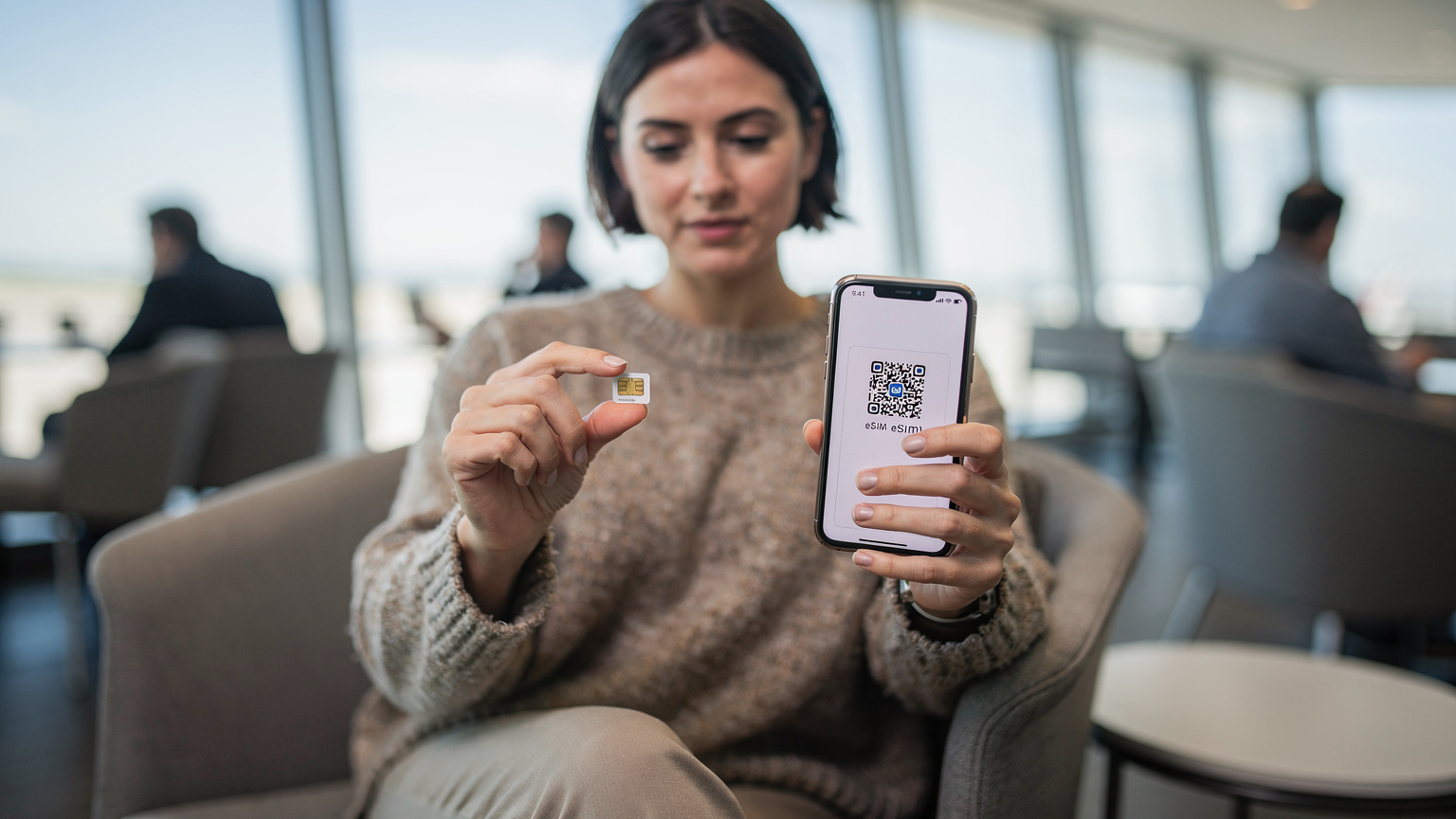
An eSIM, on the other hand, is built-in. Your phone's modem talks to the eUICC, which then receives and stores profiles digitally. This means you can keep several eSIM profiles on one device. While only one can be active for data at a time (or two for dual-SIM setups, like one for calls and one for data), this multi-profile capability is a game-changer for international travel. You can switch between plans for different countries with just a few taps in your phone's settings.
| Feature | Physical SIM | eSIM |
|---|---|---|
| Form Factor | Removable plastic card (Nano, Micro, Mini) | Embedded chip, non-removable |
| Installation | Manual insertion into a SIM tray | Digital download via QR code or app |
| Multiple Profiles | One profile per card, requires swapping | Multiple profiles stored, easy digital switching |
| Security | Can be lost, stolen, or damaged | Integrated into device, less prone to physical damage/loss |
| Device Design | Requires SIM tray, limits water resistance | Frees up internal space, improves water/dust resistance |
| Activation Time | Purchase, insert, wait for network lock to clear | Download and activate in minutes |
| Environmental Impact | Plastic waste from manufacturing/disposal | Significantly reduced physical waste |
How Does an eSIM Work Under the Hood?
Technically speaking, an eSIM uses a component called the eUICC, or embedded Universal Integrated Circuit Card. This is a secure, tamper-proof chip inside your phone, much like the chip on a regular SIM card, but it's built to be set up remotely.
When you buy an eSIM plan, the carrier creates a profile. This profile has all the network settings: your IMSI, authentication keys, and specific access point name (APN) settings. For example, if you're activating an eSIM for a big network like AT&T in the US, the profile will contain APN settings like 'broadband' or 'nxtgenphone', and instructions for connecting to their specific LTE bands (B2, B4, B12, B17, B66) or 5G bands (n5, n77). This profile is usually sent to your phone as a QR code, a direct download link from a carrier app, or through a manual entry process.
The Remote Provisioning Process
The real clever bit is the Remote SIM Provisioning (RSP) system. When your phone scans an eSIM QR code, it starts a secure connection with a Subscription Management (SM-DP+) server. This server, which is run by the eSIM provider or carrier, checks your device and then securely downloads the encrypted profile to your eUICC. Once it's downloaded and active, your phone's modem configures itself to connect to the new network using those settings.
A small technical note for those who like the details: some older Android phones, especially early Google Pixel models, sometimes get a bit finicky with APN settings when you switch eSIM profiles. Most modern devices handle this automatically, but every now and then, you might need to manually check or even enter the APN to get data working, especially if you're trying to use specific carrier aggregation setups on less common networks. It's a rare issue, but one that can definitely slow down a traveler.
The Benefits of eSIMs for Travelers and Beyond
If you've ever wasted time looking for a local SIM card after landing in a new country, only to find the shop closed or prices sky-high, you'll immediately appreciate eSIMs. They completely change how we stay connected while traveling.
Seamless Global Connectivity
The most obvious benefit is how incredibly convenient they are. Instead of fumbling with physical cards, you can activate a local data plan before you even leave home, or while you're waiting for your bags at the airport. Imagine landing in Tokyo and your phone instantly connecting to SoftBank's 5G network on n77, giving you typical download speeds of 300-600 Mbps in Shibuya, all without touching a thing. That's what eSIMs deliver.
"As someone who relies on constant connectivity for work, the ability to land in a new country and instantly have data is invaluable. I've often activated my Cellesim eSIM for Indonesia while still at Jakarta Airport, bypassing the queues for physical SIMs entirely."
Cost Savings and Avoiding Roaming Charges
Your home carrier's traditional roaming charges can be outrageous, sometimes costing dollars per megabyte. eSIMs let you buy local or regional data plans at much lower prices. For example, a Cellesim eSIM for Bali can give you 10GB of data for a fraction of what a big US carrier might charge for roaming. This lets you avoid tourist traps and get reliable data.
This is especially true when you compare options like TIM eSIM Italy vs. Cellesim. While TIM might have its own bundles, a global eSIM provider often offers better rates across several local networks, giving you more flexible and often cheaper choices. You're basically buying data from a local provider without ever dealing with their physical setup.
Enhanced Security and Device Durability
Physical SIM cards can be easily lost, stolen, or damaged, which means losing your connection and potentially facing security risks if the card falls into the wrong hands. Because an eSIM is embedded, it eliminates these issues. It also means fewer openings in your phone's body, making it more resistant to water and dust. For adventurers, this is a real advantage. No more worrying about a splash near a waterfall in Bali ruining your phone's SIM tray.
Dual SIM Functionality
Many newer phones, especially from Apple and Samsung, support dual SIM functionality. This lets you use your main physical SIM (or another eSIM) for calls and texts, while using a travel eSIM for data. This is incredibly helpful for travelers who need to keep their home number active for family calls or two-factor authentication, all while enjoying affordable local data.
Potential Drawbacks and Considerations
While eSIMs offer big advantages, it's fair to say they aren't perfect. Like any new technology, there are a few things to keep in mind before you jump all in.
Device Compatibility Limitations
The main hurdle, as of early 2026, is that not every device supports eSIMs. Most new flagship phones from Apple (iPhone XS and later), Samsung (Galaxy S20 and later), Google Pixel (Pixel 3 and later), and others have adopted it. However, many older or budget-friendly models still only use physical SIMs. This is changing fast, but it's vital to check your device before you buy an eSIM plan.
Initial Setup Learning Curve
For some, the idea of digital setup might feel less familiar than just popping in a physical card. While scanning a QR code is usually easy, fixing small issues like a wrong manual activation code or an APN setting that didn't automatically configure can require a bit more comfort with tech. Most eSIM providers, however, offer detailed guides and customer support to help with this.
VoLTE and VoWiFi Support
Here's a specific technical point: while most modern eSIM profiles support VoLTE (Voice over LTE) and VoWiFi (Voice over Wi-Fi), there can be exceptions. This is particularly true with some smaller mobile virtual network operators (MVNOs) or in areas where older 2G/3G networks are being shut down. If your eSIM plan doesn't support VoLTE, your voice calls might fall back to 3G or even 2G networks. This can be a problem in places with spotty older network coverage. If VoLTE is crucial for your calls, always check with your eSIM provider, especially in countries like Japan where 3G networks are rapidly disappearing.
Is My Phone eSIM Compatible? A 2026 Device Rundown
As we get further into 2026, eSIM compatibility is becoming standard for most new smartphones, but it's not quite universal yet. Before you count on an eSIM for your next trip, you really need to check what your device can do.
Apple iPhone Models
- iPhone XS, XS Max, XR and later: All these models support eSIM. US models from the iPhone 14 series onward are eSIM-only, meaning they don't have a physical SIM tray at all.
- iPhone SE (2nd generation and later): These models also support eSIM.
Samsung Galaxy Models
- Galaxy S20 series and later (including S21, S22, S23, S24): Most flagship S-series phones, especially international versions, offer eSIM support.
- Galaxy Note 20 series and later: eSIM is generally supported.
- Galaxy Z Fold/Flip series (all generations): All of Samsung's foldable phones support eSIM.
Google Pixel Models
- Pixel 3 and later (including 3a, 4, 4a, 5, 6, 7, 8 series): Every one of these Google Pixel phones includes eSIM functionality.
Other Notable Manufacturers
- Huawei: P40, P40 Pro, Mate 40 Pro and some newer models.
- Oppo: Find X3, X5, Reno 5A, Reno 6A and some newer models.
- Motorola: Razr (all generations), Edge+ (2023).
- Sony: Xperia 10 III Lite and later.
How to check your phone: The simplest way to see if your phone is eSIM compatible is to check its settings. For iOS, go to Settings > Cellular > Add eSIM. If you see this option, your phone supports eSIM. For Android, look under Settings > Network & Internet > SIMs or Settings > Connections > SIM card manager. The exact menu path might differ slightly depending on your phone brand and Android version, but you'll usually find an option to add a new digital plan.
Using eSIMs to Avoid Roaming Charges
This is truly where eSIMs shine for travelers. The days of swapping tiny cards at airport kiosks, and hoping you picked the right plan, are quickly fading. eSIMs offer a smart, proactive way to tackle expensive roaming fees.
Pre-Departure Activation
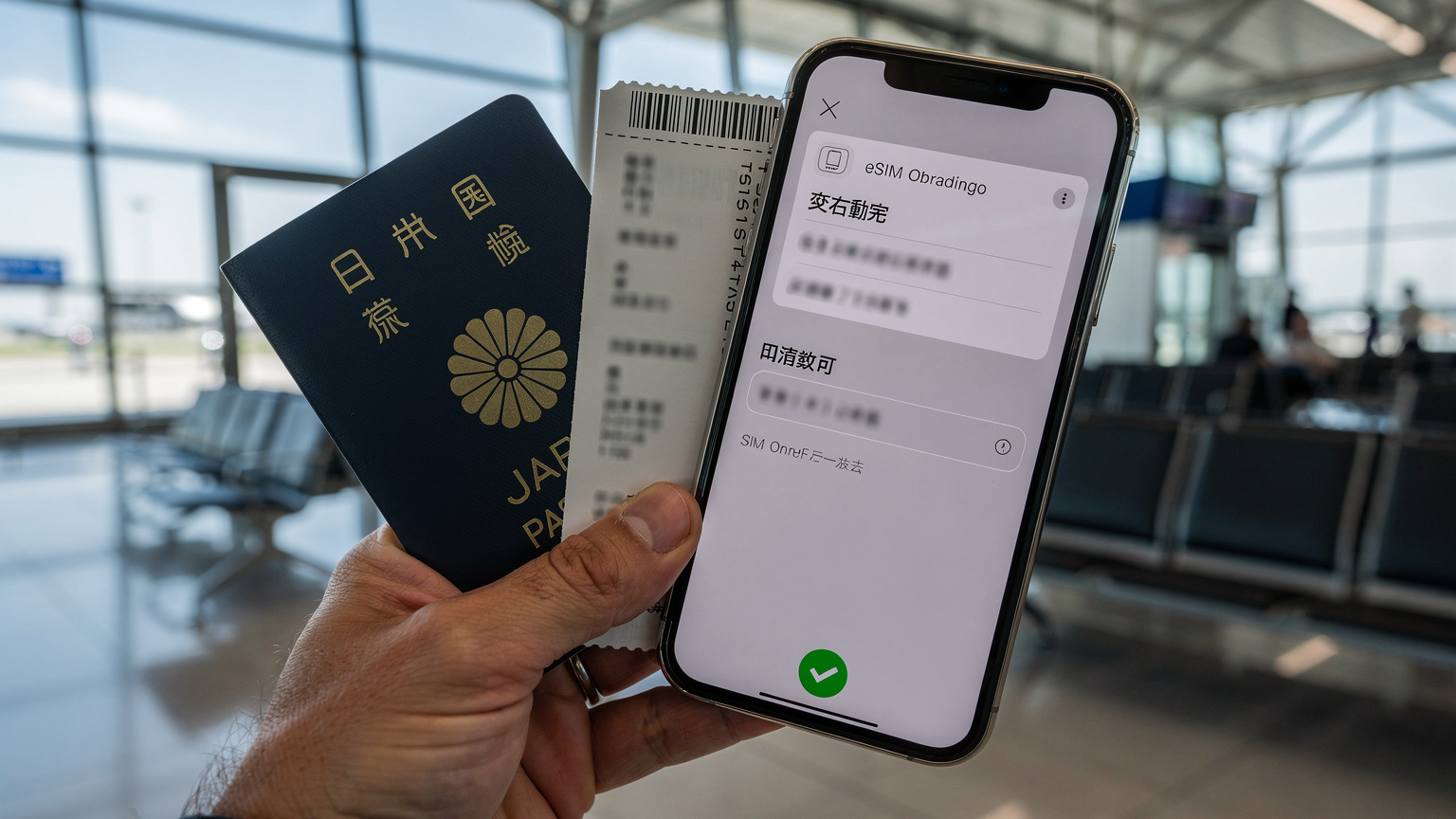
One of the biggest perks is that you can buy and activate an eSIM plan before you even step on the plane. This means you land at your destination with data ready to go. No more scrambling for Wi-Fi or fumbling with local currency for a SIM. For instance, if you're off to Japan, you could buy a Cellesim Japan eSIM, scan the QR code, and download the profile while you're still at home. When you arrive, simply enable the new profile in your settings, and you're connected to NTT Docomo or au's network, often using Band 1, Band 3, and n77 for 5G, with download speeds that can hit 800 Mbps in busy city centers like Shinjuku.
Maintaining Your Home Number
With dual SIM capabilities, you can keep your main physical SIM (or another eSIM) active for calls and texts on your home number, while your travel eSIM handles all your data. This setup is perfect for business travelers or anyone who needs to receive calls or SMS for banking and two-factor authentication, without racking up huge data roaming bills. Just remember to set your travel eSIM as the primary for cellular data in your phone's settings.
Comparing eSIM Providers for Destinations
The market for travel eSIMs has exploded, with many providers offering plans for almost every country. It really pays to compare. For example, when looking for a Bali eSIM 2026, you might compare providers like Cellesim, which often partners with major local carriers like Telkomsel and XL Axiata, against other aggregators or even the direct Telkomsel Tourist eSIM. Things like data allowance, how long the plan is valid, and which network they partner with are all critical. Sometimes, a provider like Cellesim might offer better prices or more flexible packages than a single-carrier tourist eSIM, especially if you plan to visit several countries.
Getting Started: How to Acquire and Activate an eSIM
Getting and activating an eSIM is pretty straightforward once you know the steps. It's designed to be convenient, so you can get connected fast.
Purchasing an eSIM Plan
First, you need to buy an eSIM plan from a reliable provider. Cellesim, for example, offers plans for hundreds of places around the world. You'll usually pick a plan based on:
- Data Allowance: How much data you need (e.g., 5GB, 10GB, unlimited).
- Validity Period: How long the plan will be active (e.g., 7 days, 30 days).
- Geographic Coverage: Whether it's for a single country, a region (like Europe or Asia), or global.
Once you've chosen your plan and paid, you'll get an email with your eSIM activation details, typically a QR code and sometimes manual installation instructions.
Activating Your eSIM
The activation process is usually simple, often just involving scanning a QR code. Here’s a general rundown:
- Make sure you have Wi-Fi: Before you start, connect your device to a stable Wi-Fi network. You'll need this to download the eSIM profile.
- Find eSIM Settings: On your iPhone, go to Settings > Cellular > Add eSIM. On Android, go to Settings > Network & Internet > SIMs > Add more (or something similar, depending on your device).
- Scan QR Code: Choose the option to 'Use QR Code' (or similar). Your phone's camera will open. Scan the QR code from the email you received after purchase.
- Follow On-Screen Instructions: Your phone will detect the new cellular plan. You'll usually be asked to name the plan (e.g., 'Travel eSIM', 'Japan Data') and choose how it should be used (e.g., 'Primary for Data Only').
- Enable the eSIM: After the profile downloads, make sure the new eSIM is switched 'On' in your cellular settings. You might also need to select it for 'Cellular Data' if you have more than one SIM.
For a detailed, step-by-step visual guide, especially if you have a newer iPhone, check out our eSIM setup guide.
Troubleshooting Common eSIM Issues
While eSIMs are generally reliable, you might hit a minor snag now and then. From an engineer's perspective, most problems come down to mismatched settings or network connection quirks.
"No Service" or "Searching"
This is the most frequent issue. First, confirm your eSIM profile is enabled in your phone's cellular settings. Make sure 'Data Roaming' is turned ON for the eSIM profile if you're outside the main network's home country (this is usually a must for travel eSIMs that use partner networks). Also, double-check that your device's cellular data is set to use the correct eSIM. Sometimes, simply toggling Airplane Mode on and off can force your phone to reconnect to the network.
No Data Connection, But Calls/SMS Work
If you can make calls but can't get data, the problem is almost always with the Access Point Name (APN) settings. Most eSIMs set this up automatically, but occasionally, you'll need to do it manually. You'll find APN settings under your eSIM's cellular data options. Your eSIM provider usually gives you the correct APN. For instance, some Telkomsel profiles in Indonesia might use 'internet' or 'wap' as the APN. Make sure it's entered correctly and saved. A common glitch, especially on Android devices with certain carrier software, is that the APN might revert to a default setting after a restart or network change.
VoLTE/VoWiFi Problems
As mentioned before, VoLTE (Voice over LTE) and VoWiFi (Voice over Wi-Fi) can sometimes cause trouble. If your calls sound bad or keep dropping, first check if your device supports VoLTE/VoWiFi on the active eSIM profile (this setting is usually in the cellular data options). If it's enabled and still not working, it might be a limitation from the carrier or a regional restriction. Some older devices or specific MVNO eSIMs might not fully support these advanced voice features, which means voice calls will drop back to 3G or even 2G networks, and those can have patchy coverage in some areas.
The Future of eSIMs and Connectivity
The path for eSIM technology is clear: it's definitely the future of mobile connectivity. As more device makers move towards eSIM-only designs (like the US iPhone 14 series), and as people worldwide demand easier, more flexible connections, the technology will only become more common and polished.
Greater Integration and Smart Devices
Beyond just smartphones, eSIMs are playing a key role in connecting a wider range of devices, from smartwatches and tablets to IoT gadgets and even cars. This integration means a more unified digital experience where all your devices can share one cellular plan or switch between them easily, without needing separate physical SIMs for each device.
Enhanced Security Features
The secure component of the eUICC, paired with strong remote provisioning protocols, sets the stage for even better security. Future eSIM versions will likely include advanced ways to authenticate, making it even harder for anyone to get unauthorized access to your mobile profile. This is super important as our mobile devices become central to our digital identities and how we handle money.
Personalized and Dynamic Connectivity
Imagine a future where your device automatically switches to the best available network and data plan based on where you are and what you're doing, all managed effortlessly by your eSIM. This could mean automatically connecting to a local 5G network (like Deutsche Telekom's n78 in Berlin, offering up to 1Gbps download) when you cross a border, or switching to a cheaper regional plan for heavy data use. The flexibility of eSIMs makes this level of personalized, adaptive connectivity a real possibility.
Ultimately, eSIMs are more than just a tech upgrade; they're a big change in how we interact with mobile networks. For global travelers, digital nomads, or anyone who wants more control over their connection, understanding and adopting eSIMs isn't just a choice, it's a necessity. Ready for truly effortless global data? Check out Cellesim's Japan eSIM plans and many other destinations today, and step into the future of travel connectivity.
Frequently Asked Questions
Can I use an eSIM and a physical SIM at the same time?
Yes, most modern eSIM-compatible phones support Dual SIM Dual Standby (DSDS) functionality. This means you can have both a physical SIM and an eSIM active at the same time, typically using one for calls/SMS and the other for data, or both for their respective functions.
How many eSIM profiles can I store on my phone?
The number of eSIM profiles you can store varies by device, but generally, modern smartphones can hold between 5 and 10 eSIM profiles. While you can store many, only one or two (depending on DSDS capabilities) can be actively used for cellular service at any given time.
What happens if I lose my phone with an eSIM?
Losing a phone with an eSIM is similar to losing one with a physical SIM, though potentially more secure. Since the eSIM is embedded, it cannot be physically removed. You can remotely erase your device and contact your eSIM provider to suspend or transfer your profile to a new device, preventing unauthorized use.
Are eSIMs more secure than physical SIMs?
In many ways, yes. Because an eSIM is embedded, it cannot be physically removed or easily swapped by a thief. The remote provisioning process is also highly encrypted. While not impervious to all attacks, the integrated nature and secure download process generally offer a higher level of security against physical tampering and cloning.
Can I transfer my eSIM to a new phone?
Yes, eSIM transfer capabilities are improving. Many carriers and devices now support eSIM Quick Transfer for iOS (iPhone XS and later) or similar processes for Android, allowing you to move your eSIM profile to a new device without needing a new QR code. However, some older profiles or carriers might still require a new activation code.
Do all countries support eSIM technology?
While eSIMs are globally supported by many carriers, the availability of eSIM plans from local providers varies. However, global eSIM providers like Cellesim aggregate coverage in hundreds of countries, meaning you can almost always find a data plan for your destination, even if local carriers don't directly offer consumer eSIMs.