Use the connection your itinerary needs
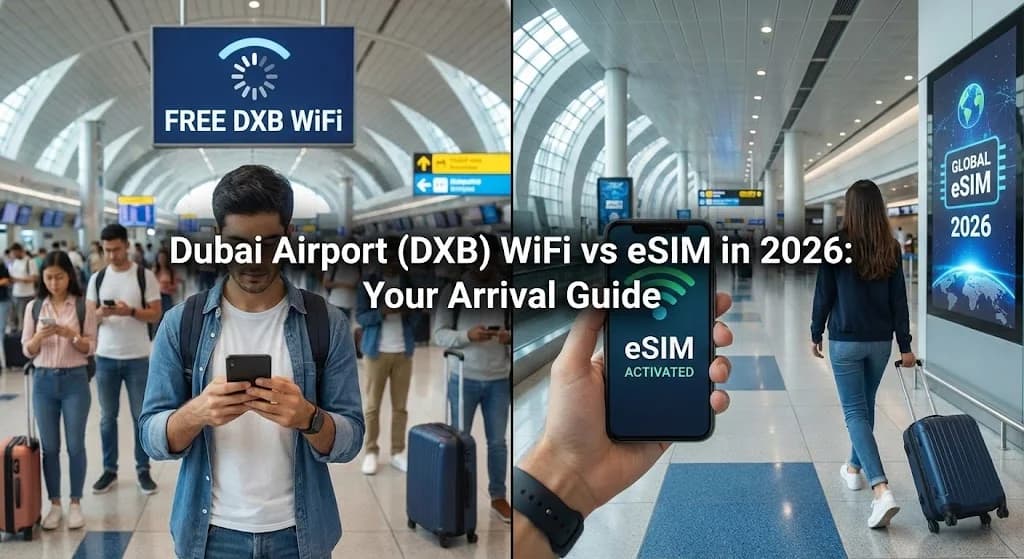
Dubai Airports provides free unlimited Wi-Fi at Dubai International. For a short connection inside the terminal, that may be enough. If you leave for your hotel or continue travelling in the UAE, compare a local SIM and a compatible travel eSIM. Check the selected package’s UAE coverage, validity and network details instead of assuming every regional package is suitable.
Check DXB or DWC
Dubai International and Dubai World Central are different airports. Save the correct airport and terminal for pickup.
Wi-Fi stays at the airport
You can download directions while connected, but Wi-Fi will not accompany you outside its coverage.
Calls and data are different
A data package does not automatically include a local phone number, voice calls or SMS. Check the features you actually need.
Choose for a connection or a city stay
Compare the same trip duration and features before looking at price.
| Compare | Airport Wi-Fi | Mobile SIM or eSIM |
|---|---|---|
| Short airside connection | May be sufficient for messages and onward flight details. | An extra package may be unnecessary if you stay within Wi-Fi coverage. |
| Leaving for your accommodation | Save the address and route before leaving the terminal. | A UAE package provides mobile data subject to its supported network and coverage. |
| Multiple countries | Airport internet is limited to the available local network. | Check every destination against the package’s coverage list. |
Prepare before departure
Check your exact phone model and carrier lock, read when the plan becomes valid, and install over a stable connection according to the package instructions. Save your accommodation address and onward bookings offline.
If airport Wi-Fi does not open a login page
Open a browser after joining the official airport network and follow its instructions. If the connection still fails, ask airport staff to confirm the current network name. Do not rely on completing installation during a tight connection.
Avoid unexpected home-SIM data use
At your destination, choose the travel eSIM as the data line. Apply the package’s roaming and APN instructions. Keep data roaming off on the home SIM unless you have checked and accepted your operator’s charges.
Arrival checklist
Allow time for installation and do not delete the profile when troubleshooting without checking its instructions.
- 1Check your exact phone model and carrier lock before buying.
- 2Install with a stable internet connection before departure. Read when the selected plan’s validity begins; installation and activation are not always the same event.
- 3Save the installation instructions and accommodation address offline.
- 4At your destination, select the eSIM for mobile data and follow its roaming instructions. Keep data roaming off on your home SIM unless you intend to use it.
DXB connectivity questions
Do I need a UAE eSIM for a short transit?
Not necessarily. Airport Wi-Fi may be enough if you remain in the terminal. Buy based on your actual mobile data needs.
Is an airport SIM always more expensive?
No universal comparison is reliable. Get a current quote and compare total cost, data, validity, calls and registration requirements.
Does any Asia or Middle East package cover the UAE?
Only if the UAE is explicitly in the selected package’s coverage list. Region names alone are not sufficient.
Compare current UAE packages
Check the destination page for the current prices, data allowance and validity of the package you choose.