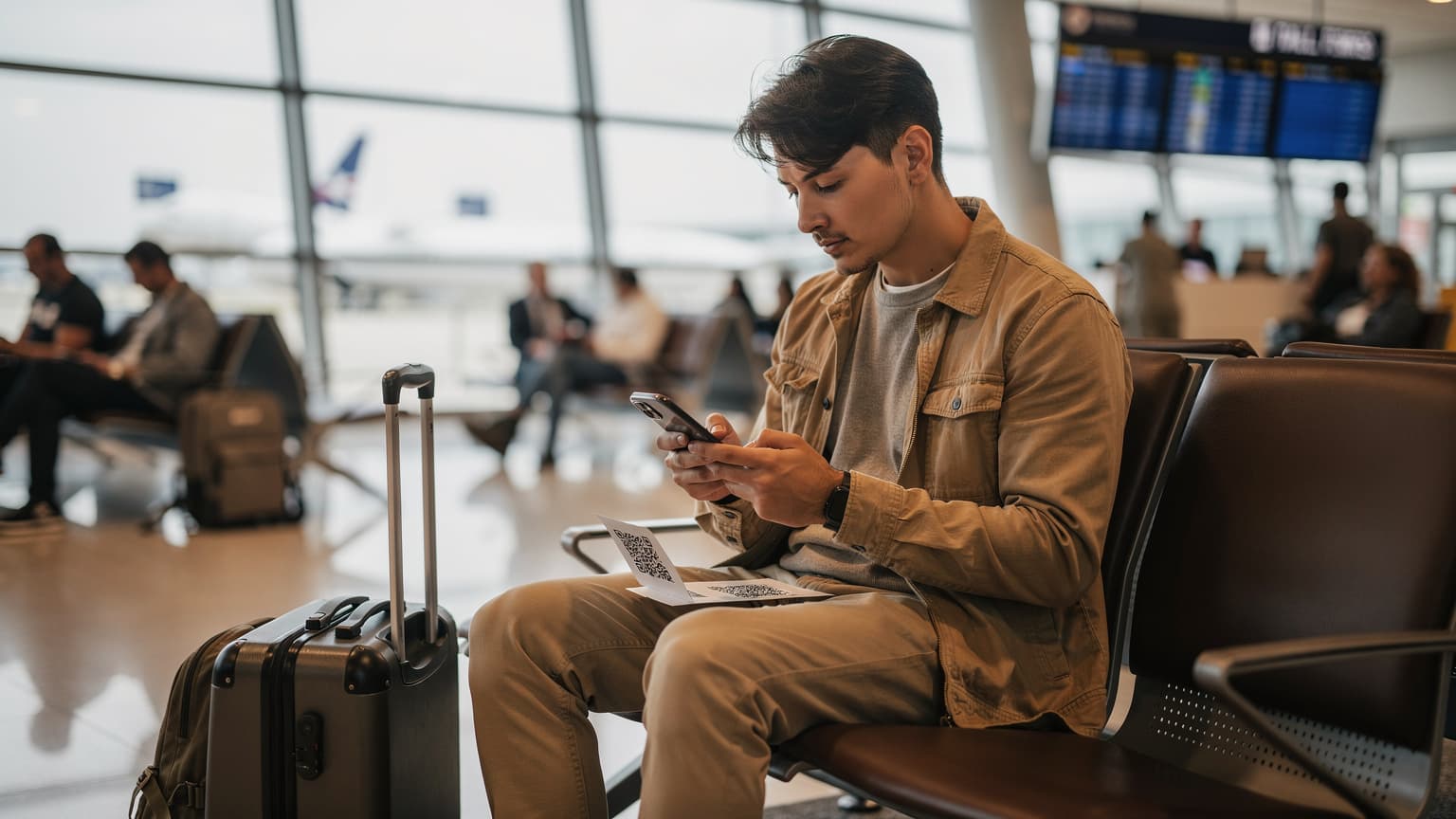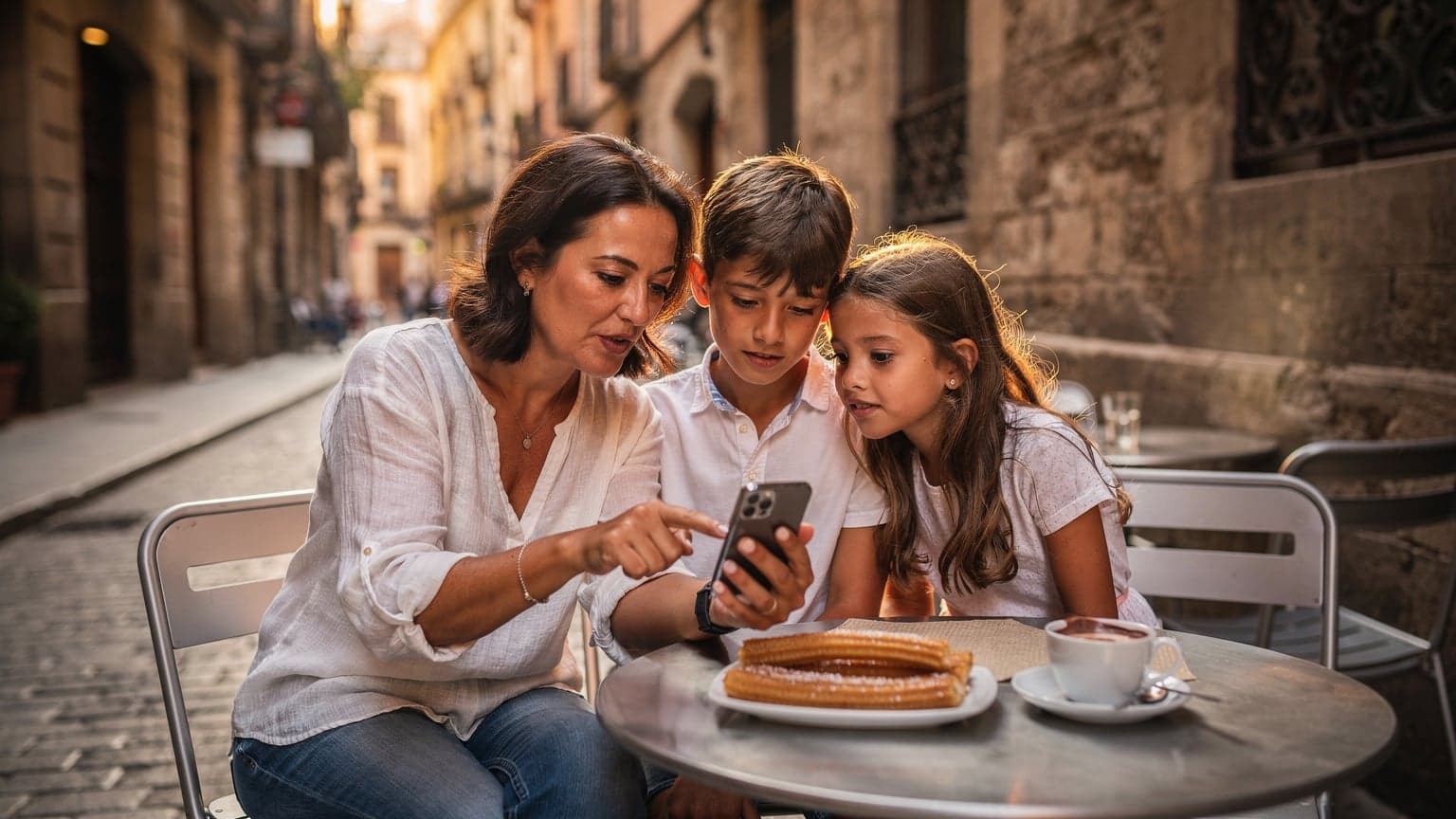
eSIMs and SMS: A Parental Primer
As a parent who plans a lot of family trips, I've learned that a successful vacation often comes down to the little things, especially when it means keeping everyone and their devices connected. For years, the big question was always, "Do I really need international roaming?" Now, with eSIMs, it's shifted to, "How do I make sure I still get those important text messages?" My kids' iPads, which used to be just for flights, are now crucial for navigation (with offline maps, of course) and for keeping boredom at bay during long museum visits (even a 10-year-old can only handle so many Renaissance paintings). The last thing I want is to be locked out of my banking app because a two-factor authentication (2FA) code can't reach me.
Knowing how eSIM SMS works isn't just convenient, it's about having peace of mind. It's knowing my daughter will get a WhatsApp message from a friend back home about a playdate, or, more importantly, that I can receive an urgent message from a family member. Most travel eSIMs are designed primarily for data, giving you fast internet at a much lower price than traditional roaming. But the SMS part can be a bit confusing, and that can cause unnecessary stress if you don't understand it before you travel.
The Fundamental Difference: Data vs. SMS
Think of it this way: your eSIM is a super-fast data highway, perfect for streaming Disney+ for two kids on a rainy afternoon in Paris (trust me, I've planned Spain family holidays around this exact scenario). It handles WhatsApp, FaceTime, Google Maps, and even online gaming for a Nintendo Switch. But traditional SMS, the old-school text message, runs on a different, more traditional cellular system. Many data-only eSIMs, by their design, just don't include this older SMS capability. That's not a bug, it's a choice to keep costs down for travelers who mostly need data.
Why SMS Still Matters in 2026
Even though messaging apps are everywhere, SMS is still surprisingly important. It's the backbone for:
- Two-Factor Authentication (2FA): Banking apps, email, social media, flight check-ins, hotel bookings - many still use SMS codes.
- Emergency Alerts: Though rare, local authorities sometimes use SMS for critical public safety announcements.
- Contacting Locals: Sometimes, a local business or person might only have a local phone number, and a quick text is the easiest way to reach them.
- Family Coordination: It's my go-to for quick "Where are you?" texts if someone gets separated in a busy market.
The Tale of Two SIMs: Physical vs. eSIM
This is where things get interesting, and sometimes a little confusing. Newer smartphones (especially iPhones from the 17 series onward, which often have dual-eSIM capabilities) can handle multiple cellular profiles at once. This dual-SIM setup, or more accurately, a physical SIM plus an eSIM, is your secret weapon.
Keeping Your Home Number Active for SMS
The main takeaway for family travelers is this: your main physical SIM card, with your home phone number, can stay active for SMS even when your eSIM is providing data. Here's how to set it up:
- Install Your eSIM for Data: Before you even leave, or once you arrive, activate your Cellesim data eSIM. Make it your primary line for cellular data.
- Keep Your Physical SIM Active for Voice & SMS: Open your phone's cellular settings (usually 'Settings' > 'Cellular' or 'Mobile Data'). You'll see your physical SIM line listed. Make sure 'Voice & Data' is turned OFF for this line. This prevents surprise roaming charges for calls or data. But, keep 'SMS' or 'Text Messages' enabled.
- Enable Wi-Fi Calling (Optional, but Smart): If your home carrier supports it, turn on Wi-Fi Calling for your physical SIM. This lets you make and receive calls on your home number when connected to Wi-Fi, without racking up roaming charges. Many carriers, like T-Mobile, have excellent Wi-Fi calling features that integrate smoothly with your current plan, making it easier for T-Mobile eSIM US travelers to stay connected without spending a fortune.
With this setup, your phone will use the eSIM for all internet activities, but your home number will still receive SMS messages. You won't be able to *send* SMS from your home number unless you're on Wi-Fi Calling (and even then, it depends on your carrier and the number you're texting), but receiving texts usually works perfectly.

Getting Those Crucial Verification Codes
This is probably the biggest worry for travelers. Losing access to your banking app or email because you can't get a 2FA code is a nightmare. Luckily, with the dual-SIM setup I just described, it's rarely an issue.
The 2FA Lifeline
Your home number, still active for SMS, will reliably receive those verification codes. This means you can log into your banking app, confirm an online purchase, or access a travel booking without any trouble. I always test this before I leave: I trigger a 2FA code for an online service while my phone is in "travel mode" (eSIM active for data, physical SIM for SMS only) to make sure everything works. It's a small step that prevents huge headaches later.
| Scenario | eSIM Data Only | eSIM with SMS Add-on | Physical SIM (Roaming) |
|---|---|---|---|
| Receive 2FA Codes | ✅ (via home physical SIM) | ✅ (via home physical SIM or eSIM) | ✅ (but expensive data) |
| Send SMS to Local Number | ❌ (use WhatsApp/iMessage) | ✅ (if included) | ✅ (very expensive) |
| Stream Disney+ for Kids | ✅ (cost-effective) | ✅ (cost-effective) | ❌ (roaming data too costly) |
| Use WhatsApp/iMessage | ✅ (with data) | ✅ (with data) | ✅ (with data, but costly) |
Pro Tip: Backup 2FA Methods
While the physical SIM method is dependable, I'm a "better safe than sorry" kind of planner. Always set up backup 2FA methods if you can:
- Authenticator Apps: Google Authenticator, Authy. These generate codes offline.
- Backup Codes: Many services give you a list of one-time backup codes. Print them and keep them somewhere safe, like your travel document folder (away from your phone, naturally).
- Trusted Devices: For some services, you can register a trusted device (like a laptop or another family member's phone) that can receive codes or verify your identity.
Managing SMS for Kids' Devices and Screen Time
This is where being a parent really comes into play. My kids (ages 9 and 11) each have a hand-me-down iPad, which they use more for entertainment and occasional communication than for calls. Giving them their own data plan, even with an eSIM, changes how I think about screen time and connectivity.
Data Plans for Streaming and Gaming
Let's be honest: two kids streaming Disney+ on a long train ride from Madrid to Seville will eat through data faster than a pack of piranhas. A 50GB plan, shared between two devices, might just last us a week of moderate streaming, Roblox, and Snapchat. If they're really into YouTube Kids or streaming movies, I'll go for 100GB. The great thing about eSIMs is that it's often cheaper to buy a larger data package from a local provider via eSIM than to rely on hotel Wi-Fi (which, let's face it, is often incredibly slow) or expensive roaming. For example, check out a Cellesim eSIM for Spain to see how much data you can get for a good price.
Parental Controls and Connectivity
Even when my kids are on their own eSIM data plan, I can still enforce parental controls through their device settings (Screen Time on iOS, Family Link on Android). These controls work at the device level, not the network level, so they function perfectly whether they're on Wi-Fi, my phone's hotspot, or their own eSIM data. This is essential for managing app usage, content filters, and downtime, making sure that even with constant connectivity, screen time doesn't get out of hand.
eSIM Data-Only Plans: The New Normal
Most travel eSIMs, including many from Cellesim, are data-only. This means they give you internet access but don't come with a traditional phone number for sending or receiving SMS or making calls over the cellular network. For many people, this is perfectly fine, as most communication has moved to internet-based apps.
The Rise of Internet-Based Messaging
For everyday communication, especially with other travelers or family, internet-based apps are king. These include:
- WhatsApp: Used everywhere, great for texts, calls, and sharing photos/videos.
- iMessage/FaceTime: For Apple users, these work seamlessly over data.
- Google Messages (RCS): Android's version of iMessage, also uses data.
- Signal/Telegram: For encrypted conversations.
- Facebook Messenger/Instagram DMs: For social connections.
These apps use your eSIM's data connection, so you won't pay any extra per-message or per-minute charges beyond your data plan.
What About Receiving SMS on Your eSIM Number?
Some eSIM providers offer plans that include a local phone number, which can then receive SMS. These are less common for short-term travel data plans but do exist, especially for longer trips or specific regional eSIMs. For example, some Cosmote eSIM Greece plans might offer this, depending on the package. If getting SMS on the eSIM's number is really important to you, always double-check the details of the plan before buying.
When You Really Need to Send a Text
So, you're in Rome, trying to book a last-minute dinner reservation, and the trattoria only has a local number, no WhatsApp. What do you do if your eSIM is data-only and your physical SIM can only receive SMS?
VoIP Apps and SMS Gateways
This is where Voice over IP (VoIP) apps become super useful. Apps like Google Voice, TextNow, or Skype let you make calls and send SMS messages using data, often to actual phone numbers. You might need to buy credits, but it's usually much cheaper than traditional roaming SMS. I've used Google Voice to text a tour guide in Florence when their WhatsApp was acting up, and it worked perfectly. It's a lifesaver for those rare situations.
Short-Term SMS Add-ons
Some eSIM providers, though fewer for purely travel-focused plans, offer SMS add-ons. These let you send a limited number of traditional SMS messages. This isn't common for most tourists, but if you're traveling for business and need a local presence for a short time, it's worth looking into. Always compare the cost per message to using a VoIP app, as VoIP is often more affordable.

Connectivity in the Wild: Theme Parks and Cruise Ships
Ah, the fun of trying to keep track of a family in a huge theme park or on a multi-deck cruise ship. Staying connected here isn't just for messages, it's vital for safety and coordination.
Theme Park Data Survival
Theme parks like Disneyland Paris or Universal Studios Orlando are known for unreliable cell service, especially during busy times. Everyone is trying to upload photos, check ride wait times, and use the park's app, which can overwhelm local towers. My strategy is always to pre-load essential apps like the park's official app, Maps.me (for offline maps), and any ride queue apps before we even leave the hotel. Then, I make sure we have a solid data plan. An eSIM that connects to a strong local network is incredibly valuable here. Even if SMS isn't included, having reliable data for WhatsApp or iMessage for family coordination is absolutely necessary. I've learned the hard way that a child lost in a crowd at Epcot without a way to message me is a situation I never want to experience again.
The Cruise Ship Conundrum
Cruise ships are a completely different animal. Once you're out at sea, your phone will likely connect to the ship's satellite network, which is extremely expensive for data, SMS, and calls. Your eSIM generally won't work out at sea because it relies on land-based cellular towers. However, when you're in port, your eSIM will kick in, giving you local data just like it would on land. So, while sailing, enjoy being disconnected (or use the ship's pricey Wi-Fi). But when you're docked in Barcelona, your Cellesim eSIM for Spain will give you full connectivity to share those port-day photos and check in with loved ones. It's all about managing expectations and planning around the limitations.
Proactive Planning: Before You Fly
Preparation is key to avoiding connectivity meltdowns. A little effort before your trip makes a huge difference.
Device Prep for the Whole Family
- Pre-load Apps: Make sure all essential apps (offline maps, entertainment, communication) are downloaded on every device (including kids' iPads) before you leave home. This saves data and avoids frustrating waits.
- Update Software: Install all iOS/Android updates. There's nothing worse than a critical update popping up mid-flight.
- Charge Everything: This seems obvious, but it's easy to forget in the rush of packing.
- Test eSIM Activation: If possible, install your eSIM and briefly test it before you depart. For newer iPhones, sometimes quick fixes for iPhone 17 eSIM activation might be needed, so testing early helps.
Communication Strategy with Family
Before you go, create a clear communication plan with your family (especially older kids).
- Primary Messaging App: Choose one app (like WhatsApp) as the main way to talk to each other.
- Emergency Contacts: Make sure everyone knows how to reach you or another adult in an emergency.
- Offline Meeting Points: If service is spotty, agree on physical meeting points and times.
Cost Savings and the Eagle's Nest View
From a cost perspective, eSIMs are a clear winner for international data. The savings, especially for a family, are huge compared to traditional roaming. My job is finding the absolute lowest cost per gigabyte, and eSIMs consistently come out on top.
Avoiding Bill Shock with eSIMs
Traditional roaming, especially with US carriers like T-Mobile without their specific international plans, can lead to shockingly high bills. I've seen friends get charged $15/MB for data, which can add up to thousands of dollars in a week. With an eSIM, you buy a set amount of data, and once it's gone, it's gone (unless you top up). There are no hidden fees or surprise charges for data usage. This predictability is invaluable for families on a budget. For a detailed look at avoiding these costs, check out T-Mobile eSIM for US Travelers: Activation, Roaming Costs & Smart Alternatives 2026.
| Feature | US Carrier Roaming | eSIM Data-Only | eSIM with SMS/Call (Rare) |
|---|---|---|---|
| Data Cost per GB | High (e.g., $10+/GB) | Low (e.g., $1-5/GB) | Moderate (e.g., $3-8/GB) |
| SMS Receiving | ✅ (costly per message) | ✅ (via home physical SIM) | ✅ (via eSIM number) |
| SMS Sending | ❌ (use VoIP/messaging apps) | ❌ (use VoIP/messaging apps) | ✅ (if included) |
| Voice Calls | ✅ (costly per minute) | ❌ (use VoIP apps) | ✅ (if included) |
| Flexibility | Low | High (multiple countries, easy top-ups) | High |
Multi-Device Connectivity Made Easy
For families, being able to tether other devices (like those iPads I mentioned) to a single, strong eSIM plan is a game-changer. Instead of buying individual plans for each device, I get one large data eSIM for my phone, and then I use its hotspot for the kids' devices. This lets me control their connectivity and keep an eye on their usage, all while getting the better cost-per-GB of the eSIM. This setup ensures my kids can finish their Duolingo lessons or stream an episode of Bluey without me worrying about unexpected charges.
Troubleshooting Common eSIM SMS Issues
Even with the best planning, sometimes things go wrong. Here's a quick guide to fixing typical eSIM and SMS problems.
My 2FA codes aren't coming through!
This is usually the most urgent problem. Here's your checklist:
- Check Physical SIM Settings: Go to 'Settings' > 'Cellular' or 'Mobile Data'. Make sure your primary physical SIM is turned ON for SMS. Even if 'Voice & Data' is off, the SMS option needs to be enabled.
- Restart Your Phone: The classic fix. A quick reboot often resolves minor network glitches.
- Check Airplane Mode: Make sure Airplane Mode is off. It sounds obvious, but sometimes it gets turned on by accident.
- Network Coverage: Are you in an area with good signal? Move to a window or outside if you can.
- Carrier Restrictions: Very rarely, your home carrier might have specific roaming restrictions on SMS, even for receiving. If all else fails, contact their support, but this is uncommon.
- Use Backup 2FA: If you're really stuck, use those authenticator apps or backup codes you (hopefully) set up beforehand.
I can't send SMS from my eSIM!
As we've discussed, most travel eSIMs are data-only. If you can't send a traditional SMS from your eSIM, it's probably because the plan doesn't support it.
- Confirm Plan Details: Double-check the features of your Cellesim eSIM plan. Does it clearly say it includes SMS sending?
- Use Internet-Based Apps: For messaging people, stick to WhatsApp, iMessage, or similar apps.
- Consider VoIP Apps: For sending SMS to traditional phone numbers, use Google Voice or Skype.
My kids' iPad isn't getting data!
If you're using your phone as a hotspot, make sure your phone's hotspot is active and discoverable. On the iPad, confirm it's connected to your phone's Wi-Fi network. Also, check your phone's data usage; you might have run out of data on your eSIM plan. A quick top-up through the Cellesim app or website will usually fix this, and the kids can get back to their YouTube Kids without delay (or at least, without *my* delay). For any general eSIM questions, remember Cellesim's FAQ section has a ton of answers!
Frequently Asked Questions
Can I receive SMS on my home number while using an eSIM for data abroad?
Yes, absolutely. Most modern smartphones let you keep your primary physical SIM active for receiving SMS messages while your eSIM handles all data. You just need to set up your phone's cellular settings to prioritize the eSIM for data and your physical SIM for SMS only, typically by turning off 'Voice & Data' for your physical SIM.
Will my banking app's 2FA codes work with an eSIM?
Yes, they will. Since you can keep your home physical SIM active for SMS reception, your banking app's two-factor authentication codes will still be sent to your registered home number. Always ensure your physical SIM is set up to receive SMS in your phone's cellular settings before you travel.
Do eSIM data plans typically include sending SMS messages?
Generally, no. Most travel eSIMs are 'data-only,' meaning they give you internet access but don't include traditional SMS sending or cellular calling. For sending messages, you'll use internet-based apps like WhatsApp or iMessage, or look into VoIP apps like Google Voice for sending texts to regular phone numbers.
How can I manage my kids' screen time and connectivity with an eSIM?
Parental control features like iOS Screen Time or Android Family Link work at the device level, not the network level. This means they'll keep working effectively whether your kids' devices are connected via Wi-Fi, your phone's hotspot, or their own eSIM data. This lets you manage app usage and content even when they have constant connectivity.
Can I use an eSIM on a cruise ship?
eSIMs work perfectly when your cruise ship is docked in port, as they connect to local land-based cellular networks, giving you affordable data. However, once the ship is out at sea, your eSIM won't function because it needs land-based towers. At sea, you'll usually have to use the ship's expensive satellite Wi-Fi or choose to disconnect.
What's the best way to get a local phone number for calls and texts with an eSIM?
While most travel eSIMs are data-only, some providers offer plans that include a local phone number for calls and SMS. Another option is using VoIP apps like Google Voice or Skype, which let you make calls and send texts over your eSIM's data connection, often to local numbers, usually at a much lower cost than traditional roaming.