Why an eSIM for Umrah, The No-Nonsense Approach
Look, I've been on the road for four years, and if there’s one thing I’ve learned, it’s that connectivity isn’t a luxury, it’s a necessity. Especially when you’re undertaking something as significant as Umrah. You’re not just on vacation, you’re on a pilgrimage, and the last thing you want is to be scrambling for Wi-Fi or dealing with exorbitant roaming charges. An eSIM cuts through all that hassle.
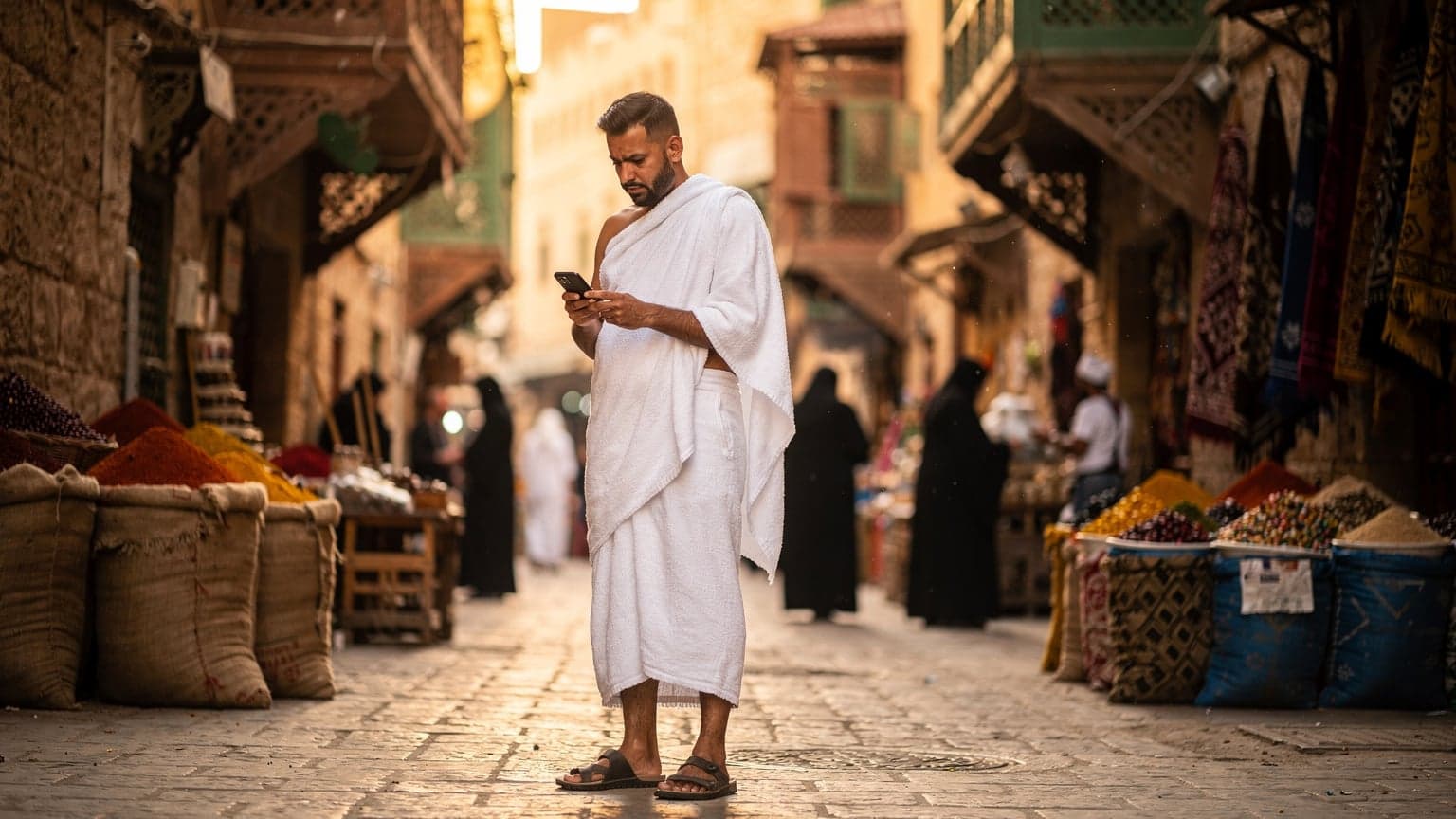
For Umrah pilgrims, an eSIM means you can land at King Abdulaziz International (JED) or Prince Mohammad Bin Abdulaziz (MED) and be connected the moment you power on your phone. No hunting for a local SIM card vendor after a long flight, no language barriers, no fumbling with a tiny tool to swap out trays. It's pre-purchased, pre-activated, and ready to go. This is crucial for navigating the crowds in Makkah and Madinah, coordinating with your group, or simply letting your family know you've arrived safely. I've heard too many stories from fellow nomads about missing critical flight updates or getting lost because they couldn't get a signal, and honestly, that's just a headache you don't need when your focus should be elsewhere.
The Physical SIM Card Dilemma, And Why It Fails Pilgrims
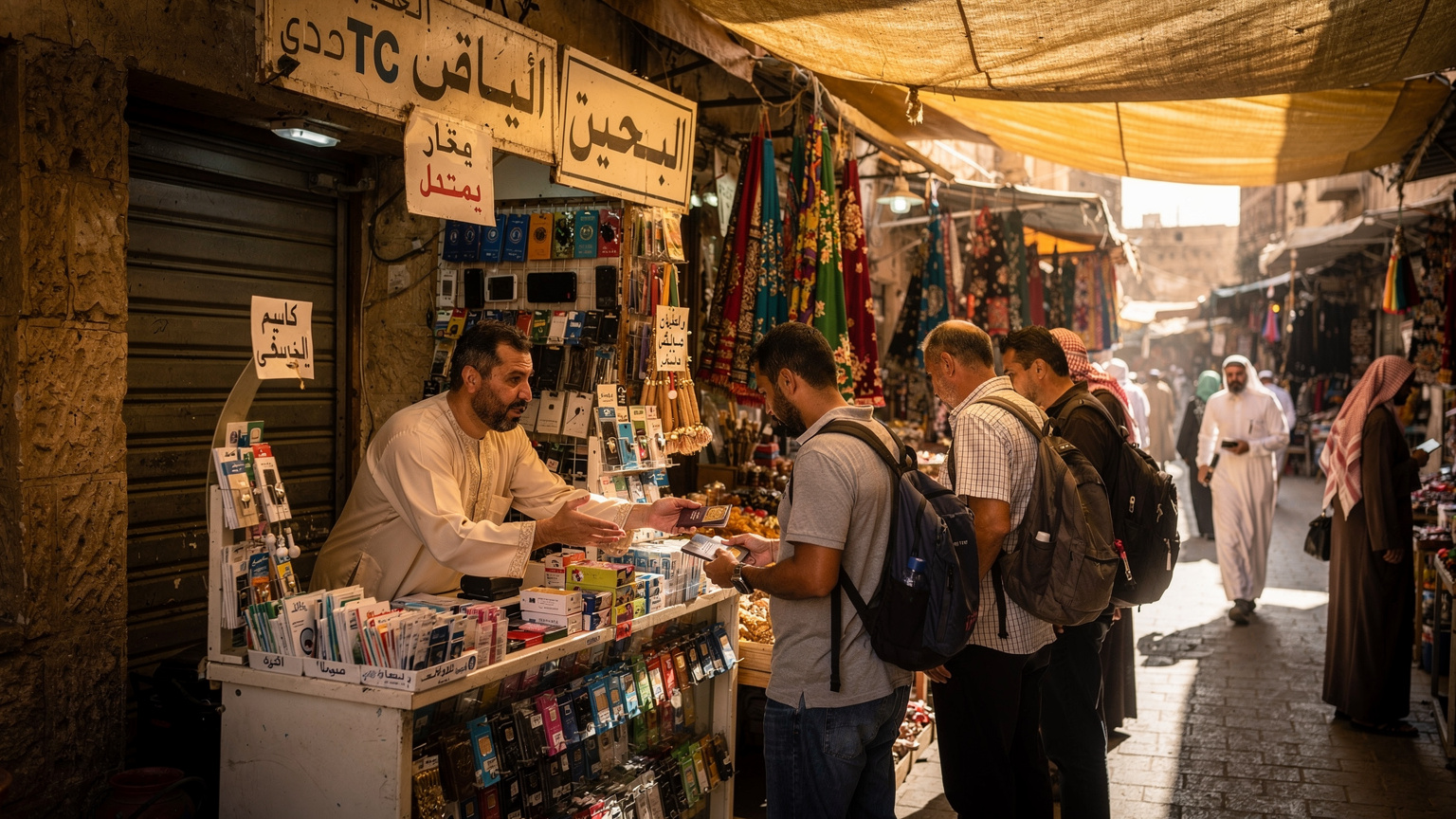
Traditional physical SIM cards are a pain. You need to find a store, often in a busy airport or mall, wait in line, present your passport (which they'll usually photocopy), and then hope the salesperson understands which data package you actually need. Then comes the fiddly part of swapping it into your phone, making sure you don't lose your home SIM (I've definitely done that in a tiny hostel room in Athens, only to find it weeks later in a forgotten wallet compartment, talk about a nightmare). For Umrah, where time is precious and your energy is best conserved for the rituals, this whole process is a major distraction. Plus, if you have a dual-SIM phone, you might be able to keep your home number active for calls/texts while using the eSIM for data, a small but mighty convenience.
Roaming Costs, The Silent Budget Killer
Let's be blunt, traditional international roaming from your home carrier is a rip-off. I’ve seen bills for hundreds of dollars from friends who accidentally left their data roaming on for a few days. Don't fall for it. An eSIM plan, especially one from a dedicated travel eSIM provider like Cellesim, is specifically designed to offer local rates or better, without the hidden fees. You know exactly what you're paying upfront, and it’s usually a fraction of what AT&T or Verizon would charge you. Think of what you could do with that saved money, perhaps an extra meal at Al Baik or a souvenir from the Clock Tower shops in Makkah.
Top eSIM Providers for Saudi Arabia 2026
When it comes to picking an eSIM for Saudi Arabia, you’ve got options. I've tested a fair few over my travels, from those touting 'global coverage' to country-specific specialists. For Saudi Arabia, the major local carriers are STC, Mobily, and Zain. Most international eSIM providers piggyback on these networks, so the underlying infrastructure is generally solid. The real difference comes down to pricing, data allowances, and ease of activation.
Cellesim has consistently proven reliable in my various stints abroad, whether I was in a co-working space in Lisbon like Second Home or trying to upload photos from a cafe in Kyoto. Their Saudi plans are competitive and straightforward. Other players like Airalo and Holafly also offer options, but always check their specific data allocation and validity periods against your expected stay.
| Provider | Network Partner(s) | Typical Data Package | Validity | Price Estimate (USD) |
|---|---|---|---|---|
| Cellesim | STC, Mobily | 5GB, 10GB, 20GB | 7, 15, 30 Days | $15, $25, $40 |
| Airalo | Zain | 3GB, 5GB, 10GB | 7, 15, 30 Days | $13, $20, $35 |
| Holafly | STC | Unlimited Data | 5, 10, 15 Days | $27, $47, $67 |
| Nomad | Mobily | 1GB, 3GB, 5GB | 7, 15, 30 Days | $8, $20, $32 |
Cellesim for Umrah, Why It Often Wins
I’ve used Cellesim on multiple occasions, including when I was troubleshooting connectivity issues in Ethiopia. Their packages for Saudi Arabia leverage the strong networks of STC and Mobily, which means you're getting coverage where it matters most, particularly in the holy cities and along major pilgrimage routes. What I appreciate is the transparency. No hidden fees, clear data allowances, and the activation process is genuinely simple. This is especially important for pilgrims who might be less tech-savvy or just too focused on their spiritual journey to deal with complex setups. The last thing you need is a tech headache when you’re trying to focus on your prayers.
Comparing Data Plans and Network Reliability
When you're comparing plans, don't just look at the cheapest option. Think about what you'll actually be doing. Will you be making lots of video calls back home? Will you need to upload photos and videos? Or is it mainly for WhatsApp, Google Maps, and checking prayer times? For Saudi Arabia, STC generally has the widest coverage, followed closely by Mobily. Zain is decent in urban areas but might be spottier in more remote regions. Always check the provider's specific network partner for your chosen eSIM. This is crucial because a great deal on paper means nothing if you can't get a signal in the Grand Mosque.
Understanding Saudi eSIM Plans, What You Actually Need
Picking the right plan isn't about getting the biggest data package, it's about getting the right amount for your actual needs. I’ve seen people overpay for 50GB when they only use 5GB, and conversely, seen people run out of data mid-trip because they underestimated their usage.
Data Allowance, Matching Your Pilgrimage Needs
For a typical Umrah trip, which might last anywhere from a few days to two weeks, a 5GB or 10GB plan is usually sufficient for one person. This covers navigation, messaging, light social media, and occasional video calls. If you're traveling with family and sharing a hotspot, or if you plan on streaming a lot of content during downtime, then a 20GB plan or even an unlimited option from providers like Holafly might be worth considering. Just be mindful that 'unlimited' often comes with fair usage policies that throttle speeds after a certain threshold.
Validity Periods, Don't Get Caught Short
This is where many travelers trip up. An eSIM plan has a set validity period, typically 7, 15, or 30 days. Make sure the validity covers your entire stay in Saudi Arabia, plus a buffer day or two. You don't want your data to expire the day before your flight, leaving you stranded without connectivity. Always double-check this detail before purchasing. It's a small thing, but it makes a huge difference in peace of mind.
Pricing, The Real Cost of Connectivity
When I was living in Kuala Lumpur, my rent for a decent apartment in Bangsar South was about 2,000 MYR (around $420 USD) a month, and my monthly data plan was 50 MYR. That’s a fraction of my rent. In contrast, many hotels in Makkah charge upwards of 50 SAR per day for slow Wi-Fi. An eSIM for Umrah, even a 20GB plan for 30 days at around $40, offers significantly better value. It’s a fixed, predictable cost, which is essential for budget planning. Always compare the per-GB cost across different plans and providers. Sometimes, a slightly more expensive package upfront gives you a much better value per gigabyte.
How to Activate Your eSIM for Umrah, A Step-by-Step Guide
Activating an eSIM is genuinely simple, especially if you're used to adding Wi-Fi networks or Bluetooth devices. You don't need to be a tech wizard. The key is to do it before you leave home or while you still have a stable internet connection.
Pre-Departure Setup, The Smart Move
I always recommend setting up your eSIM before you even step foot on the plane. You’ll have access to your home Wi-Fi, and if any issues arise, you can easily contact customer support without international call charges. Here's how to do it:
- Purchase Your eSIM: Go to the Cellesim website or app and select a Saudi Arabia eSIM plan that suits your data needs and duration. Complete the purchase.
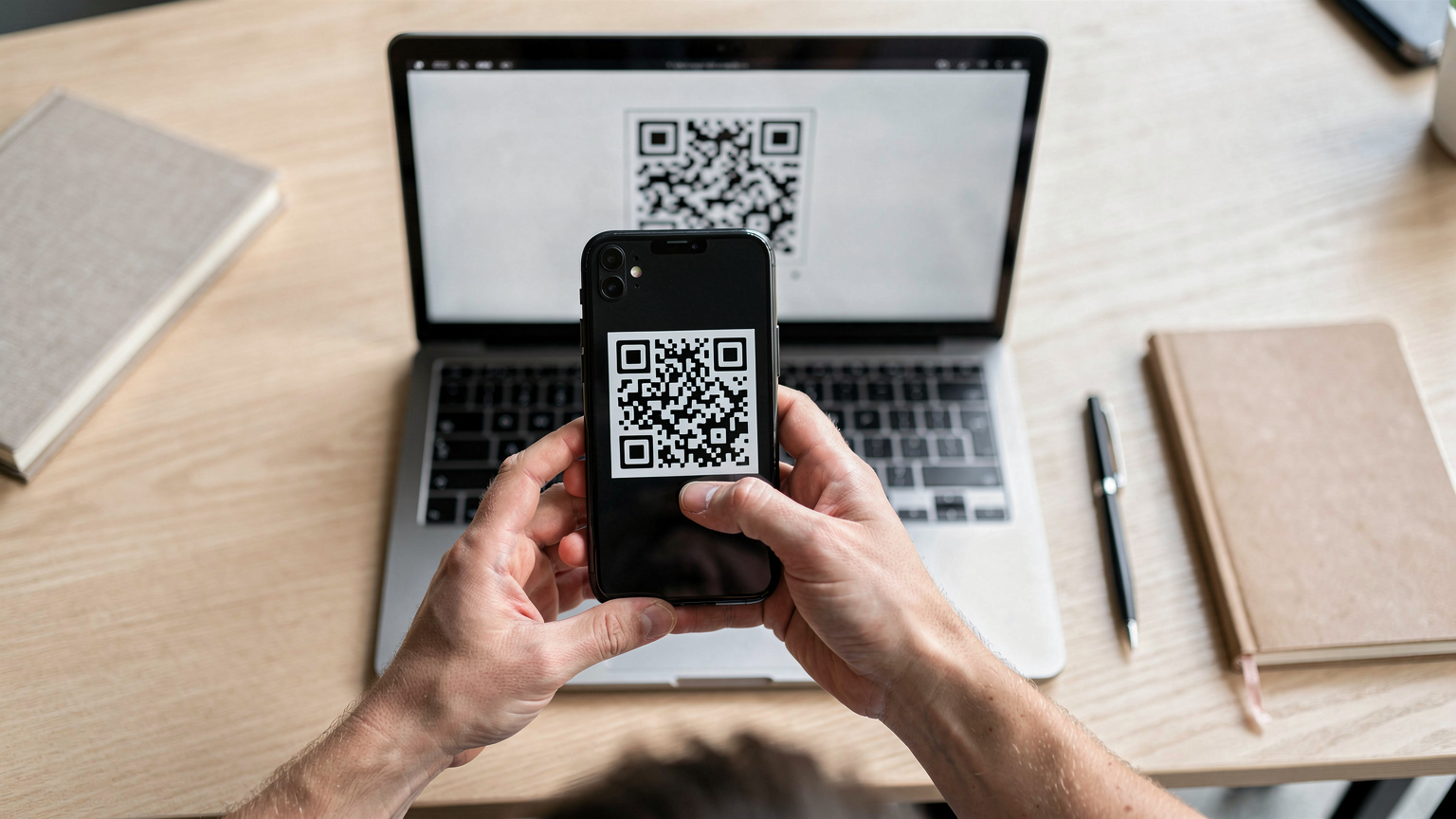
- Receive Your QR Code/Manual Details: Cellesim will send you an email with a QR code or manual installation details. Keep this email accessible, perhaps by printing it or saving it to your device's photo gallery.
- Scan the QR Code: On your iPhone (Settings > Cellular > Add eSIM) or Android (Settings > Network & internet > SIMs > Add eSIM), choose to 'Use QR Code' and scan the code provided. If you're installing manually, input the details.
- Label Your eSIM: Your phone will prompt you to label your new eSIM. I usually call mine 'Saudi Arabia eSIM' or 'Umrah Data' to keep things clear.
- Set as Primary for Data: Crucially, make sure you set your new eSIM as the primary line for 'Cellular Data' (or 'Mobile Data' on Android). You can typically choose to keep your primary physical SIM for calls and texts if you wish.
- Disable Data Roaming: For your primary physical SIM, ensure 'Data Roaming' is turned OFF to avoid unexpected charges. This is a non-negotiable step.
On-Arrival Activation, What to Expect
Once you land in Saudi Arabia and your plane's wheels hit the tarmac, your eSIM should automatically connect to a local network. Sometimes you might need to manually select the network operator in your phone's settings (Settings > Cellular/Mobile Data > Network Selection), but this is rare with reputable providers. If you have any trouble, simply restart your phone. Most of the time, that's all it takes. I've had to do this in remote parts of Greece and once in a tiny village in the Himalayas, and it usually resolves connectivity hiccups.
Data Usage During Umrah, What’s Realistic
It's easy to burn through data if you're not careful. Knowing what drains your data and how to manage it will save you money and headaches.
Common Data Guzzlers, And How to Curb Them
Video Calls: WhatsApp and FaceTime video calls are notorious data hogs. A 30-minute video call can easily chew through 200-300MB. Try to limit these or use Wi-Fi when available. If you're staying at a hotel in Makkah, like the Hilton Suites near the Haram, their Wi-Fi is usually decent enough for calls, even if it's not always blazing fast for everything else.
Social Media: Scrolling through Instagram or TikTok, especially with auto-playing videos, uses a surprising amount of data. Consider turning off auto-play in app settings.
Background App Refresh: Many apps refresh in the background, consuming data even when you're not actively using them. Turn this off for non-essential apps in your phone settings.
Cloud Backups: Ensure your phone isn't set to automatically upload photos and videos to iCloud or Google Photos over cellular data. Save that for Wi-Fi only.
Essential Apps That Use Minimal Data
WhatsApp: Text-based messaging is very light on data. Keep communication with your group and family primarily through text when possible.
Google Maps: While navigation can use some data, you can download offline maps for Makkah and Madinah before your trip. This dramatically reduces live data usage.
Prayer Time Apps: Apps like Muslim Pro or Athan are usually very data-efficient, primarily updating times and Qibla direction, which requires minimal data.
Translator Apps: While some advanced features might need data, basic phrase translation can often work offline if you've downloaded language packs.
Local SIM vs. eSIM, When Does It Matter
For most Umrah pilgrims, an eSIM is the superior choice. But there are specific scenarios where a local physical SIM might make sense, though they are increasingly rare.
When a Local Physical SIM Might Be Necessary
There are a few niche situations where a local physical SIM could be better. For instance, if you plan an extended stay beyond a month (which is unlikely for Umrah given visa limitations for many nationalities, usually a maximum of 30-90 days), a local physical SIM from STC or Mobily might offer more flexible long-term contracts. Also, some very specific local banking apps in certain countries, like the Indian Aadhaar app or some Brazilian digital banks, occasionally require a local physical SIM to verify identity. However, for Saudi Arabia, this is generally not an issue for pilgrims.
The Convenience Factor for Short Trips
For a typical Umrah trip of 7-14 days, the convenience of an eSIM is unbeatable. You bypass all the bureaucracy of registering a local SIM. Saudi Arabia, like many countries, requires passport registration for local SIM cards, which adds another layer of hassle. An eSIM usually circumvents this, as your identity is already verified by your home carrier and the eSIM provider. This is the kind of practical tip I'd share with anyone in my WhatsApp groups planning a quick trip, like when I needed data for a weekend in Paris for the Olympics.
Staying Connected Beyond Makkah and Madinah
While most of your time will be in the holy cities, some pilgrims extend their stay or travel to other parts of Saudi Arabia. Your eSIM should still cover you.
Data Coverage in Jeddah, Riyadh, and Other Cities
Saudi Arabia’s major cities, like Jeddah (the main entry point for many pilgrims) and Riyadh, have excellent 4G/5G coverage from all major carriers. If your eSIM uses STC or Mobily, you can expect strong signals and fast speeds in these urban centers. This is useful if you plan to visit historical sites in Jeddah's Al-Balad district or spend some time in the capital. Even in smaller towns or along the highways, coverage is generally robust, although it might drop to 4G in very remote desert areas.
Using Your eSIM for Transportation and Logistics
Having reliable data is invaluable for local transport. You'll use apps like Careem or Uber for taxis, especially when moving between your accommodation and the Haram or for airport transfers. The Haramain High-Speed Railway, connecting Makkah and Madinah via Jeddah, also benefits from real-time ticket information and schedule updates, all easily accessible with a functional eSIM. I remember trying to navigate the metro in Tokyo and realizing how dependent I was on Google Maps, even with local knowledge. Saudi Arabia is no different, especially for first-time visitors.
Troubleshooting Common eSIM Issues on the Ground
Even with the best preparation, things can sometimes go sideways. Here's a quick rundown of common issues and how to fix them.
No Signal or Slow Data Speed
The most common issue. First, try restarting your phone. Seriously, it fixes about 80% of problems. If that doesn't work, check your phone's settings to ensure the eSIM is active and selected for cellular data. Sometimes, your phone might try to default back to your home SIM. Also, manually select the network operator. Go to Settings > Cellular/Mobile Data > Network Selection, and try selecting STC or Mobily directly. If you're in a particularly crowded area, like around the Kaaba during peak prayer times, network congestion can happen, leading to slower speeds. Just give it some time or move to a less dense spot.
eSIM Not Activating Post-Purchase
If your eSIM isn't activating, first re-scan the QR code or re-enter the manual details. Ensure you have a stable Wi-Fi connection during the installation process. If the problem persists, contact your eSIM provider's customer support immediately. Cellesim offers 24/7 support, which is a lifesaver when you're in a different time zone. Make sure you have their contact details saved before you travel, or at least have access to Wi-Fi to reach them.
Running Out of Data, What Next
If you unexpectedly run out of data, you can usually top up your eSIM directly through the provider's app or website. Most providers, including Cellesim, offer flexible top-up options. It's usually quicker and cheaper than trying to find a local physical SIM or relying on public Wi-Fi. I've had to top up my USA eSIM for families during a cross-country trip when the kids streamed too many cartoons, and the process was seamless.
Cost-Saving Strategies for Umrah Connectivity
Beyond choosing an eSIM, there are other ways to keep your data costs down while still staying connected.
Utilizing Free Wi-Fi Strategically
While I advocate for eSIMs, don't ignore free Wi-Fi entirely. Most hotels in Makkah and Madinah offer complimentary Wi-Fi, as do many cafes and restaurants. Use these opportunities for heavy data tasks like uploading photos, downloading large files, or making long video calls. I usually scope out cafes like Starbucks or local spots in the Makkah Clock Royal Tower mall for reliable connections. Just remember, public Wi-Fi networks are often less secure, so avoid sensitive transactions.
Offline Maps and Pre-Downloaded Content
Before you leave, download offline maps of Makkah, Madinah, and Jeddah on Google Maps or similar navigation apps. This way, even if your data signal is weak or you're conserving data, you can still navigate without issues. Similarly, download any movies, podcasts, or e-books you might want for your flight or downtime. This is a basic nomad trick that saves a ton of data and prevents boredom.
Monitoring Your Data Usage
Regularly check your data usage through your phone's settings (Settings > Cellular/Mobile Data) or your eSIM provider's app. This helps you track how much data you've used and how much you have left, allowing you to adjust your habits if you're burning through it too quickly. Most eSIM apps will also send you notifications when you're nearing your data limit, which is super helpful.
Important Apps and Services for Umrah Travelers
Beyond basic communication, several apps will enhance your Umrah experience, all of which benefit from reliable data.
Navigation and Transportation Apps
Google Maps/Apple Maps: Essential for navigating the cities, finding hotels, and locating points of interest. With downloaded offline maps, they're even more powerful.
Careem/Uber: Ride-hailing apps are a lifesaver for getting around, especially in non-walking areas or when you're tired. They’re widely used in Saudi Arabia.
Haramain High-Speed Railway App: For booking and managing tickets for the express train between Makkah and Madinah.
Religious and Spiritual Guidance Apps
Muslim Pro/Athan: For accurate prayer times, Qibla direction, and Quran access. These are invaluable during Umrah.
Nusuk App: The official app for pilgrims, required for booking Umrah permits and Rawdah visits in Madinah. This app absolutely needs consistent data to function correctly. Without it, you might find yourself unable to perform certain rituals or enter specific areas. This is a classic example of an app that needs a local connection, whether through an eSIM or a physical SIM.
Communication and Emergency Contacts
WhatsApp: The go-to messaging app for staying in touch with family and your pilgrimage group. Crucial for coordination.
Google Translate: While many people speak English, having a translation app is always helpful for local interactions, especially with taxi drivers or shopkeepers. Download Arabic for offline use.
Emergency Numbers: Keep a list of local emergency numbers (Police: 999, Ambulance: 997) saved in your phone. In case of any unforeseen circumstances, reliable data for calling or using maps to guide help is vital. I always tell people, it's better to have it and not need it, than to need it and not have it, especially when abroad. You can also check Cellesim's FAQ page for general travel connectivity questions.
Frequently Asked Questions
Can I use my regular phone number with an eSIM in Saudi Arabia?
Yes, with an eSIM, you can typically keep your home physical SIM active for calls and texts while using the eSIM solely for mobile data in Saudi Arabia. This is a common setup to avoid roaming charges for data while retaining your primary number.
Do I need to register my eSIM with my passport in Saudi Arabia?
Generally, international travel eSIMs from providers like Cellesim do not require a separate passport registration upon arrival in Saudi Arabia. Your identity is typically verified during the purchase process with the eSIM provider. This bypasses the local SIM registration process required for physical SIM cards.
What if my phone isn't eSIM compatible?
If your phone is not eSIM compatible, you will need to purchase a traditional physical SIM card upon arrival in Saudi Arabia. Ensure you have an unlocked phone and be prepared to visit a local carrier store (STC, Mobily, Zain) with your passport for registration.
Can I share my eSIM data with other devices or family members?
Yes, most eSIM plans allow for tethering or creating a mobile hotspot, enabling you to share your data connection with other devices like tablets, laptops, or even other family members' phones. Check your specific eSIM plan's terms for any limitations.
What are the best local networks in Saudi Arabia for eSIMs?
The best local networks in Saudi Arabia are STC, Mobily, and Zain. Most international eSIM providers partner with one or more of these carriers to provide coverage. STC generally offers the widest coverage, especially in remote areas, while all three provide excellent service in urban centers like Makkah, Madinah, and Jeddah.
Is Wi-Fi widely available during Umrah in Saudi Arabia?
Wi-Fi is available in most hotels, some cafes, and larger malls in Saudi Arabia, particularly in Makkah and Madinah. However, speeds can be inconsistent and public Wi-Fi less secure. An eSIM provides reliable, personal data access, which is often faster and more secure than public Wi-Fi.