What's an eSIM, Really? How It Works for Busy Parents
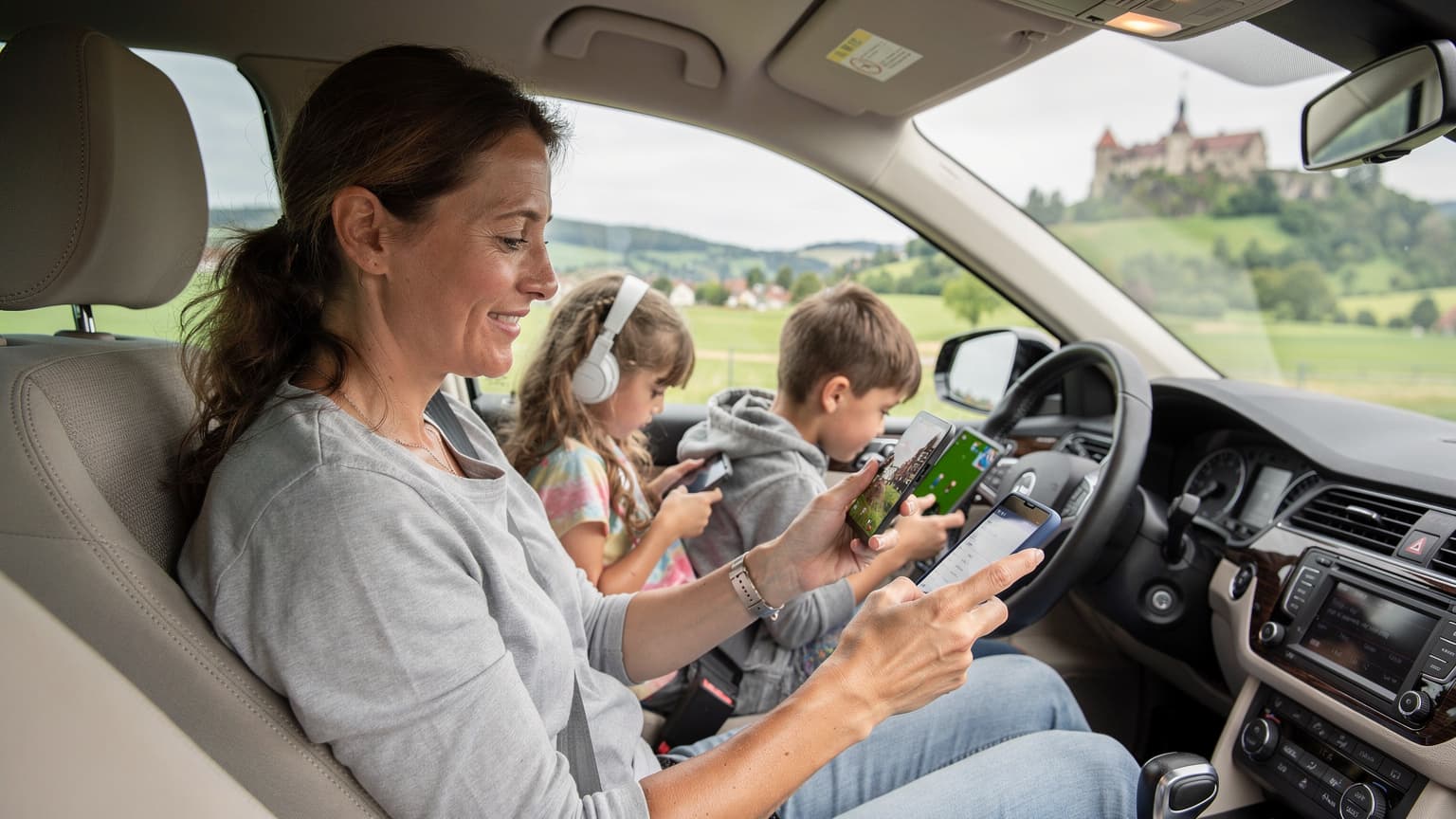
As a seasoned family travel planner (and self-proclaimed expert in juggling three iPads, two Nintendo Switches, and a toddler's desperate need for "Baby Shark"), I've learned that reliable connectivity isn't a luxury, it's a necessity. Especially when you're trying to navigate unfamiliar streets with a stroller and a melting gelato, solid data is your lifeline. This is where the eSIM truly shines, transforming from a tech buzzword into a parent's best friend.
At its core, an eSIM is simply a digital version of the physical SIM card you're used to. Instead of a tiny plastic chip you painstakingly swap out, the eSIM is built directly into your phone's hardware. Think of it like a blank canvas that can be painted with different network profiles. When you buy an eSIM plan, you're essentially downloading a digital profile from a local carrier onto this embedded chip.
The Magic of Remote Provisioning, No More Fumbling for Tiny Trays
The biggest game-changer for me, and likely for you, is what's called "remote provisioning." This means you can buy a data plan for, say, Italy from your couch in Ohio, activate it on your phone, and be ready to go the moment you land at Rome Fiumicino Airport. No more desperate searches for a local SIM card vendor after a red-eye flight, with overtired kids in tow. (Trust me, I've been there, trying to explain "data plan" in broken Italian while my youngest tried to scale a luggage cart.)
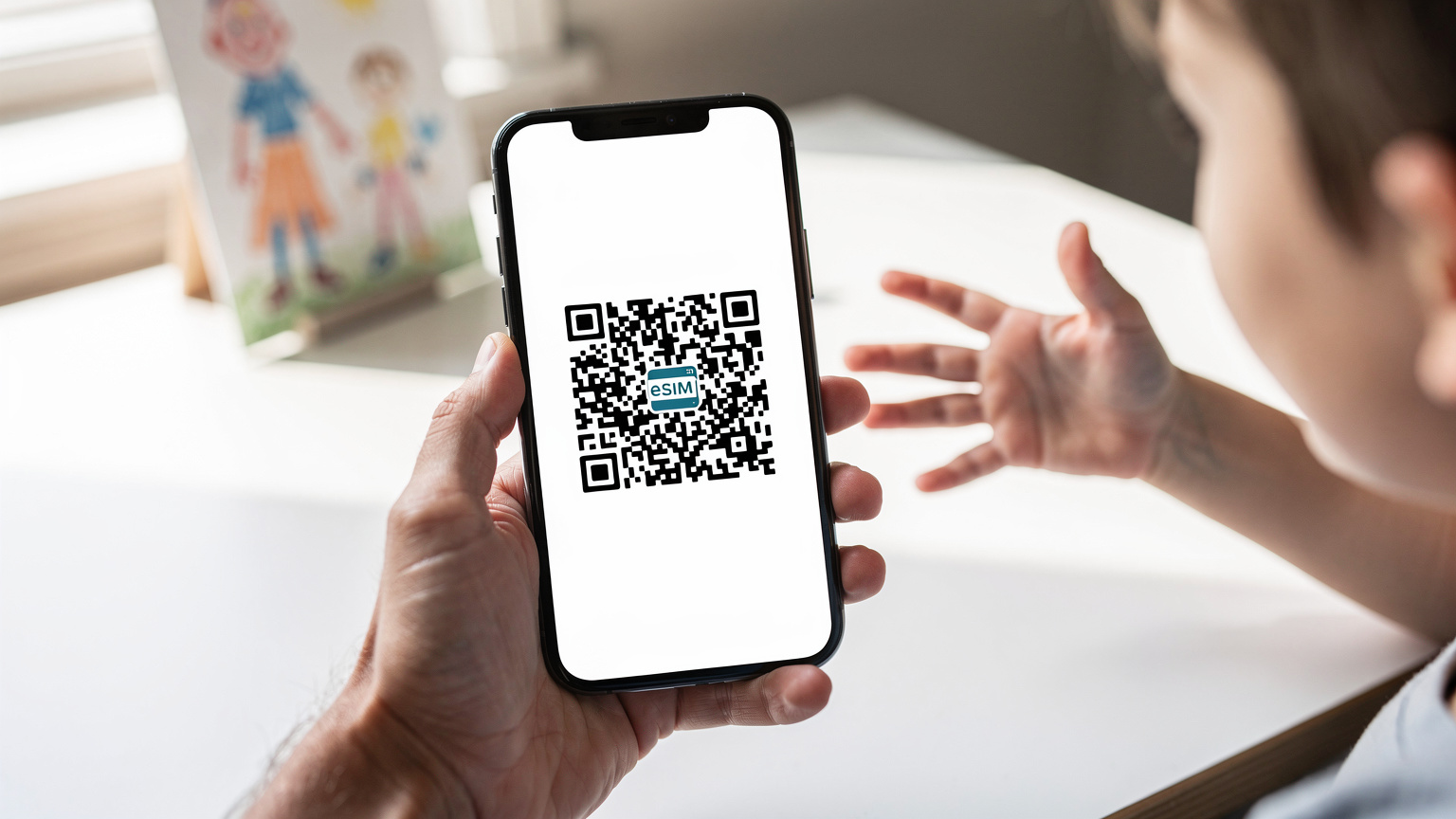
This digital download usually happens with a QR code or an app, which sets up your phone to connect to the new network. Your phone essentially tells the network, "Hey, I'm device X, and I'm supposed to be on your network with this plan." The network verifies it, and voilà, you're connected. It's incredibly efficient, especially when you're trying to coordinate rideshares and hotel check-ins right after arrival.
Understanding the EID: Your eSIM's Unique Identifier
Just like a physical SIM has an ICCID, your eSIM has an EID, or Embedded Identity Document. This is a unique identifier that helps your phone talk to carriers and manage different eSIM profiles. It's not something you'll interact with daily, but it's crucial if you ever need to troubleshoot an issue or contact customer support, which let's be honest, sometimes happens when you're on the other side of the world. Knowing how to find your eSIM number can save you a lot of headache.
Physical SIM vs. eSIM, Why I Made the Switch for Family Travel
I remember the days of travel wallets overflowing with tiny plastic SIM cards, each labeled meticulously with the country and data allowance. It was a system, sure, but one prone to lost cards (especially with curious little hands), bent trays, and the general anxiety of being without service while trying to navigate a new city. The switch to eSIM for our family's travels has been nothing short of revolutionary, primarily because it's eliminated so many of those tiny, yet significant, stressors.
The Convenience Factor, Juggling Less is More
With an eSIM, there's no physical card to misplace. It's all digital. This means my primary phone line (the one my family back home uses to reach me) can stay active on my physical SIM, while I use the eSIM for local data abroad. This dual SIM capability is a lifesaver. I can still receive important calls or texts on my home number without racking up exorbitant roaming charges, simply by managing which line is active for data.
For example, if my husband needs to call me about a school emergency, he can still reach my regular number, while I'm using a Cellesim plan for data to find directions to the nearest gelato stand (a true emergency in itself). It's peace of mind, allowing you to maintain your primary contact while enjoying affordable local data.
Cost Savings for Multiple Devices, The Family Data Pool
Another huge benefit is the potential for cost savings, especially when you're managing data for a whole family. Instead of buying a separate, expensive roaming package for each device, I can often find regional eSIM plans that provide ample data, which I then hotspot to the kids' tablets. Yes, that's right, two kids can be streaming Disney+ (pre-downloaded, of course, to conserve data!) on their iPads via my eSIM hotspot, and it's still cheaper than individual roaming plans.
This approach allows me to buy a larger data package on my phone, say 50GB for a two-week trip to Europe, and share it across all devices. We use apps like Google Kids Space on their tablets, which often requires a data connection for certain features or updates, and having a robust, affordable eSIM plan makes this feasible. No more $40 hotel kid menu prices, and no more $100 per child roaming bills!
| Feature | Physical SIM | eSIM |
|---|---|---|
| Installation | Manual swap, requires a pin | Digital download, QR code or app |
| Multiple Plans | Limited by physical slots, typically one | Multiple profiles stored, easy switching |
| Security | Can be lost or stolen | Less prone to physical loss/theft |
| Travel Convenience | Requires buying local SIM on arrival | Activate before departure, instant connectivity |
| Device Compatibility | All phones with SIM trays | Newer smartphones, tablets, smartwatches (e.g. iPhone 18 & eSIM) |
Activating Your eSIM, A Step-by-Step for the Time-Crunched
Activating an eSIM is surprisingly straightforward, even for those of us who feel like we're always running on empty. I typically do this the night before we leave, or even a few days in advance, while the kids are (hopefully) asleep. It's one of those quick wins that makes the actual travel day feel less chaotic.
Method 1: The QR Code Scan
This is the most common and usually the simplest method. Most eSIM providers, including Cellesim, will send you a QR code via email after you purchase a plan. It's essentially a digital key to your new data plan.
- Before you leave home: Make sure your phone is connected to Wi-Fi. Open the email with your eSIM QR code.
- On your iPhone: Go to Settings > Cellular (or Mobile Data) > Add eSIM. Choose "Use QR Code."
- On your Android: Go to Settings > Network & Internet > SIMs > Add more. Follow the prompts to scan a QR code.
- Scan the QR code: Point your phone's camera at the QR code on another screen (like your computer or a printed copy).
- Follow prompts: Your phone will guide you through adding the cellular plan. You might be asked to label the new line (e.g., "Italy Data" or "Cellesim Travel"), which is incredibly helpful for managing multiple profiles.
- Keep your primary line active: You can usually keep your home SIM active for calls and texts while routing data through the new eSIM. This is key for parental controls and emergency contacts.
Method 2: Manual Activation, for the Tech-Savvy Parent
Sometimes, a QR code isn't an option, or you might prefer to input details manually. This involves entering a series of codes provided by your eSIM carrier.
- Locate activation details: Your eSIM provider will supply an SM-DP+ Address (also called Activation Code or Manual Entry Code) and a Confirmation Code (if required).
- On your iPhone: Go to Settings > Cellular > Add eSIM. Choose "Enter Details Manually." Input the SM-DP+ Address and Confirmation Code.
- On your Android: Go to Settings > Network & Internet > SIMs > Add more. Choose the manual entry option and input the details.
- Label your plan: Again, give your new plan a clear name.
- Prioritize data: In your phone's cellular settings, select your new eSIM as the preferred line for mobile data when abroad.
For T-Mobile users specifically, the process can sometimes have its own quirks, so knowing how T-Mobile eSIM activation with QR code works can be especially helpful.
Data Management for the Whole Crew, Making Sure Everyone Stays Connected
This is where the rubber meets the road for family travel. My biggest fear isn't losing a passport (though that's up there), it's the inevitable meltdown when the kids' devices run out of data and they can't access their pre-approved games or connect to the hotel Wi-Fi. My personal rule of thumb: always over-estimate data needs by about 20% when kids are involved. A 10GB plan for an adult might be a 25GB plan for a family of four who rely on Google Maps, Duolingo, and the occasional YouTube Kids video.
Hotspotting: Your Family's Mobile Wi-Fi Hub
My phone becomes the family's portable Wi-Fi hotspot while we're out and about. It's a fantastic way to ensure everyone has connectivity without needing individual eSIMs for every device. This is particularly useful for things like keeping an eye on public transport schedules via an app like Citymapper, or letting the kids play Roblox multiplayer games during a long train ride. Just make sure your eSIM plan supports hotspotting, which most Cellesim plans do.
A typical data usage for a day of moderate streaming (Disney+ for an hour or two), light browsing, and maps for two kids can easily hit 2-3GB. Multiply that by seven days, and you're looking at a substantial chunk of data. Always check the data plan details carefully, and consider multi-country plans if you're hopping between borders, like an eSIM for autumn European city breaks.
Monitoring Data Usage, Preventing Mid-Trip Surprises
Most modern smartphones offer built-in tools to monitor data usage, both overall and per app. I check these regularly, especially during the first few days of a trip, to ensure we're on track. If I see TikTok suddenly consuming 5GB in an afternoon, it's time for a gentle reminder (or a temporary restriction, depending on how bad the data drain is).
eSIMs and Parental Controls, Keeping Tabs on Screen Time Abroad
Travel is an incredible learning experience, but it also means disrupted routines and sometimes, increased screen time. The beauty of the eSIM isn't just connectivity, but how it works with your existing device management strategies. Parental controls remain fully functional, whether you're on your home network or a temporary eSIM data plan.
Leveraging Built-in Device Controls
Features like Apple's Screen Time or Google's Family Link work perfectly with an eSIM. This means I can still set app limits, schedule downtime, and approve app downloads, even when my phone is running on a local data plan in, say, Argentina. The network connection is just the pipeline, and your device's operating system still manages what flows through it.
This is particularly important for managing app usage in places like theme parks, where I might allow a bit more screen time for games while waiting in line, but then restrict it once we're on a ride or watching a show. The parental controls aren't tied to the physical SIM, but to the device and your Apple ID or Google account.
Separate Lines for Different Needs, The Dual SIM Advantage
If you have an older child with their own eSIM-compatible phone, you might consider getting them a separate, smaller data plan. This allows them some independence while still giving you visibility (if you link their device to your family sharing). For example, a 5GB data plan for my 12-year-old on her iPhone eSIM means she can use Google Maps to find her way back to our hotel or message me on WhatsApp, but she's not burning through my primary data plan with endless TikTok scrolls.
This granular control is a huge advantage over traditional roaming, where all devices on your account typically share one, often expensive, pool of data. With eSIMs, you can mix and match plans to suit each family member's needs and device usage patterns, allowing for more strategic spending and better monitoring.
Connectivity in Tricky Spots, Theme Parks and Cruise Ships with eSIM
Ah, the travel scenarios that test even the most seasoned planners: sprawling theme parks with thousands of people trying to upload selfies, and cruise ships in the middle of the ocean. These are the environments where network congestion and coverage can be notoriously challenging, and where a good eSIM plan can really make a difference.
Theme Parks: Navigating Crowds and Apps
At places like Disneyland Paris or Universal Studios Japan, having reliable data is crucial for using park apps (which often include wait times, interactive maps, and mobile ordering), coordinating with family members, and, yes, keeping the kids entertained during long queues. While park Wi-Fi is usually available, it's often slow and unreliable, especially during peak times.
An eSIM connects you to the local cellular network, which generally offers superior speed and stability compared to overloaded public Wi-Fi. This means faster load times for those ride queue updates and smoother streaming for PBS Kids. Before heading to a specific park, I always check the coverage maps of the local carriers offered by Cellesim. For instance, if I'm in Orlando, I'd look for an eSIM provider that uses AT&T or T-Mobile's robust network, as they tend to have good coverage in and around the major parks.
Cruise Ships: Staying Connected at Sea
Cruise ships are a different beast entirely. Once you're out at sea, your phone will likely connect to the ship's satellite network, which is notoriously expensive. However, an eSIM can still be your best friend when you're in port. Instead of relying on expensive ship Wi-Fi or trying to find a local SIM card in a port city, you can activate an eSIM for that specific country (e.g., an Mexico eSIM for a stop in Cozumel).
This allows you to explore the port, use maps, and communicate with family back home at local rates, simply by switching to your activated eSIM profile. Just remember to switch back to your primary SIM (or turn off data roaming on your eSIM) once you're back on the ship and sailing away, to avoid accidental satellite charges. It takes a bit of mindfulness, but the savings are well worth it.

Troubleshooting Common eSIM Hiccups, When the Wi-Fi Just Won't Cooperate
Even with the best planning, sometimes technology throws a curveball. I've had my fair share of "why won't this work?!" moments, often at the least convenient times (like when trying to order an Uber with two hungry kids at a busy train station). Most eSIM issues are minor and easily fixable, thankfully.
Check the Basics First, Always
Before you panic, go through the usual suspects:
- Is cellular data enabled for the eSIM? Sometimes it's as simple as toggling it on in your phone's settings.
- Is data roaming enabled? For some eSIMs, particularly those from international providers, you might need to enable data roaming in your phone's settings for the eSIM profile.
- Do you have signal? Check the signal bars. If you're in a basement or a very remote area, it might just be a coverage issue.
- Have you restarted your phone? The classic tech support advice, but it often works wonders, refreshing your network connection.
When Your eSIM "Disappears"
This is a rare one, but it can happen. Sometimes an eSIM profile might seem to vanish from your phone's settings. Before you buy another plan, try a soft reset or check your phone's support pages. It's usually a software glitch, not a permanent loss. If all else fails, contact your eSIM provider's support. They can often re-send the activation details or guide you through a fix.
| Problem | Quick Fix | Advanced Troubleshooting |
|---|---|---|
| No data connection | Toggle airplane mode on/off, restart phone | Check APN settings (usually automatic, but verify with carrier), ensure roaming is enabled for eSIM |
| Slow data speeds | Move to an open area, away from crowds | Check if your plan has a data cap or speed throttle, try selecting a different network operator in settings (if available) |
| eSIM not installing | Ensure stable Wi-Fi connection, check QR code clarity | Try manual entry, verify device compatibility (not all older phones support eSIM) |
| Phone reverts to home SIM | Double-check default data line in settings | Ensure "Cellular Data Switching" (iPhone) is off if you want strict control, or set specific apps to use specific lines |
My eSIM Strategy for 2026, Making the Most of Digital Connectivity
As we head into 2026, eSIM technology continues to evolve, becoming even more integrated and user-friendly. My strategy for family travel now revolves almost entirely around leveraging eSIMs for maximum convenience and cost-effectiveness. The days of hunting for physical SIMs are thankfully behind me.
Pre-Trip Planning, The Cornerstone of Success
A few weeks before any major trip, I'm already researching eSIM providers for our destination. I look for: (1) generous data allowances (remember those two kids streaming Disney+), (2) good coverage in the specific regions we'll be visiting, and (3) competitive pricing. Cellesim usually ticks all these boxes, offering a variety of plans that cater to different travel styles and data needs. I often buy a slightly larger plan than I think we'll need, just in case. There's nothing worse than running out of data mid-trip and having to scramble for a top-up.
I'm also paying close attention to developments like eSIM on PC, which could be a game-changer for managing schoolwork or remote tasks while on extended trips. Imagine not needing to find a coffee shop with reliable Wi-Fi just to upload a presentation!
Multi-Line Management, The Key to Family Harmony
For family travel, the multi-line management aspect of eSIMs is invaluable. My phone acts as the primary data hub, with a robust eSIM plan. The kids' iPads and Switches are pre-loaded with offline content but rely on my hotspot for online gaming or emergency map checks (yes, even kids need maps sometimes). For older kids, a secondary eSIM plan on their own device provides independence within controlled limits. This strategy ensures everyone is connected when needed, without breaking the bank.
I also keep my primary physical SIM active in my phone, but with data roaming turned off. This means I can still receive calls and texts from home, but all international data usage is routed through the affordable eSIM. It's the perfect balance of connectivity and cost control, allowing me to focus on the joys of travel, not the anxieties of an unexpected bill.
Embracing the Future of Travel Connectivity
The transition to eSIMs has genuinely simplified one of the most stressful aspects of international family travel. It's less about the technology itself, and more about the freedom and peace of mind it provides. Freedom to navigate new cities, peace of mind knowing my kids can reach me (and I can reach them) if needed, and the joy of sharing our travel adventures online without worrying about monstrous phone bills.
If you're still on the fence about making the switch, I encourage you to give it a try. Start with a short trip, or even a T-Mobile eSIM free trial, to get a feel for it. You'll likely wonder how you ever managed without it, especially when you're effortlessly streaming a family movie on a high-speed train, halfway across the world, all thanks to that tiny, invisible, digital SIM card.
Frequently Asked Questions
Can I use an eSIM with multiple devices for my family?
Yes, you can often use one robust eSIM plan on your primary device and then use its hotspot feature to share data with other family devices like iPads or secondary phones. Some advanced devices also support eSIM functionality for smartwatches and laptops, but this varies by model.
How much data should I get for a family trip with kids streaming?
For a family with two children who might stream Disney+ for an hour or two daily, use maps, and light browsing, I'd recommend a minimum of 25-30GB for a week-long trip. Always pre-download content onto devices via Wi-Fi to reduce data consumption while abroad.
Do parental controls still work when using an eSIM abroad?
Absolutely. Parental control features like Apple's Screen Time or Google's Family Link are tied to the device's operating system and your account, not the cellular network. They will continue to function seamlessly regardless of whether you're using a physical SIM or an eSIM for data.
Can I keep my home phone number active while using an eSIM for data?
Yes, this is one of the biggest advantages of eSIMs. Most modern smartphones support dual SIM functionality (one physical SIM, one or more eSIMs). You can keep your home physical SIM active for calls and texts, while setting your eSIM as the preferred line for all data usage abroad, avoiding expensive roaming charges.
What if my kids' tablets or Nintendo Switch aren't eSIM compatible?
That's perfectly fine! You'll use your eSIM-enabled smartphone as a mobile hotspot. Connect their Wi-Fi-only devices to your phone's personal hotspot, and they'll be able to access the internet using your eSIM's data plan, just as if they were connected to Wi-Fi.
Is an eSIM secure for family use?
eSIMs are highly secure. They are less susceptible to physical theft or tampering than traditional SIM cards. The digital provisioning process is encrypted, and your data is protected by the same security protocols as a physical SIM. Plus, you can remotely manage and delete eSIM profiles if a device is lost or stolen.