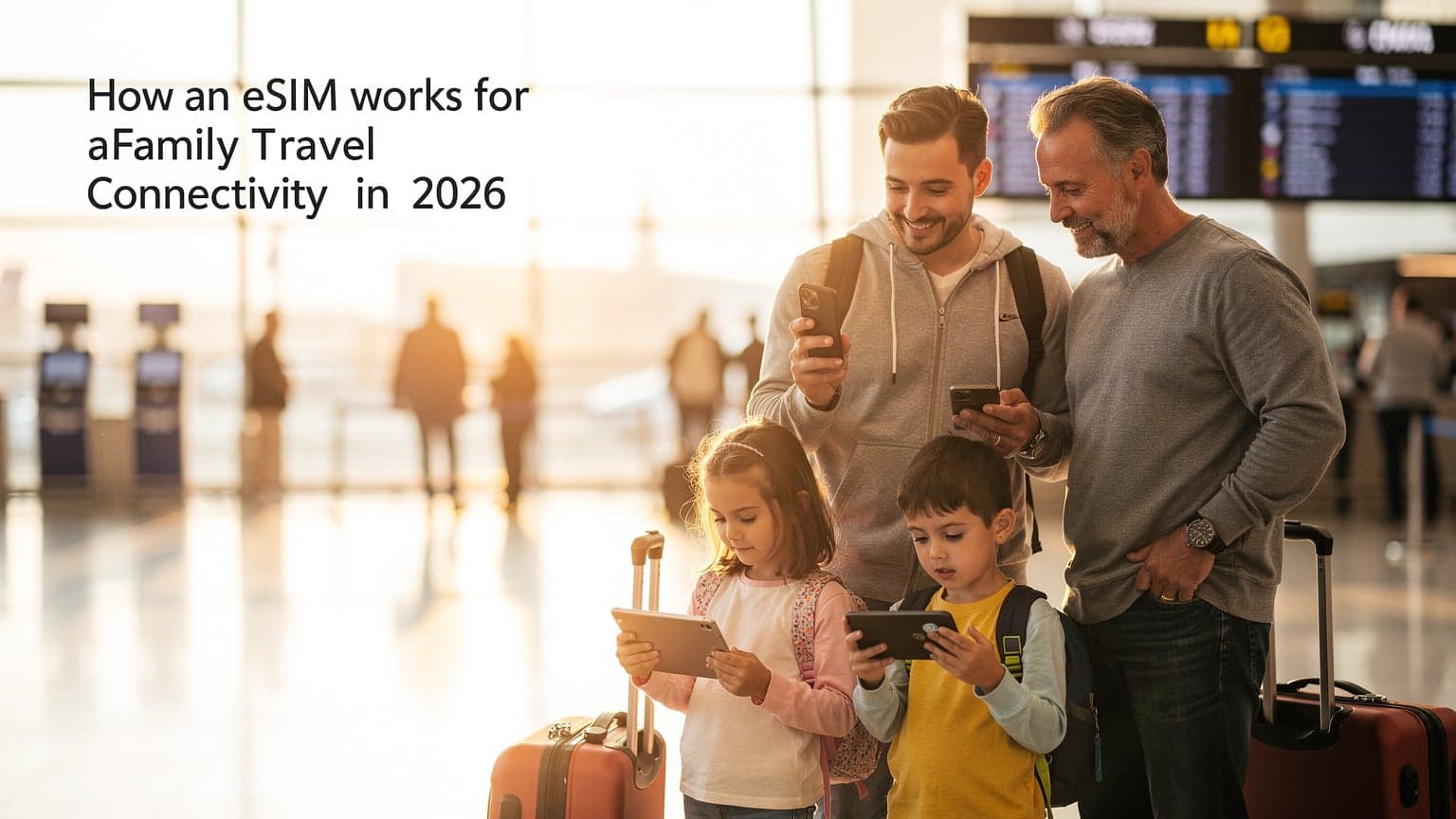
eSIM Magic, Demystified: What's Under the Hood?
Remember those tiny plastic chips we used to wrestle into our phones? Often, you'd fumble with a paperclip or a tiny tool that would inevitably get lost in the bottom of a suitcase. Well, an eSIM (that's 'embedded Subscriber Identity Module') is essentially that same functionality, but built directly into your phone. Think of it as a digital SIM card, pre-installed and ready to be programmed.
Instead of physically swapping cards when you land in Rome or Tokyo, your phone's eSIM can download and store multiple cellular profiles. It's like having a digital wallet for phone numbers and data plans. When you arrive in a new country, you simply activate the local plan you've purchased, and just like that, you're connected. No more hunting for a local SIM vendor in a jet-lagged haze, and no more accidentally dropping your home SIM under an airport bench (ask me how I know!).
This means your phone can hold your regular home plan (say, AT&T or Verizon) and several international eSIM plans simultaneously. You can easily switch between them in your phone's settings. This keeps your primary number active for important calls or texts while using the eSIM for data. This dual-SIM capability, often called 'Dual SIM, Dual Standby' (DSDS), is a lifesaver for parents who need to stay reachable but also want affordable local data for mapping, messaging, and yes, keeping the kids entertained.
The Tech Bit, Made Simple
At its core, an eSIM is a tiny, rewritable chip inside your phone. When you purchase an eSIM plan from a provider like Cellesim, they send you a QR code or a manual activation code. Your phone uses this code to download the carrier's profile onto that embedded chip. This profile contains all the information your phone needs to connect to the local network: your unique identifier, billing information, and the data allowance you've purchased.
The beauty of this system is its flexibility. You can store several eSIM profiles on one device, though usually only one can be active for data at a time (alongside your physical SIM, if your phone still has one). For families, this means my iPhone can hold my home plan and an eSIM for our trip to Japan, while my husband's Android might have his home plan and an eSIM for Europe. It's a level of independence and control over connectivity that traditional SIM cards simply can't offer.
Why an eSIM is a Game-Changer for Family Travel
As a parent who's dragged kids through thirty countries, I can tell you, the less I have to worry about connectivity, the better. An eSIM isn't just a tech upgrade, it's a fundamental shift in how we manage our digital lives abroad, especially when wrangling little ones (and their devices).
No More SIM Card Scavenger Hunts
Imagine landing after a nine-hour flight with two overtired kids. The last thing you want to do is navigate a foreign airport, find a mobile store, and try to explain your data needs in broken French, all while holding a toddler and preventing a pre-teen from running off. With an eSIM, all that's handled before you even leave home. You buy your plan online, activate it with a QR code, and BAM, you're connected the moment the plane lands.
This ease of activation is particularly useful when you're jumping between countries, say, on a European tour or a multi-stop World Cup 2026 trip. Instead of buying a new physical SIM in each country, you can preload region-specific eSIMs or even a single regional eSIM that covers multiple countries. My sanity, as a family travel planner, is priceless.
Multi-Device Management, Simplified
This is where eSIMs truly shine for families. My kids, bless their hearts, each have an iPad. These aren't just for entertainment, they're for sanity. Pre-loading apps like PBS Kids Games, Toca Life World, or even Minecraft before we leave is step one. But what happens when they need to stream Disney+ on the hotel Wi-Fi, or download a new episode of Bluey in the car? Having reliable data is crucial. An eSIM allows me to manage data for my phone, which can then act as a hotspot for their tablets. No more worrying if the hotel Wi-Fi is strong enough to handle two simultaneous streams of animated content.
For a trip to Japan, for example, I might get a 30GB eSIM for my phone. That's enough for my own navigation and communication, plus plenty to share with the kids' iPads for a few hours of streaming on train rides or during downtime. If we're lucky enough to visit Tokyo Disneyland, I know I'll need reliable connectivity for the park's app, which provides real-time wait times and mobile ordering. Knowing my eSIM will perform, even in crowded areas, takes a huge load off my mind.
Cost Savings Over Traditional Roaming
Let's be real, those 'International Day Pass' options from carriers like Verizon or AT&T can add up faster than a kid can say 'Are we there yet?'. Paying $10-15 per day, per device, for every family member, quickly becomes exorbitant. My friend once got a $400 roaming bill after a two-week trip to Mexico, just from her teens using Snapchat. With an eSIM, you purchase a data package upfront, so you know exactly what you're spending. No surprises. No bill shock.
Before You Fly: eSIM Prep for Parents
The key to a smooth family trip is preparation, and eSIMs are no different. A little planning goes a long way, especially when you're trying to keep everyone happy and connected.
Checking eSIM Compatibility
First things first, make sure your devices are eSIM compatible. Most newer smartphones, generally models released from 2018 onwards, support eSIMs. This includes iPhones (XS, XR, 11, 12, 13, 14, 15 series), Google Pixel phones (3, 4, 5, 6, 7, 8 series), and many Samsung Galaxy models. It's always best to double-check your specific model's specifications. Some older iPads also support eSIMs, which is fantastic for keeping the kids occupied.
| Device Type | Common eSIM Compatible Models | Notes for Family Travel |
|---|---|---|
| iPhone | iPhone XS, XR, 11, 12, 13, 14, 15 (all variants) | Excellent for parents, easy activation. iPhone 14 & 15 models sold in the US are eSIM-only. |
| Google Pixel | Pixel 3, 4, 5, 6, 7, 8 (all variants) | Reliable performance, straightforward setup. |
| Samsung Galaxy | Galaxy S20, S21, S22, S23, S24 series, Note 20, Fold, Flip | Check specific regional models, as some older ones might vary. |
| iPad | iPad Pro (11-inch 1st gen+, 12.9-inch 3rd gen+), iPad Air (3rd gen+), iPad (7th gen+), iPad mini (5th gen+) | Perfect for kids' entertainment; ensures connectivity for pre-downloaded content. |
| Other Android | Various models from Huawei, Sony, Motorola (check specific devices) | Compatibility can be less universal; always verify before purchasing. |
Choosing the Right Data Plan for Your Family
This is crucial. You're not just buying data for yourself, you're buying it for the entire digital ecosystem that travels with you. Consider how much data two kids streaming Disney+ or playing online games (like Roblox or Among Us on their Nintendo Switch) might consume. Add in your own needs for navigation (Google Maps, Citymapper), social media, uploading photos, and video calls back home.
My rule of thumb for a family of four (two adults, two kids with devices) on a two-week trip is to aim for a minimum of 50GB total. If we're staying in places with unreliable Wi-Fi, I'll bump that up to 100GB. Remember, streaming video is a data hog! Here's a rough guide:
- Light usage (email, maps, messaging): 1-2GB per person per week.
- Moderate usage (light social media, some streaming): 5-10GB per person per week.
- Heavy usage (lots of streaming, video calls, hotspot for multiple devices): 15-20GB+ per person per week.
Always err on the side of more data. Running out in the middle of a theme park in Orlando, trying to find your way to the Winnie the Pooh ride, is not a memory you want to make. Many providers, like Cellesim, offer regional plans, such as eSIMs for Seamless US & Canada Family Connectivity, which can be more cost-effective for multi-country trips.
Pre-downloading Entertainment and Maps
Before you even step on that plane, use your home Wi-Fi to pre-load as much as possible onto all devices. This means:
- Movies and TV shows: Download content from Netflix, Disney+, Max, etc., onto iPads or tablets.
- Games: Ensure all offline games are fully updated and downloaded.
- Books and audiobooks: Load up Libby or Audible with fresh content.
- Offline maps: Download regions in Google Maps or Maps.me. This is a lifesaver when you lose signal in a subway or a remote area.
Even with a generous eSIM plan, reducing reliance on constant streaming saves data and battery life, which is a win-win for everyone.
Activating Your eSIM: The Easy Way (for Multiple Devices)
Activating an eSIM is remarkably simple. It's designed to be user-friendly. No more tiny trays or bent pins!
Step-by-Step eSIM Activation
Most eSIM providers, including Cellesim, make this process incredibly straightforward:
- Purchase Your eSIM Plan: Select your destination and data package from the provider's website. You'll typically receive an email with a QR code and manual activation details.
- Scan the QR Code: On your smartphone, go to Settings > Cellular (or Mobile Data) > Add eSIM (or Add Data Plan). Your phone's camera will open. Scan the QR code provided in your email.
- Follow On-Screen Prompts: Your phone will guide you through naming the new plan (e.g., "Italy Travel"), choosing which line to use for data (your new eSIM), and setting it as your primary for mobile data while abroad.
- Install for Other Devices (Hotspot): While iPads might have their own eSIM capability, for most family setups, you'll activate the eSIM on your primary smartphone and then use its mobile hotspot feature to share data with other devices. This way, you control the data usage from one central point.
- Arrive and Connect: Once you land at your destination, your phone should automatically connect to the local network using your activated eSIM. If not, a quick restart or a manual network selection in settings usually does the trick.
Managing Multiple eSIMs for the Family
If you have multiple eSIM-compatible phones in the family (say, both parents have one), you can each install an eSIM. This redundancy can be a great backup. I often purchase a slightly smaller plan for my husband's phone, just in case my primary data-sharing phone runs into issues, or if we split up for part of the day.
For example, if we're visiting the Tropical North Queensland, I might get a 50GB eSIM for my phone, and my husband might get a 20GB eSIM. This ensures we both have direct connectivity. If one of us needs to take the kids to the beach while the other explores Cairns, we're both covered. Plus, it's a great way to control individual data usage if you have older teens with their own phones.
Data Needs for the Whole Crew: Streaming, Gaming, and Maps
Let's talk real-world data consumption, because nothing derails a travel day faster than a data cap hitting while the kids are mid-episode.
How Much Data Do You Really Need?
As I mentioned, my baseline for a family trip is generous. Here's a breakdown of common activities and their data demands:
- Streaming Video (SD quality): ~0.7 GB per hour. For two kids watching Disney+ for 2 hours a day, that's roughly 2.8 GB daily. Over a 7-day trip, that's almost 20 GB just for kids' streaming.
- Online Gaming (Roblox, Among Us): ~0.1-0.2 GB per hour. If they play for an hour or two daily, add another 1-2 GB per week.
- Video Calls (FaceTime, Zoom): ~0.3-0.8 GB per hour. A 30-minute call to Grandma every other day adds up.
- Navigation (Google Maps): Surprisingly low, ~0.01 GB per hour. Even heavy map use won't break the bank.
- Social Media/Web Browsing: Varies wildly, but assume ~0.1-0.3 GB per hour with image loading.
When I'm planning, I always factor in the 'just in case' data. What if the hotel Wi-Fi is terrible? What if we're on a long train ride through the countryside with no signal for a few hours, and suddenly everyone wants to stream? Having a buffer means peace of mind, which, as a parent, is worth every penny.
| Activity | Estimated Data Usage (per hour) | Family Impact (2 kids, 2 adults, 1 week) |
|---|---|---|
| Streaming Video (SD) | 0.7 GB | ~20 GB (kids' devices only, 2hr/day) |
| Online Gaming | 0.1 - 0.2 GB | ~1 - 2 GB (kids' devices, 1hr/day) |
| Video Calls | 0.3 - 0.8 GB | ~3 - 8 GB (adults, 30min every other day) |
| Navigation (GPS) | 0.01 GB | ~0.5 GB (adults, heavy use) |
| Social Media/Browsing | 0.1 - 0.3 GB | ~5 - 10 GB (all, moderate use) |
| Total Baseline | Varies | ~30 - 45 GB (conservative estimate) |
This table is a good starting point, but always consider your family's specific habits. If your teens are constantly on TikTok or streaming YouTube, you'll need significantly more.
Connectivity in Unusual Places: Theme Parks and Cruise Ships
Ah, the joys of navigating a crowded theme park or a sprawling cruise ship! This is where an eSIM truly shines for family peace of mind. Theme parks, like Disney World in Florida or Universal Studios Hollywood, rely heavily on their official apps for everything from virtual queues to mobile food ordering. Having reliable, fast data, even with thousands of other people trying to connect, is non-negotiable.
My experience is that major theme parks often have decent Wi-Fi, but it can be spotty and slow during peak times. Relying on your own eSIM data means you're not competing with everyone else for bandwidth. Plus, parental-control features that work on the eSIM line (more on that next) mean you can manage your kids' device usage even when they're trying to sneak a peek at YouTube on the slowest ride in the park.
For cruise ships, the situation is a bit different. While at sea, cellular connectivity relies on expensive satellite services. However, when docked in port, your eSIM will connect to local networks, offering much more affordable data than the ship's packages. So, when you're exploring Barcelona or the Bahamas, your eSIM is your best friend for maps, finding local eateries (definitely not paying $40 for a hotel kid menu!), and keeping in touch with anyone back home.
Parental Controls and Screen Time on eSIM Lines
This is a big one for any parent. The concern often is, "If I'm using an eSIM, will my usual parental controls still work?" The good news is, yes, they generally do, because the eSIM provides the underlying internet connection, not the control mechanism itself.
Device-Level Controls Are Your Best Friend
Your primary tools for managing screen time and content remain on the devices themselves. iOS offers robust Screen Time features, and Android has Digital Wellbeing and Family Link. These controls regulate app usage, content restrictions, and downtime, regardless of whether the device is connected via Wi-Fi or cellular data (from your eSIM).
For example, you can set daily limits for specific apps like YouTube Kids or TikTok, schedule downtime when devices are unusable, or restrict content based on age ratings. These settings are tied to the device's operating system, so the eSIM simply provides the pipe through which the data flows.
"When we were in Paris last summer, I had my son's iPad set to only allow educational apps during the day, even when he was tethered to my eSIM. It meant he could still access his French language learning games on the metro, but couldn't get lost in Roblox until after dinner. It's about setting boundaries, not cutting them off entirely."
Sarah Jenkins, Cellesim Tech Performance Editor
Data Management as a Parental Tool
Beyond device-level controls, your eSIM provider's app or dashboard can offer another layer of parental oversight. While Cellesim doesn't directly offer parental control features like content filtering, you can monitor overall data usage. If you see an unexpected spike, it might be a flag that someone is exceeding their pre-agreed screen time or accessing data-intensive apps without permission. This allows you to have conversations about responsible usage, or adjust device settings accordingly.
Some phones also allow you to set data limits per app or per device if you're hot-spotting. This means you can allocate a certain amount of data to a child's iPad per day, and once it's gone, it's gone. This can be a really effective way to manage expectations and encourage kids to be mindful of their data consumption while abroad.
Troubleshooting Common eSIM Hiccups Abroad
Even with the best planning, sometimes technology throws a curveball. Most eSIM issues are minor and easily fixed.
My eSIM Isn't Connecting, What Now?
Don't panic! This is usually a quick fix.
- Check for Roaming: Ensure data roaming is enabled for your eSIM line in your phone's cellular settings. This is a common oversight.
- Restart Your Phone: The classic tech solution. A quick reboot often resolves transient network issues.
- Manual Network Selection: Sometimes, your phone might struggle to automatically pick the strongest local network. Go to Settings > Cellular > Network Selection (for your eSIM) and try selecting a network manually. Your eSIM provider's website will usually list their partner networks in each country.
- Verify APN Settings: In rare cases, the Access Point Name (APN) settings might need to be manually entered. Your eSIM provider will supply these if necessary, but usually they're automatically configured.
- Contact Support: If all else fails, reach out to your eSIM provider's customer support. They can often diagnose issues remotely. Many offer 24/7 chat support, which is a lifesaver when you're in a different time zone. For any questions, you can always visit Cellesim's FAQ section.
When the iPad Needs a Top-Up: Data Refills
You've done all the planning, but those two kids streaming Minecraft Dungeons just burned through data faster than expected. It happens. The beauty of eSIMs is that refilling data is usually as simple as purchasing a new plan. Most providers offer top-up options directly through their website or app. It's almost instant, and you can often buy a smaller package (e.g., an extra 5GB) to tide you over. No need to hunt for refill cards or local stores.
eSIM vs. Traditional SIM Cards: A Parent's Showdown
Let's put them head-to-head from a family travel perspective.
| Feature | eSIM for Families | Traditional Physical SIM for Families |
|---|---|---|
| Installation/Activation | Digital, QR code scan, quick, can be done before travel. No physical handling. | Physical card swap, requires finding a local store, potential language barriers, risk of losing home SIM. |
| Multi-Country Travel | Seamless switching between multiple stored profiles, easy to buy regional plans. | Requires buying a new local SIM in each country or relying on expensive roaming. |
| Cost Efficiency | Prepaid data packages, often significantly cheaper than roaming, clear pricing. | Can be cheap locally, but roaming is very expensive. Unexpected charges possible. |
| Device Compatibility | Newer smartphones (2018+), some tablets. Growing standard. | Virtually all phones, but less common in newer models. |
| Parental Control Integration | Works seamlessly with device-level controls (Screen Time, Family Link). | No direct impact, also relies on device-level controls. |
| Hotspot Capability | Excellent for sharing data with kids' iPads/laptops from one primary phone. | Same capability, but managing multiple physical SIMs for sharing is cumbersome. |
| Security/Loss | Less prone to physical loss/damage as it's embedded. Easier remote management. | Small, easily lost or damaged. Risk of personal data if phone is stolen with SIM. |
The Verdict for Parents
For me, the eSIM wins hands down. The convenience, cost savings, and sheer reduction in travel stress are unparalleled. The ability to manage connectivity for the entire family from my phone, without worrying about physical cards, makes a huge difference. It means more time enjoying a gelato in Florence and less time stressing about finding a phone store.
The Future of Family Connectivity with eSIMs
As we look ahead to 2026 and beyond, eSIM technology is only going to become more prevalent and integrated into our travel lives. I predict a future where multi-device eSIM plans become standard, allowing parents to effortlessly manage data for their entire family fleet, from smartphones to smartwatches and even in-car entertainment systems on road trips.
Imagine a single Cellesim family plan that automatically provisions data to your phone, your partner's phone, and the kids' iPads as you cross borders. This would take the planning love language to a whole new level of efficiency. The days of 'Is my phone unlocked?' and 'Where do I buy a SIM card?' will truly be relics of a bygone era.
Ultimately, eSIMs give parents like me one less thing to worry about. We can focus on the magic of travel, on seeing the world through our children's eyes, and on making sure that when someone needs to stream their favorite show, they can, without breaking the bank or my patience. It's about empowering connections, so our family adventures can unfold without a hitch.
Frequently Asked Questions
Can I use an eSIM on multiple devices at once for my family?
While an eSIM is activated on a single device, you can use that device's mobile hotspot feature to share its data connection with other family members' devices, such as iPads or laptops. This is a common and effective way to provide connectivity for the whole family from one eSIM plan.
Do parental controls still work when my child's device is using an eSIM connection?
Yes, parental controls like iOS Screen Time or Android Family Link operate at the device's operating system level, independent of the cellular connection type. The eSIM simply provides the internet access, so your existing screen time limits and content restrictions will continue to function as usual.
How much data should I buy for a family of four on a two-week international trip?
For a family of four (two adults, two kids with devices) on a two-week trip, a good starting point is 50GB, and potentially up to 100GB if you anticipate heavy streaming, frequent video calls, or unreliable Wi-Fi at your accommodations. Always factor in streaming services like Disney+ for the kids, which consume significant data.
Can I keep my home phone number active while using an eSIM abroad?
Absolutely. Most modern smartphones support Dual SIM, Dual Standby (DSDS), allowing you to keep your physical home SIM (or another eSIM for your home number) active for calls and texts while using your travel eSIM for mobile data. You can easily switch which line is used for data in your phone's settings.
Is an eSIM reliable for connectivity inside theme parks or on cruise ships when in port?
Yes, an eSIM connects to local cellular networks, making it very reliable in theme parks where network congestion can slow down public Wi-Fi. When a cruise ship is docked in port, your eSIM will connect to the local land-based network, offering much faster and more affordable data than the ship's expensive satellite Wi-Fi.
What happens if I run out of eSIM data during my trip?
If you run out of data, most eSIM providers offer easy top-up options directly through their website or app. You can usually purchase additional data packages instantly, allowing you to continue using your service without interruption. This avoids the hassle of finding a local store or buying a new physical SIM.
See also: Bahamas eSIM