
eSIM Number & ICCID: Why It Matters When You're Abroad
So, what exactly are these cryptic numbers, and why should you care about them? Essentially, your eSIM number (EID) and ICCID (Integrated Circuit Card ID) are like the serial numbers for your digital SIM. They're unique identifiers that your carrier uses to recognize your specific eSIM profile. When you're traveling and setting up a new data plan, say for a month in Lisbon where you're paying 600 EUR for a tiny room in Graça, or dealing with a glitchy connection from a provider like Nomad eSIM (which I've written about in Nomad eSIM 2026: The Hard Truth for Long-Term Travelers), these numbers become your lifeline.
Think of it this way: your phone has its own IMEI, a unique ID. Your eSIM profile, too, needs its own identifier so the network knows who you are and what services you've paid for. Without it, customer support agents are basically guessing in the dark. I've had situations where a local bank in Brazil needed a local phone number for their app (like Itaú or Bradesco) to activate two-factor authentication, even with my passport and visa. If my eSIM was acting up, those numbers would be critical for getting me back online and connected to a working number.
The Difference: EID vs. ICCID
While often mentioned in the same breath, EID and ICCID serve slightly different purposes. The EID, or eSIM ID, is a global unique identifier for the eSIM chip itself embedded in your device. It's like the hardware serial number of your eSIM. The ICCID, on the other hand, is specific to the *profile* downloaded onto that eSIM. If you download multiple eSIM profiles, each one will have a unique ICCID, but they'll all share the same EID because they're on the same physical chip.
Most of the time, when a support agent asks for your 'eSIM number,' they're referring to the EID. However, some older systems or specific carriers might request the ICCID for troubleshooting a particular profile. It's a good idea to know where both are, just in case.
| Identifier | What It Is | When You'll Need It | Analogy |
|---|---|---|---|
| EID (eSIM ID) | Unique identifier for the eSIM hardware chip in your iPhone. | Initial eSIM activation, device troubleshooting, eSIM-level issues, setting up a new eSIM vendor. | Your iPhone's serial number. |
| ICCID (Integrated Circuit Card ID) | Unique identifier for a specific eSIM profile downloaded onto your iPhone. | Troubleshooting a specific data plan, carrier support for a particular line, porting numbers. | Your specific phone number on that serial number. |
Finding Your eSIM Number: Step-by-Step on iPhone
This is the easy part, once you know where to look. Apple has made it fairly straightforward, though it's not always immediately obvious for a first-timer. You don't need to be tech-savvy, just follow these steps.
First, make sure your iPhone is updated to a recent iOS version. Older versions might have slightly different menu layouts, but the general path remains the same. I've found that keeping iOS updated resolves more minor connectivity issues than anything else, especially when dealing with foreign networks. (I learned this the hard way trying to get my phone to recognize a Turkcell eSIM in Istanbul a couple of years back. That was a headache I wouldn't wish on anyone, even with a strong coffee from Mandabatmaz.)
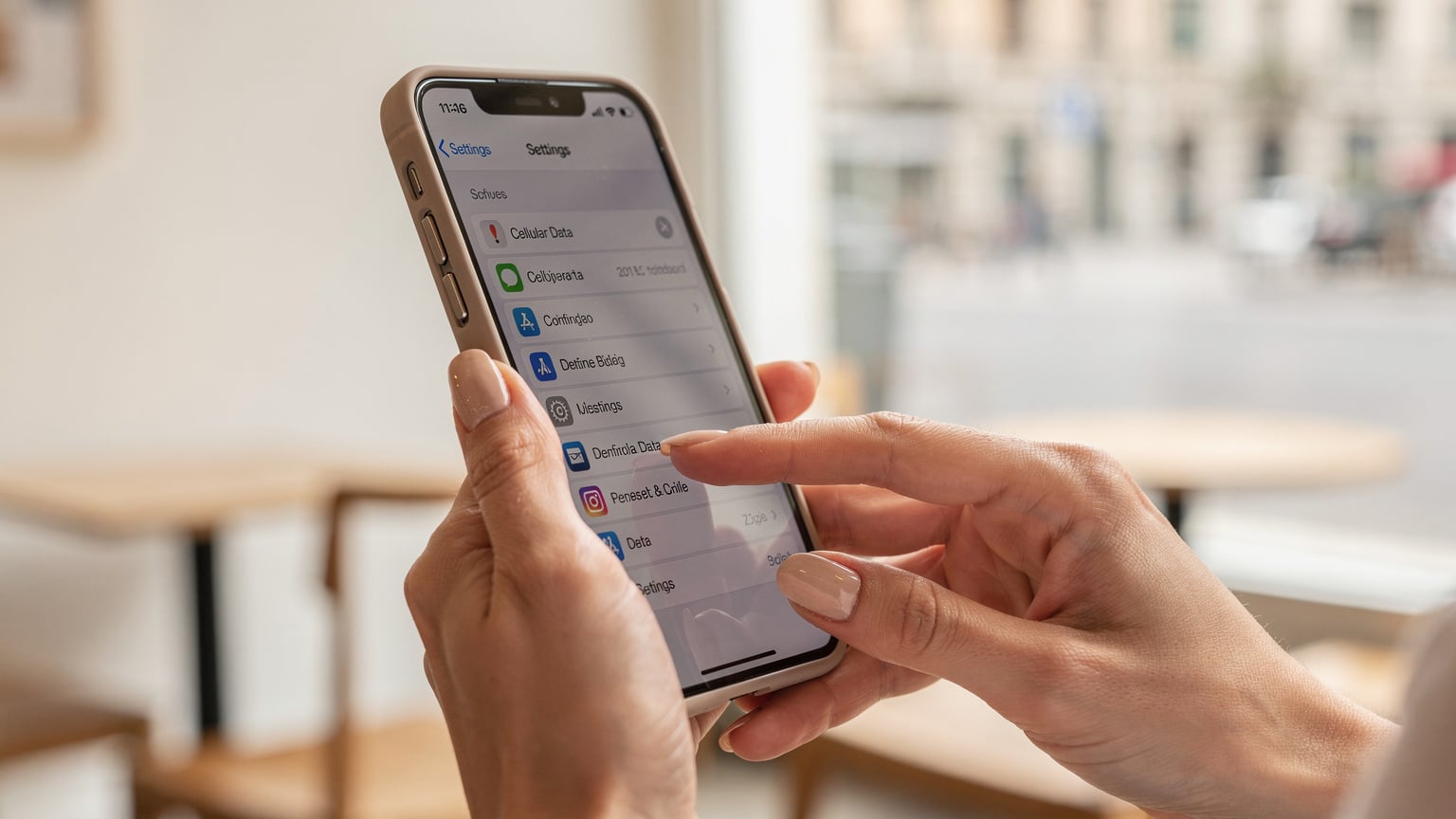
Accessing Your iPhone Settings
- Open Settings: Tap the 'Settings' icon on your home screen. It's the gray gear icon.
- Tap 'Cellular' or 'Mobile Data': Scroll down a bit until you see 'Cellular' (in the US) or 'Mobile Data' (in many other regions). Tap on it.
- Select Your eSIM Plan: Under the 'CELLULAR PLANS' section, you'll see a list of your active and inactive cellular plans. This is where your eSIMs live. Tap on the specific eSIM profile you want to examine. If you only have one eSIM, it will likely be labeled 'Primary' or similar.
- Find Your EID: On the next screen, scroll down. You'll see several pieces of information: 'Phone Number,' 'Network,' and 'EID.' The EID is a long string of numbers. That's your eSIM number.
It's that simple. Seriously. No complex codes to dial, no obscure menus to dig through. Just a few taps, and you're there. Keep this screen open if you're talking to support, or jot down the number somewhere secure. I usually keep a text file on my laptop with all my important travel details, including EIDs and ICCIDs, just in case.
Locating Your ICCID: The Secret Menu
Finding the ICCID is a tiny bit trickier, but still very accessible on your iPhone. While the EID is prominently displayed, the ICCID for each profile is tucked away a bit more. This is often the number that smaller, regional carriers or specific local apps might request for detailed troubleshooting. For instance, some banks in India still require an Aadhaar-linked local SIM for certain digital transactions, and if you're using an eSIM, having the ICCID on hand can smooth out any activation hiccups.
You won't find the ICCID directly on the same screen as the EID. Instead, you'll need to use a different method. This method works for both physical SIMs and eSIMs, giving you a comprehensive overview of your installed cards.
The iPhone Dialer Method
- Open the Phone App: Tap the green 'Phone' icon on your home screen.
- Go to Keypad: Make sure you're on the 'Keypad' tab, ready to dial a number.
- Dial the Secret Code: Type *#06# and press the call button. You won't actually make a call.
- View Your Information: Immediately, a screen will pop up displaying your device's IMEI numbers (for both physical and eSIMs) and, crucially, the ICCID for each active SIM or eSIM profile.
If you have multiple eSIMs or a physical SIM alongside an eSIM, you'll see multiple ICCID entries. Each ICCID will correspond to a specific line. You might have to match it to the network name or phone number you have for that specific eSIM (which you can find in the Cellular settings as described above). This is particularly useful if you're bouncing between a main data eSIM and a secondary one for local calls, like a Cellesim Italy eSIM while exploring Rome. (Don't forget to grab a proper Cacio e Pepe near Piazza Navona.)
Managing Multiple eSIMs on iPhone: A Juggler's Guide
For nomads like me, juggling multiple eSIMs is standard practice. I usually have my home country's eSIM (for banking and two-factor authentication) and then a regional eSIM for the country I'm in, or a multi-country one for longer trips. For example, when I was exploring Turkey, I initially looked at a Turkcell eSIM but ended up with a regional one that offered better rates for a few months. My rent in Kadıköy, Istanbul was around 10,000 TL a month back then, and every Lira saved on data meant more for borek and ferry rides.
The iPhone handles multiple eSIMs gracefully, allowing you to name them and switch between them easily. However, knowing which EID or ICCID belongs to which can sometimes get confusing, especially if you have several inactive profiles.
Organizing Your eSIMs
- Label Them Clearly: In 'Settings' > 'Cellular' > tap on each plan, and you'll see an option for 'Cellular Plan Label.' Change this to something descriptive like 'Portugal Data,' 'US Home,' or 'Emergency Africa.' This makes identification much easier.
- Understand Primary vs. Secondary: Your iPhone lets you designate a 'Primary' line for calls, texts, and data. When you're abroad, you'll likely want your travel eSIM to be the primary for data, while your home eSIM handles calls only for specific contacts.
- Deactivating Unused eSIMs: If you're done with an eSIM (e.g., after leaving a country), you can simply turn it off in the 'Cellular' settings without deleting it. This keeps the profile on your phone but prevents it from trying to connect to a network. If you're truly done and want to free up space (though eSIMs take very little), you can 'Remove Data Plan' from the same menu.
The critical part here is keeping track. If you're setting up a new Brazil eSIM for a few months, make sure its label reflects that. When I was in Rio, I had my main data eSIM and a separate one for local calls, which was essential for coordinating with landlords (my Copacabana studio was about 4,000 BRL a month) and using local delivery apps like iFood.
Troubleshooting Common eSIM Issues with Your Numbers
You've got your eSIM number and ICCID, but your data is still not working. What now? Having these numbers is the first step in effective troubleshooting, especially when you're relying on a 256kbps speed capped eSIM and every byte counts.
When to Provide Which Number
| Scenario | Number to Provide | Why It Helps |
|---|---|---|
| eSIM won't activate or install. | EID | The provider needs to register your device's eSIM chip to push the profile. |
| Data not working after activation. | ICCID (of the specific plan) | Helps the carrier locate your specific service profile on their network. |
| Cannot make/receive calls/texts. | ICCID (of the voice plan) | Allows the carrier to check the provisioning status of your voice services. |
| Purchased wrong plan, need a refund/exchange. | ICCID (of the incorrect plan) | Proof of which plan was activated on which profile for their records. |
Beyond providing these numbers, always remember the basics: restart your phone, check your APN settings (often provided by the eSIM vendor), and ensure 'Data Roaming' is on for the correct eSIM. I once spent an hour trying to troubleshoot a connection at a co-working space in Medellín (Selina, El Poblado) only to realize 'Data Roaming' was off for my travel eSIM. Felt like an idiot, but lesson learned.
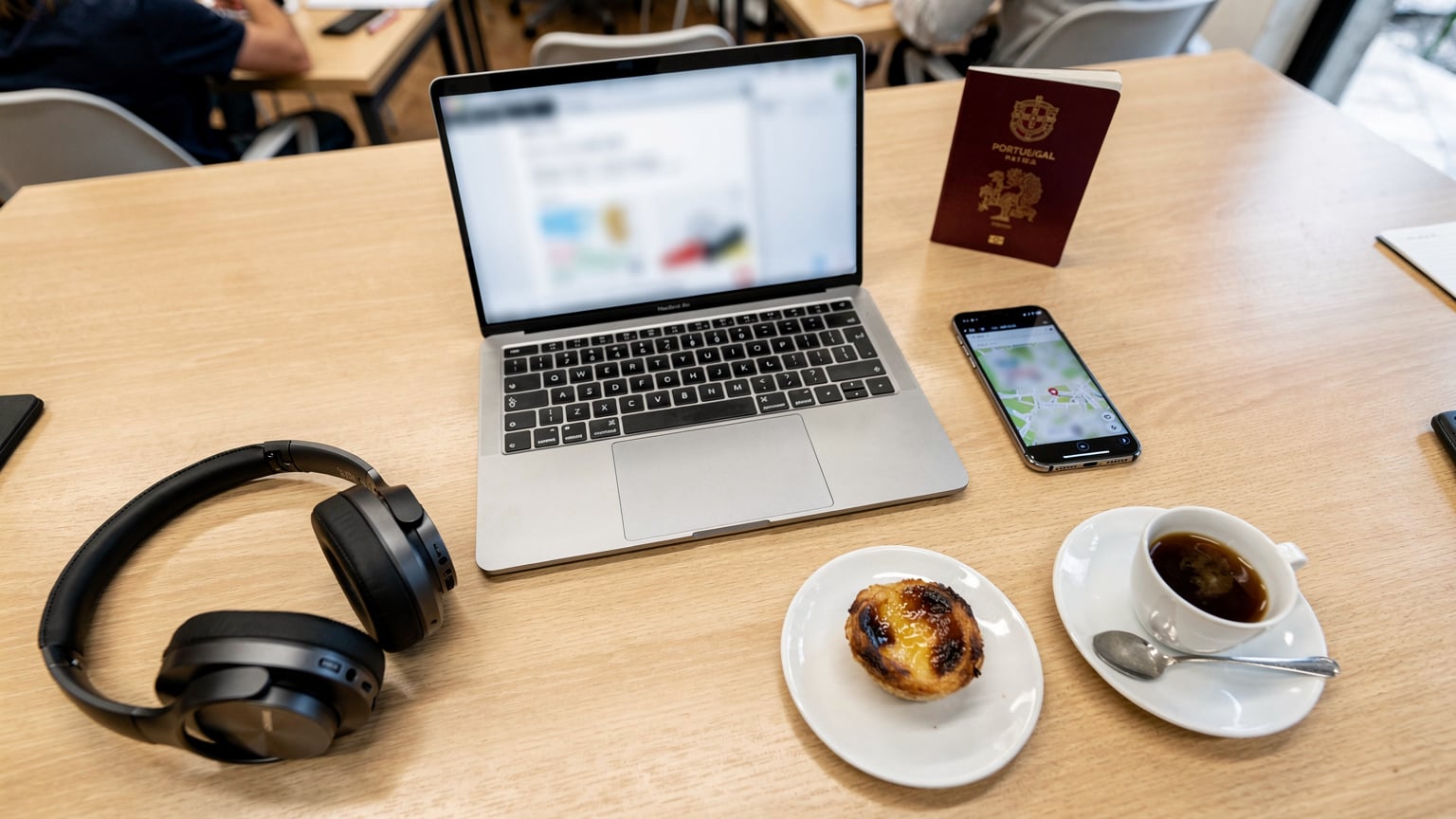
If you're still stuck, it's time to reach out to your eSIM provider's support. When you do, come prepared. Having your EID and ICCID ready will cut down on the back-and-forth significantly. Nothing wastes more time than a support agent asking for information you don't have readily available, especially when you're relying on spotty cafe Wi-Fi to communicate. (Speaking of, the Wi-Fi at Combi Coffee in Porto is always solid, for those heading there.)
When to Use Your eSIM Number vs. ICCID
This is where the distinction between EID and ICCID becomes practical. Most general inquiries about your device's eSIM capability or broad activation issues will require the EID. However, when you're drilling down into problems with a specific data plan or service, the ICCID is usually what's needed.
General Guideline
- EID (eSIM Number): Use this when you're activating a brand new eSIM profile on your device for the first time, or if you're experiencing issues that seem to be at the device-level (e.g., your phone isn't recognizing *any* eSIMs). It's also useful if you're trying to figure out if your phone actually *has* eSIM capability, though most iPhones from the XS onwards do.
- ICCID: This is your go-to for carrier-specific troubleshooting. If your data plan isn't connecting, calls aren't going through, or you're having billing issues related to a specific plan, the ICCID helps the carrier identify that exact service profile on their network. It's like a unique customer ID for that particular service contract.
Always start with the EID if you're unsure, and then be prepared to provide the ICCID if the support agent asks for more specific details about your service plan. Keeping both accessible is the best strategy for any traveler using eSIMs, whether you're a student backpacking through Europe on a tight budget or a remote worker spending a quarter in Mexico City (where a furnished apartment in Roma Norte might run you 25,000 MXN a month).
It's a small detail, but knowing the difference between EID and ICCID can save you from a major travel headache. It's a quick fix that pays dividends when you're stuck and need connectivity.
Final Thoughts: Staying Connected on the Move
The beauty of eSIMs is their convenience, especially for long-term travelers. No more fumbling with tiny physical SIM cards, no more worrying about losing them, and no more paying airport kiosk prices (seriously, don't do it unless you absolutely have to). But that convenience relies on knowing how to manage them effectively, and that includes understanding these underlying identifiers.
I've seen too many fellow nomads get stuck because they couldn't provide these numbers, leading to hours of frustration. Whether it's trying to get data working for Google Maps in a new city or needing to access a local banking app that requires a local number, connectivity is paramount. Having your EID and ICCID at your fingertips is just another tool in your travel arsenal, right alongside your passport and a good universal adapter.

So take five minutes, locate these numbers on your iPhone, and store them somewhere safe. It's a small proactive step that can save you from a major reactive headache when you're halfway across the world. And trust me, when you're battling jet lag and trying to find your Airbnb in a new neighborhood, the last thing you want is a data emergency. For more tips on avoiding those, you might want to check out our eSIM FAQ.
Frequently Asked Questions
What is the difference between an eSIM number (EID) and an ICCID?
The EID (eSIM ID) is a unique identifier for the eSIM chip itself, embedded in your iPhone's hardware. The ICCID (Integrated Circuit Card ID) is a unique identifier for a specific eSIM profile that you download onto that chip. Each profile will have its own ICCID, but all profiles on your phone share the same EID.
Why do I need to know my eSIM number or ICCID when traveling?
You'll need these numbers for troubleshooting. If your eSIM isn't activating, data isn't working, or you have billing inquiries, your eSIM provider's support team will often ask for the EID or ICCID to identify your specific plan and device to resolve the issue.
Can I have multiple eSIMs on my iPhone, and how do I manage them?
Yes, iPhones support multiple eSIMs. You can manage them in 'Settings' > 'Cellular' by tapping on each plan. Here you can label them (e.g., 'Travel Data,' 'Home Line'), designate a primary line for calls and data, and switch them on or off as needed. You can also remove unused plans.
Will my eSIM number change if I switch to a different eSIM provider?
The EID (eSIM number) of your iPhone itself will not change, as it's tied to the hardware. However, if you download a new eSIM profile from a different provider, that new profile will have its own unique ICCID. Each distinct service plan you activate will have a unique ICCID.
What should I do if my data isn't working even after finding my eSIM number?
First, restart your iPhone. Then, double-check your 'Cellular Data' settings to ensure the correct eSIM is selected for data and 'Data Roaming' is enabled. Verify APN settings with your provider. If issues persist, contact your eSIM provider's support with your EID and the specific ICCID of the problematic plan ready.
Is the *#06# dialer code safe to use?
Yes, dialing *#06# is a standard, safe method to display your device's IMEI and ICCID information. It does not make a call or incur any charges, and it's a commonly used diagnostic tool across many phone types.