
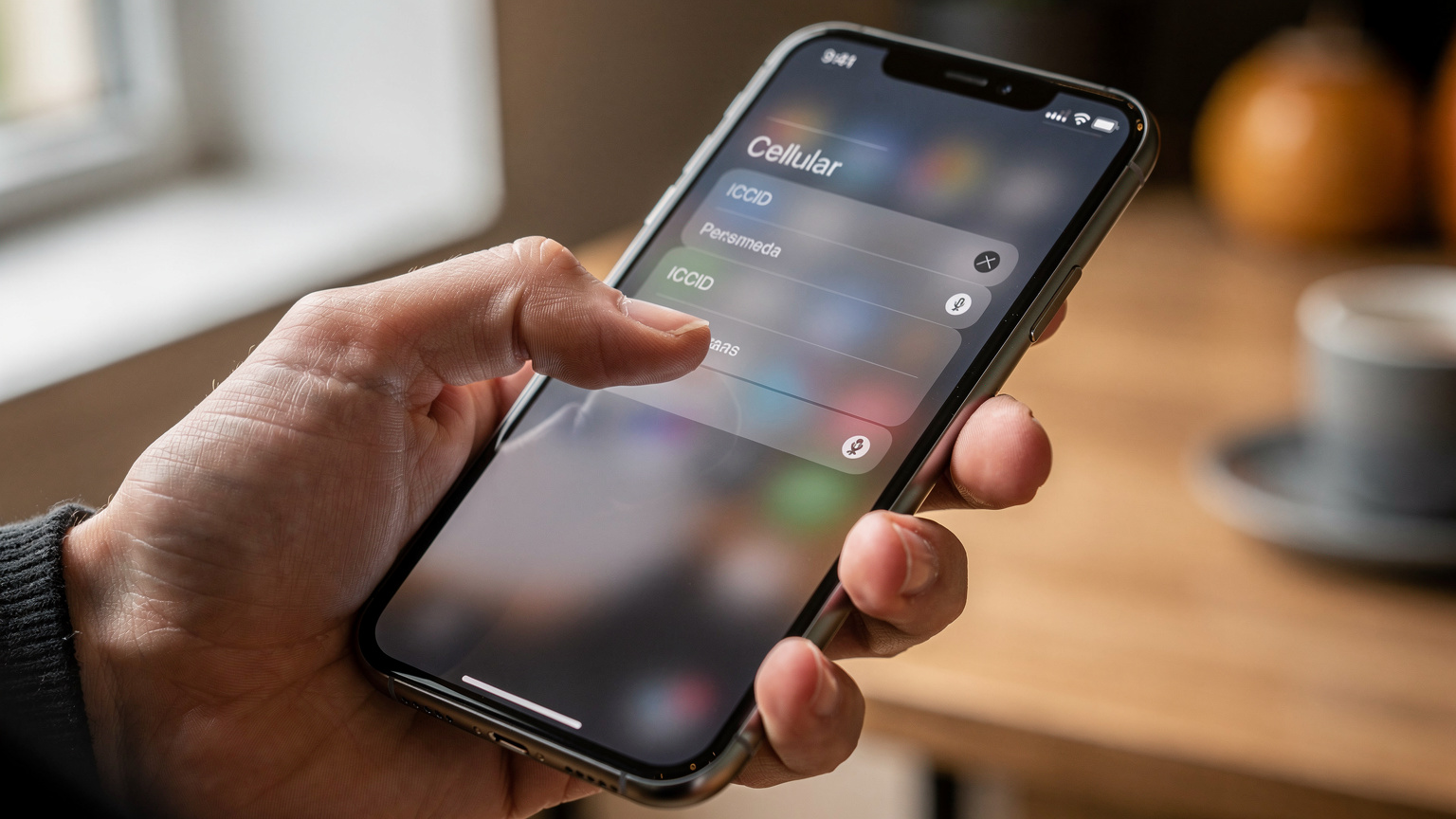
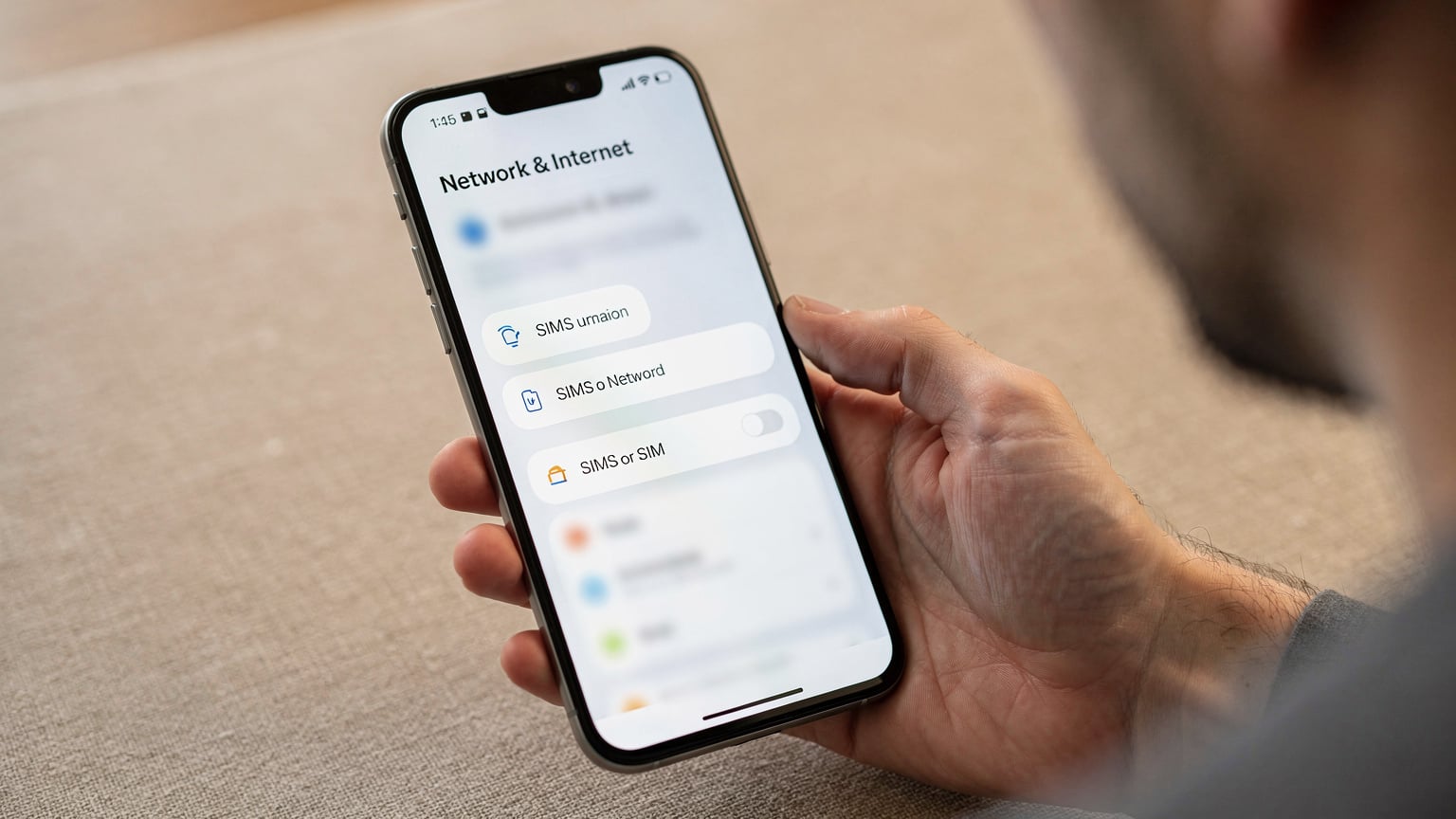
Trying to find your eSIM number? Just head to your phone's cellular settings. On an iPhone, that's Settings > Cellular > [your eSIM's name] > ICCID. Android users will find it under Settings > Network & Internet > SIMs > [your eSIM's name] > ICCID. This little string of digits is super important for getting help or managing your digital SIM, especially when you're traveling.
Understanding the eSIM Number: ICCID and EID
When people talk about an "eSIM number," they usually mean one of two things: the ICCID (Integrated Circuit Card Identifier) or the EID (eSIM ID or Embedded Identity Document). Both are vital for setting up and managing your digital SIM, but they do different jobs.
The ICCID is basically your eSIM profile's serial number, just like the number on a physical SIM card. It's a 19 or 20-digit number that specifically identifies your SIM profile. When you activate an eSIM, your carrier uses this ICCID to link your device to your service plan. Think of it as the unique key to your digital phone service. For the tech-heads, the ICCID is what the HLR/HSS (Home Location Register/Home Subscriber Server) uses to track your subscription data, including your IMSI (International Mobile Subscriber Identity) and MSISDN (your actual phone number). It's what makes sure you're properly authenticated on the network.
The EID, on the other hand, is the unique ID for the actual eSIM chip built into your device's hardware. This EID is a longer, 32-digit code that lets carriers remotely load eSIM profiles onto your device. For example, when you scan a T-Mobile eSIM QR Code, your phone sends its EID to the carrier's SM-DP+ (Subscription Manager, Data Preparation+) server. That server then downloads the correct ICCID and its associated profile to your device. The EID is permanent, part of your phone's hardware, while the ICCID changes every time you install a new eSIM profile. Most of the time, especially when you're talking to customer support or managing an active plan, the ICCID is what you'll need.
Knowing the difference is super helpful for troubleshooting. If you can't download a profile, the EID might be the issue. If your active plan isn't working, support will almost always ask for the ICCID first. This isn't just theory; it directly affects how fast you can get back online, which is critical when you rely on data for maps or talking to people in a new city.
ICCID vs. EID: A Quick Comparison
| Feature | ICCID (Integrated Circuit Card Identifier) | EID (eSIM ID / Embedded Identity Document) |
|---|---|---|
| Purpose | Identifies the specific eSIM profile/subscription | Identifies the embedded eSIM hardware chip in your device |
| Format | 19 or 20 digits | 32 digits |
| Changeability | Changes with each new eSIM profile installed | Static, permanent identifier for the device's eSIM chip |
| When You Need It | For customer support, plan management, porting numbers | For initial eSIM provisioning/downloading profiles |
| Analogy | Serial number of a specific key | Serial number of the lock mechanism itself |
Finding Your eSIM Number on iPhone (iOS)
For iPhone users, finding your eSIM number, specifically the ICCID, is pretty easy. While the menus might shift a tiny bit between iOS versions, Apple usually keeps cellular settings intuitive.
Step-by-Step Guide for iOS
- Open Settings: Tap the grey 'Settings' app on your home screen.
- Navigate to Cellular: Scroll down and tap 'Cellular' (or 'Mobile Data' in some places).
- Select Your eSIM Plan: Under 'CELLULAR PLANS,' you'll see a list of your installed eSIMs. They might be labeled by carrier or a name you gave them, like 'Travel Mexico' or 'Work Line.' Tap the specific eSIM profile you want to check.
- Locate ICCID: On the next screen, scroll down. You'll see 'ICCID' listed. Tap it, and the full 19 or 20-digit number should appear. Some iOS versions might also show you the EID if your device supports it.
- Copy for Convenience: Most iOS versions let you long-press the ICCID to copy it, which is super handy if you need to paste it into a support chat or email.
If you have several eSIMs, make sure you pick the right one. I've seen travelers accidentally give support the ICCID for an old plan when trying to fix their active service, which just makes things more confusing. Always double-check the label.
Potential iOS Variations and Edge Cases
- Older iOS Versions: On very old iOS versions (before iOS 15), the ICCID might have been under 'About' in Settings, after tapping 'Cellular.' But any modern iPhone with eSIM will almost certainly have it directly in the 'Cellular' menu.
- Dual SIM with Physical SIM: If you're using both a physical SIM and an eSIM, both will show up under 'Cellular Plans.' Make sure you tell them apart by their labels. The physical SIM's ICCID might also be there, but it's usually not what you need for eSIM problems.
- No eSIM Profile Installed: If you haven't installed any eSIMs yet, the 'Cellular Plans' section will only show your physical SIM (if you have one) or options like 'Add eSIM' or 'Set Up Mobile Data.' You won't find an ICCID until a profile is active.
- VoLTE and VoWiFi: Apple's VoLTE (Voice over LTE) and VoWiFi (Voice over Wi-Fi) usually work well. However, some regional carriers might need specific ICCID prefixes or ranges for all features to work. If you're in a country like Japan and having trouble with VoLTE on your eSIM from a US provider, it's worth checking if the local roaming partner (like Docomo or KDDI) supports VoLTE for your specific ICCID range. Sometimes, this needs a carrier settings update, which is tied to the ICCID.
Locating Your eSIM Number on Android Devices
Android's variety, while great, means menu paths can differ slightly depending on your phone's brand (Samsung, Google Pixel, OnePlus, etc.) and Android version. Still, the basic steps are the same across most modern devices.
General Steps for Android
- Open Settings: Tap the 'Settings' icon, usually a cogwheel, in your app drawer or by swiping down from the top and tapping the cogwheel.
- Navigate to Network & Internet: Tap 'Network & Internet' or 'Connections' (on Samsung phones).
- Access SIMs/Mobile Network: Look for 'SIMs,' 'Mobile Network,' or 'SIM card manager.' This is where your active and inactive SIM profiles, including eSIMs, are listed.
- Select Your eSIM: Tap on the eSIM profile you need info for. It might be labeled 'eSIM,' 'Secondary SIM,' or by the carrier's name.
- Find ICCID: On the eSIM details screen, scroll down. You should see 'ICCID' listed. Like on iOS, you can often long-press to copy the number. Some devices might also show the EID here.
The names for these settings can really change. On a Samsung Galaxy, it might be 'Connections' > 'SIM card manager,' while on a Google Pixel, it's 'Network & internet' > 'SIMs.' You might need to poke around a bit, but it's usually pretty logical.
Android-Specific Considerations
- Manufacturer Overlays: Samsung's One UI, Google's Pixel Experience, and OnePlus's OxygenOS all put their own spin on Android. The core function is there, but menu names or icons might differ. If you're stuck, searching "[Your Phone Model] find eSIM ICCID" usually brings up specific instructions for your device.
- APN Settings and eSIMs: On Android, you can adjust APN (Access Point Name) settings more often than on iOS. While an eSIM profile usually comes with APNs pre-set, sometimes, especially with smaller or regional carriers, you might need to manually enter or check them. The ICCID itself doesn't directly affect APN settings, but giving the correct ICCID to support helps them guide you to the right APN for your profile if you need to tweak it. For instance, some phones, especially from certain Chinese manufacturers, have been known to occasionally reset APN settings after switching networks, requiring you to re-enter them. It's a rare issue, but it happens.
- Network Bands and Speed: Your eSIM profile determines which network bands your phone tries to connect to. For example, if you're in Berlin using an eSIM that uses Telekom Deutschland's network, you'd expect good performance on bands like B3 (1800MHz), B7 (2600MHz), and the 5G n78 (3500MHz) band. Typical download speeds on Telekom's 5G network are between 150 Mbps and 500 Mbps, with upload speeds from 30 Mbps to 80 Mbps in cities. Knowing your eSIM's ICCID helps support check your plan's capabilities and expected performance on these bands.
Accessing eSIM Details on Windows Laptops and Tablets
It's not just phones. Many newer Windows laptops and tablets, especially for people who work on the go, have built-in eSIMs. This means truly smooth connectivity, which is super handy for remote work in places like Mexico City. Finding eSIM details here is a little different than on phones, but still easy enough.
Steps for Windows 10/11
- Open Settings: Click the Start button, then the 'Settings' cogwheel icon.
- Navigate to Network & Internet: In the Settings window, click 'Network & Internet.'
- Go to Cellular: In the left menu, select 'Cellular.'
- Manage eSIM Profiles: Under 'Cellular,' look for 'Manage eSIM profiles.' Click it.
- Select Profile and View Details: You'll see a list of installed eSIM profiles. Select the one you want to check, then click 'Properties' or 'View details.' The ICCID will be shown with other information.
Windows devices with eSIMs usually have a cellular modem that supports many bands, like Qualcomm's Snapdragon X series modems that handle a wide range of LTE bands (e.g., B1, B3, B7, B20) and 5G bands (n1, n3, n78). This broad support means they'll work with most carriers worldwide, which is essential for digital nomads.
Common Windows eSIM Scenarios
- Initial Setup: When you first set up a Windows eSIM, you'll typically follow steps to download a profile from a carrier or use an activation code. Your Windows device's modem EID is used during this first setup.
- Multiple Profiles: Just like phones, Windows devices can store several eSIM profiles. You can switch between them easily from the 'Cellular' settings. Each active profile will have its own ICCID.
- Connecting to a Specific Network: If you're traveling, say on a European city break, your Windows device might connect to the strongest network available. If you have an eSIM with a preferred carrier, making sure that profile is active and its ICCID is correctly registered is key to consistent service.
The Importance of Your eSIM Number for Travelers
For anyone who travels often, the eSIM number isn't just a random set of digits. It's crucial information that can make or break your internet connection overseas. Knowing where to find this number saves you precious time and a lot of travel stress, whether you're activating a new plan or fixing an unexpected outage.
Imagine you've just landed at Lisbon's Humberto Delgado Airport (LIS), ready for a festival, and your new eSIM isn't connecting. The first thing Cellesim support will ask for is your eSIM's ICCID. Without it, they can't quickly find your profile on the network, check its status, or send any needed updates. This can lead to frustrating delays, especially if you're trying to meet friends at a busy event or find your Airbnb near Alfama using public transport.
Key Reasons Travelers Need Their eSIM Number
- Customer Support: This is probably the most common reason. When you contact your eSIM provider about any problem - data not working, can't make calls, questions about your plan - the ICCID is their main reference point. It lets them pull up your specific profile and figure out the issue fast.
- Plan Management and Renewals: Some eSIM providers, though not all, might ask for your ICCID when you want to add more data, renew a plan, or switch to a different package, especially if you're doing this on their website instead of their app.
- Number Portability: If you ever decide to move a phone number connected to an eSIM to a new carrier or device, the new carrier will need the ICCID to identify and transfer your service.
- Troubleshooting Network Issues: For more complicated network debugging, like checking your roaming status or if your profile is set up correctly on a specific MNO (Mobile Network Operator) or MVNO (Mobile Virtual Network Operator), the ICCID works as a unique ID.
I once had a problem at a festival in Hungary where my eSIM kept losing data on band B20 (800MHz FDD-LTE), which is key for coverage outside city centers. After a quick chat with support, giving them my ICCID, they found that my profile had an outdated setting for the local roaming partner's network. A quick refresh from their end fixed it, and I was back to uploading videos of the main stage, often getting 40-60 Mbps download speeds on band B3 in crowded areas, which is pretty good for festival conditions!

Troubleshooting Common eSIM Number Issues
Even with digital convenience, problems pop up. Knowing where to find your eSIM number is just the start. Understanding common issues related to it can help you get online faster.
When You Can't Find Your eSIM Number
- No eSIM Installed: This is the simplest one. If you haven't actually put an eSIM profile on your phone, you won't find an ICCID. Make sure you've finished the activation process, usually by scanning a QR code or using a manual code. For guides like AT&T eSIM for International Travel, these activation steps are front and center.
- Disabled eSIM: If you've temporarily turned off an eSIM profile in your settings, its ICCID might still be visible, but the profile won't be active. Turn it back on to get service.
- Deleted eSIM: If you've deleted an eSIM profile, its ICCID is gone from your device. You'll need to reinstall the eSIM using the original QR code or activation method. Keep screenshots or emails of your QR codes in a safe, easy-to-reach spot.
- Device Specific Bugs: Rarely, a software bug might temporarily hide eSIM info. A simple device restart often fixes this. Make sure your operating system (iOS or Android) is up to date, as updates often include fixes for cellular modems.
ICCID Mismatch or Inactivity
- Incorrect ICCID Provided to Support: Always double-check that the ICCID you give to support matches the active eSIM you're trying to fix. An old or inactive ICCID will only cause delays.
- Profile Inactivity: Sometimes, an eSIM profile might become inactive due to billing issues, expiration, or network errors. In these cases, even if the ICCID is visible, the service won't work. Support will use the ICCID to figure out what's wrong on their end.
- CGNAT and IPv6-only Networks: This is a more technical point, but important for some eSIMs: some mobile networks, especially those used by MVNOs, use Carrier-Grade NAT (CGNAT) or run in IPv6-only mode with 464XLAT for IPv4 access. While your ICCID doesn't change, these network setups can sometimes cause problems with certain VPNs or apps that expect a public IPv4 address. Your eSIM provider's support, using your ICCID, can confirm if your profile is affected by these network configurations.
eSIM Number and Network Performance: What to Expect
While your eSIM number (ICCID) is mainly for identification, the profile it represents directly affects how well your network works. This isn't about the number itself, but what's linked to it: your carrier, your plan, and the network access it gives you.
Factors Influencing Performance
- Carrier Network: This is the biggest factor. A Cellesim eSIM for France that uses Orange F's network on bands like B3 (1800MHz FDD-LTE) and n78 (3500MHz 5G) will perform very differently than one using a smaller regional MVNO. Orange F, for example, typically offers 5G download speeds between 180 Mbps and 600 Mbps in big cities like Paris, with uploads from 40 Mbps to 100 Mbps.
- Roaming Agreements: For international eSIMs, performance really depends on the roaming agreements your eSIM provider has. A good agreement usually means access to the main national carriers, giving you better speeds and coverage. A basic agreement might put you on secondary networks, possibly on older bands or with lower priority.
- Network Congestion: No matter the ICCID, if you're at a huge event like Glastonbury Festival, network congestion on local bands (e.g., B7, B3) will slow things down. While carriers bring in temporary cell towers (COWs: Cells on Wheels) and optimize small cells for these events, a ton of users can still reduce performance. During peak times, expect download speeds to drop a lot, maybe to 5-20 Mbps, even on 4G.
- Device Capabilities: Your phone's modem also matters. A device that supports advanced features like 4x4 MIMO (Multiple-Input Multiple-Output) and higher levels of carrier aggregation (like combining 3-4 LTE bands) will generally get better speeds than an older model, regardless of the eSIM's ICCID.

Monitoring and Optimization
You can check your network performance using speed test apps (like Speedtest by Ookla) or by looking at your device's built-in cellular analytics. If your speeds are consistently lower than you expect, and you've confirmed your device supports the right bands, the next step is to give your ICCID to support. They can check your plan's setup and make sure it's configured for the best performance on the local network.
| Carrier Feature | Impact on Performance | Relevance of ICCID |
|---|---|---|
| Carrier Aggregation | Combines multiple frequency bands (e.g., B3 + B7) for higher bandwidth and speed. | Your ICCID identifies the profile that grants access to these carrier-specific features. |
| VoLTE / VoWiFi | Enables voice calls over LTE/Wi-Fi, improving call quality and allowing simultaneous data use. | Some carrier profiles (identified by ICCID) have specific VoLTE provisioning requirements. |
| Network Priority | Determines your data's priority during congestion (e.g., post-paid vs. pre-paid). | Your ICCID links to your subscription type, which dictates network priority. |
| APN Configuration | Defines how your device connects to the internet gateway, affecting connectivity and sometimes speed. | Support uses your ICCID to verify correct APN settings for your profile. |
Security Considerations for Your eSIM Number
Your eSIM number, especially the ICCID, is sensitive information. While it won't directly let someone access your personal data or accounts, it's a key identifier for your cellular service. Treat it with the same care you would a physical SIM card number.
What Not to Do with Your eSIM Number
- Public Sharing: Don't post your ICCID on social media, public forums, or any unencrypted site. While the risk of direct misuse is low, it could be used in attempts to trick your carrier.
- Unverified Requests: Only give your ICCID to your actual eSIM provider's customer support, through their official channels (like their app, secure website chat, or verified phone numbers). Be careful of requests that come out of nowhere via email or text.
Best Practices for eSIM Security
- Keep Activation Details Secure: The QR code or activation code you use to install your eSIM is essentially a master key to your profile. Store it safely, maybe in an encrypted note or password manager. If someone gets hold of it, they could potentially install your eSIM profile on another device.
- Use Device Security: Make sure your phone or tablet is protected with a strong passcode, Face ID, or Touch ID. This stops unauthorized people from getting into your cellular settings and, by extension, your eSIM details.
- Regularly Review eSIMs: Periodically check your device's cellular settings for any eSIM profiles you don't recognize. Delete any you don't know or no longer use. This helps prevent unauthorized or old profiles from taking up space or causing confusion.
From a network security point of view, eSIM authentication is very strong, using cryptographic keys stored on a secure part of the embedded chip. But, like any system, the weakest link is often human error or compromised login details. Being careful about who you share your ICCID with helps reduce these risks.
Future of eSIM Management and Number Access
eSIM technology is always changing. As more devices get eSIMs and international roaming becomes standard, we can expect even better ways to manage and access our eSIM numbers.
Emerging Trends
- Centralized eSIM Management Apps: More carriers and third-party companies are building sophisticated apps. These apps not only help you buy and activate eSIMs but also offer a central place to manage multiple profiles, track data usage, and easily find ICCID/EID information. This simplifies things, meaning you don't have to dig through system settings as much.
- Enhanced Device Integration: Future operating system updates will probably make it even easier to access eSIM details, perhaps integrating them more deeply into account management or digital wallet features.
- Self-Service Troubleshooting: With more AI in customer support, giving your ICCID might become part of an automated diagnostic process. This could help you solve common problems faster without needing to talk to a person.
The goal is always to make connecting as smooth and effortless as possible. While the ICCID might seem like a technical detail, its core role in linking your device to a network means it will always be a crucial identifier. As we head towards 2026, finding it might become even more intuitive, but its importance for support and management will stay. To learn more, check out how eSIMs are changing various travel situations, from long stays in the Galápagos to daily international commutes. That unique identifier will always be fundamental.
Frequently Asked Questions
What is the difference between an ICCID and an EID for an eSIM?
The ICCID (Integrated Circuit Card Identifier) is like the serial number for your specific eSIM profile, unique to each plan you install. The EID (eSIM ID) is the permanent, 32-digit identifier for the eSIM chip built into your device's hardware, used for remotely setting up profiles. For most support and plan management, you'll need the ICCID.
Can I have multiple eSIMs installed on my phone at once?
Yes, most modern eSIM-compatible phones, like recent iPhones and top Android models, can store several eSIM profiles at the same time. However, you can usually only have one or two active at any given moment, depending on your device's dual SIM capabilities (for example, one physical SIM + one eSIM active, or two eSIMs active).
What should I do if my eSIM is not working after activation?
First, restart your device. Then, check your cellular settings to make sure the eSIM profile is turned on and selected for data. If you're abroad, verify that data roaming is enabled. If problems continue, find your eSIM's ICCID and contact your eSIM provider's customer support for help, giving them this number for faster diagnosis.
Is my eSIM number the same as my phone number?
No, your eSIM number (ICCID) is a unique identifier for the digital SIM profile itself, like a serial number. Your phone number (MSISDN) is the number people use to call or text you, which is linked to your eSIM profile on the carrier's network. They are different identifiers.
Can I transfer my eSIM profile to a new device?
Directly transferring an eSIM profile between devices varies by carrier and phone maker. Some carriers support an eSIM Quick Transfer feature (mostly on iOS), while others might require you to delete the profile from your old device and activate it on the new one using a new QR code or activation method. Always check with your eSIM provider for their specific transfer policy.
Is it safe to share my eSIM ICCID with customer support?
Yes, it's generally safe to share your ICCID with your legitimate eSIM provider's customer support through their official channels (like a secure chat, verified phone line, or their app). They need this number to identify your service and help with troubleshooting or account management. Just avoid sharing it on public forums or unverified platforms.