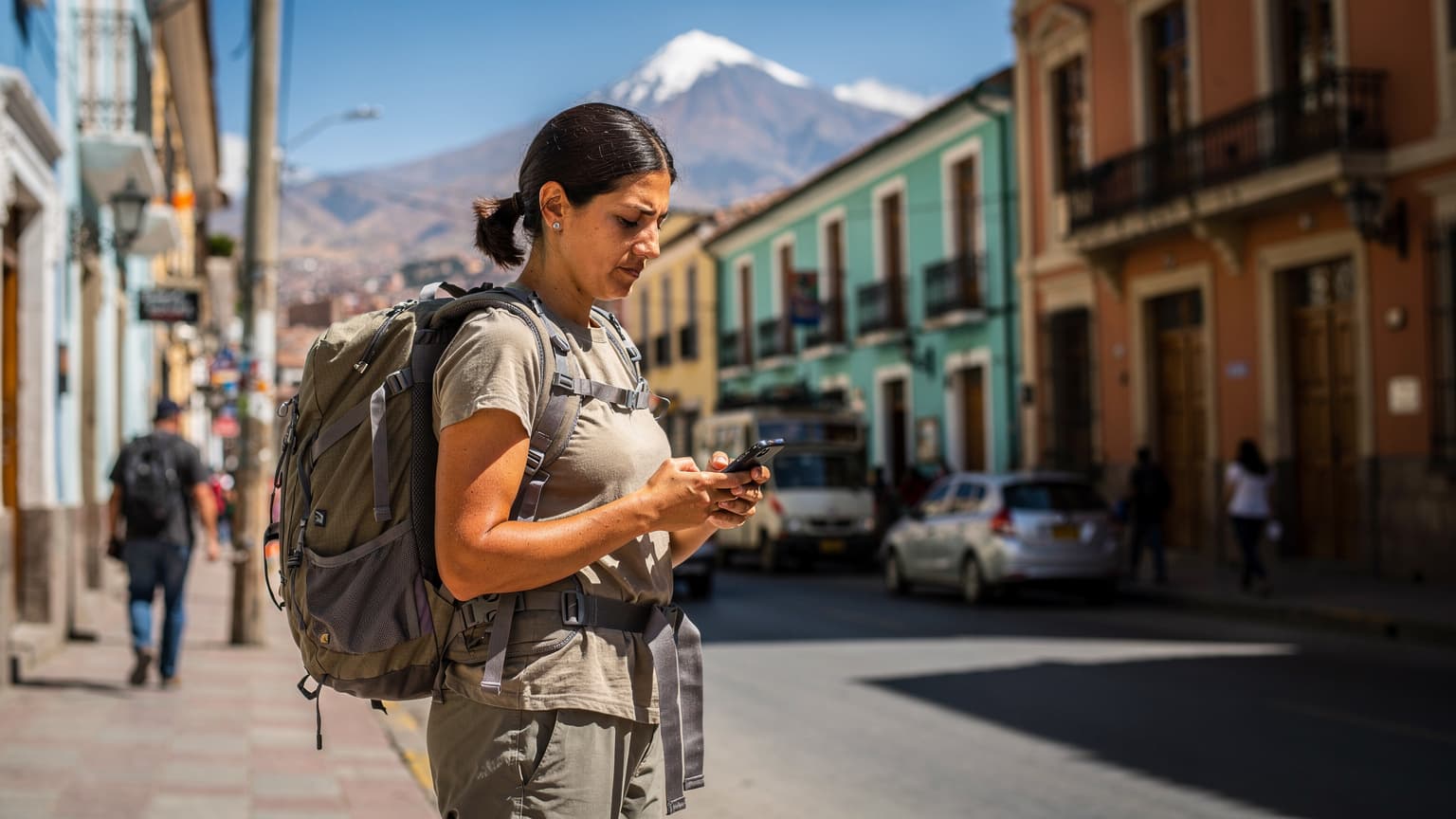
When traveling to South Korea in 2026, your phone needs more than just a data plan, it needs the right suite of local applications to unlock everything from getting around the Seoul Metro to ordering late-night fried chicken in Hongdae. Without these apps, you’ll spend valuable time figuring out basic logistics instead of immersing yourself in the vibrant culture.
Getting Connected: Your eSIM for South Korea
Before you even think about downloading apps, you need reliable data. South Korea’s internet infrastructure is legendary, but that speed means nothing if you can’t get online. Traditional SIM cards can be a bit of a hassle, requiring you to find a physical store at Incheon Airport (ICN) or in a city like Gangnam, show your passport, and often wait in a queue. This is where an eSIM truly shines.
An eSIM for South Korea allows you to purchase a data plan online before you even leave home and activate it instantly upon arrival. No fiddling with tiny trays or worrying about losing your home SIM. I’ve been in situations, particularly during peak festival season, where finding a working SIM at a small airport kiosk felt like a treasure hunt, and that's time I'd rather spend exploring. With an eSIM, you land, switch it on, and you're connected. This is especially useful if you're arriving late at night or have a tight connection to another city like Busan or Jeju.
Consider what kind of data you’ll need. Are you a casual browser, or do you plan on streaming K-dramas on the subway between stations like Myeongdong and Dongdaemun? If you’re unsure about speed requirements, you might want to consider whether 256kbps eSIM speed is truly enough for your planned usage, especially if you're relying on video calls back home.
| eSIM Provider | Typical Coverage | Plan Flexibility | Ease of Activation |
|---|---|---|---|
| Cellesim | Nationwide (KT, SKT networks) | Various data limits, durations | QR code, instant |
| Local Carrier (e.g., KT, SKT) | Nationwide | More local options, potentially longer commitments | In-store purchase, physical SIM/eSIM conversion |
| Other Global eSIMs | Varies by partner network | Often fixed data, limited options | QR code, generally easy |
Activating your eSIM is usually a straightforward process. If you encounter any issues, like your eSIM showing no service abroad, double-check your device settings before attempting any drastic steps. Most providers have detailed FAQs or customer support ready to help.
Mastering Korean Navigation and Transit
Google Maps, bless its heart, just doesn’t cut it in South Korea. The local mapping services are vastly superior, offering real-time transit information, precise walking directions, and even details on local businesses that Google often misses. If you try to navigate Seoul using Google Maps, you'll quickly find yourself lost in translation, literally.
KakaoMap or Naver Map: Your Digital Compasses
These two are the undisputed champions of Korean navigation. Both offer excellent public transit routing, including subway, bus, and even intercity trains. They provide estimated travel times, transfer points, and even show you which exit to take from a subway station, a crucial detail when some stations like Seoul Station or Gangnam Station have over a dozen exits.
- KakaoMap: Often preferred for its cleaner interface and integration with other Kakao services. It’s excellent for finding restaurants, cafes, and local attractions.
- Naver Map: Provides incredibly detailed street views and often has more up-to-date business information. It's particularly strong for driving directions if you happen to be renting a car (though most visitors rely on public transit).
Download at least one of these before you land. Seriously, it's the first thing I do after securing my data plan. Once, I relied on a friend's recommendation to use a less popular app in Busan and ended up on the wrong side of Haeundae Beach trying to find a specific seafood restaurant. Never again.

Subway Korea / Seoul Metro: For the Train Enthusiast
While KakaoMap and Naver Map handle general navigation, dedicated subway apps offer deeper insights into the intricate Seoul Metro system, which by the way, is one of the most efficient in the world. These apps can help you find the fastest route, identify the best car to board for a quick transfer, and even show you real-time train locations. This is incredibly helpful when you're trying to make a connection from, say, Line 2 to Line 3 at Euljiro 3-ga station during rush hour.
Kakao T: Your Ride-Hailing Solution
Forget Uber or Lyft; Kakao T is the reigning champion for taxis and ride-hailing in South Korea. It works much like other ride-sharing apps, allowing you to request a taxi, see the estimated fare, and track your driver. It's indispensable for those late nights out in Itaewon or when you're loaded down with shopping bags from Namdaemun Market. You can link a foreign credit card, though sometimes local cards or Kakao Pay are smoother (more on payment apps later).
Essential Communication and Translation Apps
While many Koreans, especially younger generations, speak some English, having a reliable translation app and communication platform makes a world of difference. It bridges gaps, helps you ask for specific dishes at a local eatery in Bukchon Hanok Village, or clarifies directions with a shopkeeper in Insadong.
Papago: The Gold Standard for Korean Translation
Developed by Naver, Papago is widely considered the best translation app for Korean. It handles text, voice, and even image translation with impressive accuracy. Need to read a menu? Point your camera at it. Want to ask a quick question at a local coffee shop in Garosu-gil? Use the voice translation. It’s miles ahead of Google Translate for Korean, providing more natural and contextually appropriate translations. I’ve used it to decipher everything from bus stop signs to ingredient lists in convenience stores.
KakaoTalk: The Ubiquitous Messenger
If you're spending any significant time in South Korea, or if you plan to interact with locals (friends, tour guides, hosts), KakaoTalk is a must-have. It's the dominant messaging app, much like WhatsApp in other parts of the world. Businesses often use it for communication, and many local services will expect you to have it. Setting up an account is simple, and it works flawlessly over your eSIM data connection.
Payment Apps and Financial Convenience
Cash is still accepted, but South Korea is a highly cashless society. Many smaller establishments, particularly in traditional markets or older neighborhoods, might prefer card payments or even mobile payments. Having your payment options sorted will save you from awkward situations at the checkout.
Naver Pay / Kakao Pay: Mobile Payment Frontrunners
These two are deeply integrated into the Korean digital ecosystem. While foreign visitors might find it challenging to set up a full account without a local bank account or resident registration, some merchants allow guest payments through QR codes if your credit card is linked. It's worth trying, especially if you plan on shopping frequently at larger retailers or using services like Naver Shopping or Kakao Friends Store. (I once got stuck at a small café in Seochon trying to pay with a global card that mysteriously wouldn't scan. Always have a backup.)
Wise (formerly TransferWise) or Revolut: For International Transactions
While not strictly a Korean app, having a multi-currency account like Wise or Revolut on your phone can be incredibly useful. It allows you to hold Korean Won, spend directly with a linked debit card (often at better exchange rates than traditional banks), and easily send or receive money if needed. This reduces foreign transaction fees and gives you more control over your travel budget.
| App Type | Primary Use | Foreigner Accessibility | Notes |
|---|---|---|---|
| Kakao Pay / Naver Pay | Mobile Payments, QR Payments | Limited, requires local bank/ID for full features | Often accepted at major stores, can be challenging for full setup |
| Wise / Revolut | Multi-currency card, transfers | Good, easy to set up pre-trip | Excellent for managing exchange rates and fees |
| Bank Card Apps | Credit/Debit card management | Depends on your home bank | Always have your home bank's app for fraud alerts |
Food Delivery and Dining Out
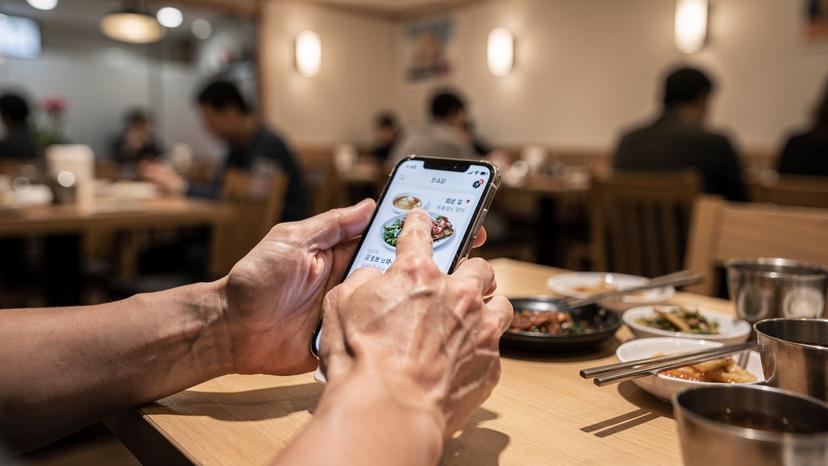
South Korea is a foodie's paradise, and its food delivery culture is legendary. Whether you're craving late-night jjimdak or a comforting bowl of bibimbap after a long day of sightseeing, these apps make it incredibly easy.
Baemin (Baedal Minjok) / Yogiyo: Food Delivery Powerhouses
These are the two dominant food delivery apps. Think DoorDash or Uber Eats, but with an even wider selection and faster service. The main hurdle for tourists is often the language barrier and the need for a local phone number for delivery (which your eSIM provides). Some hotels or guesthouses in areas like Insadong or Samcheong-dong might assist with ordering, but with a bit of patience and Papago, you can navigate them yourself. Many restaurants offer direct in-app payment, or you can pay cash on delivery.
MangoPlate / SikSin: Restaurant Discovery and Reviews
These apps are invaluable for finding new restaurants, checking reviews, and seeing actual photos of dishes. They're like Yelp but tailored for the Korean dining scene, offering a much better sense of what's popular and what's good. Filters allow you to search by cuisine, price range, and even proximity. I’ve used MangoPlate countless times to discover hidden gems in neighborhoods like Ikseon-dong.
Travel Planning and Local Experiences
Beyond the daily essentials, several apps can help you discover unique experiences and manage your itinerary, from booking high-speed trains to finding the best deals on cultural attractions.
KorailTalk: For Intercity Train Travel
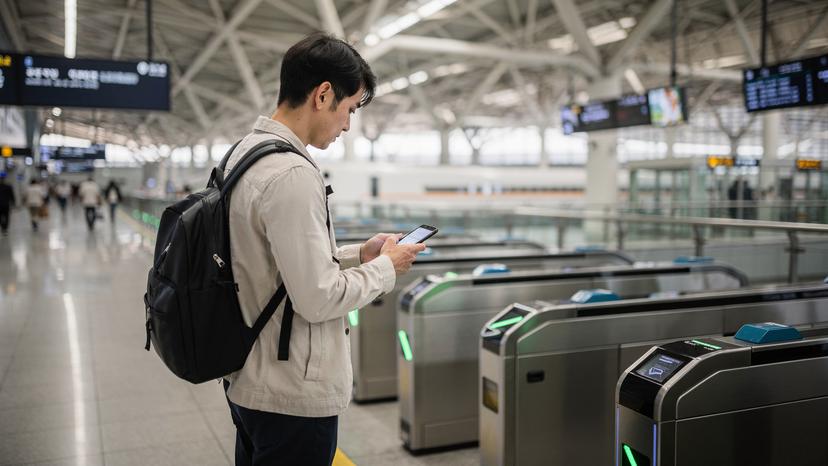
If you plan to venture beyond Seoul to cities like Busan, Gyeongju, or Jeonju, KorailTalk is your go-to app for booking KTX (Korea Train eXpress) tickets. It's available in English and allows you to check schedules, select seats, and purchase tickets directly. Having this on your phone saves you from queuing at stations like Seoul Station or Yongsan Station, especially during peak travel times or holidays.
Trazy / Klook: Activity and Tour Bookings
These platforms offer a wide range of tours, activities, and discounted tickets for attractions across South Korea. From N Seoul Tower passes to day trips to the DMZ or cooking classes in Gangbuk, they consolidate options and often provide better prices than buying directly. It's a great way to discover new things to do and streamline your bookings.
Culture Trip / TripAdvisor: General Travel Inspiration
While not exclusively Korean, these global travel apps can still be useful for general inspiration and reviews. Use them to get a broad overview of attractions, read other travelers' experiences, and find hidden spots that might not be on the main tourist trails. Just remember to cross-reference with local apps for accuracy on opening hours or specific directions.
Step-by-Step: Setting Up Your Korean App Suite
Getting your phone ready for South Korea is a process best started before you even pack your bags. A little preparation goes a long way to ensure a smooth arrival.
- Purchase Your eSIM: About a week before your trip, buy your South Korea eSIM. This gives you time to receive the QR code and troubleshoot any activation issues without pressure.
- Download Essential Apps: While still on your home Wi-Fi, download KakaoMap (or Naver Map), Papago, and KakaoTalk. These are the absolute non-negotiables.
- Set Up Accounts (Where Possible): Register for KakaoTalk. For apps like KorailTalk, you can often create an account and even browse schedules before arrival, making actual booking faster later.
- Configure Payment Methods: If you plan to use Wise or Revolut, ensure your card is activated and funded. Add your physical cards to your phone's digital wallet (Apple Pay, Google Pay) as a backup, even if not widely accepted for every transaction.
- Test Connectivity: Once you land at Incheon, activate your eSIM. Confirm you have data connection. Then, open KakaoMap and try to search for directions to your hotel in, say, Myeongdong. Open Papago and try a quick translation.
- Explore and Expand: As you settle in, download the food delivery or local experience apps like Baemin or Trazy as needed. You’ll get a feel for what you require most.
The Bottom Line for Your Korean Adventure
Traveling through South Korea in 2026 is an incredibly rewarding experience, and having the right digital tools makes it even better. Your phone, equipped with an active eSIM and the essential local apps like KakaoMap, Papago, and KakaoTalk, transforms from a mere communication device into a comprehensive travel assistant. You’ll spend less time figuring out logistics and more time soaking in the sights, sounds, and tastes of this dynamic country. From getting around the intricate alleyways of Insadong to finding the perfect late-night snack in Gangnam, these apps are your keys to unlocking a truly seamless and authentic Korean journey.
Frequently Asked Questions
Can I use Google Maps in South Korea?
While Google Maps works for general location display, its navigation features for driving, public transport, and even walking are significantly limited in South Korea. It often lacks real-time updates and precise directions. It is highly recommended to use local apps like KakaoMap or Naver Map for accurate navigation.
Do I need a local phone number for apps like KakaoTalk?
Yes, for full functionality and to register, KakaoTalk requires a phone number. Your Cellesim eSIM provides a data-only connection, but you can usually register KakaoTalk using your home country's number and then use it over your eSIM data. For other services like food delivery, a local Korean number (which some extended SIM plans or local SIMs provide) can be helpful, but many tourists manage with hotel assistance or by using their home number for authentication.
Which payment apps are most commonly used by tourists in South Korea?
For tourists, physical credit and debit cards (Visa, Mastercard) are widely accepted. While Kakao Pay and Naver Pay are ubiquitous among locals, full setup often requires a local bank account or resident ID. Many visitors find multi-currency apps like Wise or Revolut useful for managing spending and getting good exchange rates, then using their associated physical or virtual cards for purchases.
How accurate are translation apps for Korean?
Papago, developed by Naver, is generally considered the most accurate and contextually intelligent translation app for Korean. It offers text, voice, and image translation with high reliability, making it far superior to more generic translation tools like Google Translate for the Korean language.
Can I pre-book KTX train tickets before arriving in South Korea?
Yes, you can download the KorailTalk app and create an account before your trip. This allows you to browse schedules and even purchase KTX tickets in advance using an international credit card. Having your tickets pre-booked can save you time and ensure you get seats, especially during busy travel periods.
What if my eSIM shows no service after activation?
If your eSIM shows no service, first check your phone's settings to ensure the eSIM profile is active and data roaming is enabled. Sometimes a quick restart of your device can resolve minor connectivity glitches. If the issue persists, contact your eSIM provider's customer support. Do not delete your eSIM profile without their guidance, as it might not be reusable.