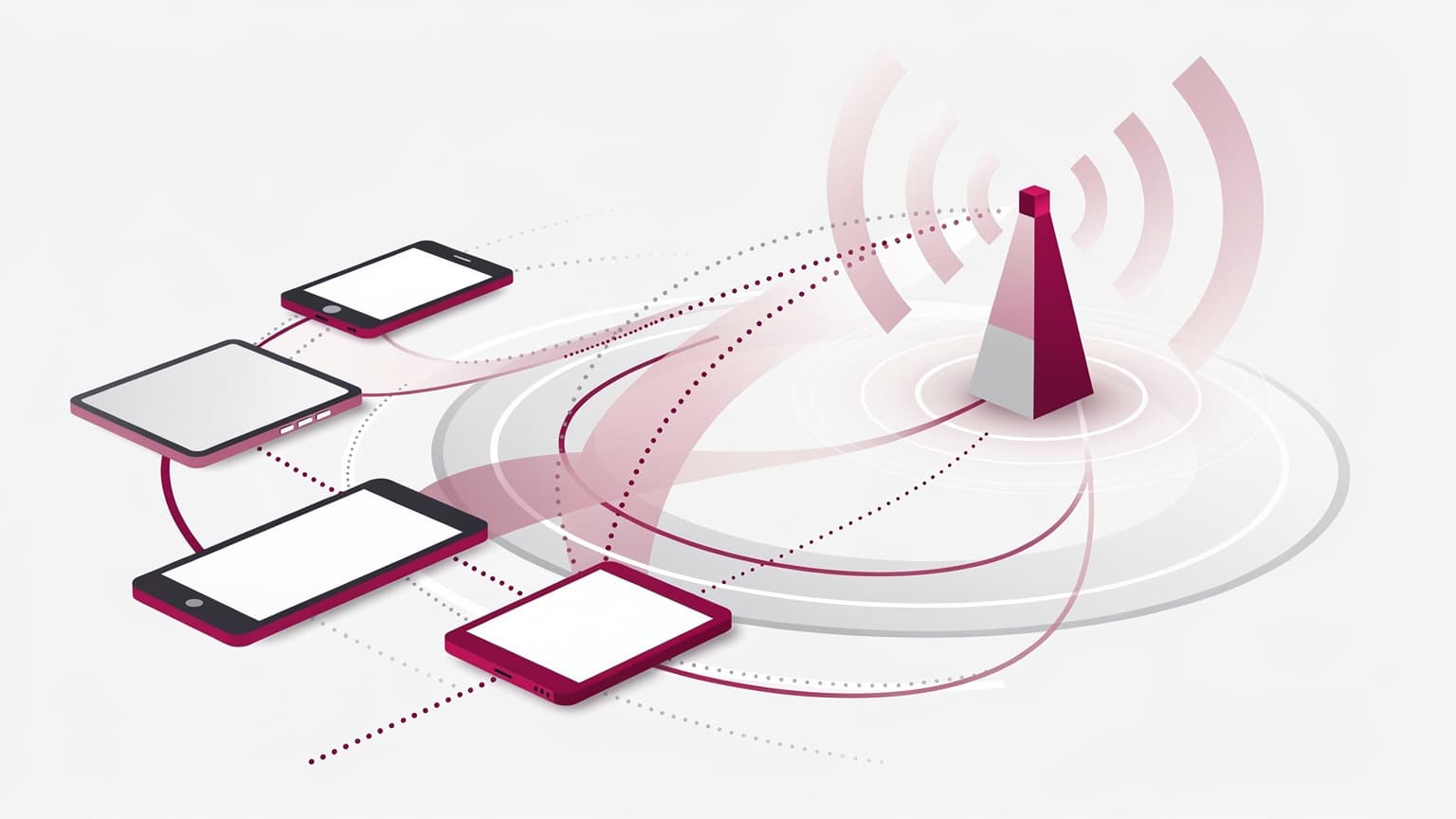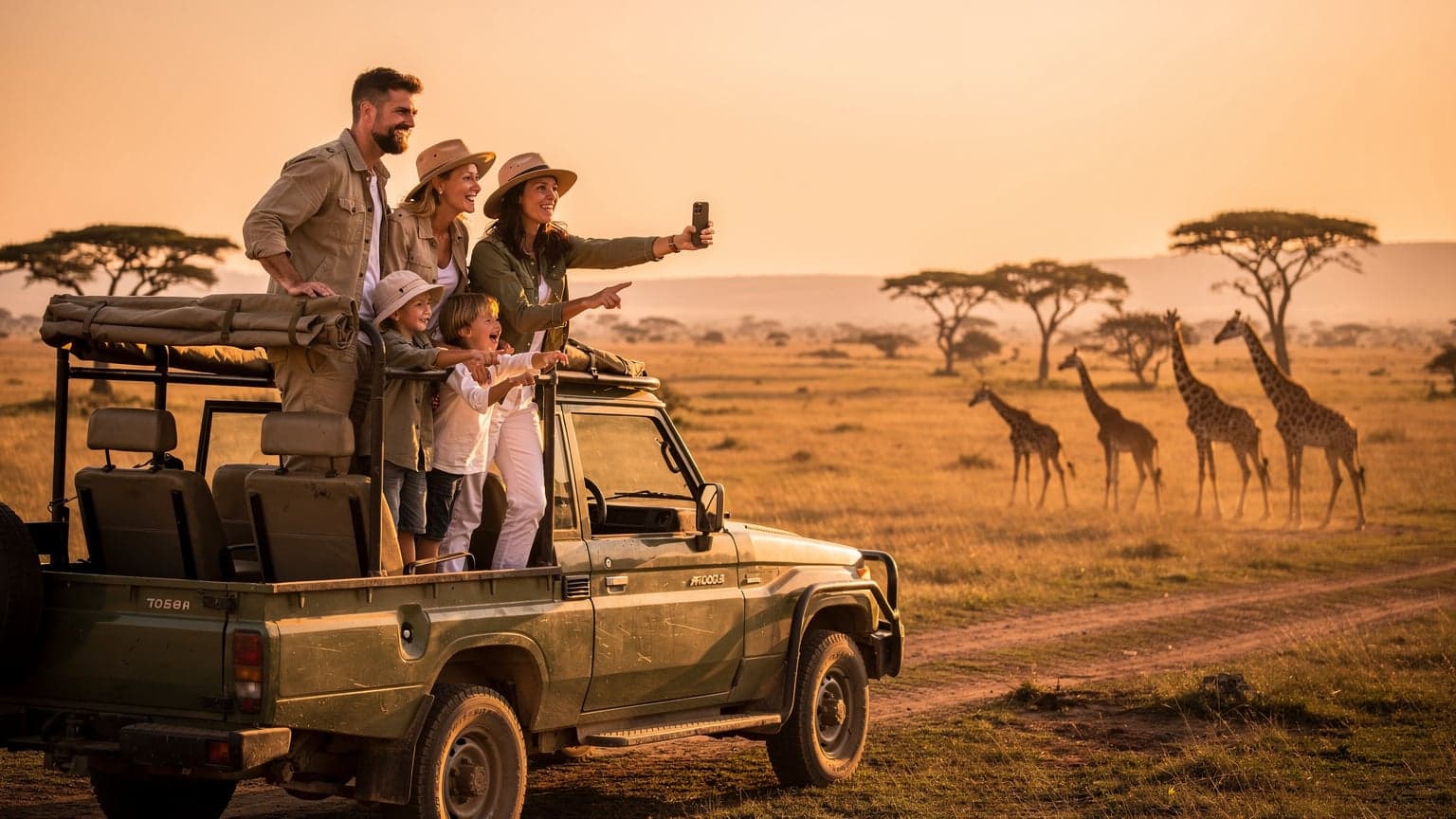
For the 2026 safari season, an eSIM is the most reliable and cost-effective way to ensure continuous connectivity across East and Southern Africa's national parks and remote areas, allowing families to manage communication, navigation, and entertainment without incurring exorbitant roaming fees.
Navigating the African Wild with a Connected Family
As a seasoned family travel planner, I've learned that the secret to a successful trip, especially to a place as wild and wonderful as Africa for safari season, isn't just about packing enough sunscreen or booking the best game drives. It's about connectivity. Not just for me to share those incredible lion sightings with my Facebook group of fellow parent-travelers, but for the kids too. Because let's be honest, even in the heart of the Serengeti, a 10-year-old's iPad battery dying can feel like a genuine emergency.
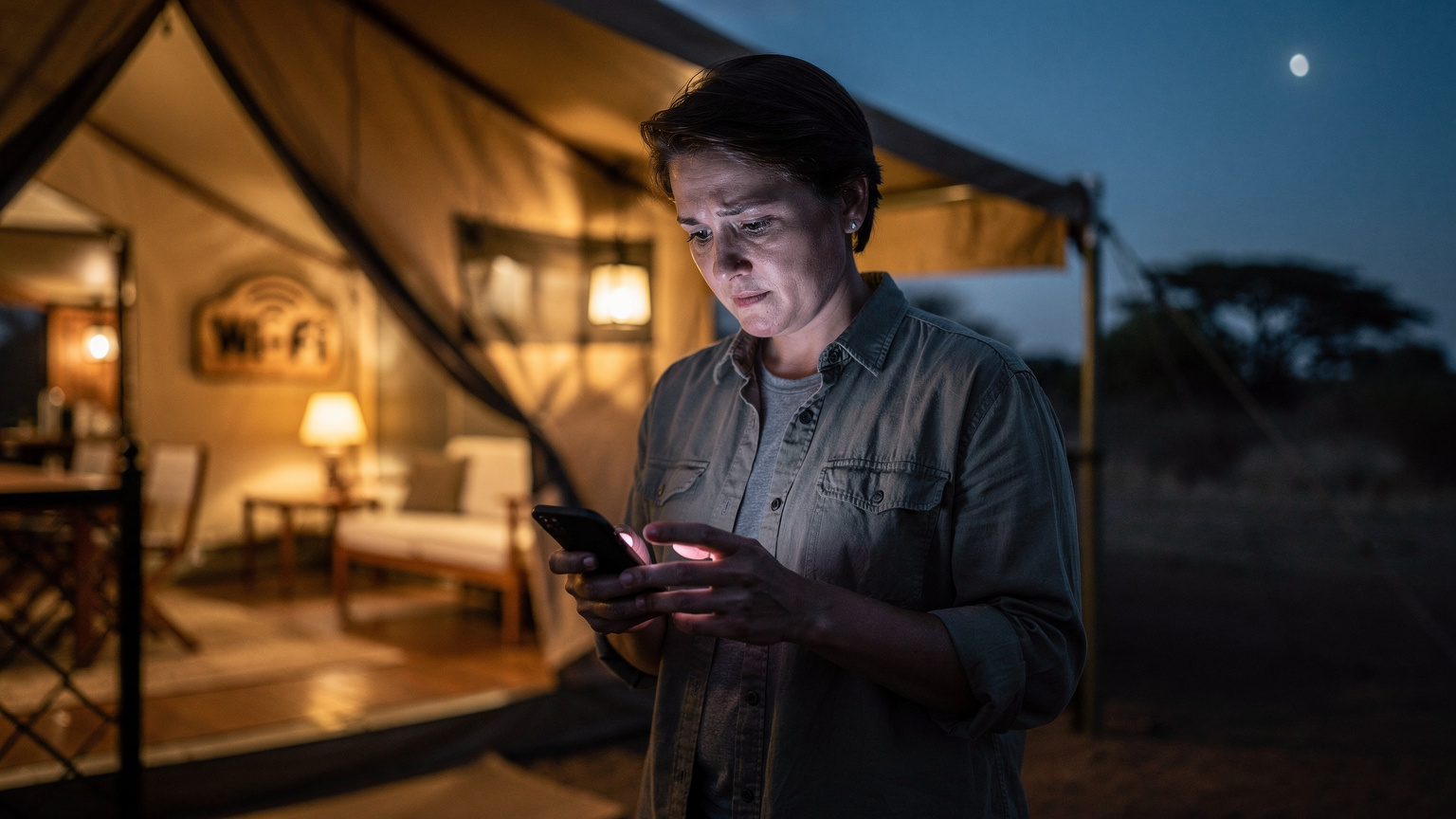
Safari season, typically from June to October in East Africa (think Kenya and Tanzania) and May to October in Southern Africa (Botswana, South Africa, Zambia), brings incredible wildlife viewing opportunities. The dry season means animals gather around water sources, making them easier to spot. But 'remote' isn't just a buzzword here, it's a reality. Lodges often have spotty Wi-Fi, and relying on it for anything beyond a quick email is a fool's errand. This is where the magic of an eSIM comes in, transforming what could be a digital black hole into a manageable, connected family adventure.
The Challenge of Staying in Touch, Off-Grid
Imagine this: You're deep in a conservancy in Botswana, the sun is setting in a blaze of orange and purple, and your youngest, bless their heart, is asking if they can finish watching Moana on Disney+. Meanwhile, your eldest is trying to upload a photo of an elephant to their friends, and you're just trying to confirm your next bush flight. Without a solid data plan, this scenario quickly devolves into a parental headache. Traditional roaming is simply not an option, not with the prices some carriers charge. And swapping physical SIM cards on arrival, especially with kids clamouring for attention, is a stress I've long since opted out of.
My Personal Safari Connectivity Story
Our first family safari to Kruger National Park years ago taught me a hard lesson. I thought I could rely on lodge Wi-Fi. Big mistake. It was slow, expensive, and often non-existent. My kids, then 6 and 8, were used to their daily dose of educational apps and audiobooks. The ensuing meltdowns were, shall we say, memorable. I ended up paying an extortionate amount for a local SIM, only to discover the coverage was patchy outside major towns. Never again. Now, an eSIM is at the top of my pre-trip checklist, right after passports and malaria medication.

Why eSIMs Are a Safari Game-Changer for Families
For parents like me, an eSIM isn't just a convenience; it's a fundamental part of the travel toolkit, particularly for destinations as remote as Africa's safari parks. It provides peace of mind, budget control, and, frankly, keeps the peace among young travelers.
Cost Efficiency Beyond Roaming Nightmares
Let's talk money, because every parent knows how quickly travel expenses can add up, especially with a troop in tow. Traditional international roaming from your home carrier is often a financial black hole. I once saw a friend's bill after a short trip to Europe, and it was enough to buy a small car. With an eSIM, you purchase a data plan specifically for your destination, often at local rates, which are significantly cheaper. No hidden fees, no surprise charges, just the data you pay for. It’s a transparent, predictable expense that you can factor into your overall safari budget.
Seamless Activation and Multi-Country Coverage
Gone are the days of hunting for a local SIM card vendor at a bustling airport, trying to decipher foreign signage while juggling luggage and a tired toddler. With an eSIM, activation is done digitally, usually with a QR code, before you even leave home. This means you land in Nairobi or Cape Town with instant connectivity. For multi-country safaris, which are very common (like combining the Maasai Mara with the Serengeti), a regional Africa eSIM plan from Cellesim can cover several countries, eliminating the need to purchase multiple local SIMs. This is a lifesaver when hopping between Kenya, Tanzania, and maybe even a quick stopover in Ethiopia.
Keeping Your Home Number Active for Important Calls
One of the unsung heroes of eSIM technology for family travelers is the ability to keep your primary physical SIM active. This means you can still receive calls and texts to your home number, which is crucial for things like bank alerts, two-factor authentication, or urgent calls from school or family members back home. You simply set your eSIM as your data line and your physical SIM for calls, or use Wi-Fi calling over your eSIM data. It’s the best of both worlds, and honestly, a non-negotiable for my peace of mind when traveling with kids.
Choosing the Right eSIM Plan for Your Family Safari
Picking an eSIM plan isn't a one-size-fits-all situation, especially when you're managing data needs for multiple devices and various age groups. It's about anticipating usage and knowing where your data will really go.
How Much Data Do You Really Need?
This is the million-dollar question. For a family, it's always more than you think. While you'll want to encourage unplugged moments, let's be realistic: a data plan sized for 2 kids streaming Disney+ (even if only for an hour or two during transit or downtime) is going to be hefty. My rule of thumb for a week-long trip with two kids who occasionally stream and use educational apps is at least 30-50GB for the family to share, assuming one parent's phone acts as a hotspot. This might sound like a lot, but consider: GPS navigation, WhatsApp calls to family, social media updates, checking lodge details, and yes, the occasional episode of Bluey. To get a better estimate, you can refer to an article like Is 5GB Data Enough for a Week Abroad? Your Travel Calculator 2026.
| Activity | Estimated Data Usage (per hour) | Notes for Family Safari |
|---|---|---|
| Basic Browsing/Email | 5-10 MB | Minimal, but adds up with multiple users. |
| Social Media (browsing) | 50-100 MB | Heavy image/video loading, especially for teens. |
| Standard Definition Streaming (Disney+, Netflix) | 0.7 - 1 GB | Crucial for keeping kids entertained during long transfers or downtime. |
| High Definition Streaming | 3 GB+ | Avoid unless absolutely necessary, huge data drain. |
| Video Calls (WhatsApp, FaceTime) | 300-500 MB | Great for checking in with grandparents, but mindful of usage. |
| Online Gaming (Switch Online) | 50-150 MB | Kids' Nintendo Switches need data for online multiplayer or updates. |
| GPS Navigation (Google Maps, Maps.me) | 5-15 MB | Low, especially if maps are downloaded offline. |
Regional vs. Single-Country eSIMs
Cellesim offers both regional and single-country eSIMs for Africa. If your safari itinerary includes multiple countries, like a classic circuit through Kenya, Tanzania, and possibly Uganda, a regional Africa plan is your best bet. It saves you the hassle and cost of buying separate eSIMs for each border crossing. If you're staying put in one country, say an extended trip through South Africa's national parks and Garden Route, a single-country plan might offer more localized data options. Always check the specific country coverage included in regional plans.
Comparing eSIM Providers for Family Travel
When it comes to family travel, not all eSIM providers are created equal. You need reliable coverage, transparent pricing, and good customer support. I've often weighed options like Nomad eSIM vs. Cellesim, especially when planning for multi-device connectivity. Nomad eSIM vs. Cellesim: Which Is Best for Family Travel in 2026? delves deeper into this comparison. For Africa, Cellesim generally offers excellent coverage through partnerships with major local carriers like Safaricom in Kenya and Vodacom in South Africa, which means better signal even in more rural areas. Always check their specific coverage maps for your exact destinations, especially if you're venturing into very remote reserves.
Prepping Kids' Devices Before You Depart
This is where the 'planning is the love language' motto truly shines. A little pre-departure effort goes a long way in ensuring smooth sailing, or in this case, smooth safaring.
Downloading Offline Content
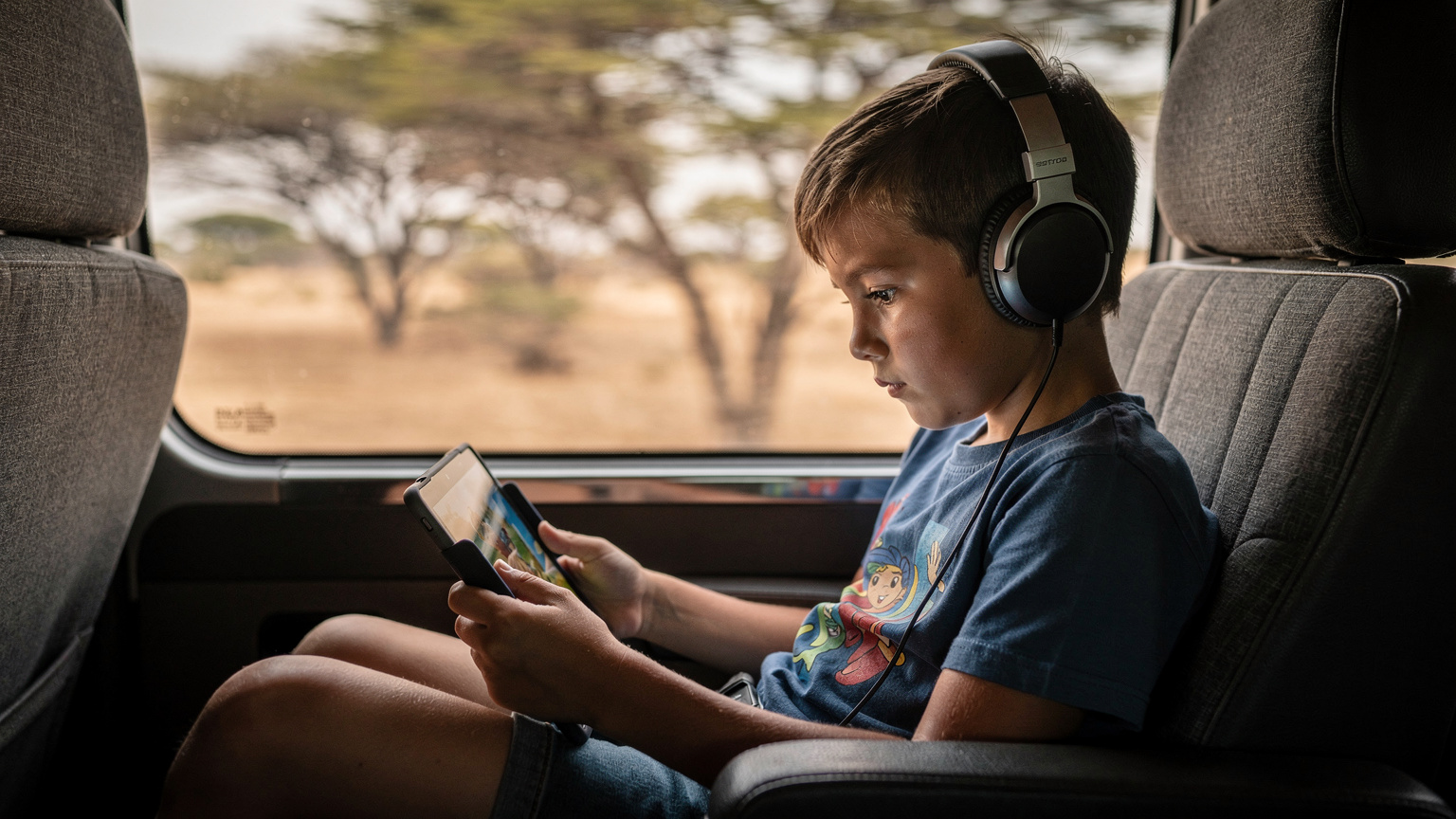
Before you even step foot on the plane, make sure all your kids' favorite shows, movies, and games are downloaded for offline access. Disney+, Netflix, YouTube Kids, and even Apple Arcade all offer offline download options. This drastically reduces the pressure on your precious eSIM data once you're in Africa. Imagine being stuck in a long transfer between lodges with no signal and no pre-downloaded content, that's a recipe for parental desperation. For younger kids, I always ensure a few episodes of Paw Patrol or Bluey are ready to go. For older ones, a full movie or a few seasons of a preferred show on their iPad. And don't forget audiobooks or podcasts, perfect for quiet observation moments during game drives (with headphones, of course).
Pre-Loading Essential Apps and Games
Beyond entertainment, think about utility. Pre-load apps like Maps.me for offline navigation (great for parents when a lodge's Wi-Fi is down), a good animal identification guide, and maybe even a Swahili phrasebook app. Ensure all app updates are done at home over Wi-Fi. This prevents the devices from trying to download large updates using your safari data plan. For my kids, I always make sure their preferred Switch online games are updated and ready, knowing that connectivity inside theme parks or cruise ships, let alone remote safari lodges, can be temperamental. While a safari isn't a cruise, the principle of limited, precious data applies. The last thing you want is a major game update chewing through your data when you finally get a decent signal.
Setting Up Parental Controls on the eSIM Line
This is crucial. Parental-control features that work on the eSIM line are a game-changer. Most modern smartphones allow you to manage data usage per app, set time limits, and restrict content. For iPhones, Screen Time features can be incredibly robust. You can limit streaming app usage, set downtime, and even prevent app installations. For Android devices, Google's Family Link offers similar functionalities. The beauty of doing this with an eSIM is that you have a dedicated data line you can monitor and control, without impacting your primary line. This means you can confidently hand over a device for an hour of approved entertainment without worrying about unexpected data drains or inappropriate content access. It's about proactive management, not reactive panic.
Managing Data and Screen Time in the Bush
Even with unlimited data, the spirit of a safari is about disconnecting and experiencing nature. But a little connectivity goes a long way for parental sanity.
Creating a Family Data Strategy
Before leaving, have a family meeting. Explain that data is a precious resource in the African bush. We discuss our 'data budget' for the trip. This means setting clear expectations for when and how devices can be used. Perhaps it's an hour in the morning before breakfast, or during transfers between lodges. We often designate one parent's phone as the 'hotspot hub' and distribute data as needed. This centralizes control and makes it easier to monitor usage. For instance, my kids know that if they want to stream, it has to be approved, and it comes out of the family's shared data pool. This teaches them about resource management, too.
Monitoring Usage and Topping Up
Most eSIM providers, including Cellesim, have user-friendly apps that allow you to track your data usage in real-time. This is invaluable. I check it daily. If we're burning through data faster than anticipated, it's easy to purchase a top-up directly from the app. No need to find a store, no fuss. This flexibility is key for long trips or if unexpected usage occurs. Remember, sometimes a small top-up is far cheaper than dealing with cranky, device-deprived children (a lesson I learned the hard way at a hotel near Ngorongoro Crater, where the kids menu alone cost $40 and the Wi-Fi was basically dial-up).
- How to Monitor Your Cellesim Usage:
- Download the Cellesim App: Ensure you have the Cellesim app installed on your primary device before you travel.
- Log In: Use your Cellesim account credentials to log into the app.
- Navigate to 'My Plans': In the app, find the section typically labeled 'My Plans' or 'Active Plans'.
- View Data Usage: Select your active Africa eSIM plan. You'll see a real-time display of your remaining data, often with a visual progress bar.
- Set Usage Alerts: Many apps allow you to set notifications for when you reach certain data thresholds (e.g., 50% or 80% usage), helping you stay ahead.
Connectivity in the Remotest Corners: National Parks and Beyond
The beauty of safari is its remoteness, but that doesn't mean you have to be completely cut off. Modern networks are surprisingly robust, even in unexpected places.
Expected Coverage in Major Safari Destinations
While deep within certain national parks or conservancies, signal might drop, major safari hubs and popular routes generally have decent 4G/LTE coverage. For example, in Kenya's Maasai Mara or Tanzania's Serengeti, you'll often find reliable signal near lodges, main gates, and along more frequented game drive routes, especially with carriers like Safaricom or Vodacom. The same applies to areas around Kruger National Park in South Africa. The key is that an eSIM connects you to these local networks directly, giving you the best possible local coverage, unlike relying on a roaming partner agreement from your home carrier which might prioritize different networks. My experience has been that while it won't be city-level 5G, it's generally good enough for WhatsApp, emails, and even low-res streaming.
Connectivity on the Move and in Lodges
Don't expect uninterrupted signal during every bumpy game drive, but you'll be surprised at how often you catch a bar or two. Most safari vehicles, particularly those operating in popular areas, often have charging ports, so you can keep devices topped up (which helps with that streaming data plan!). In lodges, especially the larger ones, you'll usually find Wi-Fi in communal areas, but it's often slow and might not reach your tent or room. This is where your eSIM becomes invaluable, providing personal connectivity that isn't shared with every other guest trying to upload their safari photos. For us, having our own data ensures that when the iPad needs a top-up of its online game or a quick Facetime with grandma, we aren't at the mercy of the lodge's often oversubscribed network.
Troubleshooting eSIM Connectivity on Safari
Even the best-laid plans can hit a snag. Knowing how to troubleshoot common eSIM issues can save a lot of frustration.
Common eSIM Issues and Quick Fixes
Sometimes, connectivity just doesn't happen. Here are a few things I've found helpful:
- Check Data Roaming: Even though you're using an eSIM, sometimes the 'Data Roaming' option needs to be enabled for that specific eSIM profile in your phone's settings. This is a common oversight.
- Restart Your Device: The classic IT solution, but it works. A quick reboot can often reset network connections.
- Network Selection: In your phone's cellular settings, try manually selecting a different local network if automatic selection isn't working. Cellesim often partners with multiple carriers in a region, so there might be another option.
- APN Settings: Rarely, you might need to manually input APN settings. Your eSIM provider's support pages will have these if required.
- Low Signal Areas: Remember, you are in the bush. If you have no signal, it might genuinely be a dead zone. Try moving to a different spot, perhaps higher ground or closer to the main lodge area.
When to Contact Cellesim Support
If you've tried everything and still have no data, it's time to reach out to Cellesim's customer support. They usually offer 24/7 chat support, which is ideal when you're in a different time zone. Before contacting them, make sure you have your account details, the specific eSIM plan name, and a clear description of the problem. Screenshots of your phone's cellular settings can also be very helpful. Remember, they can't magically create a signal where none exists, but they can verify your plan's activation and provide network-specific troubleshooting.
Finding Your eSIM Number Abroad
Sometimes, for troubleshooting or registration purposes, you might need to know your eSIM number. This is often different from your physical SIM number. For iPhone users, it's quite straightforward. Go to Settings > Cellular > tap on your eSIM plan > then look for 'ICCID'. This is your eSIM's unique identifier. For a more detailed guide, check out Finding Your iPhone eSIM Number Abroad: A Traveler's Guide 2026.
Post-Safari Connectivity Tips and Future Travels
Your safari might be over, but the lessons learned about eSIMs can carry forward to all your future family adventures.
Deactivating or Pausing Your eSIM
Once you're back home, you can easily deactivate or remove your eSIM profile from your device. This is a simple process in your phone's cellular settings. For future trips, many Cellesim plans allow you to pause or reactivate plans, or simply purchase a new one. It's a flexible system that adapts to your travel schedule, whether you're planning for Oktoberfest & Autumn Festivals: Your eSIM Guide to Saving Euros in 2026 or a summer trip to Greece with Cosmote eSIM Greece: Navigating Island Data Like a Local in 2026.
The Value of a Dedicated Travel Data Solution
Having a dedicated travel data solution like an eSIM for each family member who needs it (or at least for the primary hotspot device) is invaluable. It ensures that everyone has access when they need it, whether it's for schoolwork, entertainment, or simply staying in touch. It avoids the argument over whose turn it is to connect to the unreliable lodge Wi-Fi. My older kids now have their own eSIM-compatible phones, and I can manage their data usage through their individual Cellesim profiles, setting limits or topping them up as needed. It's truly a multi-line context solution that puts parents in control.
- Steps for Removing an eSIM Profile (iPhone):
- Open Settings: Tap the 'Settings' app on your iPhone's home screen.
- Go to Cellular/Mobile Data: Tap 'Cellular' or 'Mobile Data'.
- Select Your eSIM: Find the eSIM plan you wish to remove from the list of cellular plans. It might be labeled with the carrier name or 'Travel'.
- Choose 'Remove Data Plan' or 'Delete eSIM': Tap this option. You may need to confirm your choice. This action removes the profile from your device, but it doesn't necessarily cancel your Cellesim account or recurring charges if you had them (which is rare for travel eSIMs).
- Verify Removal: The eSIM plan should no longer appear in your cellular plans list.
| Feature | Traditional Roaming | Physical Local SIM | Travel eSIM (Cellesim) |
|---|---|---|---|
| Cost for Family Data | Extremely High | Moderate, but variable | Low to Moderate, Transparent |
| Ease of Activation | Automatic (but costly) | Manual, requires physical swap | Digital, pre-trip activation |
| Multi-Country Support | Yes (costly) | No, requires new SIM per country | Yes, regional plans available |
| Home Number Active | Yes | No, unless dual-SIM phone | Yes, dual-SIM functionality |
| Parental Control Integration | Limited (on main line) | Possible (on dedicated line) | Excellent (on dedicated data line) |
| Network Reliability in Remote Areas | Dependent on roaming partner | Direct local network access | Direct local network access (often best available) |
| Top-up Flexibility | Limited | Requires physical store | Easy in-app top-ups |
Planning for Your Next Adventure
The lessons learned from managing connectivity on an African safari translate beautifully to other destinations. Whether it's navigating the bustling souks of Morocco (perhaps with a Middle East eSIM 2026: Cellesim for 11 Countries, Is It Your Best Bet?) or ensuring data for historical walks in Rome, the principles remain the same. Pre-plan, download offline content, use parental controls, and choose a reliable eSIM provider. Your future travel self, and especially your kids, will thank you.
Frequently Asked Questions
Is an eSIM truly reliable in remote African safari locations?
Yes, an eSIM connects you directly to local cellular networks, often providing better coverage than traditional roaming. While deep wilderness areas might have dead spots, major parks and lodges in Kenya, Tanzania, and South Africa typically offer reliable 4G/LTE signal through partner carriers like Safaricom and Vodacom.
How much data should I get for a family of four on an African safari?
For a week-long safari with two children who use devices for occasional streaming and apps, I recommend a family-shared plan of at least 30-50GB. This accounts for navigation, messaging, social media, and crucial offline entertainment for the kids during transit or downtime, with one parent's phone acting as a hotspot.
Can I keep my home phone number active while using an eSIM for data in Africa?
Absolutely. One of the major advantages of an eSIM is dual-SIM functionality. You can set your eSIM as your primary data line while keeping your physical SIM active for calls and texts to your home number. This is essential for banking alerts and contact with family back home.
What parental controls work with an eSIM on my kids' devices?
Most modern smartphones, like iPhones with Screen Time or Androids with Family Link, allow you to set robust parental controls. These features can manage data usage per app, set time limits, and restrict content on the eSIM line, giving you peace of mind and control over device usage while abroad.
Should I download movies and games for my kids before leaving for safari?
Yes, pre-loading all entertainment content for offline access is highly recommended. Streaming platforms like Disney+ and Netflix offer download options. This significantly reduces reliance on your precious eSIM data, especially during long transfers or in areas with limited signal, preventing potential meltdowns.
What if my eSIM isn't connecting in Africa?
First, check if data roaming is enabled for your eSIM profile in your phone's settings. Then, try restarting your device or manually selecting a different local network. If issues persist, contact your eSIM provider's 24/7 support with your account details for further troubleshooting.