Short answer: Ncell is cheap, easy to buy at Kathmandu airport, and the stronger of the two networks on the trekking routes. It is also, above about 4,400 m, largely irrelevant — and so is every other SIM, ours included. The thing that actually gets you online at Dingboche and beyond is a Wi-Fi card you buy in Namche Bazaar.
This guide covers what an Ncell tourist SIM really costs, what the airport booth asks for, honest coverage village by village on the Everest and Annapurna routes, how Everest Link Wi-Fi works and where to buy it cheaply, and the narrow band where a travel eSIM is the better tool.
What Ncell costs
Nepal is inexpensive for mobile data, and the numbers are worth seeing before you overpay for anything.
A blank Ncell SIM at the Kathmandu airport booth is around NPR 110, roughly $1.20. The tourist data packs on top of it:
- NPR 500 — 10 GB, 7 days, plus 40 minutes
- NPR 700 — 20 GB, 15 days, plus 40 minutes
- NPR 1,200 — 28 GB, 28 days, plus 280 minutes
- NPR 1,300 — 40 GB, 30 days, plus 80 minutes
- NPR 2,200 — 50 GB, 90 days, plus 40 minutes
Ncell stores also sell a bundled tourist SIM at around NPR 1,000 with 50 GB plus a 10 GB bonus for 28 days.
Convert those and the picture is clear: ten gigabytes for under four dollars. By any international standard this is excellent value, and we would rather say so than pretend a travel eSIM beats it on price. It does not.
The airport booth: what to bring
Registration in Nepal is required but light. At the Tribhuvan International Airport arrivals booth you will need:
- Your passport
- A passport photo — bring one, physically, in your daypack
- A completed registration form
Staff handle the rest and the line is usually active within ten to fifteen minutes. Both Ncell and NTC now support eSIM, and you can ask for one at the airport booth if your handset takes it.
The passport photo is the detail worth remembering. It is the one requirement travellers arrive without, and while there are photo services near the airport, sorting it out after a long flight is exactly the errand nobody wants.
Coverage on the Everest trail, village by village
This is why the post exists. Nepal's connectivity question is not really about which SIM is cheaper — it is about altitude.
Realistically, on the Everest Base Camp route:
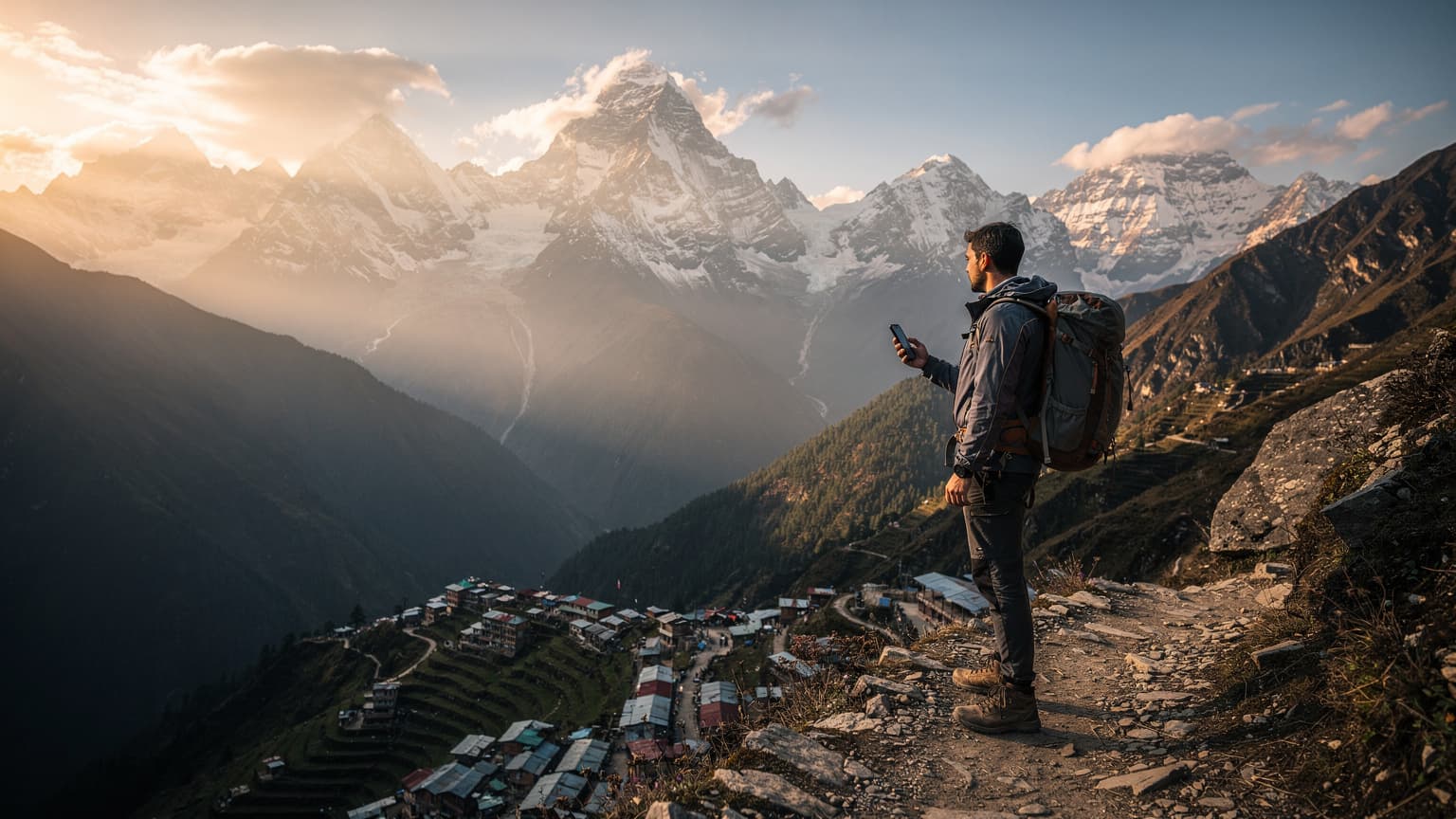
- Lukla and Namche Bazaar — good 4G. Namche in particular is well served and is the last place you can rely on mobile data.
- Tengboche and Dingboche — intermittent, often 3G or 2G. Messages get through, video calls generally do not.
- Above Dingboche — Lobuche, Gorak Shep, Base Camp — minimal and unreliable on any network. Treat it as offline.
Between the two national operators, Ncell is generally the stronger network in the lower Khumbu, with the better 3G and 4G through the villages where trekkers actually stay. NTC holds a signal in some key villages too, but both degrade badly above 4,000 m. Neither one solves the top of the trail.
On the Annapurna Circuit, coverage runs reasonably as far as Manang, disappears on the approach to Thorong La, and returns on the descent at Muktinath and Jomsom. Pokhara, the staging town, is well covered throughout.
Everest Link: the thing that actually works up there
Everest Link — also sold as AirLink — is a private Wi-Fi network serving teahouses from Lukla up to Gorak Shep. You buy a prepaid card, scratch off a code, and connect at participating lodges.
Cards run roughly NPR 500 to 1,000 depending on the data allowance, and above Namche this is generally faster and more reliable than mobile data on any SIM.
One practical tip that saves real money: buy your Everest Link card in Namche Bazaar. Prices climb with altitude, exactly like everything else on the trail, and the same card costs noticeably more at the higher lodges.
The honest limitation: it works only where a participating lodge has a receiver, it is shared bandwidth among however many trekkers are in the dining room, and evening is peak time. It is a way to send a message home, not a way to work.
So where does a travel eSIM fit?
Narrower than in most countries, and we would rather draw the line accurately than sell past it.
A travel eSIM is the better tool if:
- You want to be connected on landing — Kathmandu arrivals can be slow, and having a working phone for your hotel pickup or a Pathao ride matters more here than in an orderly airport.
- Your trip is mostly Kathmandu, Pokhara, Chitwan or Lumbini, where coverage is good and you need maps and messaging rather than 50 GB.
- You are short on time and do not want the form, the photo and the queue.
- You are combining Nepal with other countries on one trip and would rather not buy a SIM per border.
- You want your own number to stay live on your primary SIM.
An Ncell SIM is the better buy if:
- You are staying several weeks — 50 GB for 90 days at NPR 2,200 is unbeatable value.
- You need a Nepali phone number for guides, lodges, domestic airlines and trek permits. On a trekking trip this is a genuine argument; a lot of coordination in Nepal happens over local calls.
- You want the strongest lower-Khumbu coverage specifically, and want to choose the network rather than take whichever one your provider has an agreement with.
Cellesim Nepal eSIM plans start at $3.88, install with one tap and connect on landing. Every active plan includes a free VPN, which is worth having on teahouse and hotel Wi-Fi.
And the standing trade-off: a travel eSIM does not give you a Nepali phone number. Data only. On a trek where your guide, your lodge and your domestic flight all want to reach you by phone, that is a real limitation, not a footnote.
Domestic flights, weather and why offline matters
Nepal has one specific connectivity problem that no data plan solves, and it is worth planning around.
Flights to Lukla are weather-dependent and cancellations are routine. Schedules move, sometimes by days. The coordination that follows — with your operator, your lodge, your onward flights — happens exactly when you may be sitting somewhere with 2G.
Two habits that help:
- Download everything before Lukla. Offline maps, permits, tickets, insurance documents, your itinerary, your operator's phone numbers.
- Agree a check-in rhythm with people at home before you go. Something like "a message from Namche on day three and again on the way down." Silence from Gorak Shep is normal; families who have not been told that will assume the worst.
How much data will you actually use?
Rough hourly figures for planning:
- Maps and navigation — around 5 MB per hour of active guidance
- Messaging and email — a few MB a day
- Social media — 100–150 MB per hour, more with autoplay
- Video calls — 500 MB to 1 GB per hour, and largely impossible above Dingboche regardless
- Photo backup — the usual trap, and worse here because you will take hundreds. Wi-Fi only, and expect it to sit in the queue until Kathmandu.
A two-week trip built around a trek uses surprisingly little mobile data — 2–4 GB is typical, because half of it is spent where there is no signal to spend it on. A month in Kathmandu working remotely is a different trip, and there Ncell's large packs are the obvious answer.
Ncell, NTC or SmartCell?
Ncell and Nepal Telecom are the two that matter. Ncell has the better data experience in Kathmandu, Pokhara and the lower Khumbu, and a faster, more foreigner-friendly buying process. NTC has the broader footprint in some remote districts and is state-owned, which occasionally matters in far-western Nepal.
SmartCell is a distant third and not worth a visitor's time.
For most travellers the honest ranking is: Ncell for the trekking corridors and cities, NTC if you are going seriously off the tourist map, and neither above 4,400 m.
How to install an eSIM, whichever one you choose
- Check your phone is eSIM-capable and carrier-unlocked. A locked handset will accept the profile and then refuse to connect.
- Install over Wi-Fi — at home before you fly, or on airport Wi-Fi. The eSIM cannot install itself without a connection.
- Scan the QR or use one-tap install. iPhone: Settings → Mobile Service → Add eSIM. Android: Network & Internet → SIMs, path varies by manufacturer.
- Label the line "Nepal data" so you can tell profiles apart.
- Set the data line and turn data roaming off on your home SIM — otherwise your home carrier bills you alongside the plan you just bought.
Failed installs are nearly always one of four things: a carrier-locked phone, no Wi-Fi during install, a single-use QR already used, or a handset variant with eSIM disabled. Our eSIM compatibility checker rules most of that out in seconds — and it is a check worth doing before a trip where fixing it later means walking back down to Namche.
Frequently asked questions
Do I need a passport photo to buy a SIM in Nepal?
Yes, usually. The registration form at the airport booth asks for a passport photo alongside your passport. Bring a spare in your daypack; it is the requirement most travellers arrive without.
Is there signal at Everest Base Camp?
Not reliably, on any network. Mobile data is dependable up to Namche, intermittent through Tengboche and Dingboche, and minimal above that. Plan to be offline for the top of the trek.
What is Everest Link and is it worth it?
A private Wi-Fi network serving teahouses from Lukla to Gorak Shep, sold as prepaid cards for roughly NPR 500–1,000. Above Namche it is more reliable than mobile data. Buy the card in Namche, where it costs less than at the higher lodges.
Ncell or NTC for trekking?
Ncell is generally stronger through the lower Khumbu villages where trekkers stay. NTC covers some key villages too and has a broader footprint in remote districts elsewhere. Both fade above 4,000 m.
Does a travel eSIM work on the trek?
It works exactly where the underlying network works — the same towers, the same gaps. It is genuinely useful in Kathmandu, Pokhara and up to Namche, and it will not help you at Gorak Shep. No provider's eSIM will.
Is Ncell cheaper than a travel eSIM?
Per gigabyte, yes, clearly. NPR 500 for 10 GB is hard to beat. A travel eSIM buys you arrival convenience, no form and no photo, and it makes sense for short stays or multi-country trips rather than as a way to save money.
Can I get an eSIM from Ncell at the airport?
Yes. Both Ncell and NTC support eSIM and you can request one at the airport booth if your phone is compatible. The registration requirements are the same as for a physical SIM.
Can I keep my own number while in Nepal?
Yes, on any dual-SIM phone. Keep the home SIM active for calls and bank verification codes and use the eSIM or local SIM for data. Turn data roaming off on the home SIM so it cannot bill you in the background.
How much data do I need for a trekking trip?
Less than you expect — 2–4 GB for a fortnight is typical, because much of the trek has no usable signal. Buy small and top up in Kathmandu on the way through rather than over-buying at the start.
Will my phone work with an eSIM?
Most phones released since 2018: iPhone XS and later, Google Pixel 3 and later, Samsung Galaxy S20 and later, and many mid-range models since. The handset must also be carrier-unlocked.
Planning the trip? Compare data plans on our Nepal eSIM page, install in one tap before you fly, and land online. Free VPN included.