Telkomsel eSIM Bali: Neden Önemli?
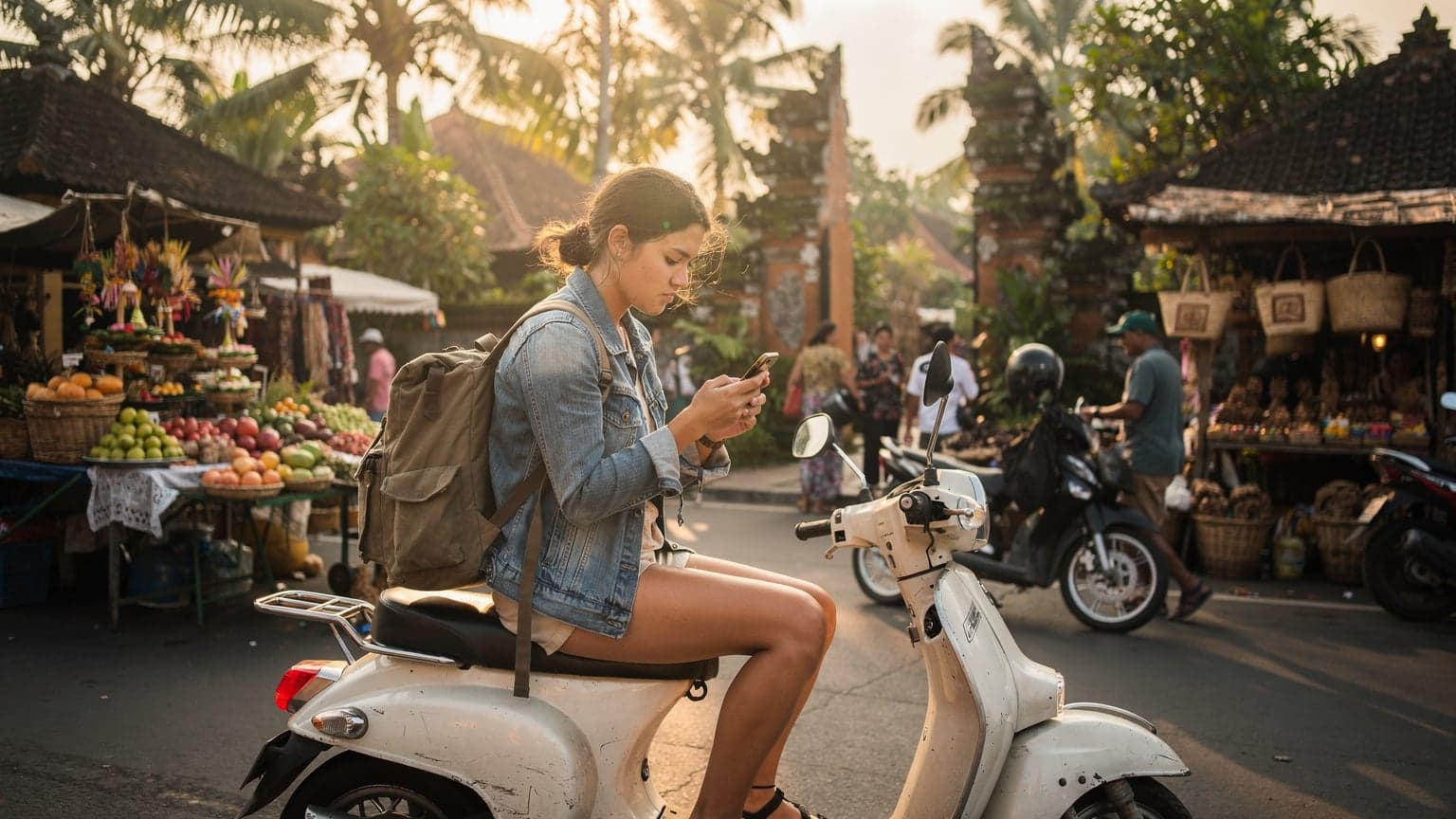
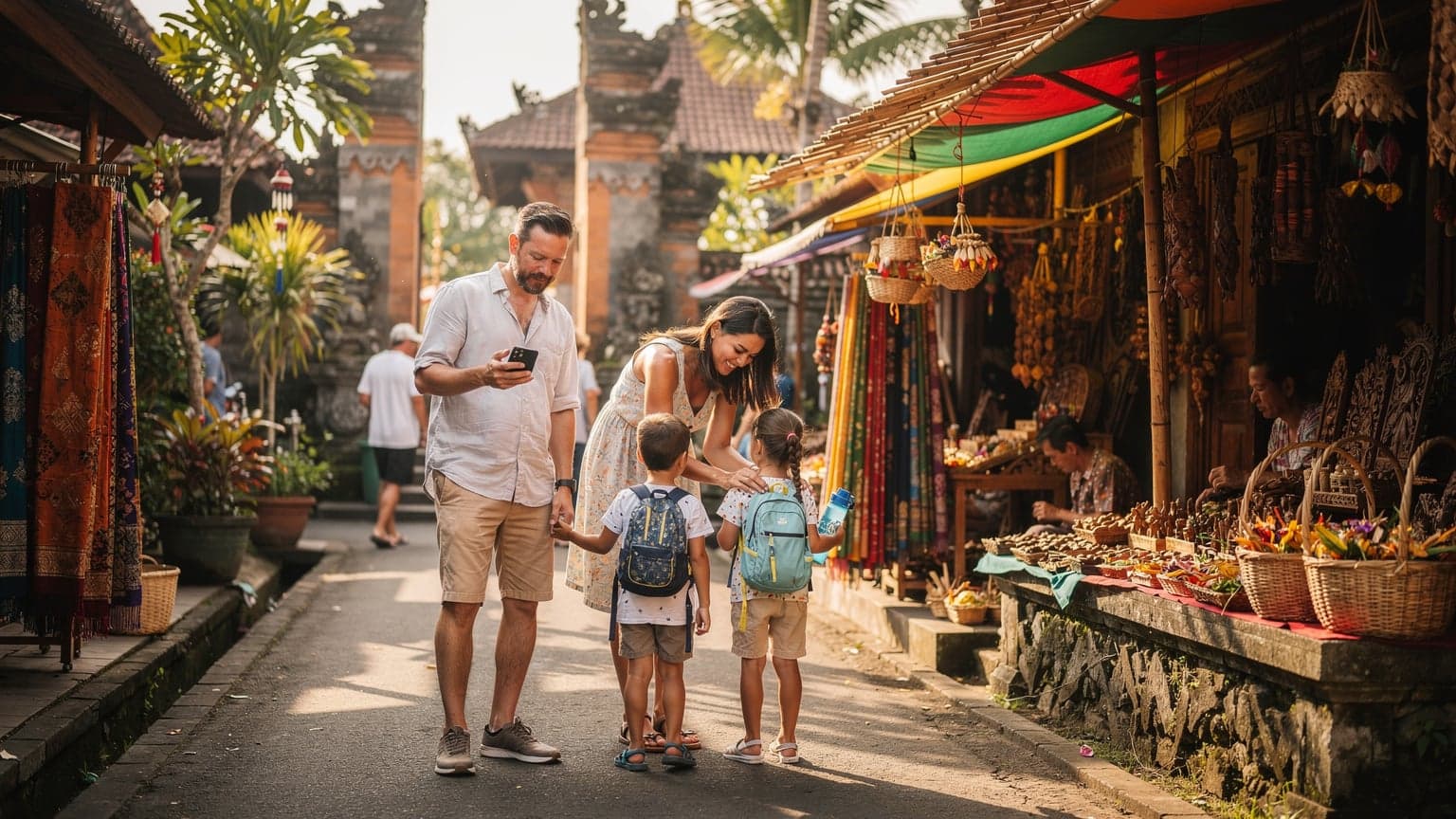
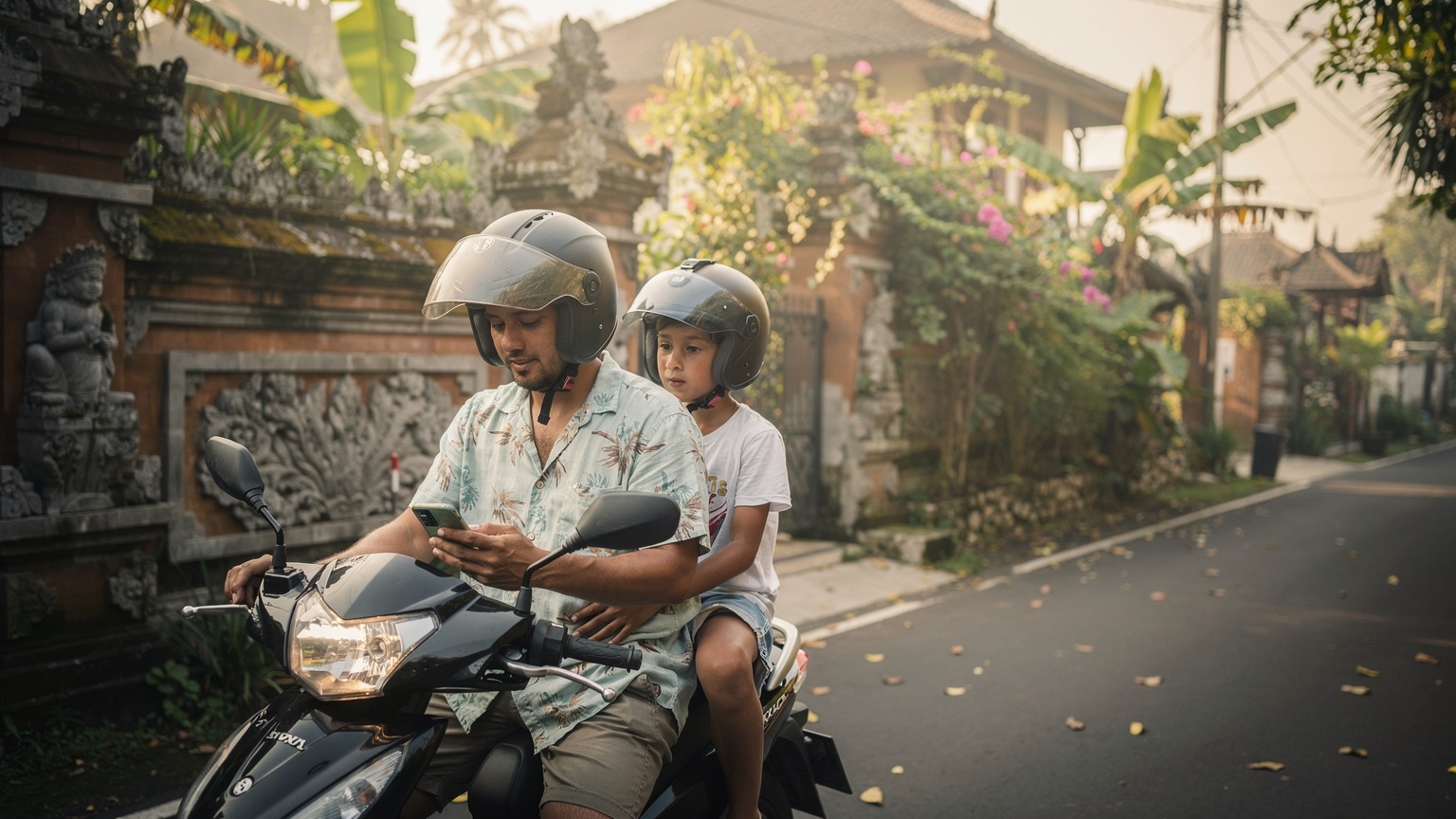
Telkomsel is Indonesia's largest mobile network operator, and in Bali, their coverage is generally the most robust, especially outside the main tourist hubs of Kuta and Seminyak. This is critical for families who might venture to places like Munduk for waterfall chasing, or Nusa Lembongan for a day trip. You want consistent signal for Google Maps (because even I get turned around sometimes), for emergency contacts, and yes, for keeping the peace with a quick YouTube Kids session in the car. Imagine trying to explain to a tired six-year-old that the Wi-Fi isn't working at your remote villa because you chose a budget carrier with spotty coverage. Not ideal.
For us, having reliable data means we can use apps like Klook for booking last-minute activities, WhatsApp to communicate with local drivers, and even access banking apps for quick currency conversions. When my youngest got a nasty mosquito bite in Sidemen, I was able to instantly video call a friend who's a doctor back home, which offered immediate reassurance and advice. That peace of mind? Priceless. It's not just about speed, it's about reliable access to essential services when you need them most.
Yerel Telkomsel SIM Kartlar vs. eSIM Seçenekleri
When you arrive in Bali, you generally have two main choices for getting data: a physical Telkomsel SIM card or an eSIM. For families, the eSIM option often wins out, hands down. Why? Because the last thing you want to do after a long flight with tired children is stand in a long queue at the airport to register a SIM card. (I've been there, done that, and the tears were not just from the kids.)
A traditional Telkomsel SIM card requires you to find a local vendor, present your passport, register the SIM, and then physically insert it into your phone. This process can be slow and sometimes confusing, especially with language barriers. Plus, if you have multiple devices for the family, you're either buying multiple physical SIMs or relying on personal hotspots, which drain battery life fast. What a SIM Card Is: Real Ways to Get Data Abroad explains more about the differences.
ESIMs, on the other hand, are digital. You purchase a plan online, receive a QR code, and activate it instantly on your compatible device, often before you even leave home. This means your phone is ready the moment you land. For me, that's crucial. I can activate my own eSIM, then use my phone's hotspot for my kids' iPads or a second phone, or activate separate eSIMs on their devices if they're old enough for their own lines. This flexibility is a game-changer for managing connectivity for multiple family members, avoiding the dreaded 'no Wi-Fi' complaints.
| Feature | Local Telkomsel Physical SIM | Travel eSIM (e.g., Cellesim) |
|---|---|---|
| Purchase & Activation | At airport/store, requires passport registration, physical insertion. | Online purchase, instant QR code activation before travel. |
| Convenience for Families | Time-consuming, multiple SIMs needed for multiple devices. | Seamless, activate upon landing, easily manage multiple lines. |
| Coverage in Bali | Excellent (Telkomsel's own network). | Excellent (uses Telkomsel's network, or a combination). |
| Data Plans | Local plans, often with social media bundles, can be complex. | Clear, straightforward global or regional data plans. |
| Cost | Potentially cheaper for very long stays, but tourist packages can be inflated. | Competitive pricing, clear upfront costs, no hidden fees. |
| Parental Control Features | Limited direct integration with SIM. | Easier to manage data usage per device via app, integrate with phone's parental controls. |
Aileler İçin Veri İhtiyacını Anlamak: Disney+ ve Haritalar
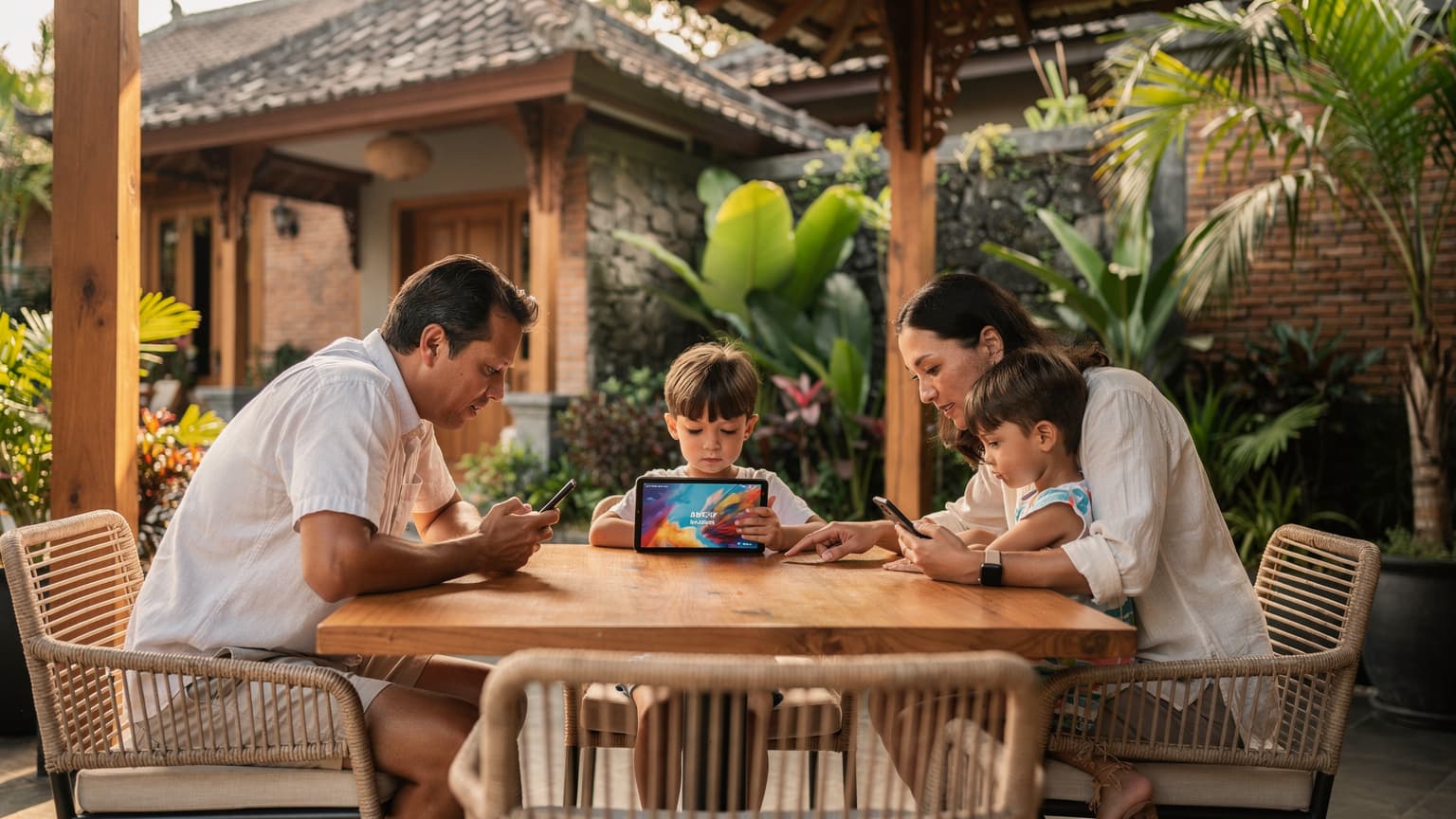
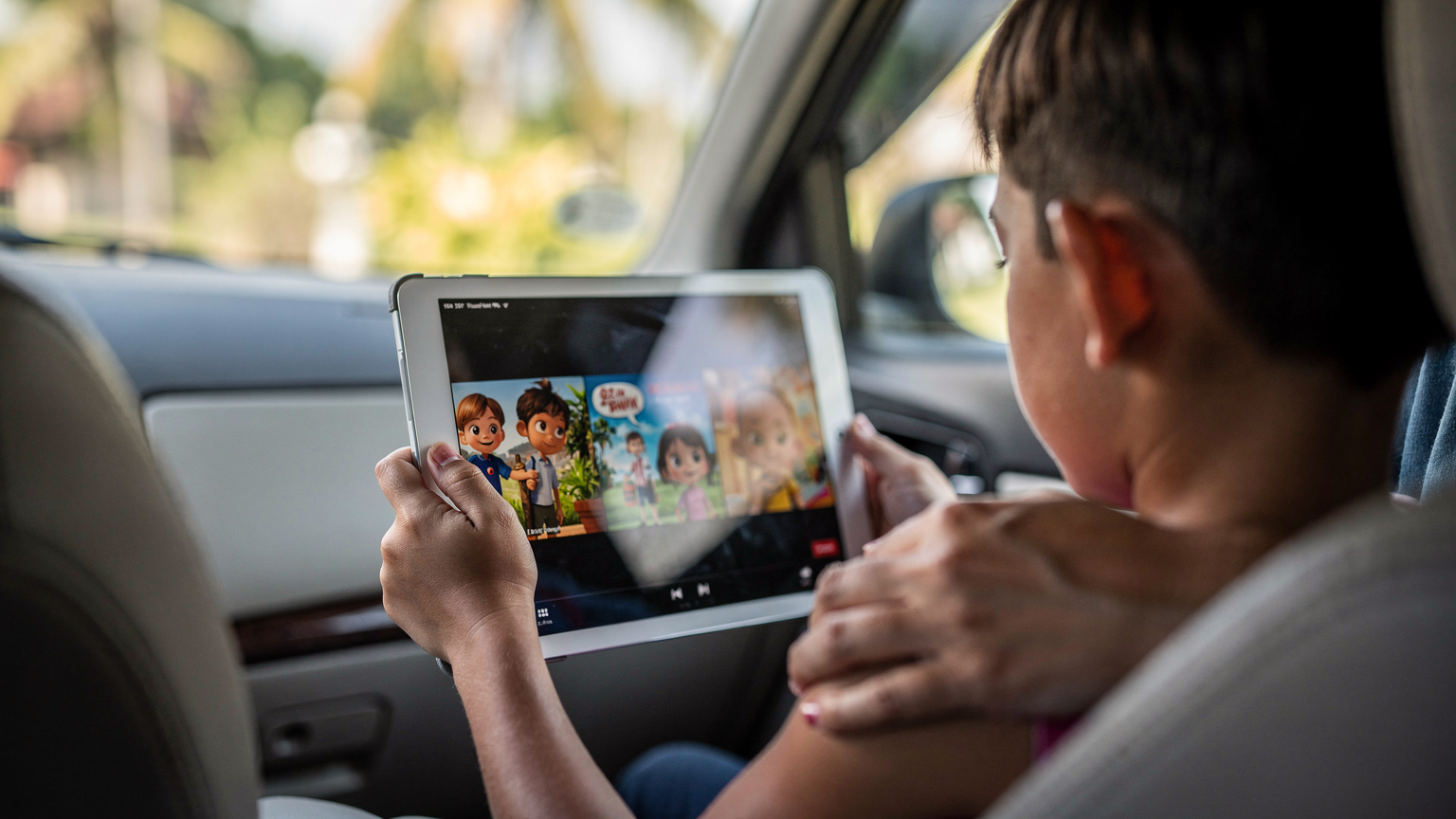
Let's be real: kids and devices are inseparable for many families, especially on long travel days or during downtime. My kids, aged 9 and 11, can easily burn through several gigabytes a day if left unchecked, especially with streaming. Disney+ and Netflix are huge data hogs, and while I try to pre-download content before a flight, there are always moments when a live stream is needed (or requested, very loudly). A 30-minute episode of a standard-definition show can use around 200-300MB, while HD can easily hit 1-2GB. If you have two kids streaming for an hour, that's potentially 4GB gone.
Offline maps are a lifesaver, but real-time traffic updates, searching for nearby restaurants, or checking Grab/Gojek ride-hailing apps all require live data. Plus, I like to keep an eye on screen time, which often involves using apps like Apple's Screen Time or Google's Family Link, which rely on a stable connection to report usage and enforce limits. When considering a Telkomsel eSIM or a Cellesim alternative, I always factor in a buffer for unexpected usage, aiming for at least 5GB per child per week, on top of my own usage. It feels like a lot, but trust me, it’s better to have too much than too little when you're trying to keep everyone happy.
Connectivity within theme parks, like Waterbom Bali, or on cruise ships can be tricky. While many offer Wi-Fi, it's often slow, expensive, or both. Having your own reliable data means you can communicate with family members who might wander off, access park apps, or simply enjoy a moment of quiet streaming while waiting in line. On a recent cruise, the ship's Wi-Fi was so bad that our eSIMs were the only way to get any decent speed for checking emails or letting the kids watch something before bed. It felt like a small win, but it made a big difference to our evenings.
eSIM Aktivasyonu: Bali İçin Adım Adım Rehber
Activating an eSIM for your Bali trip, especially through a provider like Cellesim, is designed to be straightforward. No more fumbling with tiny trays and paper clips. Here's a simplified step-by-step guide:
- Check Device Compatibility: First, ensure your smartphone (or your kids' tablets, if they're eSIM-compatible) supports eSIM technology. Most newer iPhones (XS and later) and Android flagships do.
- Choose Your Plan: Decide how much data you'll need. For a family of four for a week, with two kids doing some streaming, I'd recommend a plan with at least 30-50GB total. Look for a regional Asia plan if you're hitting other spots, or a specific Indonesia plan. Cellesim offers various Telkomsel Tourist eSIM options that leverage Telkomsel's network.
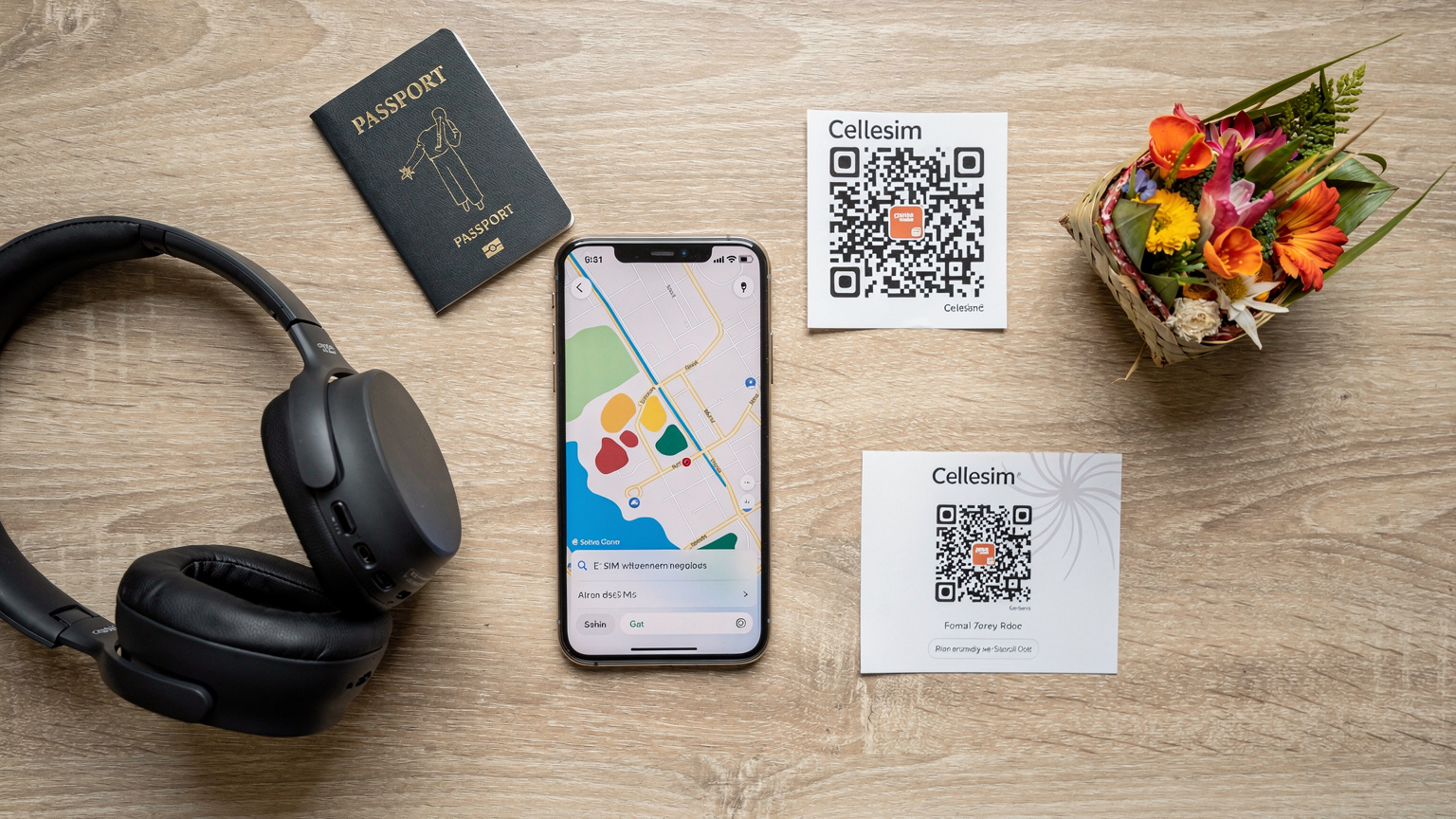
- Purchase Online: Buy your chosen eSIM plan from Cellesim's website. You'll receive a confirmation email with a QR code or manual installation details.
- Install Before Departure: This is my golden rule. Scan the QR code or follow the manual steps to install the eSIM profile on your device(s) while you still have a stable internet connection at home. Do not activate it yet, just install the profile.
- Arrive in Bali and Activate: Once you land at Ngurah Rai International Airport (DPS) and your plane has touched down, simply go into your phone's settings, enable the newly installed eSIM, and switch off your primary SIM's data roaming. Your phone should then connect to Telkomsel's network (or another local partner) and you'll have data.
- Monitor Usage: Keep an eye on your data consumption through your phone's settings or the Cellesim app, if available. This helps you manage usage, especially for the kids' devices, and top up if needed.
This pre-emptive approach means you can order your Grab from the airport, message your villa host, or even check the surf report before you've even cleared customs. It removes a significant layer of travel stress, which, as any parent knows, is always a win.
What About Parental Controls on eSIM?
When you're using a Cellesim eSIM, the data line itself doesn't inherently have parental control features. However, you can use your phone's built-in parental controls (like Screen Time on iOS or Family Link on Android) which will continue to function over the eSIM data connection. These tools allow you to set time limits, block certain apps, and filter content, regardless of the underlying data provider. Just make sure those apps are pre-loaded and configured before you leave home.
Bağlantı Sorunları ve Çözümleri: Bali Özelinde
Even with the best planning, travel can throw curveballs. While Telkomsel's coverage in Bali is generally excellent, there can be areas where signal is weaker, especially in very rural areas, some deep valleys, or inside older, thick-walled buildings. (Don't even get me started on trying to get signal inside a Balinese temple during a ceremony.)
If you find yourself with a weak signal, a few tricks can help: try restarting your device, toggling airplane mode on and off, or manually selecting the Telkomsel network in your phone's settings if it hasn't automatically connected. If you're relying on your phone's hotspot for other devices, ensure your primary phone is in a good signal area. For common issues like eSIM not receiving SMS for two-factor authentication, eSIM OTP: Why Travel eSIMs Struggle with Two-Factor Codes offers valuable insights. Remember, many travel eSIMs are data-only, so plan for alternative ways to receive SMS codes if needed, like using Wi-Fi calls or an app like Google Voice.
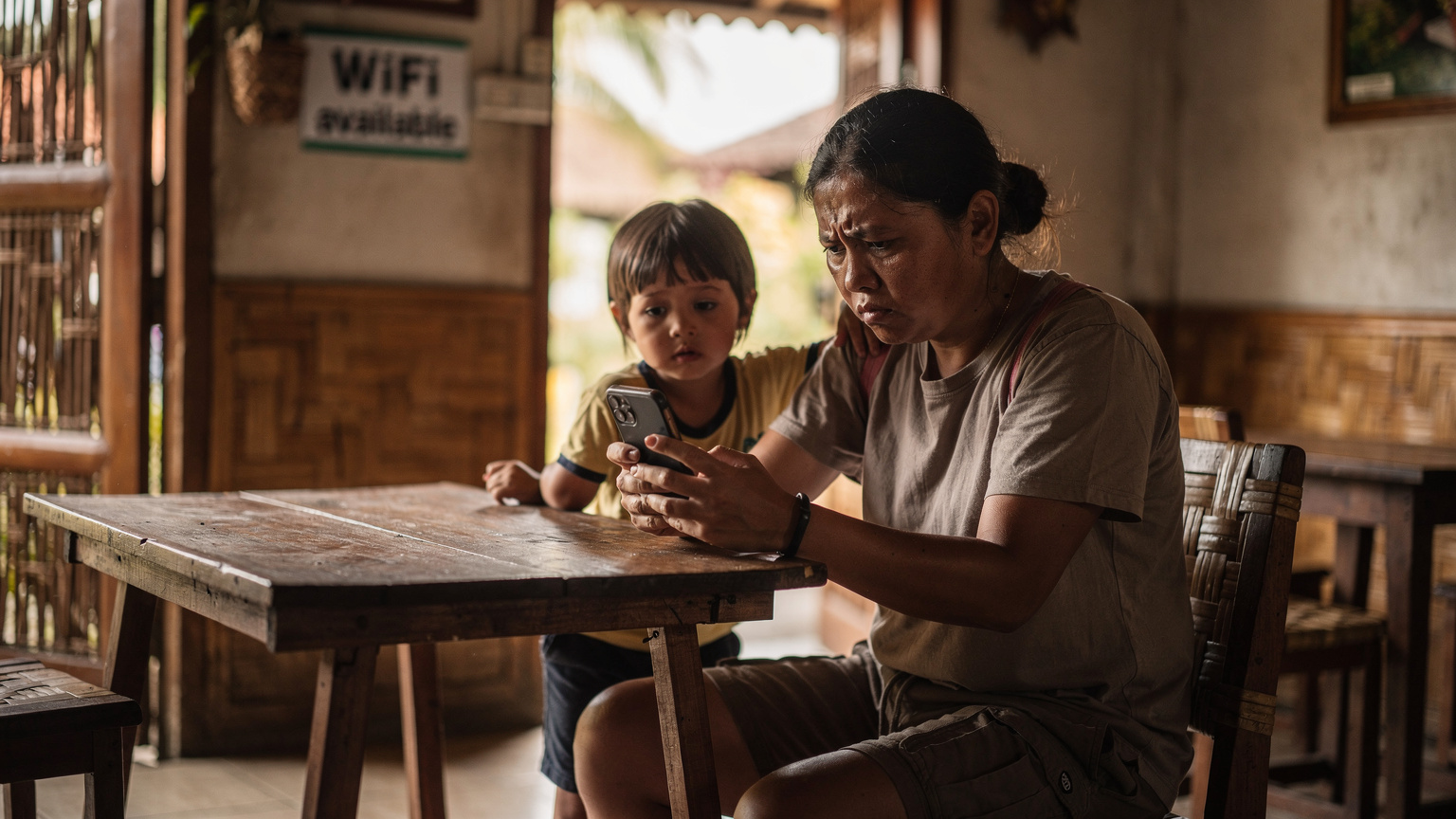
Another common issue is data depletion. This is where my initial recommendation for generous data plans comes in handy. It's much easier to have a buffer than to be scrambling for a top-up when the kids are asking why their game isn't loading. Keep an eye on your Cellesim app or account portal to track usage and top up proactively. A good rule of thumb for family travel is to always have at least 20% of your data plan remaining as a safety net.
Maliyet Karşılaştırması: Telkomsel eSIM vs. Cellesim
Let's talk money, because for families, every penny counts. While Telkomsel does offer tourist SIM packages, they can sometimes be more expensive or less flexible than a dedicated travel eSIM from a provider like Cellesim. Often, local SIMs come with bundled minutes or SMS that you won't use, driving up the price for just data.
Cellesim, on the other hand, specializes in data-focused eSIMs tailored for travelers. Their pricing is typically transparent, with various packages ranging from a few gigabytes for a short trip to larger bundles for extended stays. For a family needing substantial data, Cellesim's larger packages often provide a better per-GB value. For example, a 30GB Cellesim plan for Indonesia might cost €25, whereas a comparable Telkomsel tourist SIM could be IDR 400,000-500,000 (around €23-€29), but with less flexibility or a shorter validity period. It always pays to compare the total data, validity, and any hidden fees.
| Provider/Plan | Data Included | Validity | Approx. Cost (IDR/EUR) | Notes for Families |
|---|---|---|---|---|
| Telkomsel Tourist SIM (Airport) | 25GB | 30 days | IDR 450,000 (€26) | Requires in-person registration, physical SIM. |
| Telkomsel Prepaid (Local Store) | 30GB | 30 days | IDR 380,000 (€22) | Cheaper, but more complex registration for foreigners. |
| Cellesim Indonesia eSIM | 20GB | 15 days | €19 | Instant activation, data-only, multiple plans available. |
| Cellesim Asia Regional eSIM | 50GB | 30 days | €35 | Great for multi-country trips, high data for streaming. |
When considering the cost, also factor in the convenience. Saving a few euros might not be worth the headache of navigating airport queues with overtired kids. My personal preference is always to pay a little more for the peace of mind and immediate connectivity that an eSIM provides, especially when managing multiple devices for my children. For more on how travel eSIMs handle texts, including those Disney+ logins, see eSIM SMS: Travel Data for Texts (And Streaming Disney+).
eSIM ile Ebeveyn Kontrolü ve Ekran Süresi Yönetimi
One of my biggest concerns as a parent who travels frequently is managing screen time and ensuring my kids have a safe online environment, even when abroad. The beauty of an eSIM is that it provides the underlying internet connection, allowing you to continue using your existing parental control strategies. You don't lose functionality just because you've switched data providers.
For example, I use Apple's Screen Time across all our family iPhones and iPads. This allows me to set daily time limits for specific apps (like YouTube Kids or Roblox), schedule downtime, and approve app downloads remotely. These features work seamlessly over the Cellesim eSIM data connection, just as they would over home Wi-Fi or my regular carrier. For Android users, Google's Family Link offers similar robust controls. The key is to set these up and test them before you leave for Bali, ensuring all profiles are correctly linked and working.
Another benefit is that with a multi-device approach (e.g., a Cellesim eSIM on my phone and then tethering the kids' iPads to it), I have direct control over when their devices are connected. If it's time for a digital detox while we explore a local Balinese temple, I can simply turn off my hotspot. This is much easier than trying to collect multiple physical SIM cards or manage separate data plans for each child. It gives me granular control, which is essential for balancing exploration with the inevitable need for digital downtime.
Sonuç: Bali'de Ailece Bağlı Kalmak
For families heading to Bali, Telkomsel is undoubtedly the strongest network, and securing a reliable data connection is non-negotiable. While local Telkomsel SIM cards are an option, the sheer convenience, ease of activation, and often better value of a travel eSIM like those from Cellesim make it the superior choice, especially when juggling the demands of family travel. Being able to land, turn on your phone, and have instant data for navigation, communication, and kid entertainment is a huge relief. It frees you up to focus on the magic of Bali, rather than the logistics of connectivity.
By choosing an eSIM, you're not just buying data, you're investing in peace of mind. You're ensuring that those offline maps can update when needed, that Disney+ can stream a calming episode when a tantrum looms, and that you can always reach your family members, even in the bustling streets of Canggu or the serene rice fields of Jatiluwih. Do your research, pick a plan with enough data (always more than you think you'll need for kids!), and enjoy your Bali adventure, fully connected.
Frequently Asked Questions
Can I use Telkomsel eSIM on multiple devices for my family in Bali?
Yes, you can. While a Telkomsel eSIM (or any eSIM) is typically tied to one device, you can use that device's personal hotspot feature to share the data connection with other family members' phones or tablets. Alternatively, some older children's devices with eSIM compatibility can have their own eSIM plan installed.
How much data will my family need for a week in Bali with kids streaming?
For a family with two children who occasionally stream video (like Disney+), check maps, and use social media, I'd recommend a minimum of 30-50GB for a week. Streaming HD video can consume 1-2GB per hour per device, so factor in buffer data for unexpected usage.
Are parental control features still active when using a Cellesim eSIM in Bali?
Absolutely. Parental control features like Apple's Screen Time or Google's Family Link operate on your device's operating system and will continue to function normally over any active data connection, including a Cellesim eSIM. Ensure these are set up before your trip.
What's the difference between a Telkomsel physical SIM and a Cellesim eSIM for Bali?
A Telkomsel physical SIM requires you to buy and register it in person in Bali, which can be time-consuming. A Cellesim eSIM is purchased online before your trip, installed via QR code, and activates instantly upon arrival, offering greater convenience for families.
Will an eSIM work inside theme parks or on a cruise ship around Bali?
An eSIM will connect to the local mobile network, so coverage depends on the park's or ship's location relative to Telkomsel's towers. In major theme parks like Waterbom Bali, coverage is generally good. On cruise ships, an eSIM will work when the ship is near shore, but will switch to expensive satellite roaming in open seas, similar to a physical SIM.
How do I top up my Cellesim eSIM if my family uses too much data?
You can easily top up your Cellesim eSIM plan directly through your Cellesim account on their website or via their app, if available. This process is quick and allows you to add more data without needing to find a local store.