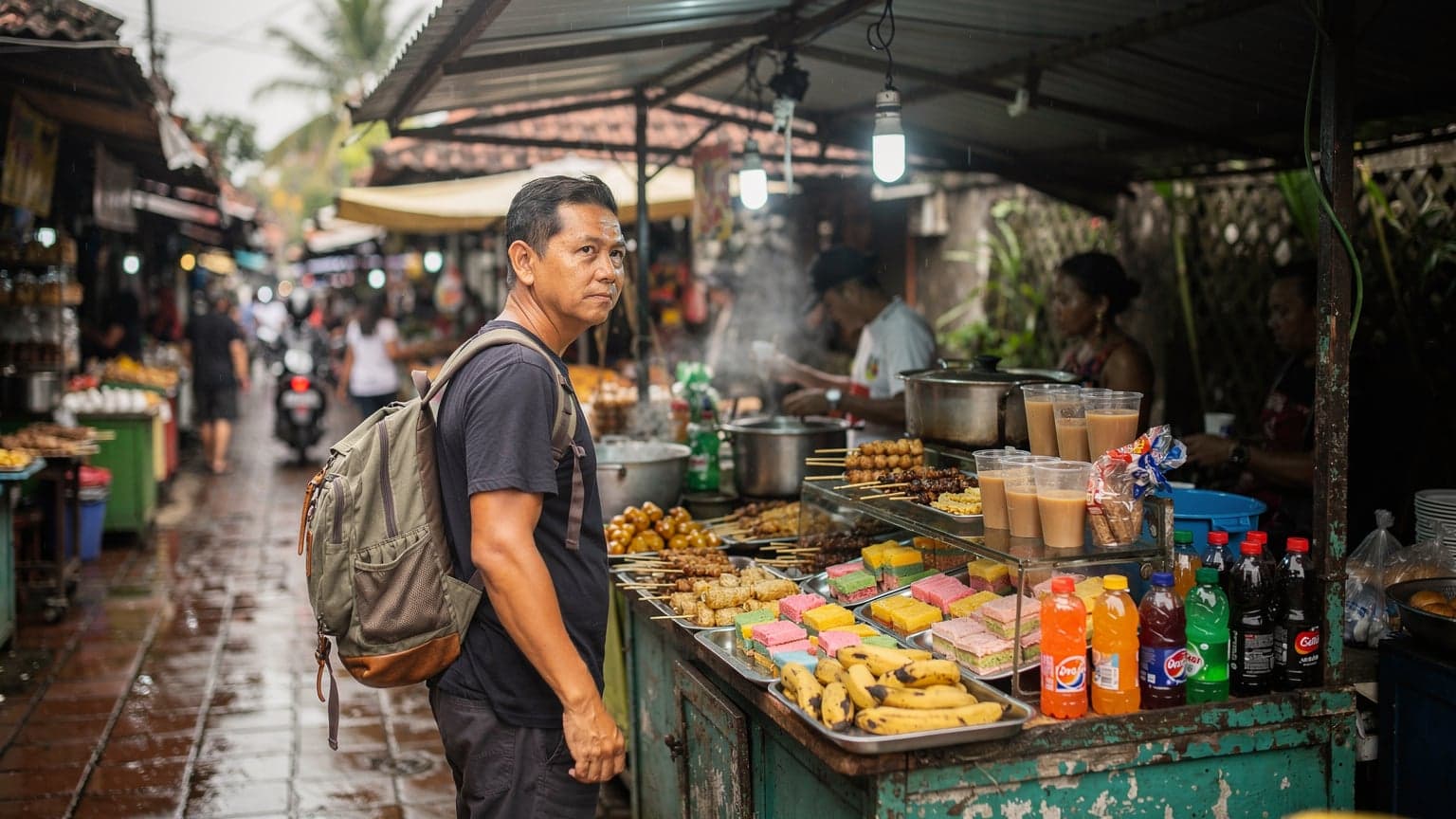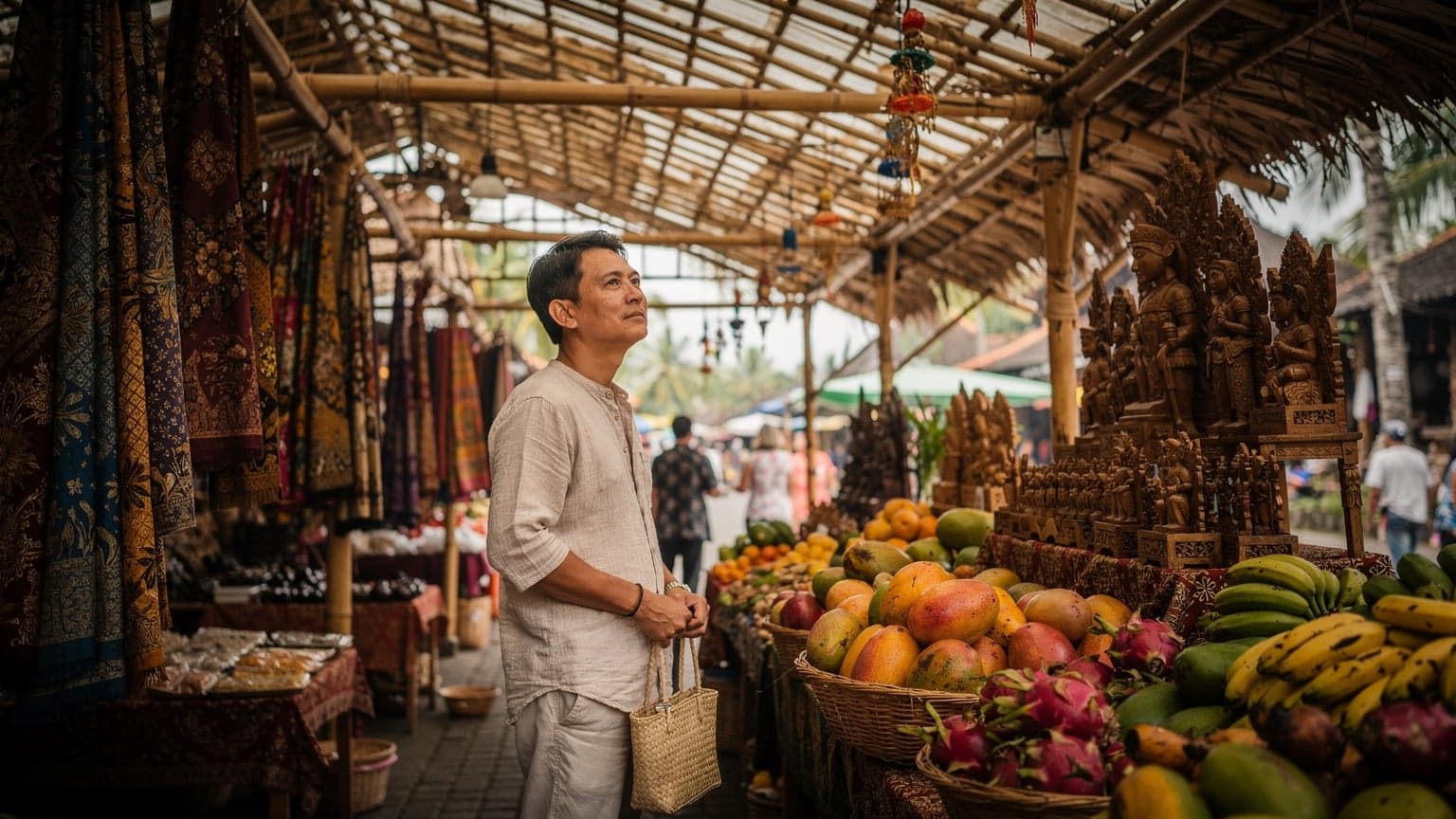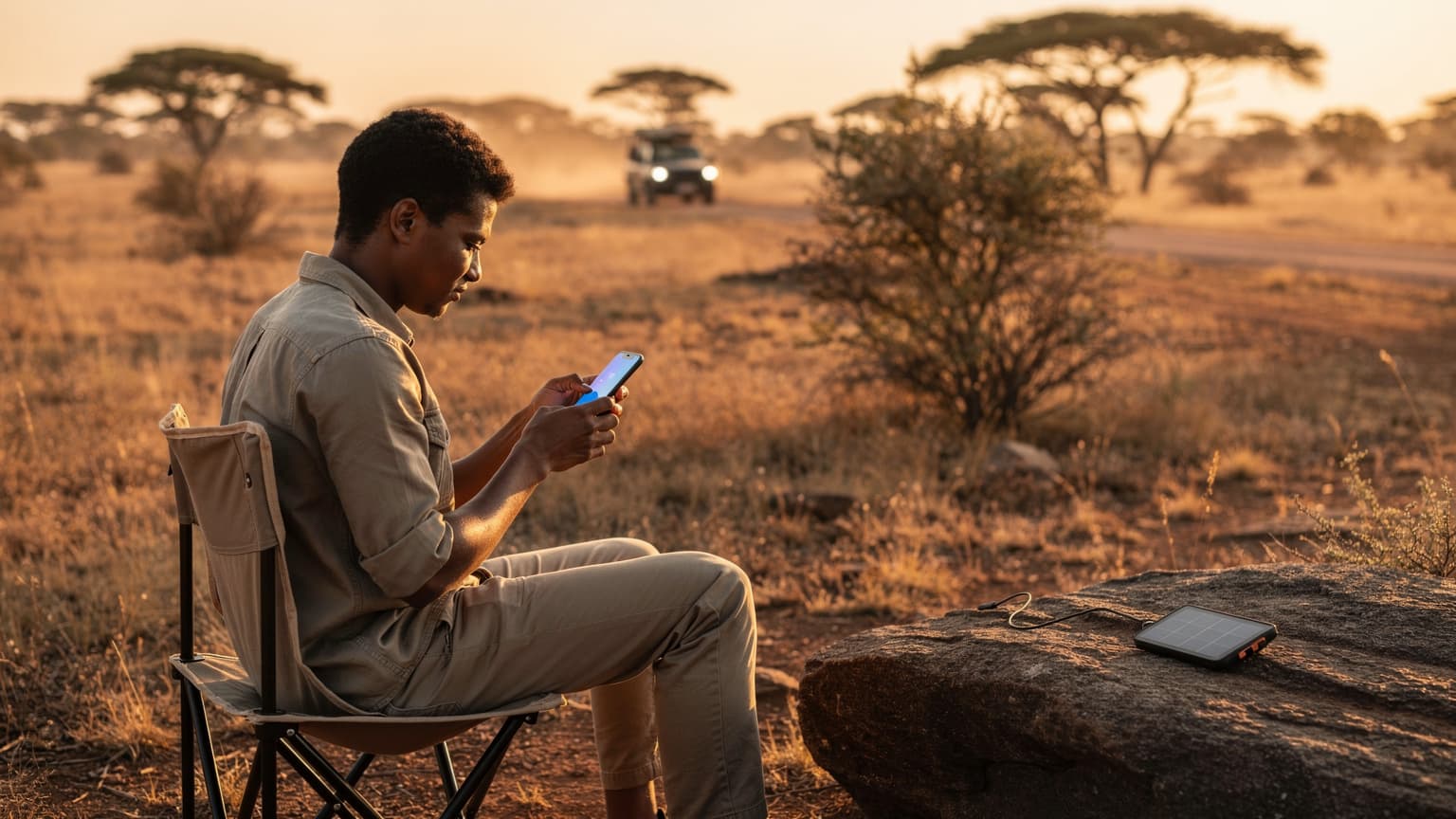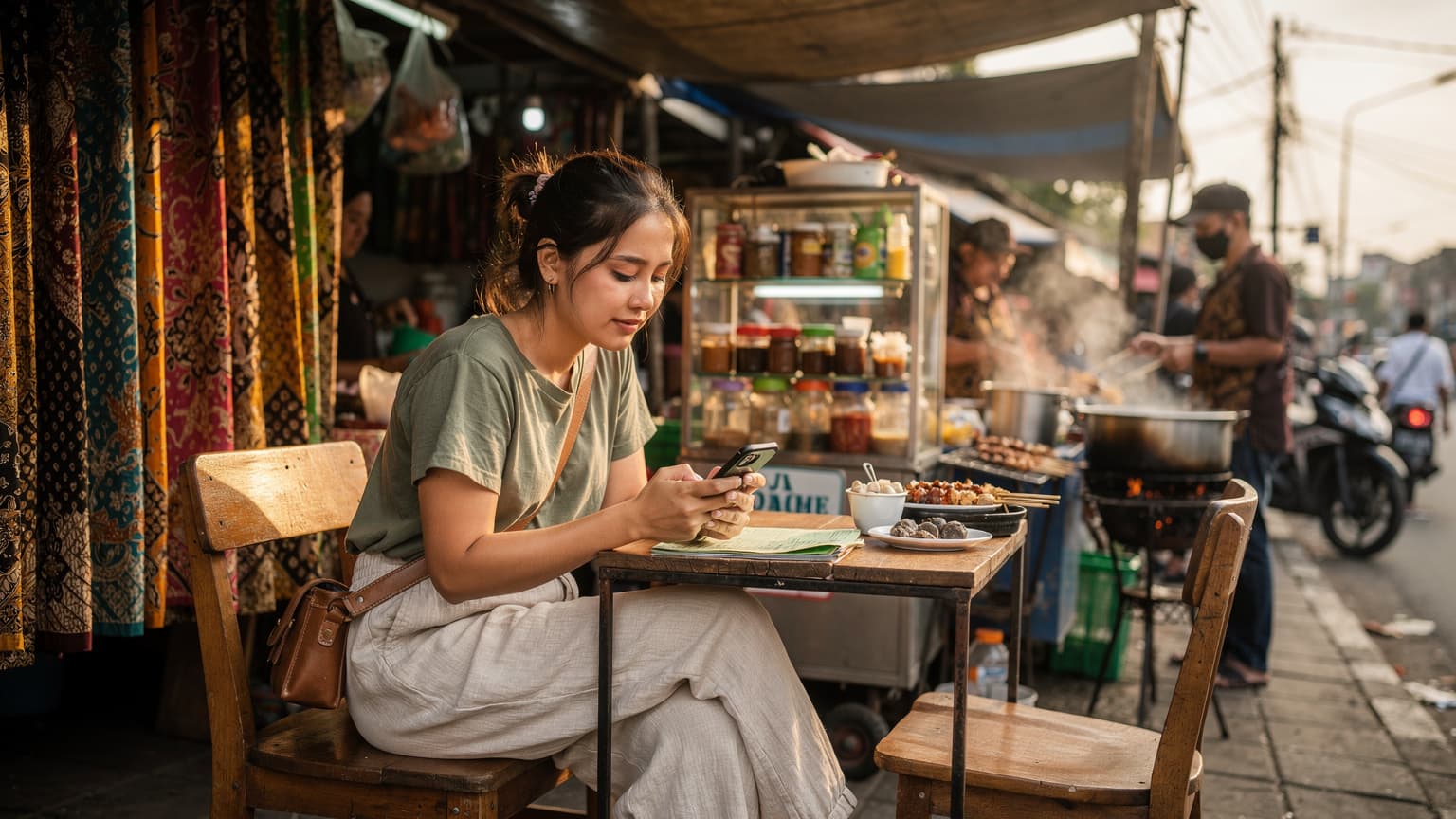
If you're heading to Indonesia in 2026, a Telkomsel eSIM can be a pretty easy way to get online without messing with physical SIM cards. It generally offers solid coverage across the islands. Just keep in mind that other eSIM providers might have more flexible data plans that fit your specific travel style better.
Why Indonesia Connectivity Matters, Beyond Bali
When you finally step off the plane, whether it's at Denpasar or a quieter spot like Sultan Hasanuddin in Makassar, you'll quickly see how important a solid phone connection is. It's not just for those Instagram-worthy sunrise photos from Munduk. It's truly essential for getting around: finding your way through Jakarta's old Kota Tua, calling a Grab or Gojek from a cafe in Seminyak, or even just checking the ferry times for a trip to the Gili Islands. Trust me, I've spent enough time in places like the remote corners of Flores, where even 2G was a luxury, to know that a good signal isn't just a nice-to-have, it's a must-have.
Indonesia is huge, with thousands of islands, so network coverage can really change from one place to another. I once wasted an hour on Lombok trying to find enough signal to confirm a dive trip, only to discover the booking office closed at 4 PM, and it was already 3:55 PM. That kind of last-minute panic is exactly what an eSIM tries to help you avoid. From the busy city streets of Surabaya to the peaceful villages near Lake Toba, having instant data means you can explore freely, adapt to changes, and most importantly, stay safe.
The Digital Nomad Conundrum
For anyone living the digital nomad dream, even for a short while, Indonesia is a massive draw. Think of Canggu's co-working spots or Ubud's calming retreats. Here, a stable internet connection isn't just convenient, it directly impacts your work and income. I've watched friends almost miss deadlines because their local SIM card ran out of data at the worst possible moment. Imagine trying to upload a huge video file for a client when you're stuck relying on spotty hotel Wi-Fi. It's a total nightmare. The flexibility an eSIM provides, especially if you're juggling multiple lines (like a local Indonesian number and another for international calls), is incredibly valuable.
Telkomsel: The Behemoth of Indonesian Telecoms
When someone mentions mobile networks in Indonesia, Telkomsel is almost always the first name you'll hear. They're by far the biggest player, with the broadest coverage across the entire archipelago, from the bustling markets of Tanah Abang in Central Jakarta to some of the most remote parts of Papua. This wide reach is why a lot of travelers, myself included, often choose them. Their 4G LTE network is generally strong in big cities and popular tourist spots, and 5G is slowly popping up in places like Jakarta and Bali.
But "widest coverage" doesn't mean perfect signal everywhere. I've definitely had Telkomsel signals drop in unexpected places, like certain valleys in East Java or even some quiet corners of Nusa Lembongan. It's good, but it's not magic. Knowing their network, and especially their eSIM options, is crucial for setting your expectations.
Telkomsel's Network Strength and Reach
Telkomsel uses several key frequencies, which matters for your phone's compatibility. Their 4G LTE network mainly uses bands B1 (2100 MHz), B3 (1800 MHz), and B8 (900 MHz). For 5G, where it's available, they use n40 (2300 MHz) and n3 (1800 MHz). Most newer smartphones, especially those from the last few years, should work fine. Before any trip, I always double-check my phone's band compatibility against the local carriers. There's nothing quite like the frustration of finding out your phone only supports 3G in a 4G-only area.
| Network Type | Primary Frequencies (Indonesia) | Coverage Areas |
|---|---|---|
| 4G LTE | Band 1 (2100 MHz), Band 3 (1800 MHz), Band 8 (900 MHz) | Major cities, tourist hubs, most populated islands |
| 5G | n3 (1800 MHz), n40 (2300 MHz) | Selected areas in Jakarta, Bali, Surabaya, Medan |
| 3G/2G (Fallback) | 2100 MHz, 900 MHz | Remote regions, rural areas, smaller islands |
Their customer service can be accessed through the MyTelkomsel app or at their physical Grapari stores. Sometimes there's a bit of a language barrier, but overall it's pretty good. I've found the staff at the Grapari near Plaza Indonesia in Central Jakarta to be really helpful with complicated issues. Just be ready for a line during busy times, especially on weekday afternoons between 2 PM and 5 PM.
eSIM vs. Physical SIM: The Traveler's Dilemma
Choosing between an eSIM and a regular physical SIM card used to be a niche topic, but by 2026, it's pretty common. For frequent travelers, the perks of an eSIM are obvious. No more fiddling with tiny trays and even tinier SIM cards, especially when you're tired and groggy after a long flight into Ngurah Rai International Airport. I once dropped a physical SIM card on a packed train in Tokyo while trying to swap it out and spent ten frantic minutes on my hands and knees. If I can avoid that, I will.
The Perks of eSIM for Indonesia
- Instant Activation: You can often buy and activate an eSIM for Indonesia even before you leave home. That means you land with service, ready to call a taxi or find your hotel in Canggu.
- Dual SIM Functionality: You can keep your home phone number active for calls and texts while using the eSIM just for data. This is a lifesaver for business travelers or anyone who needs to get verification codes. If you're using an iPhone eSIM Abroad, this feature works really smoothly.
- No Physical Swapping: Like I said, no fumbling, no losing tiny cards. It's a much cleaner and more secure experience.
- Multiple Profiles: You can store several eSIM profiles on your phone and switch between them when you need to. This is awesome for trips that include multiple countries. You can have a Telkomsel eSIM for Indonesia and another for your next stop, say, Thailand.
Where Physical SIMs Still Win Out
Even with all the advantages, physical SIMs still have their place. If you have an older phone that doesn't support eSIMs, or if you simply prefer a single, tangible card, a physical SIM might be your only choice. They can also sometimes be easier to top up in very rural areas where digital payment options are limited, though this is becoming less common. In a pinch, any small shop or corner store with a 'Pulsa' sign can often help you with a physical top-up, which isn't an option for eSIMs.
Getting a Telkomsel eSIM for Tourists, 2026
Telkomsel has been making eSIMs available for tourists, but it's still not as simple as with some global providers. As of 2026, visitors generally have two main ways to get a Telkomsel eSIM: directly from a Grapari store or through their online channels, if those are open to foreigners.
Purchasing from a Grapari Store
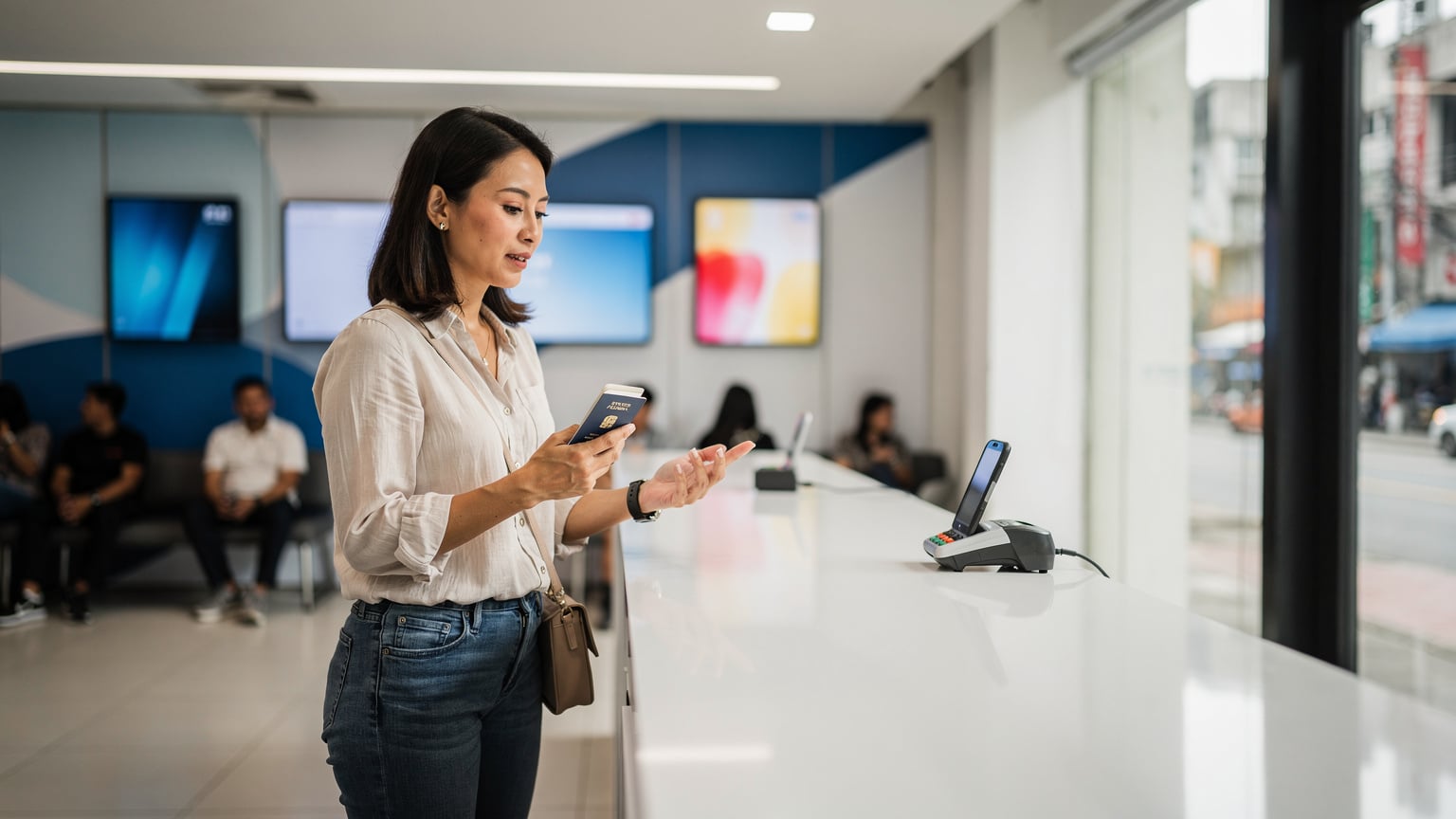
This is often the most reliable way for tourists. You'll need your passport and, ideally, proof of your phone's IMEI number (you can usually get this by dialing *#06#). I suggest visiting a larger Grapari store, like the ones in Grand Indonesia Mall in Jakarta or at Ngurah Rai Airport in Bali (their airport kiosks usually operate 24/7, but the bigger city-center stores might have more experienced English-speaking staff). Be ready for some paperwork, as Indonesian rules require all SIM cards, including eSIMs, to be registered to prevent illegal sales.
- Find a Grapari Store: Use Google Maps to locate the nearest official Telkomsel Grapari store. The larger ones in major shopping malls or airports are usually your best bet.
- Prepare Documents: Have your physical passport and a copy of your phone's IMEI number ready. Some stores might also ask for your hotel address or a local contact number.
- Choose a Plan: Chat with the customer service person about your data needs. Telkomsel offers various tourist packages, often including data, calls, and texts.
- eSIM Activation: The staff will handle your registration and give you a QR code or an activation code to scan with your phone. Make sure your phone is connected to Wi-Fi at this point.
- Verification: Confirm your eSIM is working by making a test call or browsing a website. If you're not sure how to find your eSIM number, the staff can help, or you can check How to Find Your eSIM Number for troubleshooting tips.
Online Options and Registration
Telkomsel's online eSIM options for tourists are still developing. While Indonesian residents can easily get eSIMs through the MyTelkomsel app, tourist options are often part of specific packages or require pre-registration. Always check their official website before your trip for the latest details. Remember that Indonesian law requires all mobile numbers to be registered with a valid ID, which can complicate online purchases for tourists without physical verification. This is where providers like Cellesim often make things much simpler.
Alternatives to Telkomsel eSIM: When Flexibility is Key
Telkomsel has great coverage, but their eSIM options for tourists can sometimes feel a bit limited or require you to visit a store in person. That's where global eSIM providers like Cellesim really shine. They offer a super easy, fully digital solution that you can set up before you even get on your flight. The sheer convenience of landing in Jakarta already connected is something I truly appreciate. No more frantic searches for airport Wi-Fi or trying to understand foreign menus at a local shop.
Global eSIM Providers Like Cellesim
Cellesim, and similar platforms, provide a wide range of data plans specifically designed for international travelers. These plans often combine coverage from several local networks, giving you a strong connection. For Indonesia, Cellesim typically works with major local carriers, so you'll get good signal strength, often even on Telkomsel's network itself, but without the direct registration headaches.
| Feature | Telkomsel Tourist eSIM | Cellesim eSIM for Indonesia |
|---|---|---|
| Purchase Method | Grapari store (in-person), limited online | Fully online via Cellesim website/app |
| Activation | QR code from store, requires local registration | QR code via email, no local registration needed |
| Flexibility | Specific tourist packages, tied to Telkomsel network | Variety of data-only plans, multi-country options |
| Pricing (Example) | 50 GB for 30 days, ~IDR 150,000 (approx. $9.50 USD) | 10 GB for 30 days, ~ $15 USD (varies by plan) |
| Customer Support | Local Grapari stores, MyTelkomsel app (Indonesian focus) | 24/7 online support, often multilingual |
Cellesim's data-only plans might look a little more expensive than Telkomsel's direct tourist packages, but you're paying for convenience, no registration fuss, and instant activation. For many, that's a premium worth paying, especially when you're trying to quickly find your way from Soekarno-Hatta Airport to your hotel in Menteng.
Choosing the Right Plan for Your Trip
Think about how much data you actually use. Are you constantly streaming, maybe live-streaming your adventures from the slopes of Mount Bromo? Or are you a lighter user, mostly checking maps and messages? Cellesim has plans from a few gigabytes for short trips to larger packages for longer stays. If you're traveling with family or several devices, you can even share an eSIM by tethering, though a dedicated eSIM for PCs & Laptops might offer better performance and battery life for your main device.
Activating and Managing Your eSIM: A Step-by-Step Guide
Activating an eSIM, especially from a global provider like Cellesim, is usually pretty straightforward. The most important thing is to have a stable Wi-Fi connection when you first set it up. I always make sure to do this at home, or at least at the airport before I leave, where I know the Wi-Fi is good, rather than struggling with it when I arrive.
Installation Process for Most eSIMs
- Buy Your eSIM Plan: Go to the Cellesim website or app and pick your data plan for Indonesia. You'll get an email confirmation with a QR code.
- Connect to Wi-Fi: Make sure your device is connected to a stable Wi-Fi network. This is crucial for downloading the eSIM profile.
- Access eSIM Settings: On an iPhone, go to Settings > Cellular > Add eSIM. On Android, it's usually Settings > Network & internet > SIMs > Add more.
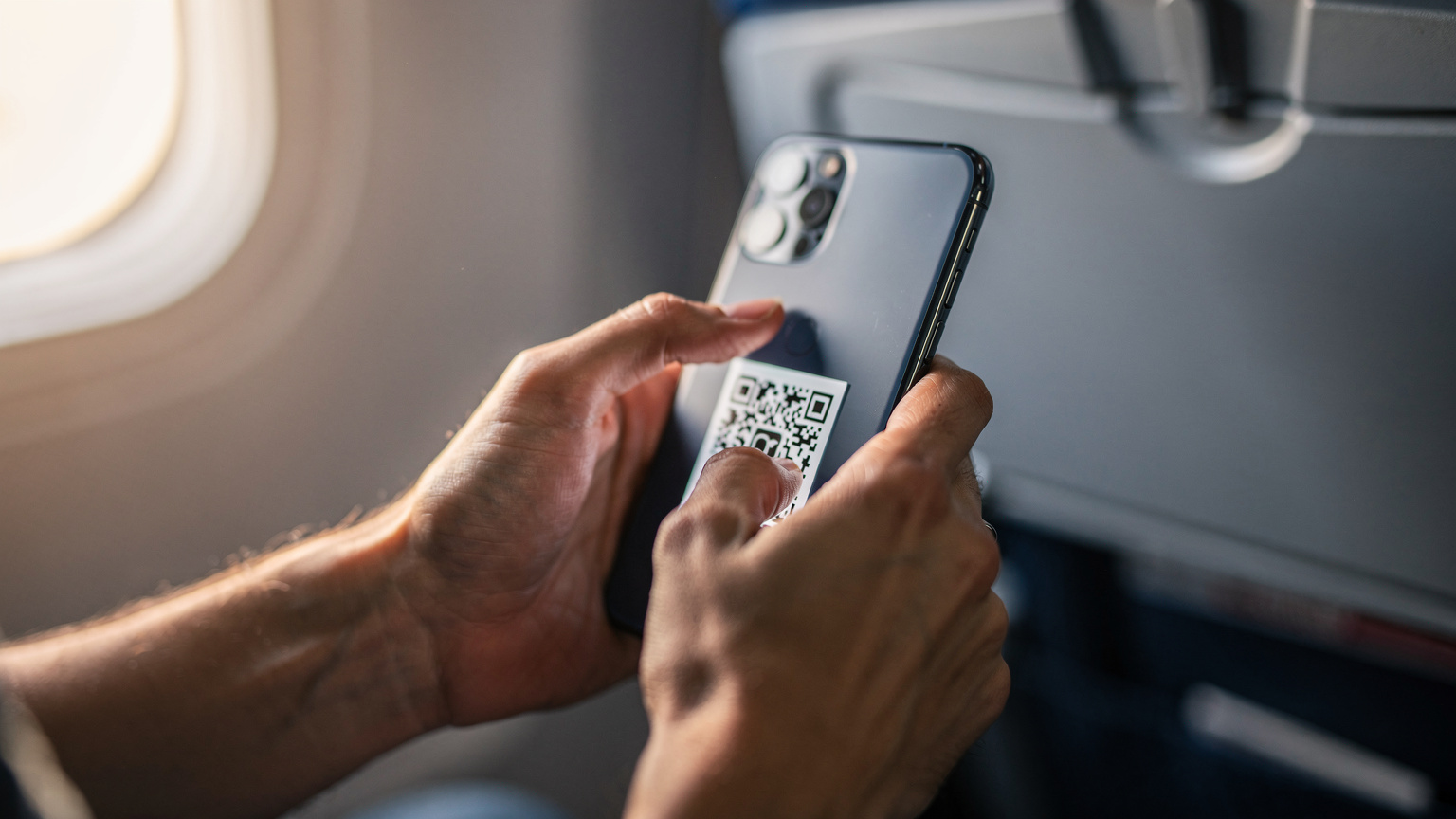
- Scan QR Code: Use your phone's camera to scan the QR code from your email. If it asks for an activation code, type it in manually.
- Label Your eSIM: Give your new eSIM a clear name, like "Indonesia Travel" or "Cellesim ID". This helps you find it later, especially if you have several eSIMs.
- Set Data Preference: In your phone's cellular settings, set your new eSIM as the main line for mobile data. You can keep your physical SIM (your home number) active for calls and texts.
- Enable Data Roaming: For some eSIMs, you might need to turn on data roaming in your phone settings for it to connect to the local network.
Managing Data Usage and Top-Ups
Keeping an eye on your data usage is really important so you don't run out at a bad time. Most modern smartphones have built-in data trackers in their settings. Plus, Cellesim's app or website will show you how much data you have left in real time. If you're using a Telkomsel eSIM, the MyTelkomsel app is where you'll check your balance and buy more data. I always set a data usage alert on my phone, maybe at 80% consumption, just to be safe. There's nothing worse than realizing you're out of data when you're trying to use Google Maps to find that specific Babi Guling stall in Seminyak, only to find it closed for the day (they often close once they sell out, usually by 3 PM).
Troubleshooting Common eSIM Issues
Even with great planning, tech can be a pain. I've had my share of "no service" moments, from the busy streets of Ben Thanh Market in Saigon to the quiet canals of Amsterdam. When it comes to eSIMs, most problems are small and easy to fix.
No Signal or No Data Connection
If your eSIM isn't connecting, try these steps:
- Restart Your Phone: The oldest trick in the book, but it often works.
- Check Network Selection: Go to your phone's cellular settings and make sure your eSIM is chosen for data. Sometimes, it might switch back to your physical SIM.
- Manual Network Selection: If automatic network selection doesn't work, try picking a network operator manually. For Telkomsel, look for 'Telkomsel' or 'IND TSEL'.
- Enable Data Roaming: Confirm that data roaming is turned on for your eSIM profile. It might sound strange for a local eSIM, but some providers need it.
- APN Settings: In rare cases, you might need to manually set up APN (Access Point Name) settings. Your eSIM provider (like Cellesim) will usually give you these if they're necessary. For Telkomsel, the APN is typically 'internet'.
- Software Update: Make sure your phone's operating system is up to date. Sometimes, older software can cause connection issues.
eSIM Activation Failures
If your eSIM isn't activating after you scan the QR code:
- Stable Wi-Fi: Double-check that you have a strong, reliable Wi-Fi connection. A weak signal can stop the eSIM profile from downloading.
- QR Code Integrity: Make sure the QR code isn't damaged, blurry, or folded if it's printed. If you can, try scanning it from a digital screen.
- Device Compatibility: Confirm your device supports eSIMs and is unlocked. An eSIM QR code won't work on a phone that doesn't support it, obviously.
- Contact Support: If nothing else works, reach out to your eSIM provider's customer support. Cellesim offers 24/7 help, which can be a lifesaver when you're in a different time zone.
Maximizing Your Data Budget in Indonesia
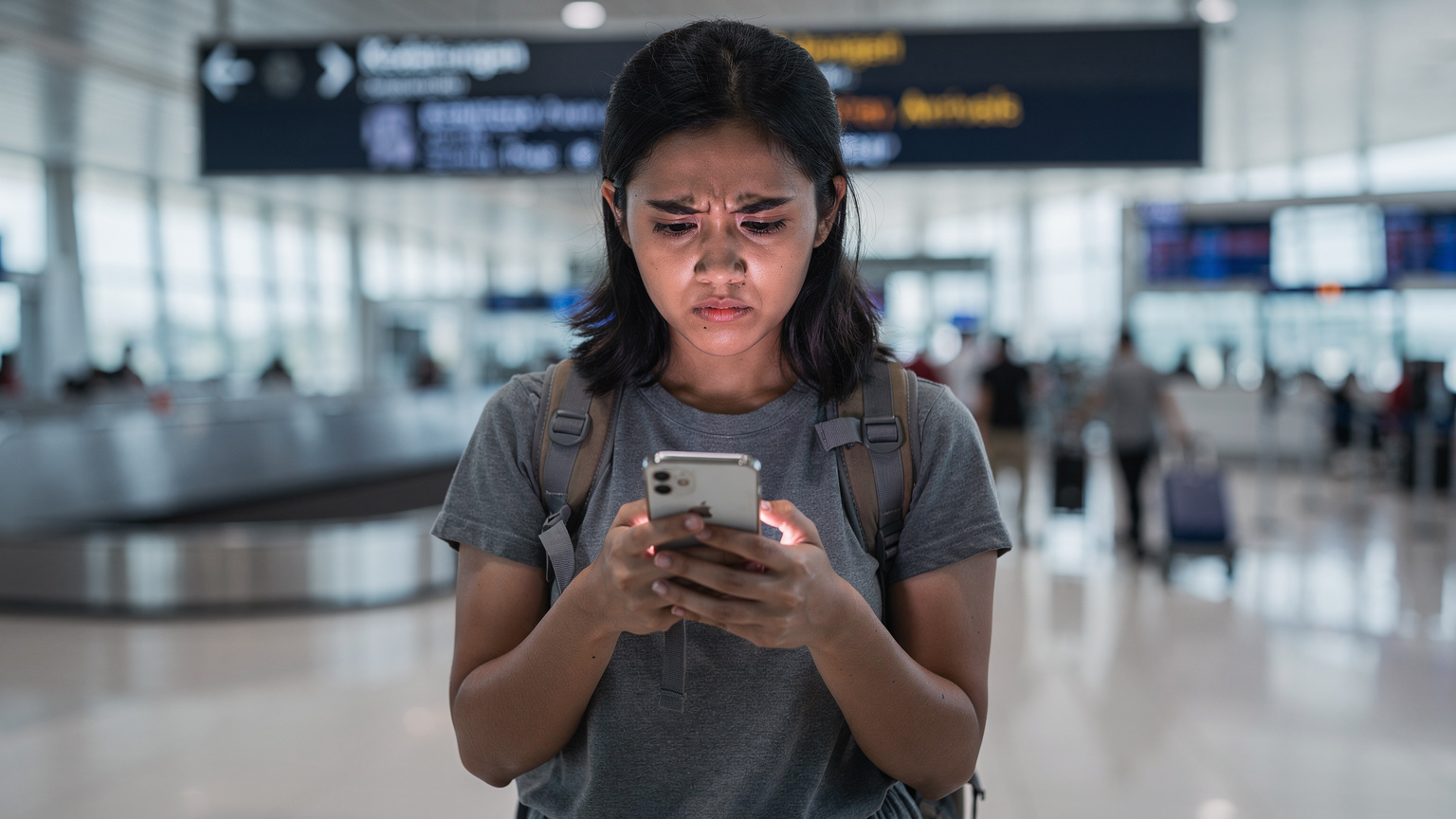
Data costs can really add up, especially on longer trips. Indonesia is generally affordable, but it can still catch you off guard if you're not careful. I've seen travelers burn through gigabytes in just a few days, then find themselves scrambling for Wi-Fi or expensive top-ups. A little planning goes a long way.
Smart Data Consumption Tips
- Download Offline Maps: Before you head out for the day, download offline maps for the areas you'll visit (using Google Maps or Maps.me, for example). This saves data and is crucial if you lose signal in a remote area, like when trekking through the jungles around Bukit Lawang.
- Use Wi-Fi Whenever Possible: Hotels, cafes, restaurants, and many public places offer free Wi-Fi. Always connect to these when they're available to save your cellular data for when you truly need it.
- Stream Offline: Download movies, TV shows, and music to your device before you leave your hotel's Wi-Fi. This is super helpful for long bus rides between cities, like the overnight trip from Yogyakarta to Probolinggo.
- Disable Background App Refresh: Many apps use data even when you're not actively using them. Turn off background app refresh for non-essential apps in your phone's settings.
- Monitor Usage Regularly: Keep an eye on your data consumption through your phone's settings or your eSIM provider's app.
Cost Comparison: Local vs. Global eSIMs
When you compare Telkomsel's tourist eSIMs against global providers like Cellesim, it often comes down to finding the right balance of cost, convenience, and flexibility. Local SIMs can sometimes give you more data for less money, but they involve the bureaucratic steps of registration. Global eSIMs, while possibly a few dollars more, offer instant activation and peace of mind.
| Provider Type | Pros | Cons | Best For |
|---|---|---|---|
| Telkomsel eSIM (Direct) | Potentially lower cost per GB, widest local coverage | In-person registration, potential language barrier, less flexible for multi-country trips | Longer stays (30+ days), heavy data users, those comfortable with local bureaucracy |
| Cellesim (Global eSIM) | Instant online activation, no registration hassle, multi-country plans, 24/7 support | May be slightly higher cost per GB, data-only plans (no local number) | Short to medium trips, convenience-seekers, multi-country travelers, those who value immediate connectivity |
For me, skipping the line at Ngurah Rai's Grapari counter after a 16-hour flight is almost priceless. The time saved alone is worth a slightly higher per-GB rate, letting me get straight into my waiting taxi and off to my hotel in Seminyak.
Staying Connected Beyond Indonesia
Many trips to Southeast Asia don't stick to just one country. One day you might be exploring the ancient temples of Borobudur, and the next you could be island hopping in the Philippines or wandering the busy markets of Bangkok. This is where an eSIM really shows its value.
Seamless Transition with Multi-Country eSIMs
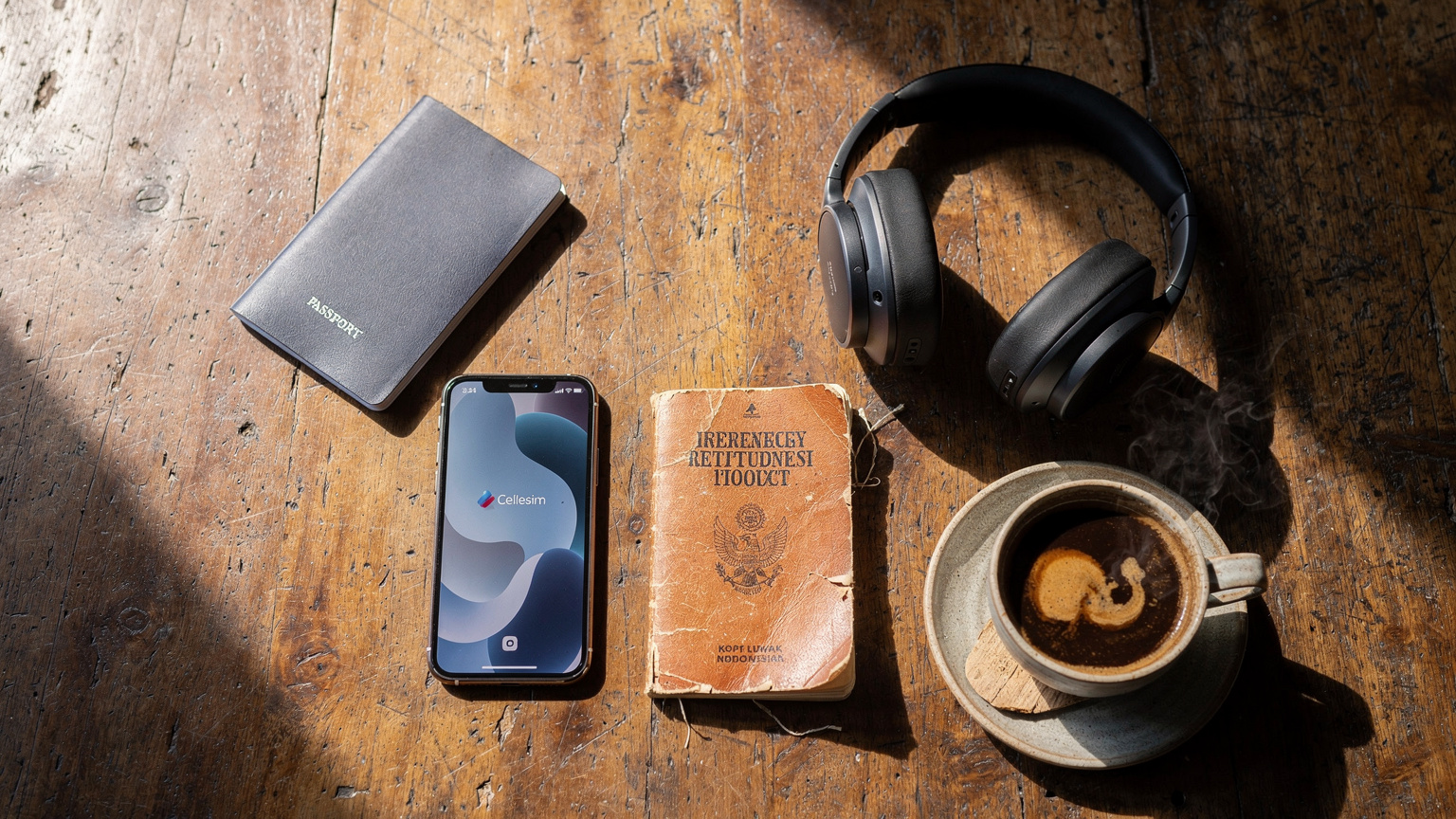
One of the biggest benefits of using a global eSIM provider like Cellesim is that you can buy multi-country or regional plans. Instead of getting a new local SIM or eSIM for each country, you can get one plan that covers all your destinations. For example, a Cellesim ASEAN plan could cover Indonesia, Thailand, Vietnam, and Malaysia for your Southeast Asia trip. This means no more dealing with AT&T eSIM for International Travel or T-Mobile eSIM QR Code roaming charges. You get continuous data as you cross borders. It makes your travel planning much simpler and takes away the stress of staying connected.
The Value of a Single Provider
When you manage your connectivity through one provider like Cellesim, you get one app, one customer support channel, and one billing system. This makes troubleshooting and topping up dramatically easier, especially when you're dealing with different currencies and time zones. I've found this particularly useful for longer trips where I might be moving between several countries over a few months. Having just one point of contact for all my data needs, instead of juggling multiple local providers, takes a huge load off my mind.
The Future of Travel Connectivity in Indonesia
Indonesia's digital world is always changing. The government and big carriers like Telkomsel are putting a lot of money into expanding 5G networks and improving internet in rural areas. This means that by 2026 and beyond, travelers can expect even faster speeds and more dependable service across more of the archipelago.
Advancements in 5G and Rural Coverage
Telkomsel is actively rolling out 5G in key business and tourist areas. While it's still mostly in major cities like Jakarta's Sudirman Central Business District and certain parts of Bali, expect to see it expand further. This will be a huge benefit for things that use a lot of bandwidth, like live streaming or uploading large files. Also, efforts to bring 4G to more remote islands mean that even off-the-beaten-path destinations will get better internet, making places like the Banda Islands more accessible for travelers who rely on their devices.
eSIM Becoming the Standard
The trend towards phones that only use eSIMs, especially with new iPhone models, suggests that eSIMs will soon be the go-to for international travel. This shift will likely push local carriers, including Telkomsel, to make their eSIM options for tourists even simpler, potentially making it easier to buy and activate directly. However, the convenience offered by global providers like Cellesim, who focus on easy international travel, will likely remain a strong choice for many, especially those who prioritize instant connection and ease of use over small price differences.
Ultimately, whether you pick a Telkomsel eSIM or go with a flexible global provider, the goal is the same: staying connected smoothly and reliably as you explore Indonesia's incredible diversity. Happy travels, and here's hoping your signal is always strong!
Frequently Asked Questions
Is Telkomsel eSIM available for tourists in Indonesia?
Yes, Telkomsel does offer eSIMs for tourists in Indonesia. However, you'll typically need to visit a Grapari store in person with your passport for registration, as required by Indonesian telecommunications rules. Online options for tourists are still being developed.
What documents do I need to get a Telkomsel eSIM as a tourist?
You'll need your physical passport and your phone's IMEI number (you can find this by dialing *#06#). Some Grapari stores might also ask for extra info like a local address or contact number. Make sure your passport is valid and up to date.
Can I activate a Telkomsel eSIM before arriving in Indonesia?
Activating a Telkomsel eSIM directly from them before you arrive isn't usually straightforward for tourists because of the in-person registration rule. However, global eSIM providers like Cellesim let you buy and activate an Indonesia eSIM plan entirely online before your trip, so you'll have data right when you land.
What are the advantages of using a Cellesim eSIM over a Telkomsel eSIM?
Cellesim offers instant online purchase and activation, meaning you don't need to register in person or deal with language barriers. It also provides flexible multi-country plans for regional travel and 24/7 multilingual customer support, making it ideal for travelers who value convenience.
How can I check my data usage on a Telkomsel eSIM?
If you have a Telkomsel eSIM, you can check your data usage, remaining balance, and top-up options through their official MyTelkomsel mobile app. For Cellesim and other global eSIM providers, you can usually monitor your usage via their specific app or website.
Are there any areas in Indonesia where Telkomsel eSIM might not work well?
While Telkomsel has the broadest coverage, signal strength can be inconsistent in very remote or mountainous areas, and on smaller, less populated islands. Major cities and popular tourist spots generally have excellent 4G coverage, with 5G expanding in key urban centers.