The Real Cost of Connectivity on the Road
Let's talk money, because that's usually the biggest concern for road trippers. My last 14-day US road trip, a big loop from Denver to the Grand Canyon and back, cost me a grand total of $35 for data with Cellesim. That's it. Two weeks of GPS, booking hotels on the fly, quick WhatsApp calls home, and even streaming podcasts on those endless Interstate 70 stretches through Kansas. Now, compare that to my buddy's $10/day international roaming plan from AT&T. His bill for the same trip? $140. When you're trying to travel the country on a budget of €40 a day, those numbers hit hard.
Maybe you're thinking about a local physical SIM card. That's a fair point. If you're staying put for a month or more, and you have time to track down a T-Mobile or Verizon store in a big city, a local prepaid SIM from, say, Walmart Family Mobile (which uses T-Mobile's network) could save you a few bucks over 30 days. Their 10GB plan for $29.88 is a decent deal. But here's the catch: you have to find a store, deal with the activation, and then figure out what to do with the plastic SIM when you leave. For a road trip where you're constantly on the move, that's just a logistical headache you don't need.
Crunching the Numbers: My 14-Day Data Spend
On that Denver-Grand Canyon adventure, I used about 1GB of data per day, totaling 14GB. A Cellesim regional USA plan for 15GB over 30 days cost me that sweet $35. If I'd gone with a physical SIM from a local provider like Mint Mobile, their 15GB/month plan is around $30. But those often come with longer commitments or introductory deals that don't always suit short-term travel. Plus, that activation hassle again. For me, paying an extra $5 for instant activation and digital convenience was a no-brainer.
This isn't just about saving cash, it's about saving time and stress. Imagine pulling into a dusty gas station outside Moab at 11 PM, only to realize your paper map is useless. Having reliable GPS on your phone is truly priceless. And believe me, I've been in that exact spot more times than I care to admit, from the backroads of rural Morocco to the vast highways of the American West. An eSIM just works, right out of the box.
Why eSIM Trumps Traditional SIMs for US Travel
The US is huge. Your connectivity needs will swing wildly, from the bustling streets of New York City to the stark beauty of Death Valley. Traditional physical SIMs from your home country usually mean outrageous roaming charges, or you have to swap out your main SIM, which means potentially missing important calls or texts. An eSIM, on the other hand, lets you keep your home number active while using a local data plan. That's a massive win for anyone trying to stick to a budget and stay connected.
Think about it: no more fumbling with those tiny SIM ejector tools on the side of a highway in the middle of nowhere. No more worrying about losing your home SIM card. It's all digital, all smooth. For travelers who are always moving, maybe even popping into Canada or Mexico, an eSIM is a vital tool. It gives you the same kind of strategic advantage you get when you book a bed in a Generator Hostel in Europe, knowing exactly what you're getting for your euro, with no surprises.
The Flexibility Factor: Switching Providers on the Fly
One of the biggest perks of an eSIM, especially for a US road trip, is how easily you can switch providers without physically changing cards. Let's say you're driving through a particularly remote part of Arizona, and your current eSIM, which uses T-Mobile's network, just isn't cutting it. With a few taps on your phone, you can buy a new Cellesim plan that uses AT&T's network, and be back online in minutes. That kind of flexibility is impossible with a physical SIM, unless you're carrying multiple phones.
This isn't just theory. I've actually done this. Driving from El Paso, Texas, across New Mexico to Arizona, there are known dead zones for certain carriers. Being able to quickly switch to another network saved me from hours with no signal. It's a lifesaver for navigation, especially when Google Maps decides to send you down a gravel road through a valley with no cell towers for 50 miles.
Picking the Right eSIM Plan for Your Route
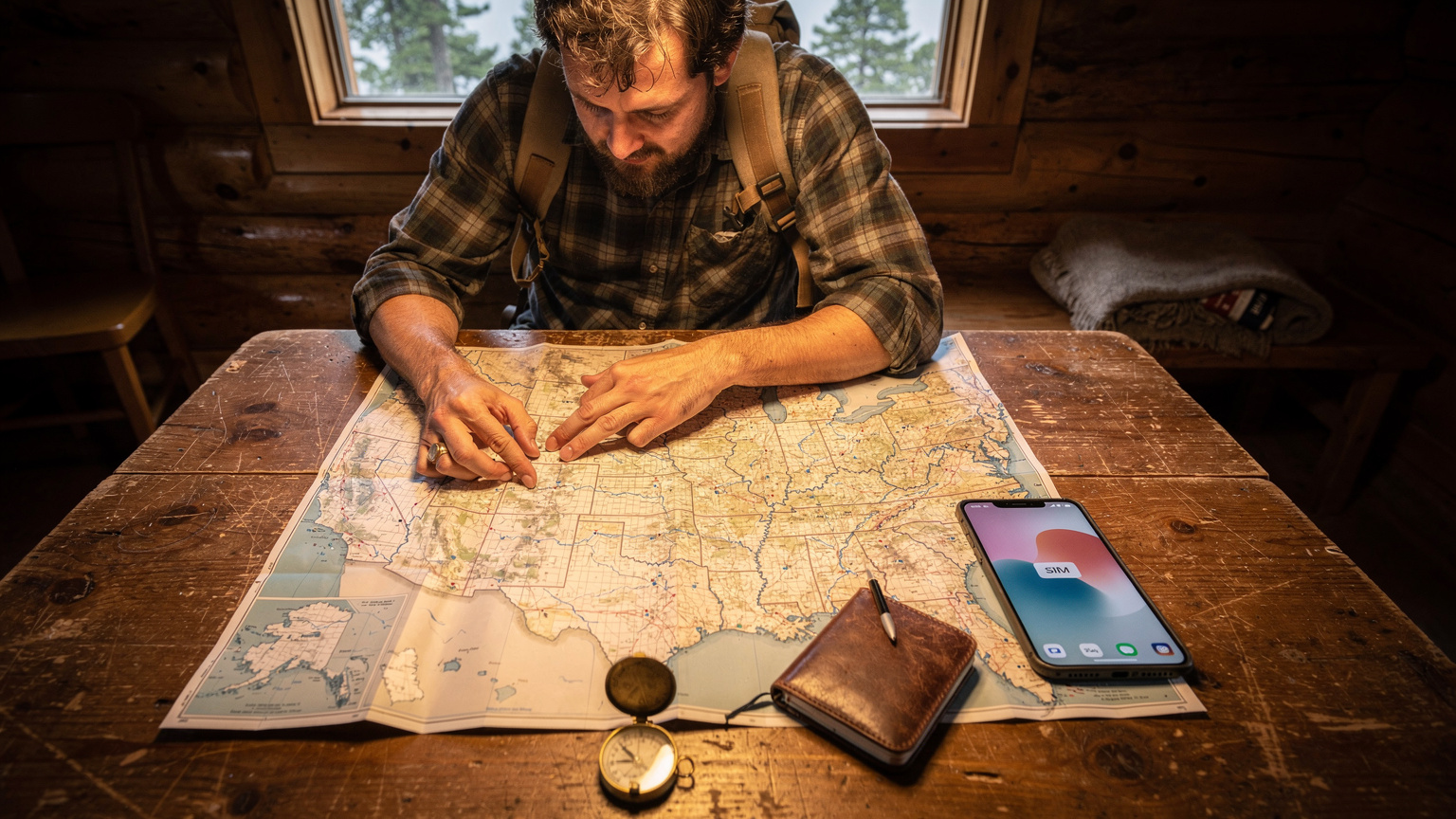
Choosing an eSIM plan isn't a "one size fits all" deal, especially for a US road trip. Your data needs will depend a lot on your specific route, how much you stream, and if you're working remotely. For my €40 a day budget, I'm always looking for that sweet spot between data allowance and cost. Here's what to think about:
- Data Allowance: Are you just checking emails and maps, or do you need to upload photos and stream music? National parks often have limited Wi-Fi, making your mobile data absolutely essential.
- Validity Period: Make sure the plan's duration matches your trip. A 7-day plan won't work for a month-long cross-country epic.
- Coverage: Cellesim generally has great coverage across the US, but some providers might be stronger in specific regions. Always double-check the network partners.
- Top-Up Options: Can you easily add more data if you run out? This is crucial for longer trips where your usage might change.
Don't just grab the cheapest plan without considering these points. A cheap plan with no coverage in the middle of Montana isn't a bargain at all.
Comparing eSIM Providers for US Road Trips
For the US, you're mostly looking at plans that use the networks of T-Mobile, AT&T, and sometimes Verizon (though Verizon's eSIM support for international devices can be a bit trickier). Cellesim bundles these, offering competitive packages. Here's a quick comparison for a typical 14-day US road trip with moderate data usage (around 15-20GB):
| Provider Type | Typical Data/Validity | Approx. Cost (USD) | Pros | Cons |
|---|---|---|---|---|
| Cellesim (USA Regional) | 15-20GB / 30 Days | $35-$45 | Excellent value, easy activation, flexible networks | Requires eSIM-compatible device |
| Local Physical SIM (T-Mobile/AT&T Prepaid) | 10-15GB / 30 Days | $30-$50 | Often slightly cheaper for long stays, strong local network | Physical activation, store visit needed, no multi-country flexibility |
| International Roaming (Home Carrier) | Limited / Per day | $10-$15/day | Convenience of home number | Extremely expensive, throttled speeds, data caps |
As you can clearly see, Cellesim offers excellent value, especially compared to your home carrier's international plan. For more detailed comparisons, check out our guide on eSIM vs International Plan 2026: Which Saves You More Money Abroad? It really breaks down the numbers.
Calculating Your Data Needs: Don't Overpay
I track my data religiously. Before any trip, I check my average daily usage from past travels. In Southeast Asia, for example, where Wi-Fi is everywhere, I might only use 500MB a day. In the US, where distances are vast and Wi-Fi is less common outside big cities, that number jumps. For a US road trip, consider this:
- GPS Navigation (Google Maps, Waze): Around 50-100 MB/hour (when actively used)
- Music Streaming (Spotify, Apple Music): Roughly 150 MB/hour (at high quality)
- Social Media (Instagram, TikTok): About 200-400 MB/hour (with lots of video scrolling)
- Email/Browsing: Roughly 10-20 MB/hour
If you're driving 6 hours a day, using GPS and streaming music, you're easily hitting 1GB. Add in checking social media during breaks, and 1.5-2GB a day isn't uncommon. So for a 14-day trip, 20-25GB is a pretty safe bet. Don't fall for "unlimited" plans that often throttle you after a certain cap, or you'll find yourself trying to find a campsite in Zion with painfully slow 2G speeds.
Activation Made Easy: Your eSIM Setup Checklist
Getting an eSIM running is incredibly simple, way easier than trying to deal with a local SIM vendor in a foreign language. (I've spent twenty minutes in Buenos Aires trying to explain "data only, por favor." Never again.) The best part about eSIMs is that you can often activate them before you even leave home. That means you're connected the second you land, or the moment you cross into a new state or coverage zone.
Here's how to get your Cellesim eSIM up and running without a hitch:
- Purchase Your Plan: Head to Cellesim's US page (like /en/esim-united-states), pick a plan that fits your data needs and trip length. Pay with your preferred method.
- Receive Your QR Code: Cellesim will email you a QR code or manual activation details almost immediately. Keep this email handy.
- Open Settings on Your Phone: On your iPhone or Android, go to 'Settings' > 'Cellular' or 'Mobile Data'.
- Add eSIM/Cellular Plan: Tap 'Add eSIM' or 'Add Data Plan'. You'll usually see an option to 'Scan QR Code'.
- Scan the QR Code: Use your phone's camera to scan the QR code from the email (you might need to view it on another device or print it).
- Label Your eSIM: Once it's active, clearly label your new eSIM (e.g., "USA Travel" or "Cellesim US") so you can easily tell it apart from your main line.
- Set as Primary for Data: In your cellular settings, make sure your Cellesim eSIM is selected for 'Cellular Data' and disable data roaming on your primary SIM to avoid any surprise charges.
That's it. Seven steps, probably less than five minutes of actual work. You're now ready to hit the road with reliable data.
Troubleshooting Common eSIM Activation Issues
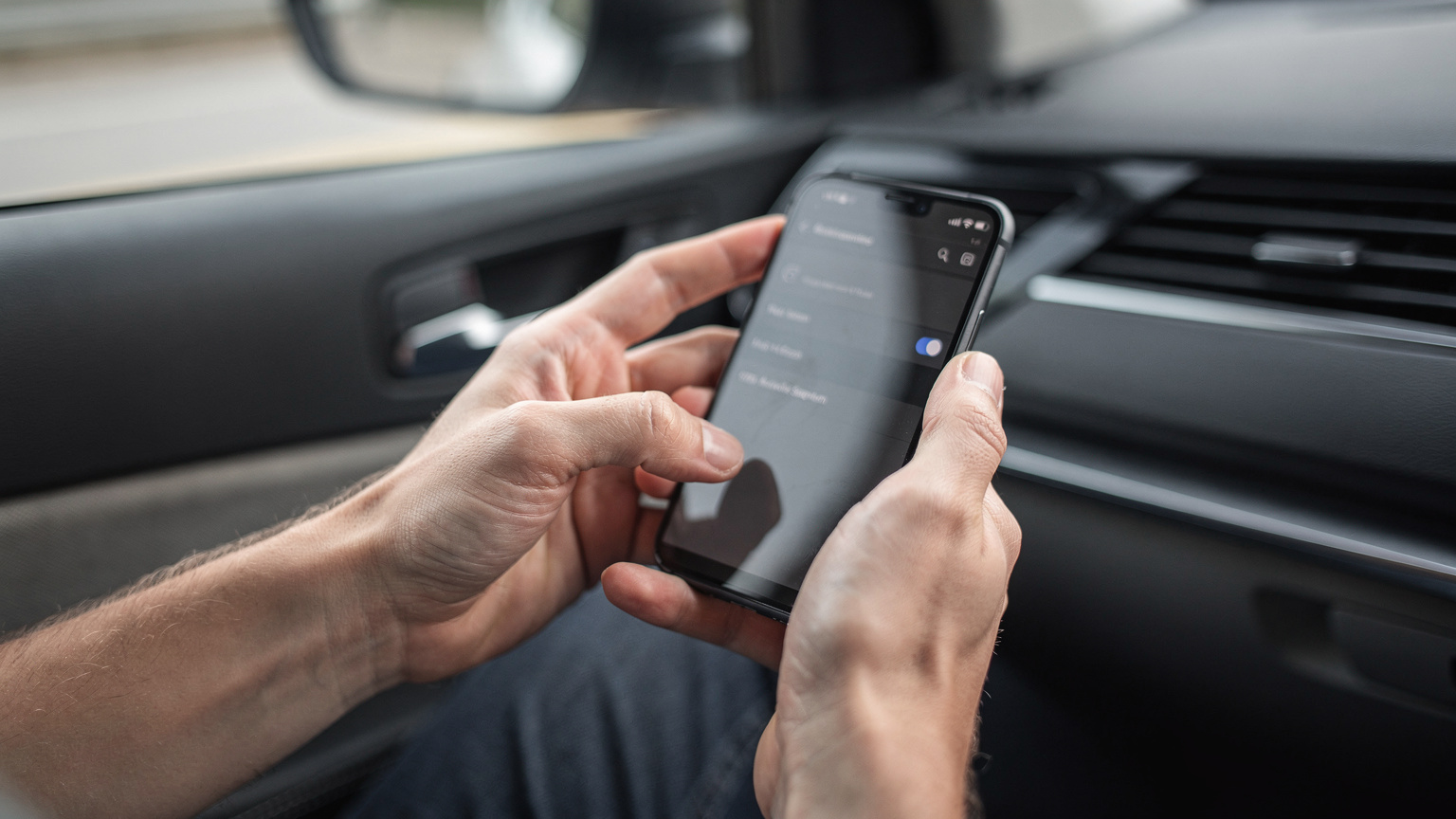
Even though it's usually smooth sailing, sometimes things go wrong. Here are a couple of common issues I've run into, and how to fix them:
- "QR code not recognized": This usually means your phone isn't focused properly, or the lighting is bad. Try scanning in a well-lit area, or manually enter the details from your email.
- "No service after activation": First, make sure 'Data Roaming' is enabled for your eSIM profile (yes, even for a local eSIM, sometimes the network sees it as roaming). Second, check your APN settings, though Cellesim usually sets this up automatically. Third, a simple reboot of your phone often fixes everything.
- "Can't make calls": Remember, most travel eSIMs are data-only. For calls, use VoIP apps like WhatsApp, Google Voice, or FaceTime. If you absolutely need a local number for calls, a physical prepaid SIM is your only option, but for most budget travelers, data-only is perfectly fine.
For more detailed troubleshooting, our FAQ section has a comprehensive guide on common eSIM questions and solutions.
Navigating National Parks and Rural Dead Zones
This is where an eSIM really shines for a US road trip. National Parks like Yellowstone, Yosemite, or Big Bend are absolutely breathtaking, but their cell service is notoriously bad. The vast, rugged terrain and remote locations mean cell towers are few and far between. This isn't just annoying; it can be a safety concern.
An eSIM from a provider like Cellesim, which often partners with major carriers like AT&T and T-Mobile, gives you the best possible chance of finding a signal. Why? Because you're essentially tapping into the same infrastructure that local Americans use. While no service is guaranteed everywhere, a multi-network eSIM generally provides much better coverage than relying on a single network or a foreign roaming plan.
Offline Maps and Emergency Communication
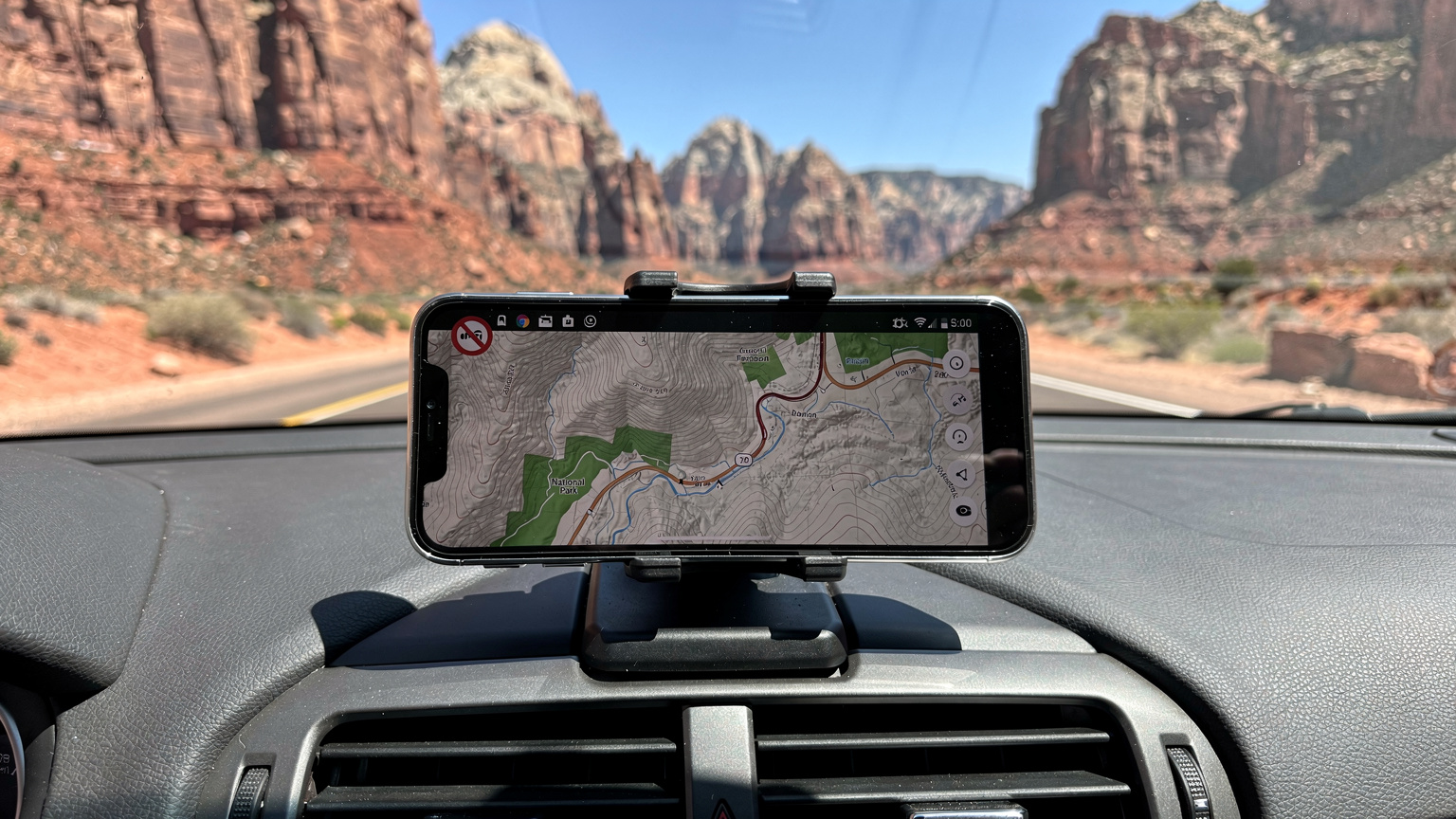
My golden rule for national parks: always download offline maps. Google Maps lets you save entire regions for offline use, and apps like Maps.me are designed specifically for this. Even with the best eSIM, there will be spots in the Grand Canyon where you have zero signal. Downloading maps beforehand means you can still navigate trails and find points of interest.
But for emergencies, a data connection is critical. An eSIM can be the difference between calling for help and being stranded. During a solo hike in Arches National Park, I twisted my ankle. My Cellesim eSIM, which switched to a distant AT&T tower, allowed me to send a WhatsApp message to a friend to let them know I was okay, even with just one bar of service. Those brief moments of connectivity can mean everything.
The Challenge of Rural Routes and Small Towns
Beyond national parks, the US has endless stretches of rural highway where cell service can vanish. Think driving through Nevada on US-50, 'The Loneliest Road in America', or winding through the Appalachian Mountains. Many smaller towns also have limited infrastructure, often serviced by only one major carrier, if any.
This is where knowing your eSIM provider's network partners becomes super important. If you're heading deep into Verizon country, and your eSIM mainly uses T-Mobile, you might hit more dead spots. Cellesim usually offers plans that roam on both AT&T and T-Mobile, giving you the best chance of staying connected. Always check the coverage maps on the Cellesim website before you buy, especially if you have a specific, remote route planned. It's the difference between a smooth journey and pulling over every 20 miles to see if you have a single bar.
Border Crossing with an eSIM, North and South
For the serious road warrior, a US trip might include a quick hop over to Canada or down to Mexico. This is another situation where an eSIM offers unmatched convenience, especially compared to the complexities of traditional SIMs at border crossings.
Crossing into Canada Seamlessly
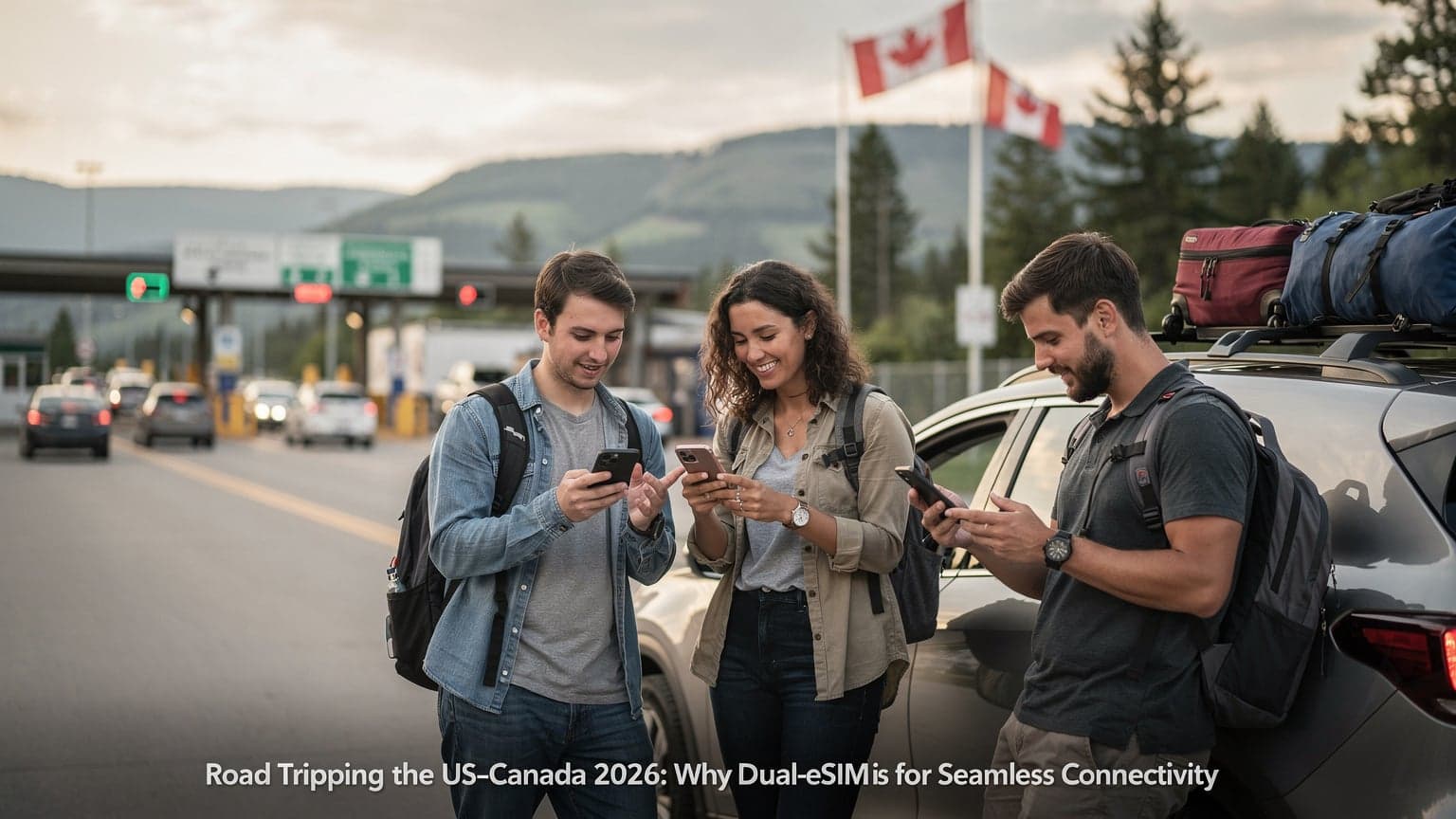
Let's say you're driving the classic Pacific Coast Highway and decide to pop into Vancouver, BC. If you have a US-only eSIM, your service will cut out as soon as you cross the border at Blaine, Washington, into Surrey, BC. However, if you've planned ahead and bought a North America regional eSIM from Cellesim (covering USA, Canada, and Mexico), your phone will automatically switch to a partner network like Bell or Rogers in Canada without missing a beat. No need to buy a separate Canadian SIM, no roaming charges. It's a truly smooth transition.
I've done this many times, from Niagara Falls to the Peace Arch crossing. The moment my phone registers a Canadian tower, I get a notification, and I'm still connected. This helps you avoid that common border-crossing trick where you're desperate for signal right after crossing and end up paying crazy rates for a few minutes of connection on a foreign network.

From California to Baja, Mexico
Similarly, a trip from San Diego to Tijuana or further down into Baja California, Mexico, becomes much simpler with a regional eSIM. Instead of stopping at a Telcel or Movistar shop near the San Ysidro border crossing, you can activate your Cellesim North America plan, which will connect you to a Mexican network upon entry. This is particularly useful in busy border towns where lines can be long and vendors might try to upsell you on plans you don't need.
My personal experience: I once bought a Telcel SIM in Tijuana, only to discover it had terrible coverage once I got an hour south to Ensenada. A multi-country eSIM would have given me access to multiple networks in Mexico, ensuring better coverage further afield. Always look into regional eSIMs if your road trip plans include international borders. It's an investment that pays off in peace of mind.
Real-World Scenarios Where eSIM Saves the Day
Beyond just providing data, an eSIM can be a true co-pilot in all sorts of road trip situations. It's not just for posting Instagram stories; it's about practical use and safety.
Lost in Translation, Found by GPS
Imagine this: you're in a small town in rural Kentucky, trying to find that local diner your hostel host recommended. Printed maps are out of date, and the locals speak a dialect of English that's a bit hard to understand. Your eSIM keeps your Google Maps running, guiding you through narrow streets and obscure turns. This happened to me trying to find a specific BBQ joint outside of Lexington, Kentucky, that only the locals knew about. Without my eSIM, I would have given up. (For those curious, it was definitely worth the detour.)
Roadside Emergencies and Breakdowns
Flat tire on a desolate stretch of US-93 in Nevada? Car overheating in the Arizona desert? These aren't just hypothetical situations; they happen. Having a working phone is crucial for calling roadside assistance, local law enforcement, or simply letting family know you'll be delayed. While some areas will always be dead zones, an eSIM maximizes your chances of getting a signal, even if it's just one bar, to make that emergency call.
My friend had his radiator blow out near Valley of Fire State Park, Nevada. His home carrier's roaming plan gave him zero signal. My Cellesim eSIM, however, managed to connect to a distant AT&T tower, allowing us to call for a tow. It was slow, but it worked. That experience alone made me a firm believer in how reliable a good eSIM can be.
Last-Minute Bookings and Itinerary Changes
Road trips are flexible. The weather might change, you might discover a hidden gem, or you might just fall in love with a place and want to stay an extra night. An eSIM lets you make those last-minute changes without a hitch. Booking a campsite in Yosemite, finding a motel in Flagstaff, or checking opening hours for a local attraction can all be done from your phone, while you're on the go. This avoids the stress of hunting for unreliable public Wi-Fi or paying ridiculous hotel Wi-Fi fees.
I once had to completely change my route due to unexpected snow in the Rockies. With my eSIM, I quickly rerouted my GPS, found new accommodation in a different state, and notified my next hostel, all while driving (my co-pilot handled the phone, of course). It saved me a ton of hassle and potential wasted bookings.
The Budget Backpacker's Final Word on eSIMs
Listen, I've traveled across continents on a shoestring budget. Every dollar, every euro, every baht counts. And for a US road trip, where distances are huge and connectivity can be patchy, an eSIM isn't a luxury. It's essential for smart, safe, and budget-friendly travel. You get reliable data, the freedom to switch networks, and the peace of mind knowing you're connected when it matters most, all without draining your wallet.
My advice? Don't cut corners on connectivity. A few extra dollars for a solid eSIM plan can save you hundreds in roaming fees, prevent hours of frustration trying to find a signal, and potentially even keep you safe in an emergency. Buy your Cellesim plan before you hit the road, activate it easily, and focus on the incredible landscapes the US has to offer, not on whether your phone will work. It's the cheapest, most efficient co-pilot you'll ever have.
Frequently Asked Questions
Is an eSIM really better than a physical SIM for a US road trip?
Yes, for a US road trip, an eSIM offers superior flexibility and convenience. You avoid the hassle of finding a local store, dealing with activation queues, and physically swapping SIM cards, especially when moving between remote areas or even across international borders.
How much data do I really need for a two-week US road trip?
For a two-week US road trip with moderate usage (GPS, light streaming, social media), expect to use around 1-1.5GB of data per day. A plan offering 15-20GB for a 30-day validity would typically be a good, safe bet to cover your needs without overpaying.
Will an eSIM work in US National Parks where service is typically bad?
While no cellular service is guaranteed in every corner of vast national parks, an eSIM from a provider like Cellesim, which partners with major US carriers like AT&T and T-Mobile, maximizes your chances of finding a signal. It gives you access to the same networks as locals, often providing better coverage than international roaming plans.
Can I use my existing phone number with an eSIM for data in the US?
Absolutely. One of the key benefits of an eSIM is that it allows you to keep your primary physical SIM active for calls and texts on your home number, while using the eSIM solely for local data in the US. This ensures you stay connected without missing important calls.
What's the cheapest local physical SIM alternative if I don't want an eSIM?
If you absolutely prefer a physical SIM, a prepaid plan from Walmart Family Mobile (using T-Mobile's network) or Mint Mobile can be a cheap alternative. For example, Walmart Family Mobile offers a 10GB plan for around $29.88, but requires an in-store purchase and activation, which can be inconvenient for road trippers.
What if my US road trip extends into Canada or Mexico?
If your road trip includes Canada or Mexico, look for a regional North America eSIM plan from Cellesim. These plans cover all three countries, allowing for seamless transition across borders without needing new SIMs or incurring roaming charges from your US plan.