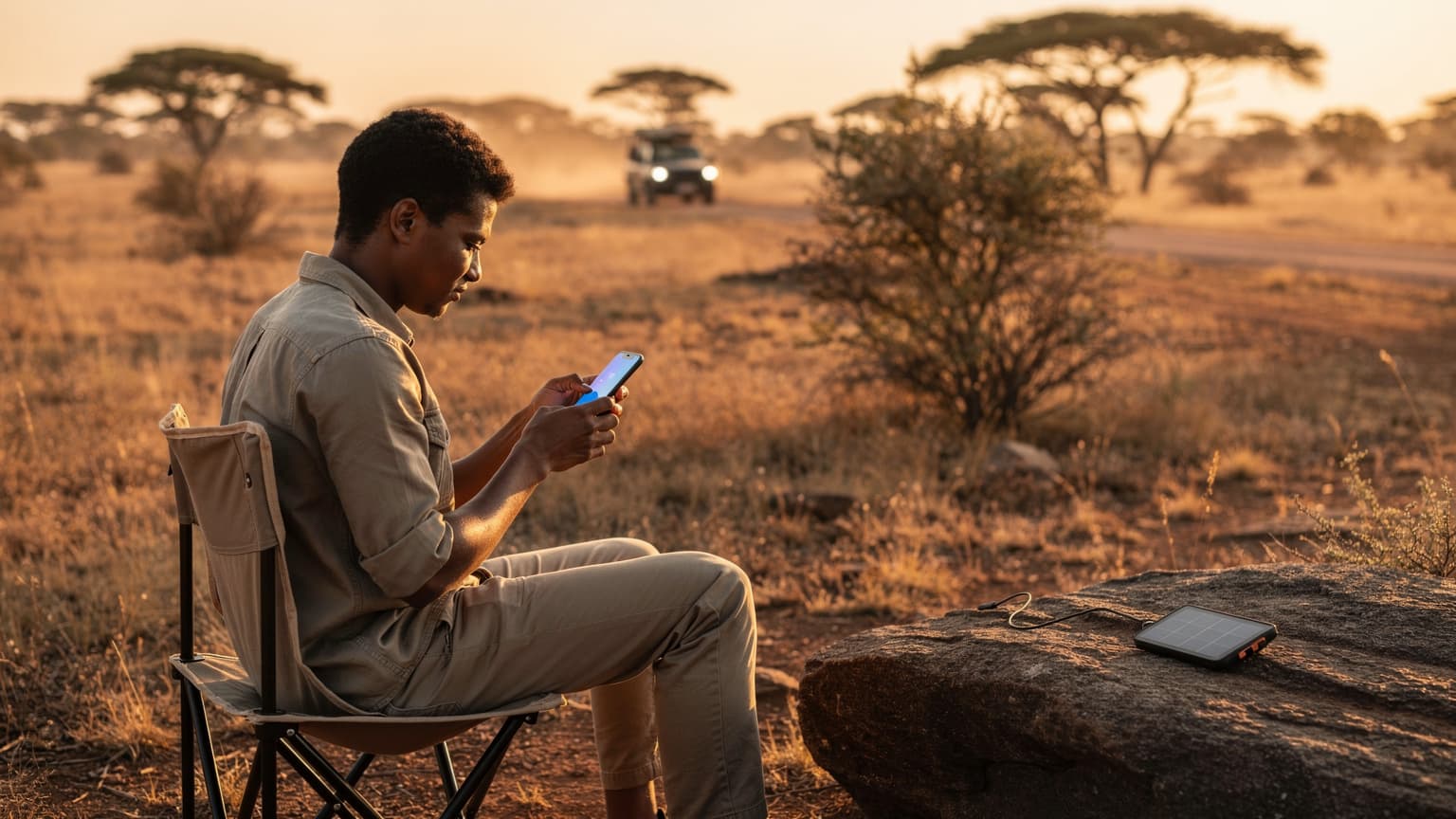
Why an eSIM is Your USA Family Travel BFF
Ah, the USA. Land of sprawling national parks, exhilarating theme parks, and enough road trip miles to make any parent question their sanity. As a veteran of over 30 countries with my two intrepid explorers (now 9 and 12, but started at 4 and 7, bless their cotton socks), I've learned that seamless connectivity isn't a luxury, it's a necessity. It’s the difference between a peaceful drive with kids absorbed in their Disney+ streams and a 'Are we there yet?' chorus that could shatter glass.
Gone are the days of frantically searching for a local SIM card booth at JFK after a red-eye, or worse, finding out your home carrier’s roaming charges could fund a small country. For our family’s upcoming pilgrimage to Florida's theme parks and a quick jaunt to New York City, an eSIM is at the top of my planning checklist. It’s about more than just data, it’s about peace of mind. Imagine landing, switching on your phone, and being instantly connected, ready to navigate to your rental car, check into your accommodation, and most importantly, download that crucial episode of Bluey before the airport meltdowns begin. No fumbling with tiny plastic cards, no language barriers, just instant access.
When you're juggling suitcases, passports, and two kids who absolutely must have their iPads charged, simplicity is golden. An eSIM lets you keep your home number active for important calls (like the school asking why you're not back yet, ha!), while using the eSIM for affordable local data. This dual-SIM capability is a lifesaver for parental-control apps like Apple Screen Time or Google Family Link, ensuring they work consistently regardless of which line is active for data. Plus, it means you can set data limits for their devices, a critical feature when you're trying to prevent a 10GB Disney+ binge on day one.
What Exactly is an eSIM, and Why Should I Care?
Okay, let's get down to brass tacks. An eSIM, or embedded SIM, is essentially a digital SIM card. Instead of a physical chip that you insert into your phone, the 'SIM' is built directly into your device. This means you can download and activate a cellular plan digitally, often with just a QR code or a few taps in your phone's settings.
For a family planner like me, the 'why care' boils down to convenience and cost. No more hunting for local stores, no more worrying about losing a tiny SIM card, and definitely no more exorbitant roaming bills from your home carrier. You can purchase an eSIM plan for the USA before you even leave home, activate it upon arrival, and be online instantly. It's like magic, but with data.
Many modern phones, including most iPhones since the iPhone XR and recent Android flagships like the Samsung Galaxy S20 series, are eSIM compatible. If you're an Apple user, you might find this guide to iPhone eSIMs particularly helpful for understanding the ins and outs of setting it up. For families, this means each parent can have their own eSIM for their primary device, while potentially hot-spotting for the kids' tablets, or even getting a separate eSIM for a dedicated kid's device if they're older and have their own phone. The flexibility is truly unmatched.
The Benefits of eSIM for USA Family Travel
- Instant Connectivity: Purchase and activate your plan before you leave. Land, switch on, and you're online. No airport hassle.
- Cost Savings: Dramatically cheaper than international roaming. You're buying local data rates without the local commitment.
- Dual SIM Functionality: Keep your home number active for calls/texts while using the eSIM for data. Essential for managing travel logistics and staying in touch with home.
- Flexibility: Easily switch between plans or top up data on the go, directly from your phone. No contracts, no fuss.
- Device Management: Centralize data management for your family's devices. Hotspot from a parent's phone, or manage individual device data usage through separate eSIMs, allowing for granular control over kids' screen time and data consumption.
eSIM vs. Physical SIM Cards: A Parent's Perspective
When you're trying to herd two kids through Orlando International Airport, the last thing you want is to be fumbling with a tiny SIM ejector tool. Physical SIM cards are a relic for family travelers. They get lost, they're often sold by carriers with confusing plans, and they mean temporarily losing access to your home number. With an eSIM, all those anxieties disappear. You simply scan a QR code or follow a few prompts, and your phone is ready. It's like having a digital travel agent for your phone, ensuring you're connected the moment you arrive.
| Feature | eSIM (Digital) | Physical SIM (Traditional) |
|---|---|---|
| Ease of Purchase | Online, before travel | In-store, upon arrival |
| Activation | QR code / app, instant | Manual insertion, potential setup delays |
| Dual SIM Use | Yes, keeps home number active | No, replaces home SIM |
| Cost | Often cheaper, no roaming | Can be expensive roaming, or need local purchase |
| Flexibility | Easy to switch/top-up plans | Requires new card for new plan |
| Physical Handling | None, digital only | Small card, easy to lose |
Picking the Perfect eSIM Plan for Your American Adventure
This is where my inner planning enthusiast truly shines. Choosing the right eSIM plan for a USA trip, especially with kids, isn't a one-size-fits-all situation. You're not just buying data for yourself, you're buying peace of mind for an entire family. Think about how much data you'll actually need. My rule of thumb, after years of trial and error, is always to overestimate, especially when a child’s entertainment hinges on it. There’s nothing worse than running out of data mid-road trip when the kids are halfway through a critical Roblox game.
Consider your family's usage patterns. Will you be relying heavily on maps (Google Maps, Apple Maps, or even offline ones like MAPS.ME are essential)? Will the kids be streaming Netflix or YouTube Kids in the car? My two can easily chew through 5-10GB each per week just on streaming and gaming, not to mention my own usage for navigation, restaurant bookings, and sharing those inevitable 'my kids are destroying this national monument with their cuteness' photos with the grandparents.
For a typical 10-day trip with two streaming-savvy kids and two parents who need data for navigation, social media, and communication, I'd recommend a minimum of 40-50GB for the family to share, or individual plans of 15-20GB per adult and 10GB per child for their own devices if they're using them independently. This sounds like a lot, but trust me, it disappears faster than a melting ice cream cone at Disneyland.
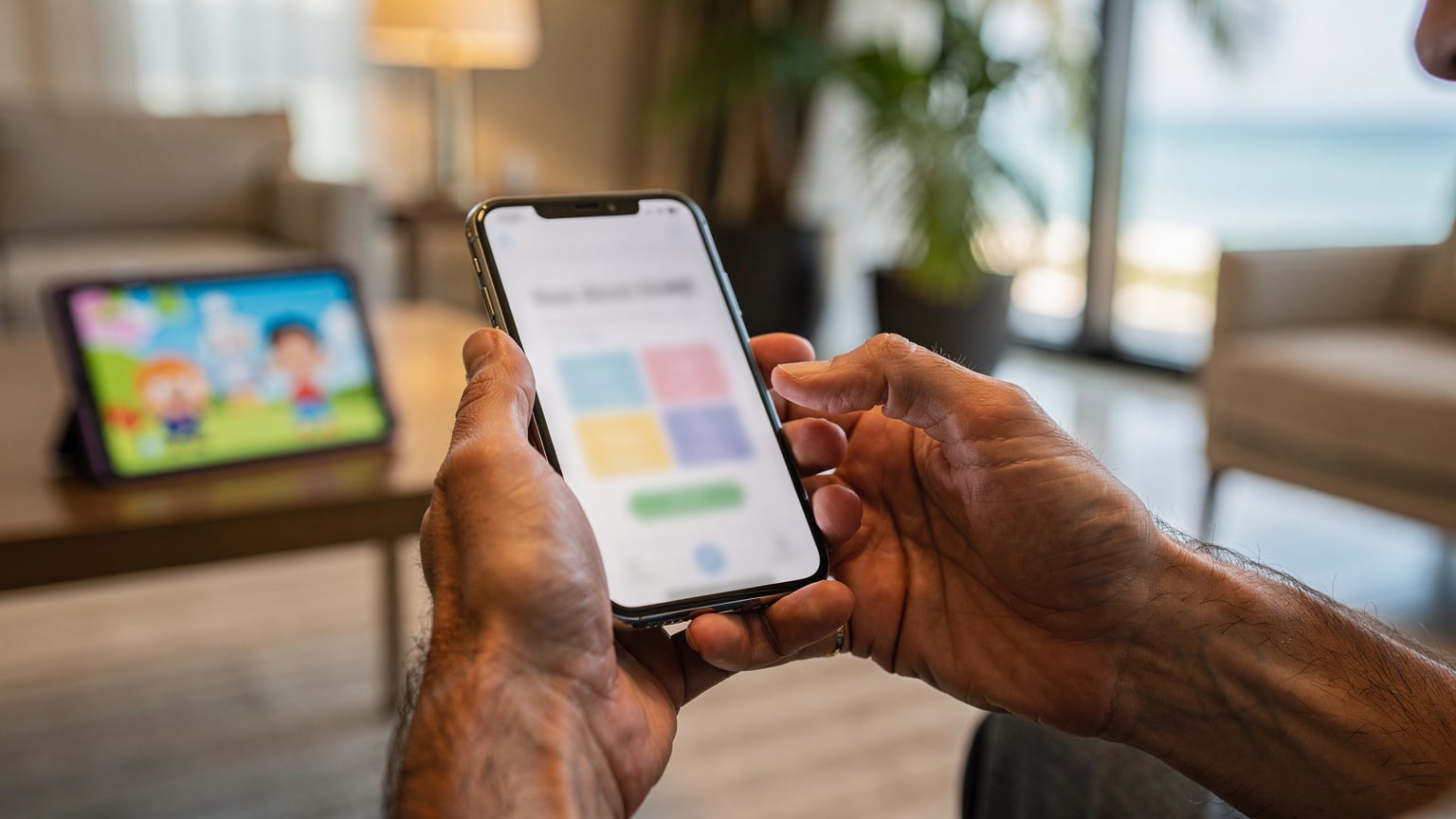
Data Needs for the Entire Family
- Navigation: Google Maps, Waze, Apple Maps, offline maps like MAPS.ME. Essential for getting around, especially in new cities or vast national parks.
- Streaming & Gaming: Disney+, Netflix, YouTube Kids, Roblox, Minecraft. This is often the biggest data hog for kids. Pre-loading content onto devices before you leave home or while on hotel Wi-Fi is a smart move.
- Social Media & Photo Sharing: Keeping in touch with family back home, uploading vacation snaps, checking local attractions.
- Communication: WhatsApp, FaceTime, Messenger. Staying in touch with each other when exploring separate areas of a theme park, or coordinating dinner plans.
- Emergencies: Knowing you have data for essential communication in case of an unexpected situation.
Understanding Data Packages and Validity
eSIM plans for the USA typically come in various sizes and validity periods. You'll see options like 5GB for 7 days, 20GB for 15 days, or even unlimited data for 30 days. For families, the unlimited data plans, while pricier, often offer the best value for peace of mind, especially if you have heavy streamers. If you opt for a fixed data plan, pay close attention to the validity. A 7-day plan won't cut it for a two-week trip, and nobody wants to be frantically buying a top-up while stuck in traffic.
Many providers also offer regional eSIMs, which can be useful if your trip extends beyond the USA, perhaps into Canada or Mexico. However, for a USA-only trip, a dedicated USA eSIM will generally offer better value and coverage. Always check the fine print for any fair usage policies on 'unlimited' plans, as some might throttle speeds after a certain threshold.
The Best eSIM Providers for USA Travelers in 2026
Navigating the world of eSIM providers can feel a bit like trying to pick the least sticky option from a kids' menu. There are many players out there, but for a family heading to the USA, reliability, coverage, and customer support are paramount. You want a provider that leverages the major US networks, like T-Mobile, AT&T, or Verizon, for the best coverage across diverse landscapes, from urban canyons to rural highways.
| Provider | Network Partners (USA) | Typical Data Plans (Examples) | Key Benefit for Families |
|---|---|---|---|
| Cellesim | AT&T, T-Mobile, Verizon | 10GB/15 days ($25), 30GB/30 days ($45), Unlimited/30 days ($60) | Excellent coverage, competitive pricing, easy top-ups, great for shared data via hotspot. |
| Airalo | AT&T, T-Mobile | 5GB/7 days ($18), 20GB/30 days ($38) | User-friendly app, good for individual traveler plans, reliable but can be pricier for large data. |
| Holafly | AT&T, T-Mobile | Unlimited data/7 days ($27), Unlimited data/30 days ($54) | True unlimited data (usually), no need to worry about overages, but typically data-only. |
| Nomad | AT&T, T-Mobile | 1GB/7 days ($8), 10GB/30 days ($30) | Flexible smaller plans, good for light users or short trips, but check Nomad eSIM reviews for specific use cases. |
Cellesim: A Strong Contender for Families
From my experience, Cellesim stands out for family travel due to its comprehensive coverage and flexible plans. They often partner with all three major US carriers, which is crucial when you're driving across states or exploring areas where one carrier might have a stronger signal than another. Their data plans are generous, and the ability to easily top up or switch plans through their app is a major plus when you're managing multiple devices.
For instance, if you're planning a trip that includes bustling cities like New York and then moves to a slightly more remote area like a national park in Utah, having that multi-carrier backbone ensures you're less likely to hit a connectivity dead zone. And let's be honest, nothing tests a parent's patience like a dead zone when a child is mid-game.
Evaluating Coverage and Network Speed
USA networks are generally excellent, but coverage can vary depending on your exact location. For example, T-Mobile might be fantastic in cities, while AT&T or Verizon could have better reach in more rural areas or along interstates. Before purchasing, it’s always a good idea to check coverage maps on the carrier's website (the ones the eSIM provider partners with) for the specific regions you’ll be visiting. This is especially true if you're venturing into national parks or smaller towns.
Speed is also a consideration. While 5G is widespread in most urban areas, you might find yourself on 4G LTE in less populated regions. For streaming and gaming, 4G LTE is usually more than sufficient, but 5G provides that extra oomph for multiple devices or high-bandwidth activities.
Activating Your USA eSIM: A Parent's Stress-Free Guide
The beauty of an eSIM is its straightforward activation process. You can do it from the comfort of your home before you even pack, or swiftly at the airport while the kids are (hopefully) still mesmerized by the plane windows. The key is to do it methodically, preferably when you have a stable Wi-Fi connection.
- Purchase Your eSIM Plan: Select your desired USA data plan from a reputable provider like Cellesim. You'll typically receive an email with a QR code or manual activation details.
- Ensure Wi-Fi Connection: Before you begin, make sure your device is connected to a stable Wi-Fi network. This is crucial for downloading the eSIM profile.
- Access Your Phone's Settings:
- For iPhone: Go to Settings > Cellular (or Mobile Data) > Add eSIM.
- For Android: Go to Settings > Network & Internet > SIMs > Add more. - Scan the QR Code: If provided, use your phone's camera to scan the QR code. Follow the on-screen prompts to add the cellular plan. If you have manual details, enter them carefully.
- Label Your eSIM: Once installed, your phone will likely prompt you to label your new eSIM (e.g., "USA Travel"). Do this. It makes managing dual SIMs so much easier.
- Set Default Line for Data: Decide which line you want to use for cellular data while in the USA. Set your new USA eSIM as the primary for data. Keep your home SIM active for calls if you wish.
- Enable Data Roaming for eSIM: Crucially, ensure 'Data Roaming' is turned ON for your new USA eSIM line. This might seem counterintuitive, as we usually turn roaming off, but for an eSIM from a foreign provider, it's necessary for it to connect to local networks. Don't worry, you're not incurring roaming charges from your home carrier because you're using the local eSIM plan.
- Test Your Connection: Once activated, try opening a web page or sending a message to confirm your data is working.
I usually do this a day or two before we fly, so I'm not stressing about it when we land. Plus, it gives me time to troubleshoot any issues without the added pressure of tired children. For a deeper dive into iPhone eSIM setup, check out this engineer's guide to iPhone eSIM activation, which covers even the trickiest scenarios.
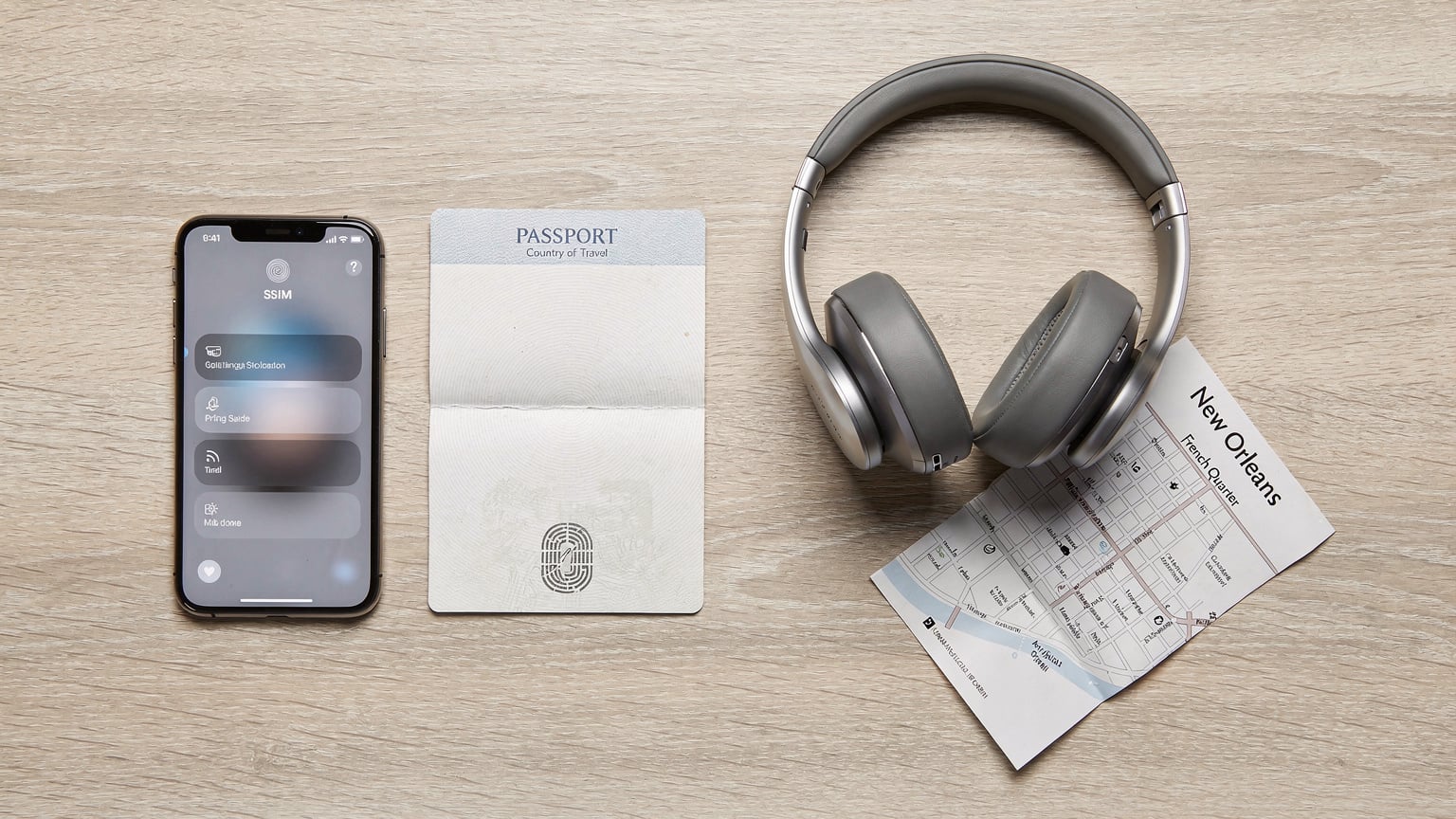
Prepping Kids' Devices Before You Go
This is a major part of my pre-trip ritual. App Store downloads, game updates, and movie downloads need to happen on your home Wi-Fi, not on your precious travel data. Before we even leave, I make sure all the iPads and Nintendo Switches are loaded with fresh content. Think about their favorite games, a season or two of their favorite shows on Disney+, Netflix, or YouTube Kids (downloaded for offline viewing), and maybe a few audiobooks or podcasts for quieter moments. Offline maps are also a godsend for kids' devices, especially if they're using them for scavenger hunts or exploring hotel grounds.
Also, double-check that parental controls like Screen Time on iOS or Family Link on Android are properly configured. You want to manage their screen time and app access effectively, and having a reliable data connection (even if just for syncing settings) helps immensely. Nothing like a 6-year-old bypassing your careful controls because they found an unmonitored Wi-Fi hotspot.
Managing Data and Devices with Kids in Tow
The eternal struggle: keeping kids entertained versus managing data usage. With an eSIM, you have several options for managing your family's connectivity. My personal preference is to use my phone as a mobile hotspot for the kids' devices. This allows me to control their access and monitor data usage from a single point. Most eSIM plans, especially those with generous data allowances, support hot-spotting without extra charges. Just be mindful that it can drain your phone's battery faster.
Alternatively, if your older child has their own eSIM-compatible phone, you could get them a smaller, separate data plan. This offers them a bit more independence (useful for teenagers who want to meet up with friends at a theme park) but requires more individual management. Some families might find a single family data plan with one parent acting as the hotspot hub to be the simplest solution, while others prefer separate data lines for each device.
| Strategy | Pros | Cons | Best For |
|---|---|---|---|
| Parent Hotspotting | Centralized data control, easier to monitor usage, single eSIM purchase. | Drains parent's phone battery faster, limits parental phone use during hot-spotting. | Younger children, parents wanting tight control, trips with limited devices. |
| Separate eSIMs for Each Device | Each device has independent data, less battery drain on parent's phone, ideal for older kids. | More expensive (multiple plans), more complex to manage multiple eSIMs. | Older children/teenagers, families with many devices, longer trips. |
| Hybrid Approach (Parent Hotspot + 1 Kid eSIM) | Balances control and independence, caters to different age groups. | Still requires managing two eSIMs, potential for uneven data usage. | Families with a mix of younger and older children, varying data needs. |
Parental Controls and Screen Time Management
The beauty of a dedicated travel eSIM for data is that it doesn't interfere with your existing parental controls tied to your home number. Whether you use Apple's Screen Time, Google's Family Link, or third-party apps like Bark or OurPact, these systems generally rely on the device's internet connection to enforce rules and report usage. As long as your eSIM is providing that connection, your controls will function as usual.
I always make sure to review and adjust screen time limits for travel. Sometimes a little extra screen time on a long flight or a rainy day in the hotel is necessary for parental sanity. But having the ability to pause internet access or set app limits from my own phone, even when abroad, is invaluable. This is why a reliable data connection, facilitated by a good eSIM, is so important, it ensures those parental controls remain effective.
Connectivity in the Wild: Theme Parks, National Parks, and Cruise Ships
The USA offers a vast array of experiences, and each brings its own unique connectivity challenges. From the bustling crowds of Disney World to the serene, remote trails of Zion National Park, your eSIM needs to keep up.
Theme Parks: Think Disneyland, Universal Studios, Six Flags. These places are data hungry. Everyone is taking photos, uploading videos, checking wait times on official apps, and communicating with their group. Wi-Fi can be spotty and overloaded. This is where a robust eSIM plan truly shines. Having your own reliable data means you can quickly check ride queues on the My Disney Experience app, find your way to the nearest pretzel stand, or coordinate a meet-up point with your family after they've ridden the wildest roller coaster. The last thing you want is to lose connection in a sea of people, especially with kids.
National Parks: While stunning, many US National Parks, especially in the western states, have notoriously poor cell service. Even with a local SIM or eSIM, you might encounter dead zones. My strategy here is a mix of preparation and realistic expectations. Download offline maps of the park areas you'll be exploring (Google Maps allows this, as does MAPS.ME). Pre-load any nature documentaries or educational apps for the kids. While an eSIM will give you the best chance of finding a signal in the more developed areas (visitor centers, lodges), always have a backup plan for navigation and entertainment. This is where those pre-downloaded movies and games really pay off.
Cruise Ships: This is a different beast entirely. While docked in port, your USA eSIM will work perfectly, allowing you to explore with full connectivity. However, once at sea, most cruise ships rely on satellite internet, which is notoriously expensive and slow. Your eSIM data will not work on the open ocean. If you need internet while cruising, you'll have to purchase the ship's Wi-Fi package. My advice: embrace the digital detox at sea, and enjoy the views! Download everything you need before you embark.
What to do When the iPad Needs a Top-Up
I've been there. The dreaded low battery icon, the panic in a child's eyes as their favorite show buffers endlessly. When an iPad (or any other device) needs a data top-up, your eSIM-enabled phone is your best friend. Simply enable the personal hotspot feature on your phone, and connect the iPad to it. It's a quick fix that can avert a crisis. Always make sure your phone has enough battery to act as a hotspot, or carry a portable power bank. A 20,000 mAh power bank is a non-negotiable item in my travel bag.
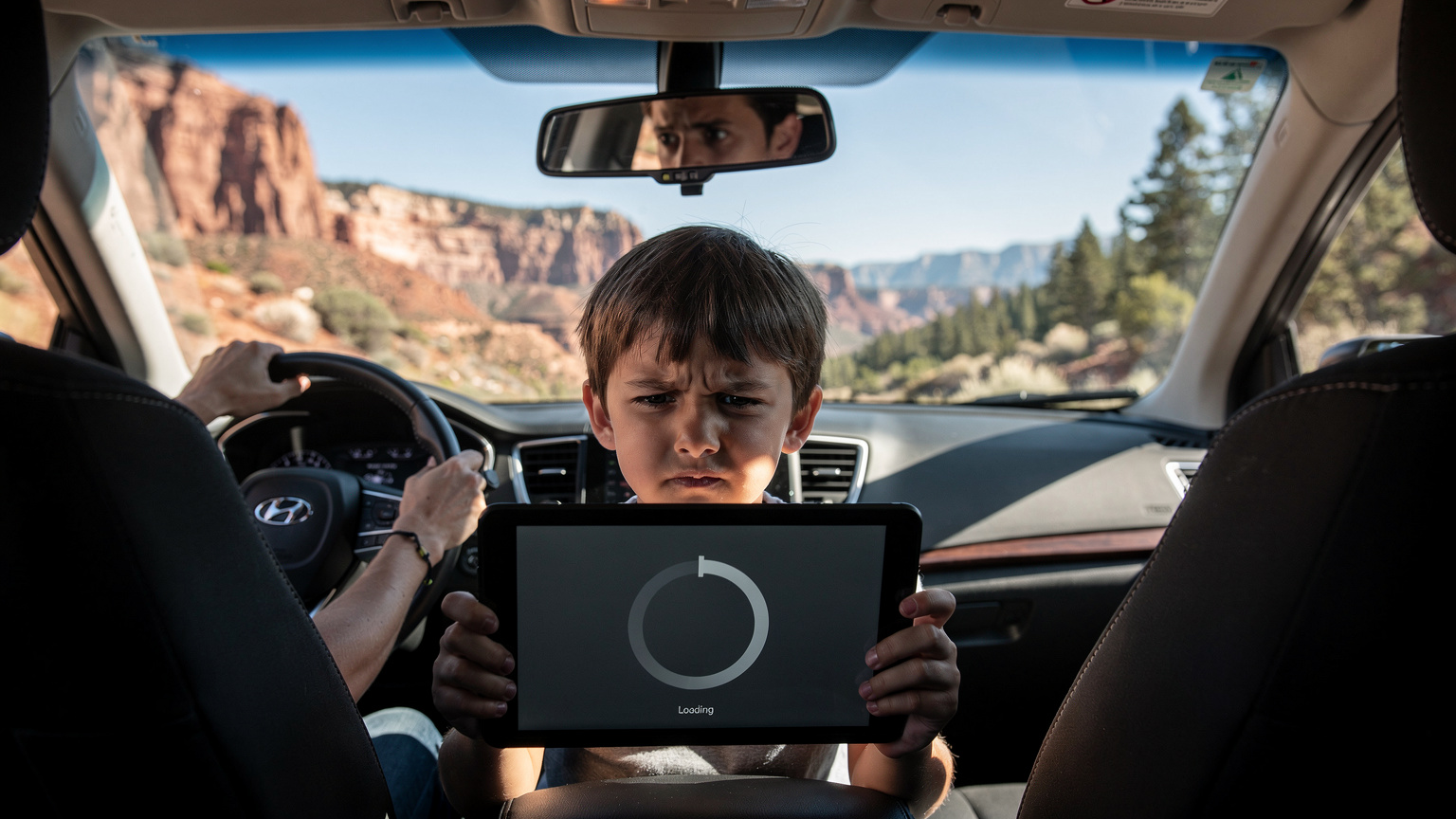
Making Calls and Texts in the USA with Your eSIM
While many eSIMs are primarily data-focused, you still have excellent options for voice calls and texts while in the USA.
- VoIP Apps: This is your primary method. Apps like WhatsApp, FaceTime Audio/Video, Google Meet, Zoom, and Skype all work seamlessly over your eSIM's data connection. These are perfect for calling family back home, making video calls, or even communicating within your travel party. They're typically free as long as you have data.
- Wi-Fi Calling: Many modern smartphones support Wi-Fi calling. If your home carrier supports it, you can enable Wi-Fi calling on your primary SIM line. When connected to Wi-Fi (like at your hotel), your phone will use this feature to make and receive calls/texts using your home number, as if you were still at home. This is great for receiving calls from schools or banks.
- Local USA Number Add-on: Some eSIM providers, or separate apps, allow you to get a temporary USA phone number that routes calls and texts through your data. This can be useful for making local reservations (restaurants, tours) or for emergencies if you prefer a traditional local number. Services like Google Voice or TextNow offer similar functionalities.
For parents, the dual-SIM capability of eSIM is invaluable. I keep my home SIM active for incoming calls and texts from my children's school or my parents, but use the eSIM for all data and WhatsApp calls. This means no missed emergency calls, but also no surprise roaming bills from chatting with my sister about our amazing adventures!
Emergency Calls: What You Need to Know
In the USA, the emergency number is 911. Even if your eSIM is data-only, your phone will generally still be able to connect to 911 for emergency calls, as this is a universal feature for mobile devices. However, having an active voice line (either through your home SIM with Wi-Fi calling or a dedicated USA number) can provide more reliable access and allow emergency services to call you back if needed. Always ensure your phone is charged and accessible in case of an emergency.
Troubleshooting Common eSIM Headaches for Families
Even with the best planning, sometimes things go sideways. A little troubleshooting know-how can save you a lot of stress.
- No Data Connection After Activation:
Solution: Double-check that 'Data Roaming' is enabled for your eSIM profile in your phone's settings. Also, ensure your new eSIM is selected as the primary line for cellular data. Sometimes, a simple restart of your phone can resolve it. - Slow Data Speeds:
Solution: This could be due to network congestion (common in crowded areas like theme parks), or you might have hit a fair usage policy limit on an 'unlimited' plan. Try moving to a less congested area. If it persists, contact your eSIM provider's support. - Kids Devices Not Connecting to Hotspot:
Solution: Make sure your personal hotspot is turned on and discoverable on your phone. Re-enter the password on the kids' devices. Sometimes, toggling Wi-Fi on and off on the kid's device helps. Ensure your phone still has data available on its eSIM. - Can't Make/Receive Calls:
Solution: If you're relying on VoIP apps, ensure you have a data connection. If using Wi-Fi calling, confirm you're connected to a stable Wi-Fi network. Remember, many data-only eSIMs do not include traditional voice minutes. - Accidentally Using Home Carrier Data:
Solution: In your phone's settings, explicitly set your USA eSIM as the primary for cellular data. For your home SIM, you can often turn off 'Data Roaming' completely to prevent accidental usage.
Most eSIM providers, including Cellesim, offer 24/7 customer support, often through chat within their app or website. Don't hesitate to reach out if you're stuck. They're usually very efficient at resolving issues.
Beyond the eSIM: Other Connectivity Tips for USA Travel
While your eSIM will be your primary connectivity tool, a few other strategies can enhance your family's digital experience in the USA.
- Portable Power Banks: As mentioned, these are essential. Kids' devices, hotspot usage, and constant navigation will drain your phone battery. I carry two fully charged power banks, one for me and one for the kids' devices.
- Offline Maps & Content: Download Google Maps areas, MAPS.ME, and all streaming content (movies, shows, audiobooks) before you leave or while on hotel Wi-Fi. This saves data and provides entertainment in connectivity dead zones.
- Hotel Wi-Fi Strategy: Leverage hotel Wi-Fi for heavy downloads and uploads. This is where you queue up those new episodes of SpongeBob, do large photo backups to the cloud, and update any apps.
- Public Wi-Fi Cautions: Be wary of public Wi-Fi networks in cafes or airports. While convenient, they can be insecure. Avoid banking or sensitive transactions on open networks. Your eSIM's data connection is always more secure.
- Chargers and Adapters: Don't forget your US-compatible plug adapters (Type A/B) and plenty of charging cables. I usually bring a multi-port USB charger so we can charge several devices simultaneously overnight.
Traveling with kids is an adventure, and a well-planned connectivity strategy using an eSIM can turn potential tech-related headaches into smooth sailing. So pack those bags, load those iPads, and get ready to explore the USA with confidence, knowing you're always connected, affordably and reliably. (And maybe, just maybe, you'll even get a moment of quiet while they're streaming their favorite cartoon.)
Frequently Asked Questions
Will my existing phone number still work with a USA eSIM?
Yes, with an eSIM, your phone supports dual SIM functionality. This means you can keep your original home number active for calls and texts, while using the USA eSIM for all your data needs. You can choose which line is primary for data in your phone settings.
Can I use an eSIM to hotspot data to my kids' tablets or other devices?
Absolutely, most USA eSIM plans from providers like Cellesim support personal hotspot functionality. This allows you to share your data connection with other devices, such as kids' iPads, laptops, or even a Nintendo Switch, transforming your phone into a mobile Wi-Fi hub for the family.
What if I run out of data on my USA eSIM plan?
If your data runs low, you can easily top up your eSIM plan directly through the provider's app or website. Most providers offer various data add-ons that can be purchased and activated instantly, ensuring you stay connected without interruption.
Do eSIMs work in remote areas or national parks in the USA?
eSIM coverage in the USA relies on the underlying network partners (AT&T, T-Mobile, Verizon). While coverage is generally excellent in urban and suburban areas, remote regions and national parks can still have limited or no signal. Always download offline maps and content for these areas as a backup.
How much data should a family with two children plan for a 10-day trip to the USA?
For a family of four, including two children who stream and game, a minimum of 40-50GB of shared data for a 10-day trip is a good starting point. This accounts for navigation, communication, social media, and significant entertainment usage. Opting for an unlimited data plan often provides the best peace of mind.
Is an eSIM better than buying a physical SIM card at the airport in the USA?
For international tourists, an eSIM is generally superior. You can purchase and activate it before you even leave home, avoiding airport queues and language barriers. It also allows you to keep your home number active, which is not possible with a physical local SIM card unless your phone supports two physical SIMs.
See also: eSIM for Miami
See also: Florida eSIM