Anonymous
Used in CH, solid experience. The connection was perfect. Setup was solid.
Great
4.4/5 · Based on 10,690 reviews
Showing our 4 & 5 star reviews
No app needed
iPhone & Android
The app is optional: your eSIM also arrives by email and in your account on cellesim.com.
1Tap the button in your email
“Install on iPhone” or “Install on Android” opens your phone's eSIM setup screen for you.
2Or scan the QR code
Open the QR on a computer, then scan it in Settings → Mobile/Cellular → Add eSIM on your phone.
3Your codes stay in your account
Account → My eSIMs always has the QR, the install buttons and the codes for manual entry.
One-tap install needs iOS 17.4+ on iPhone or Android 10+; on older phones, use the QR code.
Set up in 1 minute
Free VPN included
1Pick your plan and pay
Your eSIM arrives in seconds, by email and in the Cellesim app.
2Tap “Install” in the app
No QR code needed: the eSIM is added to your phone in one tap.
3Connect when you land
The line joins CelcomDigi / Maxis automatically. Your plan starts on first connection.
Free VPN included
Every active eSIM unlocks our VPN at no extra cost.
Not using the app? You can also install with the QR code in your email.
These figures come from our own orders for Malaysia over the past 12 months, not from estimates.
Updated daily from completed orders. Shown as shares only; no personal data is used.
Competitor prices checked on Nov 27, 2026. Prices change; the price shown at checkout is final.
Yes, absolutely. Malaysia is divided into two main regions: Peninsular Malaysia and East Malaysia (Borneo). Our eSIM provides seamless coverage in both. Whether you are shopping in Kuala Lumpur, relaxing on the beaches of Langkawi, or exploring the rainforests and orangutan sanctuaries in Sabah (Borneo), you will stay connected to the best local networks.
Planning the trip? See our Kuala Lumpur eSIM plans, install in one tap before you fly, and land online. Free VPN included.
This specific plan is valid only within Malaysia. Since many travelers cross the border by bus from Singapore or take the train to Thailand, it is important to know that your connection will stop once you leave Malaysia. If you are doing a multi-country Southeast Asia trip, we highly recommend our Asia Regional eSIM to keep your data active across all borders without swapping plans.
Network reliability is crucial, especially in tropical climates. Our eSIM connects to Malaysia’s top-tier providers, typically Maxis or Celcom. These are widely recognized as the best networks in the country, offering the fastest 4G/5G speeds and the widest coverage, even in island destinations like the Perhentian Islands or Tioman.
Planning the trip? See our Malaysia eSIM plans, install in one tap before you fly, and land online. Free VPN included.
Yes. Grab is the "Super App" of Southeast Asia and is essential for getting around (taxis) and ordering food in Malaysia (since there is no Uber). Our eSIM offers high-speed, low-latency data, ensuring you can book a Grab car instantly at KLIA Airport, track your driver in real-time, and pay securely without any connection drops.
No. While buying a physical SIM card at a 7-Eleven or airport kiosk in Malaysia requires strict passport registration and biometric scanning, Cellesim eSIMs are much simpler. You can buy online and install your plan instantly without the hassle of paperwork or waiting in long queues after your flight.
Yes. Coverage is excellent in the UNESCO World Heritage site of George Town, allowing you to use Google Maps to find the famous murals on Armenian Street and check reviews for the best Char Kway Teow stalls.
Yes. You will generally have reliable signal at major attractions like the BOH Tea Centre and Kea Farm, perfect for uploading scenic photos of the rolling green hills and strawberry farms instantly.
Yes. Coverage is strong at the Oriental Village, the top station of the Langkawi Cable Car, and on the Sky Bridge itself, allowing you to live-stream the panoramic views of the Andaman Sea.
Absolutely. Touch 'n Go eWallet is the essential cashless payment app for tolls, public transport (LRT/MRT), and convenience stores; reliable data is vital to reload your wallet or pay merchants nationwide.
Look up your phone’s exact model number with the manufacturer to see if it’s listed as compatible, and make sure your phone is not carrier-locked. Seeing an EID number or an “Add eSIM” option in your settings is a good sign, but some phones have regional restrictions. If you’re not sure, please contact our support team before you buy.
Compare Cellesim prepaid eSIM plans for Malaysia from $2.69. Choose by data allowance, validity and the conditions shown on each plan. This page is for visitors who need mobile internet in Malaysia, rather than a replacement Malaysian mobile-number subscription.
🏙️ Kuala Lumpur
For a simple planning example, an estimated 0.5 GB per day over seven days is 3.5 GB before a buffer. This is an example, not a measured average or a guarantee. Your phone's recent usage is a better starting point.
Check the selected plan for its supported network and coverage. A travel eSIM connects through its provider's roaming arrangements; it does not guarantee access to every Malaysian operator. Available speed depends on the plan, phone, signal and network load. Do not assume that city coverage guarantees service on islands, remote roads or throughout Sabah and Sarawak.
Do not assume that a travel data plan includes a Malaysian phone number, normal calls or SMS. Check the plan details if you need those services. You can normally continue using WhatsApp with your existing registered number. Keeping your home line enabled for calls or SMS may incur charges under your home operator's terms. Confirm hotspot support on the selected plan before relying on it for a laptop.
For a cross-border trip, compare the separate Singapore eSIM and Thailand eSIM plans. A Malaysia-only plan should not be assumed to include either country. Check the named countries on any regional plan before choosing it.
Choose your package from the plan list on this page. If device compatibility or activation timing is unclear, ask Cellesim support before buying.
Based on 18 reviews
Saved me money
Superb experience using this eSIM abroad. Smooth internet access with zero lag. Installation instructions were very clear. Thumbs up for this great service.
Highly recommended
Superb experience using this eSIM abroad. The bandwidth was perfect for maps and streaming. No need to look for physical SIM cards anymore
Fast 5G data
Very happy with the connectivity. The 5G speeds were incredibly fast and stable. Installation instructions were very clear. Will definitely choose this service again
Very reliable
Exactly what I needed for my trip. Excellent coverage throughout my stay. Installation instructions were very clear.
Mixed experience
Loved my time there. Speeds were incredible. The QR activation was super easy. Will definitely use Cellesim again.
Great coverage
QR code setup took way too long. Connection was okay in the city, but I lost signal in rural areas
hızlı ve sorunsuz
İnternet ihtiyacımı tamamen karşıladı. Seyahat boyunca tek bir kopma bile yaşamadım. QR kod ile kurulumu 2 dakika sürdü
Sehr empfehlenswert
Perfekt, um unterwegs online zu bleiben. Besserer Empfang als das Hotel-WLAN. Viel günstiger als herkömmliche Roaming-Gebühren.
Top Abdeckung
Toller Service für Reisende. Sehr gute Abdeckung während der gesamten Reise. Einrichtung per QR-Code dauerte nur zwei Minuten. Absolut perfekt gelaufen.
Gran cobertura
Gran opción para tener internet sin complicaciones. Conexión estable sin ninguna caída. Súper fácil de activar antes de viajar. Excelente servicio en general.
gran cobertura
Gran opción para tener internet sin complicaciones. Buena cobertura en todas partes. Súper fácil de activar antes de viajar
Muy bueno
mis vacaciones fueron estupendas. sin problemas de señal. la instalación de cellsim fue muy fácil. lo recomiendo a todos
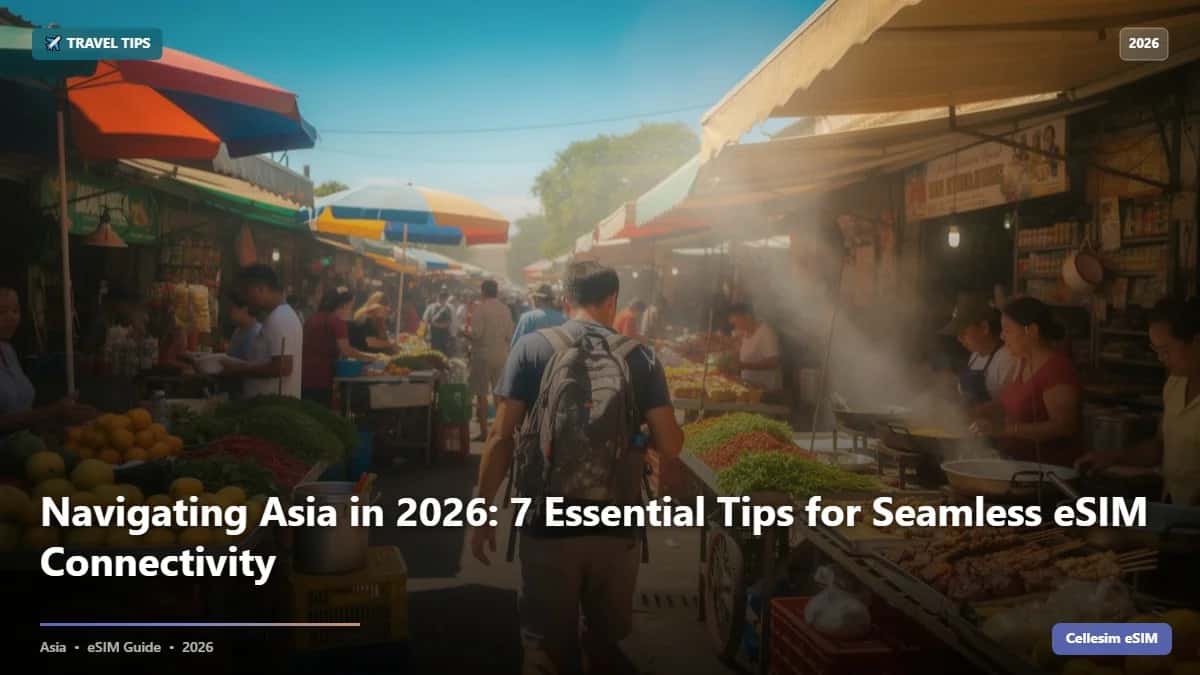
Imagine losing GPS in Bangkok. Roaming bills can hit $200. This 2026 guide reveals 7 insider tips to save 90% on data across Asia with eSIM. Get connected instantly.
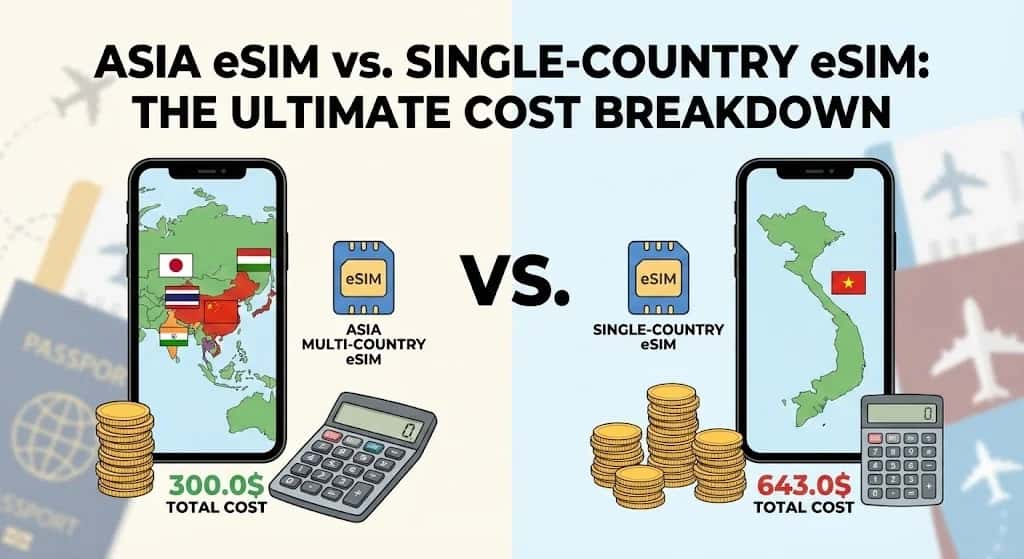
Deciding between a convenient regional Asia eSIM and cost-effective single-country plans? This guide breaks down the costs, pros, and cons to help you choose.
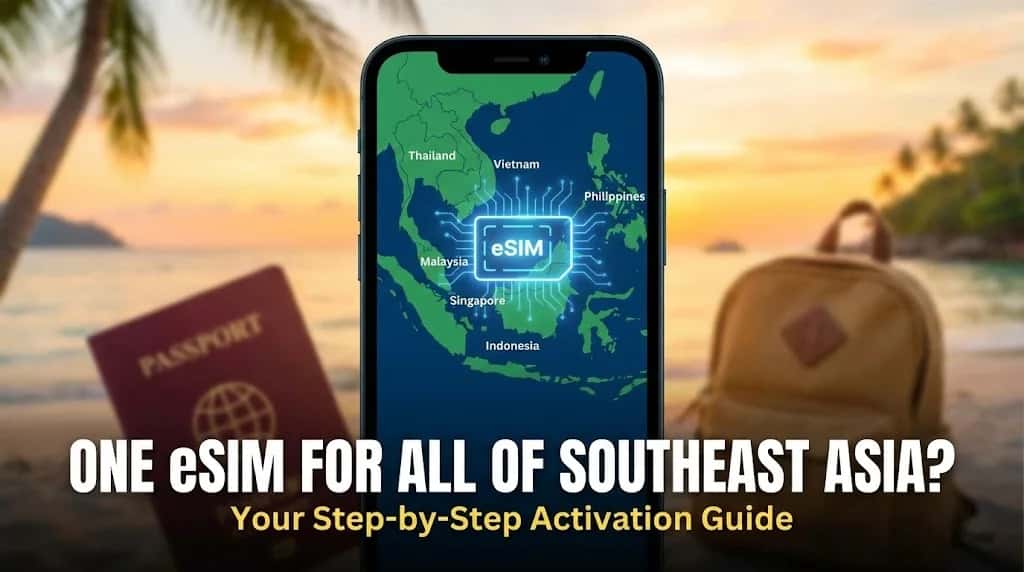
Planning a multi-country trip to Southeast Asia? This guide provides clear, step-by-step instructions on how to activate a single regional eSIM for seamless data across countries like Thailand, Vietnam, and more.