You've just arrived in El Nido, Palawan, stepping off a local boat onto soft, white sands. You reach for your phone to snap a photo, only to realize your "unlimited" international roaming is crawling at 2G speeds. Your map won't load, and that picture? Forget about uploading it. This kind of data disaster costs travelers hundreds of dollars every year in the Philippines, a country of over 7,000 islands where staying connected is absolutely essential. What if your 2026 island adventure could be different, with fast, reliable internet everywhere you go, and no surprise bills?
- Tip #1: Embrace the eSIM Before You Land
- Tip #2: Navigate Local Networks Like a Pro
- Tip #3: The Real Savings: eSIM vs. Roaming in 2026
- Tip #4: Avoid the 'No Signal' Trap in Remote Islands
- Tip #5: Secure Your Data on the Go
- Tip #6: Master eSIM Management for Multi-Island Trips
- Tip #7: Harnessing Your eSIM for Local Experiences
- Quick Reference Connectivity Checklist for the Philippines 2026
- What NOT to Do: Common Traveler Mistakes in the Philippines
- Frequently Asked Questions
Tip #1: Embrace the eSIM Before You Land
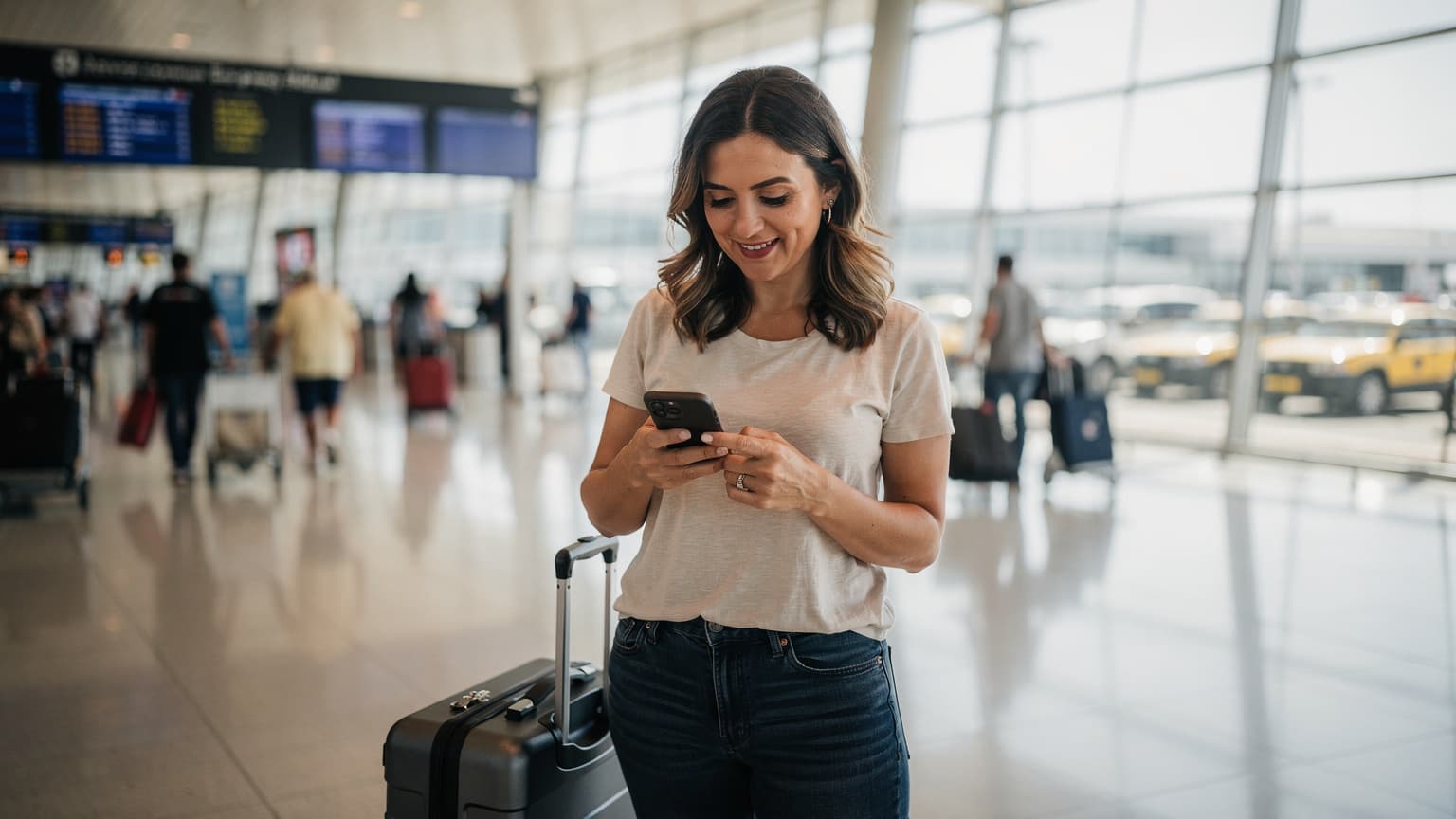
For any 2026 trip to the Philippines, getting your internet sorted before you even get on the plane is one of the smartest moves you can make. An eSIM for the Philippines totally changes how you arrive. Instead of wrestling with local SIM cards at busy airports like Manila's Ninoy Aquino International (MNL) or Cebu's Mactan-Cebu International (CEB), you can land with working data. That means you can immediately tell people you've arrived, call a taxi, or find your way to your hotel.
I saw this play out perfectly last November. A group of friends landed in Cebu: one had an active Cellesim eSIM for the Philippines, while the others planned to buy physical SIMs. The eSIM user had their Grab taxi booked and was on their way in just 10 minutes. The rest spent over an hour in lines, filling out forms, and dealing with phones that wouldn't fit the SIMs. That lost hour meant they missed the sunset at their beach resort. Buying your eSIM ahead of time simply cuts out this common travel headache.
Tip #2: Navigate Local Networks Like a Pro
In the Philippines, you'll mainly find two big mobile networks: Globe Telecom and Smart Communications. Both offer widespread 4G/LTE coverage, and 5G is slowly popping up in big cities and popular tourist spots like Boracay, Cebu, and Manila. While local physical SIMs might have slightly different data plans, an eSIM is smart enough to use the best available network, often switching between them to give you the strongest signal.
Think about it: if you're out exploring the quiet beaches of Coron, Smart might have a better signal in some hidden coves, but Globe could be stronger in the main town. A good eSIM provider like Cellesim partners with both local carriers. This means you get smooth service without having to physically swap SIMs or buy multiple plans. So, whether you're hiking through Banaue's rice terraces or snorkeling off Palawan, your Philippines eSIM will automatically link you to the best possible connection.
Tip #3: The Real Savings: eSIM vs. Roaming in 2026
In 2026, the cost difference between using your regular international roaming and an eSIM in the Philippines is huge. Your home carrier will likely hit you with crazy roaming rates, maybe $10-$15 per MB, or "international day passes" for $10-$15 a day. These passes often come with super slow data after you use a tiny amount. It adds up fast: a week-long trip with normal data use could easily cost you $100-$180 just for internet.
Now, compare that to a Cellesim eSIM plan. A 10GB plan good for 30 days might only cost you around $20-$30. That's a ton more data for way less money, potentially saving you over 80% compared to typical roaming. Even against buying a local physical SIM, eSIMs often match or beat those prices, all while giving you the unmatched ease of instant digital activation. For a family trip, these savings really add up, making an affordable Philippines eSIM a smart way to keep your budget in check.
Seamless Connectivity for Your Philippines Adventure 2026
Don't let slow internet or high roaming fees ruin your island escape. Get instant data for all 7,000+ islands. Join 50,000+ satisfied travelers worldwide with Cellesim.
Buy Philippines eSIM NowTip #4: Avoid the 'No Signal' Trap in Remote Islands
Island hopping in the Philippines means you'll probably visit some truly remote, beautiful places. But this also means you might find yourself outside consistent cell service. Many travelers mistakenly assume Wi-Fi will always be around, only to end up without a signal in spots like Malapascua or the distant islands of Siargao. This isn't just annoying, it can be a real safety issue if you need to reach your tour guide or call for help.
To avoid this, always check coverage maps for your specific destinations before you go. While no network covers absolutely everywhere, a good eSIM that automatically connects to the strongest available network (Globe or Smart) seriously boosts your chances. It's also smart to download offline maps from Google Maps and essential travel apps like Grab or booking platforms before you leave. Always tell your travel buddies where you're headed, especially when going somewhere truly isolated, and maybe even pack a satellite device for extreme remote areas.
Tip #5: Secure Your Data on the Go
Public Wi-Fi in airports, cafes, and hotels around the Philippines is convenient, but it's often not very secure. Using these networks for sensitive stuff like banking or personal browsing can put your data at risk. This is a common mistake travelers make, choosing free access over their own privacy and security.
Your eSIM gives you a secure, private connection. It turns your phone into a personal hotspot that's much safer than public Wi-Fi. Whether you're checking your bank balance, sending important work emails, or just scrolling social media, using your eSIM data offers peace of mind. For an extra layer of security, especially if you absolutely have to use public Wi-Fi, think about using a Virtual Private Network (VPN). Some eSIM plans even come with VPN services built in, though Cellesim focuses on direct high-speed data. Protecting your digital life is just as important as keeping your passport safe.
Tip #6: Master eSIM Management for Multi-Island Trips
The Philippines is famous for its incredible variety of islands. You might find yourself bouncing from Cebu to Palawan to Boracay all on one trip. This is where an eSIM truly shines for managing your internet. Unlike old-school physical SIMs, you can store several eSIM profiles on one phone and turn them on or off as you need them. This flexibility is a game changer for island hopping in 2026.
For example, you could use your Cellesim eSIM for the Philippines as your main data line, but keep your home SIM active for calls and texts. Or, if you're extending your journey to nearby countries like Indonesia or Thailand, you might even have a regional Asia eSIM. To manage them, just go to Settings > Cellular (or Mobile Data) on your iPhone or Android. You can easily switch between eSIM profiles or set your data preferences there. This makes sure you're always on the best and most affordable plan for wherever you are.
Tip #7: Harnessing Your eSIM for Local Experiences
An eSIM is more than just basic internet. It's your ticket to really digging into local experiences in the Philippines. With solid data, you can go beyond the usual tourist traps and genuinely connect with the culture. Imagine instantly translating a menu at a small local eatery, finding hidden waterfalls mentioned in a local blog, or booking a last-minute tricycle ride through a local app.
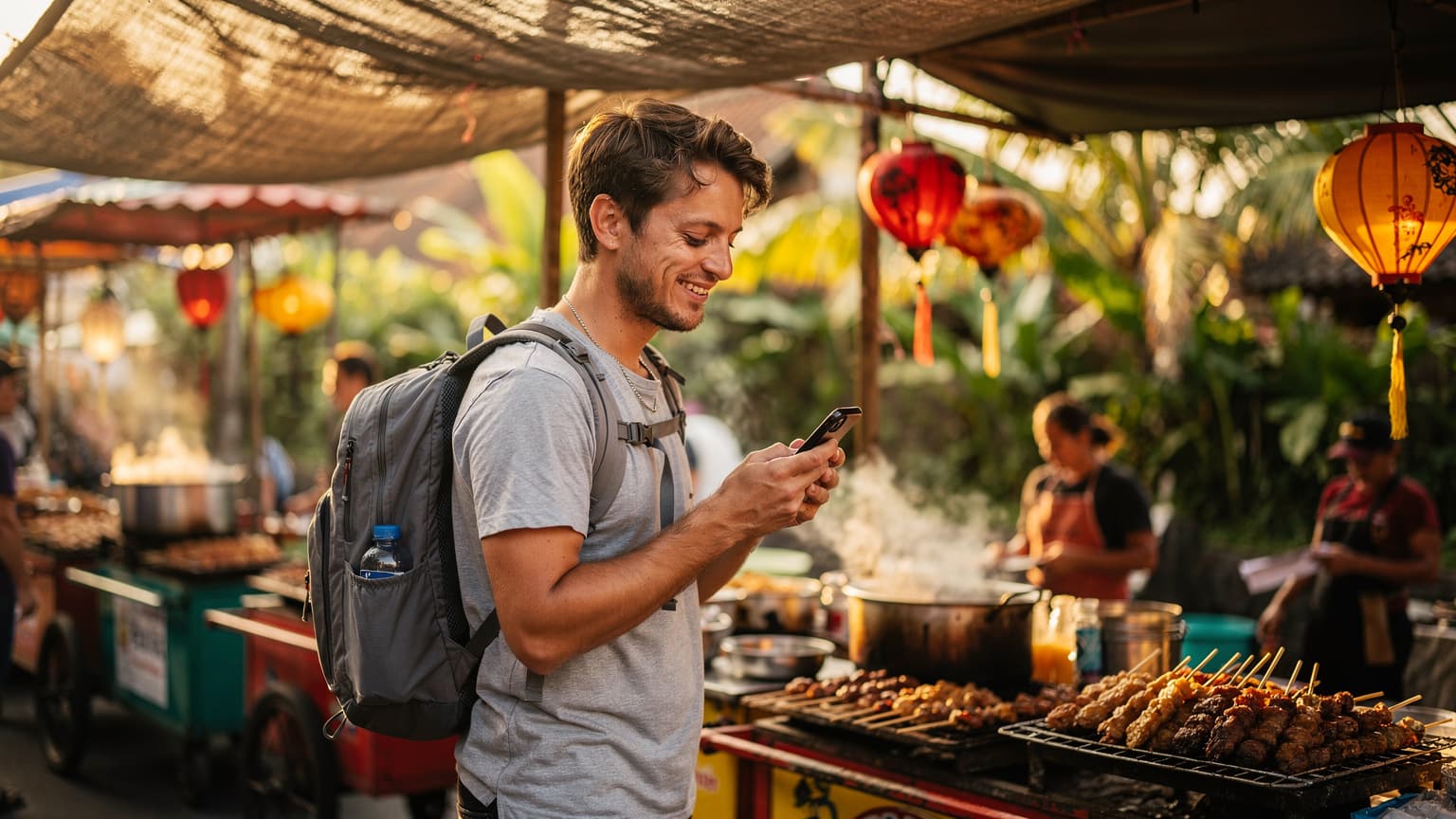
For example, figuring out Manila's complicated jeepney routes or finding the best street food in Cebu becomes super easy with real-time access to maps and local review sites. You can use your data to book island tours directly with local operators, often getting better prices than what hotels offer, or stream local music while you relax on a ferry. Your eSIM lets you have spontaneous adventures and truly experience the culture, making you an informed explorer, not just a visitor.
Quick Reference Connectivity Checklist for the Philippines 2026
To make sure you're totally ready for smooth internet during your 2026 Philippines island adventure, here's a quick summary of the key tips:
What NOT to Do: Common Traveler Mistakes in the Philippines
While the Philippines offers amazing experiences, connectivity problems can really mess up your trip. Avoid these common mistakes:
- Don't rely solely on hotel Wi-Fi: Your resort might be lovely, but Wi-Fi quality can be really flaky, especially when everyone's using it or in common areas. You'll want your own reliable connection beyond the lobby.
- Don't activate roaming without checking rates: Lots of travelers just assume their home carrier's roaming will be cheap. This "ghost roaming trap" can lead to hundreds of dollars in unexpected bills. Always check rates, or better yet, just get an eSIM. It's way cheaper.
- Don't wait until you land to buy data: If you do this, you'll often deal with language issues, potentially higher airport prices, and you'll waste precious travel time in queues instead of exploring.
- Don't ignore your data usage: Even though eSIM plans are affordable, it's smart to keep an eye on how much data you're using, especially if you're streaming videos or making lots of video calls. Use Cellesim's Smart Data Calculator to figure out what you'll need, and check your consumption in your phone's settings or the Cellesim app.
- Don't forget to check eSIM compatibility: Make sure your phone actually works with eSIM technology before you buy one. Most newer smartphones do, but it's always a good idea to quickly check Cellesim's Compatible Devices page.
By avoiding these common errors, your Philippine adventure in 2026 will be smoother, safer, and much more connected.
Your 2026 Philippine island-hopping trip should be about stunning views, amazing culture, and unforgettable memories, not struggling with bad internet or huge roaming bills. By choosing a Cellesim eSIM, you'll get easy, affordable, and secure internet access everywhere, from Cebu's busy streets to El Nido's peaceful lagoons. Get connected the smart way and make every moment count.
Explore Connectivity for Your Next Global Journey
Cellesim offers instant eSIM plans for 200+ countries, making global travel seamless. Get connected in minutes, supported by our 24/7 team.
Explore All eSIM PlansJoin 50,000+ satisfied travelers worldwide.
Frequently Asked Questions
Is there an eSIM in the Philippines for tourists in 2026?
Yes, absolutely. eSIM technology is fully supported in the Philippines for tourists in 2026. Providers like Cellesim offer a range of data plans specifically designed for travelers, letting you activate service instantly without needing a physical SIM card or local registration.
Is eSIM better than roaming in the Philippines in 2026?
For most travelers, an eSIM is much better than regular roaming in the Philippines in 2026. eSIMs offer way more affordable data rates, faster speeds, and a lot more convenience compared to the high costs and often slow speeds of international roaming plans from your home carrier. You could save up to 85% on data costs.
How do I set up eSIM in the Philippines as a tourist?
Setting up an eSIM as a tourist in the Philippines is super easy. First, buy an eSIM plan online from a provider like Cellesim. They'll send you a QR code by email. On an iPhone, go to Settings > Cellular > Add Cellular Plan and scan the QR code. On Android, find Settings > Network & Internet > SIMs > Download a SIM and scan the QR. Just make sure you have an internet connection while you're setting it up.
Can a foreigner buy a SIM card in the Philippines in 2026?
Yes, foreigners can buy a physical SIM card in the Philippines in 2026, usually at airports or official stores. However, this often means waiting in lines, filling out registration forms, and you'll likely need your passport for ID. An eSIM lets you skip all those steps, offering instant activation and often better prices.
Which network does Cellesim use in the Philippines?
Cellesim works with the main local network operators in the Philippines, primarily Globe Telecom and Smart Communications. This means Cellesim users get connected to the strongest available signal, giving you reliable 4G/LTE and increasing 5G coverage across the islands, from the cities to popular tourist destinations.