
Why eSIM for Autumn Family Travel 2026?
As a parent who’s navigated thirty countries with kids aged 4 to 12, I’ve learned that a smooth trip often hinges on reliable connectivity. Autumn 2026 in the US and Canada promises breathtaking fall foliage drives, apple picking, and, of course, the vibrant chaos of Halloween celebrations. But what’s a beautiful drive without Google Maps, or a long car ride without the kids quietly watching Bluey? This is where eSIMs truly shine for family travelers.
Forget the days of hunting for local SIM cards in unfamiliar airports or wrestling with tiny plastic chips. With an eSIM, you can purchase and activate your data plan before you even leave home. Imagine landing in Montreal or Boston, turning off airplane mode, and instantly having data for directions to your Airbnb, checking dinner reservations, or letting the kids immediately connect to their devices (because a happy child on a long travel day is priceless). It’s a huge mental load off when you’re already juggling passports, boarding passes, and snack bags.
The Convenience Factor: No More SIM Swapping
The sheer convenience of eSIMs is, frankly, a game-changer for parents. I remember a trip to Italy where I fumbled with a physical SIM card, only to drop it under the rental car seat in a moment of utter exhaustion. Never again! With eSIMs, you scan a QR code or enter a few details, and you’re good to go. Most modern smartphones, including all recent iPhones and many Android models, support eSIM technology. This means you can keep your home number active for calls and texts (hello, school notifications!) while using the eSIM for all your data needs abroad. It’s a seamless blend of local data rates and maintaining your primary contact line.
Cost Savings for Multi-Country Trips (US & Canada)
Traveling between the US and Canada in one trip used to mean buying two separate physical SIMs or paying exorbitant roaming charges. Not so with many eSIM providers. Several offer North America-wide plans that cover both countries, often at a fraction of the cost of traditional roaming. This is particularly useful if your fall foliage tour takes you from, say, Vermont across the border to Quebec’s Eastern Townships, or from Washington state up to British Columbia for some scenic coastal drives. You’ll have one less thing to worry about, and your wallet will thank you.
Planning Your Fall Foliage Route: Connectivity Considerations
Autumn road trips are magical, but they can also take you through some pretty remote areas where cell service can be spotty. Planning your connectivity is just as important as packing extra sweaters and emergency snacks for the kids. My biggest tip? Don't rely solely on online maps when you're deep in the Adirondacks or cruising through Algonquin Provincial Park.
Offline Maps Are Your Best Friend
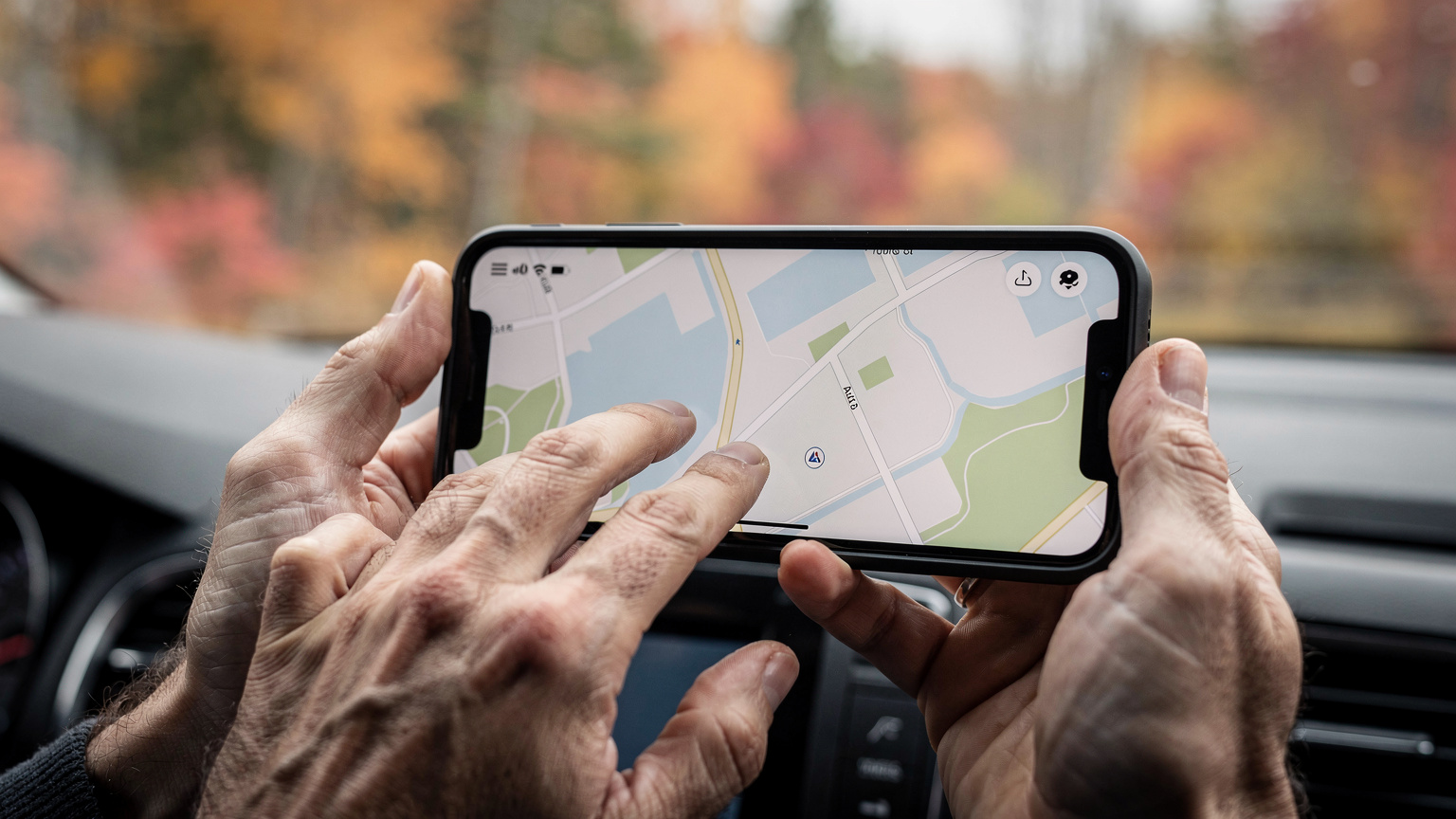
Even with a robust eSIM plan, there will be dead zones. Before we hit the road, I always make sure to download offline maps for our entire route on Google Maps and Apple Maps. This way, if we lose signal while admiring a particularly stunning vista (or, more likely, while my youngest is demanding a restroom stop in the middle of nowhere), we can still navigate. Waze, while excellent for real-time traffic, isn't as reliable offline, so I use it primarily in urban areas. This pre-planning avoids those frustrating moments where you’re stuck, trying to load a map with a weak signal, and the kids are starting to get restless.
Carrier Network Coverage in Rural Areas
When selecting your eSIM, it’s crucial to look at the underlying network partners. In the US, major carriers like AT&T, T-Mobile, and Verizon have the most extensive coverage. In Canada, it’s Rogers, Bell, and Telus. Many eSIM providers partner with one or more of these. If your trip involves a lot of time in national parks or less populated areas, opt for an eSIM that leverages the network known for the best rural coverage in that specific region. For example, if you're exploring the remote corners of Maine, check which carrier has the strongest presence there. Some eSIMs even allow you to switch between networks if one signal is weak, which is an invaluable feature for road-trippers. I always cross-reference carrier coverage maps with our planned route, especially when we're heading off the beaten path.
| Region (US/Canada) | Key Areas for Fall Foliage | Recommended Primary Carriers (eSIM Partners) | Coverage Considerations |
|---|---|---|---|
| Northeast US | Vermont (Smugglers' Notch), New Hampshire (Kancamagus Highway), Maine (Acadia National Park) | Verizon, AT&T | Generally strong, but expect spotty service in deep valleys and very remote forest roads. Offline maps are essential. |
| Mid-Atlantic US | Blue Ridge Parkway (Virginia, North Carolina), Great Smoky Mountains (Tennessee) | Verizon, AT&T, T-Mobile | Decent along main parkways, but can degrade quickly on side roads and inside deep park areas. National Park lodges often have Wi-Fi. |
| Eastern Canada | Quebec (Laurentians, Eastern Townships), Ontario (Muskoka, Algonquin Park) | Bell, Rogers, Telus | Good in populated areas. Algonquin Park and some parts of the Laurentians can have limited or no service. Download content beforehand. |
| Western Canada | Canadian Rockies (Banff, Jasper), Okanagan Valley (BC) | Bell, Telus | Strong in towns and along major highways. Very limited to no service within large sections of the national parks themselves. |
| Pacific Northwest US | Columbia River Gorge (Oregon), North Cascades (Washington) | Verizon, AT&T | Good around cities and main routes. Coverage drops significantly in mountainous and wilderness areas. |
Connectivity for Halloween Events in Cities
Halloween festivities, whether it's a bustling parade in Salem, Massachusetts, a haunted house in Orlando, or trick-or-treating in a charming Canadian town, often mean crowds. And crowds can strain network capacity. While eSIMs connect you to the local network, high traffic can still lead to slower speeds. My advice is to download any necessary tickets, maps of event venues, or meet-up instructions beforehand. For urban Halloween events, a strong eSIM plan on a reliable network like T-Mobile or Rogers will typically keep you connected for sharing those adorable costume photos or finding your way back to the hotel. Just don't expect lightning-fast speeds when thousands of people are all trying to Facetime simultaneously.
Top eSIM Options for US & Canada Fall Travel
Choosing the right eSIM can feel overwhelming, especially with so many providers out there. For family travel, I prioritize three things: ample data, good coverage, and ease of use (because who has time for complicated tech support with a tired toddler in tow?).
Cellesim's North America Plans
Naturally, I have a soft spot for Cellesim, and for good reason. Their North America-specific eSIM plans are designed with travelers in mind, often leveraging multiple top-tier local networks for broader coverage. They offer a range of data packages, from smaller bundles for light users to hefty plans perfect for a family with a couple of iPads. Their USA eSIM for Families: Data Plans, Parental Controls & Activation 2026 article is a great resource if you're focusing solely on the States.
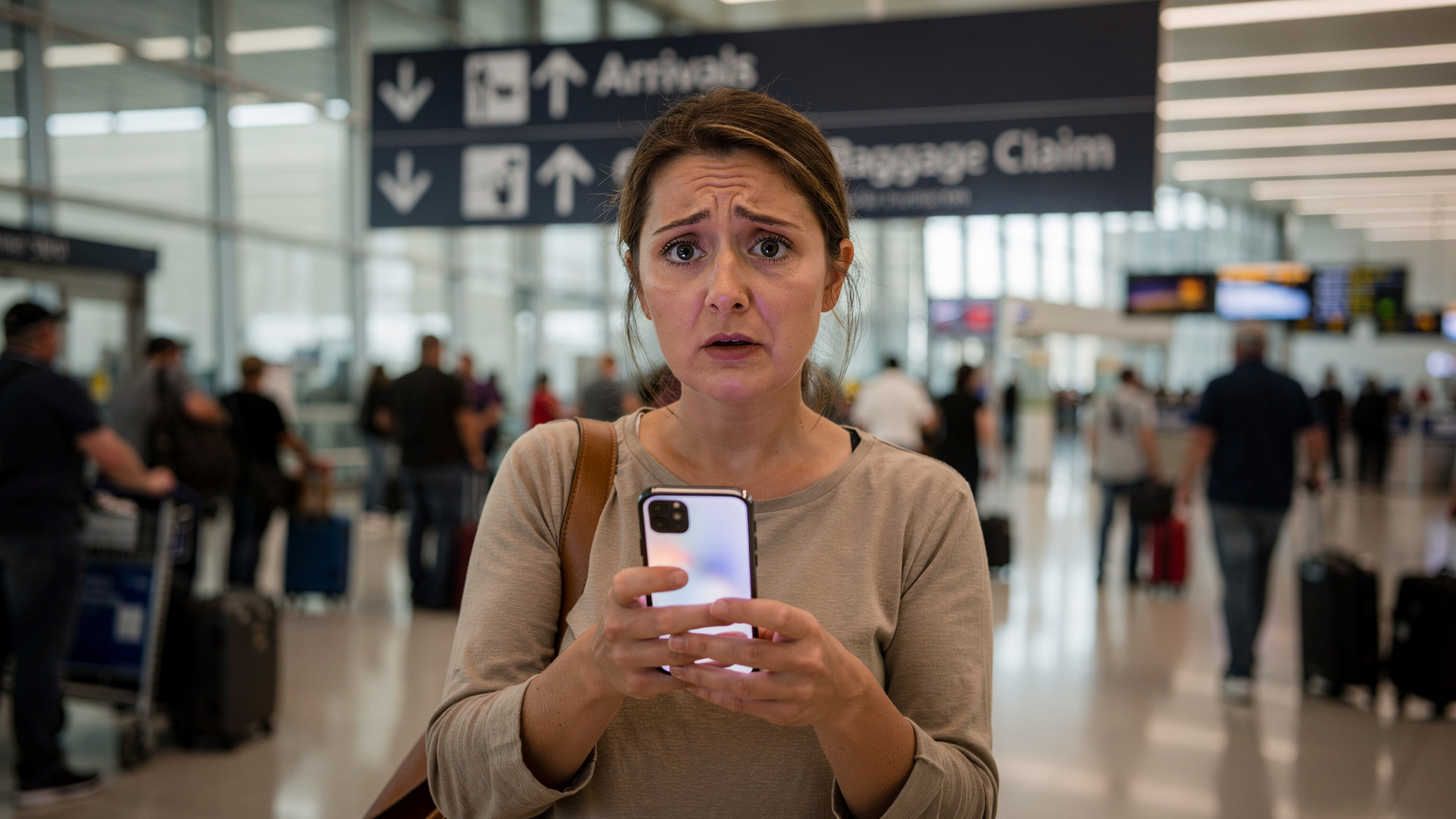
What I particularly appreciate for family trips is the straightforward activation process. It's usually a quick QR code scan, and if you ever hit a snag, their support team (yes, that's where I come in!) is truly there to walk you through it. I can't tell you how many panicked calls I've taken from parents at an airport trying to get connected, and we always get them sorted. Remember to choose a plan that offers sufficient data for all your devices, not just your primary phone.
Regional vs. Country-Specific eSIMs
When you're looking at fall travel across both the US and Canada, a regional North America eSIM is almost always the most sensible choice. It saves you the hassle and cost of buying separate US and Canadian plans. However, if your trip is solely focused on one country, say, a deep dive into New England's foliage or a comprehensive tour of Quebec's Halloween festivals, a country-specific eSIM might offer slightly better rates or more tailored network access. Always compare the regional bundle against two individual country plans to see which offers the best value for your specific itinerary.
| eSIM Provider | Coverage Area | Typical Data Packages | Key Features for Families | Best For |
|---|---|---|---|---|
| Cellesim | US & Canada (North America Plans) | 1GB to 50GB+, 7-30 days | Reliable network partners, easy activation, responsive customer support, data top-up options. | Families needing extensive North America coverage, multiple devices, responsive support. |
| Airalo | US, Canada, or North America | 1GB to 20GB, 7-30 days | User-friendly app, various regional plans, local and global options. | Budget-conscious travelers, easy plan management via app. |
| Holafly | US, Canada (unlimited data options) | Unlimited data (speed may throttle after high usage) | Unlimited data for peace of mind, focus on single-country travel. | Heavy data users, avoiding data anxiety, single-country focus. |
| Mobimatter | US, Canada, or North America | Various, from 1GB to 100GB, 7-90 days | Wide selection of local and regional plans, competitive pricing. | Comparison shoppers, finding niche plans, longer trips. |
Evaluating Data Speed and Reliability
Data speed and reliability are paramount when you have kids. Slow internet means buffering Disney+, lagging Roblox games, and grumpy children. When choosing an eSIM, look for providers that explicitly state their network partners. A plan that uses AT&T and Verizon in the US, or Bell and Rogers in Canada, will generally offer better speeds and reliability than one using smaller, regional carriers. It’s also worth checking if the plan supports 5G, as this can make a significant difference, especially for streaming and video calls. While 5G isn't everywhere yet, it's becoming more prevalent in major cities and along key travel corridors.
Data Needs for the Entire Family, Including Kids' Devices
This is where the rubber meets the road for family travel. We all know that kids' devices are data sponges. Estimating data usage for an entire family is more art than science, but I've got a few tricks up my sleeve.
Estimating Usage: How Much is Enough?
For a family of four, including two kids (ages 8 and 11) who love their iPads, I budget significantly more data than for just two adults. A typical day might involve:
- 2-3 hours of streaming video (Disney+, Netflix Kids): This is the big one. If both kids are streaming simultaneously, especially in HD, you're looking at 1-2GB per hour, per device. So, for a long car ride, that's easily 6-8GB.
- Online gaming (Roblox, Minecraft): While less data-intensive than streaming, these can still add up, especially with updates or voice chat. I'd estimate 200-500MB per day.
- Social media/browsing (for older kids and adults): Instagram, TikTok, checking news, emails. This usually amounts to 500MB-1GB per day for adults.
- Navigation (Google Maps, Waze): Surprisingly light on data if maps are pre-downloaded, but real-time traffic and search can use 50-100MB per hour.
- Video calls (Facetime with grandparents): A 30-minute video call can easily consume 200-300MB.
For a week-long trip, I'd aim for a minimum of 30-50GB for the whole family to be safe. If you're doing a two-week trip, you might even consider a 100GB plan or a plan with easy top-up options. It's always better to have too much data than too little, especially when you're trying to avoid a mid-trip meltdown over a frozen screen.
Hotspotting for Kids' Tablets and Laptops
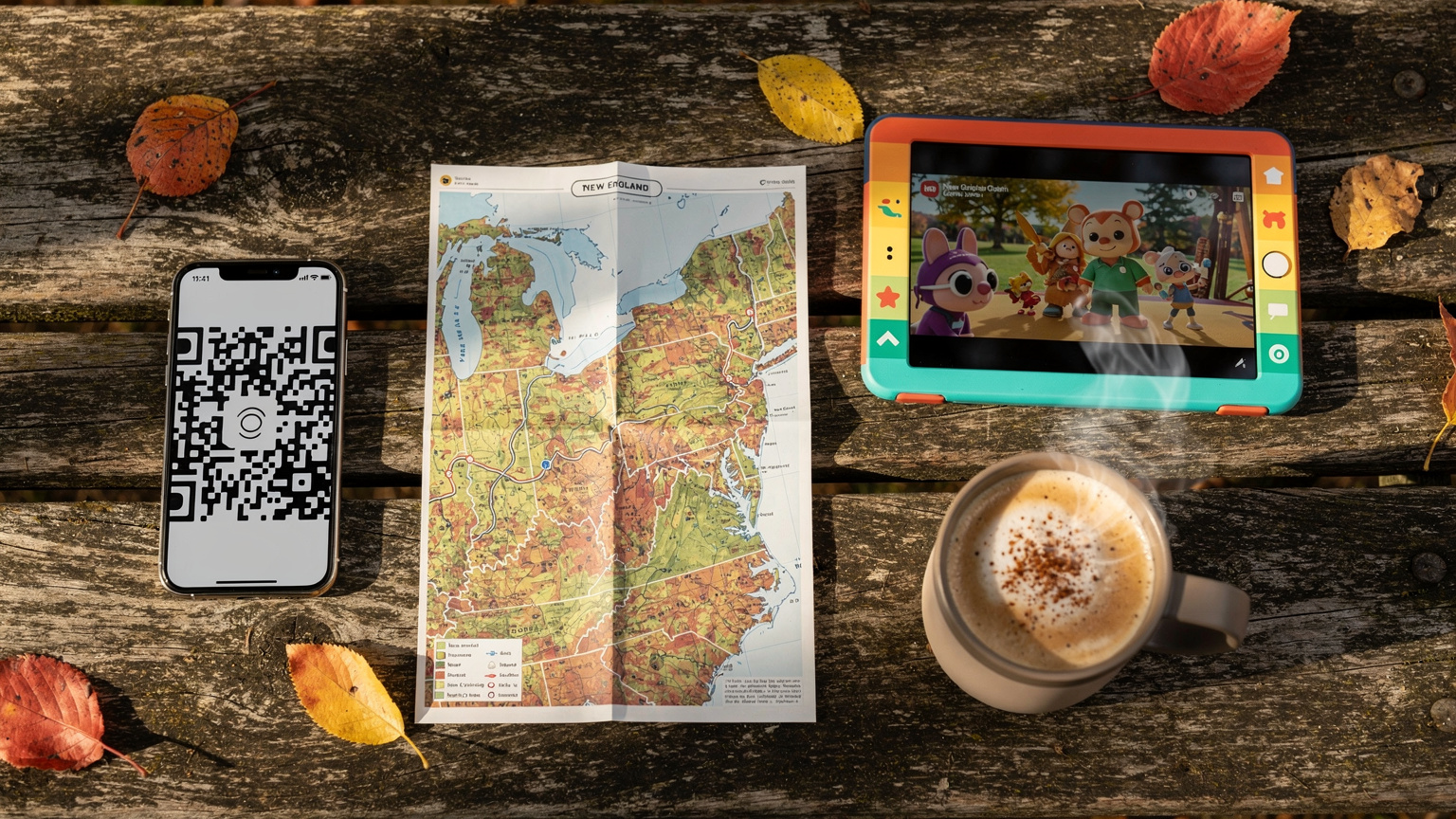
This is my secret weapon. Most eSIM-compatible phones can act as a mobile hotspot, sharing their data connection with other devices. This means you only need one robust eSIM plan on your phone, and then you can connect the kids' iPads, a travel laptop, or even a Nintendo Switch for online gaming. Just remember that hotspotting drains your phone's battery quickly, so a portable power bank is non-negotiable for road trips. I typically set up a password-protected hotspot and only turn it on when needed to conserve data and battery.
Pre-loading Apps and Content Before the Flight
Before we even leave the house, I make sure all essential apps are downloaded and updated on every device. This includes games, educational apps, and especially streaming content. Download movies and TV shows from Disney+, Netflix, and Amazon Prime Video directly to the kids' tablets. Many airline apps also allow pre-downloading of entertainment. Doing this at home on your Wi-Fi saves a tremendous amount of data on your eSIM and ensures the kids have entertainment even if there's no signal (hello, airplane mode!). For audiobooks, apps like Audible also allow offline downloads, which are perfect for winding down in the evening.
Managing Parental Controls and Screen Time on eSIMs
Just because you have abundant data doesn't mean it's a free-for-all. Parental controls and screen time management are still high priorities, even (or especially) on vacation. Thankfully, eSIMs don't interfere with your device's built-in parental control features.
Device-Level Controls (iOS Screen Time, Android Digital Wellbeing)
These are your primary tools. Whether you're an Apple or Android family, both operating systems offer robust parental control features that work seamlessly regardless of your data connection type. I use iOS Screen Time religiously for my kids' iPads. You can:
- Set time limits for specific apps or categories: 1 hour of Roblox, 2 hours of Disney+.
- Schedule downtime: No devices after 8 PM, or during specific travel segments.
- Restrict content: Prevent access to age-inappropriate websites or apps.
- Block in-app purchases: Essential for avoiding surprise bills from game add-ons.
These controls are tied to the device and its operating system, not the eSIM, so they'll function perfectly. For Android devices, Digital Wellbeing offers similar functionalities. The key is to set these up and test them BEFORE you leave home. A little pre-trip configuration saves a lot of headaches later.
Leveraging eSIM Features for Parental Control
While eSIMs themselves don't have built-in parental controls, some eSIM providers offer plans with data usage alerts. You can set thresholds, and the provider will notify you (or cut off data) once a certain amount is used. This can be a crude but effective way to manage overall family data consumption, especially if you're hotspotting. If one kid is streaming constantly, you'll know when the data meter starts spinning rapidly! For families, I highly recommend checking out USA eSIM for Families: Data Plans, Parental Controls & Activation 2026 for more detailed, family-specific advice.
Connectivity in Theme Parks and Cruise Ships During Halloween
Halloween brings extra crowds to already busy places. Theme parks like Disneyland or Universal Studios, or even a Halloween-themed cruise, have unique connectivity challenges. Your eSIM will be your best friend for navigating these environments, but with some caveats.
Theme Park Data Usage and Wi-Fi Strategies
Theme parks are often concrete jungles with thousands of people, which can make cell service patchy. Your eSIM will connect to the local carrier, but signal can be weak inside buildings, during parades, or in underground queues. Most major theme parks offer free Wi-Fi, which is great, but it can be notoriously slow and unreliable due to the sheer number of users. My strategy is a hybrid approach:
- Use your eSIM for critical tasks: Checking ride wait times on the park app, finding your family if you split up, or urgent communications.
- Leverage park Wi-Fi when available and robust: For casual browsing or letting the kids stream a quick cartoon during a lunch break.
- Download park maps and show times beforehand: Don't rely on live loading for essential information.
Remember, parental controls set on devices will still apply, so you can manage screen time even if the kids are using park Wi-Fi.

Staying Connected on Halloween Cruises
Cruise ships are a different beast entirely. While docked in port, your eSIM will work just like it would on land, connecting to the local cellular towers in places like Quebec City or Boston. However, once you're out at sea, cellular service relies on expensive satellite connections. Your eSIM will likely not work when far from shore, unless the ship itself has a specific roaming agreement that supports eSIMs, which is rare. Most ships offer their own Wi-Fi packages, which are typically very pricey and often slow. If you absolutely need connectivity at sea, budget for the ship's Wi-Fi. Otherwise, enjoy the digital detox, and prepare for your eSIM to kick back in once you reach the next port of call. Before booking, I usually check the cruise line's specific connectivity policies, just to manage expectations.
Pre-Trip Checklist for eSIM and Family Devices
A well-prepared parent is a happy parent. Here's my go-to checklist to ensure your eSIM and all family devices are ready for your autumn adventure.
Ensuring eSIM Compatibility and Device Unlocking
This is Step Zero. Before you even think about buying an eSIM, confirm that all the devices you plan to use are eSIM compatible and unlocked. Most iPhones XS and newer, and many newer Samsung Galaxy and Google Pixel phones, support eSIM. If you bought your phone through a carrier contract, it might be locked to that carrier. You'll need to contact them to request an unlock, which can take a few days. Don't leave this until the last minute!
Installing and Activating Your eSIM Before Departure
I always install and activate my eSIM before I leave home, ideally a day or two before the trip. This allows me to troubleshoot any issues while I still have my home Wi-Fi and time. Most eSIM providers will give you instructions, but it generally looks like this:
- Purchase your eSIM plan online from a reputable provider like Cellesim.
- Receive your QR code or activation details via email.
- Go to your phone's settings (Settings > Cellular/Mobile Data > Add eSIM on iOS; or similar path on Android).
- Scan the QR code or manually enter the details.
- Follow the prompts to activate the eSIM. Do NOT activate it as your primary line. Label it clearly, e.g., "Canada Trip" or "US Data."
- Set your data roaming preferences. Once abroad, you'll switch your cellular data to the eSIM line. Keep your primary line enabled for calls if you wish, but turn off its data roaming to avoid charges.
If you encounter a "SIM Not Supported" error or other technical glitches, that's precisely what folks like me at Cellesim are here for. Don't hesitate to reach out to support. It's much easier to fix at home than from a foreign airport.
Downloading Essential Apps and Content
As mentioned, this is huge for sanity. Think beyond just streaming. Download:
- Offline maps for your entire route.
- Translate apps (Google Translate, iTranslate) with downloaded language packs.
- Airline apps with boarding passes and flight info.
- Hotel booking apps with reservation details saved offline.
- Entertainment for kids: movies, TV shows, audiobooks, educational games.
- E-books or podcasts for yourself for those quiet moments.
Make sure every device that might need these has them pre-loaded. This is especially true for devices that won't have their own eSIM, like a child's iPad that will rely on hotspotting. It's a small task that pays dividends in peace and quiet.
Troubleshooting Common eSIM Issues on the Road
Even with the best planning, sometimes things go sideways. As Cellesim's Technical Support Lead, I've seen it all. Here are quick fixes for common eSIM problems you might encounter.
"No Service" or "SOS Only" Messages
This is usually the most common and most alarming issue. Don't panic. First:
- Check your phone settings: Ensure the eSIM is toggled ON and selected for cellular data. Sometimes, after a flight, your phone defaults back to your primary line.
- Restart your device: The classic fix, but it often works wonders by forcing your phone to re-scan for networks.
- Manually select a network: In your phone's cellular settings, you can often turn off automatic network selection and manually choose a partner carrier (e.g., AT&T or Verizon in the US, Bell or Rogers in Canada).
- Verify data roaming is enabled for the eSIM: This is a crucial step that some people forget.
If these steps don't work, contact your eSIM provider's support. We can often see if your plan is active on our end and guide you further.
Slow Data Speeds or Intermittent Connectivity
If you have service but it's excruciatingly slow, consider:
- Crowded areas: As mentioned, theme parks and popular Halloween events can overwhelm local networks. Try moving to a less congested spot.
- Network throttling: Some 'unlimited' data plans might throttle speeds after a certain usage threshold. Check your plan's fine print.
- Weak signal: If you're in a rural area or inside a thick-walled building, the signal might just be poor. Try moving closer to a window or to a more open area.
- Check for updates: Sometimes, an outdated OS or carrier settings can cause issues. Ensure your phone is running the latest software.
When the QR Code Doesn't Scan
Ah, the dreaded non-scanning QR code. This usually happens for a few reasons:
- Poor lighting: Try scanning in a well-lit area.
- Damaged or blurry code: If you printed it, ensure it's clear. If it's on another screen, make sure that screen is clean and bright.
- Camera issue: Sometimes a dirty camera lens on your phone is the culprit.
- Already installed: You might have already installed it and forgotten! Check your eSIM profiles.
If all else fails, most providers offer a manual activation option where you can type in the SM-DP+ Address and Activation Code. Your eSIM provider's support team can provide these details, or you can find them in your purchase confirmation email. This is exactly the kind of thing my team at Cellesim handles regularly.
Running Out of Data Mid-Trip
This is a data-parent's nightmare. The kids are happily streaming, and suddenly, silence. Then the wailing starts. Most eSIM providers offer easy data top-ups directly from their app or website. I highly recommend choosing a provider that makes this process quick and transparent. Always check the cost of top-ups beforehand, as they can sometimes be more expensive per GB than your initial purchase. Having an emergency 5GB top-up in mind can save your vacation.
Maximizing Your eSIM Value and Avoiding Hidden Costs
Getting the most out of your eSIM means a little smart planning and knowing where potential pitfalls lie. For a family, every dollar saved (or unexpected charge avoided) is a win.
Comparing Data Plans and Pricing Structures
Don't just jump at the cheapest option. Look closely at:
- Data allowance: Does it truly match your family's needs, including the kids' devices?
- Validity period: Does it cover your entire trip, plus a buffer? A 7-day plan for an 8-day trip means you'll need to top up or buy a new plan.
- Speed and network partners: Is it 5G? Which major carriers does it use?
- Top-up costs: How much does it cost if you need more data? Is it easy to do?
- Multi-country vs. single-country: For US/Canada travel, a regional plan is usually more economical.
For those interested in exploring various options, considering eSIM for USA plans would be a direct next step to compare specific offerings.
Beware of Auto-Renewals and Expiration Dates
Most travel eSIMs are one-time purchases, but always double-check. You don't want to get home and find you're still being charged for a data plan you no longer need. Similarly, be mindful of expiration dates. If your trip is 10 days, a 7-day eSIM won't cut it. Plan for slightly more data and slightly longer validity than you think you'll need to prevent last-minute scrambles and unexpected charges.
The Role of Free Wi-Fi: When to Use It, When to Avoid It
Free Wi-Fi can save your eSIM data, but it comes with risks. Use it for:
- Hotel Wi-Fi: Generally secure enough for casual browsing and streaming, especially after a long day of sightseeing.
- Trusted café Wi-Fi: Good for quick checks, but be cautious with sensitive information.
Avoid:
- Open, unsecured public Wi-Fi in airports, parks, or random shops for anything involving banking, personal logins, or sensitive data. Public Wi-Fi is often a playground for security threats.
Your eSIM connection is almost always more secure than free public Wi-Fi, so use it for anything important. Think of free Wi-Fi as a bonus, not a primary data source.
Frequently Asked Questions
Can I use one eSIM plan for both the US and Canada on my family trip?
Yes, many eSIM providers offer regional North America plans that cover both the United States and Canada. These plans are generally more convenient and cost-effective than purchasing separate eSIMs for each country, especially for road trips that cross the border.
How much data should I buy for a family of four, including two children with tablets, for a 10-day fall trip?
For a family of four with two children actively using tablets for streaming and gaming, I recommend at least 30-50GB for a 10-day trip. This allows for navigation, adult browsing, and several hours of streaming per day for the kids, especially if you plan to hotspot from one device.
Will my parental controls still work on my kids' devices if they're using data from my eSIM hotspot?
Absolutely. Parental control features like iOS Screen Time or Android Digital Wellbeing are tied to the device's operating system, not the data source. They will function normally whether the device is connected via your eSIM hotspot, hotel Wi-Fi, or any other internet connection.
What's the best way to ensure connectivity in remote areas during a fall foliage road trip?
To ensure connectivity in remote areas, always download offline maps (e.g., Google Maps) for your entire route before you leave. Additionally, choose an eSIM provider that partners with major carriers known for extensive rural coverage in the specific regions you'll be visiting, and consider plans that allow network switching.
Can I use my eSIM on a cruise ship during a Halloween sailing?
While your eSIM will work when the cruise ship is docked in port and within range of land-based cellular towers, it typically will not work when the ship is out at sea. At sea, cellular service relies on expensive satellite connections, and most eSIMs do not support this. You would likely need to purchase the cruise line's onboard Wi-Fi package for connectivity.
What should I do if my eSIM isn't working when I arrive at my destination?
First, restart your phone. Then, check your phone's cellular settings to ensure the eSIM is toggled on and selected for mobile data, and verify that data roaming is enabled for that eSIM. If issues persist, try manually selecting a network operator in your settings. If these steps don't resolve it, contact your eSIM provider's customer support for immediate assistance.